Does Toyota Camry Have Android Auto?
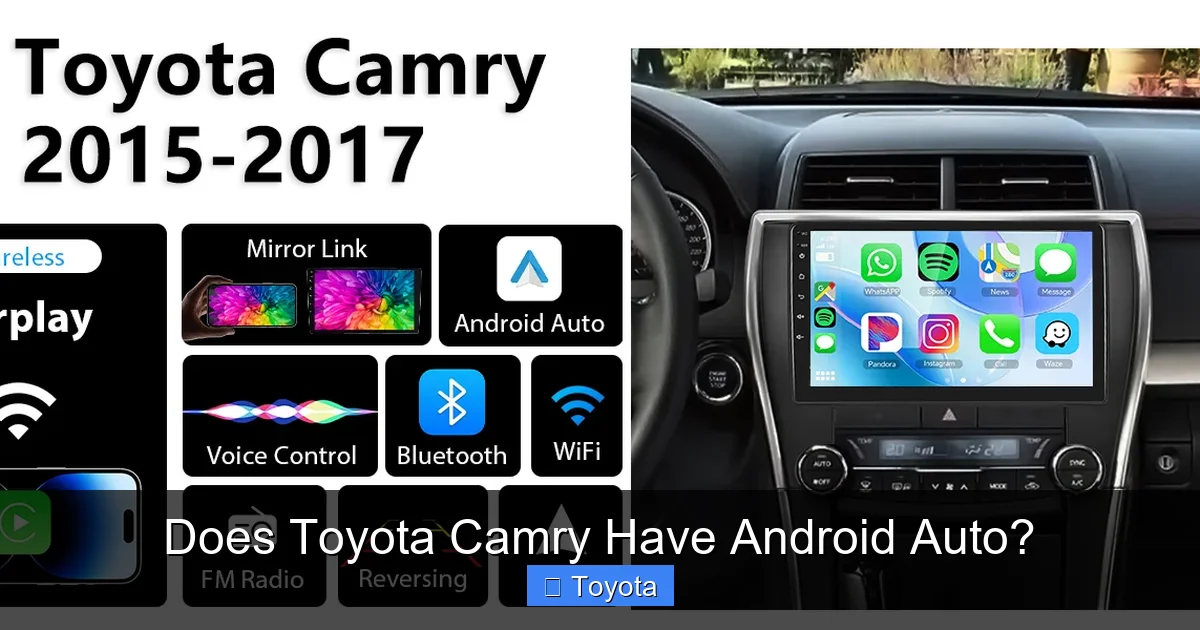
Yes, the Toyota Camry has Android Auto, but availability depends on the model year and trim level. Newer models come with it standard, while older models might need an aftermarket head unit. Let us show you exactly how it works and what you need to know.
Does Toyota Camry Have Android Auto?
So, you are sitting in your Toyota Camry. You want to use your favorite apps. You want to navigate or listen to music. But you are not sure about the tech. You ask yourself, does Toyota Camry have Android Auto? It is a very common question. Many drivers want to know the answer. They want to stay connected on the road. This guide will give you all the details. We will explain everything you need to know.
The Toyota Camry is one of the best sedans. It has been for many years. People love it for its reliability. They love it for the smooth ride. But what about the technology? Does Toyota Camry have Android Auto in the newer models? Yes, it does. In the older models, it might be a different story. Let us break down exactly how this works. We will look at the years, the trims, and the setup process. By the end, you will know everything.
Android Auto is a bridge between your phone and your car. It brings the apps you love into the car. You can make calls. You can send texts. You can use maps. The system is designed to be safe. It uses a simple interface. The buttons are big. The text is large. You can use your voice to control everything. This is why does Toyota Camry have Android Auto. It makes driving much safer and easier. You do not have to look at your phone anymore.
Key Takeaways
- Android Auto is available: Most recent Toyota Camry models include Android Auto as a standard or optional feature.
- Year matters: Models from 2019 onwards generally have native support, while older models may require upgrades.
- Wireless vs. Wired: Newer Camry trims offer wireless Android Auto, making the connection seamless.
- Aftermarket options exist: You can add Android Auto to older Camrys with a compatible aftermarket head unit.
- Setup is easy: Connecting your phone takes just a few simple steps once the system is ready.
- Check your trim: Higher trims are more likely to have the latest infotainment tech.
📑 Table of Contents
- Understanding Android Auto in the Toyota Camry
- Which Toyota Camry Years Have Android Auto?
- How to Set Up Android Auto in Your Camry
- Benefits of Using Android Auto in the Camry
- Adding Android Auto to Older Camry Models
- Things to Know About the Toyota Camry
- Final Thoughts on Does Toyota Camry Have Android Auto
Understanding Android Auto in the Toyota Camry
Before we dive into the specifics, let us understand the basics. Android Auto is a software platform. It runs on your phone. It mirrors the important parts to your car screen. Does Toyota Camry have Android Auto? It depends on the car’s infotainment system. The system must be compatible. Most modern Toyota Camrys are compatible. They have the right screens and software. Older models might lack the needed hardware. This is an important distinction to keep in mind.
What is Android Auto?
Android Auto is like a simplified version of your phone. It shows you the apps you use most. You get a clean and easy-to-read interface. It is designed for the car environment. You do not get all the clutter of a phone screen. You just get the essentials. Navigation, music, and calls are front and center. Does Toyota Camry have Android Auto to run these apps? Absolutely. When you connect your phone, the car screen takes over. It becomes a smart display. You can control everything from the dashboard.
Why it matters for drivers
Safety is the biggest reason this matters. Looking at your phone while driving is dangerous. Android Auto prevents this. You can use voice commands to do things. You can say, “Hey Google.” You can ask for directions. You can pick a song. You can reply to a text message. All without touching your phone. Does Toyota Camry have Android Auto to help with this? Yes, it does. This feature keeps your eyes on the road. It keeps your hands on the wheel. It makes every trip safer.
Which Toyota Camry Years Have Android Auto?
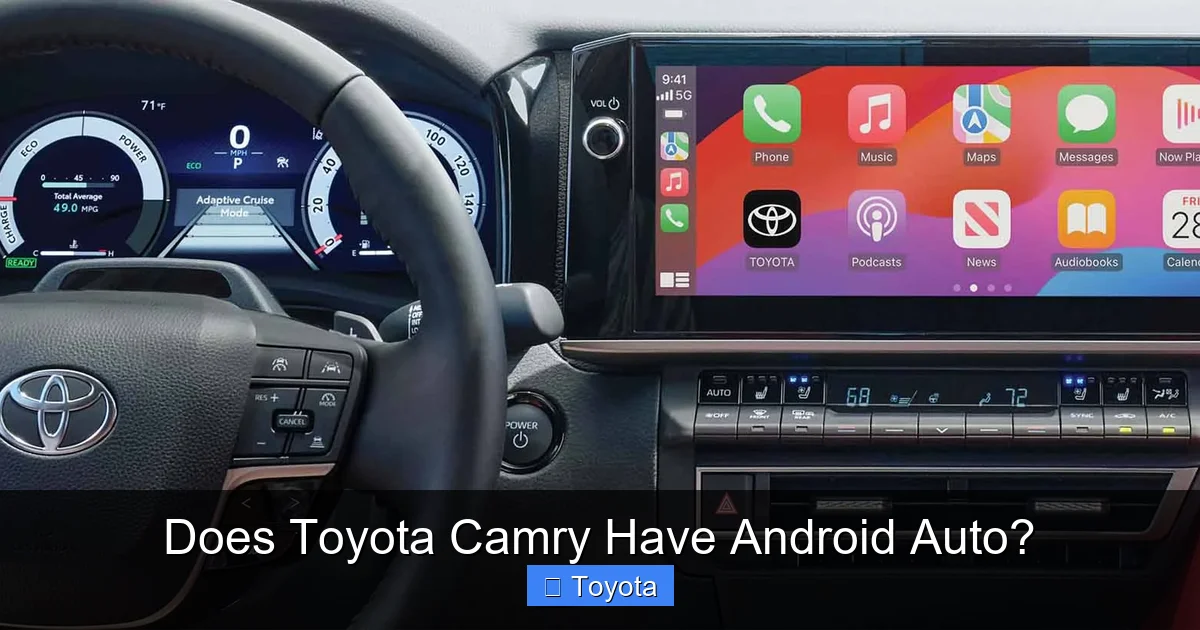
The answer to does Toyota Camry have Android Auto depends heavily on the year. Toyota has updated its technology over the years. The infotainment systems have changed a lot. Let us look at the different model years. This will help you understand what your car can do.
Visual guide about Does Toyota Camry Have Android Auto?
Image source: villagetoyota.com
The 2019 and newer models
If you have a Toyota Camry from 2019 or newer, you are in great shape. Does Toyota Camry have Android Auto in these years? Yes, it does. Starting in 2019, Toyota made Android Auto standard on most trims. The 2019 model year was a big deal. It brought a completely new infotainment system. The screens became larger and more responsive. The 2020 Camry kept this feature. The 2021 Camry continued the trend. The 2022, 2023, and 2024 models all have it too. If you buy a new Camry today, Android Auto is there waiting for you. You just need to connect your phone.
Older models and the tech gap
What about older Toyota Camrys? Does Toyota Camry have Android Auto in cars from 2018 or before? This is where things get tricky. Before 2019, many Camrys did not support Android Auto. The factory infotainment systems were older. They did not have the right software. Some models had basic radio systems. Others had small screens with limited features. You could not just plug in your phone and expect it to work. If you own an older Camry, you might feel left out. But do not worry. There are still ways to get this feature.
Trim levels and screen sizes
The trim level also plays a role. Does Toyota Camry have Android Auto on all trims? Usually, yes, for the newer models. But the screen size might differ. The base L and LE trims often have a 7-inch screen. The higher trims like XLE and XSE might have a 9-inch screen. Both sizes support Android Auto. The experience is the same on both. The bigger screen just looks nicer. It makes the apps easier to see. You can check how much a Toyota Camry weighs to understand the overall build, but the tech is the same across the board.
How to Set Up Android Auto in Your Camry
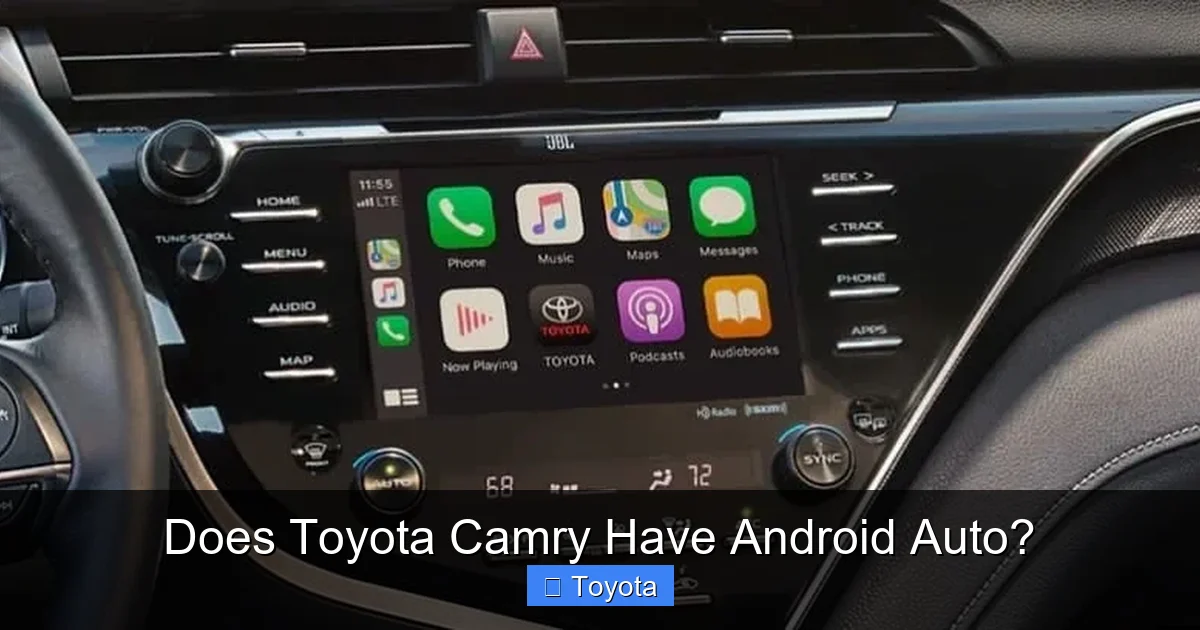
Setting up Android Auto is very easy. It does not take a lot of time. You can do it in just a few minutes. Does Toyota Camry have Android Auto ready to go? Yes, once you follow these steps. You will be using the system in no time. Let us walk through the setup process together.
Visual guide about Does Toyota Camry Have Android Auto?
Image source: sp-ao.shortpixel.ai
Wired connection steps
The most common way to connect is with a USB cable. Does Toyota Camry have Android Auto wired? Yes, it supports wired connections. First, find the USB port in your car. It is usually in the center console or the armrest. Next, take your Android phone. Plug one end of the USB cable into your phone. Plug the other end into the car USB port. The car screen will change. It will ask you to allow Android Auto. Tap “Allow” on your phone screen. The system will load. You will see the Android Auto home screen. Now you can use all the features. This is the most reliable way to use does Toyota Camry have Android Auto. The connection is always stable.
Wireless connection steps
Do you have a newer Camry trim? Then you might have wireless Android Auto. Does Toyota Camry have Android Auto without wires? Yes, newer models do. Wireless Android Auto is very convenient. You do not need to fumble with cables. First, make sure your phone is Bluetooth connected to the car. The car screen will show a Wi-Fi network. It might say “Android Auto” or “Camry Wi-Fi.” Connect your phone to this network. Open the Android Auto app on your phone. It will start automatically. The phone screen will mirror to the car. You can now use everything wirelessly. You can even charge your phone on a wireless charging pad. This is the best way to enjoy does Toyota Camry have Android Auto every day.
Troubleshooting connection issues
Sometimes, the connection does not work right away. Does Toyota Camry have Android Auto but it is not connecting? This can happen. Do not worry. It is usually an easy fix. First, try a different USB cable. A bad cable is the most common problem. Second, clear the Android Auto app cache on your phone. Go to your phone settings. Find the Android Auto app. Tap on storage. Then clear the cache. Third, restart both your phone and the car. Turn the car off and back on. This resets the connection. After these steps, it should work perfectly.
Benefits of Using Android Auto in the Camry
Now that you know how to set it up, let us talk about the benefits. Why should you use Android Auto? What does it actually do for you? There are many great reasons. It changes the way you drive. It makes your daily commute better.
Visual guide about Does Toyota Camry Have Android Auto?
Image source: ae-pic-a1.aliexpress-media.com
Navigation and voice commands
Navigation is the number one reason people use Android Auto. You can use Google Maps easily. Does Toyota Camry have Android Auto for navigation? Absolutely. Google Maps gives you live traffic updates. It finds the fastest route for you. You can see the map on the big car screen. It is much easier to see than a phone screen. But the real magic is voice commands. You just say, “Hey Google.” You tell it where you want to go. It will guide you step by step. You do not have to type a single address. Does Toyota Camry have Android Auto to make navigation hands-free? Yes, it does. This keeps you focused on the road.
Entertainment and apps
Entertainment is another huge benefit. You can listen to all your favorite apps. Spotify, YouTube Music, and podcasts are all supported. Does Toyota Camry have Android Auto for music? Yes, it does. You can control the music right from the dashboard. You do not need to touch your phone. You can just tap the screen on the car. You can also use voice commands to pick a song. If you want to learn how to add Pandora to Android Auto, you can do it just as easily on your Camry. The process is simple and quick. You can also listen to audiobooks. You can catch up on the news. The options are endless. It makes every drive more enjoyable.
Messaging and communication
Staying connected is important. But texting and driving is dangerous. Android Auto solves this problem. Does Toyota Camry have Android Auto for messaging? Yes, it does. You can use Google Assistant to read your messages aloud. You can dictate your replies. All without ever looking at your phone. It is the safest way to communicate. You can also make hands-free calls. The system uses the car microphones. The sound is clear and loud. You can talk to your friends or family safely. This is one of the best features of does Toyota Camry have Android Auto.
Adding Android Auto to Older Camry Models
What if your Camry is from before 2019? Does Toyota Camry have Android Auto in older models? Not natively, but you can still add it. You have several options. You do not need to buy a whole new car. You can upgrade your existing car. This is a great way to bring modern tech to an older ride.
Aftermarket head units
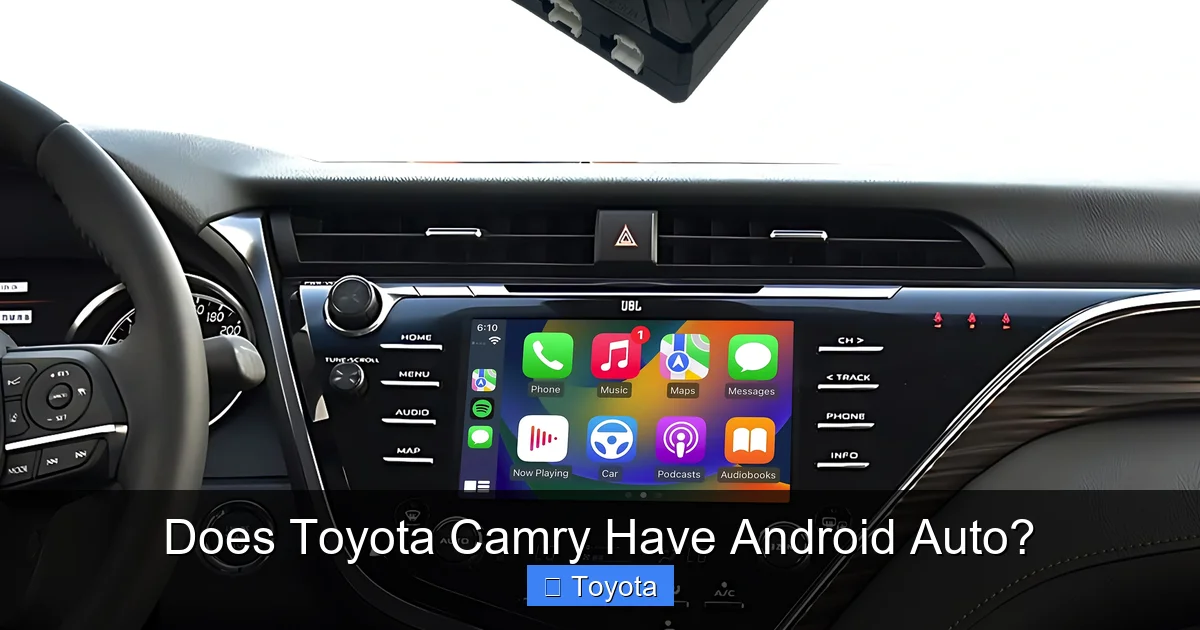
The best way to add Android Auto is an aftermarket head unit. This is a new radio for your car. It replaces the old factory radio. Does Toyota Camry have Android Auto with an aftermarket unit? Yes, it does. Many aftermarket radios support Android Auto. They also support Apple CarPlay. You can find them at auto parts stores. Brands like Pioneer, Sony, and Alpine make great units. The install is not too difficult. You can do it yourself if you have basic tools. You just need a dash kit and a wiring harness. Does Toyota Camry have Android Auto after this install? Absolutely. It will feel like a brand new car.
Compatibility checks before buying
Before you buy a new head unit, you need to check a few things. Does Toyota Camry have Android Auto with any radio? No, you need the right one. Check the size of your current radio. Measure the dashboard opening. This is called the double DIN or single DIN size. You also need to check the wiring. Make sure the new unit matches your car’s wiring. You can find adapter harnesses online. This makes the install much easier. Does Toyota Camry have Android Auto once the new unit is in? Yes, it will. You just need to follow the setup instructions.
Things to Know About the Toyota Camry
Owning a Toyota Camry is a great experience. It is a smart choice for many drivers. But there are a few other things to keep in mind. Understanding the whole car helps you appreciate the tech.
When you look at the Camry, you might wonder about its size and weight. For example, how much does a Toyota Camry weigh? The weight can affect how the car drives. A heavier car might feel more stable on the highway. A lighter car might feel more nimble in the city. The Camry is a mid-size sedan. It is not too heavy and not too light. It strikes the perfect balance. This balance is why so many people love it for daily driving.
Another thing to think about is the price. How much does a Toyota cost? The Camry is very affordable. It is one of the best value sedans on the market. You get a lot of features for the money. You get a comfortable ride. You get great fuel economy. And now, you can get Android Auto too. It is a win-win situation. The price makes it accessible to many buyers. You do not have to spend a fortune to get modern tech.
You might also wonder about the battery. If you have an older model, you need a strong battery. Finding the right battery for an older Camry is important. A healthy battery keeps all your electronics running. It ensures your car starts every time. It is just one more way to keep your Camry in great shape. A well-maintained car works better with all its tech features.
Final Thoughts on Does Toyota Camry Have Android Auto
So, to answer the big question one more time. Does Toyota Camry have Android Auto? The answer is a clear yes for most modern models. If you have a 2019 or newer Camry, you likely have it already. If you have an older model, you can still add it. You just need an aftermarket head unit. Android Auto is a fantastic feature. It makes driving safer. It makes driving more fun. You can navigate easily. You can listen to your favorite music. You can stay connected with friends and family. It is a game changer for any car.
Your Toyota Camry is a great car. It is reliable and comfortable. Adding Android Auto just makes it even better. You will love the convenience. You will love the ease of use. Next time you get in the car, try it out. Connect your phone. See the magic of Android Auto. You will wonder how you ever drove without it. Enjoy the ride and the amazing technology. Your Camry is ready for the future.
Frequently Asked Questions
Can I add Android Auto to an older Toyota Camry?
Yes, you can add Android Auto to an older Toyota Camry. You will need to install an aftermarket head unit that supports Android Auto. This replaces your old factory radio and brings modern smart features to your older car.
Is Android Auto free to use?
Yes, the Android Auto app itself is completely free to download and use. You just need a compatible phone and a car that supports the system. Some apps you run through Android Auto, like Spotify, may require a paid subscription.
Does Android Auto work wirelessly in the Toyota Camry?
Yes, wireless Android Auto works in newer Toyota Camry models. This feature is typically available in higher trims from 2019 and newer. It allows you to connect your phone without using a USB cable, making the experience very convenient.
Can I use Apple CarPlay and Android Auto at the same time?
Most Toyota Camrys allow you to switch between Apple CarPlay and Android Auto. You can usually choose which one to use in the car settings. However, you can only run one at a time on the car screen.
What do I need to use Android Auto in my Camry?
You need an Android phone running Android 6.0 or newer. You also need a compatible Toyota Camry with the right infotainment system. Finally, you need a USB cable if your car does not support wireless Android Auto.
Does Android Auto drain my phone battery?
Android Auto can use some battery because it keeps your phone connected and the screen active. To prevent heavy battery drain, you can plug your phone into a USB charger while using the feature. This keeps your phone powered up while you drive.