Does the Toyota Camry Have Android Auto? Explained
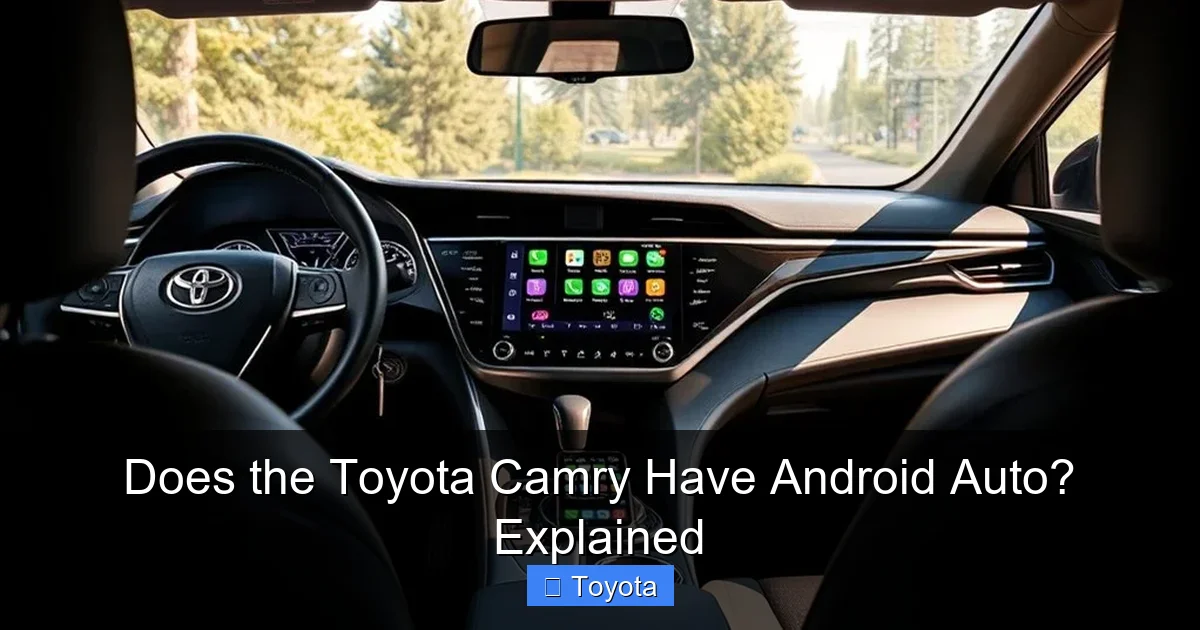
If you own or are considering a Toyota Camry, you might wonder, “Does the Toyota Camry have Android Auto?” The short answer is yes, but availability varies by model year and trim. Modern Camry models come with Toyota’s Entune³ system that supports Android Auto, while older versions may require a wired connection or an aftermarket solution. This guide explains how to check compatibility, enable the feature, and get the most out of Android Auto in your Camry.
When you sit behind the wheel of a Toyota Camry, you expect a blend of comfort, reliability, and modern technology. One of the most asked questions from prospective and current owners is, “Does the Toyota Camry have Android Auto?” This question matters because Android Auto transforms your smartphone into a safe, focused driving assistant, offering navigation, music, and messaging without pulling your eyes off the road. In this article, we’ll walk through what Android Auto is, which Camry models support it, how to set it up, and what to do if your vehicle isn’t natively compatible. We’ll also touch on the benefits, limitations, and a few handy tips to get the most out of the experience. By the end, you’ll have a clear picture of whether your Camry can run Android Auto and how to make it work for you.
Key Takeaways
- Model Year Matters: Android Auto support began appearing in mid‑range Camry models around 2017 and became standard on many trims thereafter.
- Two Connection Types: You can use wireless Android Auto (if your phone supports it) or a wired setup for older Camry infotainment systems.
- Software Updates: Regular Toyota firmware updates are essential to keep Android Auto working smoothly.
- Third‑Party Options: If your Camry lacks native Android Auto, an aftermarket adapter can add the functionality.
- Safety First: Always use Android Auto while driving to keep distractions minimal and comply with local laws.
- Future‑Proofing: Newer Camry models with Toyota’s Star‑Link system are laying the groundwork for even more integrated smartphone features.
- Cost Considerations: Understanding the cost of a Toyota can help you budget for optional connectivity packages.
📑 Table of Contents
Introduction
The Toyota Camry has long been a top seller in the midsize sedan class, praised for its smooth ride and practical amenities. Over the years, Toyota has upgraded its infotainment systems, gradually adding smartphone integration features. Early Camry models relied on basic Bluetooth and CD players, but as technology advanced, the brand introduced Entune and later Entune³ systems that support Android Auto. Many drivers assume that because the Camry is a mainstream sedan, it either fully supports Android Auto or not at all. In reality, the answer is nuanced and depends on the model year, trim level, and even the specific infotainment hardware installed.
Understanding whether your Camry has Android Auto is more than a curiosity; it can affect your daily commute, road trip planning, and overall driving experience. In this guide, we’ll break down the details in a friendly, easy‑to‑follow way, using real‑world examples and practical tips. Whether you’re a tech‑savvy enthusiast or just looking to simplify your drive, this article will answer the question: “Does the Toyota Camry have Android Auto?” and show you how to make it a seamless part of your car’s capabilities.
Android Auto Compatibility Overview
What Is Android Auto?
Android Auto is Google’s operating system designed specifically for cars. It mirrors selected smartphone apps onto your vehicle’s display, creating a minimalist, voice‑controlled interface that reduces distractions. Core features include Google Maps for turn‑by‑turn navigation, Spotify or Pandora for music, WhatsApp or Messages for hands‑free texting, and a simple way to make calls. The system works with almost any Android phone running Android 6.0 or later, though newer versions unlock wireless functionality.
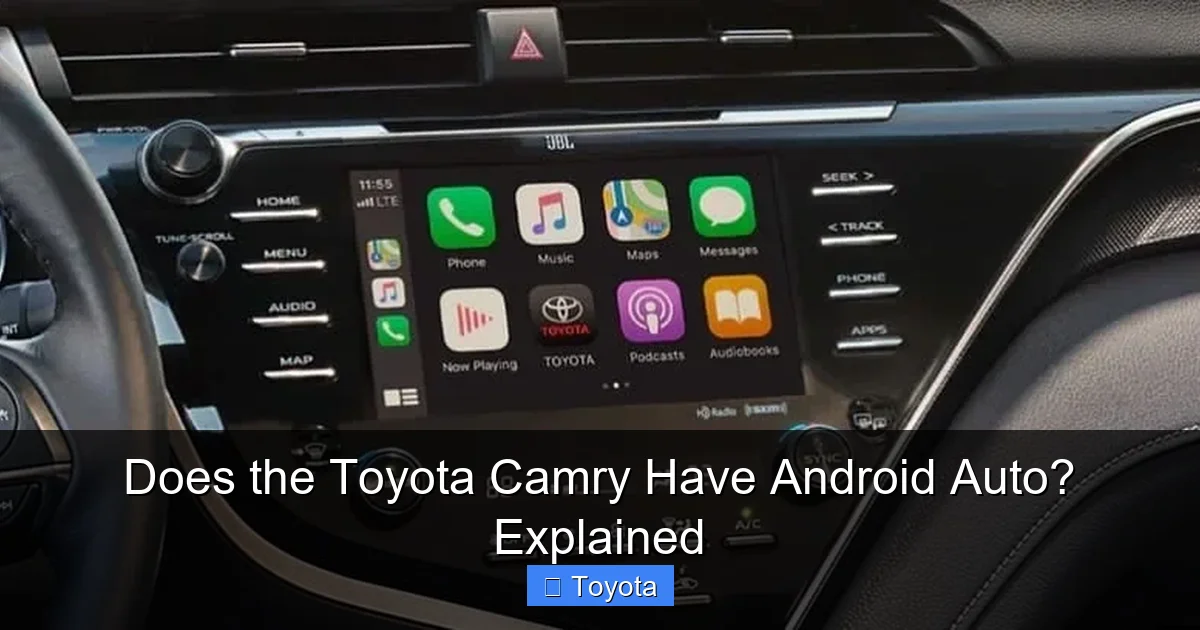
Visual guide about Does the Toyota Camry Have Android Auto? Explained
Image source: sp-ao.shortpixel.ai
Toyota’s Infotainment Evolution
Toyota’s infotainment journey started with basic systems like the Entune Audio Plus and progressed to the more advanced Entune³ and Star‑Link platforms. The earliest Camry models (2012‑2015) offered only basic Bluetooth and a CD player, so Android Auto was not an option. Starting in the 2016 model year, Toyota began rolling out Entune³ in select trims, which added support for Android Auto via a wired connection. By 2018, many mid‑range Camry versions came with wireless Android Auto capability, especially those equipped with the Entune³ Premium Audio package.
Because each trim level can have a different infotainment stack, it’s essential to check the specific trim’s features. For example, the Camry XSE often includes the Entune³ system with Android Auto, while the base Camry L might only have basic Bluetooth. This variation explains why the answer to “Does the Toyota Camry have Android Auto?” can be a simple “yes” or “it depends.”
Model Year Differences
Early Models (2012‑2015)
These Camry generations were equipped with Toyota’s first-generation infotainment systems. They lacked any native Android Auto support. Owners of these cars could still use Android Auto by plugging their phone into the USB port and using a third‑party app like Pandora for Android Auto, but the experience was clunky and limited.
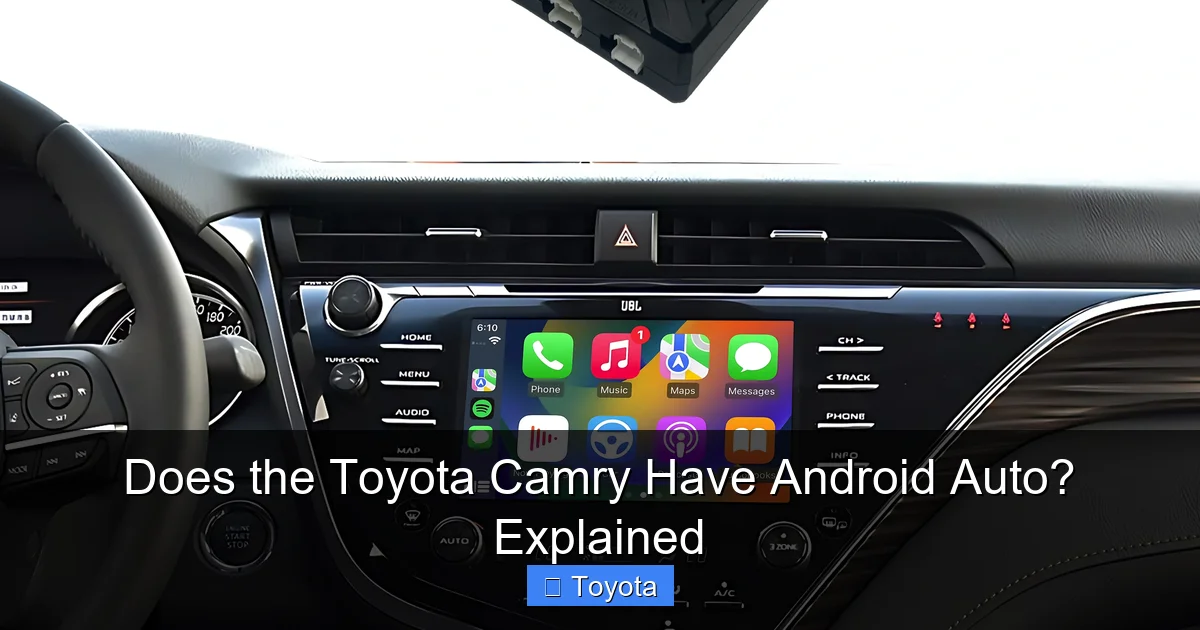
Visual guide about Does the Toyota Camry Have Android Auto? Explained
Image source: ae-pic-a1.aliexpress-media.com
Mid‑Range Models (2016‑2019)
Starting in 2016, Toyota introduced the Entune³ system on several trims. This system added native Android Auto support, but it was limited to a wired connection. Many owners reported that the interface was responsive, though they needed to keep their phone tethered via a USB cable. The 2017 and 2018 models saw incremental updates, adding features like Apple CarPlay alongside Android Auto. If you’re looking at a used Camry from this era, verify the trim level; the Camry SE and XSE often included Android Auto, while the base L and LE sometimes did not.
Recent Models (2020‑Present)
Since the 2020 model year, Toyota has rolled out wireless Android Auto support on many Camry trims. The Entune³ system now works without a cable, provided your phone supports Android Auto Wireless. The latest models also integrate Star‑Link, which offers 5G connectivity and over‑the‑air updates that keep Android Auto running smoothly. The 2022 Camry XSE, for example, ships with Android Auto built into the 9‑inch touchscreen, and the system can be activated simply by connecting your phone via Bluetooth.
Even if you own an older Camry, you can sometimes add Android Auto functionality with an aftermarket adapter. These devices plug into your car’s existing infotainment system and provide a compatible Android Auto interface. While not as seamless as factory integration, they can be a cost‑effective solution, especially if you’re mindful of the overall cost of a Toyota. However, be aware that installing third‑party hardware may void warranties or require professional installation.
How to Enable and Use Android Auto
Setup Steps for Native Support
Once you confirm your Camry has Android Auto, enabling it is straightforward:
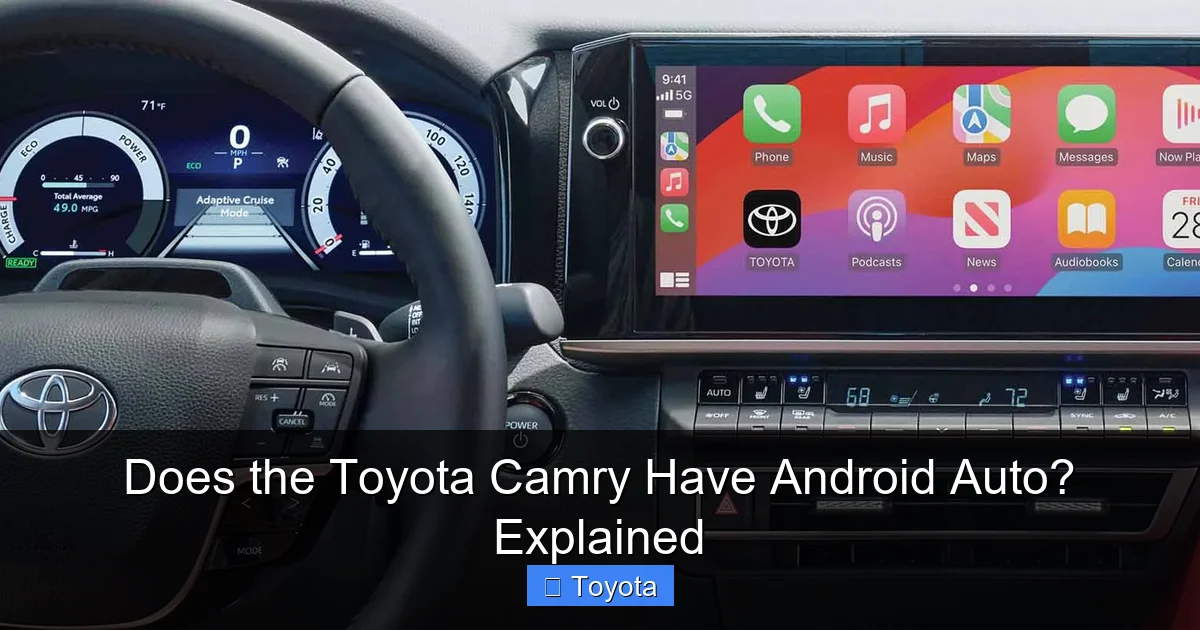
Visual guide about Does the Toyota Camry Have Android Auto? Explained
Image source: villagetoyota.com
- Update Your Phone: Ensure your Android phone runs Android 6.0 (Marshmallow) or later. For wireless Android Auto, you’ll need Android 10 or newer.
- Install the Android Auto App: Download it from the Google Play Store. The app guides you through the initial setup.
- Connect Your Phone: For wired setups, plug your phone into the USB port using a compatible cable. For wireless, simply pair your phone via Bluetooth and accept the Android Auto prompt on your phone.
- Follow On‑Screen Prompts: The Camry’s touchscreen will display a “Enable Android Auto?” prompt. Tap “Enable” and confirm on your phone.
- Customize Your Settings: You can adjust voice commands, notification preferences, and app defaults in the Android Auto settings menu.
In‑Car Controls and Tips
While driving, you can activate Android Auto by saying “Hey Google, start Android Auto” or by tapping the Android Auto icon on your car’s screen. The system is voice‑driven, so you can issue commands like “Navigate to downtown Seattle” or “Play my Spotify playlist.” Keep in mind that Android Auto disables certain distractions by design; only the selected apps appear, and your phone’s display mirrors a simplified version onto the car’s screen.
Tips for optimal performance include:
- Keep Your Phone Charged: Android Auto uses significant battery power. A portable charger can be a lifesaver on long trips.
- Use a Strong Bluetooth Connection: For wireless Android Auto, a stable Bluetooth link reduces lag.
- Update Toyota Firmware: Regular over‑the‑air updates from Toyota keep the infotainment system current, which often includes Android Auto bug fixes.
- Limit Background Apps: Close unnecessary apps on your phone to prevent interference.
Benefits and Limitations
Benefits of Native Android Auto in the Camry
Native integration offers several advantages over third‑party solutions:
- Seamless Updates: Toyota’s firmware updates ensure Android Auto stays compatible with the latest Google services.
- Optimized UI: The Camry’s touchscreen is calibrated for Android Auto, providing crisp visuals and responsive touch.
- Safety Features: Toyota’s steering wheel controls let you adjust volume, skip tracks, and answer calls without taking your hands off the wheel.
- Wireless Freedom: Recent models let you enjoy Android Auto without cables, keeping your dashboard tidy.
Known Limitations
Even with native support, there are some caveats:
- Model Specifics: Not every Camry trim includes Android Auto. The base models may only have Apple CarPlay or basic Bluetooth.
- Geographic Restrictions: In some regions, Google services may be limited, affecting Android Auto functionality.
- Older Phones: If you’re using a phone older than Android 6.0, you may need to upgrade to enjoy Android Auto.
- Infotainment Lag: Occasionally, the system can be slow to load maps or music libraries, especially on older hardware.
Understanding these limitations helps you set realistic expectations and decide whether an aftermarket solution might be a better fit for your needs.
Alternative Connectivity Options
Apple CarPlay vs. Android Auto
If you prefer iOS, many newer Camry models also support Apple CarPlay. The setup is similar: connect your iPhone via USB or Bluetooth, and the system mirrors CarPlay onto the touchscreen. While the features differ slightly, both aim to minimize driver distraction.
Toyota’s Built‑In Navigation and Voice Assistant
Even without Android Auto, the Camry’s built‑in navigation (if equipped) and the “Toyota Voice” assistant can handle basic directions and media playback. However, they lack the deep integration of third‑party apps that Android Auto provides.
Third‑Party Adapters
For owners of older Camry models, there are devices like the roham SmartLink or Android Auto Dongle that can add Android Auto functionality. These adapters typically connect to the vehicle’s USB port and run a lightweight Android version on the car’s screen. While they’re not as polished as factory integration, they can be a practical, budget‑friendly way to enjoy Android Auto in a vehicle that never came with it.
Conclusion
So, does the Toyota Camry have Android Auto? The answer is a qualified “yes.” Depending on your model year, trim level, and the specific infotainment system installed, Android Auto may be built‑in, wireless, or simply not available. For those with newer Camry models (2020+), the experience is typically smooth, with wireless connectivity and regular updates keeping the system fresh. Owners of older Camrys can explore third‑party adapters or stick with basic Bluetooth if Android Auto isn’t an option.
Whether you’re a tech enthusiast who loves the convenience of turn‑by‑turn navigation, hands‑free messaging, and music streaming, or you simply want a safer way to use your phone while driving, Android Auto can enhance your Camry experience. Check your vehicle’s documentation, verify the trim’s features, and follow the setup steps outlined above to get started. If you run into any issues, Toyota’s customer support and online forums are great resources for troubleshooting. In short, the Camry can indeed run Android Auto—just make sure you have the right model and the right setup to enjoy it.
Frequently Asked Questions
Does every Toyota Camry model have Android Auto?
No. Android Auto support varies by model year and trim. Early models (2012‑2015) did not include it, while many 2016‑present trims added native support. Always check the specific trim’s feature list to confirm.
How can I tell if my Camry has Android Auto built‑in?
Look for an “Android Auto” icon on the infotainment screen or in the vehicle’s settings menu. You can also consult the owner’s manual or Toyota’s official website for your trim’s specifications.
What if my Camry doesn’t have native Android Auto?
You can add functionality using an aftermarket adapter that plugs into the USB port and provides Android Auto. These devices are relatively inexpensive and can be installed professionally or DIY, though they may not integrate as seamlessly as factory options.
Is wireless Android Auto available on all newer Camrys?
Wireless Android Auto is standard on many 2020‑present Camry trims, especially those with the Entune³ Premium system. It requires a compatible Android phone (Android 10 or newer) and a stable Bluetooth connection.
Do I need to pay for Android Auto separately?
No. Android Auto is free and comes included with compatible Toyota infotainment systems. There are no additional subscription fees, though some third‑party music services may require their own subscriptions.
How often should I update my Camry’s software to keep Android Auto working?
Toyota releases over‑the‑air updates regularly. Aim to keep your vehicle’s firmware current by accepting updates when they appear, typically quarterly or as needed for bug fixes.