How to Disconnect Jeep Door Wiring Harness
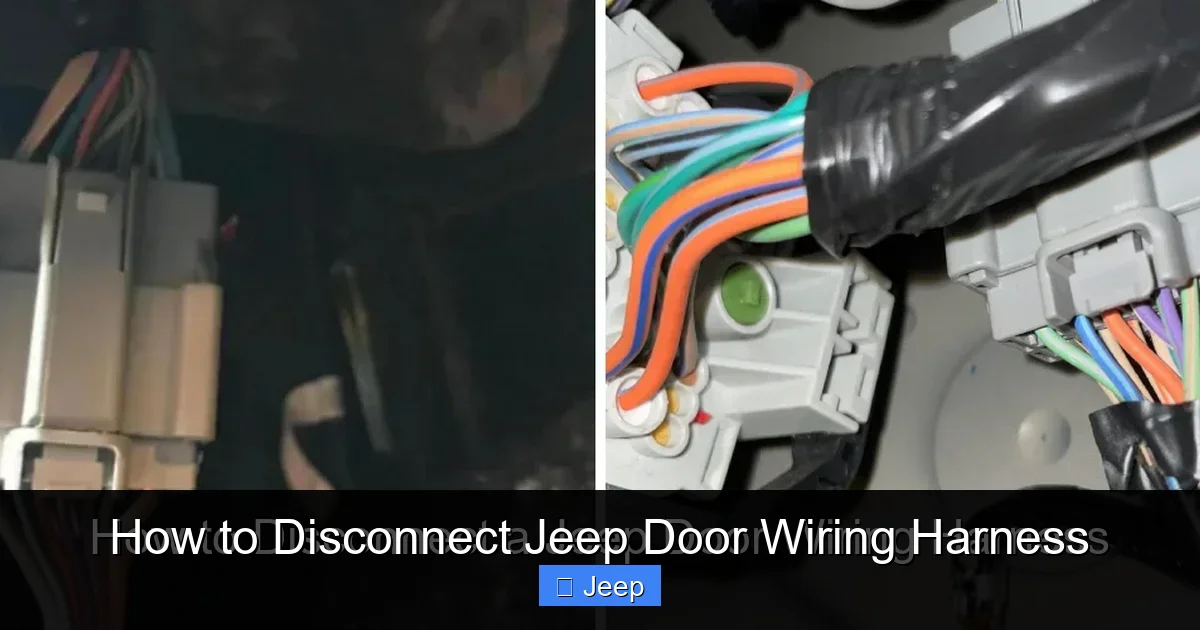
Disconnecting the Jeep door wiring harness is essential for door removal or electrical repairs. This guide offers clear, step-by-step instructions to help you do it safely and efficiently. Follow our practical advice to avoid damage and ensure proper reconnection, keeping your Jeep’s electrical system in top shape.
Are you working on your Jeep and need to remove the door for painting, repair, or upgrade? Disconnecting the door wiring harness might seem daunting, but it’s a straightforward task with the right approach. Whether you’re a DIY enthusiast or a first-timer, this guide on how to disconnect Jeep door wiring harness will walk you through each step safely and easily. We’ll cover everything from tools to tips, ensuring you don’t damage any components along the way.
Jeep doors have complex wiring for features like power windows, locks, and speakers. When you remove the door, these wires need to be disconnected properly to avoid tearing or short circuits. By following our simple instructions, you’ll gain confidence and save time. Remember, patience is key—rushing can lead to mistakes that cost more in the long run. Let’s dive in and get your Jeep ready for whatever project you have planned.
Key Takeaways
- Safety First: Always disconnect the battery before starting to prevent electrical shorts or injuries.
- Right Tools: Gather basic tools like socket wrenches, screwdrivers, and wire connectors for a smooth process.
- Locate the Harness: The wiring harness is typically found near the door hinge or inside the door panel.
- Release Carefully: Use the release clip or tab to disconnect the harness without forcing it.
- Label Wires: Mark each wire with tape or tags to simplify reconnection later.
- Troubleshoot Issues: If the harness is stuck, check for rust or damaged clips before applying force.
- Test After Reconnection: Reattach the battery and test all door functions like windows and locks.
📑 Table of Contents
Essential Tools and Safety Precautions
Before you start, gathering the right tools and taking safety steps will make the job much easier. Here’s what you need and how to stay safe while disconnecting the Jeep door wiring harness.
Tools You’ll Need
- Socket wrench set (usually 10mm or 13mm sockets for Jeep models)
- Flathead and Phillips screwdrivers
- Wire connectors or electrical tape for labeling
- Flashlight or work light for better visibility
- Gloves to protect your hands from sharp edges
Safety First Steps
Always begin by disconnecting the negative battery cable. This prevents any accidental short circuits when you touch the wiring. Use a wrench to loosen the bolt and carefully remove the cable, then set it aside so it doesn’t contact metal parts. Next, locate the door wiring harness—it’s often accessible through the door jamb or by removing the door panel. If you’re unsure, consult your Jeep’s manual for specific diagrams. For extra safety, wear gloves to avoid cuts from exposed wires or metal.
Step-by-Step Guide to Disconnecting the Harness
Now, let’s get into the actual disconnection process. We’ll break it down into clear steps so you can follow along easily. This method works for most Jeep models, including Wranglers and Cherokees, but always check for variations based on your year.
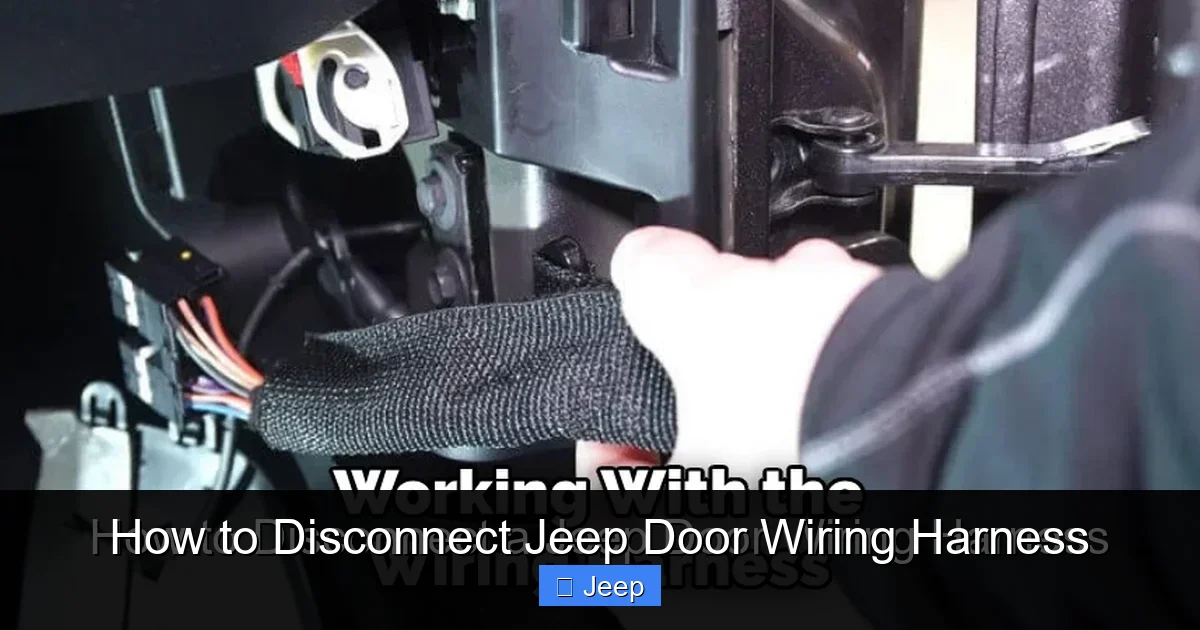
Visual guide about How to Disconnect Jeep Door Wiring Harness
Image source: aautomotives.com
Step 1: Access the Wiring Harness
Start by opening the door fully to expose the hinge area. The wiring harness is usually routed through a rubber boot near the hinge. If it’s not visible, you may need to remove the door panel. Use a screwdriver to take off the panel, being careful not to break any clips. Once the harness is exposed, you’ll see a connector plug that joins the door wires to the vehicle’s main wiring.
Step 2: Identify the Connector
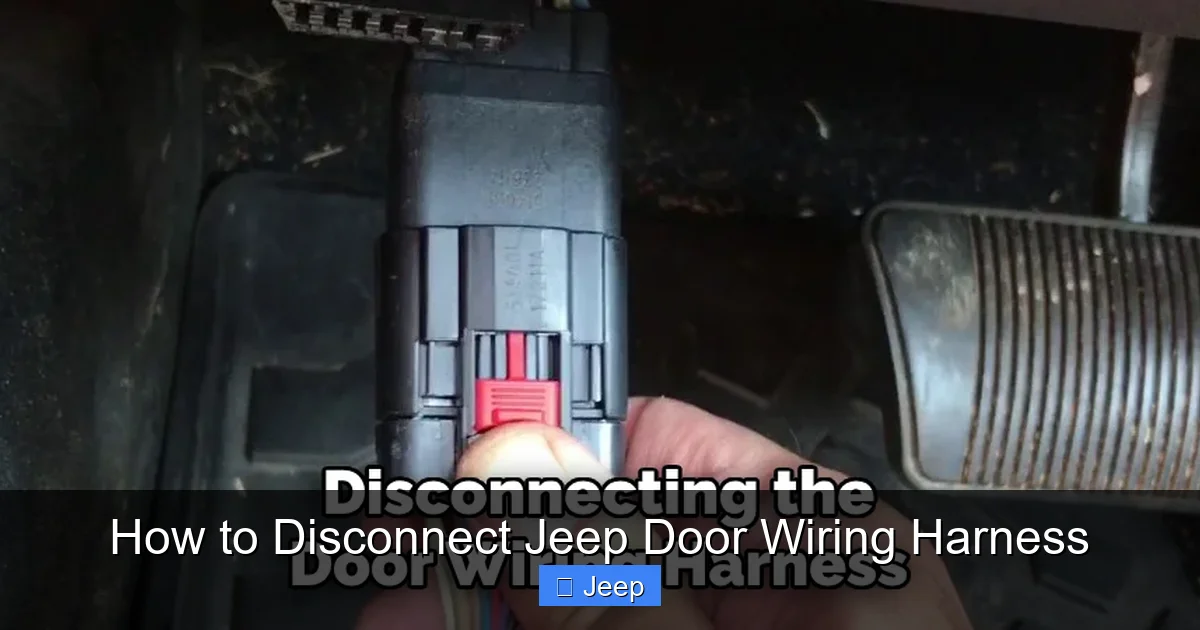
The connector is often a rectangular or round plug with multiple wires. Look for a release tab—this could be on the top, side, or bottom. Press the tab gently with your finger or a tool. If it’s stubborn, don’t force it; instead, check for clips that might be holding it in place. Sometimes, a little wiggle helps, but avoid pulling hard to prevent damage.
Step 3: Disconnect the Harness
Once the release tab is engaged, pull the connector apart smoothly. You might hear a click—that’s normal. If there are multiple connectors, disconnect them one at a time and label each with tape. For example, mark “window” or “lock” to make reconnection easier. If a connector seems stuck, use a flathead tool to gently pry it loose, but be cautious not to break the plastic.
Step 4: Secure the Wires
After disconnecting, tuck the wires back into the door or vehicle frame to keep them safe. Use zip ties or tape to hold them in place so they don’t dangle. This prevents accidental damage when you remove the door. Remember, the goal is to keep everything organized for when you reconnect later.
Common Challenges and How to Overcome Them
Sometimes, things don’t go as planned. Here are some common issues you might face when disconnecting the Jeep door wiring harness and how to handle them.
Visual guide about How to Disconnect Jeep Door Wiring Harness
Image source: jeepfixes.com
Stuck or Rusty Connectors
If the connector is hard to remove, it might be corroded from moisture or age. Spray a little penetrating oil like WD-40 on the joint and wait 10-15 minutes. Then, try gently twisting or pressing the release tab again. Avoid using excessive force, as this could break the connector. For severe rust, consider replacing the entire harness later.
Lost or Damaged Clips
Small clips that hold the harness in place can break easily. If you lose one, you can find replacements at auto parts stores or online. Keep a spare kit handy for such repairs. While working, inspect all clips and replace any that look worn to ensure a secure fit when reassembling.
Multiple Wires Confusion
With so many wires, it’s easy to mix them up. That’s why labeling is crucial. Use colored tape or stickers to mark each wire’s function. If you forget, take a photo with your phone before disconnecting—it helps a lot during reconnection. For complex systems, like those with amplified audio, you might need to refer to a wiring diagram. If you’re dealing with audio upgrades, check out our guide on how to bypass factory amp in Jeep Grand Cherokee for related tips.
Reconnecting and Testing the Wiring Harness
Once the door is back in place, it’s time to reconnect everything. This part is just as important as disconnection, so take your time.
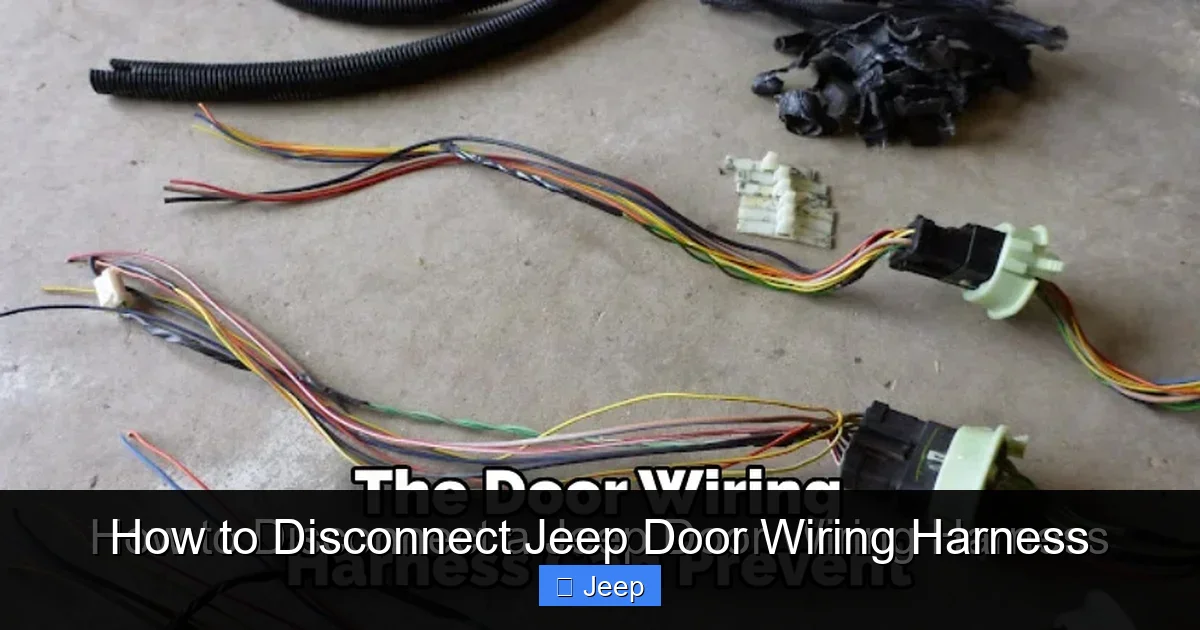
Visual guide about How to Disconnect Jeep Door Wiring Harness
Image source: aautomotives.com
Reattach the Connectors
Align the connectors with their matching plugs on the vehicle side. Push them in until you hear a click, ensuring they’re secure. Double-check your labels to avoid mistakes. If you labeled wires, connect them in the reverse order of disconnection. Make sure the rubber boot is seated properly to protect against water.
Test All Functions
Before fully reinstalling the door panel, reconnect the battery and test the electrical components. Roll the windows up and down, check the locks, and test any lights or speakers. If something doesn’t work, recheck the connections. For power window issues, you might find our article on how to manually roll up a power window Jeep Cherokee helpful for troubleshooting.
Final Checks
Once everything works, secure any loose wires with zip ties and reinstall the door panel. Make sure all screws are tight and the door opens and closes smoothly. A quick test drive can confirm that all systems are go. Remember, proper reconnection ensures your Jeep remains safe and reliable.
Additional Tips for Jeep Maintenance
Beyond disconnecting the wiring harness, regular maintenance keeps your Jeep in top condition. Here are a few extra tips to consider.
Regular Inspections
Check your door wiring periodically for signs of wear, especially if you off-road often. Look for cracked insulation or loose connections. Early detection can prevent bigger issues down the road. If you’re into custom builds, learning about wiring in general is useful—see our guide on how to build a mil spec wiring harness for advanced knowledge.
Upgrade Opportunities
If you’re upgrading your Jeep, consider modern wiring solutions for better reliability. For example, adding LED lights or new speakers might require harness modifications. Always use quality parts and follow manufacturer guidelines to avoid electrical problems.
In conclusion, knowing how to disconnect Jeep door wiring harness is a valuable skill for any Jeep owner. By following these steps, you can handle door removals with confidence and avoid common pitfalls. Remember, safety and patience are your best friends. With this guide, you’re well-equipped to tackle your next project and keep your Jeep running smoothly. Happy trails!
Frequently Asked Questions
Why should I disconnect the battery before working on the door wiring?
Disconnecting the battery prevents electrical shorts that could damage components or cause injury. It’s a simple safety step that avoids sparks or fried circuits when you touch the wiring harness.
How do I find the door wiring harness on my Jeep?
The harness is usually located near the door hinge, inside a rubber boot. If it’s not visible, you may need to remove the door panel by unscrewing a few clips or screws. Consulting your owner’s manual can help pinpoint the exact location.
What if the wiring connector won’t come apart?
If the connector is stuck, it might be corroded or have a hidden clip. Try spraying penetrating oil and waiting a few minutes before gently wiggling it. Avoid using excessive force to prevent breaking the plastic parts.
Do I need to label the wires during disconnection?
Yes, labeling wires is highly recommended to avoid confusion during reconnection. Use tape or tags to mark each wire’s function, like “power window” or “door lock.” This saves time and reduces the risk of errors.
Can I disconnect the harness without removing the door panel?
Often, you can access the harness through the door jamb without removing the panel. However, if your Jeep model requires it, carefully remove the panel using a screwdriver. Just be cautious not to damage any clips or interior trim.
How do I test if the reconnection was successful?
After reconnecting the battery, test all door functions like windows, locks, and lights. If something doesn’t work, double-check the connections. For persistent issues, refer to a wiring diagram or seek professional help to ensure safety.