How to Reset Reversing Camera
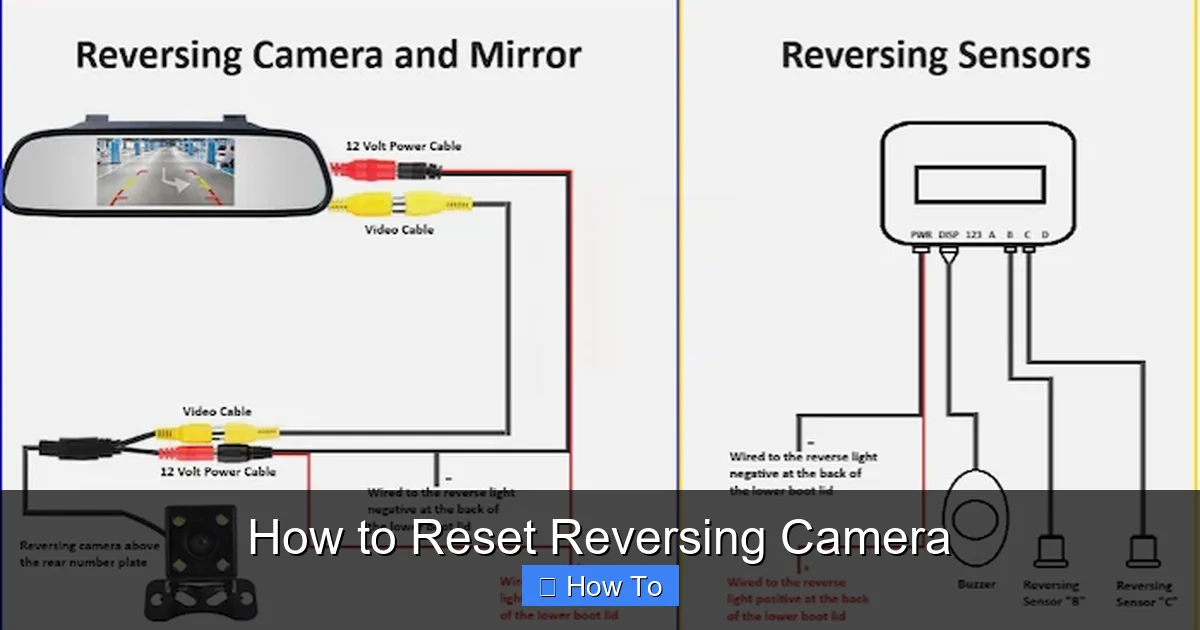
Struggling with a malfunctioning reversing camera? Resetting it can often resolve issues like frozen screens or no image display. Follow these simple steps to troubleshoot and restore functionality, but remember to consult your vehicle’s manual and seek professional help if problems persist.
Key Takeaways
- Common Issues: Freezing, no image, or delayed display are typical problems requiring a reset.
- Check Connections: Loose wiring or faulty cables can cause malfunctions—inspect thoroughly.
- Use Infotainment Settings: Many vehicles allow camera resets through the touchscreen menu.
- Power Cycle: Turn off the car and disconnect the battery to reset electronic systems.
- Manufacturer Instructions: Always refer to your owner’s manual for specific reset procedures.
- Professional Help: If DIY methods fail, visit a certified mechanic or dealership.
- Preventive Maintenance: Regularly update software and check for physical damage.
📑 Table of Contents
Understanding Your Reversing Camera System
Before diving into reset procedures, it’s essential to understand how your reversing camera works. Modern vehicles integrate the camera into the infotainment system, transmitting images via wired or wireless signals. When the system malfunctions, it often manifests as a frozen screen, no image display, or delayed activation when shifting into reverse. These issues can stem from software glitches, loose connections, or electrical problems. Recognizing symptoms early helps you address them before they escalate into costly repairs.
Common Issues and Symptoms
Identifying the root cause of your camera’s malfunction is the first step toward fixing it.
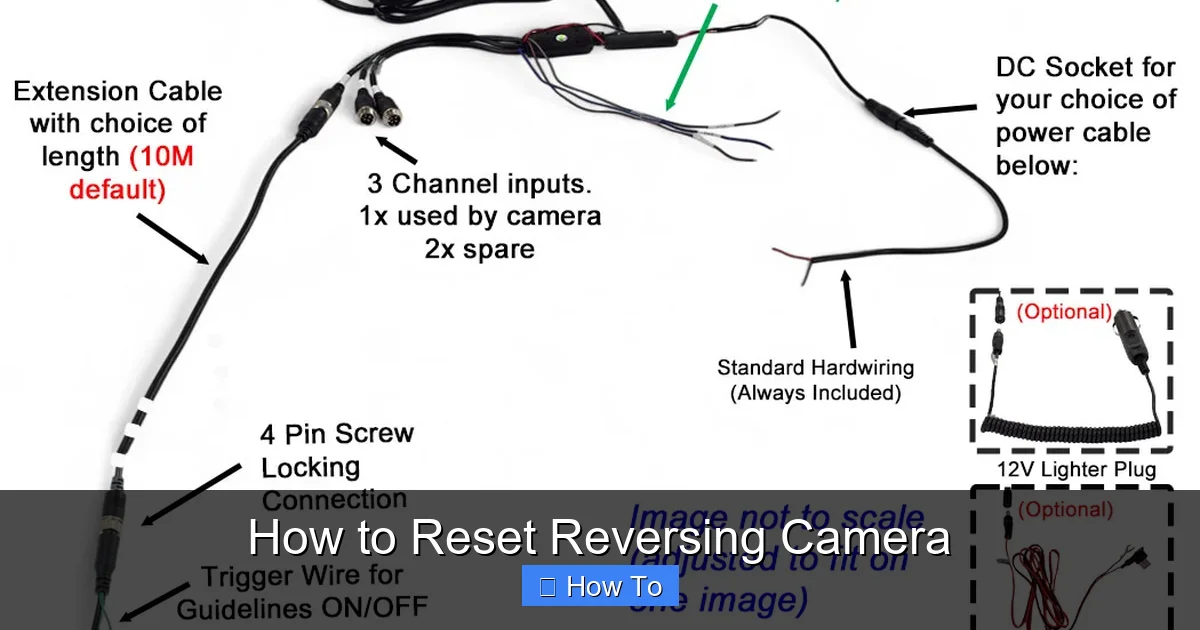
Visual guide about How to Reset Reversing Camera
Image source: revcam.uk
Frozen or Black Screen
A frozen screen might indicate a software glitch or a loose connection. Try resetting your infotainment system first. If it persists, check the camera’s power supply and wiring.
No Image Display
If the camera doesn’t activate when reversing, inspect the wiring harness for damage. A faulty camera sensor or blown fuse could also be culprits.
Delayed Activation
Delayed image display often points to software issues. Updating your vehicle’s firmware might resolve this.
Step-by-Step Reset Process
Resetting your reversing camera is straightforward once you know the steps. Follow these guidelines:
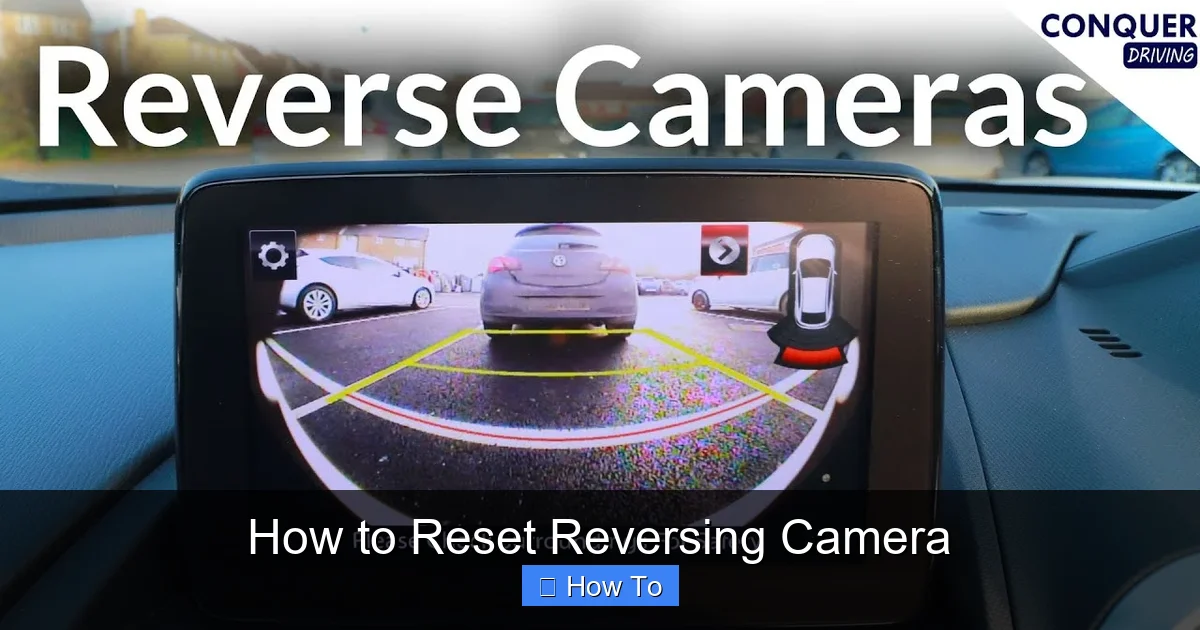
Visual guide about How to Reset Reversing Camera
Image source: i.ytimg.com
Before You Start
Turn off your vehicle and wait 5 minutes to ensure the system fully powers down. This minimizes the risk of electrical surges during the reset.
Using the Infotainment Menu
Many vehicles allow camera resets through the touchscreen. Navigate to the settings menu, look for system diagnostics or camera options, and select “Reset.” Refer to your owner’s manual for specifics—Toyota owners can follow their model-specific instructions.
Power Cycle the System
Disconnect the negative terminal of your battery for 10–15 minutes to reset all electronic components. Reconnect and restart the vehicle to test the camera.
Check for Software Updates
Outdated software can cause camera issues. Visit your dealership or use the manufacturer’s app to update your infotainment system.
Checking Physical Connections
Physical inspections are critical for diagnosing hardware-related problems:
Visual guide about How to Reset Reversing Camera
Image source: bobatoo.co.uk
Inspect Wiring Harness
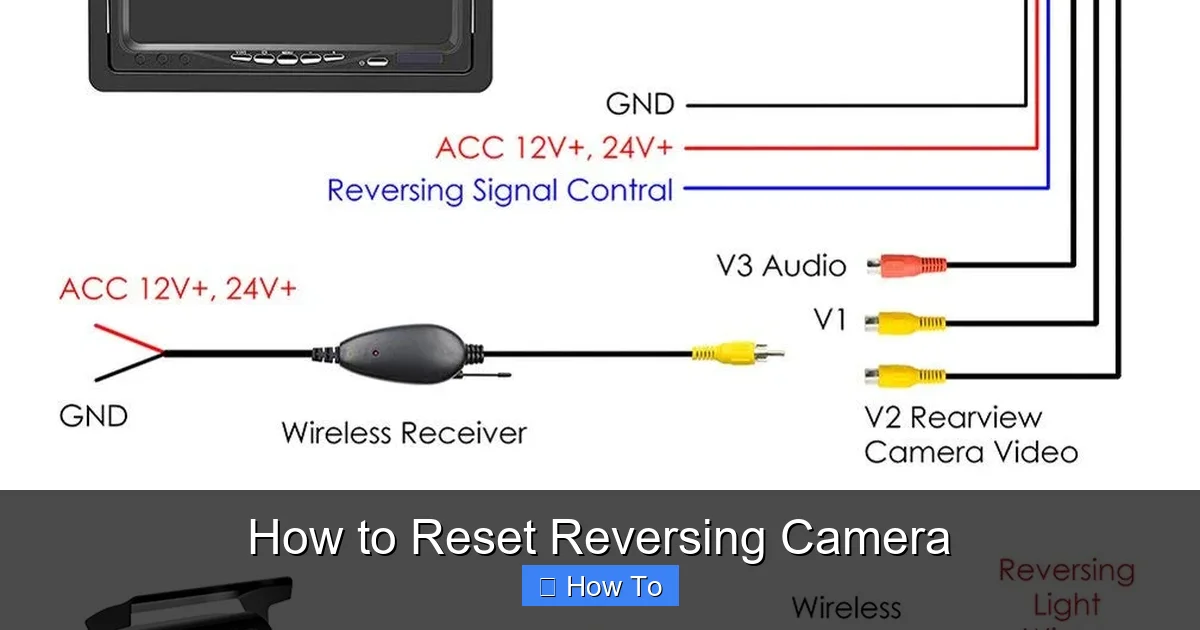
Trace the camera’s wiring from the rear of your vehicle to the dashboard. Look for frayed cables, loose connectors, or corrosion. Replace damaged components immediately.
Verify Power Supply
Use a multimeter to test the camera’s power source. A faulty voltage regulator or blown fuse could prevent proper operation.
Test the Camera Sensor
If the wiring checks out, test the camera itself. A professional can determine if the sensor needs replacement. For installation tips, see our guide on installing a rearview camera.
Resetting via Infotainment System
Modern vehicles often provide in-built tools to reset electronic systems:
Accessing the Reset Menu
Press the “Settings” or “Menu” button on your touchscreen. Navigate to “System” or “Vehicle Settings,” then select “Camera Reset.” Confirm the action when prompted.
Factory Reset Option
If other methods fail, perform a factory reset. This erases custom settings but restores default functionality. Save important preferences beforehand.
Troubleshooting Tips
If the reset doesn’t work, try these additional steps:
- Restart your vehicle twice to clear temporary glitches.
- Check for recalls or technical service bulletins from your manufacturer.
- Use a diagnostic tool compatible with your vehicle to scan for errors.
When to Seek Professional Help
While most camera issues can be resolved with basic troubleshooting, some problems require expert intervention:
Complex Electrical Issues
If the camera still doesn’t work after resetting, the problem might involve the vehicle’s CAN bus network. A certified technician can diagnose and repair these systems.
Water Damage or Physical Trauma
External damage to the camera or wiring requires professional assessment. Attempting DIY repairs could worsen the issue.
Warranty Considerations
Contact your dealer before voiding warranties. Many manufacturers cover camera repairs if the issue is manufacturing-related.
FAQs
Can I reset my reversing camera without using the infotainment system?
Yes, by disconnecting the battery or checking physical connections. However, using the infotainment menu is faster and more reliable for software-related issues.
Why is my reversing camera not working after a reset?
This could be due to unresolved hardware faults, a blown fuse, or outdated software. Re-check connections and ensure the reset was completed successfully.
How often should I reset my reversing camera?
Only when issues arise. Regular resets aren’t necessary unless you notice recurring glitches. Preventive maintenance like cleaning the lens and updating software helps avoid problems.
Is a factory reset safe for my vehicle?
Yes, but it will restore all settings to default. Save custom preferences beforehand, and consult your manual to avoid unintended consequences.
Can a loose connection cause the camera to malfunction?
Absolutely. Vibrations from driving can loosen connectors over time. Regularly inspect wiring to prevent intermittent failures.
What if my camera shows a distorted image after resetting?
This might indicate a damaged lens or moisture inside the camera housing. Professional cleaning or replacement is usually necessary.
Frequently Asked Questions
What is How To Reset Reversing Camera?
How To Reset Reversing Camera is an important topic with many practical applications.