Aux to Aux Cable
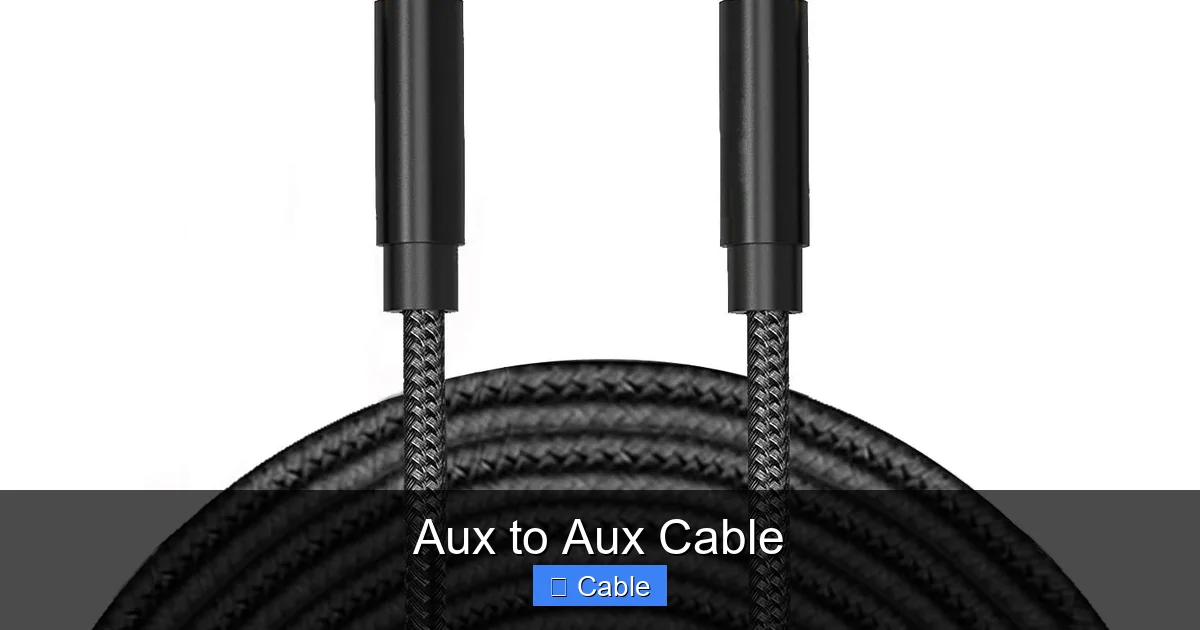
Aux to aux cables are essential audio accessories that connect your devices for seamless sound transmission. These simple yet effective cables bridge the gap between smartphones, MP3 players, and speakers or car stereos, delivering quality audio without complex setups. Whether you’re upgrading your car audio system or connecting home speakers, understanding aux to aux cables helps you make informed choices for optimal performance.
Key Takeaways
- Basic Functionality: Aux to aux cables transmit analog audio signals between devices with 3.5mm or RCA ports for clear sound reproduction.
- Common Applications: These cables work perfectly in cars, home stereos, speakers, and recording equipment for versatile audio connectivity.
- Cable Types Available: Choose from standard 3.5mm, RCA, optical, or specialty cables based on your device compatibility needs.
- Quality Matters: Gold-plated connectors and shielded wiring significantly improve audio clarity and reduce interference in aux to aux connections.
- Troubleshooting Tips: Most connection issues stem from loose fittings, damaged wires, or incompatible device settings that require simple fixes.
- Length Considerations: Cable length affects signal quality – shorter cables (3-6 feet) provide better audio while longer ones offer more flexibility.
- Maintenance Basics: Regular cleaning and proper storage extend cable life and prevent common connectivity problems with aux to aux connections.
📑 Table of Contents
- Understanding Aux to Aux Cables: Your Audio Bridge
- What Exactly Is an Aux to Aux Cable?
- How Do Aux to Aux Cables Actually Work?
- Common Uses for Aux to Aux Cables
- Choosing the Right Aux to Aux Cable
- Troubleshooting Common Aux Cable Issues
- Maintaining Your Aux to Aux Cables
- Future of Aux Connectivity
- Making the Most of Your Aux Setup
Understanding Aux to Aux Cables: Your Audio Bridge
Let’s talk about something we all use but rarely think about – aux to aux cables. You know those handy little cords that connect your phone to your car stereo? Yeah, those are aux to aux cables, and they’re absolute lifesavers when it comes to playing your favorite tunes on the go.
These unassuming cables might look simple, but they pack quite a punch in terms of functionality. Whether you’re jamming to music during your morning commute or setting up a home speaker system, aux to aux cables make it happen. They’re the unsung heroes of our daily audio experiences, working quietly behind the scenes to keep our playlists flowing.
The beauty of aux to aux cables lies in their simplicity and universal compatibility. Unlike fancy wireless systems that require apps and pairing, these cables just work. Plug them in, press play, and boom – instant audio connection. But not all aux to aux cables are created equal, and knowing what to look for can save you from frustrating audio issues.
What Exactly Is an Aux to Aux Cable?
An aux to aux cable is essentially a specialized audio cable designed to carry analog sound signals between two devices. The term “aux” refers to auxiliary input/output ports found on most audio equipment. These ports typically use 3.5mm jacks – the same size as your headphone connector.
The Technical Side Made Simple
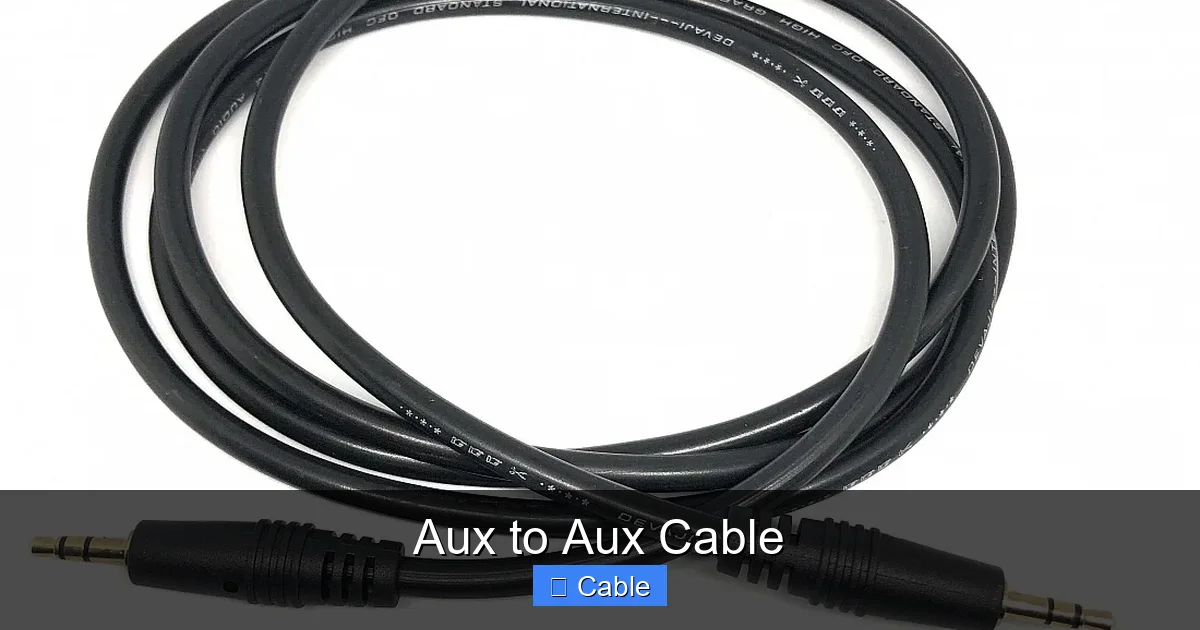
Most aux to aux cables feature a 3.5mm TRS (Tip-Ring-Sleeve) connector on both ends. This design allows for stereo audio transmission, meaning you get both left and right channel sound through one cable. The copper wiring inside carries the electrical audio signal from your source device to your destination speaker or amplifier.
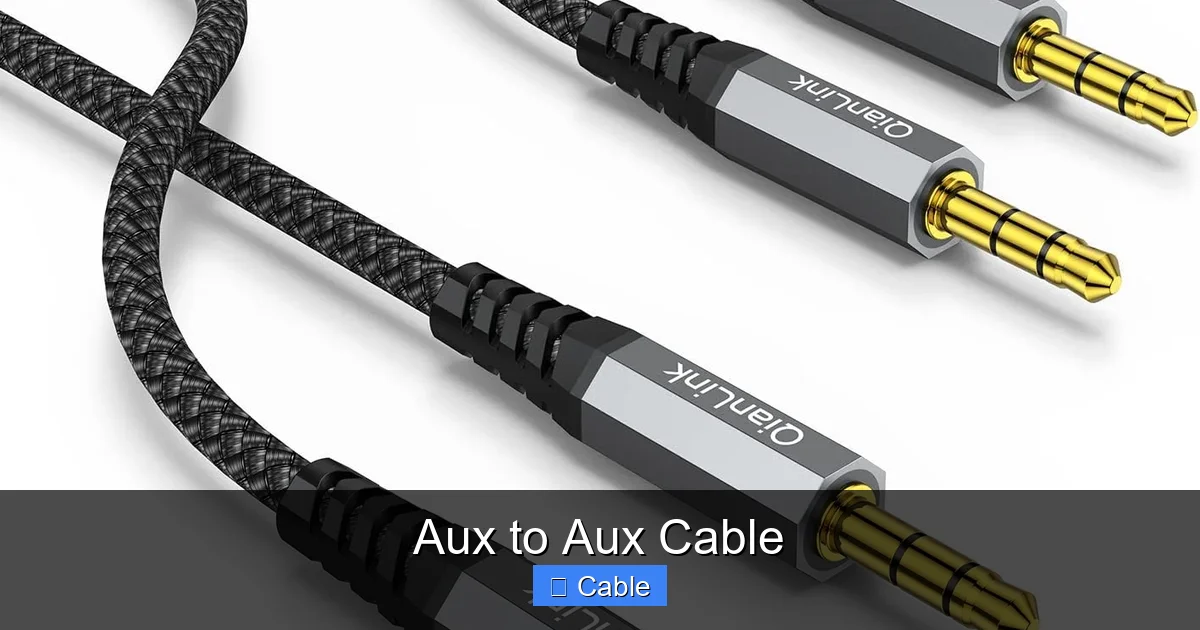
Some higher-end aux to aux cables might include additional shielding to reduce electromagnetic interference. This is especially important in cars where electrical systems can cause buzzing or static in your audio. Gold-plated connectors also help prevent corrosion and maintain better electrical contact over time.
Different Connector Types
While 3.5mm to 3.5mm is the most common configuration, aux to aux cables come in various combinations:
- 3.5mm to RCA (for connecting to older home stereos)
- 3.5mm to 6.35mm (for professional audio equipment)
- Optical aux cables (for digital audio transmission)
- USB-C to 3.5mm (for newer smartphones without headphone jacks)
How Do Aux to Aux Cables Actually Work?
Think of aux to aux cables as highways for your music. When you plug your phone into your car stereo, the cable carries the audio signal from your device’s headphone jack directly to your car’s amplifier. It’s a direct, analog connection that bypasses any digital processing.
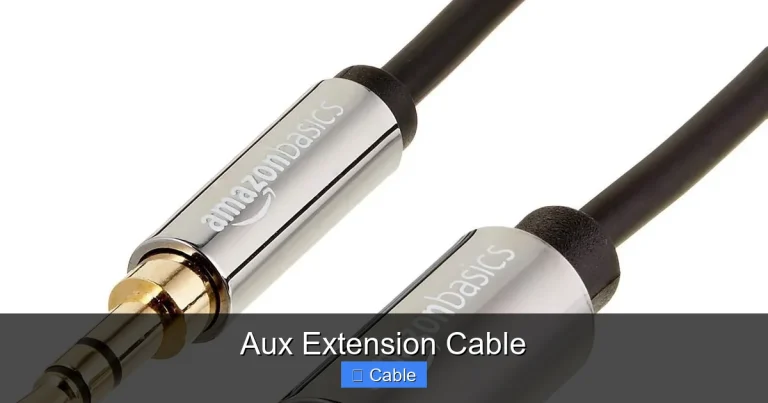
Visual guide about Aux to Aux Cable
Image source: m.media-amazon.com
Signal Transmission Process
Here’s what happens when you connect an aux to aux cable: First, your audio source (phone, MP3 player, etc.) converts digital files into analog electrical signals. These signals travel through the cable’s copper wires. Your receiving device (car stereo, speaker, etc.) then interprets these electrical signals and converts them back into sound waves through its speakers.
This process happens almost instantly, which is why there’s typically no noticeable delay when using aux to aux cables. Unlike Bluetooth connections that compress and decompress audio data, aux cables provide uncompressed signal transmission for potentially better sound quality.
Why Analog Still Matters
In our digital world, analog connections might seem outdated. However, aux to aux cables remain popular because they offer consistent performance without battery drain or connection drops. They don’t require charging or pairing – just plug and play convenience that works every time.
Common Uses for Aux to Aux Cables
The versatility of aux to aux cables makes them indispensable in many situations. Let’s explore where you’ll find these cables working hardest.
Car Audio Systems
Your car’s aux input is probably the most common place you’ll use an aux to aux cable. Most vehicles manufactured after 2010 include auxiliary inputs as standard features. This allows you to connect your smartphone directly to your car stereo system.
When upgrading your car’s audio setup, aux to aux cables often work alongside other installations. For instance, when installing backup sensors in your car, you might need to access the same dashboard areas where aux connections are located. Understanding your car’s audio infrastructure helps with multiple DIY projects.
Home Entertainment Setup
At home, aux to aux cables connect smartphones, tablets, and laptops to speakers, amplifiers, and home theater systems. They’re perfect for situations where wireless options aren’t available or when you want guaranteed audio quality without compression.
Many people use aux to aux cables with portable speakers, soundbars, or even recording equipment. Musicians particularly appreciate these cables for connecting instruments to amplifiers or PA systems during practice sessions.
Professional Applications
In professional settings, aux to aux cables serve various purposes. Recording studios use them for monitor connections, while event organizers rely on them for temporary sound setups. Their reliability makes them go-to solutions when wireless systems fail or aren’t practical.
Choosing the Right Aux to Aux Cable
Not all aux to aux cables are created equal, and picking the wrong one can lead to frustration. Here’s how to choose the perfect cable for your needs.
Cable Length Considerations
Length matters more than you might think with aux to aux cables. Shorter cables (3-6 feet) generally provide better signal quality because there’s less wire for interference to affect the signal. However, they limit your mobility.
Longer cables (10-20 feet) give you more flexibility but may introduce slight signal degradation. For most car applications, a 6-foot cable hits the sweet spot – long enough for passenger use but short enough to maintain quality.
Build Quality Indicators
When shopping for aux to aux cables, look for these quality markers:
- Thick, braided shielding: Protects against interference
- Gold-plated connectors: Prevents corrosion and ensures good contact
- Durable outer jacket: Withstands frequent plugging/unplugging
- Strain relief: Prevents wire breakage at connection points
Budget vs. Premium Options
Basic aux to aux cables cost under $10 and work fine for occasional use. Premium options with better materials and construction can cost $20-50 but offer improved durability and audio quality.
For daily drivers who rely heavily on their car’s aux input, investing in a quality cable pays off. Cheaper cables tend to develop connection issues or stop working entirely after repeated use.
Troubleshooting Common Aux Cable Issues
Even the best aux to aux cables can develop problems. Here’s how to identify and fix common issues.
No Sound Problems
If you’re not getting any sound through your aux to aux cable, check these common culprits:
- Ensure both devices are set to the correct input/output mode
- Check that the cable is fully inserted into both ports
- Verify volume levels on both devices
- Test with a different cable to isolate the problem
Buzzing or Static Sounds
Buzzing usually indicates interference or a poor connection. Try these fixes:
- Wiggle the cable connections to check for loose fit
- Clean the connector tips with rubbing alcohol
- Replace the cable if damage is visible
- Keep cable away from power sources and other electronics
One-Sided Audio
If sound only comes from one speaker or side, the issue could be:
A partially inserted cable often causes one-sided audio. Completely disconnect and reconnect both ends. If the problem persists, the cable’s internal wiring may be damaged, requiring replacement.
Maintaining Your Aux to Aux Cables
Proper care extends the life of your aux to aux cables significantly. These simple maintenance tips will keep your cables working for years.
Cleaning and Storage
Regular cleaning prevents buildup that interferes with connections. Use a soft cloth to wipe connectors monthly, and store cables loosely coiled rather than tightly wrapped. Tight wrapping stresses internal wires and leads to premature failure.
Identifying Wear and Tear
Inspect your aux to aux cables regularly for signs of damage:
- Fraying or exposed wires near connectors
- Bent or loose connector pins
- Cracked or damaged outer jackets
- Inconsistent audio or intermittent connections
Early detection of these issues prevents complete cable failure and potential damage to your devices.
Future of Aux Connectivity
While wireless technology advances rapidly, aux to aux cables aren’t going anywhere soon. Many new cars still include aux inputs alongside Bluetooth connectivity, recognizing that wired connections offer reliability and universal compatibility.
The rise of USB-C devices has created demand for new cable types, but traditional 3.5mm aux connections remain standard across most audio equipment. Understanding how aux to aux cables work helps you navigate both current and future audio connectivity options.
As you explore other car electronics projects, like installing GPS systems in your car, remember that reliable aux connections often complement modern technology installations.
Whether you’re connecting your phone for daily commutes or setting up a home audio system, aux to aux cables provide dependable audio solutions. By choosing quality cables and maintaining them properly, you’ll enjoy clear, uninterrupted sound for years to come.
Making the Most of Your Aux Setup
Maximizing your aux to aux cable experience involves more than just plugging in. Consider these optimization strategies:
Volume Level Management
Start with your device’s volume at 50% and adjust upward gradually. This prevents sudden loud sounds that could damage speakers or startle passengers. Your car stereo’s aux input should handle the amplification while your phone provides clean signal.
Device Compatibility Checks
Before purchasing an aux to aux cable, verify your devices’ specifications. Some older equipment may have proprietary connectors requiring adapters. Checking compatibility beforehand saves time and money.
Modern car installations often combine multiple technologies. When working on projects like installing rearview cameras in your car, understanding your vehicle’s existing audio infrastructure helps integrate new components effectively.
Your aux to aux cable represents a simple solution to a common problem. With the right knowledge and care, it can provide years of reliable audio connectivity for all your listening needs.
Frequently Asked Questions
What devices can I connect with an aux to aux cable?
Aux to aux cables work with any devices featuring 3.5mm audio jacks, including smartphones, MP3 players, tablets, laptops, and most car stereos. They provide universal compatibility across brands and models.
How long should an aux to aux cable be for car use?
For optimal car audio performance, choose a 6-foot aux to aux cable. This length provides enough reach for driver and passenger use while maintaining signal quality and minimizing tangling.
Why does my aux cable make buzzing sounds?
Buzzing typically results from electromagnetic interference, loose connections, or damaged wiring. Try repositioning the cable away from power sources, clean the connectors, or replace the cable if damage is present.
Can aux to aux cables transmit surround sound?
Standard aux to aux cables transmit stereo audio (left and right channels) only. For surround sound, you’d need specialized cables with additional connectors or digital audio transmission methods.
How do I know if my aux cable is high quality?
Quality aux to aux cables feature gold-plated connectors, braided shielding, thick gauge wiring, and flexible strain relief. They should feel substantial and connect firmly without wobbling.
Are expensive aux cables worth the investment?
Premium aux to aux cables offer better durability and potentially improved audio quality. For frequent users, especially in cars, investing in quality cables prevents replacement costs and ensures consistent performance.