Aux to Usb Cable
Connecting your phone to a car stereo or headphones has never been easier. An aux to usb cable lets you plug a 3.5 mm jack into a USB port, unlocking seamless audio streaming, charging, and compatibility with modern devices.
Key Takeaways
- Versatility: Works with smartphones, tablets, and older car stereos that lack Bluetooth.
- Audio quality: Maintains high‑fidelity sound when wired.
- Dual function: Many cables also charge your device while you listen.
- Installation: Easy plug‑and‑play—no software or drivers needed.
- Durability: Look for reinforced connectors and tangle‑free cables.
- Safety: Avoid using the cable with high‑power adapters that can damage your phone.
- Compatibility: Works with most car audio systems, laptops, and Bluetooth receivers.
📑 Table of Contents
Introduction
Remember the first time you wired your phone to a car stereo using a standard 3.5 mm aux cable? The sound was decent, but the connection was fragile, and you often had to deal with tangled cords or an incompatible plug. Modern drivers now prefer the convenience of USB, both because it can power devices and because it offers a more stable link. An aux to usb cable bridges that gap, letting you use your favorite audio source with the best of both worlds.
In this guide we’ll dive into the why, how, and what of aux to usb cables. Whether you’re a commuter, a road‑trip enthusiast, or a tech hobbyist, you’ll learn how to choose the right cable, install it in your vehicle, and troubleshoot common issues—all while keeping your reading light and breezy.
What Is an Aux to USB Cable?
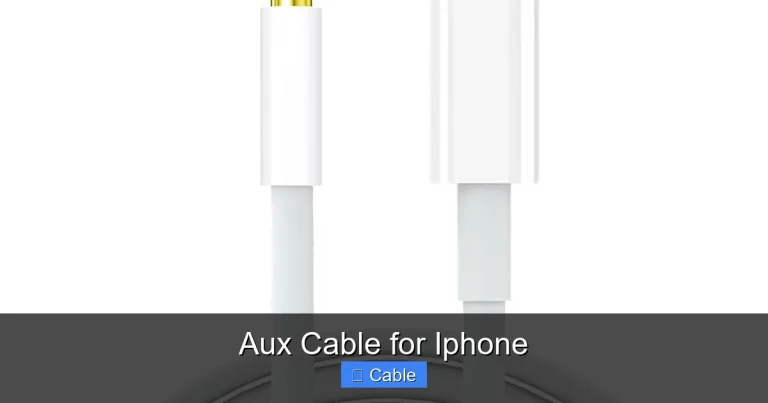
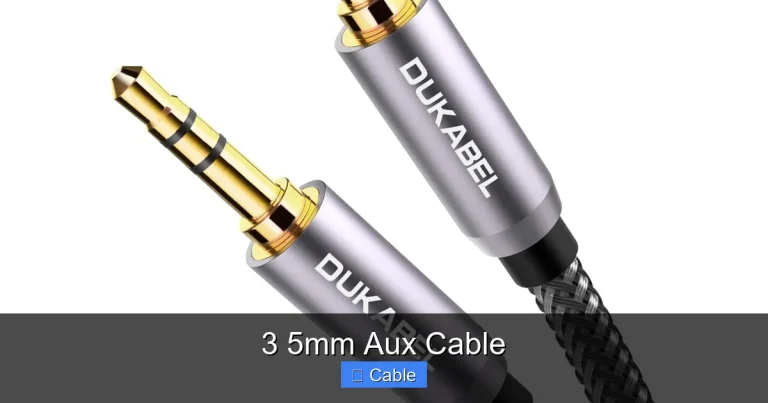
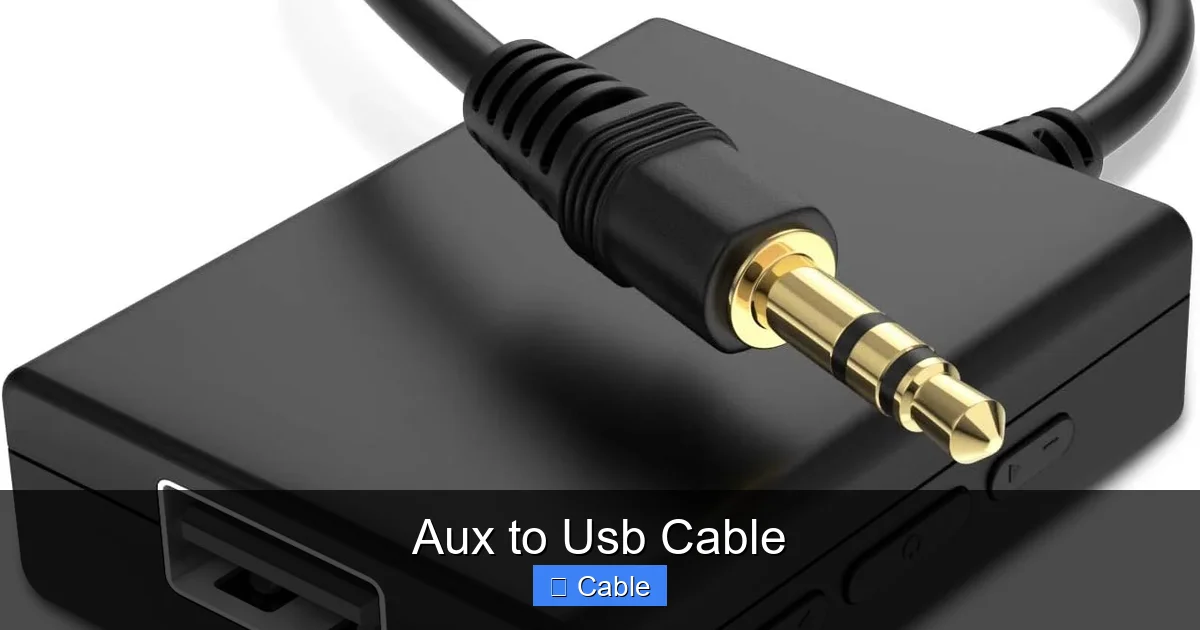
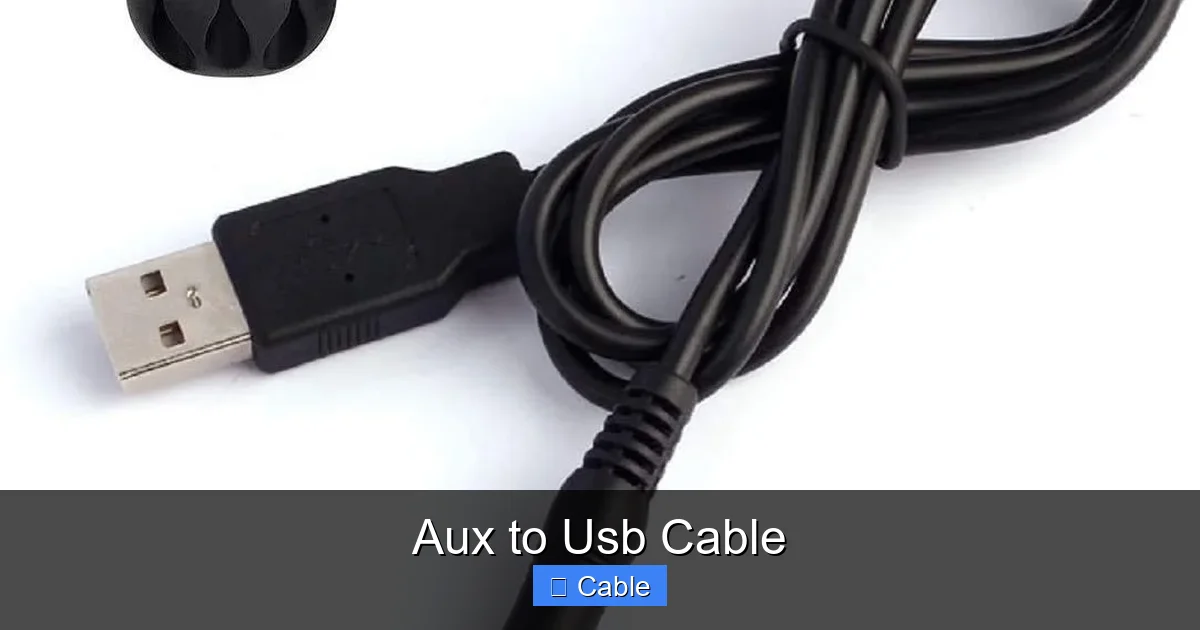
Simply put, an aux to usb cable has a 3.5 mm male jack on one end and a USB connector on the other. The 3.5 mm side plugs into the headphone jack of a phone, tablet, or laptop. The USB side plugs into a car stereo, portable USB power source, or a computer that can read the cable as a USB audio device.
How Does It Work?
Inside, the cable contains a small audio amplifier and a USB interface chip. When you plug the 3.5 mm end into a source, the audio signal travels through the cable, gets amplified, and is sent via USB to the receiving device. The USB connector can also draw power from the host, so many cables double as a charger.
When Do You Need One?
- When your car stereo lacks Bluetooth but has a USB port.
- When you want to charge your phone while listening.
- When you need a more reliable connection than a flimsy headphone jack.
- When you’re streaming music from a laptop that only has USB output.
Choosing the Right Cable
Not all aux to usb cables are created equal. Here’s what to look for:
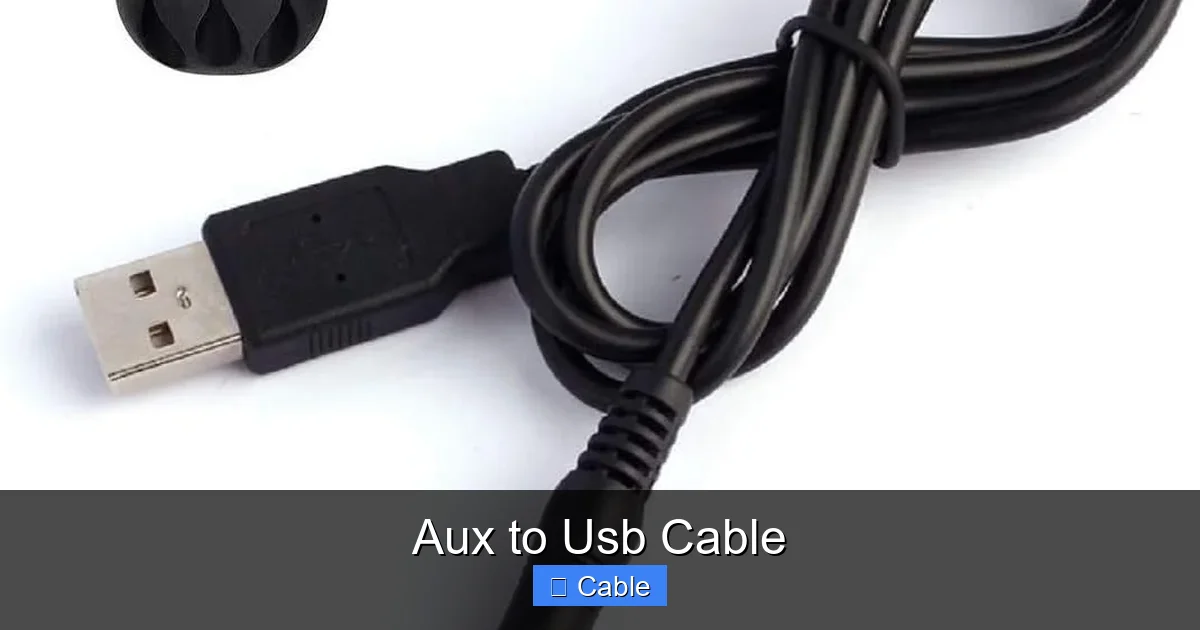
Visual guide about Aux to Usb Cable
Image source: m.media-amazon.com
Connector Quality
Gold‑plated contacts resist corrosion, ensuring a solid connection. Look for a 3.5 mm jack that’s snug in your device’s headphone port and a USB connector that fits securely into your stereo or charger.
Cable Length and Flexibility
Short cables (1–2 ft) are great for in‑car use because they stay out of the way. Longer cables offer more freedom but can become tangled. If you plan to use the cable outside the car, consider a tangle‑free design or a braided outer sheath for durability.
Durable Construction
Car environments can be harsh—temperature swings, vibration, and accidental pulls. Opt for cables with reinforced strain relief and a sturdy outer jacket. Some brands offer armored or micro‑fiber cores that hold up better over time.
Power Delivery
If you want the cable to charge your device, make sure it’s rated for 5 V/1 A or higher. Avoid cables that draw too much current; they can overheat or damage your phone’s battery.
Price vs. Quality
Cheap cables often use lower‑grade materials, leading to audio dropouts or early wear. Mid‑range options (around $10–$20) usually strike a good balance between cost and longevity. If you’re a heavy user, investing in a premium cable can save headaches down the road.
Installation and Setup
Plugging an aux to usb cable into your car is a breeze, but a few tips can make the process smoother.
Step 1: Identify the Right USB Port
Modern car stereos often have a USB port labeled “USB,” “Audio,” or “Media.” Some models also support a “USB‑Audio” mode that automatically switches to audio playback. Check your vehicle’s manual or look for a symbol that looks like a pair of headphones.
Step 2: Connect the 3.5 mm End
Insert the 3.5 mm jack into your phone’s headphone port. If your device no longer has a headphone jack, you’ll need an additional adapter (e.g., Lightning‑to‑3.5 mm).
Step 3: Plug the USB End
Insert the USB connector into the car’s USB port. If the car’s USB port is a “charging only” port, the cable may not transmit audio. In that case, look for a “USB‑Audio” port or use a separate audio input.
Step 4: Test the Sound
Play a song on your phone. You should hear it through the car’s speakers. If not, double‑check the connection and make sure the car stereo is set to the correct input source.
Step 5: Secure the Cable
Use zip ties or cable clips to keep the cable from getting tangled with the steering wheel or footwell. This also protects the cable from accidental pulls.
Common Troubleshooting Tips
Audio Not Playing?
- Check that the car stereo’s input is set to USB.
- Try a different USB port if the car has multiple.
- Make sure your phone’s mute switch is off and volume is up.
Intermittent Connection?
Loose contacts are often the culprit. Re‑insert both ends firmly and consider a cable with better strain relief.
Battery Drain?
If your phone’s battery is draining quickly while connected, the cable may be drawing more power than necessary. Switch to a cable rated for lower current or use a dedicated charger.
Sound Distortion?
Distortion can stem from a faulty amplifier inside the cable. Replace the cable or try a different brand to see if the issue persists.
Real‑World Use Cases
Car Audio Upgrade
Imagine you’re cruising down the highway, listening to your favorite playlist. Your car’s factory stereo has a USB port but no Bluetooth. An aux to usb cable lets you plug in your phone, charge it, and enjoy crystal‑clear audio—all without fumbling for a Bluetooth pairing.
Portable Home Audio
Want to play music from your laptop in a studio or workshop? Plug the 3.5 mm end into your laptop and the USB end into a USB‑powered speaker or a car stereo. The cable keeps the signal clean and the setup portable.
Travel Companion
For long road trips, a sturdy aux to usb cable means you can switch between music, podcasts, and navigation apps without worrying about battery life. Plus, the cable’s charging capability keeps your phone ready for emergency calls.
Integration with Other Car Accessories
Many car owners also install backup sensors, rear‑view cameras, or GPS units. An aux to usb cable can complement these upgrades by providing a reliable audio source, especially if you’re using a rearview camera system that includes a dedicated audio input.
When you’re upgrading your car’s infotainment suite, consider pairing the cable with a Bluetooth adapter that supports USB audio. This combo gives you the best of wired reliability and wireless convenience.
Conclusion
An aux to usb cable may seem like a small accessory, but it packs a punch in convenience, quality, and versatility. Whether you’re a daily commuter, a weekend road‑trip enthusiast, or a tech tinkerer, the right cable can transform how you experience music on the go. By selecting a durable, well‑constructed cable, installing it correctly, and troubleshooting common hiccups, you’ll enjoy seamless audio for years to come.
Frequently Asked Questions
What devices can I connect with an aux to usb cable?
You can connect smartphones, tablets, laptops, and any device with a 3.5 mm headphone jack to a USB port on a car stereo or computer.
Will the cable charge my phone while I listen?
Many aux to usb cables include a power delivery feature that draws up to 1 A from the USB port, allowing your phone to charge while streaming audio.
Do I need a special adapter for newer phones?
If your phone lacks a headphone jack, you’ll need a Lightning‑to‑3.5 mm adapter (for iPhone) or a USB‑C to 3.5 mm adapter (for Android).
Can I use the cable with a laptop’s USB port?
Yes, you can plug the USB end into a laptop’s USB port, but the laptop must be running a driver that supports USB audio input.
What should I do if the sound is muffled?
Check the cable for kinks or damage, ensure the 3.5 mm jack is fully seated, and try a different USB port or a higher‑quality cable.
Is it safe to use the cable for long periods?
As long as the cable is rated for continuous use and the USB port supplies a stable 5 V supply, it’s safe and won’t harm your device’s battery.