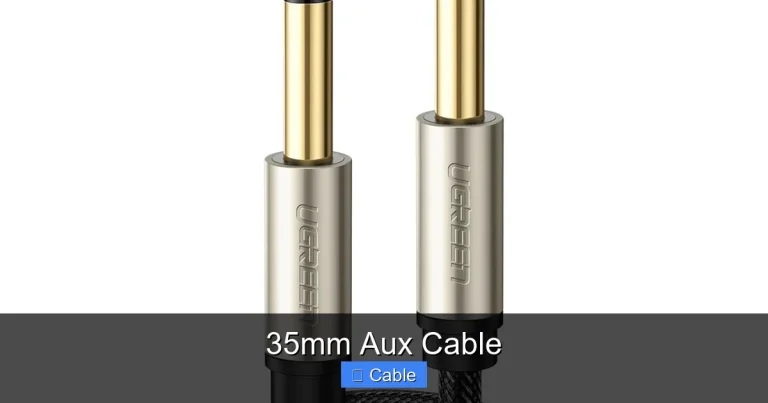
Aux Cable Adapter
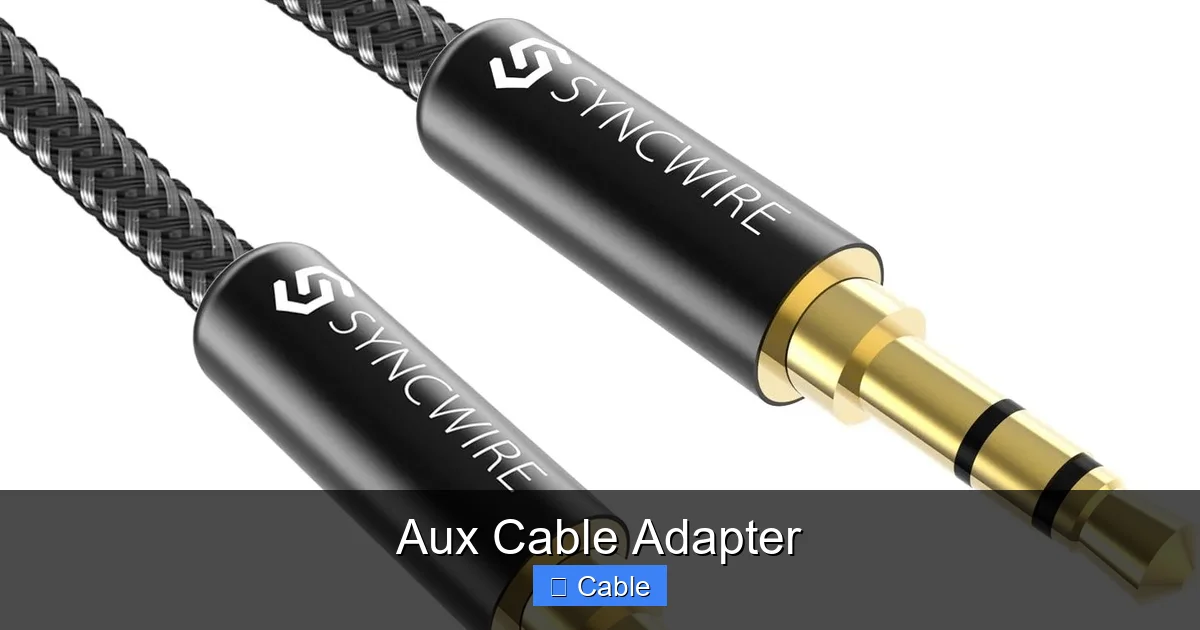
An aux cable adapter is a small but essential device that bridges audio compatibility gaps between different devices. Whether you want to connect modern smartphones to car stereos or older speakers to new devices, the right aux cable adapter makes it possible.
Key Takeaways
- Versatile Connectivity: Aux cable adapters enable connection between devices with different audio ports, expanding your options for music and audio playback.
- Multiple Types Available: From simple 3.5mm to USB-C adapters, there’s a solution for virtually any device combination.
- Sound Quality Consideration: While aux adapters generally provide good sound quality, premium options can reduce interference and improve audio clarity.
- Universal Compatibility: Most modern aux adapters work across various brands and models, making them a flexible solution for multiple devices.
- Cost-Effective Solution: Compared to upgrading entire audio systems, aux cable adapters offer an affordable way to enhance connectivity.
📑 Table of Contents
What is an Aux Cable Adapter?
An aux cable adapter, also known as an audio adapter or auxiliary adapter, is a small but mighty device designed to bridge the gap between different audio connections. These adapters allow you to connect devices with incompatible audio ports, making it possible to enjoy your favorite music, podcasts, or other audio content across various platforms.
In our increasingly digital world, where devices often use different audio connection standards, aux cable adapters have become essential tools. Whether you’re trying to connect a newer smartphone to a car stereo with only an aux input, or want to use vintage headphones with a modern device, these adapters provide a simple solution that saves you from buying new equipment or compromising on audio quality.
Types of Aux Cable Adapters
3.5mm to 3.5mm Adapters
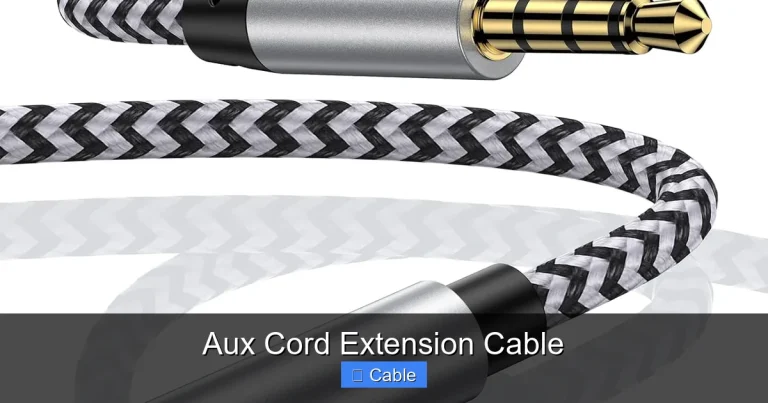
The most common type of aux cable adapter is the simple 3.5mm to 3.5mm adapter. This straightforward solution allows you to extend the length of your existing aux cable or change its connector type. These adapters are particularly useful when your aux cable is too short to reach your device, or when you need to convert between different-sized 3.5mm plugs (such as from a standard plug to a right-angle plug for tight spaces).
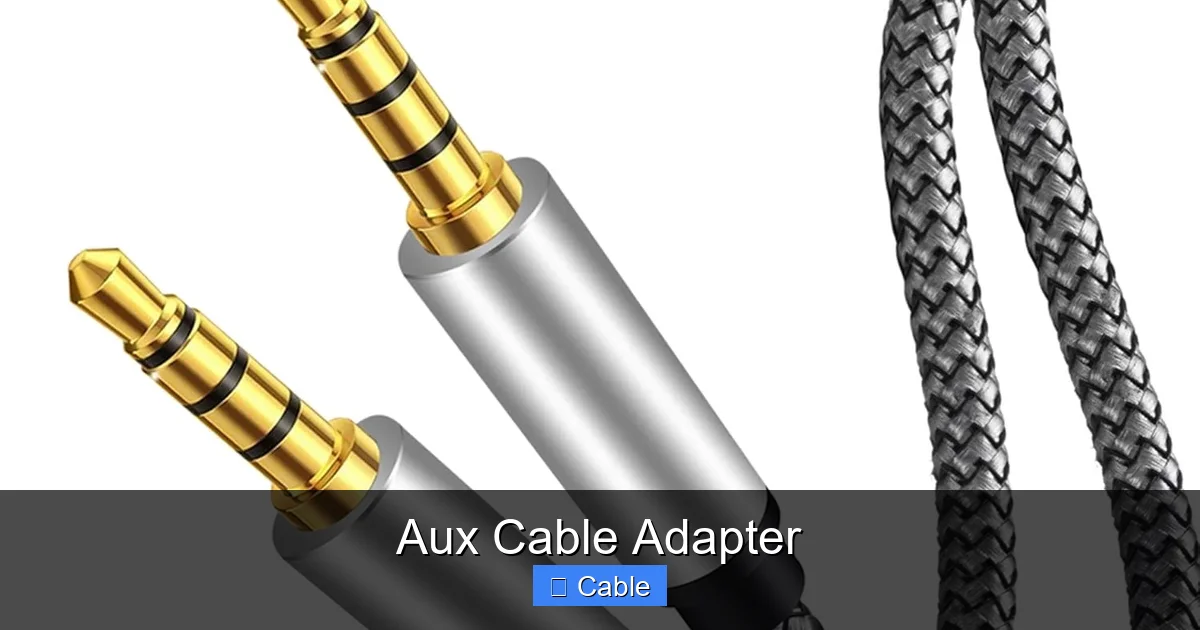
Visual guide about Aux Cable Adapter
Image source: m.media-amazon.com
These basic adapters are typically inexpensive and widely available, making them a go-to solution for many common audio connection challenges. They’re especially popular for connecting devices like MP3 players, older smartphones, and portable speakers to car audio systems or home theater setups.
USB to 3.5mm Adapters
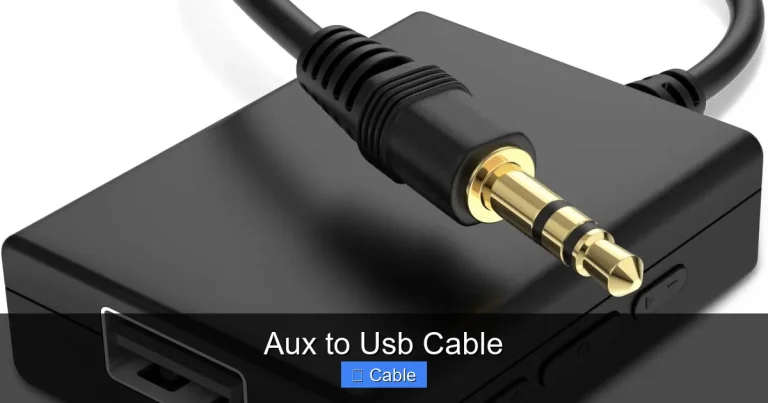
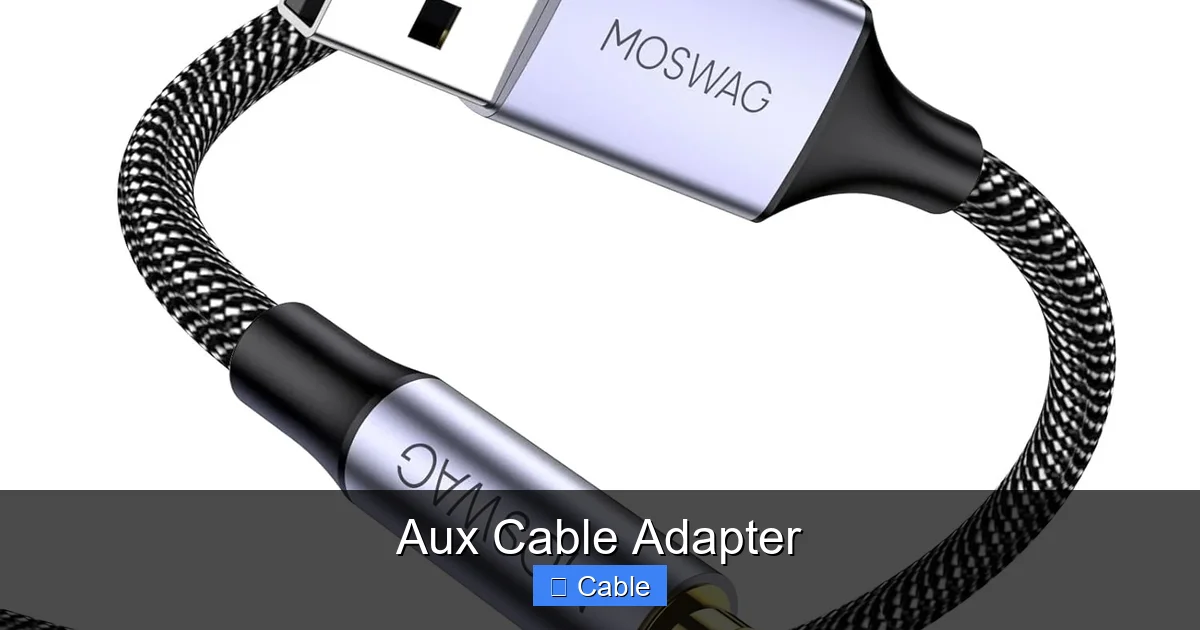
As devices continue to evolve, many newer laptops, tablets, and smartphones have eliminated the traditional 3.5mm headphone jack in favor of USB-C or Lightning ports. USB to 3.5mm adapters address this shift by converting digital USB signals into analog audio that can be used with traditional headphones or aux inputs.
These adapters often include built-in digital-to-analog converters (DACs) that process the digital signal and convert it to analog audio. Higher-quality USB to 3.5mm adapters can even improve audio quality compared to built-in headphone jacks, offering better sound clarity and reduced background noise. This makes them particularly appealing for audiophiles who want the best possible sound from their devices.
Lightning to 3.5mm Adapters
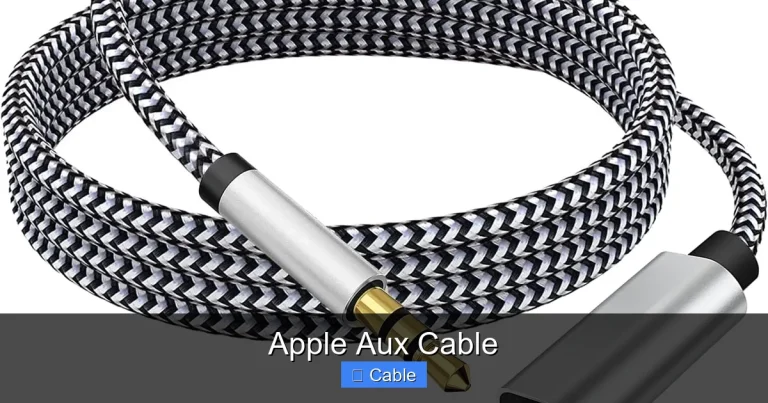
Apple’s transition to removing the headphone jack from iPhones created a significant demand for Lightning to 3.5mm adapters. These small adapters plug into the Lightning port on iPhones and other Apple devices, providing a traditional 3.5mm headphone jack for connecting wired headphones or aux cables.
While Apple includes a basic Lightning to 3.5mm adapter with many iPhone models, third-party options often include additional features like built-in volume controls, longer cable lengths, or even dual functionality with both Lightning and USB-C connectors. Some premium versions also include enhanced DACs that can improve audio quality compared to Apple’s standard adapter.
USB-C to 3.5mm Adapters
Similar to Lightning adapters, USB-C to 3.5mm adapters serve devices that have replaced the headphone jack with USB-C ports. This includes many modern Android smartphones, tablets, and laptops. These adapters function identically to their Lightning counterparts, converting the digital USB-C signal to analog audio for use with traditional headphones and aux inputs.
As USB-C becomes more ubiquitous across device manufacturers, these adapters have grown in popularity and availability. Some advanced models not only provide audio connectivity but also include passthrough charging, allowing you to charge your device while using wired headphones—a valuable feature for users who need both connectivity and power simultaneously.
Specialty Adapters
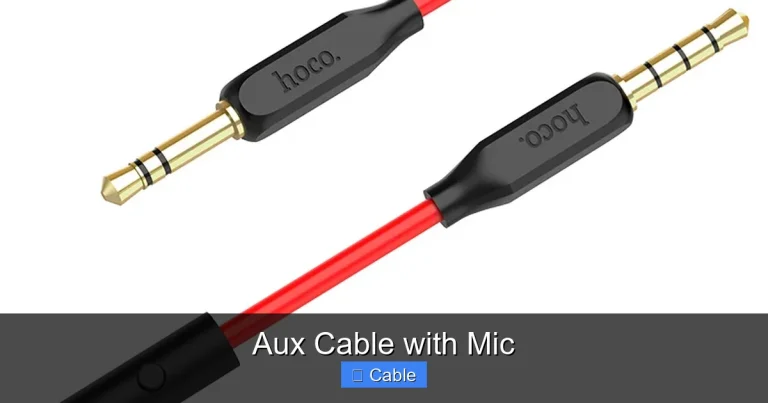
Beyond these common types, a variety of specialty aux cable adapters serve specific needs. RCA to 3.5mm adapters convert traditional RCA outputs (common on older stereo systems) to 3.5mm inputs for connecting to modern devices. XLR to 3.5mm adapters bridge professional audio equipment with consumer devices. Some adapters even include additional functionality like built-in microphones for hands-free calling or inline volume controls.
Specialty adapters may also include signal boosting capabilities to improve audio quality over longer distances or noise reduction technology to minimize interference in environments with electromagnetic interference. These specialized solutions are particularly valuable for professional audio applications or when working with older equipment that requires specific connection types.
How to Choose the Right Aux Cable Adapter
Compatibility Considerations
When selecting an aux cable adapter, the first and most important consideration is compatibility. You’ll need to identify the output port on your source device and the input port on your receiving device. For example, if you want to connect a newer smartphone without a headphone jack to a car stereo with an aux input, you’ll need a USB-C or Lightning to 3.5mm adapter, depending on your phone’s port type.
Visual guide about Aux Cable Adapter
Image source: m.media-amazon.com
It’s also important to check the version of ports, as some newer USB-C standards support different features. Additionally, consider whether you need any special functionality, such as passthrough charging for smartphones, which can be essential for maintaining battery life during extended use.
Quality and Build Materials
While aux cable adapters may seem like simple components, the quality of materials and construction can significantly impact performance and longevity. Cheaper adapters often use lower-quality connectors that may wear out quickly or cause intermittent connectivity issues. Look for adapters with gold-plated connectors, which resist corrosion and provide better signal transmission.
The cable material also matters—braided nylon cables tend to be more durable than rubber-coated ones and are less prone to tangling. If you plan to frequently plug and unplug the adapter, consider a model with a reinforced connector housing that can withstand repeated use without breaking.
Audio Quality Factors
For most users, standard aux cable adapters will provide adequate audio quality. However, if you’re an audiophile or plan to use the adapter with high-end audio equipment, you may want to consider adapters with built-in DACs (digital-to-analog converters). These components can significantly improve sound clarity and reduce background noise compared to adapters that rely on the device’s built-in audio processing.
Higher-quality adapters also typically feature better shielding to prevent electromagnetic interference, which can manifest as buzzing or humming sounds, especially in environments with lots of electronic devices. If you notice audio issues with a standard adapter, upgrading to a shielded model with improved DACs may resolve the problem.
Length and Form Factor
Aux cable adapters come in various lengths and form factors to suit different needs. If you’ll be keeping the adapter permanently connected to a device, a compact, low-profile model may be preferable. For situations where you need flexibility, a longer adapter cable may provide more positioning options.
Right-angle adapters are also available for situations where space is limited, such as connecting to a smartphone in a protective case. These L-shaped adapters reduce the overall profile and make it easier to plug and unplug the device without removing the case.
Common Uses and Applications
Automotive Audio Solutions
One of the most common applications for aux cable adapters is connecting modern smartphones to car audio systems. Many vehicles still feature aux inputs but lack Bluetooth or USB connectivity for audio playback. A simple 3.5mm to 3.5mm adapter can enable direct connection, allowing for higher quality audio than Bluetooth and ensuring compatibility with all apps and services on your phone.
For newer cars that only have USB inputs, USB to 3.5mm adapters can provide similar functionality. Some automotive audio systems now feature USB-C ports specifically designed for Android Auto integration, making USB-C to 3.5mm adapters particularly useful for maintaining compatibility with older audio accessories.
Home Entertainment Systems
Aux cable adapters are invaluable for setting up home entertainment systems with components that have different connection types. They allow you to connect streaming devices like Roku or Apple TV to older stereo systems, or integrate turntables and other vintage audio equipment with modern receivers and soundbars.
Some users are cutting the cord and connecting streaming devices to their existing audio systems instead of traditional cable setups. Best cable TV alternatives for streaming and entertainment often include options that work seamlessly with aux cable adapters, providing more flexibility in home entertainment setups.
In home theater setups, these adapters can help connect various components with different audio connection standards, creating a cohesive system without requiring all equipment to match connection types. This flexibility makes it easier to upgrade individual components without needing to replace your entire audio setup.
Professional Audio Applications
While consumer applications are common, aux cable adapters also serve important roles in professional audio environments. Broadcasters, podcasters, and musicians often need to connect professional equipment with XLR or TRS outputs to consumer devices with 3.5mm inputs, making specialized adapters essential tools in these fields.
In studio environments, adapters can help bridge the gap between professional mixing consoles and consumer-grade recording interfaces, allowing for more flexible setups without sacrificing audio quality. Some professional-grade adapters include balanced circuitry that helps maintain signal integrity over longer cable runs, reducing noise and interference.
Travel and Portable Use
Aux cable adapters are perfect companions for travelers who want to use their own headphones with in-flight entertainment systems or hotel room TVs that may have different audio connection types. A compact adapter can eliminate the need to use provided headphones, which may be uncomfortable or of poor quality.
For business travelers, adapters that convert between different laptop headphone jacks and presentation systems can be crucial tools for ensuring seamless audio during meetings and presentations. The compact size of most adapters makes them easy to carry in a laptop bag or even a pocket, providing peace of mind that you’ll be able to connect your audio devices no matter where you are.
Troubleshooting Common Issues
Intermittent Connection Problems
One of the most frustrating issues with aux cable adapters is intermittent connectivity where the audio cuts in and out. This problem is often caused by a loose connection or damaged connector. To troubleshoot, first ensure that the adapter is fully inserted into both devices. If the issue persists, try gently wiggling the connector while playing audio to identify if there’s a specific position that establishes a stable connection.
If you’ve determined that the problem is with the adapter itself, inspect the connectors for visible damage or debris. Sometimes, accumulated dust or lint in the jack can prevent a proper connection. A careful cleaning with a soft brush or compressed air can resolve these issues. If physical damage is evident, replacing the adapter is usually the most reliable solution.
Audio Quality Issues
Poor sound quality through aux cable adapters can manifest as distorted audio, reduced volume, or background noise. These issues often stem from signal degradation or interference. If you experience these problems, first try using a different aux cable to determine if the issue lies with the adapter or the cable itself.
For persistent audio quality issues, consider upgrading to a higher-quality adapter with better shielding and improved DACs. In environments with significant electromagnetic interference (such as near power transformers or Wi routers), shielded adapters can dramatically reduce unwanted noise. If possible, test the adapter in different locations to identify whether environmental factors are contributing to the problem.
Compatibility Problems
When an aux cable adapter doesn’t work as expected, compatibility issues are often the culprit. Some devices, particularly those with advanced audio processing systems, may require specific adapters or drivers to function properly. For USB-C or Lightning adapters, ensure you’re using a model specifically designed for your device type, as not all adapters work with all devices.
If you’re using a USB adapter with a computer, check if the device requires specific drivers or software. Many modern operating systems automatically recognize audio adapters, but some specialized models may require additional configuration. For Apple devices, make sure any third-party Lightning adapters are certified by Apple to ensure compatibility and proper functionality.
Physical Size and Fit Issues
Some aux cable adapters may not fit properly in certain devices due to case interference or recessed ports. This is particularly common with smartphones that have protective cases that cover the headphone jack area. In such cases, low-profile adapters or right-angle designs can provide better compatibility.
If you’re experiencing fit issues with a particular device, consider measuring the available space around the port before purchasing an adapter. Many manufacturers specify the connector profile or provide dimensions that can help you determine whether an adapter will work with your device. For devices with very limited clearance, ultra-slim adapters designed specifically for such situations may be necessary.
The Future of Aux Cable Adapters
Wireless Alternatives
As wireless audio technology continues to advance, many wonder whether aux cable adapters will eventually become obsolete. While wireless solutions like Bluetooth and Wi-Fi audio have improved significantly, wired connections still offer advantages in terms of audio quality, latency, and battery life. For applications where these factors are critical, wired connections through aux cable adapters will likely remain relevant.
However, we can expect to see more hybrid solutions that combine wired and wireless functionality. For example, some adapters now include Bluetooth receivers that convert traditional aux inputs into wireless connectivity, allowing newer devices to connect to older audio systems without cables. These hybrid solutions offer the best of both worlds, maintaining compatibility while embracing wireless convenience.
Integration with Emerging Technologies
The future of aux cable adapters will likely include greater integration with emerging technologies like spatial audio and high-resolution audio formats. As these technologies become more mainstream, adapters will need to evolve to support the higher bandwidth requirements of advanced audio codecs and processing.
We may also see adapters that incorporate smart features, such as automatic switching between devices, customizable sound profiles, or even app-controlled settings. These intelligent adapters could learn user preferences and automatically adjust audio settings based on the connected device or content type, providing a more personalized listening experience.
Sustainability and Design Evolution
As environmental concerns become more prominent, we can expect aux cable adapters to evolve with sustainability in mind. This could include the use of more eco-friendly materials, modular designs that allow for easy repair or upgrading, and reduced packaging. Manufacturers may also focus on creating adapters with longer lifespans to reduce electronic waste.
From a design perspective, adapters are likely to become even more compact and discreet as devices continue to miniaturize. We may see adapters that are barely noticeable when connected, or even completely hidden within device designs. This trend toward minimalism will make aux cable adapters less obtrusive while maintaining their essential functionality.
Standardization Efforts
The audio industry has seen ongoing efforts to standardize connection types, with USB-C emerging as a potential universal standard for both charging and audio. If these standardization efforts succeed, the variety of aux cable adapters may decrease, but the need for adapters to bridge legacy systems with new standards will remain for years to come.
As more people adopt streaming solutions instead of traditional cable, aux cable adapters continue to play an important role in connecting these new entertainment systems with existing audio equipment. The shift toward streaming cable TV alternatives demonstrates how these small adapters help maintain compatibility as technology evolves.
In conclusion, aux cable adapters may seem like simple components, but they play an essential role in our increasingly diverse digital audio landscape. Whether you’re connecting modern devices to legacy systems, bridging professional and consumer audio equipment, or simply extending the reach of your favorite headphones, the right aux cable adapter can make all the difference in your audio experience. As technology continues to evolve, these versatile little adapters will adapt alongside it, ensuring that we can continue to enjoy our audio content regardless of the devices we use.
Frequently Asked Questions
What is the difference between aux cable adapters and regular aux cables?
Aux cable adapters are used to connect devices with different port types, while regular aux cables simply extend the connection between devices with compatible ports. Adapters change the physical connector type, whereas cables maintain the same connector type but provide longer reach.
Can aux cable adapters improve sound quality?
While most aux cable adapters maintain the original audio quality, some premium models include built-in DACs (digital-to-analog converters) that can actually improve sound quality by reducing noise and providing better signal processing compared to some device’s built-in audio outputs.
Do I need special drivers for aux cable adapters?
Most basic aux cable adapters work plug-and-play without requiring special drivers. However, some advanced adapters with additional features may require software installation, particularly for USB adapters that include specialized functionality beyond basic audio transmission.
Are aux cable adapters compatible with all devices?
Compatibility varies depending on the specific adapter and devices. It’s important to match the adapter to your device’s ports (USB-C, Lightning, 3.5mm, etc.) and ensure it supports the intended use case. While most adapters offer broad compatibility within their category, some may have limitations with certain devices or features.
How long do aux cable adapters typically last?
The lifespan of an aux cable adapter depends on the quality of materials and frequency of use. Budget adapters may last only a few months with regular use, while higher-quality models with gold-plated connectors and reinforced construction can last several years. Proper care, such as avoiding excessive bending and storing properly when not in use, can extend their lifespan.
Can aux cable adapters be used with microphones?
While some aux cable adapters can work with microphones, it depends on the specific requirements of the microphone and the device. TRS (stereo) and TRRS (stereo with microphone) connectors have different configurations. For microphone use, ensure you have an adapter that maintains the correct pin configuration for both audio input and microphone functionality.