Aux Cable for Iphone
An aux cable for iPhone bridges the gap between your device and car stereo or speakers, delivering high-quality audio when wireless options fail. This complete guide covers everything from choosing the right cable to troubleshooting common issues, helping you make the most of your iPhone’s audio capabilities.
Key Takeaways
- Understanding compatibility: Not all iPhones have built-in aux ports, requiring Lightning to 3.5mm adapters for proper connectivity.
- Sound quality matters: Premium aux cables deliver clearer audio with less interference compared to cheap alternatives.
- Durability considerations: Look for braided designs and gold-plated connectors to ensure long-lasting performance.
- Length affects usability: Choose appropriate cable length based on your specific needs – shorter for portability, longer for home setups.
- Troubleshooting basics: Most common issues can be resolved through simple checks of connections and device settings.
- Cost vs. quality balance: While expensive doesn’t always mean better, extremely cheap cables often compromise on durability and sound quality.
- Alternative solutions exist: Consider wireless options like Bluetooth adapters when traditional aux connections aren’t available.
📑 Table of Contents
What is an Aux Cable for iPhone?
If you’ve ever wondered how to connect your iPhone to your car stereo or home speakers, you’re not alone. The aux cable for iPhone has become an essential accessory for many users who want reliable, high-quality audio without depending on Bluetooth connectivity. But what exactly is this cable, and why has it gained such popularity among iPhone owners?
An aux cable for iPhone is essentially a 3.5mm audio cable that allows you to transmit sound from your iPhone to external speakers, car stereos, or headphones. While older iPhone models came equipped with a standard 3.5mm headphone jack, newer versions require an adapter to make this connection possible. This cable serves as a bridge between your digital device and analog audio systems, making it easier than ever to enjoy your favorite music on larger speakers.
Understanding the Basics
The term “aux” stands for “auxiliary,” which refers to the auxiliary input found on most car stereos and home audio systems. This input accepts a 3.5mm audio signal, allowing any compatible device to stream music directly through the speakers. When Apple removed the headphone jack from iPhones starting with the iPhone 7, they didn’t eliminate the need for wired audio connections – they simply changed how we access them.
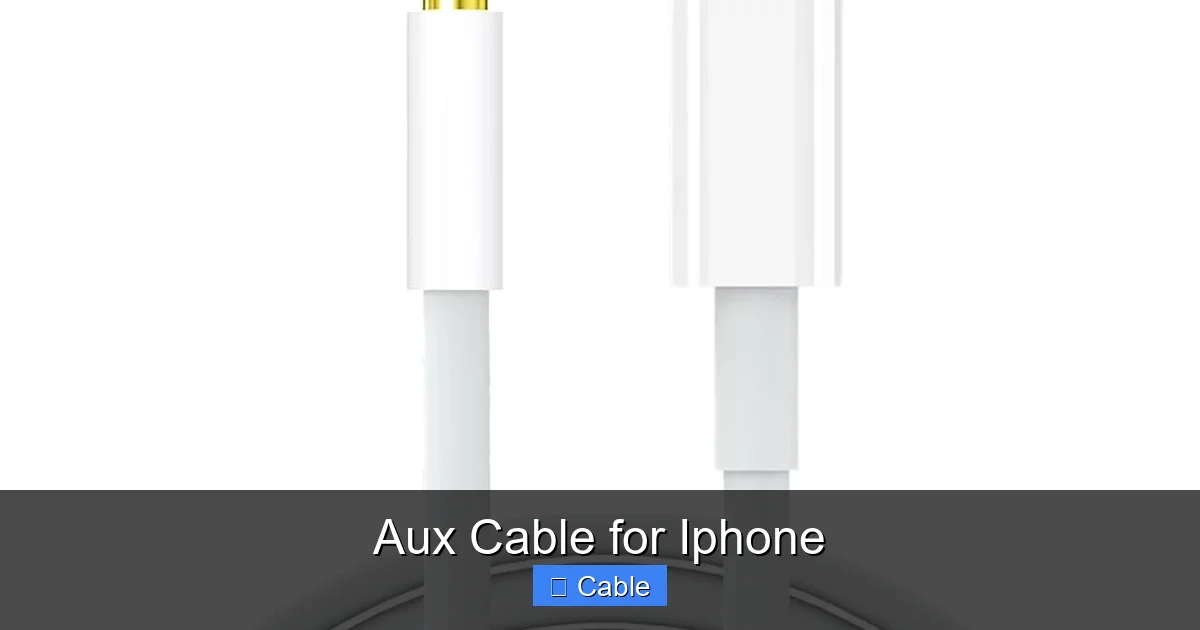
Modern aux cable for iPhone solutions typically involve a Lightning to 3.5mm adapter. This small device connects to your iPhone’s charging port and provides the necessary 3.5mm output for standard audio cables. The technology remains the same, but the connection method has evolved to accommodate Apple’s design choices.
Why You Need One
Despite the prevalence of Bluetooth technology, there are several compelling reasons to invest in a quality aux cable for iPhone. First, wired connections generally provide more consistent audio quality with less latency. If you’ve ever experienced Bluetooth dropouts or delays during calls, you understand the frustration this can cause.
Additionally, aux cables don’t require battery power from your devices, meaning they won’t drain your iPhone’s battery or require charging. They’re also universally compatible with virtually any device that has a 3.5mm input, making them incredibly versatile for various situations.
Compatibility and Connection Types
One of the most confusing aspects of choosing an aux cable for iPhone is understanding compatibility across different models. Apple’s transition away from the traditional headphone jack created a complex landscape of connection requirements that can overwhelm even tech-savvy users.
Let’s break down the compatibility situation clearly. iPhones 6 and earlier models feature a standard 3.5mm headphone jack, allowing direct connection with any standard aux cable. However, starting with the iPhone 7, Apple removed this port entirely, requiring users to either purchase a separate adapter or use Lightning-compatible cables designed specifically for newer models.
Lightning to 3.5mm Adapters
The Lightning to 3.5mm adapter became Apple’s official solution for maintaining wired audio connectivity. This tiny dongle connects to your iPhone’s Lightning port and provides a standard 3.5mm jack for headphones or aux cables. While Apple sells their own version, numerous third-party manufacturers offer compatible alternatives at various price points.
When selecting an adapter, consider build quality and portability. Some models are extremely compact, while others feature built-in cable management. The key is finding one that complements your usage patterns without adding unnecessary bulk to your daily carry.
iPhone Model Considerations
Each iPhone generation brings slight variations in how aux connectivity works. iPhone 7 through iPhone X require the Lightning adapter for any wired audio connection. iPhone 11 and newer models maintain this same requirement, though some offer improved digital-to-analog conversion that can enhance audio quality through wired connections.
It’s worth noting that even with an adapter, your iPhone maintains full functionality while connected. You can charge your device, take calls, and use other features simultaneously – something that’s not always possible with wireless alternatives.
Sound Quality and Performance
Many users report noticeable differences in audio quality when switching between Bluetooth and wired connections. An aux cable for iPhone typically delivers cleaner, more consistent sound with better bass response and reduced compression artifacts. This improvement becomes especially apparent when listening to high-quality audio files or streaming lossless content.
Visual guide about Aux Cable for Iphone
Image source: m.media-amazon.com
The reason for this enhanced performance lies in the nature of digital versus analog transmission. Wired connections bypass the compression algorithms often used in Bluetooth streaming, delivering uncompressed audio signals directly to your speakers. This results in richer, more detailed sound reproduction that audiophiles particularly appreciate.
Audio Fidelity Factors
Several elements influence the actual sound quality you’ll experience with your aux cable for iPhone. Cable quality plays a significant role, with premium options featuring better shielding to prevent electromagnetic interference. Gold-plated connectors also help maintain clean signal transmission over time by resisting corrosion.
The digital-to-analog converter (DAC) built into your adapter or cable also impacts performance. Higher-end adapters often feature superior DACs that can significantly improve audio quality, especially when paired with quality headphones or speakers.
Common Issues and Solutions
Users occasionally encounter problems with their aux cable for iPhone, though most issues are easily resolved. The most common complaint involves intermittent audio or complete signal loss, typically caused by loose connections or debris in the Lightning port.
To address these issues, regularly clean both ends of your connection points using compressed air or soft brushes. Check that all connections are secure and fully seated. If problems persist, try a different cable or adapter to isolate whether the issue lies with the hardware or your iPhone’s settings.
Choosing the Right Aux Cable
With countless options available online, selecting the perfect aux cable for iPhone can feel overwhelming. The key is identifying which features matter most for your specific use case and budget constraints. Whether you prioritize durability, sound quality, or convenience, there’s an option that fits your needs.
Consider your primary usage scenarios when making this decision. Frequent travelers might prioritize portability and tangle-resistant designs, while home audiophiles could focus on maximum sound quality and longer cable lengths. Your budget will also influence available choices, though it’s important to remember that extremely cheap cables often prove costly in the long run due to frequent replacements.
Length Considerations
Cable length directly impacts usability in different scenarios. For car use, a 3-foot cable typically provides enough reach without creating clutter. Home stereo setups might benefit from 6-foot or longer cables to reach distant speakers or equipment racks.
However, longer cables introduce potential issues like increased tangling and higher susceptibility to interference. They also tend to be less portable. Finding the sweet spot between convenience and functionality ensures your aux cable for iPhone serves you well across multiple situations.
Material Quality and Durability
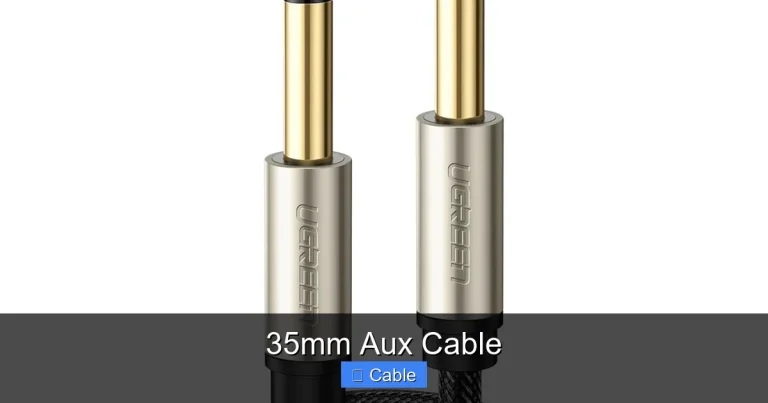
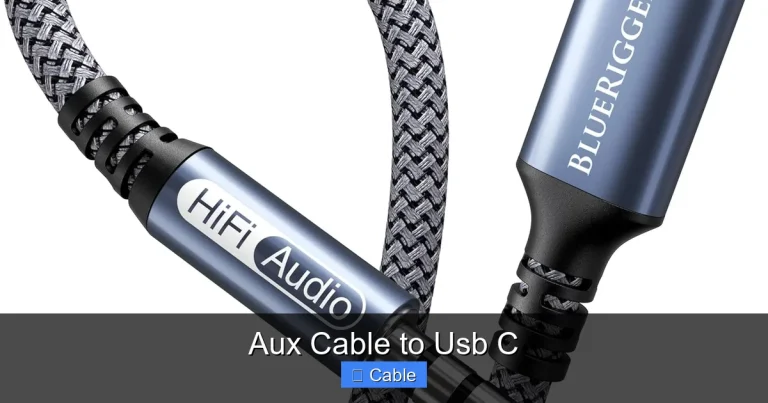
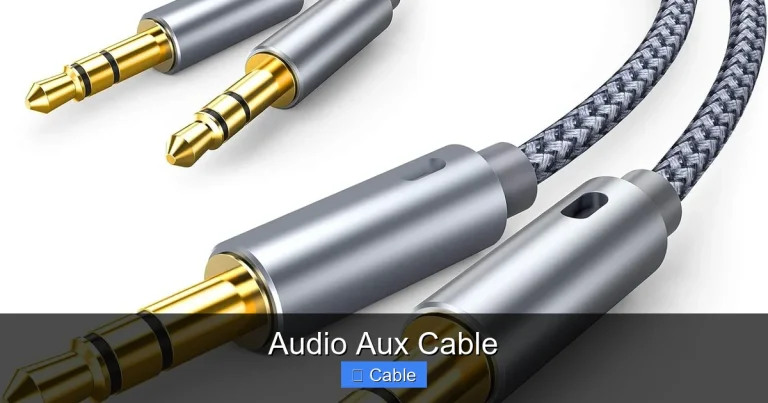
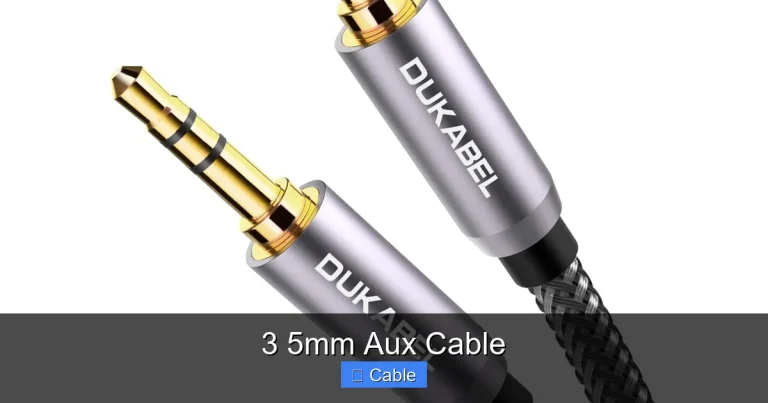
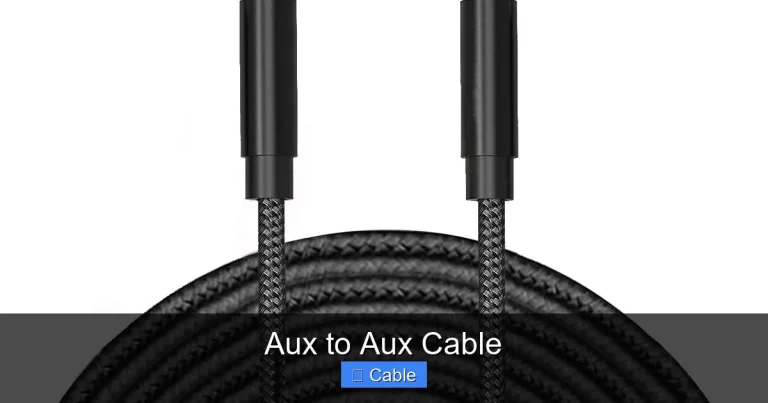
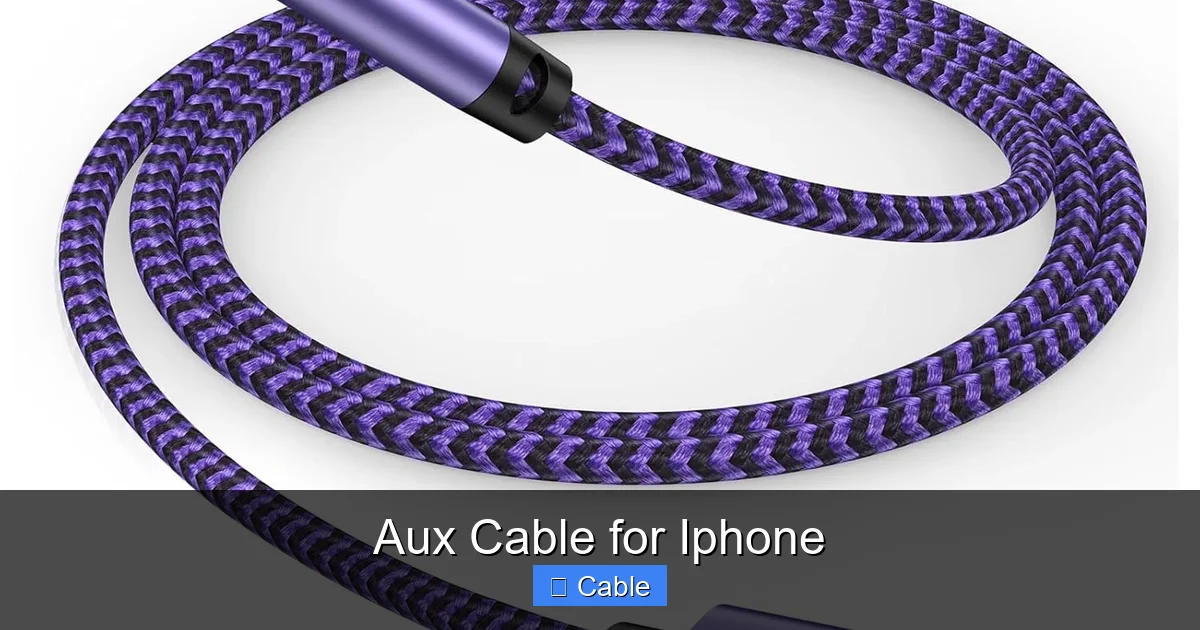
Premium aux cables often feature braided nylon exteriors that resist fraying and tangling. These materials maintain flexibility while providing protection against daily wear and tear. Gold-plated connectors offer superior corrosion resistance compared to standard nickel plating.
Look for strain relief at connection points, which prevents breakage from repeated bending. Some cables incorporate right-angle connectors that reduce stress on your iPhone’s Lightning port. These design elements significantly extend cable lifespan, making them worthwhile investments despite higher upfront costs.
Brand Recommendations
Established brands like Anker, Belkin, and Apple’s own offerings consistently receive positive reviews for reliability and performance. These companies stand behind their products with warranties and customer support, providing peace of mind with your purchase.
Don’t overlook lesser-known manufacturers that specialize in audio accessories. Many offer exceptional quality at competitive prices, particularly when purchased from reputable retailers. Reading user reviews and checking return policies helps ensure satisfaction regardless of brand choice.
Installation and Setup Guide
Setting up your aux cable for iPhone is straightforward once you understand the basic process. Most users can complete installation in under five minutes, though taking time to ensure proper connections prevents future frustrations. The key is matching the right cable to your specific iPhone model and intended use.
Before purchasing, verify your iPhone model’s requirements. Older devices with built-in headphone jacks work with standard 3.5mm cables, while newer models need Lightning-compatible solutions. Having this information beforehand streamlines the buying process and prevents compatibility issues.
Step-by-Step Connection Process
Begin by identifying your iPhone’s available ports. For models without headphone jacks, connect the Lightning adapter first, ensuring it’s fully seated. Next, plug one end of your aux cable into the adapter’s 3.5mm port.
Connect the other end to your car stereo, speaker system, or headphones. Once connected, your iPhone should automatically route audio through the wired connection. If not, check your device’s audio output settings to ensure proper configuration.
Optimizing Audio Settings
Your iPhone offers several audio adjustment options that can enhance your listening experience. Access these through Settings > Music > EQ, where you can select presets optimized for different speaker types and musical genres. These adjustments can compensate for limitations in budget audio equipment.
Volume balance controls help address situations where left and right channels play at different levels. Found under Settings > Accessibility > Audio/Visual, these adjustments ensure consistent sound across all connected devices. Taking time to optimize these settings maximizes your aux cable investment.
Maintenance and Care Tips
Proper care extends your aux cable for iPhone’s lifespan significantly. Simple maintenance routines prevent common issues like intermittent connections or complete failure. Regular cleaning and appropriate storage go a long way toward preserving cable performance.
Store cables loosely coiled rather than tightly wrapped, which prevents internal wire damage over time. Avoid exposing connections to moisture or extreme temperatures, which can cause corrosion or component failure. These basic precautions save money by reducing replacement frequency.
Cleaning Best Practices
Dust and debris accumulation causes most connection problems with aux cables. Clean connectors monthly using cotton swabs lightly dampened with rubbing alcohol. Pay special attention to the Lightning connector, which tends to collect pocket lint and dust particles.
Never insert anything metallic into connection ports, as this risks permanent damage to your iPhone. Compressed air works well for removing loose debris from hard-to-reach areas. Establishing regular cleaning habits prevents most common connectivity issues before they become problematic.
Troubleshooting Common Problems
When audio stops working through your aux cable, systematic troubleshooting often reveals simple solutions. First, check all physical connections and ensure cables are fully seated. Try different audio sources to determine whether the issue lies with your iPhone or the receiving device.
Restarting both devices occasionally resolves temporary software glitches affecting audio routing. Update your iPhone’s operating system to ensure compatibility with newer accessories. These basic steps resolve most issues without requiring professional assistance or expensive replacements.
Alternatives and Future Considerations
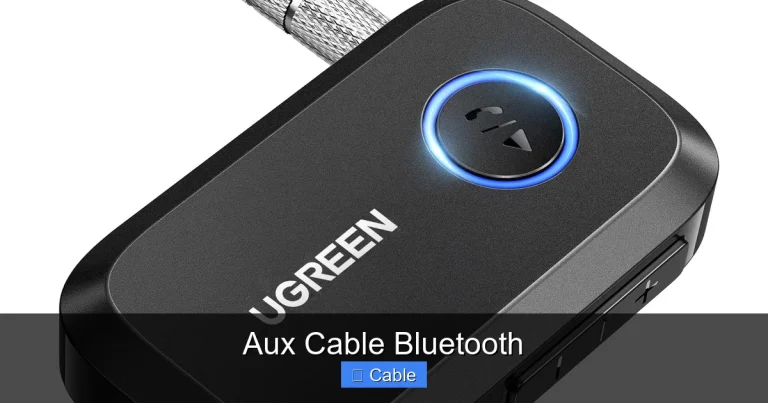
While aux cables remain popular, evolving technology offers compelling alternatives for iPhone audio connectivity. Wireless solutions like Bluetooth adapters provide cable-free convenience, though they may sacrifice some audio quality or introduce latency concerns during calls.
Understanding these alternatives helps you make informed decisions about your audio setup. Whether you stick with traditional wired connections or explore wireless options depends on your priorities regarding convenience, sound quality, and device compatibility.
Wireless Audio Options
Bluetooth adapters offer cable-free audio transmission but come with trade-offs. They require charging, may experience connectivity drops, and often compress audio signals to maintain transmission efficiency. However, their convenience factor appeals to users who frequently move between devices or dislike cable management.
Some newer vehicles support wireless CarPlay, eliminating the need for both cables and adapters. Check your car’s specifications to see if this feature is available. For those seeking seamless connectivity, wireless CarPlay head units might represent the future of in-car iPhone integration.
Making the Right Choice
Your ideal audio solution depends on specific usage patterns and personal preferences. Heavy commuters might appreciate the reliability of wired connections, while casual users could prefer wireless convenience. Consider factors like battery life, audio quality requirements, and device compatibility when choosing between options.
Many users find value in owning both wired and wireless solutions for different scenarios. A quality aux cable handles critical listening sessions, while Bluetooth adapters manage casual everyday use. This approach maximizes flexibility while ensuring optimal performance across all situations.
Conclusion
The aux cable for iPhone remains a vital accessory despite technological advances in wireless audio. Its combination of reliability, sound quality, and universal compatibility makes it indispensable for many users. By understanding compatibility requirements, choosing quality components, and implementing proper maintenance routines, you can enjoy years of trouble-free audio connectivity.
Whether you’re connecting to a car stereo, home speakers, or professional audio equipment, the right aux cable enhances your iPhone’s capabilities significantly. Invest in quality components that match your usage patterns, and you’ll wonder how you managed without this simple yet effective solution.
Frequently Asked Questions
Do all iPhones support aux cables?
No, iPhones 7 and newer don’t have built-in headphone jacks and require Lightning to 3.5mm adapters for aux connectivity. Older models (iPhone 6 and earlier) support standard aux cables directly.
What’s the difference between aux and headphone cables?
Aux cables carry line-level signals suitable for connecting to amplifiers or powered speakers, while headphone cables carry signals designed to drive headphones directly. Both use the same 3.5mm connector but serve different purposes.
Can I use an aux cable for phone calls?
Yes, most aux cables transmit both audio playback and call audio when properly connected. Your car stereo or speakers will handle call audio, though you may need to speak into your iPhone’s microphone.
Why does my aux cable sound quiet?
Low volume typically results from improper gain staging between devices. Adjust your iPhone’s volume and your receiving device’s input level to achieve optimal balance without distortion or excessive noise.
How long should an aux cable last?
Quality aux cables last several years with proper care, while cheap alternatives may fail within months. Regular cleaning, proper storage, and avoiding excessive bending extend cable lifespan significantly regardless of initial quality.
Are expensive aux cables worth the money?
Premium cables offer better durability and sometimes improved sound quality, but diminishing returns apply at higher price points. For most users, mid-range options provide excellent performance without unnecessary expense.