Type C to Aux Cable
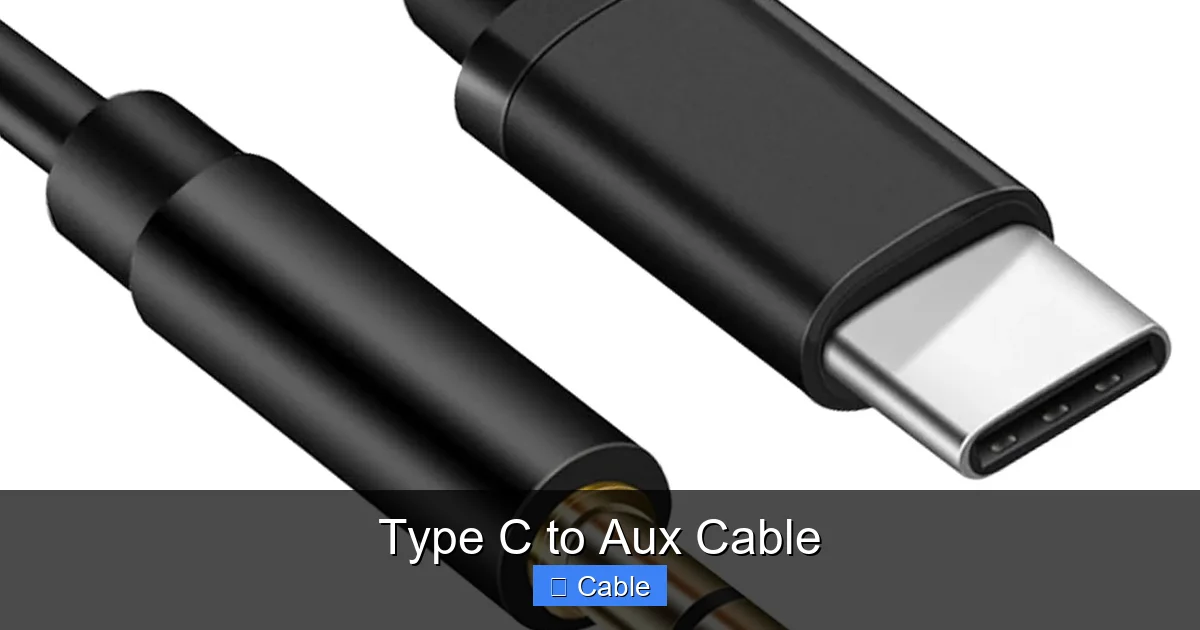
A Type C to Aux Cable connects modern USB-C devices to older 3.5mm aux ports, making it essential for cars, home stereos, and portable speakers. This guide covers everything you need to know about choosing, using, and troubleshooting these versatile cables for seamless audio connectivity.
Key Takeaways
- Compatibility: Works with USB-C devices and standard 3.5mm aux inputs for broad device support
- Common Uses: Ideal for cars, home audio systems, portable speakers, and laptops
- Quality Matters: Choose cables with gold-plated connectors and oxygen-free copper for better sound
- Length Options: Available in various lengths from 3 feet to 16 feet for different needs
- Connector Types: Features USB-C (male) and 3.5mm TRS (male) connectors for universal fit
- Troubleshooting: Check connections, test with different devices, and avoid interference issues
- Budget-Friendly: Affordable solution for connecting modern devices to legacy audio systems
📑 Table of Contents
- Introduction: The Need for Type C to Aux Cables
- Understanding the Basics of Type C to Aux Cables
- Common Uses and Applications
- Choosing the Right Type C to Aux Cable
- Installation and Setup Tips
- Troubleshooting Common Issues
- Maintaining and Caring for Your Cable
- Conclusion: Maximizing Your Type C to Aux Cable Experience
Introduction: The Need for Type C to Aux Cables
Modern smartphones and laptops are increasingly adopting USB-C ports, but many cars and home audio systems still rely on traditional 3.5mm aux inputs. This creates a connectivity gap that a Type C to Aux Cable elegantly solves. Whether you’re trying to play music from your latest phone in an older car stereo or connect your laptop to a vintage speaker system, this cable bridges the technology divide seamlessly.
The demand for these cables has surged as consumers upgrade to USB-C devices while still relying on existing audio equipment. Understanding how to choose, use, and troubleshoot these cables can save you time, money, and frustration. In this guide, we’ll explore everything you need to know about Type C to Aux Cables, from basic functionality to advanced usage tips.
Understanding the Basics of Type C to Aux Cables
What Exactly Is a Type C to Aux Cable?
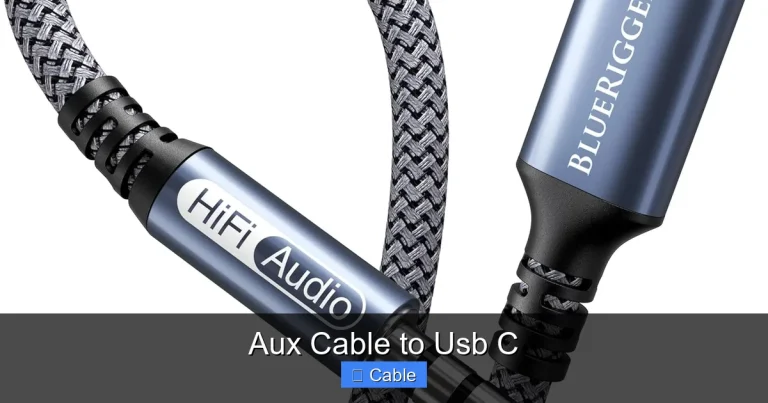
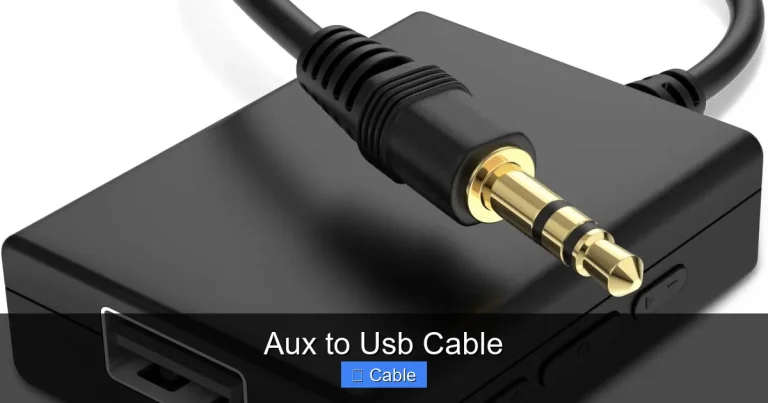
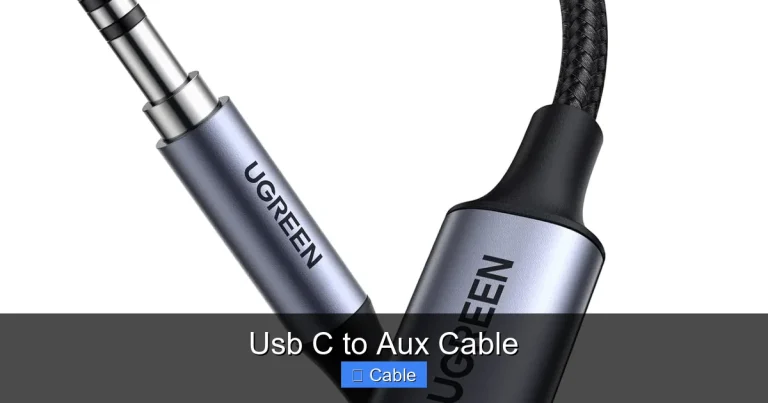
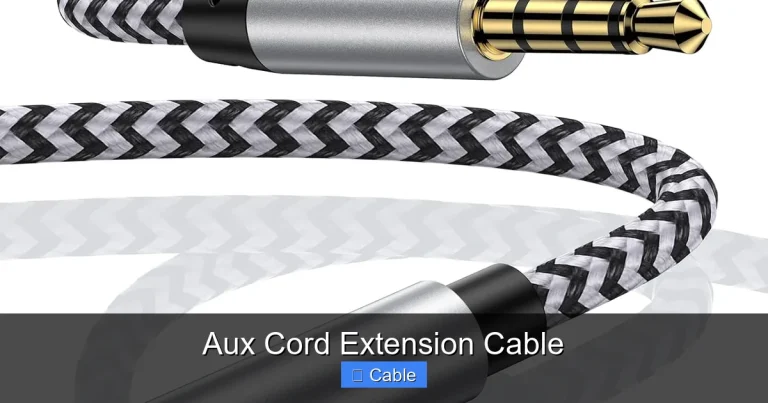
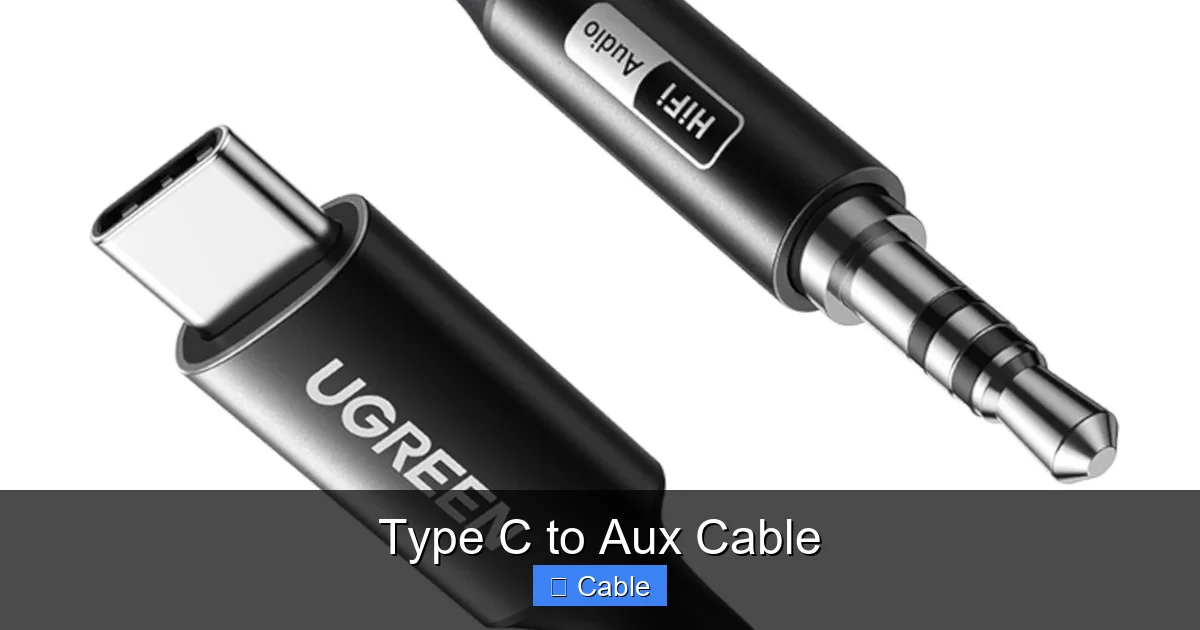
A Type C to Aux Cable is a specialized audio cable designed to connect devices with USB-C ports to equipment featuring 3.5mm aux inputs. The cable features a USB-C connector on one end and a standard 3.5mm TRS (Tip-Ring-Sleeve) plug on the other. This design allows digital-to-analog conversion to occur within the cable itself, enabling audio playback through traditional aux ports.
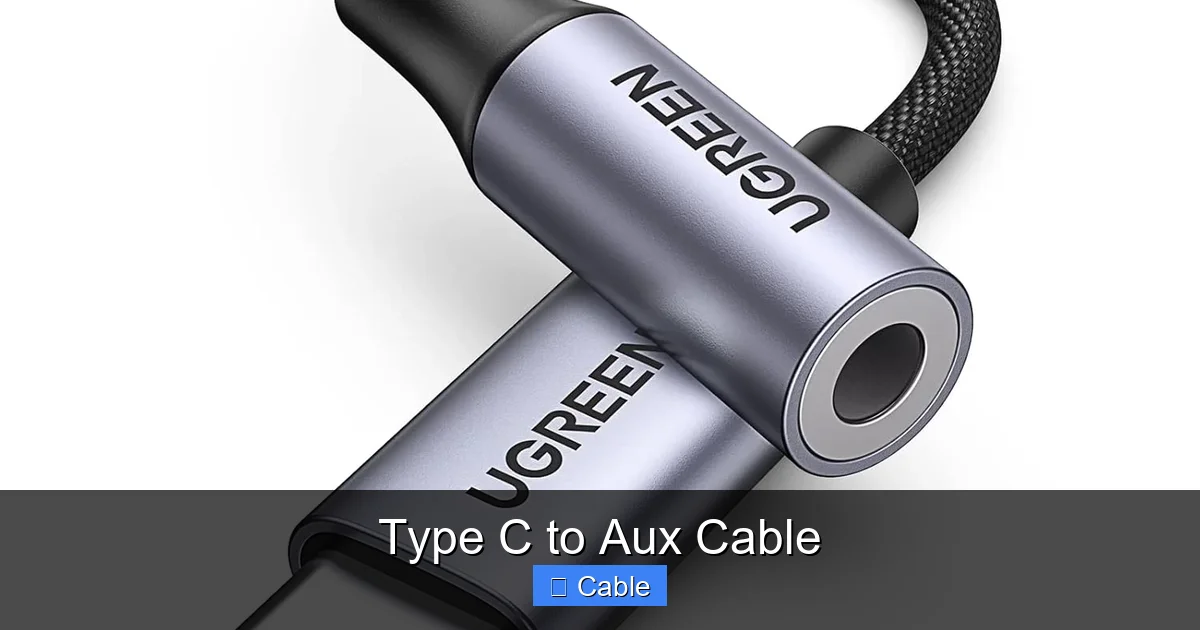
Visual guide about Type C to Aux Cable
Image source: m.media-amazon.com
Key Components Explained
The cable contains internal circuitry that converts digital audio signals from USB-C devices to analog signals compatible with 3.5mm aux inputs. Gold-plated connectors prevent corrosion and ensure reliable connections, while oxygen-free copper conductors deliver clear audio transmission. The cable housing is typically made from durable materials like PVC or TPE to withstand regular use.
Common Uses and Applications
In-Car Entertainment Solutions
One of the most popular uses for Type C to Aux Cables is connecting modern smartphones to car stereos that lack Bluetooth or USB compatibility. Many vehicles manufactured before 2018 feature only 3.5mm aux inputs, making this cable essential for enjoying music from newer devices. Simply plug the USB-C end into your phone and the aux end into your car’s audio system for instant playback.
Visual guide about Type C to Aux Cable
Image source: lkcomputers.co.za
Home Audio System Integration
Home stereo systems and powered speakers often include aux inputs for connecting external devices. A Type C to Aux Cable allows you to stream high-quality audio from laptops, tablets, or smartphones directly to these systems. This setup is particularly useful for multi-room audio configurations or connecting devices to vintage receivers that lack modern connectivity options.
Portable Speaker Compatibility
Many portable Bluetooth speakers and soundbars include aux inputs for wired connectivity. Using a Type C to Aux Cable provides a stable, interference-free connection option when wireless connectivity isn’t available or desired. This is especially beneficial in environments with poor Bluetooth performance or when charging your device simultaneously.
Choosing the Right Type C to Aux Cable
Material Quality and Construction
The quality of materials used in manufacturing significantly impacts audio performance and durability. Look for cables with oxygen-free copper (OFC) conductors for clearer sound transmission and reduced signal loss. Gold-plated connectors resist corrosion and provide better electrical contact compared to standard nickel plating.
Length Considerations
Cable length should match your specific usage scenarios. Shorter cables (3-6 feet) are ideal for desk setups or close-range connections, while longer cables (10-16 feet) accommodate greater distances between devices and audio systems. However, longer cables may experience slight signal degradation, so choose the minimum necessary length for optimal performance.
Budget vs. Premium Options
Basic Type C to Aux Cables start around $10, offering adequate performance for casual listening. Premium options ($25-50) feature superior materials, better shielding, and enhanced durability. Consider your usage frequency and audio quality requirements when making your selection. For occasional use, budget cables suffice, but audiophiles should invest in higher-quality options.
Installation and Setup Tips
Step-by-Step Connection Process
Connecting your Type C to Aux Cable is straightforward. First, ensure both devices are powered off. Plug the USB-C end into your source device and the 3.5mm end into the aux input. Power on both devices and set the correct input source on your audio system. Adjust volume levels appropriately to prevent distortion or low output.
Optimizing Audio Settings
Configure your device’s audio settings to output through the wired connection rather than Bluetooth. Disable any equalizers or audio enhancement features that might interfere with the signal. Set your source device’s volume to around 75-80% maximum and control volume through your audio system for optimal sound quality.
Managing Cable Organization
Keep cables organized to prevent tangling and damage. Use cable ties or sleeves to manage excess length, and avoid wrapping cables tightly around devices. Store cables in protective cases when not in use. Proper handling extends cable lifespan and maintains consistent audio performance.
Troubleshooting Common Issues
No Sound or Poor Audio Quality
If you experience no sound or poor audio quality, first check all connections are secure. Test the cable with different devices to isolate the problem. Clean the connectors with a soft, dry cloth if oxidation or debris is present. Ensure your device’s audio settings are configured for wired output rather than wireless transmission.
Intermittent Connection Problems
Intermittent connections often result from damaged cables or dirty connectors. Inspect the cable for visible cuts, kinks, or exposed wiring. Gently clean both connectors with rubbing alcohol and a cotton swab. If problems persist, the cable may require replacement or professional inspection.
Compatibility Concerns
Not all USB-C ports support audio output. Devices like iPhones require adapters with built-in digital-to-analog converters, while many Android devices work with passive cables. Check your device specifications to ensure compatibility before purchasing. Some older USB-C implementations may not support audio functionality at all.
Maintaining and Caring for Your Cable
Storage and Handling Best Practices
Proper storage prevents cable damage and extends lifespan. Store cables in cool, dry environments away from direct sunlight or heat sources. Avoid coiling cables too tightly, as this can cause internal wire damage. Use figure-eight wrapping or dedicated cable organizers for optimal storage. Handle connectors gently to prevent strain on solder joints.
When to Replace Your Cable
Replace cables showing signs of wear including frayed wires, loose connections, or intermittent audio. Cracked or damaged outer insulation indicates immediate replacement needs. If cleaning connectors doesn’t resolve audio issues, the internal wiring may be compromised. Quality cables typically last 2-5 years with regular use, depending on handling and environmental factors.
Conclusion: Maximizing Your Type C to Aux Cable Experience
A Type C to Aux Cable represents a simple yet essential solution for bridging modern device connectivity with legacy audio systems. By understanding compatibility requirements, choosing quality materials, and following proper usage techniques, you can enjoy reliable audio performance across multiple devices and environments. Whether connecting your smartphone to your car stereo or linking your laptop to home speakers, this cable ensures seamless audio integration without expensive equipment upgrades.
Investing in a quality Type C to Aux Cable pays dividends in convenience and audio quality. Regular maintenance, proper storage, and careful handling extend cable lifespan significantly. As technology continues evolving, these cables remain valuable tools for maintaining backward compatibility while enjoying modern device features. Consider your specific needs, budget, and usage patterns when selecting your next cable for optimal results.
Frequently Asked Questions
Is a Type C to Aux Cable compatible with all USB-C devices?
Not all USB-C devices support audio output through passive cables. Devices like iPhones require active adapters with built-in converters, while many Android phones work with standard passive cables. Check your device specifications to confirm compatibility before purchasing.
Can I use a Type C to Aux Cable for data transfer?
No, these cables are designed exclusively for audio transmission. They don’t support data transfer or charging capabilities. For data needs, use appropriate USB-C cables or wireless solutions.
How long should a Type C to Aux Cable be?
Choose cable length based on your specific setup. Shorter cables (3-6 feet) work well for desk use, while longer cables (10-16 feet) accommodate greater distances. Keep length minimal for best audio quality to minimize signal loss.
Will using a Type C to Aux Cable drain my device battery?
No, standard Type C to Aux Cables don’t draw power from your device. They’re purely passive audio transmission tools. However, some premium cables with integrated DAC chips may consume minimal power for signal conversion.
What’s the difference between Type C to Aux and USB-C to 3.5mm adapters?
Type C to Aux Cables are dedicated cables with built-in digital-to-analog conversion, while USB-C to 3.5mm adapters require your device to handle the conversion internally. Passive adapters work only with devices that support native analog output through USB-C.
How do I troubleshoot if my Type C to Aux Cable isn’t working?
First check all connections are secure and device audio settings are configured for wired output. Test with different devices to isolate problems. Clean connectors if oxidized, and replace the cable if issues persist. Some devices require specific adapter compatibility.