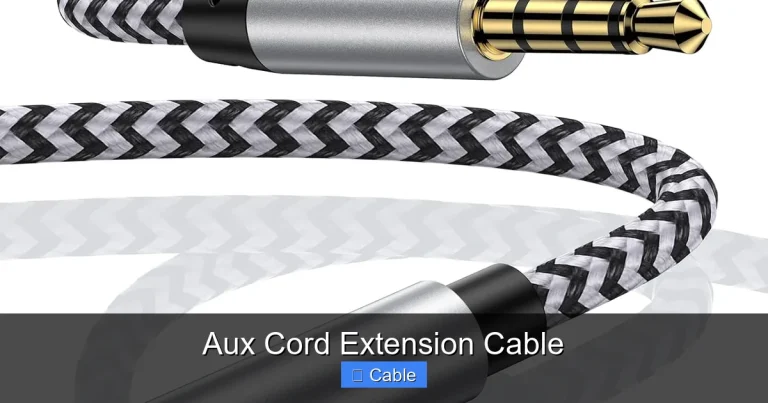
Aux Cable 35 Mm Jack
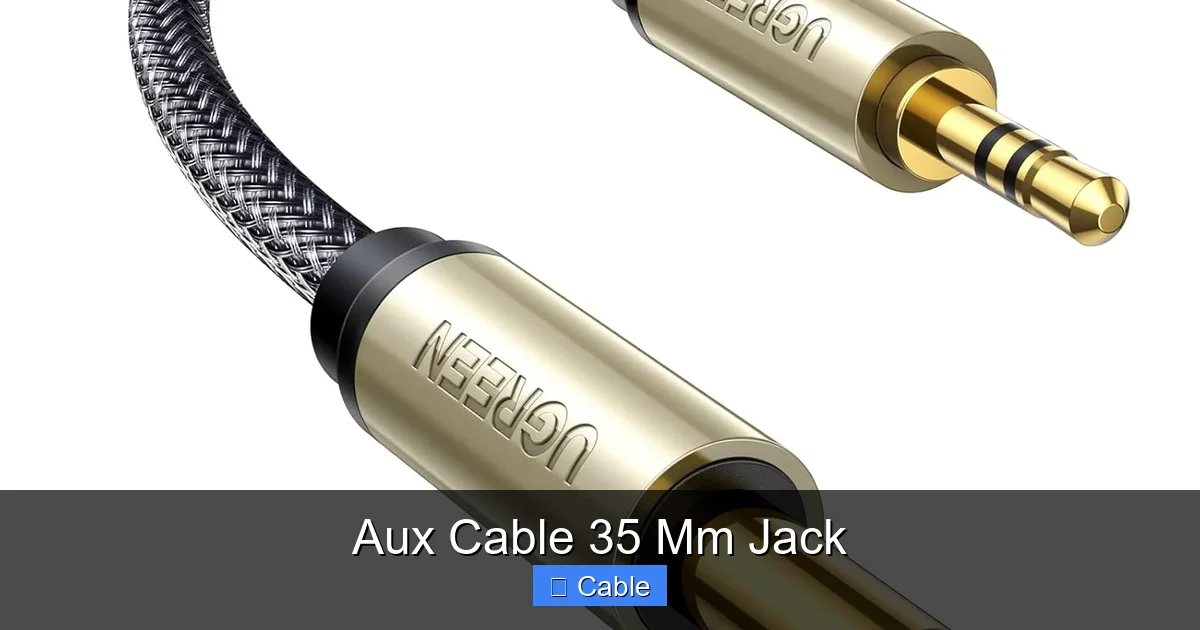
Aux cable 35 mm jacks remain the universal standard for connecting audio devices across various platforms. This simple yet effective technology continues to provide reliable connections between smartphones, speakers, headphones, and car audio systems.
Key Takeaways
- Universal Compatibility: The 35mm aux standard works with virtually all modern audio devices including smartphones, tablets, laptops, and car audio systems.
- Sound Quality Factors: Cable thickness, shielding, and connector quality significantly impact audio performance and noise reduction.
- Length Considerations: Choose cable length based on your usage needs – shorter cables for portable use and longer ones for fixed installations.
- Durability Features: Look for reinforced connectors, braided jackets, and strain relief for enhanced longevity.
- Right Angle vs Straight: Right-angle connectors are better for tight spaces while straight connectors offer more universal compatibility.
📑 Table of Contents
The Evolution and Importance of the 35mm Audio Jack
In today’s wireless-dominated world, the humble aux cable 35 mm jack continues to hold its ground as one of the most reliable and widely used audio connection methods. Despite the rise of Bluetooth and other wireless technologies, the simplicity and universality of the 35mm connector make it an enduring solution for audio connectivity across countless devices and applications.
The 3.5mm aux cable, often called an auxiliary cable or headphone jack, has been a staple in audio technology for decades. Its compact size, versatility, and widespread adoption have made it the go-to solution for connecting audio devices. Whether you’re listening to music in your car, connecting headphones to your laptop, or linking a smartphone to a portable speaker, the aux cable 35 mm jack provides a straightforward, plug-and-play solution that requires no pairing or complex setup procedures.
Understanding the 35mm Jack Standard
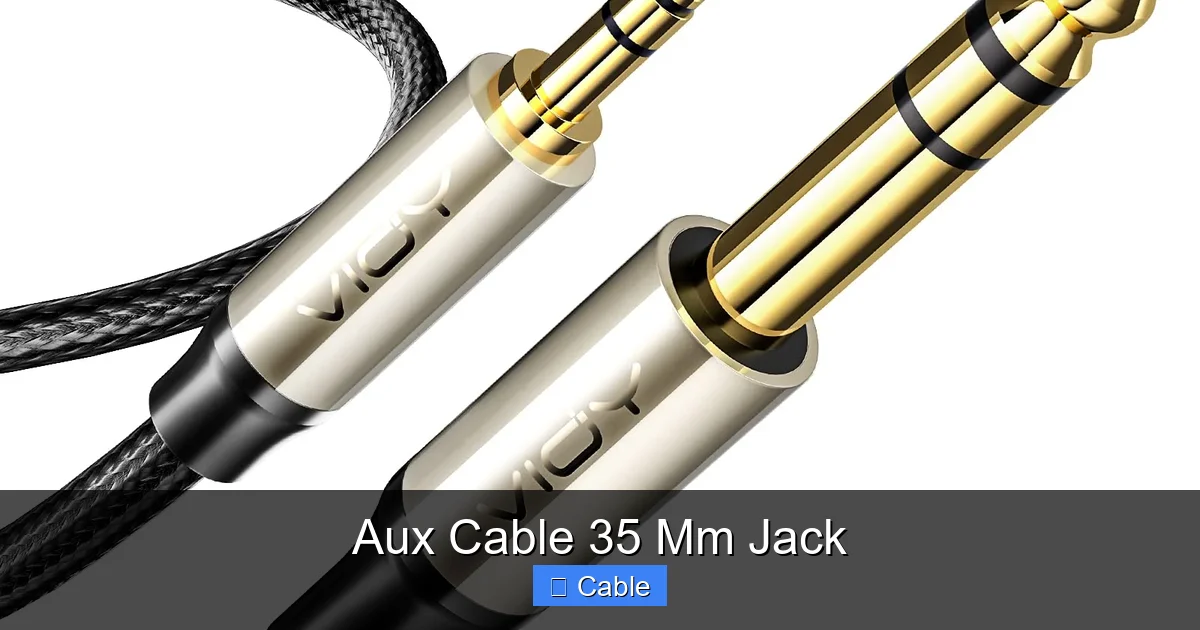
The 35mm aux jack, technically known as a 3.5mm TRS or TRRS connector, has become the de facto standard for audio connections in consumer electronics. Despite its small size, this connector packs significant functionality and has evolved over the years to accommodate various audio needs.
Visual guide about Aux Cable 35 Mm Jack
Image source: m.media-amazon.com
Types of 35mm Connectors
When discussing aux cable 35 mm jacks, it’s essential to understand the different connector types available. The most common variations include:
- TRS (Tip-Ring-Sleeve): This is the standard stereo connector, featuring three separate sections that carry left audio, right audio, and ground signals. It’s perfect for connecting headphones, earphones, and speakers.
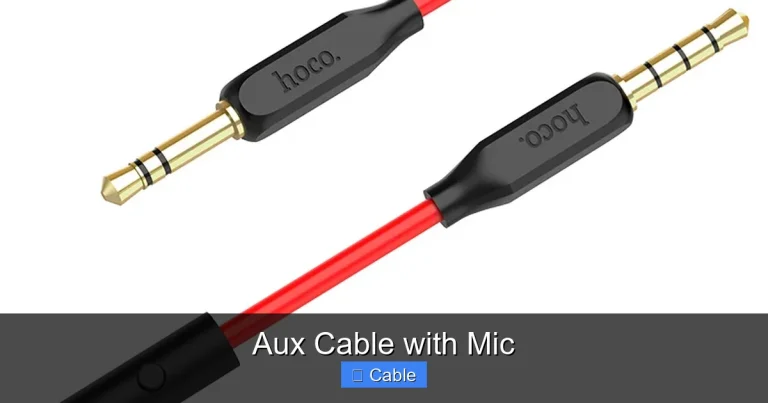
- TRRS (Tip-Ring-Ring-Sleeve): This four-section connector adds an extra ring to support microphone functionality. You’ll find these on smartphone headsets that allow both audio input and output.
- Dual-Channel vs. Balanced: While most consumer aux cables use single-ended (unbalanced) connections, professional audio equipment sometimes employs balanced 3.5mm connections with separate ground, positive, and negative signal paths for improved noise rejection.
Technical Specifications
The 35mm aux jack specification includes precise measurements that ensure compatibility across devices. The connector diameter is exactly 3.5mm (0.14 inches), with standardized contact spacing. These exact dimensions allow the connector to fit properly into jacks while maintaining reliable electrical contact.
Signal levels for aux connections typically range from -10dBV to 0dBV, making them ideal for consumer audio equipment. This level provides sufficient signal strength for headphones and powered speakers while avoiding the distortion that can occur with higher signal levels.
Types of Aux Cables and Their Applications
The aux cable 35 mm jack comes in various configurations to suit different applications and environments. Understanding these variations helps you select the right cable for your specific needs.
Visual guide about Aux Cable 35 Mm Jack
Image source: m.media-amazon.com
Standard Auxiliary Cables
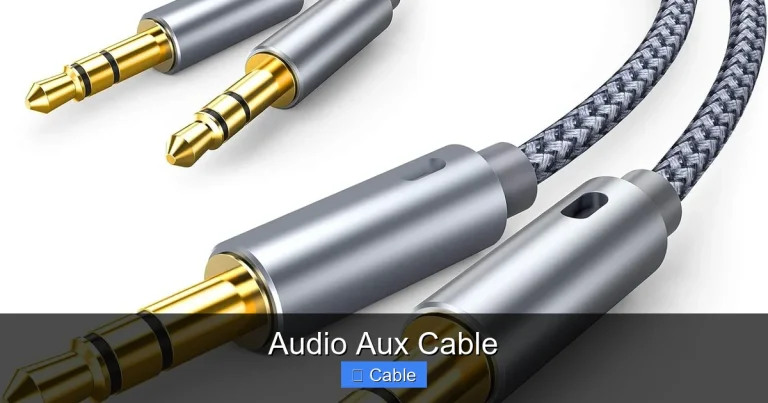
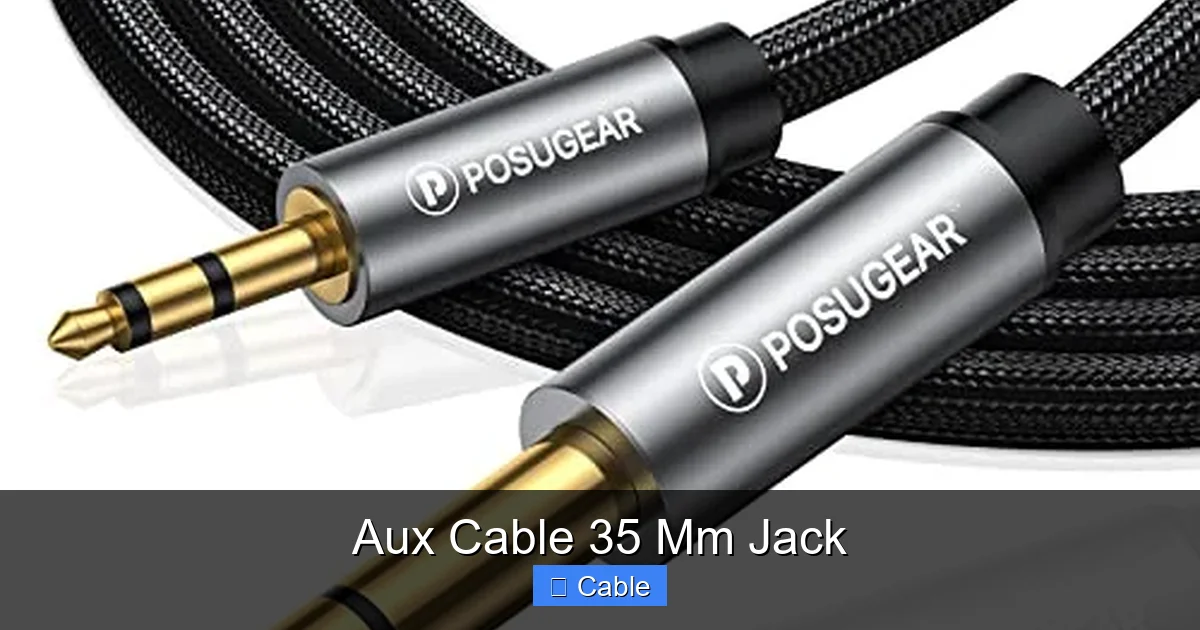
The most common aux cable features a 3.5mm male connector on both ends, perfect for connecting two devices with female aux ports. These cables typically range in length from 3 to 25 feet, with 6-foot being the most popular for everyday use. Standard aux cables are ideal for connecting smartphones to car stereos, laptops to external speakers, or MP3 players to home audio systems.
Extension Cables
When the built-in cable on your headphones or speakers isn’t long enough, an aux extension cable provides the extra length you need. These cables typically feature a female 3.5mm jack on one end and a male connector on the other, allowing you to daisy-chain cables for extended reach. Extension cables are particularly useful in home theater setups, recording studios, or when connecting devices positioned far apart.
Adapters and Converters
Not all devices use the same connector type, which is where aux adapters come in handy. Common adapter types include:
- 3.5mm to RCA: Converts aux connections to RCA outputs for connecting to older stereo systems or home theater receivers.
- 3.5mm to 6.35mm (1/4″): Allows you to connect consumer audio devices to professional audio equipment with larger headphone jacks.
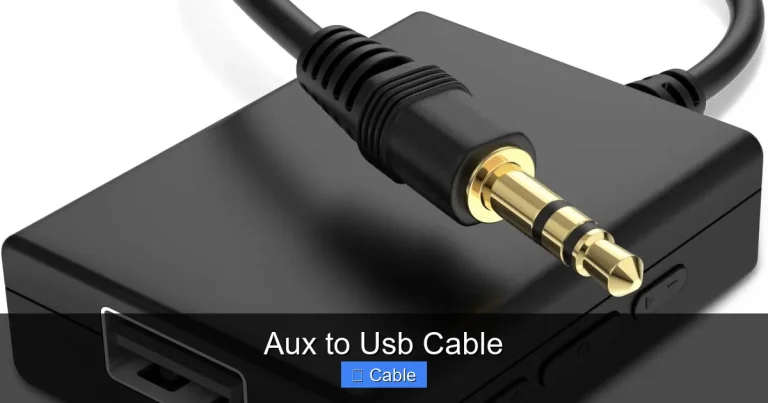
- USB to 3.5mm: Enables devices without aux ports to connect to standard audio equipment through USB.
How to Choose the Right Aux Cable
Selecting the appropriate aux cable 35 mm jack for your needs involves considering several factors beyond just length and connector type. Making the right choice ensures optimal performance and longevity of your audio connections.
Material Quality Considerations
The materials used in an aux cable construction significantly impact its performance and durability. Look for cables with:
- Oxygen-Free Copper (OFC) Conductors: These reduce signal loss and provide better audio quality than standard copper conductors.
- Foam orPE Dielectric Insulation: This material reduces capacitance, resulting in clearer audio reproduction with better high-frequency response.
- Braided or Jacketed Protection: Braided nylon or PVC jackets protect the internal wires from damage and reduce tangling.
Shielding Importance
Shielding is crucial for preventing electromagnetic interference (EMI) and radio frequency interference (RFI) that can cause noise or buzzing in your audio. Quality aux cables feature multiple layers of shielding:
- Foil Shielding: A thin layer of aluminum foil wrapped around the conductors blocks high-frequency interference.
- Braid Shielding: Braided copper mesh provides additional protection against lower frequency interference.
- Combination Shielding: The most effective cables use both foil and braid shielding for comprehensive interference protection.
Connector Types and Angles
When selecting an aux cable, consider the connector type that best fits your application:
- Straight Connectors: These work well in most situations and are easier to plug into devices with limited space behind the jack.
- Right-Angle Connectors: These L-shaped connectors are ideal for situations where space is limited, such as connecting to smartphones in cases or car audio systems with shallow jacks.
- Low-Profile Connectors: Some manufacturers offer ultra-slim connectors designed specifically for devices with recessed aux ports, such as certain smartphone cases.
Maintaining and Troubleshooting Aux Cables
Even the best aux cable 35 mm jack will eventually wear out with use. Proper maintenance and troubleshooting can extend their lifespan and ensure optimal performance.
Common Issues and Solutions
Aux cables can develop several problems over time. Here are the most common issues and their solutions:
- Intermittent Connection: This usually indicates a damaged cable or loose connector. Try bending the cable near each connector while playing audio to isolate the damaged section. If the problem persists, the cable likely needs replacement.
- One Channel Not Working: This suggests an internal wire break. For a temporary fix, you can try adjusting the cable at the connector, but replacement is usually the best long-term solution.
- Static or Humming Noise: This often results from poor shielding or electromagnetic interference. Try rerouting the cable away from power sources or consider upgrading to a better-shielded cable.
Extending Cable Life
To maximize the lifespan of your aux cables, follow these maintenance tips:
- Proper Storage: Avoid tightly coiling cables around your hand or elbow, which can cause internal wire damage. Instead, use the over-under coiling technique or use cable ties to store them neatly.
- Disconnect Carefully: Always grasp the connector rather than the cable when disconnecting to avoid stressing the internal wires.
- Avoid Stress Points: Be particularly careful with the sections near connectors, as these are common failure points. Consider using a cable relief sleeve for added protection.
When to Replace Your Cable
Even with proper care, aux cables have a finite lifespan. Consider replacement when you notice:
- Visible damage to the cable jacket or connectors
- Consistent audio issues that can’t be resolved by troubleshooting
- Corrosion or bent connector pins
- Cables that no longer hold secure connections
The Future of Aux Connectivity
As wireless audio technology continues to advance, many wonder about the future of the aux cable 35 mm jack. Despite the growing popularity of Bluetooth and other wireless solutions, the aux connection remains relevant for several reasons.
For those who prioritize audio quality above all else, aux cables offer uncompressed, high-fidelity audio transmission without the potential compression artifacts of wireless connections. Additionally, aux connections don’t require batteries, pairing procedures, or compatibility considerations between different manufacturers’ wireless protocols.
For those exploring streaming options, understanding how different connectivity methods work is essential. If you’re interested in learning more about modern entertainment setups, our article on best cable TV alternatives for streaming and entertainment provides insights into how audio connections fit into larger home entertainment systems.
Manufacturers continue to innovate in the aux cable space, developing products with improved durability, better shielding, and specialized features for specific applications. While wireless solutions may dominate the consumer market in the coming years, the aux cable 35 mm jack will likely remain a vital connection method for professional audio, automotive applications, and situations where reliability and quality are paramount.
Conclusion
The aux cable 35 mm jack stands as a testament to the principle that sometimes the simplest solutions are the most effective. Despite technological advances that might suggest otherwise, this humble connector continues to provide reliable, high-quality audio connections across countless devices and applications.
By understanding the different types of aux cables, their specifications, and proper maintenance techniques, you can ensure optimal audio performance and maximize the lifespan of your connections. Whether you’re connecting headphones to a smartphone, linking a laptop to a car stereo, or setting up a home audio system, the right aux cable provides a straightforward, dependable solution that works right out of the box.
As we move forward in an increasingly wireless world, the aux cable 35 mm jack reminds us that physical connections still have their place. They offer uncompressed audio quality, universal compatibility, and reliability that wireless connections sometimes struggle to match. For critical listening, professional applications, or simply when you need a connection that just works, the aux cable remains an indispensable tool in the audio enthusiast’s toolkit.
Frequently Asked Questions
What is the difference between a TRS and TRRS aux cable?
A TRS aux cable has three sections (tip, ring, sleeve) for stereo audio, while a TRRS cable adds an extra ring for microphone functionality. TRS cables are standard for headphones and speakers, while TRRS cables are used for smartphone headsets with built-in microphones.
How long can an aux cable be without losing sound quality?
Most aux cables can be up to 25 feet (7.6 meters) without significant signal loss. For longer distances, consider using an active extension cable or a signal booster to maintain audio quality.
Can I use a 3.5mm aux cable with my 6.35mm headphone jack?
Yes, with a simple 3.5mm to 6.35mm adapter. These inexpensive converters allow you to use standard aux cables with professional audio equipment featuring larger headphone jacks.
Are gold-plated connectors worth the extra cost?
Gold-plated connectors offer better corrosion resistance and improved signal transfer compared to standard nickel or chrome plating. They’re worth the investment for frequently used cables or in environments prone to moisture.
Why is my aux cable producing static noise?
Static noise can result from poor shielding, damaged cables, or electromagnetic interference. Try rerouting the cable away from power sources, or consider upgrading to a better-shielded cable if the problem persists.
Can aux cables carry digital audio signals?
No, standard aux cables carry analog audio signals. For digital audio, you’ll need different connection types like optical (TOSLINK), coaxial, or HDMI. Some devices use USB-C to 3.5mm adapters that include digital-to-analog conversion.