Aux to Aux Cable for Car
Looking for a simple way to play music from your phone through your car’s stereo? An Aux to Aux Cable for Car is the answer. It’s cheap, easy to use, and delivers reliable sound without the hassle of Bluetooth. Read on to learn how it works, what to buy, and how to get the most out of it.
Key Takeaways
- Universal compatibility: Works with almost any 3.5 mm headphone jack and car aux input.
- Plug‑and‑play simplicity: No drivers or apps required—just plug in and play.
- Sound quality depends on cable construction: Gold‑plated contacts and shielding make a noticeable difference.
- Length matters: Choose a length that reaches comfortably without creating a tangled mess.
- Extra features: Some cables add a built‑in mic or volume control for added convenience.
- Cost‑effective alternative to Bluetooth: Get high‑fidelity audio for a fraction of the price.
- Durability tips: Look for reinforced strain relief and flexible jackets to avoid breakage.
📑 Table of Contents
- What Is an Aux to Aux Cable for Car?
- Why Choose an Aux to Aux Cable Over Bluetooth?
- How Does an Aux to Aux Cable Work?
- Choosing the Right Aux to Aux Cable for Your Car
- Step‑by‑Step: How to Set Up Your Aux to Aux Cable in the Car
- Maintenance Tips to Extend the Life of Your Aux Cable
- Alternatives When an Aux Port Isn’t Available
- Is an Aux Cable Worth It for Audiophiles?
- Conclusion
What Is an Aux to Aux Cable for Car?
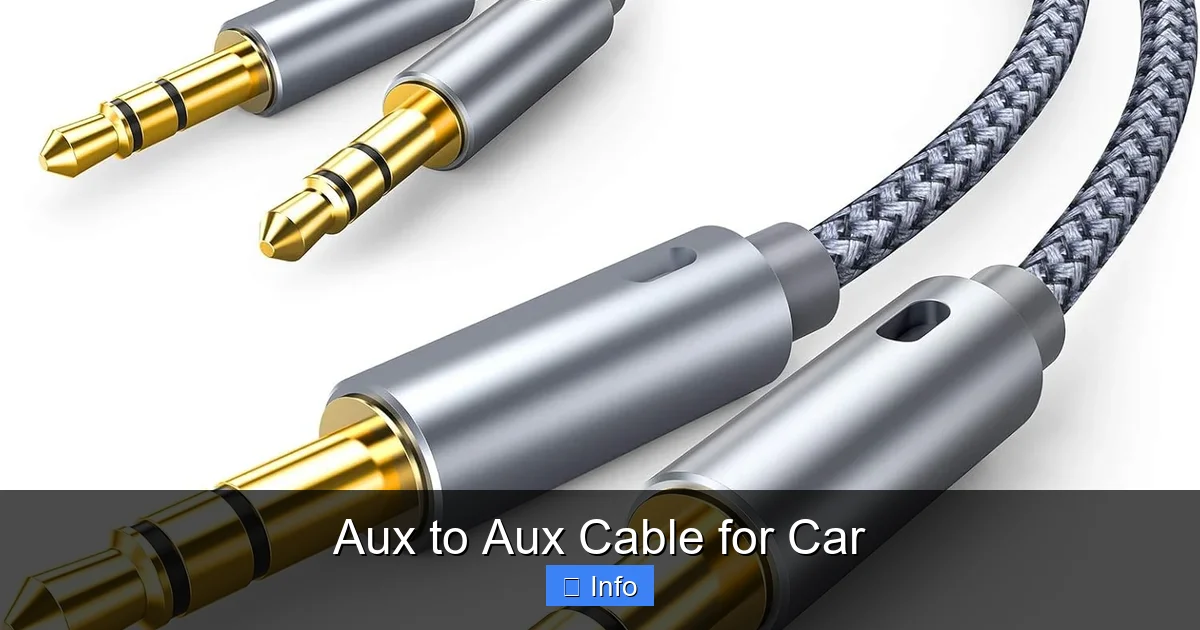
In the world of car audio, “aux” is short for “auxiliary.” An Aux to Aux Cable for Car is a simple 3.5 mm male‑to‑male audio cable that links a device—like a smartphone, tablet, or MP3 player—to the auxiliary input on your vehicle’s stereo. Think of it as a bridge that carries the audio signal directly from your device’s headphone jack to the car’s speakers.
The cable doesn’t need power, Bluetooth pairing, or any special software. You plug one end into your phone and the other into the car’s aux port, select “Aux” on the stereo, and the music starts playing.
Why Choose an Aux to Aux Cable Over Bluetooth?
Bluetooth adapters are popular, but they have a few drawbacks that an Aux cable sidesteps.
Visual guide about Aux to Aux Cable for Car
Image source: m.media-amazon.com
1. Pure, Uncompressed Sound
Bluetooth compresses audio to transmit it wirelessly, which can dull the details in your favorite tracks. An Aux cable sends the signal in its original, uncompressed form, preserving the full richness of the recording.
2. Zero Latency
When you’re watching a video or playing a game, even a slight delay between the screen and the speakers can be annoying. An Aux connection is instantaneous—no lag, no sync issues.
3. No Battery Drain
Wireless adapters and Bluetooth receivers need power, which can drain your phone’s battery faster. A wired Aux cable draws no power, so your device’s battery lasts longer on road trips.
4. Budget‑Friendly
You can find a decent quality Aux to Aux Cable for under $10, while a reliable Bluetooth adapter often costs $20‑$40. For the price‑conscious driver, the cable is the clear winner.
How Does an Aux to Aux Cable Work?
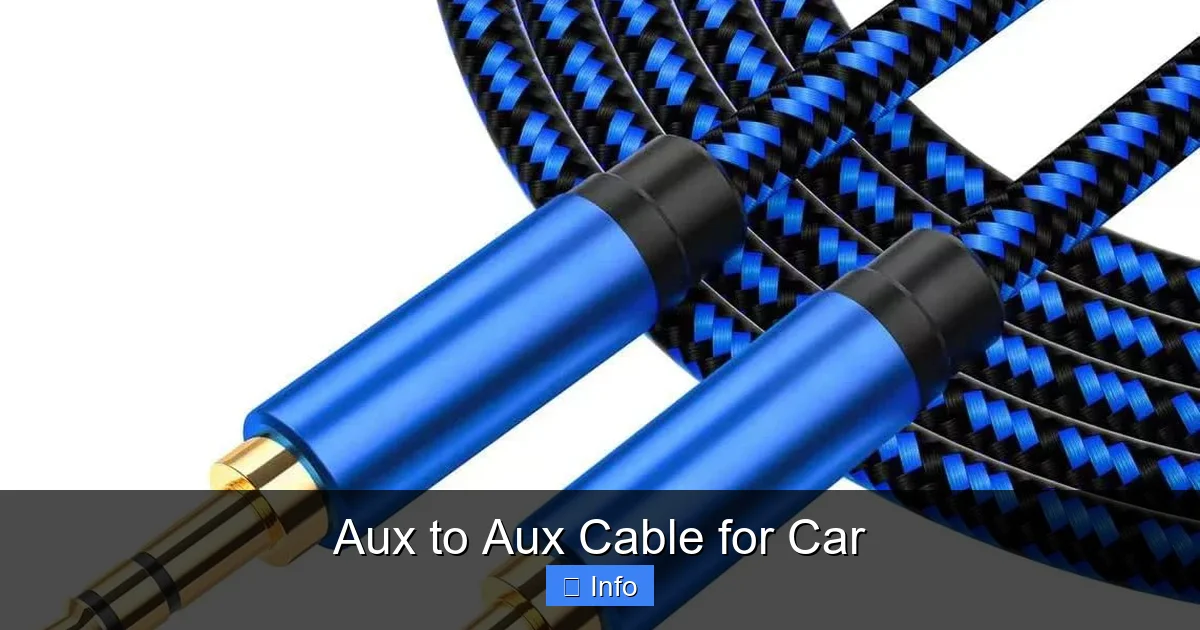
The cable carries an analog electrical signal. Inside, copper conductors transmit the left and right audio channels, while a ground wire completes the circuit. The quality of these conductors and the shielding around them determines how much interference (like static or hum) you’ll hear.
Visual guide about Aux to Aux Cable for Car
Image source: m.media-amazon.com
Key Components
- Conductors: Pure copper or copper‑clad aluminum. Pure copper offers better conductivity.
- Shielding: Braided or foil layers protect against electromagnetic interference from car electronics.
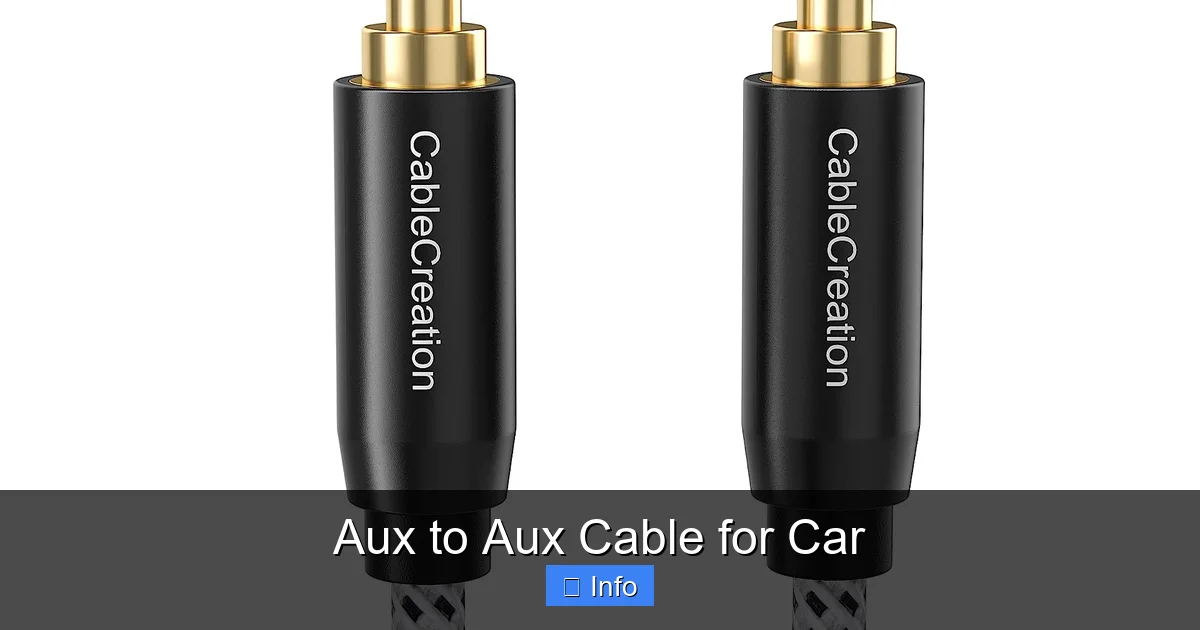
- Connectors: Gold‑plated plugs resist corrosion and provide a tighter fit.
- Jacket: PVC or braided fabric jackets protect against wear and tear.
When the signal reaches the car’s aux input, the stereo’s internal amplifier boosts it and sends it to the speakers.
Choosing the Right Aux to Aux Cable for Your Car
1. Length
Measure the distance from your device’s location (usually the cup holder or a center console) to the aux port. Common lengths are 3 ft, 6 ft, and 10 ft. A longer cable offers flexibility but can introduce more signal loss if the quality is low. For most cars, a 6‑foot cable hits the sweet spot.
Visual guide about Aux to Aux Cable for Car
Image source: m.media-amazon.com
2. Build Quality
Look for cables with:
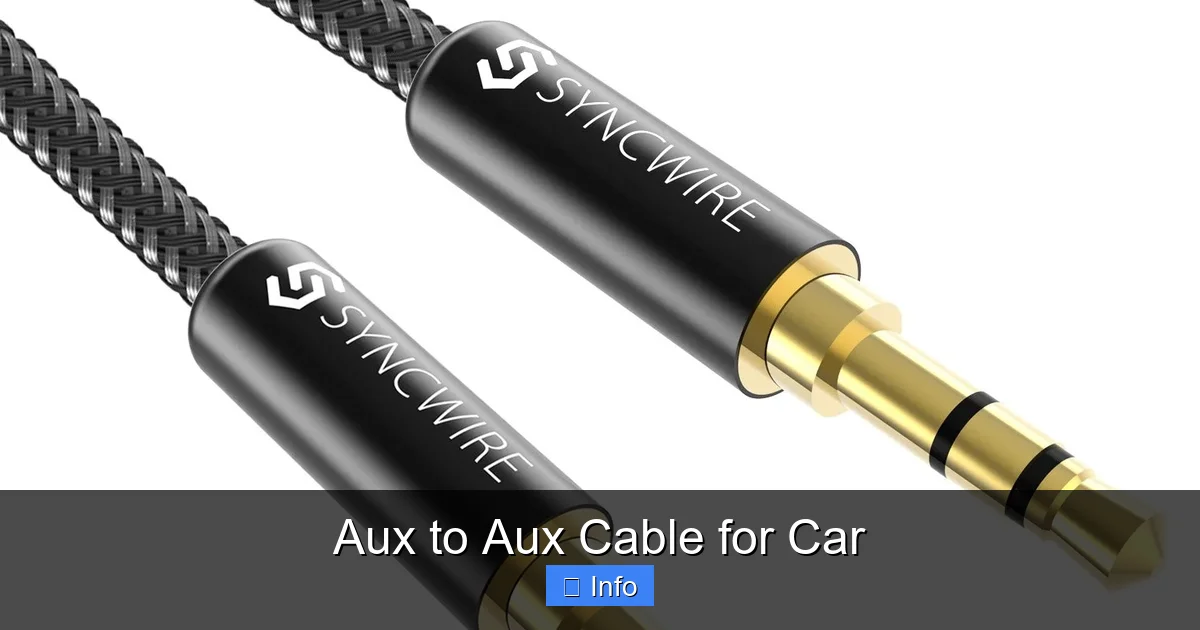
- Gold‑plated connectors
- Double‑braided nylon jackets for durability
- Reinforced strain relief at both ends
These features reduce breakage and keep the audio clear over time.
3. Extra Features
Some Aux to Aux Cables come with a built‑in microphone, allowing you to take calls hands‑free. Others include an inline volume controller, which is handy if you want to adjust the device’s volume without messing with the car’s controls.
4. Compatibility
Almost every modern smartphone, tablet, and MP3 player still includes a 3.5 mm headphone jack, but some newer phones have dropped it. If your device lacks a jack, you’ll need an adapter (like a USB‑C to 3.5 mm dongle) before using the Aux cable. Check out our guide on Usb C To Aux Cable for more details.
5. Price vs. Performance
Don’t assume the cheapest cable is the worst. Many affordable brands use decent copper conductors and good shielding. However, extremely cheap cables often have flimsy connectors that loosen over time. Spending a little more (around $12‑$15) on a reputable brand usually pays off in longevity.
Step‑by‑Step: How to Set Up Your Aux to Aux Cable in the Car
Step 1 – Locate the Aux Input
Most modern vehicles have an aux port on the front console, near the USB ports, or in the glove compartment. It’s a small, round 3.5 mm jack labeled “AUX,” “Audio In,” or with a headphone icon.
Step 2 – Connect the Cable
Plug one end of the cable into your phone’s headphone jack. Make sure it clicks securely. Then plug the other end into the car’s aux input.
Step 3 – Select the Aux Source
Turn on the car’s stereo and press the “Source” or “Mode” button until “AUX” appears on the display.
Step 4 – Adjust Volumes
Set your phone’s volume to about 75 % and fine‑tune using the car’s volume knob. This prevents distortion and ensures a balanced sound.
Step 5 – Test and Troubleshoot
Play a song and listen for any static or low volume. If you hear noise, check the cable’s connections, try a different length, or consider a cable with better shielding.
Maintenance Tips to Extend the Life of Your Aux Cable
- Avoid pulling: When unplugging, grip the plug, not the cable.
- Store properly: Coil the cable loosely; don’t wrap it tightly around a sharp object.
- Keep it dry: Moisture can corrode the connectors. Wipe the plugs with a dry cloth if they get sweaty.
- Inspect regularly: Look for frayed jackets or loose connectors and replace the cable before it fails.
For a budget-friendly option that meets many of these criteria, you can browse selections at Aux Cable Walmart. They often stock cables with reinforced strain relief and gold‑plated plugs.
Alternatives When an Aux Port Isn’t Available
Some newer cars have dropped the aux input in favor of Bluetooth or USB‑C connections. If your vehicle lacks an aux port, consider these alternatives:
- Aux To Usb Cable – Converts the analog signal to digital USB audio.
- Bluetooth adapters that plug into the aux port (if you have one) for wireless streaming.
- USB‑C to 3.5 mm adapters for phones without a headphone jack.
Even if you eventually switch to a wireless solution, an Aux to Aux Cable remains a reliable backup for road trips where you need a quick, plug‑and‑play connection.
Is an Aux Cable Worth It for Audiophiles?
Pure audiophiles often debate analog versus digital. While a high‑end DAC (digital‑to‑analog converter) can improve Bluetooth sound, a well‑made Aux cable delivers a clean, direct signal without additional processing. Pair it with a quality source (like a phone with a good DAC chip) and you’ll enjoy a satisfying listening experience without the latency or compression of Bluetooth.
Conclusion
Choosing the right Aux to Aux Cable for Car is about balancing cost, durability, and sound quality. By understanding how the cable works, what features matter, and how to set it up correctly, you can enjoy crystal‑clear music on every drive. Whether you’re on a quick commute or a cross‑country adventure, a simple Aux cable is a reliable, affordable way to keep the soundtrack of your journey playing loud and clear.
Frequently Asked Questions
Can I use an Aux to Aux Cable with a phone that doesn’t have a headphone jack?
No, you’ll need an adapter such as a USB‑C to 3.5 mm dongle before connecting the Aux cable.
Will a longer Aux cable affect sound quality?
Yes, very long or low‑quality cables can introduce signal loss and interference. For most cars, a 6‑foot cable offers a good balance.
Do I need a special cable for my car’s built‑in microphone?
If you want hands‑free calling, choose an Aux cable that includes an inline mic. Otherwise, the car’s mic will work through the aux input automatically.
Is there a difference between “aux” and “3.5 mm” cables?
They’re the same. “Aux” refers to the auxiliary audio input, which uses a standard 3.5 mm jack.
Can I use the same Aux cable for both my phone and a portable speaker?
Yes, as long as both devices have a 3.5 mm jack, the cable works both ways.
What should I do if I hear static when using the cable?
Check the connections, try a shorter or better‑shielded cable, and make sure the cable isn’t rubbing against the car’s metal parts.