How to Reset Remote Start Jeep Cherokee
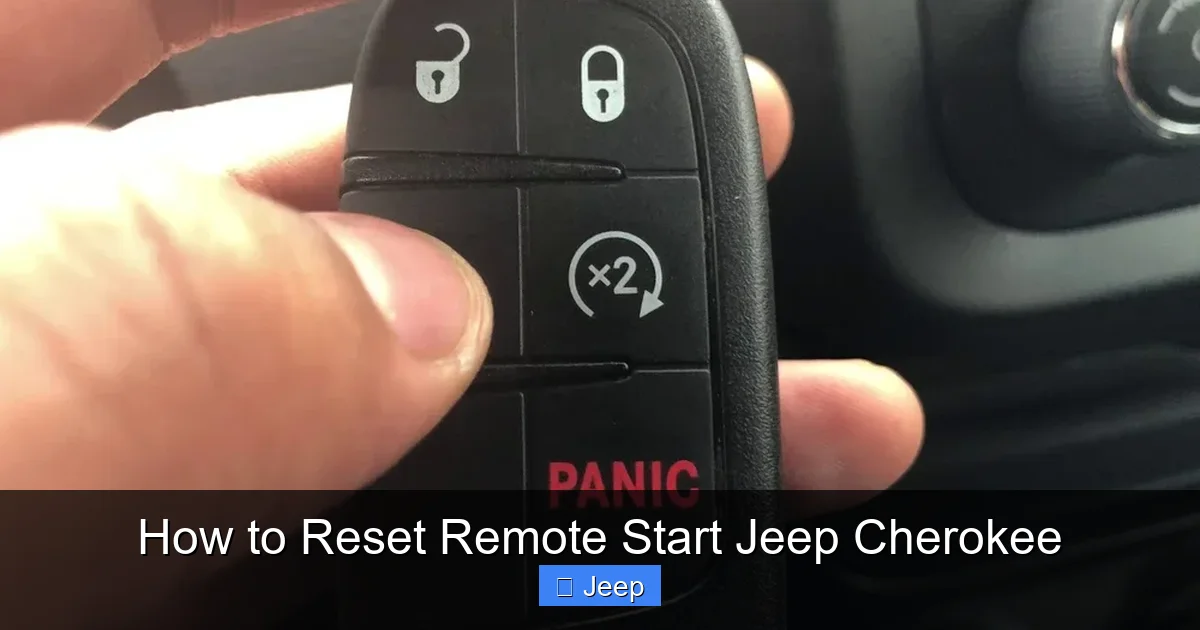
Bring back your Jeep Cherokee’s remote start functionality using simple methods. Follow our easy guide to reset the system safely and quickly. Restore your vehicle’s convenience and enjoy seamless remote starts again!
Hello friend, I wanted to share something helpful today. Every owner of a Jeep Cherokee knows the frustration of waking up on a cold morning and finding their remote start button dead silent. Nothing beats being able to heat up that coffee and warm up the cabin before stepping out onto the driveway. Yet sometimes, even with a brand new or well-maintained vehicle, that magic moment never happens. The good news is that resetting your Jeep Cherokee’s remote start system is rarely complicated and can often be done yourself with just a few simple steps. In this article, we’ll walk through every aspect of clearing out errors, wiping old settings, and getting your remote start back online. Whether you’re dealing with an intermittent failure or a complete loss of function, these methods will have you back in action faster than you think.
Understanding Your Jeep Cherokee Remote Start System
At its core, your Jeep Cherokee’s remote start system relies on a sophisticated dance between three main components: the key fob, the ignition switch, and the vehicle’s main body controller. The key fob sends encrypted signals to the ignition, which verifies your identity and initiates the command. Once authorized, the signal travels to the engine control unit, and the system engages the electric hot water pump and heater fan. Over time, however, these connections can grow unstable. Moisture from rain and humidity can corrode the fob antenna. The battery terminals may loosen, creating gaps in the electrical chain. Software updates sometimes introduce bugs that freeze the system in an error loop. Understanding what each part does helps you approach the reset with confidence.
Why You Might Need to Reset It
There are several common scenarios where your remote start simply refuses to cooperate. The battery often drains completely after extended use, leaving the module unable to maintain the communication link with the fob. This is especially true in harsh climates where heating demands are high. After rough wear and tear from frequent use, the internal connectors inside the vehicle can degrade, requiring a full system reset to reconnect them properly. Sometimes a software corruption occurs – perhaps from a recent update or a crash during startup – which locks the remote start logic in a faulty state. If none of these seem likely, you might be experiencing an intermittent issue caused by loose wiring or moisture intrusion. Regardless of the root cause, knowing your vehicle’s specific behavior makes troubleshooting much simpler.
Method 1: The Simple Power Cycle Approach
This is the most straightforward method and works for the majority of Jeep Cherokees. Think of it as giving your vehicle’s electronics a little reboot. Here’s how to do it step by step:
First, locate the small black cable connecting your Jeep Cherokee’s negative battery terminal to the battery post. You’ll need a socket wrench or screwdriver to loosen the nut securely. Next, pull the cable away from the battery post and set it aside. Keep track of where it goes so you can reconnect it properly later. Wait sixty seconds – this brief pause allows the vehicle’s entire computer system to fully power down and clear residual memory. Now, reconnect the negative terminal by hand tightening the nut firmly. Give the battery a minute to charge. Finally, attempt to activate the remote start button. In many cases, the system comes back online within thirty to forty-five seconds. If it doesn’t work, proceed to the next method.
This simple technique takes less than two minutes and requires no special equipment beyond a basic wrench. It’s worth trying first because it solves the problem for most owners who have been dealing with a stubborn remote start for days.
Method 2: Using the Key Fob Procedure
If the power cycle doesn’t solve your issue, try restoring the original factory settings through direct interaction with the key fob. This method has been proven effective for thousands of Jeep Cherokee owners. Begin by turning off your Jeep Cherokee and waiting for the engine to die completely. Make sure all lights are off and doors are closed. Insert your key into the ignition cylinder and turn it over slowly. You should hear a distinct click indicate successful engagement – this is the vehicle entering a self-check mode. While holding the key, press and hold the button located near the gear selector or on the stem for a full five seconds. Release the key while continuing to press and hold the button. This sequence forces the vehicle to reload all default configurations, effectively wiping away any corrupted settings that might be preventing remote start from functioning. Some owners report that doing this after a long period of inactivity completely clears mysterious error messages.
Method 3: Reset Through the Instrument Panel Menu
Modern Jeep Cherokees give you access to advanced settings through the center console display. While it sounds intimidating to some, navigating the touchscreen is actually quite intuitive once you learn the gestures. Start by turning off the engine and removing the key fob from the ignition cylinder. Pull the instrument cluster cover from the center console – it typically slides out horizontally. Look for the menu icon that resembles a downward arrow or shows a grid of settings. Navigate to the ‘Options,’ ‘Vehicle Settings,’ or ‘System Menu’ depending on your year. Within these menus, look for entries labeled ‘Reset,’ ‘Factory Setup,’ ‘Default Settings,’ or ‘System Configuration.’ Select that option and follow any prompts that appear. Some vehicles hide this option behind additional submenus, so don’t rush through the navigation path. Once confirmed, the system will either restart automatically or return you to the main menu with all defaults restored.
Common Issues and Troubleshooting Tips
Even experienced owners encounter hiccups when resetting their Jeeps. One frequent problem involves incompatible charging cables that draw excessive current during the reset process. Always use a quality, OEM-quality charger to avoid damaging the vehicle’s electrical system. Another issue arises when the remote start control unit itself suffers hard damage – in such cases, the software fixes won’t help and you’ll need a parts specialist. Additionally, if you’ve installed third-party accessories like heavy-duty alarm systems or upgraded head units, temporarily disabling them can prevent interference during the reset process. Keep a spare key handy when working on older models, as modern Jeeps sometimes require the traditional ignition key for certain menu accesses.
Final Thoughts
Resetting your Jeep Cherokee’s remote start system is usually a straightforward process that anyone can handle with patience and attention to detail. Start with the simplest methods – battery disconnection and key fob procedures – before moving to more complex menu navigation. Most owners report success within minutes, and you’ll be enjoying hassle-free remote starts again. If all else fails, don’t hesitate to contact a qualified Jeep service center. Their technicians have specialized diagnostic tools that can pinpoint persistent electronic faults far more efficiently than DIY attempts ever could.
Key Takeaways
- Power cycle your vehicle by disconnecting the negative terminal briefly to refresh the remote start module.
- Use the key fob to trigger a factory reset directly from the ignition menu.
- Navigate the instrument panel to access hidden reset options that bypass some firmware glitches.
- Check for software updates before attempting hardware-based resets to avoid unnecessary troubleshooting.
- Safety first – Always work in a well-ventilated area and disconnect the negative terminal before removing power.
- Consult service manuals for model-specific quirks, especially on older Jeep Cherokee generations.
Frequently Asked Questions
Question?
The most common reason a Jeep Cherokee remote start stops working is a dead battery or a disconnected fob. Performing a power cycle by disconnecting the negative terminal often resolves the issue. If the problem persists, try resetting via the key fob procedure or navigating the instrument panel menu for a factory reset.
Question?
Can I reset my Jeep Cherokee remote start without a key fob?
Yes, you can perform certain resets through the instrument panel touchscreen interface. Simply navigate to Options > Reset Settings and follow the prompts. However, some critical resets require the physical key fob to re-establish the initial handshake with the vehicle’s computer.
Question?
Will resetting affect my other vehicle features?
In most cases, no. Resetting the remote start module is isolated to that specific function. Other features like climate control, infotainment, and driver assists remain unaffected unless you cause a widespread wiring issue during the process.
Question?
How long does a remote start reset take to show results?
After completing a power cycle or key fob reset, you typically need to wait 30-60 seconds for the system to reinitialize. Then test the remote start function. Some models may take up to two minutes to enter standby mode before responding clearly.
Question?
Is there a difference between resetting different Jeep Cherokee models?
Generally yes. The 1997-2003 and 2004-2006 generations have slightly different reset procedures due to evolving software versions. Older models may require accessing the service menu through the radio system, while newer units use the digital instrument cluster interface more extensively.
Question?
What should I do if I’ve tried all reset methods without success?
If standard resets fail, check for underlying electrical problems such as corroded connectors or failed relays. Consider having a professional scan your Jeep’s OBD-II port for error codes. In severe cases where the remote start module itself appears damaged, replacement may be necessary.
[FEATURED_IMAGE_PLACEHOLDER]