How to Turn on Night Vision Jeep Grand Cherokee
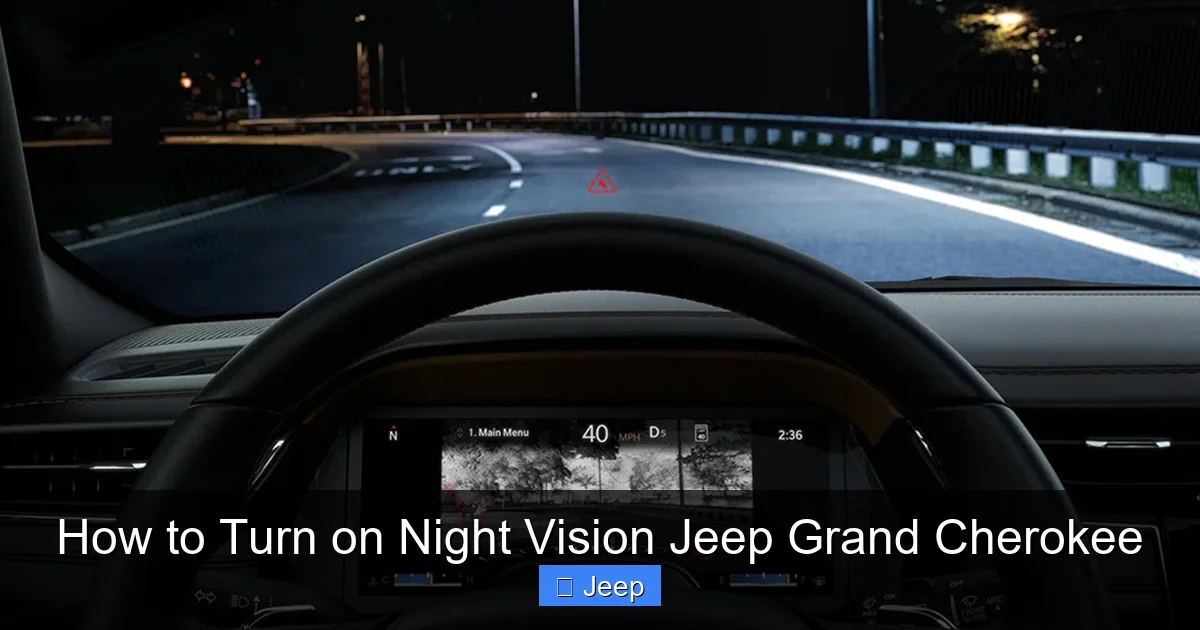
Activating night vision in your Jeep Grand Cherokee enhances visibility and safety during nighttime drives. Follow these simple steps to enable the system through the instrument cluster menu, ensuring you can navigate confidently in low-light conditions. The process involves accessing the settings, selecting the night vision option, and confirming activation, which typically takes just a few minutes.
Key Takeaways
- Locate the settings: Access the instrument cluster menu to find night vision options.
- Check model compatibility: Not all Jeep Grand Cherokee models come equipped with night vision systems.
- Enable the feature: Follow a step-by-step process to activate night vision through the vehicle’s settings.
- Test functionality: Verify the system works correctly after activation by checking the display and camera feed.
- Address common issues: Troubleshoot problems like the feature not appearing or camera malfunctions.
- Use with other lighting: Combine night vision with high beams or fog lights for optimal visibility.
- Maintain the system: Regularly clean the camera lens to ensure clear performance.
📑 Table of Contents
Understanding Night Vision in Your Jeep Grand Cherokee
When driving at night, visibility is one of the most critical factors for safety. The Jeep Grand Cherokee offers a night vision system designed to enhance your view of the road in low-light conditions. This advanced feature uses infrared camera technology to detect and display objects beyond the reach of your headlights. While not all trim levels include this capability, many newer models do, making it a valuable tool for nighttime adventures or challenging driving scenarios.
What is Night Vision Technology?
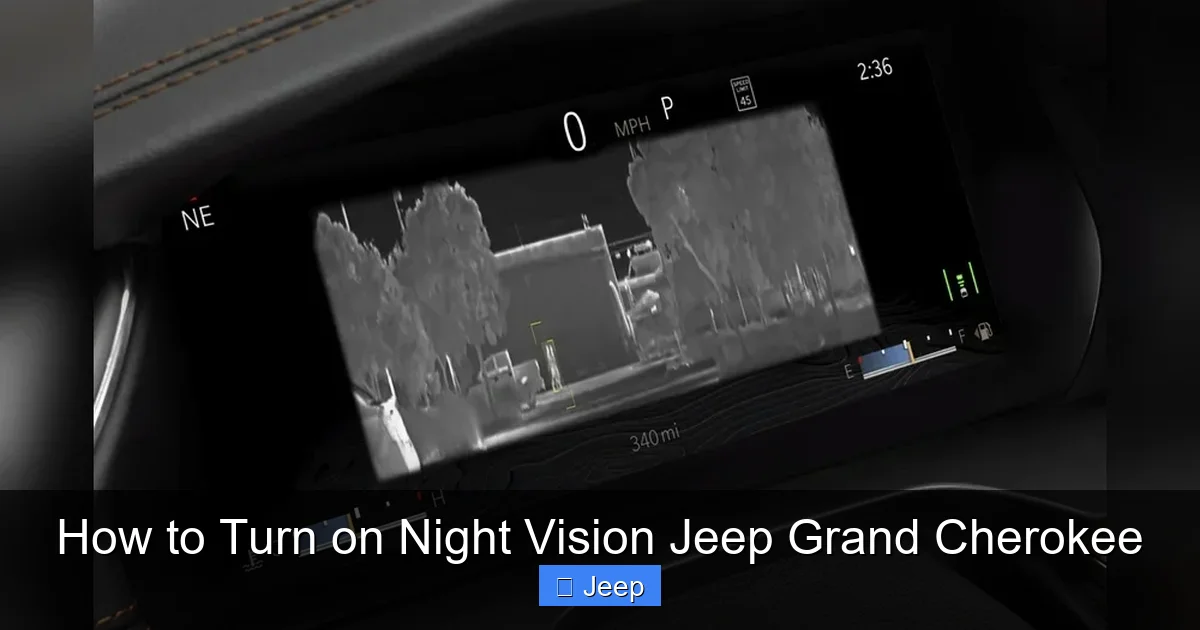
Night vision systems typically use thermal imaging or infrared cameras to detect heat signatures and display them on your vehicle’s dashboard. In the Jeep Grand Cherokee, this system highlights pedestrians, animals, or obstacles that might otherwise go unnoticed in the dark. The camera is usually mounted near the front grille or bumper, providing a clear view of the road ahead.
Which Models Have Night Vision?
Not every Jeep Grand Cherokee comes with this feature. Check your owner’s manual or consult your dealer to confirm if your model includes night vision. Higher trims like the Limited, Overland, or Summit often include advanced driver assistance systems, which may encompass night vision capabilities.
Locating the Night Vision Settings
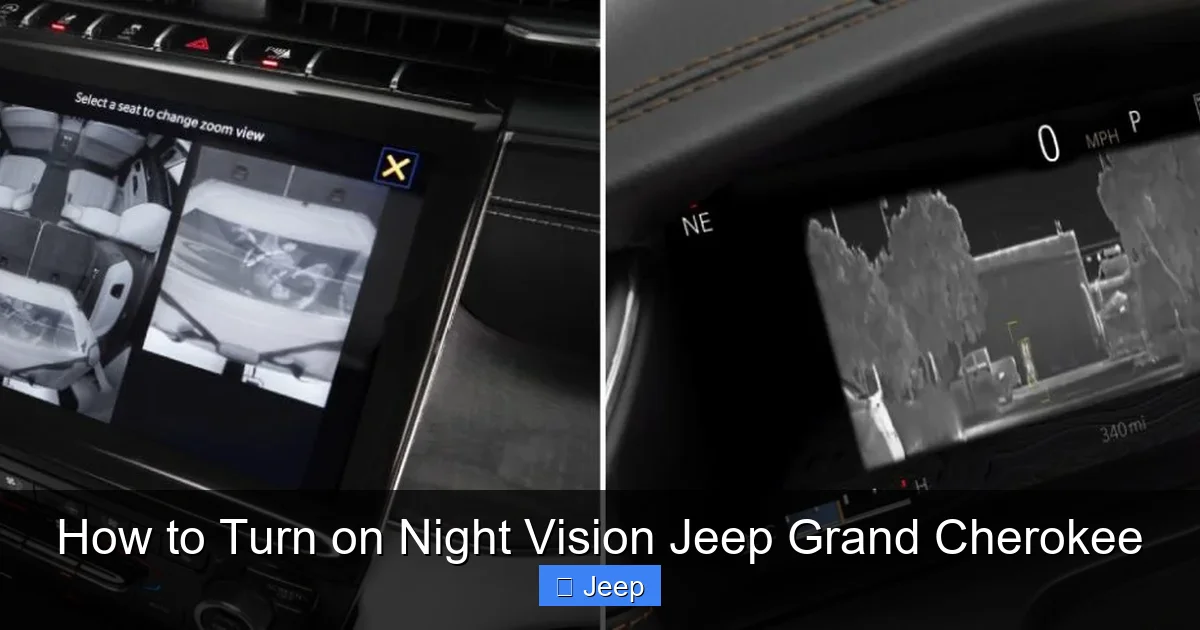
Activating night vision on your Jeep Grand Cherokee requires navigating the vehicle’s digital menu system. Follow these steps to locate and enable the feature:
Visual guide about How to Turn on Night Vision Jeep Grand Cherokee
Image source: jeepfixes.com
Accessing the Instrument Cluster
Turn on your Jeep’s ignition and glance at the digital display in front of the steering wheel. Use the steering wheel controls or the touchscreen to access the main menu. Look for options labeled “Settings,” “Vehicle,” or “Driver Assistance.”
Finding the Night Vision Option
Within the settings menu, scroll to sections related to lighting or driver aids. The night vision option should appear as a toggle switch or submenu. If you don’t see it, your model might not have this feature installed.
Step-by-Step Guide to Turning On Night Vision
Once you’ve located the night vision setting, follow these steps to activate it:
Visual guide about How to Turn on Night Vision Jeep Grand Cherokee
Image source: jeepcorner.com
Step 1: Turn On the Ignition
Start your vehicle and ensure the system is fully powered on. Some settings may not appear until the engine is running.
Step 2: Navigate to Settings
Use the steering wheel controls or touchscreen to access the main menu. Select “Settings” and then “Vehicle” or “Driver Assistance.”
Step 3: Enable Night Vision
Look for the night vision toggle switch and set it to “On.” A confirmation message may appear on the screen.
Step 4: Test the System
After enabling the feature, check the display for a night vision icon or camera feed. Drive slowly in a well-lit area to verify the system is functioning correctly.
Step 5: Adjust Additional Settings
Some models allow you to customize night vision preferences, such as sensitivity levels or display brightness. Explore these options to tailor the system to your needs.
Troubleshooting Common Issues
If you encounter problems while activating night vision, consider these troubleshooting tips:
Visual guide about How to Turn on Night Vision Jeep Grand Cherokee
Image source: i.pinimg.com
Feature Not Appearing in Settings
If the night vision option is missing, your Jeep may not have this feature. Double-check your owner’s manual or contact a dealership for confirmation. Alternatively, a software update might resolve the issue.
Camera Malfunction
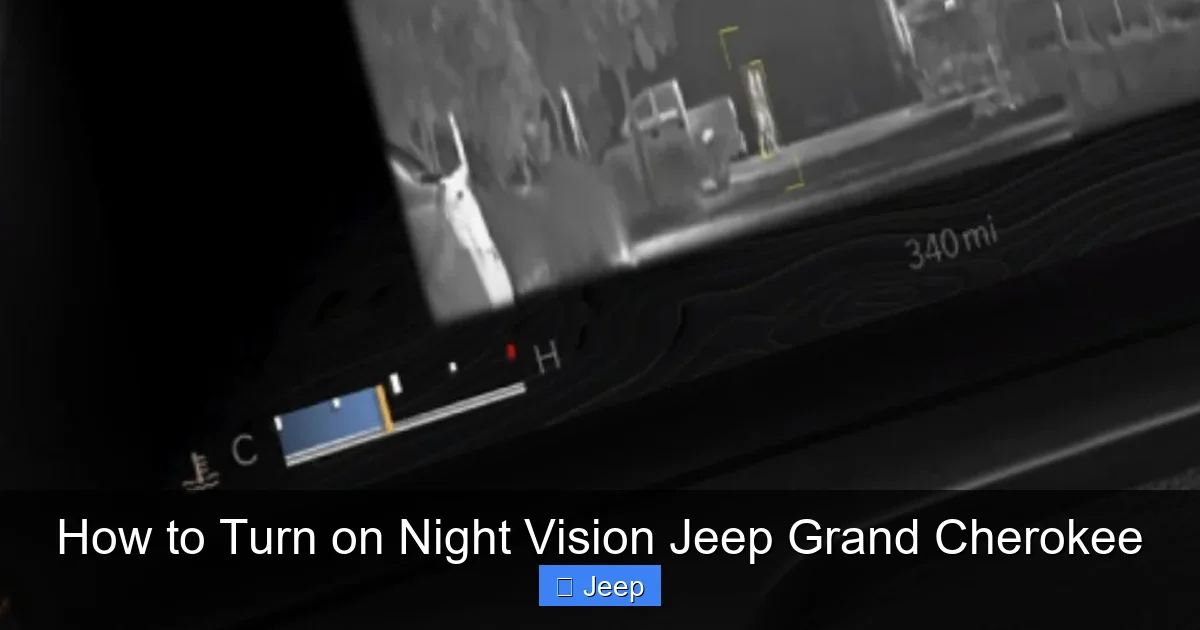
If the camera isn’t working, inspect the lens for dirt or obstructions. Clean it gently with a soft cloth. If the problem persists, consult a mechanic to check for hardware issues.
System Not Activating
Ensure your vehicle’s battery is charged and all related systems are functioning. A faulty sensor or wiring issue could prevent activation, requiring professional diagnosis.
Additional Tips for Optimal Performance
To get the most out of your night vision system, follow these best practices:
Combine with Other Lighting
Use night vision alongside your high beams or fog lights for enhanced visibility. This dual approach ensures you’re not relying solely on one system.
Maintain the Camera Lens
Regularly clean the camera lens to prevent smudges or debris from obstructing the view. Avoid using harsh chemicals that could damage the sensor.
Update Vehicle Software
Ensure your Jeep’s infotainment and driver assistance systems are up to date. Manufacturers often release updates that improve system performance and fix bugs.
Conclusion
Activating night vision on your Jeep Grand Cherokee is a straightforward process that can significantly enhance your driving experience after dark. By following these steps and maintaining your vehicle’s systems, you can enjoy clearer visibility and safer nights on the road. If you encounter any challenges, refer to your owner’s manual or reach out to a certified technician for support.
Frequently Asked Questions
Is night vision available on all Jeep Grand Cherokee models?
Not all models include this feature. It’s typically found on higher trims like the Overland or Summit. Check your owner’s manual or contact a dealer to confirm compatibility with your specific vehicle.
Can I use night vision with automatic high beams?
Yes, night vision works alongside other lighting systems. For optimal performance, ensure your high beams are properly configured. Learn more about adjusting automatic high beams on your Jeep Grand Cherokee here.
What should I do if the night vision camera is not working?
Clean the lens first. If the issue persists, inspect for physical damage or consult a mechanic. Software updates may also resolve technical glitches.
Does night vision drain the battery?
Like most electronic systems, night vision uses some power. However, it shouldn’t significantly impact your battery if used sparingly. Ensure your alternator is functioning properly for regular use.
Can I customize night vision settings?
Some models allow you to adjust sensitivity or display preferences. Use the settings menu to explore available options and tailor the system to your driving style.
How often should I clean the night vision camera?
Clean the lens regularly, especially after driving in dusty or rainy conditions. Use a soft cloth and avoid abrasive materials to prevent scratches.