How to Turn Off Lane Assist on a Toyota Camry
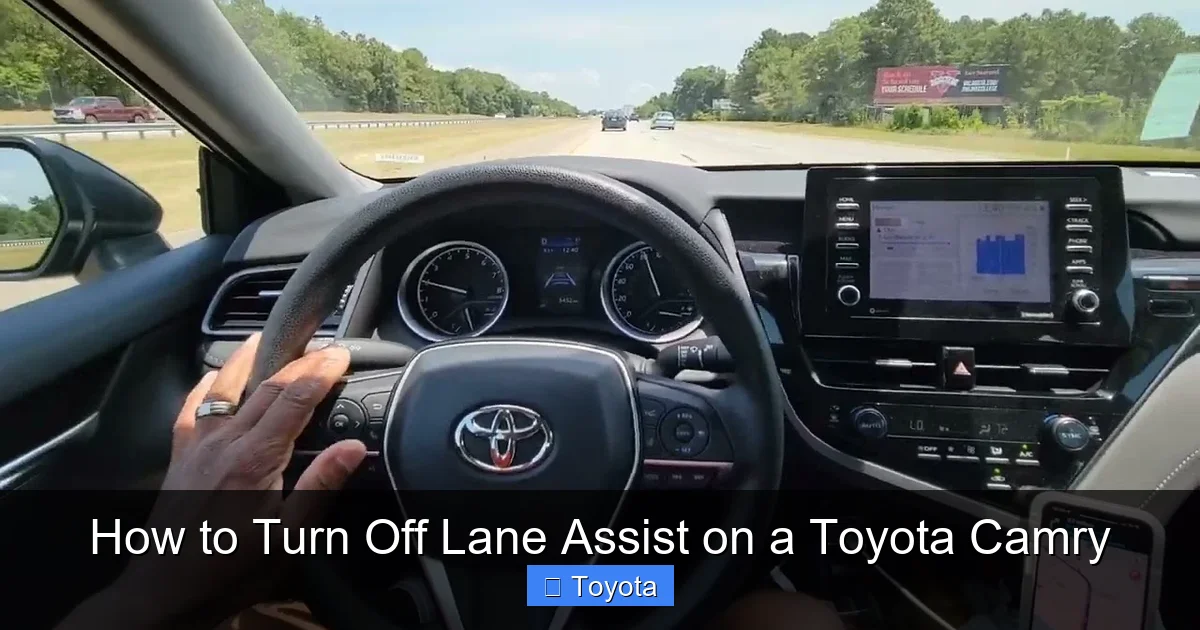
Lane Assist helps keep your Toyota Camry centered in its lane, but sometimes it’s necessary to turn it off. This guide explains how to disable the feature, when to do it, and what to expect afterward. Whether you’re driving in challenging conditions or prefer manual control, we’ve got you covered.
Key Takeaways
- Understand Lane Assist: Learn what Lane Assist does and how it enhances driving safety in your Toyota Camry.
- When to Disable It: Know the situations where turning off Lane Assist is necessary or beneficial.
- Step-by-Step Instructions: Follow our clear guide to turn off Lane Assist on your Camry, including model-specific variations.
- Check Your Manual: Always refer to your Toyota Camry’s owner’s manual for exact procedures and safety warnings.
- Troubleshooting Tips: If Lane Assist won’t turn off, discover common fixes and when to seek professional help.
- Safety Reminders: Understand the risks of driving without Lane Assist and how to stay safe on the road.
- Model Year Differences: Learn how to adjust settings on different Toyota Camry model years, from older to newer versions.
📑 Table of Contents
Understanding Lane Assist Technology
If you’ve ever driven a Toyota Camry, you’ve likely noticed a small icon on your dashboard that looks like two lines with a car in between. That’s your Lane Assist system at work! This feature uses cameras and sensors to monitor your vehicle’s position within its lane. When it detects unintentional drift, it sends alerts or even gently steers the car back on track. While this technology is designed to enhance safety, there are times when you might want to turn it off.
What is Lane Assist?
Lane Assist, officially called Lane Departure Alert with Steering Assist, is part of Toyota’s suite of driver assistance features. It’s meant to prevent accidents caused by drowsy or distracted driving. The system works by detecting road markings and warning you if you start to drift out of your lane. In some models, it can even apply gentle steering corrections to keep you centered.
How Does It Work?
The system relies on a forward-facing camera mounted near the rearview mirror. This camera constantly scans the road ahead for lane markings. When it senses that your vehicle is drifting without using a turn signal, it triggers alerts like beeps or dashboard warnings. In more advanced models, it may also provide subtle steering input to guide you back into your lane.
Why Turn Off Lane Assist?
While Lane Assist is a valuable safety tool, there are legitimate reasons to disable it. Maybe you’re driving on winding mountain roads where the system struggles to read lane markings. Or perhaps you’re in heavy traffic and find the alerts distracting. Understanding when and why to turn it off can help you make informed decisions.
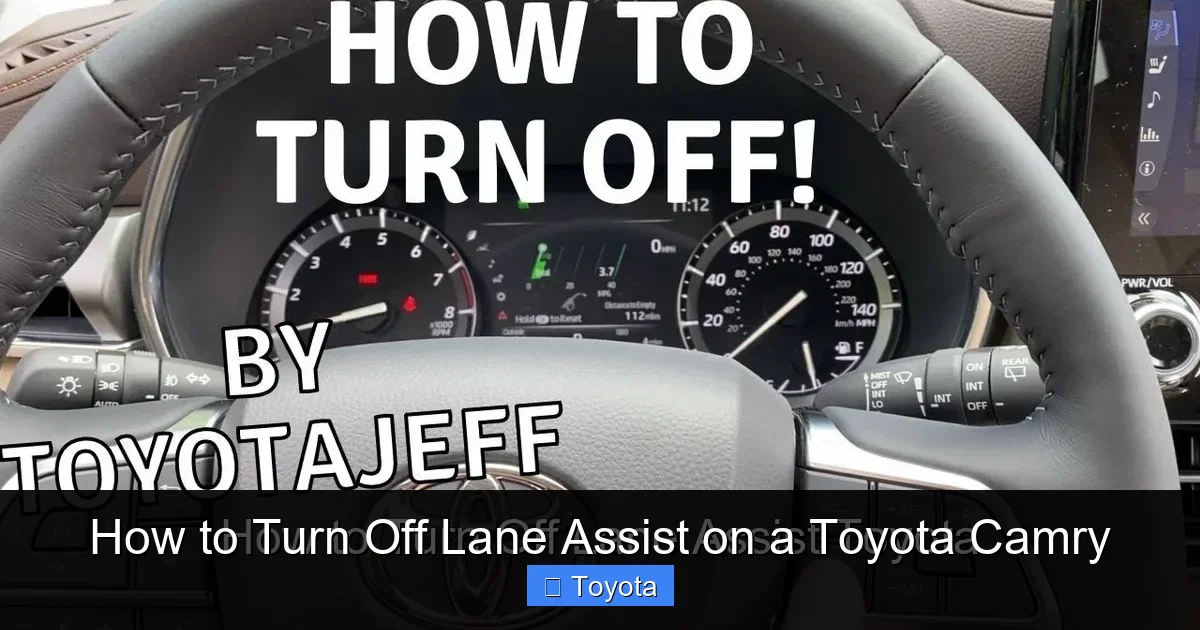
Visual guide about How to Turn Off Lane Assist on a Toyota Camry
Image source: toyotaautodealer.com
When Is It Necessary?
Turning off Lane Assist might be necessary in several scenarios:
- Driving on poorly marked roads or construction zones where lane lines are unclear.
- When towing a trailer, as the system may misinterpret the vehicle’s movement.
- If you’re an experienced driver who prefers manual control over automated assistance.
- During specific weather conditions, like heavy rain or snow, where sensor performance is reduced.
Common Scenarios for Disabling
Many drivers choose to turn off Lane Assist during long road trips when they’re well-rested and alert. Others might disable it temporarily while learning to drive or when testing their vehicle’s handling. Always remember that turning it off should be a conscious choice based on your driving needs and environment.
How to Turn Off Lane Assist on Toyota Camry
The process to turn off Lane Assist varies slightly depending on your Toyota Camry’s model year and trim level. However, the general steps remain consistent across most vehicles. Here’s how to do it:
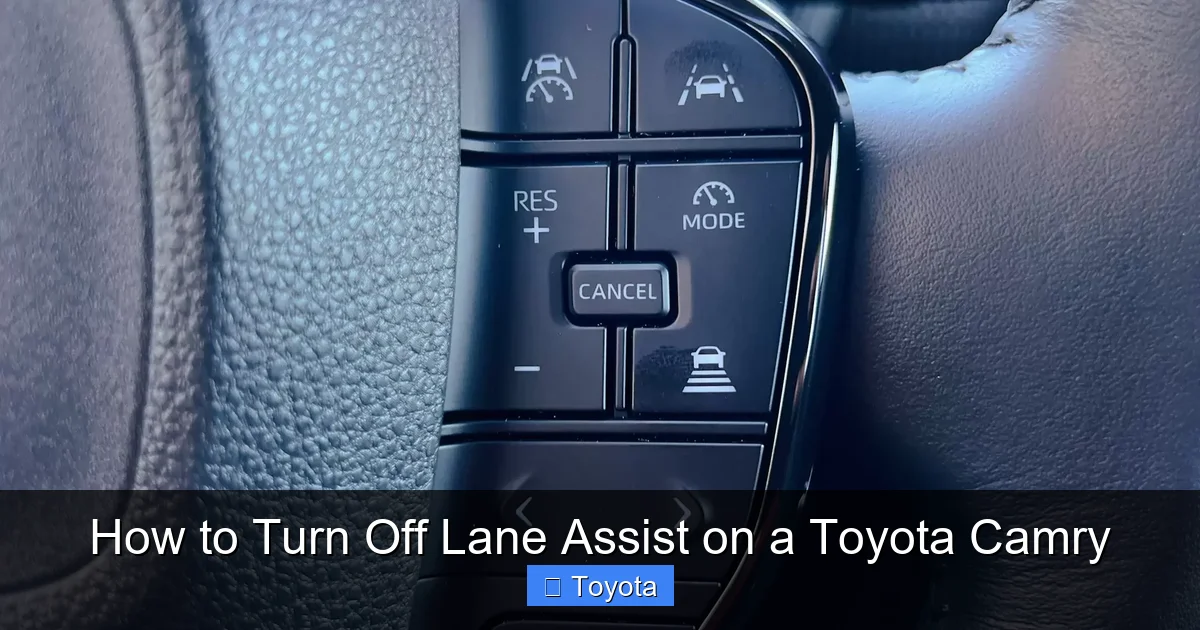
Visual guide about How to Turn Off Lane Assist on a Toyota Camry
Image source: cedricthecarguy.com
Step-by-Step Guide
- Start Your Vehicle: Turn on your Toyota Camry and ensure the ignition is in the “ON” position.
- Locate the Controls: Look for the Lane Assist button on the steering wheel or center console. It’s often marked with a symbol of two parallel lines and a car.
- Press and Hold: Press and hold the button for a few seconds until you see a confirmation on your dashboard display.
- Check the Indicator: The Lane Assist icon should disappear or change color, indicating the system is disabled.
- Test the System: Drive slowly to confirm that the system is no longer active. If it’s still on, repeat the steps or consult your owner’s manual.
Model Year Differences
If you’re driving a newer Toyota Camry (2020 or later), the process might involve using the touchscreen infotainment system. Navigate to the “Settings” menu, then find “Driver Assistance” or “Safety Settings.” From there, you can toggle Lane Assist on or off. Older models may require a physical button press, as described above.
For those curious about their vehicle’s specifications, the Toyota Camry’s weight can affect how Lane Assist performs, especially on steep or uneven terrain.
Troubleshooting and Common Issues
Sometimes, Lane Assist won’t turn off as expected. This can happen due to system malfunctions or user error. Here’s how to troubleshoot common problems:

Visual guide about How to Turn Off Lane Assist on a Toyota Camry
Image source: i.ytimg.com
If the System Won’t Turn Off
First, double-check that you’re following the correct procedure for your model year. If the system remains active, try restarting your vehicle. If the issue persists, there may be a fault in the camera or sensors. In such cases, it’s best to visit a certified Toyota technician.
Resetting the System
To reset Lane Assist, turn off your vehicle and wait a few minutes before restarting. This can clear temporary glitches. If the problem continues, check your owner’s manual for a factory reset option or contact Toyota support.
Safety Precautions and Best Practices
Disabling Lane Assist means taking full responsibility for staying in your lane. Always drive defensively, especially in challenging conditions. If you’re unsure about your ability to maintain lane position, consider keeping the system enabled.
When to Re-enable Lane Assist
After turning off Lane Assist, remember to turn it back on when conditions improve. For example, if you disabled it during a storm, reactivate it once the weather clears. Regular use helps prevent accidents and keeps you familiar with the system’s operation.
Driving Without Lane Assist
If you’re driving without Lane Assist, stay extra vigilant. Avoid distractions, maintain a safe speed, and keep both hands on the wheel. For new drivers or those unfamiliar with manual lane control, it’s wise to practice in low-traffic areas first.
If you’re preparing your Camry for a long journey, consider reviewing tips on how to break in a new Toyota to ensure optimal performance.
Conclusion
Turning off Lane Assist on your Toyota Camry is a straightforward process, but it should be done thoughtfully. Whether you’re navigating tricky roads or simply prefer manual control, knowing how to manage this feature enhances your driving experience. Always prioritize safety, stay informed about your vehicle’s capabilities, and don’t hesitate to seek professional help if something seems off.
Remember, your Toyota Camry is equipped with advanced technology to support you on the road. Use it wisely, and drive safely!
Frequently Asked Questions
How do I know if Lane Assist is off?
Check your dashboard for the Lane Assist icon. If it’s not illuminated or has changed color, the system is likely disabled. You can also test it by gently drifting toward a lane line—if no alerts trigger, the system is off.
Can I permanently disable Lane Assist?
No, Lane Assist resets each time you turn off your vehicle. You’ll need to manually turn it off each time you start driving. This ensures the system remains available when you need it most.
Does turning off Lane Assist affect my warranty?
No, disabling Lane Assist doesn’t void your warranty. However, if you encounter issues with the system afterward, repairs may not be covered if they’re related to misuse or tampering.
What happens if I turn off Lane Assist while driving?
The system will immediately stop providing alerts and steering assistance. You’ll take full control of lane positioning. Make sure you’re ready to handle this responsibility before disabling it.
Why does Lane Assist keep turning back on?
Some Toyota Camry models automatically re-enable Lane Assist after restarting the vehicle. Check your owner’s manual to see if this is a feature of your specific model and how to override it.
Is it safe to drive without Lane Assist?
It can be safe if you’re an alert, experienced driver. However, in challenging conditions or if you’re fatigued, keeping Lane Assist enabled is strongly recommended to reduce accident risk.