How to Turn Off Gps Tracking on Jeep Grand Cherokee
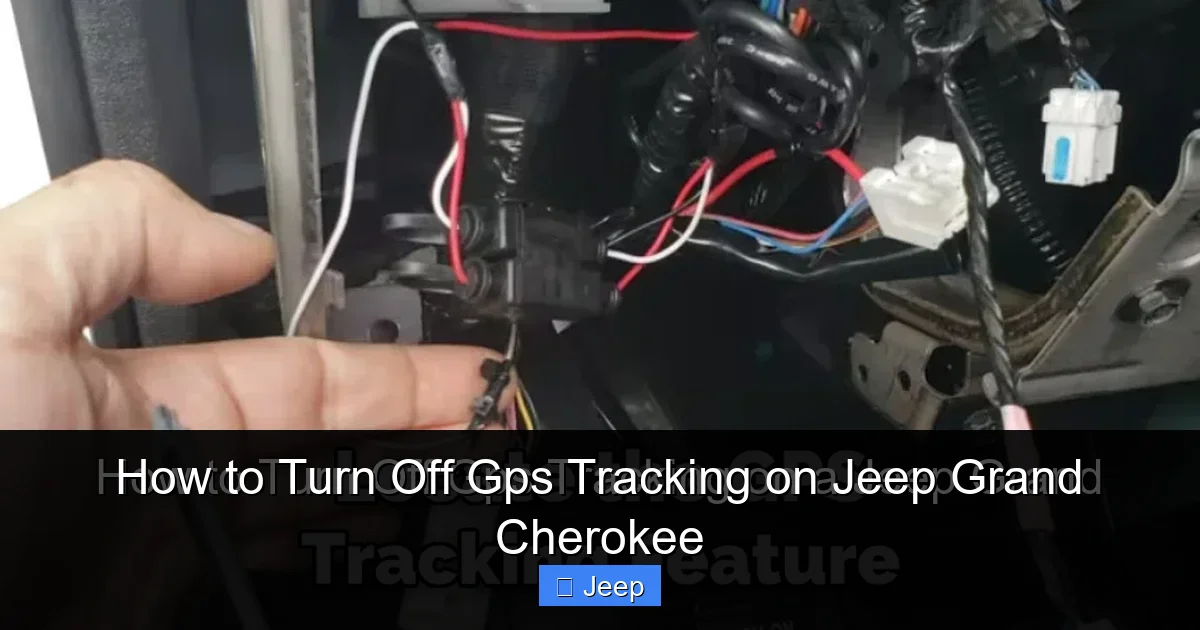
You can disable GPS tracking on your Jeep Grand Cherokee by navigating to Settings and turning off Location Services. This prevents your vehicle from sharing location data, enhancing privacy and potentially improving battery life.
Key Takeaways
- Access vehicle settings via steering wheel controls for direct access.
- Navigate to Navigation > Privacy where tracking options reside.
- Disable location services immediately from the GPS menu settings.
- Verify your change by checking app permissions and activity logs.
- Optionally use manual mode to prevent automatic data collection.
- Monitor subsequent driving habits to confirm tracking has stopped.
- Update infotainment software regularly to maintain feature reliability.
📑 Table of Contents
- How to Turn Off GPS Tracking on Jeep Grand Cherokee
- Understanding GPS Tracking Systems in Your Jeep Grand Cherokee
- Step-by-Step Guide to Turn Off GPS Tracking
- Important Considerations and Potential Consequences
- Alternative Privacy Protection Methods
- Model-Specific Instructions and Troubleshooting
- Making the Decision That’s Right for You
How to Turn Off GPS Tracking on Jeep Grand Cherokee
If you own a Jeep Grand Cherokee, you’re likely familiar with the advanced technology packed into your vehicle. From navigation systems to safety features, your SUV offers a wide range of modern conveniences. One feature that often raises questions is the built-in GPS tracking system. Whether you’re concerned about privacy, planning a road trip without digital distractions, or simply want more control over your vehicle’s tech, knowing how to turn off GPS tracking on your Jeep Grand Cherokee can be incredibly useful.
In this guide, we’ll walk you through everything you need to know about disabling GPS tracking on your Jeep Grand Cherokee. We’ll cover different types of GPS systems, step-by-step instructions, and important considerations to keep in mind. By the end of this article, you’ll feel confident taking control of your vehicle’s tracking features.
Understanding GPS Tracking Systems in Your Jeep Grand Cherokee
Before we dive into the steps for turning off GPS tracking, it’s important to understand the different types of GPS systems found in Jeep Grand Cherokee models. Modern vehicles come equipped with various forms of GPS tracking, each serving a different purpose.

Visual guide about How to Turn Off Gps Tracking on Jeep Grand Cherokee
Image source: aautomotives.com
Factory-Installed Navigation Systems
Most Jeep Grand Cherokee models from 2014 onwards come with an optional Uconnect infotainment system that includes built-in navigation. This system uses GPS satellites to provide real-time location data for directions and mapping services. The navigation system is integrated directly into your vehicle’s dashboard display.
Stolen Vehicle Tracking Services
Jeep offers a service called Stolen Vehicle Tracking through their Uconnect system. This feature allows law enforcement and Jeep dealerships to locate your vehicle if it’s stolen. Unlike the navigation system, this tracking feature operates independently and may require professional assistance to fully disable.
Aftermarket GPS Devices
Many Jeep owners also install aftermarket GPS devices or smartphone mounts for navigation. These devices typically have their own power sources and can be easily turned off or removed when not needed.
Mobile Apps and Smartphone Integration
The Uconnect system also supports smartphone integration through Apple CarPlay and Android Auto. These features can access your phone’s GPS capabilities, which means your location data might still be tracked even when the vehicle’s built-in GPS is disabled.
Step-by-Step Guide to Turn Off GPS Tracking
Now that you understand the different types of GPS tracking in your Jeep Grand Cherokee, let’s walk through the process of turning them off. The exact steps may vary depending on your model year and trim level, but these general instructions should apply to most vehicles.
Visual guide about How to Turn Off Gps Tracking on Jeep Grand Cherokee
Image source: jeepfixes.com
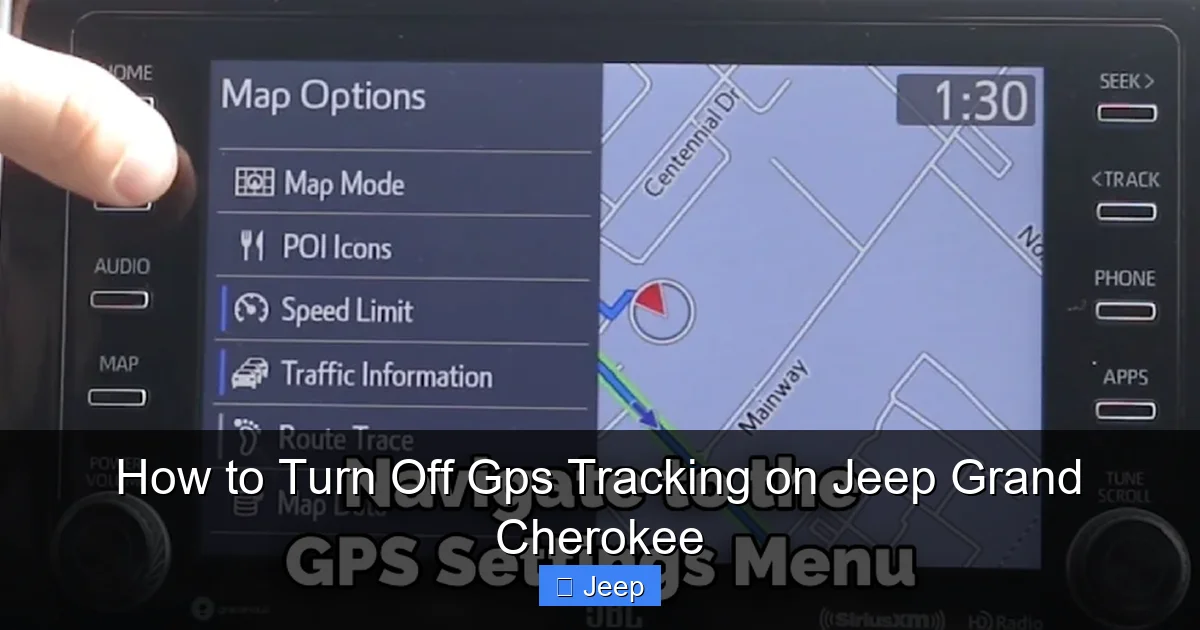
Disabling the Built-In Navigation System
To turn off the factory-installed navigation system:
- Start your Jeep Grand Cherokee and turn on the infotainment system
- Navigate to the main menu screen on your Uconnect display
- Select the “Settings” or “System” option
- Look for “Navigation” or “GPS” settings
- Choose to disable location services or turn off the navigation system entirely
- Some models allow you to simply avoid using the navigation app, effectively disabling GPS tracking through the system
Turning Off Location Services
For more comprehensive GPS tracking disablement:
- Access your vehicle’s settings menu
- Find “Privacy” or “Location Services” options
- Disable location-based services for all applications
- Turn off any connected services that rely on GPS data
Disabling Connected Services
If your Jeep includes connected services like Uconnect Access:
- Contact your Jeep dealer to discuss disabling these services
- Some services can be managed through the Uconnect website or mobile app
- Consider canceling subscription services that require GPS tracking
Managing Smartphone Integration
To prevent GPS tracking through your smartphone:
- Disable location services for your vehicle’s companion app
- Turn off Bluetooth connections between your phone and vehicle
- Remove paired devices from your Uconnect system
Important Considerations and Potential Consequences
While turning off GPS tracking on your Jeep Grand Cherokee gives you more control over your privacy, there are several important factors to consider before making this change. Understanding the potential consequences can help you make an informed decision.
Visual guide about How to Turn Off Gps Tracking on Jeep Grand Cherokee
Image source: jeepfixes.com
Impact on Safety Features
Many modern safety features in your Jeep Grand Cherokee rely on GPS data to function properly. Systems like:
- Emergency calling (eCall)
- Automatic crash notification
- Stolen vehicle tracking
- Remote diagnostics
These features may become non-functional when GPS tracking is disabled. Consider whether you’re comfortable potentially losing access to these important safety services.
Navigation and Mapping Functionality
Disabling GPS tracking will render your vehicle’s built-in navigation system useless. You’ll need to rely on physical maps, smartphone navigation apps, or other external sources for directions. If you frequently travel to unfamiliar areas, this could significantly impact your driving experience.
Warranty and Service Implications
Some vehicle functions and warranty services may require GPS data to operate correctly. For example:
- Scheduled maintenance reminders
- Remote diagnostics performed by dealerships
- Software updates delivered over-the-air
Check your owner’s manual or contact your Jeep dealer to understand how disabling GPS might affect these services.
Subscription Service Limitations
If you’ve subscribed to premium connected services, disabling GPS tracking may void certain aspects of your service agreement. Review your contract terms carefully before making changes to your vehicle’s tracking capabilities.
Alternative Privacy Protection Methods
If you’re concerned about privacy but don’t want to completely disable GPS tracking, there are several alternative approaches you can take. These methods offer varying levels of privacy protection while maintaining some of your vehicle’s functionality.
Data Collection Settings
Most modern vehicles, including the Jeep Grand Cherokee, offer granular privacy controls:
- Review and adjust data sharing preferences in your vehicle settings
- Opt out of non-essential data collection programs
- Limit which apps and services can access your location data
Physical Privacy Measures
For those who prefer a more hands-on approach:
- Use a GPS signal blocker device (where legally permitted)
- Install a physical cover over your navigation screen when not in use
- Remove or disconnect aftermarket GPS devices when privacy is a concern
Regular System Maintenance
Maintaining good privacy habits:
- Regularly review and update your privacy settings
- Stay informed about new features that might affect tracking
- Understand what data your vehicle collects and how it’s used
Professional Assistance
If you’re unsure about modifying your vehicle’s GPS settings:
- Consult with your Jeep dealer for official guidance
- Speak with automotive electronics specialists
- Consider professional installation of privacy protection modifications
Model-Specific Instructions and Troubleshooting
Different model years of the Jeep Grand Cherokee have varying infotainment systems and GPS configurations. Here’s what you need to know about specific model ranges and common issues that may arise.
2014-2018 Model Years
These models typically feature the Uconnect system with 5-inch or 8.4-inch displays. To disable GPS tracking:
- Press the “Settings” button on your touchscreen
- Select “System” then “Vehicle Settings”
- Choose “Location Services” and toggle off GPS-related features
- For complete disablement, disconnect the GPS antenna (requires professional assistance)
2019-2023 Model Years
Newer models have more advanced Uconnect systems with additional connectivity options:
- Access the “Settings” menu through the touchscreen or physical buttons
- Navigate to “Privacy Settings” or “Location Services”
- Turn off individual location-based services as needed
- Contact Uconnect customer service for assistance with connected services
Common Issues and Solutions
If you encounter problems when trying to disable GPS tracking:
- Settings won’t save: Ensure your vehicle is in park with the parking brake engaged
- Options appear grayed out: Check if your vehicle requires a PIN or code
- GPS continues running: Restart your infotainment system by turning your vehicle off and on again
- Uncertain about options: Refer to your owner’s manual or contact Jeep customer support
When to Seek Professional Help
Certain modifications should only be performed by professionals:
- Disconnecting hardware components
- Modifying wiring harnesses
- Dealing with warranty concerns
- Troubleshooting persistent error messages
Making the Decision That’s Right for You
Deciding whether to turn off GPS tracking on your Jeep Grand Cherokee is ultimately a personal choice that depends on your priorities regarding privacy, safety, and convenience. There’s no one-size-fits-all answer, and what works best for one driver might not be ideal for another.
Questions to Ask Yourself
Before making changes to your vehicle’s GPS settings, consider:
- Am I comfortable with the level of data collection currently happening?
- Do I rely heavily on my vehicle’s navigation system?
- How important are connected safety features to my driving experience?
- Am I willing to accept the potential limitations of disabling GPS tracking?
Finding Balance
Rather than completely disabling all GPS features, you might consider:
- Selective disabling of non-essential tracking features
- Using privacy-focused alternatives for navigation
- Regular monitoring of your vehicle’s data sharing practices
- Educating yourself about your rights regarding vehicle data
Remember that technology in vehicles is constantly evolving, and manufacturers continue to update their systems with new privacy controls and options. Staying informed about these developments can help you maintain the right balance between convenience and privacy.
Whether you choose to completely disable GPS tracking or simply adjust your privacy settings, the most important thing is making an informed decision that aligns with your values and needs. Your Jeep Grand Cherokee is designed to be customizable, and taking control of your vehicle’s technology features is part of being a responsible owner.
If you’re still unsure about the best approach for your situation, don’t hesitate to reach out to your local Jeep dealer or a trusted automotive professional. They can provide personalized guidance based on your specific model and usage patterns. Taking the time to understand your options ensures you get the most from your vehicle while protecting your privacy and peace of mind.
Frequently Asked Questions
Where can I access the GPS tracking settings on my Jeep Grand Cherokee?
The GPS tracking settings are typically found in the Uconnect infotainment system. Navigate to “Settings,” then select “Vehicle” or “Privacy” to locate the GPS options. If unsure, consult your owner’s manual or contact a Jeep dealership for precise guidance.
How do I turn off GPS tracking on my Jeep Grand Cherokee temporarily?
To disable GPS tracking temporarily, access the Uconnect system’s settings menu and toggle off the location services. This action may pause real-time tracking but could still allow limited functionality for safety features. Restart the system later to re-enable tracking when needed.
Does turning off GPS tracking affect other vehicle features?
Disabling GPS tracking might impact features like stolen vehicle recovery, navigation, or emergency services that rely on location data. Some safety systems, such as automatic crash notification, may still function independently. Confirm which features depend on GPS with your dealer or technical support team.
Is it legal to turn off GPS tracking in my Jeep Grand Cherokee?
Legality depends on your region and how the vehicle is used. For personal vehicles, disabling GPS for privacy is generally permissible unless required by law enforcement or insurance policies. Avoid tampering with systems in commercial or fleet vehicles, as this could violate contracts or regulations.
What if I can’t find the option to disable GPS tracking?
Check for software updates in the Uconnect system, as outdated versions may lack the GPS toggle. If the option remains missing, consult your owner’s manual or visit a Jeep service center, as some models require dealer assistance for advanced settings.
How do I reactivate GPS tracking on my Jeep Grand Cherokee after turning it off?
Re-enable GPS tracking by returning to the Uconnect settings menu and toggling location services back on. If the option was disabled through a third-party app or service, re-enable it there as well. Ensure all systems are updated to maintain compatibility with tracking features.