How to Reset Traction Control on Chevy Traverse
Resetting the traction control on your Chevy Traverse is easier than you might think. Most issues can be resolved by pressing the traction control button on your dashboard, disconnecting the battery, or checking your tire pressure. If the light stays on after these attempts, have a professional diagnose the system. Regular maintenance keeps your traction control working properly and keeps you safe on the road.
Key Takeaways
- Simple button reset: Press the traction control button on your Chevy Traverse dashboard to toggle the system off and on again.
- Battery disconnect method: Removing the negative battery terminal for 15-30 minutes can reset the system’s sensors.
- Tire pressure matters: Low or uneven tire pressure often triggers traction control warnings—check all four tires.
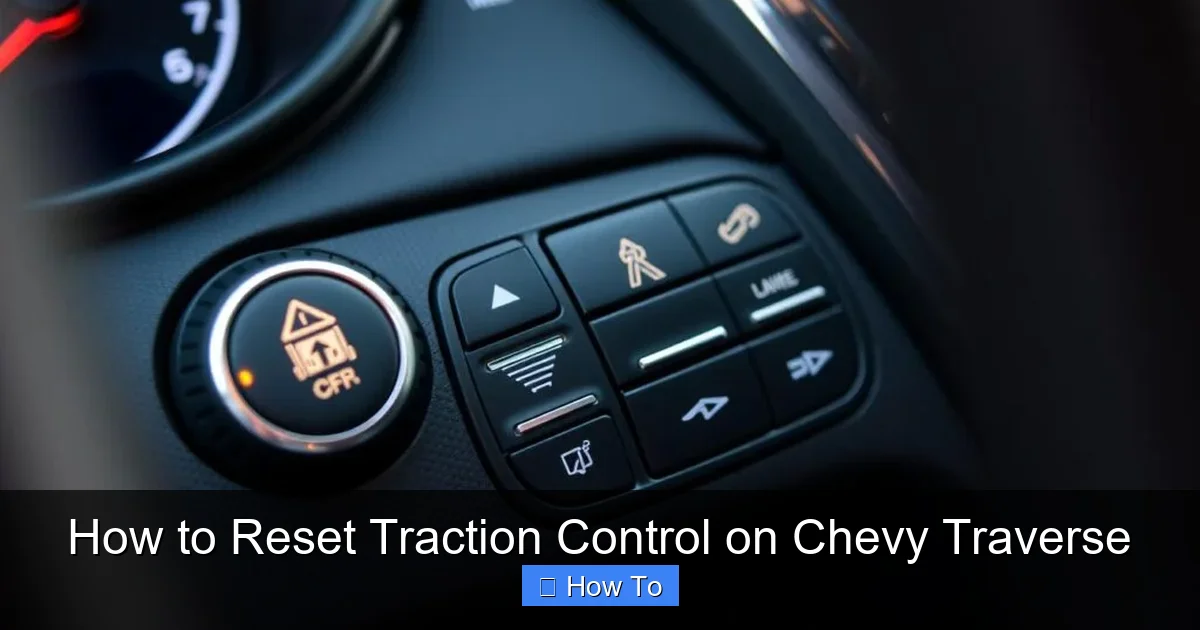
- Dashboard button location: The traction control button typically features a car icon with curved lines and is located near the driver side controls.
- System self-correction: The traction control system often resets itself once the underlying issue is resolved.
- Professional diagnosis needed: Persistent warning lights after basic resets indicate potential sensor or module issues requiring mechanic attention.
- Safety feature reminder: Traction control is a critical safety system—never disable it permanently without good reason.
📑 Table of Contents
Understanding Traction Control in Your Chevy Traverse
Your Chevy Traverse comes equipped with a sophisticated traction control system designed to keep you safe on the road. This system monitors wheel slip and helps prevent your vehicle from losing traction, especially during adverse weather conditions or sudden maneuvers. When everything works correctly, you barely notice it’s there. However, when the traction control light illuminates on your dashboard, it signals that something needs your attention.
The traction control system in your Traverse works in tandem with your anti-lock braking system (ABS). It uses sensors at each wheel to detect when one wheel is spinning faster than the others. When this happens, the system automatically reduces engine power or applies brake pressure to that wheel to help regain traction. This happens so quickly that you might only feel a slight pulsation through the brake pedal.
Sometimes, the system may malfunction or trigger a warning light due to minor issues that don’t indicate a serious problem. Learning how to reset traction control on your Chevy Traverse can save you a trip to the dealership and get you back on the road faster. Let’s explore the various methods to address this common concern.
Why Does the Traction Control Light Come On?
Before attempting to reset the system, it’s helpful to understand what might be causing the warning. The traction control light may illuminate for several reasons. Temporary conditions like driving on slippery surfaces, sand, or gravel can activate the system, and the light will typically turn off once you return to normal driving conditions. Low tire pressure in one or more tires can also trigger the warning, as the system detects the difference in wheel speeds. Additionally, a loose gas cap has been known to cause various dashboard warning lights, including traction control indicators, due to related electrical system glitches.
The Importance of Maintaining This Safety Feature
While it may be tempting to simply disable the traction control system and ignore the warning light, doing so compromises your safety. This system plays a crucial role in preventing accidents, particularly in rain, snow, or ice. According to automotive safety experts, vehicles with functioning traction control are significantly less likely to be involved in single-vehicle accidents during slippery conditions. Keeping the system operational should be a priority for every Traverse owner.
Method 1: Using the Dashboard Traction Control Button
The simplest and most common way to reset traction control on your Chevy Traverse involves using the dashboard button. This method works for temporary glitches or when the system has been manually disabled. Most Traverse models have this button located on the left side of the steering column or near the infotainment controls.
To reset the system, start by ensuring your vehicle is parked safely with the engine running. Locate the traction control button, which typically features an icon of a car with curved lines underneath, representing wheels and traction. Press this button once to turn the traction control system off. Wait approximately 10-15 seconds, then press the button again to turn the system back on. This toggle action often resets the system and clears the warning light, especially if the issue was temporary.
After completing this step, observe your dashboard. If the traction control light turns off, the reset was successful. Take your vehicle for a short test drive to confirm the system is functioning properly. If the light returns or remains on, proceed to the next troubleshooting method. For more detailed information about dashboard indicators and reset procedures for various vehicle systems, you may find our guide on how to reset maintenance lights helpful, as many reset procedures follow similar principles across different manufacturers.
What to Do If the Button Doesn’t Work
If pressing the traction control button doesn’t resolve the issue, don’t worry. There are several other approaches you can try before seeking professional help. Sometimes the system needs a more thorough reset, which requires addressing the root cause rather than just the warning light. In many cases, the underlying issue relates to tire pressure or battery connections, both of which you can check yourself.
Method 2: Checking and Adjusting Tire Pressure
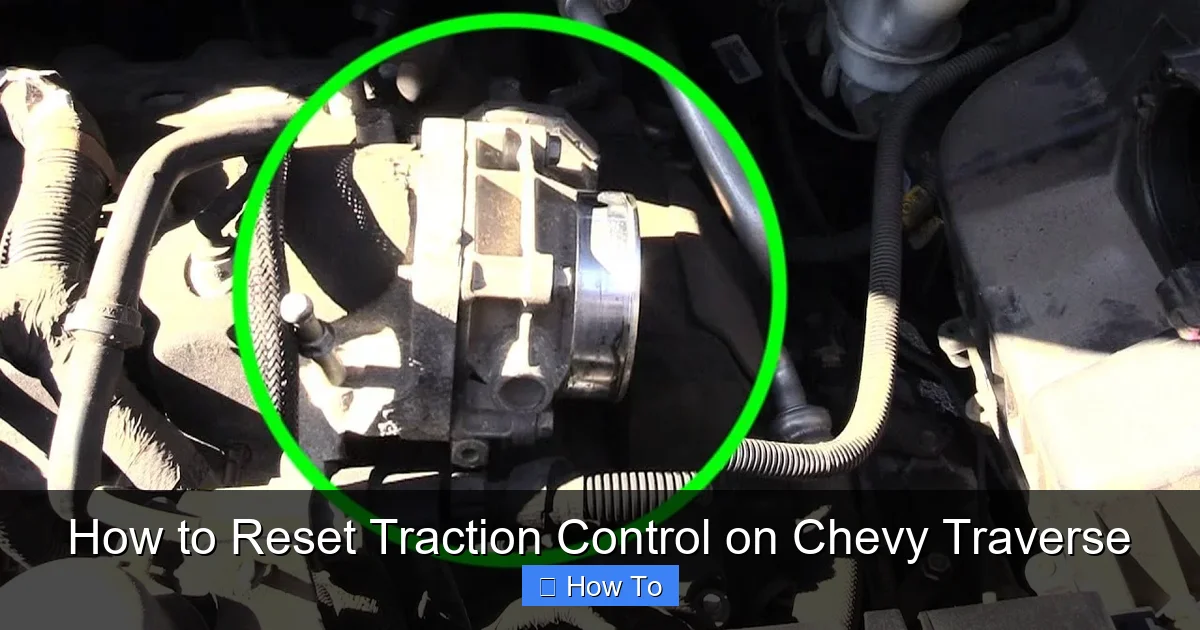
Tire pressure issues are among the most common causes of traction control warning lights. Your Traverse’s system detects differences in wheel rotation speeds, and uneven tire pressure causes some wheels to rotate differently than others. This discrepancy can trigger the traction control warning even when roads aren’t slippery.
Visual guide about How to Reset Traction Control on Chevy Traverse
Image source: thecarhow.com
To check your tire pressure, locate the recommended pressure values on the sticker inside your driver’s side door jamb. These numbers indicate the optimal pressure for your specific tires. Use a reliable tire pressure gauge to check each tire, including the spare if your Traverse has one. Compare the readings to the recommended values and adjust as needed using an air compressor at a gas station or tire inflation service.
After adjusting tire pressures to the correct levels, drive your vehicle for several miles. The traction control system will recalibrate itself based on the new, consistent wheel speeds. In most cases, this simple maintenance task resolves the warning light issue without any further intervention. Regular tire pressure checks should become part of your routine vehicle maintenance, as proper inflation also improves fuel efficiency and extends tire life.
When One Tire Is Consistently Low
If you find that one particular tire keeps losing pressure, inspect it carefully for sharp objects lodged in the tread, damaged valve stems, or visible punctures. Small nails or screws may create slow leaks that require repair or replacement. Our article on how to change a tire provides helpful guidance on safely handling tire-related issues that may relate to your Traverse as well.
Method 3: Battery Disconnect Reset
When electronic systems experience glitches, a battery disconnect can often clear error codes and reset the traction control module. This method essentially gives your vehicle’s computer systems a fresh start. Before attempting this reset, ensure you have any security codes or radio presets written down, as disconnecting the battery may reset these settings.
Visual guide about How to Reset Traction Control on Chevy Traverse
Image source: i.ytimg.com
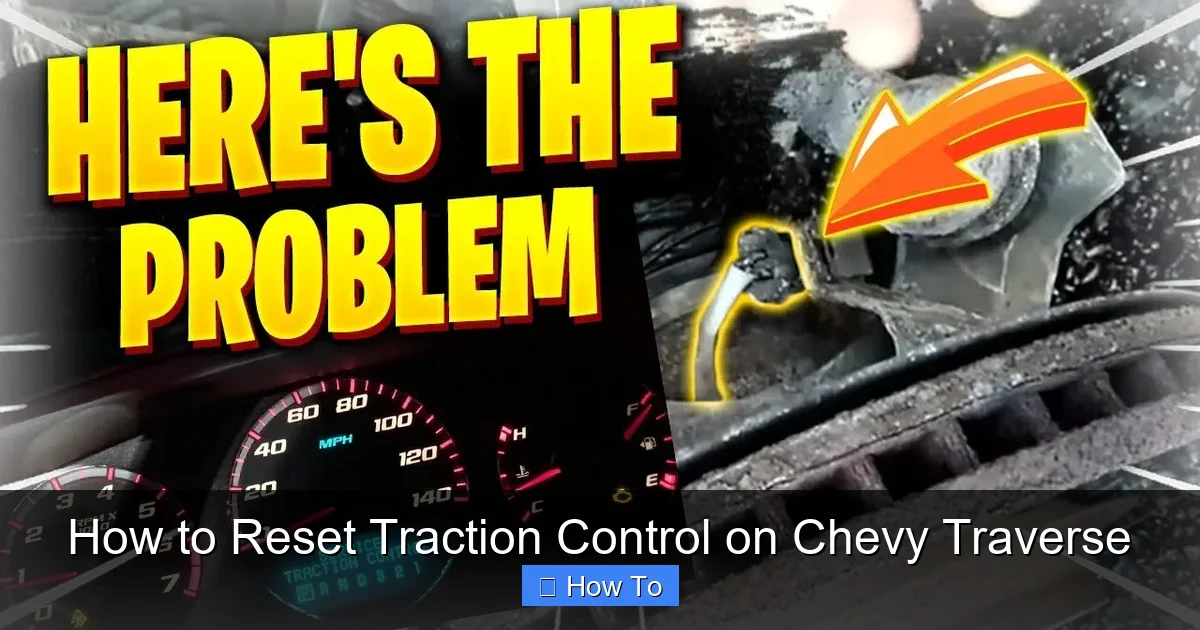
To perform a battery disconnect reset, turn off your Chevy Traverse completely and engage the parking brake. Open the hood and locate the negative battery terminal, which is marked with a minus sign (-) and typically has a black cable attached. Using an appropriate wrench, loosen the bolt on the negative terminal and carefully remove the cable from the battery post. Leave the cable disconnected for approximately 15 to 30 minutes to allow the vehicle’s capacitors to fully discharge.
After the waiting period, reconnect the negative cable to the battery terminal and tighten the bolt securely. Start your vehicle and allow it to idle for several minutes without operating any electrical systems. This gives the computer time to initialize and recalibrate. Once complete, the traction control warning may clear, and the system should function normally. If you’re interested in learning more about battery-related resets and electrical system maintenance, our guide on how to reset battery warning lights covers similar principles that apply across many vehicle brands.
Safety Precautions During Battery Work
Always wear safety glasses when working with vehicle batteries, and ensure good ventilation in the work area. Avoid touching both battery terminals simultaneously with metal tools, as this creates a short circuit risk. If your battery shows signs of corrosion, leakage, or swelling, have it inspected by a professional before attempting any reset procedures.
Method 4: Inspecting Wheel Speed Sensors
The traction control system relies on wheel speed sensors to function properly. These sensors are located at each wheel and measure how fast each wheel is rotating. If one or more sensors become dirty, damaged, or disconnected, the system may trigger a warning light and reduce functionality. Understanding these components helps you diagnose persistent issues more effectively.
To inspect wheel speed sensors, you’ll need to safely lift your vehicle using jack stands or a lift. Locate each sensor near the wheel hub, noting that they’re typically mounted behind brake rotors or on the control arms. Check the sensor wiring for visible damage, loose connections, or corroded terminals. Clean any accumulated dirt, brake dust, or debris from the sensor tip using a soft brush or compressed air.
If the sensor wiring appears damaged or the connector is loose, this may require professional repair or replacement. Wheel speed sensors are sensitive components, and improper handling can cause further issues. For information about sensor programming and replacement procedures that may be relevant, our article on how to program TPMS sensors discusses similar electronic sensor systems used in modern vehicles.
When to Seek Professional Assistance
Sometimes, despite your best efforts, the traction control warning light persists. This indicates a more serious issue that requires professional diagnosis and repair. Modern vehicle systems are complex, and problems can stem from the ABS module, steering angle sensor, or communication networks between various control units.
If the traction control light flashes while driving, particularly during normal conditions, this suggests an active system fault requiring immediate attention. Similarly, if multiple warning lights appear simultaneously—such as the check engine light, ABS warning, and traction control indicator—this points to a broader electrical or mechanical problem. In these cases, using an OBD-II scanner to retrieve diagnostic trouble codes can provide valuable information for both you and your mechanic.
Understanding Diagnostic Trouble Codes
Modern scan tools can read traction control and ABS-related codes that pinpoint specific problems. Common codes include C0035 through C0060, which relate to individual wheel speed sensor circuits, and C0070 through C0080, which involve the traction control pump or valve assembly. While you may not be able to repair these issues yourself, knowing the specific code helps your mechanic address the problem more efficiently.
Preventive Maintenance Tips
Preventing traction control issues is easier than fixing them. Regular maintenance goes a long way toward keeping this safety system functioning properly. Make it a habit to check your tire pressure monthly and before any long trips. Inspect your tires for uneven wear, which can indicate alignment or suspension problems that affect the traction control system.
Keep the wheel speed sensor areas clean by washing your vehicle regularly, especially during winter months when road salt and grime can accumulate. Have your braking system inspected annually, including the ABS components. When replacing tires, always ensure all four wheels have tires of similar age and tread depth, as mismatched tires can cause the system to function erratically.
Finally, address any dashboard warning lights promptly. Ignoring a traction control warning won’t make it disappear, and it may indicate unsafe driving conditions. Your safety and the safety of your passengers depends on having fully functional safety systems. By staying proactive with maintenance, you can minimize unexpected issues and enjoy confident driving in your Chevy Traverse for years to come.
Frequently Asked Questions
Where is the traction control button on a Chevy Traverse?
The traction control button is typically located on the left side of the steering column or near the infotainment screen controls. It features an icon of a car with curved lines beneath it representing traction. Look for a button that says “TC” or shows the traction control symbol.
Why is my traction control light staying on in my Chevy Traverse?
The light may stay on due to low or uneven tire pressure, a malfunctioning wheel speed sensor, a loose gas cap, or an actual system failure. Start by checking your tire pressure and the traction control button. If the light persists after these basic checks, have the system professionally diagnosed.
Can I drive my Chevy Traverse with the traction control light on?
You can technically drive with the light on, but your vehicle will have reduced stability assistance, especially on slippery surfaces. It’s best to address the issue promptly and avoid aggressive driving until the system is restored or diagnosed by a professional.
Will disconnecting the battery reset the traction control system?
Disconnecting the battery for 15-30 minutes can clear some electronic glitches and reset the system’s adaptive memories. However, if there’s an underlying mechanical or electrical issue, the light will likely return once you drive the vehicle.
How much does it cost to repair a traction control system on a Chevy Traverse?
Repair costs vary widely depending on the cause. Wheel speed sensor replacement typically costs $100-$300 per sensor. ABS module repairs or replacement can range from $300-$1,000 or more. A proper diagnosis from a mechanic can help determine the exact issue and associated costs.
Does the traction control system affect gas mileage?
When functioning normally, traction control has minimal impact on gas mileage. However, if the system is constantly activating due to sensor issues or tire problems, you may notice slightly reduced fuel efficiency. Maintaining proper tire pressure helps optimize both safety and economy.