How to Check the Awd System on a Toyota Highlander
Checking the AWD system on a Toyota Highlander is straightforward if you know what to look for: inspect tires, listen for noises, watch dashboard lights, perform a road test, and use an OBD-II scanner for fault codes. Regular checks help you catch issues early and maintain optimal traction on all terrains.
Key Takeaways
- Visual inspection: Look for uneven tire wear, leaks, or damaged drivetrain components.
- Dashboard indicators: AWD warning lights or flashing icons signal potential problems.
- Road test: Feel for hesitation, binding, or unusual noises during acceleration and turns.
- OBD-II scan: Reading fault codes pinpoints sensor or module issues.
- Routine maintenance: Keep fluid levels correct and inspect seals to prolong AWD life.
- Professional help: Persistent codes or symptoms require a qualified technician.
📑 Table of Contents
- Understanding the Toyota Highlander AWD System
- Visual Inspection: Checking for External Signs of AWD Issues
- Diagnostic Tools and Warning Lights: What the Dashboard Tells You
- Road Test Procedures: How to Feel AWD Performance
- Using an OBD‑II Scanner to Read AWD Fault Codes
- Maintenance Tips to Keep the AWD System Healthy
- Conclusion
Understanding the Toyota Highlander AWD System
The Toyota Highlander offers an available all‑wheel drive (AWD) system that helps distribute power between the front and rear axles for better grip. Knowing how this system works is the first step in learning how to check the AWD system on a Toyota Highlander. The system uses a center differential, electronic controls, and various sensors to monitor wheel slip and adjust torque accordingly. When everything functions correctly, you hardly notice the AWD at work; it only engages when needed.
Because the AWD system is largely electronic, many faults trigger warning lights before you feel a problem. However, mechanical issues such as worn seals, low fluid, or damaged driveshafts can also occur. Familiarizing yourself with the normal operation helps you spot abnormalities early.
Key Components of the Highlander AWD
- Transfer case: Splits power between front and rear.
- Center differential: Allows speed differences between axles.
- Wheel speed sensors: Feed data to the AWD control module.
- AWD control module: Decides when to engage rear torque.
- Fluid and seals: Lubricate and protect internal parts.
Understanding these parts makes it easier to follow the inspection steps that come later.
Visual Inspection: Checking for External Signs of AWD Issues
A good visual check can reveal many problems before you even start the engine. When performing how to check the AWD system on a Toyota Highlander, start with a walk‑around of the vehicle.
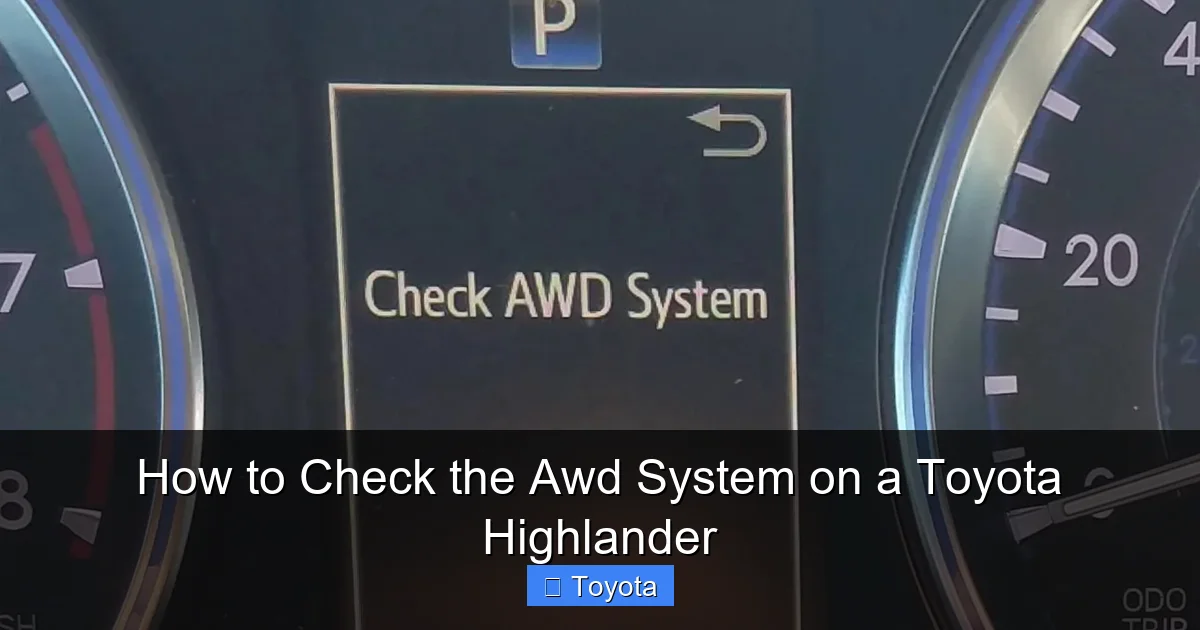
Visual guide about How to Check the Awd System on a Toyota Highlander
Image source: autoalmanac.com
Tire Condition and Pressure
Uneven tire wear is a classic sign of AWD trouble. If one axle is dragging or not receiving proper torque, the tires on that axle will wear faster. Check all four tires for:
- Tread depth differences > 2/32 inch
- Feathering or cupping patterns
- Proper inflation (refer to the driver’s door jamb sticker)
If you notice uneven wear, it may be time to also learn how to check brake pads in your car as braking performance can be affected by tire condition.
Undercarriage Look‑Over
With the vehicle safely lifted or on a ramp, inspect the following:
- Transfer case and differential housings for oil leaks
- Driveshafts for dents, cracks, or missing bolts
- Seals and boots for tears or excessive grease
- Exhaust heat shields that could be rubbing on AWD components
Any fresh oil spots or damaged boots indicate a seal that may need replacement. Keeping the undercarriage clean is similar to knowing how to clean a car engine bay; a clean area makes leaks easier to spot.
Fluid Levels and Condition
The Highlander’s AWD system uses a specific gear oil. Locate the fill plug (usually on the rear differential) and check:
- Oil level is at the bottom of the fill hole
- Oil appears clean, not milky or contaminated with metal particles
If the fluid is low or dirty, top off with the manufacturer‑specified fluid and plan a change soon.
Diagnostic Tools and Warning Lights: What the Dashboard Tells You
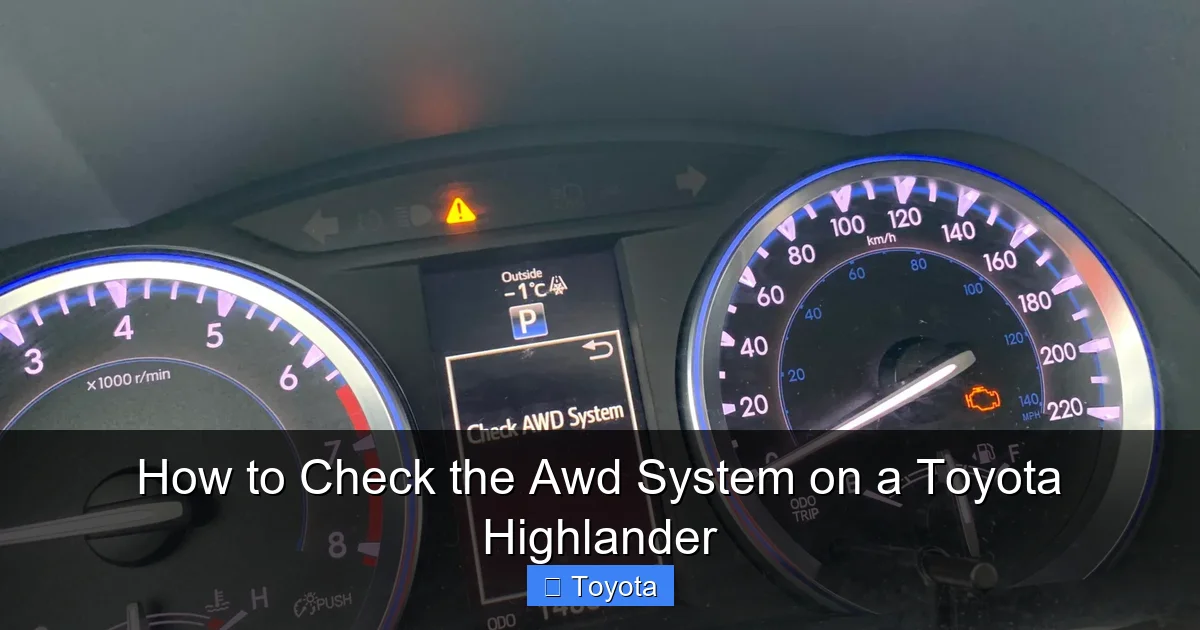
Modern Highlanders rely heavily on electronic diagnostics. The dashboard is your first alert system when learning how to check the AWD system on a Toyota Highlander.
Visual guide about How to Check the Awd System on a Toyota Highlander
Image source: thecarhow.com
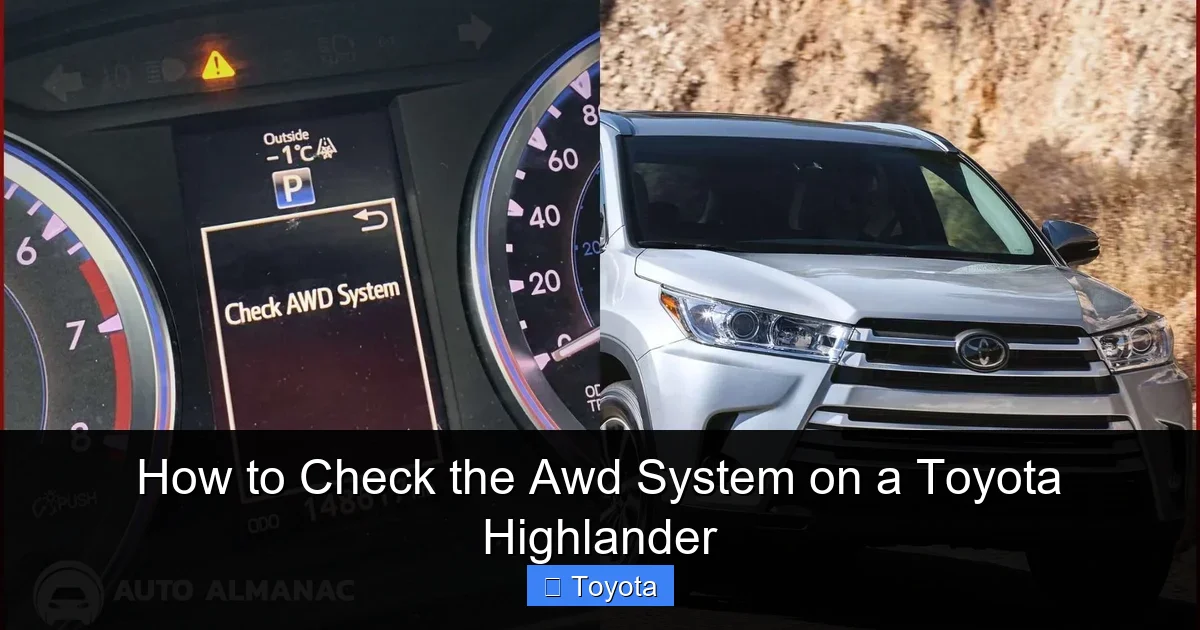
AWD Warning Light
Most models have an “AWD” or “4WD” indicator. If this light illuminates while driving, the control module has detected a fault. Common triggers include:
- Wheel speed sensor failure
- Low fluid level detected by a pressure switch
- Electrical short in the AWD control module
- Overheating of the transfer case
Note whether the light is steady or flashing. A steady light often indicates a stored fault, while a flashing light can mean a current issue that may cause the system to disengage.
Check Engine Light and Related Codes
Sometimes AWD problems trigger the generic check engine light. Using an OBD‑II scanner (covered later) can reveal codes such as C1234 (AWD control module fault) or P0500 (vehicle speed sensor). Even if the AWD light is off, scanning for codes is a prudent step.
Listening for Audible Clues
With the engine running and the vehicle in park, listen for:
- Whining or howling from the transfer case (could indicate low fluid or bearing wear)
- Clunking when shifting between drive and reverse (possible U‑joint or CV joint issue)
- Grinding noises during tight turns (may point to a binding differential)
Any new or unusual sound warrants further inspection.
Road Test Procedures: How to Feel AWD Performance
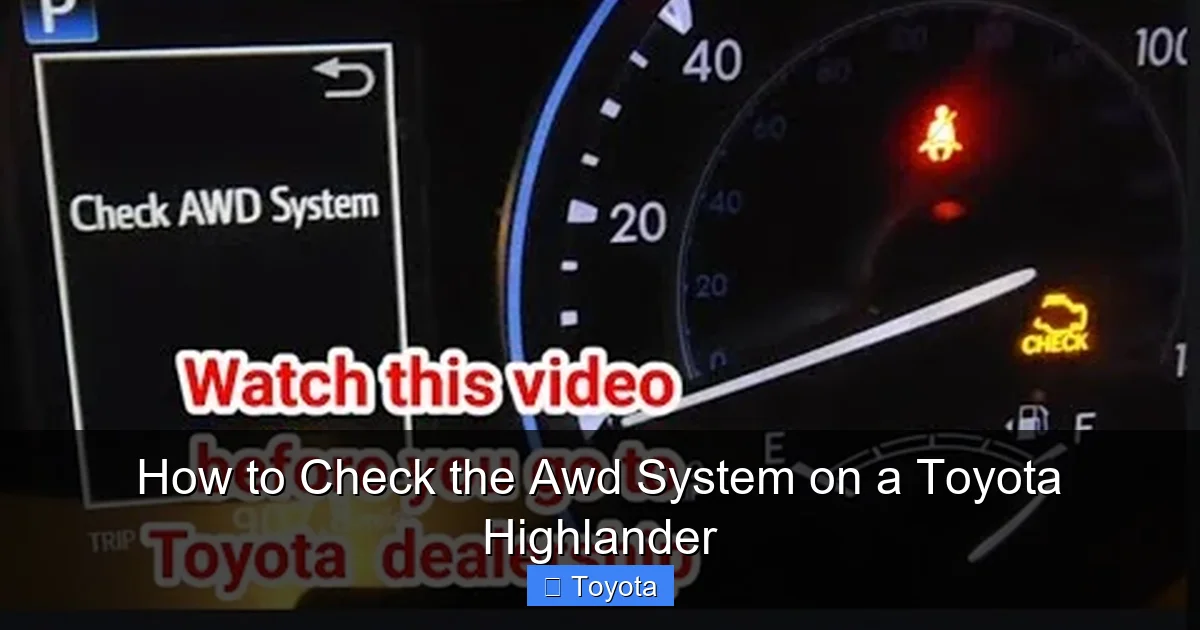
After visual and dashboard checks, a road test helps you experience how the AWD system behaves in real‑world conditions. This is a vital part of how to check the AWD system on a Toyota Highlander.
Visual guide about How to Check the Awd System on a Toyota Highlander
Image source: i.ytimg.com
Straight‑Line Acceleration Test
On a dry, flat road, accelerate gently from a stop to about 30 mph. Feel for:
- Smooth power delivery without hesitation
- No jerking or sudden loss of traction
If the vehicle feels sluggish or the engine revs higher than expected without corresponding speed gain, the rear axle may not be receiving torque.
Low‑Traction Surface Test
Find a safe, loose‑gravel or wet pavement area. Accelerate from a stop and observe:
- Whether the vehicle pulls straight or tends to fishtail
- If the rear wheels seem to spin excessively while the front grips
- Any activation of the AWD light during the maneuver
A properly functioning AWD system will transfer torque to the rear wheels quickly, reducing wheel spin and keeping the vehicle stable.
Turning and Cornering Test
Make a series of slow, tight turns (like a parking lot figure‑eight). Listen for:
- Binding or a “wiggle” sensation in the steering wheel
- Unusual noises from the front or rear differential
- Any warning lights flashing mid‑turn
Binding can indicate that the center differential is not allowing the necessary speed difference between axles, often due to low fluid or a mechanical fault.
Braking Test
Perform a moderate brake from 40 mph to a stop. Note:
- Whether the vehicle stops straight or pulls to one side
- If the ABS activates unevenly (could be related to wheel speed sensor issues)
Uneven braking can sometimes be traced to a faulty sensor that also affects AWD operation.
Using an OBD‑II Scanner to Read AWD Fault Codes
When the dashboard lights come on or you suspect a hidden issue, an OBD‑II scanner is the most direct way to learn how to check the AWD system on a Toyota Highlander electronically.
Choosing the Right Scanner
Not all generic scanners read manufacturer‑specific AWD codes. Look for a device that supports Toyota’s enhanced diagnostics or a professional‑level scan tool. Many affordable Bluetooth adapters paired with apps like Torque Pro or OBD Fusion can read enhanced codes if they support the Toyota protocol.
Connecting and Retrieving Codes
- Locate the OBD‑II port under the driver’s side dash.
- Plug in the scanner and turn the ignition to the “ON” position (engine off).
- Follow the scanner’s menu to read “Stored Codes” and “Pending Codes”.
- Note any codes that begin with C (chassis) or P (powertrain) related to AWD, such as:
- C1200 – AWD Control Module Malfunction
- (or similar)
- C1220 – AWD Motor Circuit Malfunction
- P0500 – Vehicle Speed Sensor Malfunction
- C1240 – AWD System Over Temperature
Research the specific code meaning (Toyota service manuals or reputable online databases) to understand the likely cause.
Clearing Codes and Test Driving
After addressing the obvious issue (e.g., topping off fluid, reseating a connector), you can clear the codes with the scanner and take the vehicle for a short test drive. If the light returns, the fault is persistent and requires deeper inspection—possibly a sensor replacement or internal mechanical repair.
When to Seek Professional Help
If you encounter:
- Repeated AWD control module codes
- Signs of internal damage (metal particles in fluid, loud grinding)
- Electrical issues that persist after checking wiring and connectors
It’s time to consult a Toyota dealership or a qualified independent shop. They have the specialized tools (like Toyota Techstream) to perform bidirectional controls and calibrate the AWD system.
Maintenance Tips to Keep the AWD System Healthy
Preventive care goes a long way toward avoiding costly repairs. Incorporate these habits into your routine when thinking about how to check the AWD system on a Toyota Highlander.
Regular Fluid Changes
Toyota recommends changing the transfer case and differential fluid every 30,000 miles or as indicated in the owner’s manual. Use only the specified gear oil (often API GL‑5, SAE 75W‑90). Fresh fluid ensures proper lubrication and heat dissipation.
Inspect Seals and Boots
During every oil change or tire rotation, quickly check the driveshaft boots and transfer case seals for cracks or leaks. Replacing a boot early is far cheaper than repairing a damaged joint.
Keep Tires Matched
Mismatched tire sizes or tread depths can cause the AWD system to work harder, leading to premature wear. Rotate tires every 5,000‑7,500 miles and replace them in sets of four when needed.
Monitor Driving Habits
Avoid prolonged high‑torque situations like deep mud or steep inclines without allowing the system to cool. If you frequently drive in severe conditions, consider more frequent fluid checks.
Stay Updated with Recalls and Service Bulletins
Toyota occasionally issues technical service bulletins (TSBs) related to AWD software or hardware. Checking the Toyota owner’s portal or visiting a dealer for updates can prevent known issues.
Use Quality Parts
When replacement is necessary, opt for OEM or high‑quality aftermarket parts. Cheap sensors or seals may fail quickly, leading to repeat visits to the shop.
Conclusion
Learning how to check the AWD system on a Toyota Highlander combines simple visual checks, attentive listening, dashboard awareness, road‑test feelings, and electronic diagnostics. By following the steps outlined above, you can catch many issues before they compromise safety or lead to expensive repairs. Regular maintenance—especially fluid changes and tire care—keeps the AWD system ready to deliver confidence on rain‑slick roads, light trails, or everyday commutes. If ever in doubt, a quick scan with an OBD‑II tool or a visit to a trusted mechanic will give you peace of mind and keep your Highlander performing at its best.
Frequently Asked Questions
What does the AWD warning light mean on a Toyota Highlander?
The AWD warning light indicates that the vehicle’s control module has detected a fault in the all‑wheel drive system. This could be due to a sensor issue, low fluid level, or an electrical problem. If the light stays on, it’s advisable to have the system scanned for codes.
Can I drive my Toyota Highlander with the AWD light on?
Driving with the AWD light on is possible in the short term, but the system may be disabled, sending power only to the front wheels. This reduces traction in slippery conditions and could cause extra wear on other components. It’s best to diagnose the issue promptly.
How often should I check the AWD fluid in my Highlander?
Check the AWD (transfer case and differential) fluid level every 5,000 to 7,500 miles or during each oil change. Follow the manufacturer’s recommended change interval, usually around 30,000 miles, to ensure proper lubrication.
What are common symptoms of a failing AWD system?
Common symptoms include the AWD warning light illuminating, unusual whining or clunking noises from the drivetrain, uneven tire wear, and noticeable hesitation or binding during acceleration or turns. Experiencing any of these warrants a closer inspection.
Is it necessary to use a dealer‑specific scanner for AWD codes?
While many generic OBD‑II scanners can read basic codes, Toyota‑specific AWD faults often require a scanner that can access enhanced or manufacturer‑specific codes. A Bluetooth adapter with an app that supports Toyota protocols or a professional scan tool like Techstream will give the most complete picture.
Can uneven tire wear affect the AWD system?
Yes, significantly uneven tire tread can cause the AWD system to interpret false slip signals, leading to unnecessary engagement or disengagement. Keeping all four tires matched in size and tread depth helps the system work correctly and prevents premature wear.