Aux Cable for Car
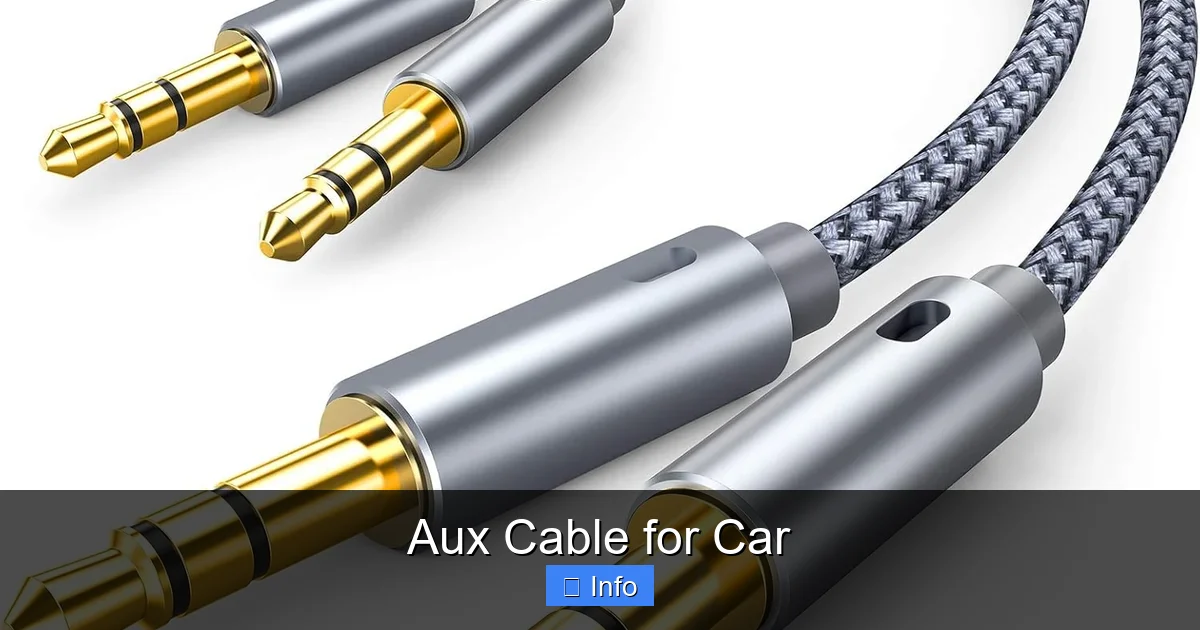
An aux cable for car use is a simple, low-cost way to play music from a phone through your car speakers. It works well when you want a direct sound link, no pairing, and no app setup. Choose the right plug, length, and build quality for clear sound and easy daily use.
Aux Cable for Car
Music can turn a short drive into a small trip. It can also make a long road feel easier. The right sound can help you focus, relax, and enjoy the ride.
An aux cable for car use is one of the simplest ways to play music. You plug one end into your phone or music player. You plug the other end into your car stereo. Then you press play.
No app. No pairing. No login. That is why many drivers still love it. In this guide, we will look at what an aux cable is, how to pick one, and how to fix common sound issues.
Key Takeaways
- It is simple: An aux cable for car audio lets you play music with one plug and one button.
- Fit matters: A loose plug can cause static, cutouts, or one side sound.
- Length matters: A short cable is neat up front. A longer cable can reach the back seat.
- New phones may need help: USB-C or Lightning phones may need an adapter or special cable.
- Good build helps: Shielding and strong plugs can reduce buzz and last longer.
- Safety comes first: Keep the cable away from pedals, the shifter, and your view.
📑 Table of Contents
What Is an Aux Cable for Car?
The basic idea
An aux cable for car audio is a small audio cable. It carries sound from one device to another. In most cars, it uses a 3.5mm plug. Many people call it a 35mm aux cable, but the true size is 3.5mm.
The plug is the same round jack you may have seen on old headphones. One end goes into your phone, tablet, or MP3 player. The other end goes into the AUX input on your car stereo.
When you select AUX on the stereo, the car speakers play the sound from your device. This is a wired link. That means the sound does not need Bluetooth or Wi-Fi.
Why it still matters
Bluetooth is common now. But an aux cable for car use can still be better in some cases. It is fast. It is simple. It also uses less battery than many wireless options.
It can be a good choice for older cars. It can also help when Bluetooth is slow, noisy, or hard to pair. If your child is in the back seat, you can plug in a tablet and play a movie soundtrack.
It is not perfect for every car. But it is a low-cost fix for many sound setups. A good fit gives you quick sound with very little fuss.
Types of Aux Cable for Car Setups
Standard 3.5mm aux cable
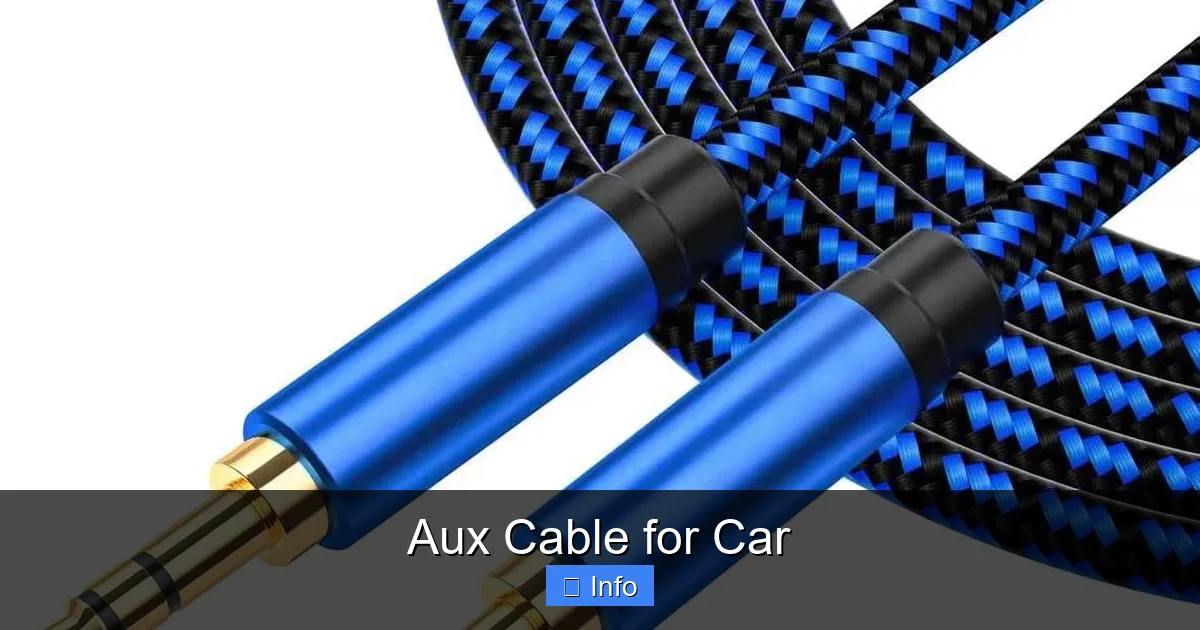
The most common type is a male to male 3.5mm aux cable. Both ends have the same round plug. This works with many phones, laptops, and car stereos.
Visual guide about Aux Cable for Car
Image source: m.media-amazon.com
A standard 3.5mm aux cable is often enough for daily use. It is small, cheap, and easy to find. You can keep one in the glove box, center console, or door pocket.
Some plugs have two black rings. These are called TRS plugs. They carry left and right stereo sound. Some plugs have three black rings. These are called TRRS plugs. They can also carry a mic signal.
Right angle, long, and braided cables
A straight plug is fine if there is room near the stereo. A right angle plug can help in a tight dash. It bends the cable to the side. This can stop the plug from sticking out too far.
Length matters a lot. A short cable keeps the front seat clean. A longer cable can reach the back seat. But a very long cable can tangle. It can also pick up noise if it is cheap or poorly shielded.
Braided cables often last longer. They resist bends and pulls. Rubber cables can work well too. The jacket is not the only thing that matters. The plug fit and internal wire quality also count.
Adapter cables for newer phones
Many new phones do not have a headphone jack. That does not mean you cannot use AUX. You can use a small adapter or a special cable.
If your car lacks a true AUX input, an aux cable adapter may help. Some cars use a cassette slot, USB port, or factory port. The right adapter can make the link work. Just make sure it matches your car and phone.
If your phone has USB-C, you may need a USB-C to aux cable. Look for one with a built in DAC. That small chip changes digital sound into analog sound. It helps the cable work with the car stereo.
Aux to USB and aux to aux options
You may also see USB to aux cable and aux to USB cable options. These are not always simple plug and play parts. Some need power. Some need a DAC. Some only work with certain devices.
An aux to aux cable is just another name for a standard stereo cable. It links one AUX output to another AUX input. For a car, this usually means your phone or player to the car stereo.
How to Choose the Best Aux Cable for Car
Match the plug to your car
First, check the input in your car. Most AUX ports are round 3.5mm jacks. Some are on the front dash. Some are in the center console. Some are near the glove box.
Visual guide about Aux Cable for Car
Image source: m.media-amazon.com
Make sure the plug fits all the way in. A loose plug can cause static. It can also cut out when you hit a bump. If your car has a thick case or tight cover, a slim plug may work better.
Next, check your phone. If it has a headphone jack, a normal cable may work. If it does not, you need an adapter or a phone specific cable. If your phone has USB-C, choose a cable that supports audio out.
Pick the right length
A good aux cable for car use should be just long enough. For the front seat, 3 feet is often enough. For the back seat, 6 feet may be better. For a minivan or SUV, you may want a longer cable.
Do not buy a 12 foot cable if you only need 3 feet. Extra length can tangle. It can also rub on sharp edges. A neat cable is safer and easier to use.
Try this simple test. Sit where you will use your phone. Let the cable reach the AUX port without pulling. If it pulls tight, it is too short. If it loops everywhere, it is too long.
Look for build quality
A good aux cable for car use should feel solid. The plug should not wiggle. The cable should not crack when bent. The joints near the plug should be flexible.
Shielding is important too. A shielded cable can reduce buzz and hum. This matters in cars because there are many electrical parts nearby. The engine, lights, chargers, and speakers can all add noise.
Gold plated plugs can help with rust. But they are not magic. A well made copper plug with a good fit may sound just as good. Do not pay more just for a shiny plug.
Think about sound and mic needs
Most car AUX inputs only need stereo sound. You do not need a cable with a mic for basic music. A mic cable can work, but it may not add any benefit.
If you make calls through the car, the car may use its own mic. If you use the cable only for music, skip the mic. A simpler cable is often easier to pack and use.
If you want high volume, check the cable rating. Some thin cables can sound fine at low volume. But they may hiss or distort when turned up. A thicker, shielded cable is safer for loud drives.
How to Use an Aux Cable for Car
Connect and select the input
Using an aux cable for car music is easy. Plug one end into your phone or player. Plug the other end into the AUX port. Then press AUX or MEDIA on the car stereo.
Visual guide about Aux Cable for Car
Image source: images-na.ssl-images-amazon.com
Some cars show AUX on the screen. Some cars have an AUX button. Some older cars need you to press MODE until AUX appears. If nothing plays, try changing the input again.
Start with a song you know well. This helps you hear if the sound is clear. It also helps you spot static, low volume, or one side issues.
Set volume the right way
Set your phone volume first. A good starting point is about 70% to 85%. Then raise the car stereo volume to a safe level.
If you hear hiss, try raising the phone volume a little. Then lower the car volume a little. If you hear distortion, lower the phone volume. Every car stereo is different, so test it once and remember the setting.
Keep the volume low enough to hear road noise. Do not let music block horns, sirens, or warning sounds. Safe sound is better than loud sound.
Keep it safe while you drive
An aux cable for car use should not block your view. It should not touch the pedals. It should not wrap around the gear shifter. A loose cable can become a distraction fast.
Use clips or a small cable tie to hold extra length. Do not use tight metal ties near the plug. They can damage the wire. A soft Velcro strap works well.
If a passenger uses the cable, keep the phone secure. A falling phone can slide under the brake pedal. Use a mount or a seat pocket. Small habits can make the drive safer.
Common Problems with an Aux Cable for Car
No sound
If your aux cable for car use gives no sound, check the input first. Your car may still be on radio, Bluetooth, or USB. Press AUX, MEDIA, or MODE until the right input appears.
Next, check the phone volume. Also check that the plug is pushed in fully. A half seated plug can look fine but still give no sound.
Test the cable with another device if you can. If it works there, the issue may be the car input or the stereo setting.
Static, crackle, or hum
A weak aux cable for car audio can crackle when it moves. Try wiggling each end gently. If the sound cuts in and out, the plug may be loose or the cable may be worn.
Static can also come from a cheap charger. If you plug in a phone charger, try unplugging it. Some chargers add electrical noise to the sound.
A shielded cable can help with hum. It cannot fix every car noise, but it can reduce buzz from wires, lights, and the engine.
One side is quiet
If one speaker is quiet, check the balance setting. Your car stereo may be set to left or right. Move the balance back to center.
If your aux cable for car use still sounds one sided, pull the plug out and check the tip. Dirt or lint can block the contact. Clean the jack with dry air or a clean cloth.
Do not use water or spray inside the port. If the problem stays, try a new cable. A bent plug can cause one channel to fail.
It keeps falling out
A good aux cable for car use should fit snugly. If it falls out on bumps, the plug may be too thin or the port may be loose.
Try a slim plug or a different cable style. A right angle plug can also help in a tight dash. It puts less pull on the jack.
If the car port is damaged, a repair may be needed. Do not force the plug. Forcing it can break the port and make the problem worse.
Care, Upgrades, and Final Thoughts
How to make it last
Care for your aux cable for car use with simple habits. Pull from the plug, not the wire. Do not wrap it tight around the plug. Keep it away from heat, sharp edges, and spills.
If sound gets weak, check both ends. Dust can build up in the jack. Use dry air or a clean, dry cloth. Do not pour liquid into the port.
A small pouch in the glove box can keep it clean. This also stops it from getting lost under the seat. A neat cable is easier to use and safer to store.
When to upgrade
Upgrade your aux cable for car use if it cuts out, hisses, or feels loose. Upgrade if you changed phones and need USB-C or Lightning support. Upgrade if you want a longer, braided, or right angle cable for a better fit.
If your car has no AUX input, consider a Bluetooth receiver. It plugs into the AUX port and lets your phone stream without a wire. If you want zero wires, a new stereo with Bluetooth may be the best long term fix.
Final Thoughts
A good aux cable for car audio is small, cheap, and very useful. It can make an older car feel fresh. It can also give you quick music when Bluetooth fails. Choose a cable that fits your car, your phone, and your driving habits. Then enjoy clear sound on every ride.
Frequently Asked Questions
What is an aux cable for car?
An aux cable for car use carries sound from your phone or player to your car stereo. You plug it into the AUX port, select AUX on the stereo, and press play.
Why is there no sound when I plug in my aux cable?
Check that the car stereo is set to AUX or MEDIA. Also make sure the cable is pushed in all the way and your phone volume is turned up. If it still does not work, test the cable with another device.
Does an aux cable reduce sound quality?
A good aux cable for car use can sound very clear. Cheap or damaged cables may add hiss, hum, or crackle. A shielded cable with a snug plug usually gives the best result.
Can I use an aux cable if my phone has no headphone jack?
Yes, you can use an adapter or a special cable. USB-C and Lightning phones often need a cable with the right audio support. Some adapters include a small DAC to change digital sound into analog sound.
How long should my car aux cable be?
For the front seat, 3 feet is often enough. For the back seat, 6 feet is usually better. Do not use a very long cable unless you need it, because it can tangle and get in the way.
Can I use an aux cable with Bluetooth in my car?
You can use both, but they work in different ways. AUX uses a wire for sound. Bluetooth streams sound without a cable. If your car has AUX, a Bluetooth receiver can plug in and add wireless playback.