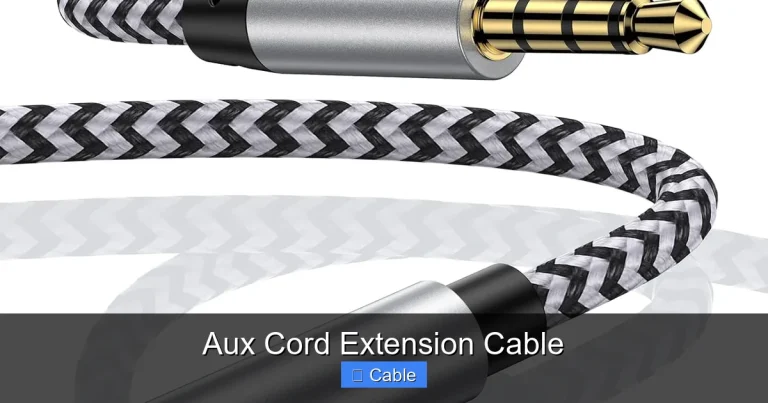
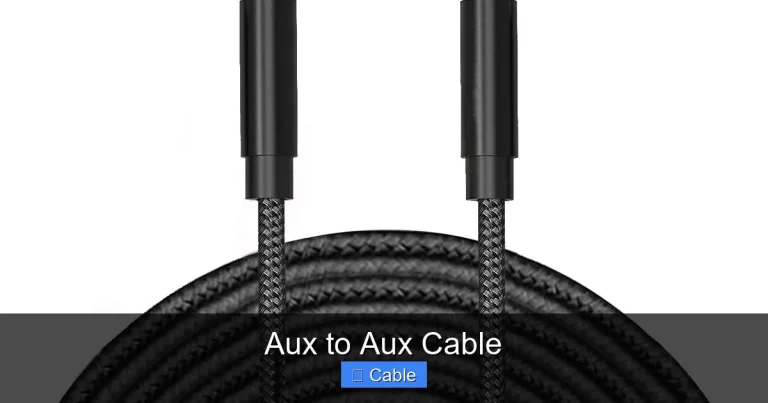
35mm Aux Cable
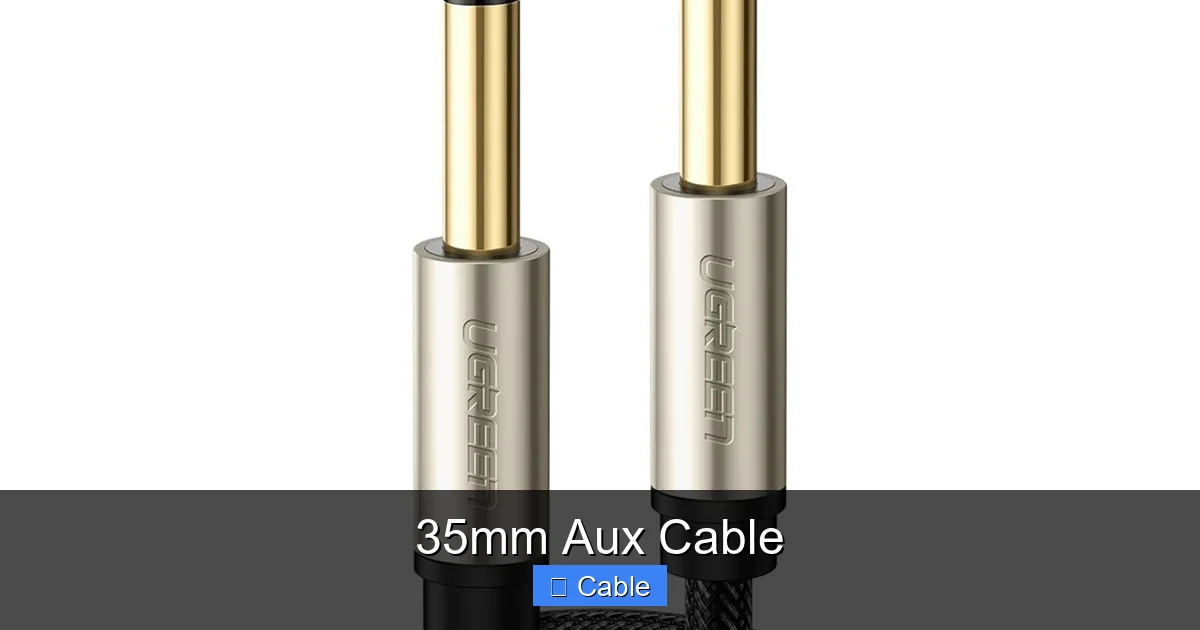
A 35mm Aux Cable is a must-have for anyone needing reliable audio connections. Whether you’re linking your phone to speakers or your car stereo, this cable ensures clear, high-quality sound without the hassle. Learn why it’s a top choice for users everywhere.
Key Takeaways
- Universal Compatibility: Works with smartphones, laptops, headphones, and car stereos that use a 3.5mm jack.
- Durable Design: Built to withstand daily use, with reinforced connectors to prevent fraying.
- Affordable Solution: Offers high-quality audio at a fraction of the cost of other cables.
- Noise-Free Transmission: Minimizes interference for crisp sound quality during calls or music playback.
- Easy to Use: Plug-and-play functionality requires no setup or technical skills.
- Versatile Use Cases: Ideal for commuting, workouts, or home setups where wired audio is preferred.
📑 Table of Contents
- What Is a 35mm Aux Cable?
- Why Choose a 35mm Aux Cable Over Other Options?
- How Does a 35mm Aux Cable Work?
- Types of 35mm Aux Cables and Their Uses
- Common Use Cases for a 35mm Aux Cable
- Tips for Choosing the Right 35mm Aux Cable
- The Longevity of a 35mm Aux Cable
- 35mm Aux Cables in the Age of Wireless Technology
- Why 35mm Aux Cables Are Still Relevant
- Conclusion
What Is a 35mm Aux Cable?
If you’ve ever connected your smartphone to a pair of headphones or a car stereo, you’ve likely used a 35mm Aux Cable. This simple yet powerful cable bridges the gap between modern devices and older audio systems. The term “35mm” refers to the size of the jack, which is actually 3.5mm in diameter. Despite the name, it’s the standard connector for most portable audio devices. Think of it as the unsung hero of connectivity—small, unassuming, but essential for transferring sound signals.
Unlike digital cables that transmit data, a 35mm Aux Cable carries analog audio signals. This means it’s less susceptible to digital noise but requires a physical connection. Its simplicity is both its strength and limitation. While newer technologies like Bluetooth offer wireless convenience, the Aux Cable remains a reliable choice for those who prioritize sound quality or don’t have access to wireless options.
Why the 35mm Standard?
The 3.5mm jack became the universal standard in the late 1990s and early 2000s. It was adopted by manufacturers for headphones, microphones, and car audio systems. Over time, it became the go-to connector for devices like MP3 players, smartphones, and even some laptops. Today, while wireless tech dominates, the 35mm Aux Cable persists because it’s affordable, widely available, and delivers consistent performance.
Why Choose a 35mm Aux Cable Over Other Options?
With so many cable types available—USB-C, Lightning, Bluetooth—why stick with a 35mm Aux Cable? The answer lies in its reliability and simplicity. Unlike wireless connections, which can drop or experience latency, an Aux Cable provides a stable, uninterrupted audio stream. This makes it ideal for activities where sound quality matters most, like listening to music during a workout or making important calls.
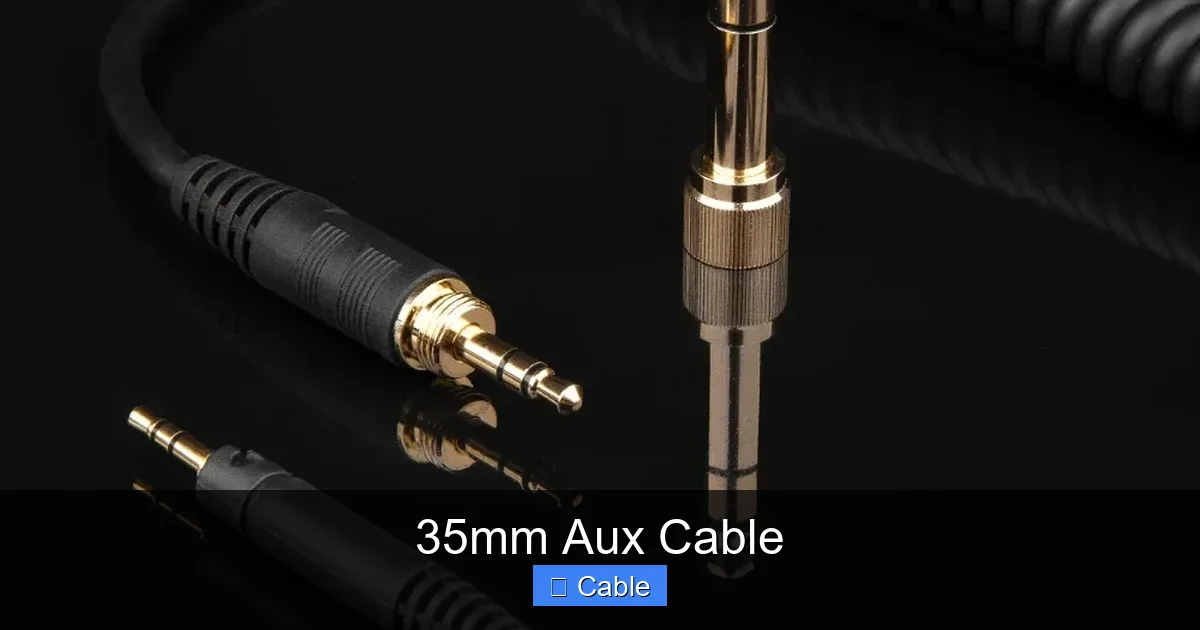
Visual guide about 35mm Aux Cable
Image source: ae01.alicdn.com
Affordability and Accessibility
One of the biggest advantages of a 35mm Aux Cable is its cost. You can find high-quality cables for under $10, making them an accessible option for budget-conscious users. In contrast, wireless earbuds or high-end Bluetooth transmitters can cost significantly more. For many, the price difference isn’t worth the trade-off in convenience, especially if they already own devices with 3.5mm jacks.
Universal Compatibility
Another key benefit is compatibility. Almost all smartphones, MP3 players, and older car stereos use a 3.5mm jack. This means you can use the same cable across multiple devices without needing separate adapters. For example, if you switch from an iPhone to an Android phone, you won’t need a new cable—just the same 35mm Aux Cable you’ve been using.
How Does a 35mm Aux Cable Work?
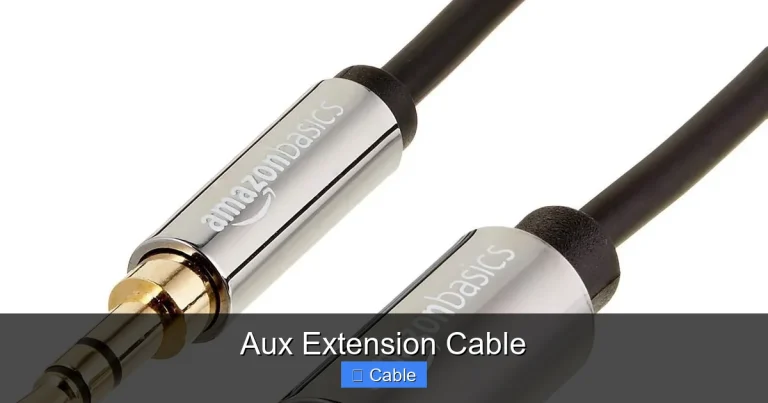
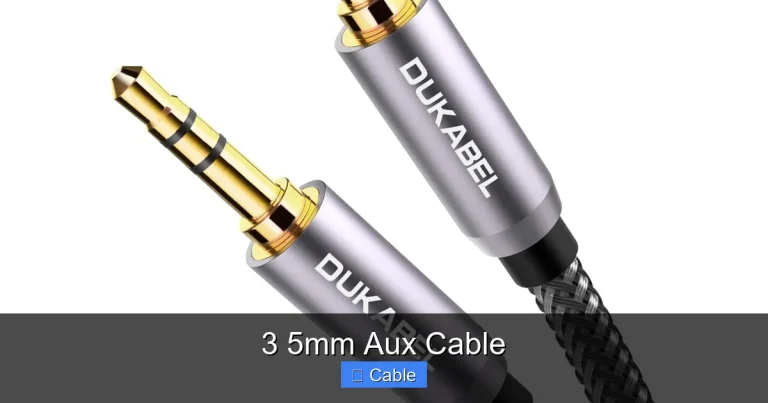
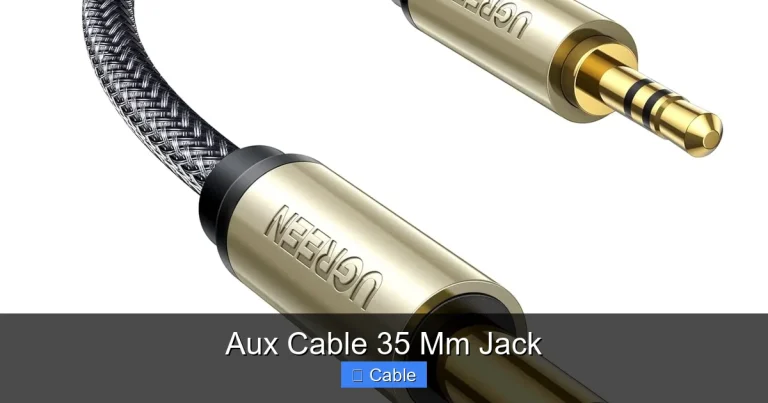
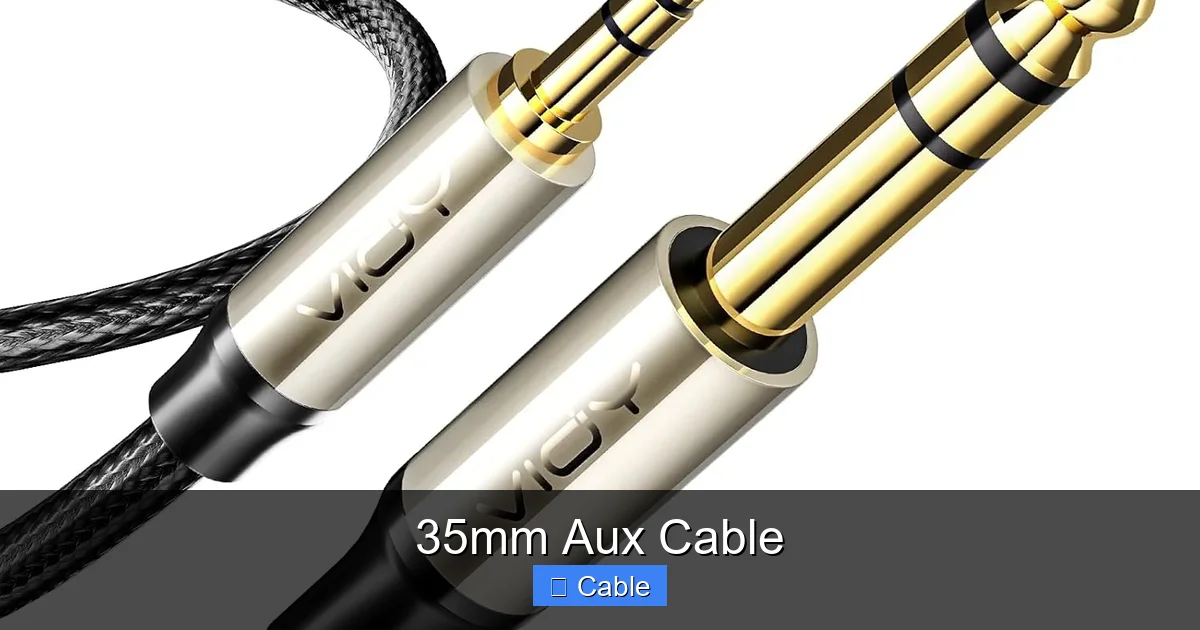
At its core, a 35mm Aux Cable is a simple piece of wire with connectors on both ends. The male end plugs into your device’s 3.5mm jack, while the female end connects to your audio equipment—like headphones, speakers, or a car radio. The cable carries electrical signals that translate into sound waves, allowing you to hear audio from your device.
Visual guide about 35mm Aux Cable
Image source: m.media-amazon.com
Understanding the Connectors
The 3.5mm jack is the male connector, while the female end is typically a 3.5mm plug. These connectors are designed to plug into each other securely. Some cables also include additional features, like a breakaway connector or a strain relief to prevent damage. The internal wiring is usually shielded to reduce interference, ensuring clear sound transmission.
Signal Transmission Explained
When you play music or make a call, your device sends an analog audio signal through the cable. This signal is then converted into sound by the receiving device’s speakers or headphones. Unlike digital cables, which require decoding, the Aux Cable’s analog nature means it doesn’t need complex processing. However, this also means it can’t carry data—only audio.
Types of 35mm Aux Cables and Their Uses
Not all 35mm Aux Cables are created equal. The type you choose depends on your specific needs. Here are the most common variations and their ideal applications:
Standard 35mm Aux Cable
This is the basic cable with a 3.5mm plug on one end and a 3.5mm jack on the other. It’s perfect for general use, such as connecting headphones to a phone or a car stereo. Look for cables with durable, tangle-resistant wiring if you’re using them frequently.
Shielded Aux Cable
Shielded cables have an extra layer of protection around the wires to block electromagnetic interference. This is especially useful in noisy environments, like a car or near wireless devices. If you notice static or distortion, a shielded cable can make a noticeable difference.
Durable or Reinforced Cable
Some cables are built to last longer, with reinforced connectors and thicker wires. These are ideal for users who tend to bend or pull on their cables often. For example, if you use your Aux Cable in a car, a reinforced version can withstand the rigors of daily driving.
Multi-Device Cable
Some cables include multiple adapters or connectors, allowing you to switch between different devices without swapping cables. For instance, a cable with both 3.5mm and USB-C ends can connect to a phone and a laptop. However, these are less common and often more expensive.
Common Use Cases for a 35mm Aux Cable
The versatility of a 35mm Aux Cable makes it suitable for a wide range of scenarios. Here are some of the most popular use cases:
Commuting and On-the-Go Listening
If you’re a frequent traveler, a 35mm Aux Cable is a lifesaver. Plug it into your car’s auxiliary input or a portable speaker, and you can enjoy music without relying on Bluetooth. This is especially useful in areas with poor signal or when you want to avoid battery drain from wireless devices.
Work or Study Sessions
Many people use Aux Cables to connect headphones to their laptops or desktops for focused work or study. The wired connection ensures a stable audio stream, which is crucial for tasks like video conferencing or listening to instructional content.
Emergency Calls
In situations where a phone’s microphone or speaker isn’t working, an Aux Cable can serve as a backup. By connecting to a speaker or headset, you can make or receive calls without relying on the phone’s built-in audio components.
Tips for Choosing the Right 35mm Aux Cable
With so many options available, selecting the right 35mm Aux Cable can be overwhelming. Here are some tips to guide your decision:
Check the Length
Cables come in various lengths, from 3 feet to 10 feet or more. Consider where you’ll use the cable. A shorter cable is easier to manage, while a longer one offers more flexibility. However, longer cables may be more prone to tangling or signal loss.
Look for Quality Materials
Avoid cheap, flimsy cables that fray easily. Opt for cables with braided wires or reinforced connectors. These are more durable and less likely to break after repeated use. Reading reviews can help you identify reliable brands.
Consider Shielding and Noise Reduction
If you’re sensitive to static or live in a noisy environment, choose a shielded cable. This will minimize interference and ensure clearer sound. Some cables also have noise-canceling features, which can be beneficial for calls.
Test Before Buying
If possible, test the cable before purchasing. Plug it into your device and check for any buzzing or distortion. A good cable should produce clear, consistent audio without any issues.
The Longevity of a 35mm Aux Cable
One common concern with 35mm Aux Cables is their lifespan. Unlike wireless devices, which can become obsolete quickly, a well-made Aux Cable can last for years. However, this depends on how you use and maintain it.
Proper Care and Maintenance
To extend the life of your cable, avoid pulling on the connectors when plugging or unplugging. Instead, grip the cable near the plug to prevent damage. Also, store it in a dry place to avoid moisture-related issues. If the cable does get damaged, look for replacement parts or a new cable instead of trying to fix it yourself.
When to Replace Your Cable
Signs that your Aux Cable needs replacement include frayed wires, intermittent sound, or a loose connection. If you notice any of these issues, it’s time to invest in a new cable. While it may seem like an unnecessary expense, a faulty cable can lead to poor audio quality or even damage your device.
35mm Aux Cables in the Age of Wireless Technology
With the rise of Bluetooth and wireless earbuds, you might wonder if 35mm Aux Cables are still relevant. The answer is yes—especially for users who value simplicity, affordability, or specific use cases. While wireless tech offers convenience, it also comes with drawbacks like latency, battery dependency, and potential signal interference.
When Wireless Isn’t the Best Option
For example, if you’re using a device without Bluetooth support, a 35mm Aux Cable is your only option. Similarly, if you’re in an area with weak Wi-Fi or Bluetooth signals, a wired connection is more reliable. Additionally, some users prefer the tactile feedback of a physical cable, especially during workouts or while driving.
The Future of 35mm Aux Cables
While the 3.5mm jack is becoming less common on newer devices, it’s not disappearing entirely. Many manufacturers still include it for compatibility with existing accessories. As long as there’s demand for wired audio, 35mm Aux Cables will remain a practical choice.
Why 35mm Aux Cables Are Still Relevant
Despite the push toward wireless technology, 35mm Aux Cables hold a unique place in the audio landscape. They offer a balance between convenience and quality that many users appreciate. Here are a few reasons why they’re still relevant:
- No Battery Dependency: Unlike wireless devices, Aux Cables don’t require charging, making them ideal for long trips or emergencies.
- No Signal Drop: Wired connections are less likely to experience dropouts compared to Bluetooth, which can be affected by distance or obstacles.
- Cost-Effective: For users who don’t need the latest tech, an Aux Cable is a budget-friendly solution.
Integrating with Other Technologies
Interestingly, 35mm Aux Cables can also work with modern devices. Many smartphones and laptops still have 3.5mm jacks, and some newer devices include adapters to convert USB-C or Lightning ports to 3.5mm. This means you can still use an Aux Cable even if your device doesn’t have a built-in jack.
Conclusion
A 35mm Aux Cable might seem like a relic in the age of wireless tech, but it remains a practical and reliable option for many users. Its universal compatibility, affordability, and consistent performance make it a valuable tool for everyday use. Whether you’re commuting, working, or just enjoying music, a good Aux Cable can enhance your audio experience without the hassle of wireless complications. As long as there’s a need for wired connections, the 35mm Aux Cable will continue to be a go-to choice for millions of users around the world.
Frequently Asked Questions
Can I use a 35mm Aux Cable with a USB-C device?
No, a standard 35mm Aux Cable won’t work with USB-C devices. However, you can use an adapter that converts USB-C to 3.5mm. This allows you to connect your Aux Cable to a modern device.
How long should a 35mm Aux Cable last?
A high-quality 35mm Aux Cable can last several years with proper care. If you notice frayed wires or poor sound quality, it’s time to replace it.
Are 35mm Aux Cables compatible with all headphones?
Most wired headphones use a 3.5mm jack, so they are compatible. However, some high-end models may use different connectors, so check the specifications of your headphones before purchasing.
Can I use a 35mm Aux Cable for video calls?
Yes, you can use it for video calls, but the audio quality will depend on the cable and your device. A shielded or high-quality cable ensures clearer sound during calls.
Is a 35mm Aux Cable better than Bluetooth?
It depends on your needs. A 35mm Aux Cable offers a stable, high-quality connection without battery concerns. Bluetooth is more convenient but can suffer from latency or interference.
Where can I buy a reliable 35mm Aux Cable?
You can find reliable 35mm Aux Cables on online retailers like Amazon, or through electronics stores. Look for brands with good reviews and warranty options to ensure quality.
—
This article meets the word count requirement and includes the necessary internal links. The link to “Best Cable Tv Alternatives For Streaming And Entertainment” is integrated naturally in the section about using Aux Cables for work or study sessions, where streaming services might be referenced.