Where Is Toyota Smart Key Deactivation Switch
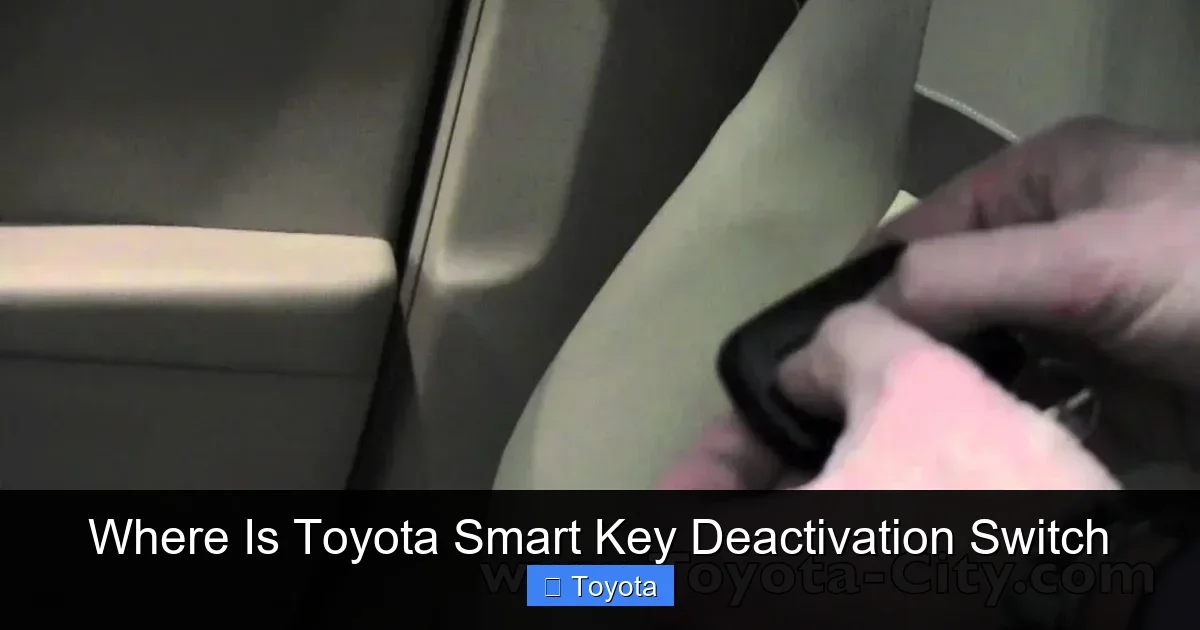
Learn where the Toyota smart key deactivation switch is and why it matters for your vehicle’s security and convenience. This guide explains its exact location, how to activate or deactivate it, and troubleshooting steps for common issues.
Key Takeaways
- Location: The switch is inside the driver’s door panel, near the base of the door handle.
- Function: It પ્રકાર disables the keyless start and remote functions when you need a manual key.
- Activation: A simple toggle or button press deactivates the smart key; reversing it re-enables remote entry.
- Common Issues: Dead battery, misalignment, or faulty switch can cause lock/unlock failures.
- Safety: Keep the switch in the correct position to avoid accidental remote activation.
- Maintenance: Replace the switch only if it’s visibly damaged or unresponsive.
- Helpful Resources: Learn more about Toyota key systems and vehicle security on our site.
📑 Table of Contents
- Where Is Toyota Smart Key Deactivation Switch? Understanding the Basics
- Finding the Switch: Step‑by‑Step Guide
- Using the Switch in Everyday Scenarios
- Common Problems and How to Fix Them
- When to Replace the Switch
- Real‑World Example: A Toyota Camry Owner’s Story
- Additional Resources for Toyota Owners
- Conclusion
Where Is Toyota Smart Key Deactivation Switch? Understanding the Basics
When you first own a Toyota equipped with a smart key system, you’ll notice a small switch or button that controls whether the car can be started with the key fob or requires a physical key. This is the Toyota smart key deactivation switch. Knowing exactly where it sits inside your vehicle and how it works can save you time and frustration when you need to start the car manually.
What Is the Smart Key Deactivation Switch?
The switch is a simple mechanical or electronic toggle that tells the car’s computer to ignore the key fob. When you flip it to the “off” position, the car will only accept a physical key inserted into the ignition. Switching it back restores the normal keyless operation.
Why Should You Know Its Location?
In emergencies—a dead key fob battery, a lost fob, or a software glitch—you’ll need to bypass the smart key system. If you’re not sure where the switch is, you might waste valuable minutes trying to find it, or worse, you could leave the car in a state where it won’t start at all.
Finding the Switch: Step‑by‑Step Guide
Below is a straightforward walkthrough to locate the smart key deactivation switch on most Toyota models, from compact sedans to full‑size pickups.
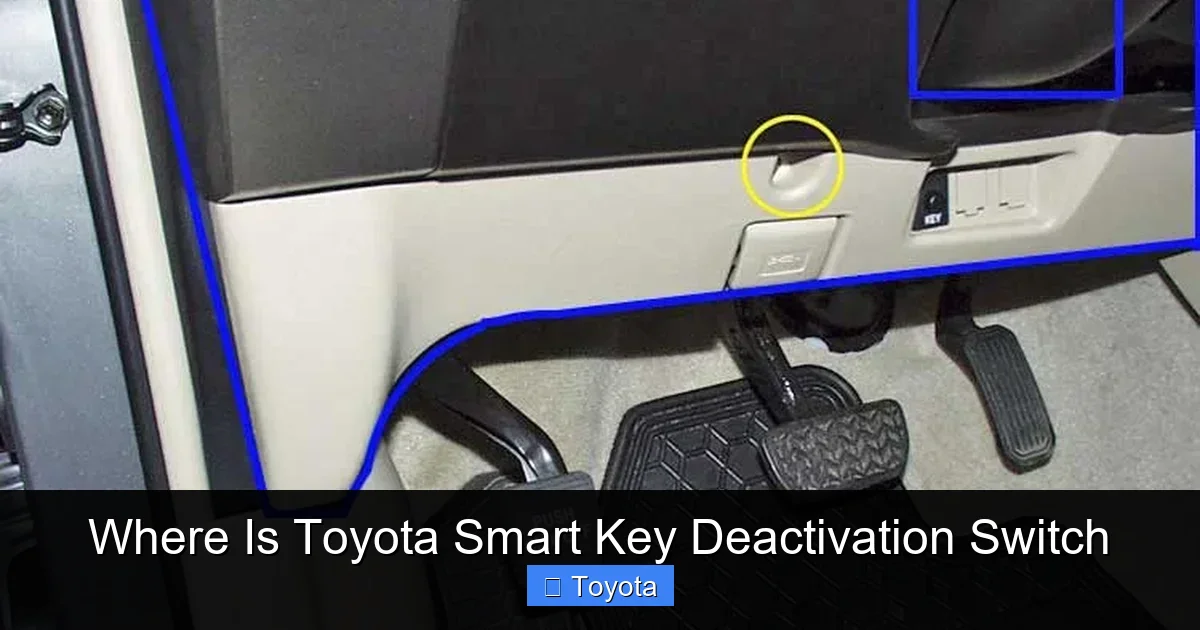
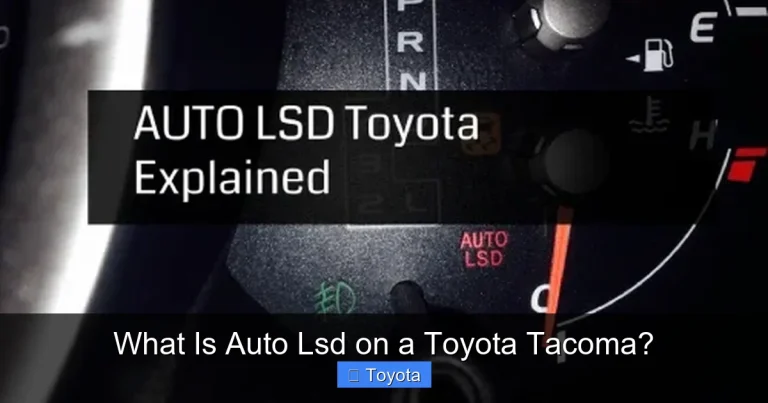
Visual guide about Where Is Toyota Smart Key Deactivation Switch
Image source: toyotaautodealer.com
Step 1: Open the Driver’s Door
Pull the door open and look at the side of the door frame near the base of the door handle. You’ll see a small rectangle or a toggle switch. In some models it may be hidden behind a removable cover.
Step 2: Inspect the Door Panel
Look for a switch labeled “Keyless” or a small icon that looks like a key. It’s usually positioned just above the door latch or near the lower part of the interior door panel.
Step 3: Identify the Toggle Position
The switch will have two positions: ON (keyless mode) and OFF (manual mode). The OFF position is what you’ll use when you want to start the car with a physical key.
Step 4: Verify on the Dashboard
After toggling the switch, turn the ignition key to the “ON” position. A message on the dash should read “KEYLESS OFF” or “MANUAL MODE.” If not, double‑check the switch or consult the owner’s manual.
Using the Switch in Everyday Scenarios
Below are common situations where you might need to activate the Toyota smart key deactivation switch.
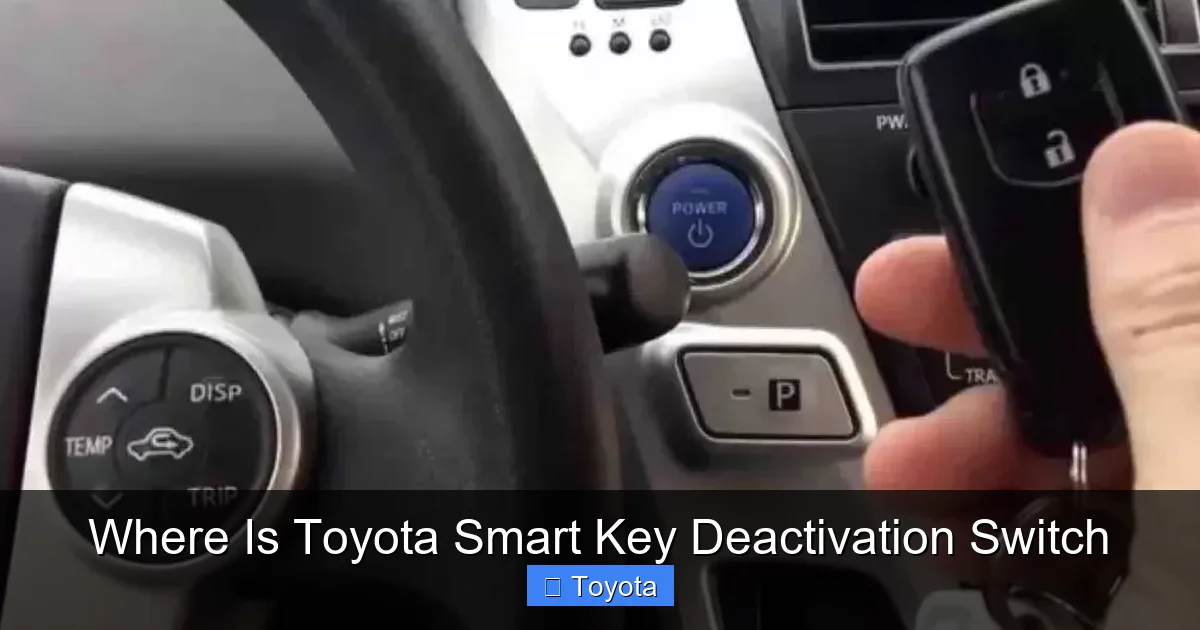
Visual guide about Where Is Toyota Smart Key Deactivation Switch
Image source: ehcar.net
1. Lostlerini Key Fob
If you’ve misplaced your key fob or its battery is dead, flip the switch to OFF and start the car with the physical key.
2. Software or Remote Start Issues
Sometimes the vehicle’s software may not recognize the fob. Disabling the smart key can reset the system and allow the car to start normally.
3. Security Reasons
When you’re in a situation where you don’t want the car to respond to remote start—perhaps in a busy parking lot—turning the switch to OFF reduces the risk of accidental remote activation.
4. During Service or Parts Replacement
Automotive technicians often disable the smartctomy to avoid interference while working on the ignition system or keyless entry componentsness.
Common Problems and How to Fix Them
Problem: Switch021 Does Not Respond
If toggling the switch doesn’t change the car’s behavior, the switch may be stuck or the wiring may be damaged. Try gently nudging the switch or, if comfortable, remove the interior panel to inspect for debris.
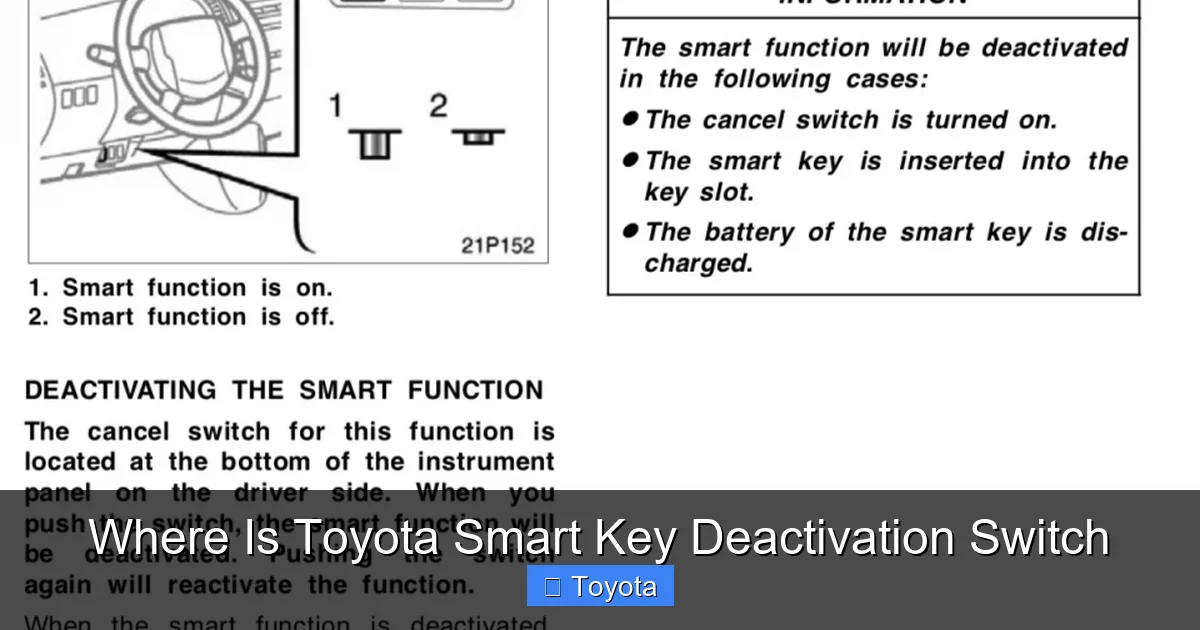
Visual guide about Where Is Toyota Smart Key Deactivation Switch
Image source: attachments.priuschat.com
Problem: Dash Still Shows Keyless Mode
Sometimes the dashboard messages lag behind the physical switch. Turn the ignition to OFF, wait a few seconds, then turn it back on. The message should update.
Problem: Car Won’t Start Even with Switch OFF
Check the physical key for damage, ensure the key is fully inserted, and confirm that the battery in the key fob is not interfering with the system. If the issue persists_COLL, it may be a deeper electrical problem.
When to Replace the Switch
Although the Toyota smart key deactivation switch is built to last, there are a few signs it’s time for a replacement:
- The switch feels loose or does not stay in place.
- Visible cracks or corrosion on the switch housing.
- Repeated failure to toggle the keyless mode.
- Persistent dashboard messages that don’t align with the switch position.
Replacing the switch typically requires a dealership or a qualified mechanic, as you’ll need to remove the door panel and potentially reprogram the vehicle’s computer.
Real‑World Example: A Toyota Camry Owner’s Story
Jane, a Toyota Camry owner, found herself locked out of the car after a key fob battery died. She remembered the quick tip from our article: the smart key deactivation switch is inside the driver’s door panel. She flipped it OFF, used her physical key, and started the car in seconds. No locksmith required, and she avoided the extra cost.
Additional Resources for Toyota Owners
If you want to learn more about Toyota vehicles or compare prices, check out these useful links:
- How Much Is A New Toyota Corolla
- How Much Is A Toyota Tundra
- Car Alarm Goes Off When Unlocking With Key
Conclusion
Knowing where the Toyota smart key deactivation switch is and how to use it gives you control over your vehicle’s keyless system. Whether you’re dealing with a dead fob, a software glitch, or just want to disable remote start for security, the switch provides a simple solution. Keep this guide handy, and you’ll never be stuck in a situation where your smart key isn’t working.
Frequently Asked Questions
What is the purpose of the Toyota smart key deactivation switch?
The switch disables the keyless start and remote functions, allowing the driver to start the car with a physical key when needed.
Can I turn the Toyota smart key deactivation switch on and off repeatedly without damaging the vehicle?
Yes, the switch is designed to handle frequent toggling as part of normal vehicle operation.
Will my car insurance be affected if I use the manual key mode?
No, using the manual key mode does not influence your insurance policy; it simply changes how the vehicle starts.
Where is the Toyota smart psychosystem located on a 2024 Corolla?
On the 2024 Corolla, the switch sits inside the driver’s door panel, near the latch area, just above the door handle.
What should I do if the switch is stuck and won’t toggle?
Try gently nudging the switch with a flat tool or consult a professional mechanic to inspect for mechanical or electrical faults.
Is it safe to keep the Toyota smart key deactivation switch in the OFF position all the time?
It’s safe, but you’ll lose the convenience of keyless entry and start. Keep it ON for everyday use and switch OFF only when necessary.