How to Turn Off the Maintenance Light on Toyota
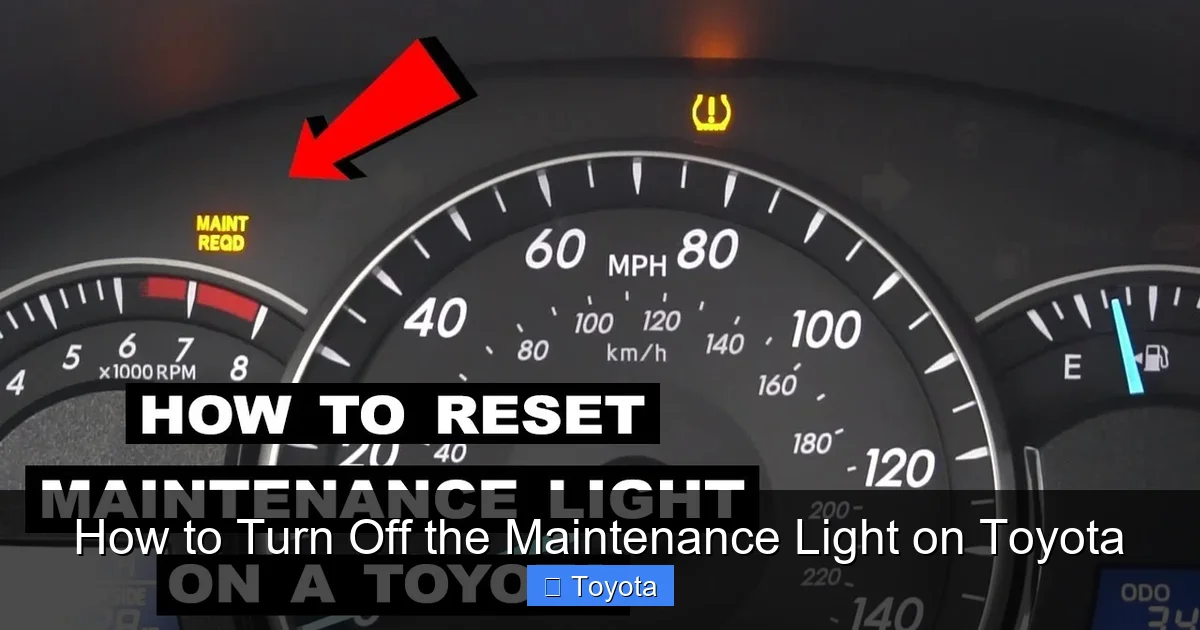
Turning off the Toyota maintenance light is simple when you follow the right steps. This guide shows you how to reset it yourself, avoid common pitfalls, and keep your vehicle in top shape.
Hey there, fellow Toyota owner! If that little orange wrench icon has popped up on your dashboard, you’re probably wondering what it means and how to make it disappear quickly. The maintenance light isn’t a sign that your car is broken; it’s simply a reminder that the vehicle is due for a service. In this guide we’ll walk you through the exact steps to turn off the maintenance light on most Toyota models, share handy tips, and answer the most common questions. By the end you’ll feel confident handling this yourself and keep your Toyota running smoothly without a trip to the dealership.
Whether you’ve just finished a break‑in period, changed the oil, or simply want to reset the reminder after a routine check, the process is straightforward. We’ll cover the different methods used by Toyota owners, the tools you might need, and what to do if the light refuses to go out. Let’s get started and get that annoying light off your view.
Key Takeaways
- Identify the light: The maintenance light signals that routine service is overdue, not an emergency.
- Consult the manual: Each Toyota model may have a unique reset procedure, so always check the owner’s manual first.
- Use the correct method: Most vehicles can be reset with the trip meter button, the ignition key, or an OBD‑II scanner.
- Check for other codes: If the light stays on, read any accompanying diagnostic trouble codes before retrying.
- Perform regular maintenance: Routine oil changes, fluid checks, and part replacements keep the light from returning.
- Know when to seek help: Persistent warnings or complex repairs should be handled by a certified technician or dealership.
📑 Table of Contents
Understanding the Maintenance Light
What the Light Means
The maintenance light, often shown as a wrench or a gear icon, lights up when the vehicle’s computer detects that routine maintenance is overdue. This can be as simple as an oil change, tire rotation, or a more involved service like a timing belt replacement. The light is not an emergency alarm; it’s a friendly nudge to schedule the recommended service.
Common Triggers
Several factors can trigger the light. The most common is passing the mileage interval set by Toyota, which varies by model and driving conditions. Other triggers include a failed oil change, a reset of the trip odometer after a service, or even a sensor fault that the computer interprets as a maintenance need.
Why It Matters
Keeping up with the recommended maintenance extends the life of your engine, improves fuel efficiency, and prevents costly repairs. Ignoring the light can lead to reduced performance and even void certain warranty coverage. For more insight on how to assess how much wear your vehicle has accumulated, check out our guide on how to calculate wear and tear on a car, which helps you understand when service is truly needed.
Preparing to Reset the Light
Before you begin, gather the necessary tools and make sure your vehicle is ready.
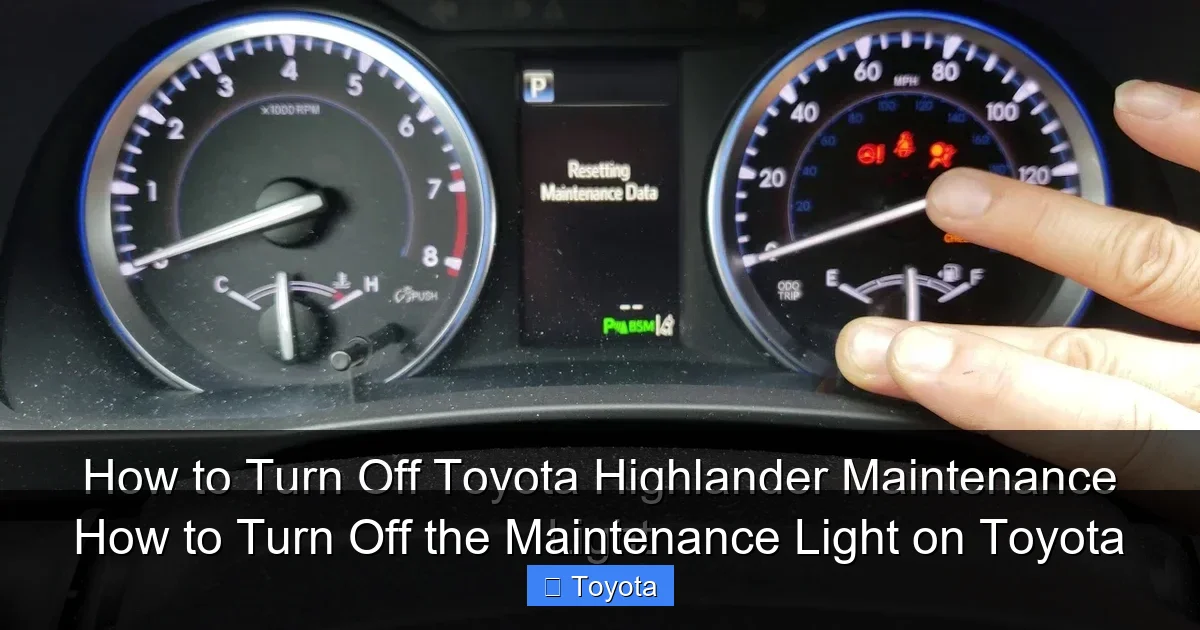
Visual guide about How to Turn Off the Maintenance Light on Toyota
Image source: toyotaautodealer.com
Gather Required Tools
You don’t need a fancy scanner to reset most Toyota maintenance lights. All you really need is the vehicle’s key fob, the driver’s side door (or a flat surface for the button method), and a few minutes of patience. Some owners prefer an OBD‑II scanner for more precise control, especially on newer models that use electronic resets. If you have one, great; if not, the manual methods work just fine.
For more details on the initial steps of vehicle care, see how to break in a new car Toyota, which outlines the first 1,000 miles of care that set the stage for reliable performance.
Check Your Owner’s Manual
Every Toyota model has its own specific steps, and the owner’s manual is the definitive source. Look for the section titled ‘Maintenance Reminder Reset’ or something similar. If you don’t have the physical book, most manufacturers provide PDF versions online. Skipping this step can lead to confusion and may cause you to use the wrong procedure for your specific model.
Ensure the Vehicle Is in Good Condition
Before you start, make sure the car is in a stable condition. Park on a level surface, turn off the engine, and remove the key. If the vehicle is low on oil or has other pending issues, address those first. A proper reset won’t fix underlying problems, and you don’t want the light to come back immediately after you’ve turned it off.
Resetting the Maintenance Light – Step-by-Step
There are several common ways to reset the light, depending on the model year and trim.
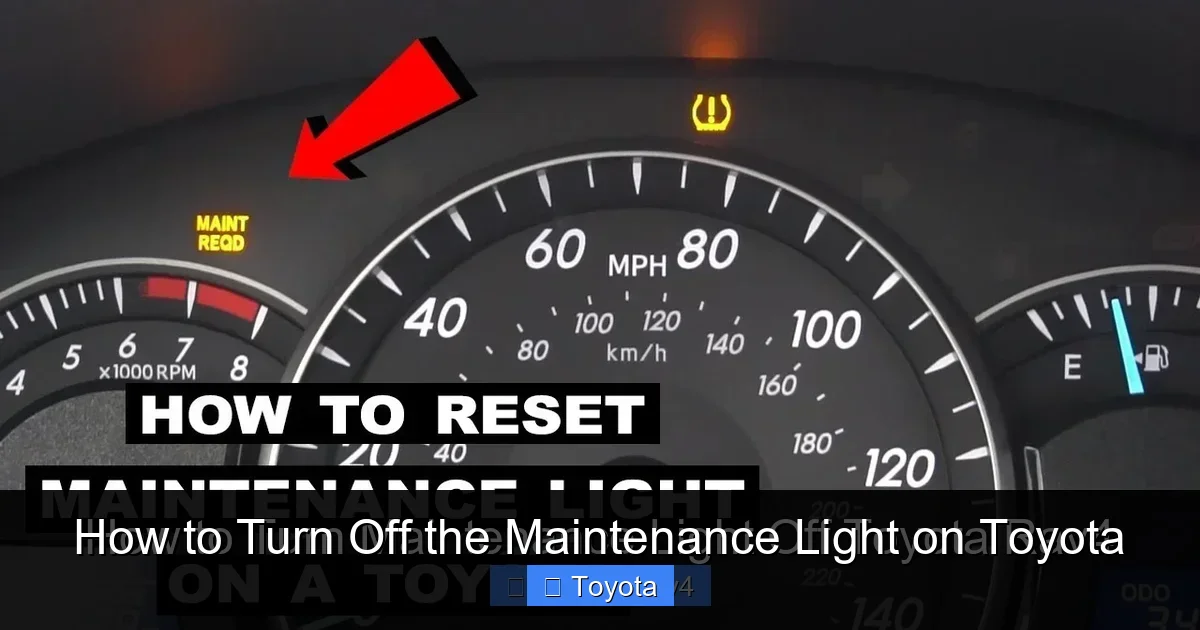
Visual guide about How to Turn Off the Maintenance Light on Toyota
Image source: suvtale.com
Method 1: Using the Trip Meter Button
Many Toyota models, such as the Camry, Corolla, and RAV4, allow you to reset the maintenance reminder directly from the instrument cluster. Here’s how:
- Turn the ignition to the ‘ON’ position without starting the engine.
- Locate the trip meter button on the dashboard, usually near the speedometer.
- Press and hold the button until the maintenance light begins to flash.
- Continue holding for about 10 seconds until the light turns off.
- Turn the ignition off and then back on to confirm the reset.
This method works on most non‑hybrid models.
Method 2: Using the Ignition Key
Older Toyota vehicles, including certain Corolla and Prius versions, use a key‑turning sequence. First, ensure the car is off. Then, insert the key and turn it to the ‘ON’ position (the dash lights come on) three times within five seconds. After the third turn, the maintenance light will start flashing. Immediately press the trip meter button (if equipped) or wait a few seconds; the light should go out. Turn the key off and restart the engine to verify the reset.
Method 3: Using an OBD‑II Scanner
If your Toyota supports electronic reset via an OBD‑II scanner, the process is even more straightforward. Connect the scanner to the diagnostic port (usually under the steering column). Navigate to the ‘Maintenance’ or ‘Service’ menu, select ‘Reset Maintenance Light’, and confirm. This method is especially useful for hybrid and newer models that store the reminder in the ECU. For more detailed instructions on using an OBD‑II scanner, you might also want to read how to replace windshield wipers on a car, which explains how to access the port without damage.
Troubleshooting Common Issues
Light Stays On After Reset
If the maintenance light remains illuminated after you’ve followed the steps, the reset may not have been successful. Double‑check that you performed the procedure correctly for your exact model. Some vehicles require you to press the trip button multiple times or hold it longer. Also, ensure the car’s battery isn’t weak, as a low voltage can interfere with the reset signal.
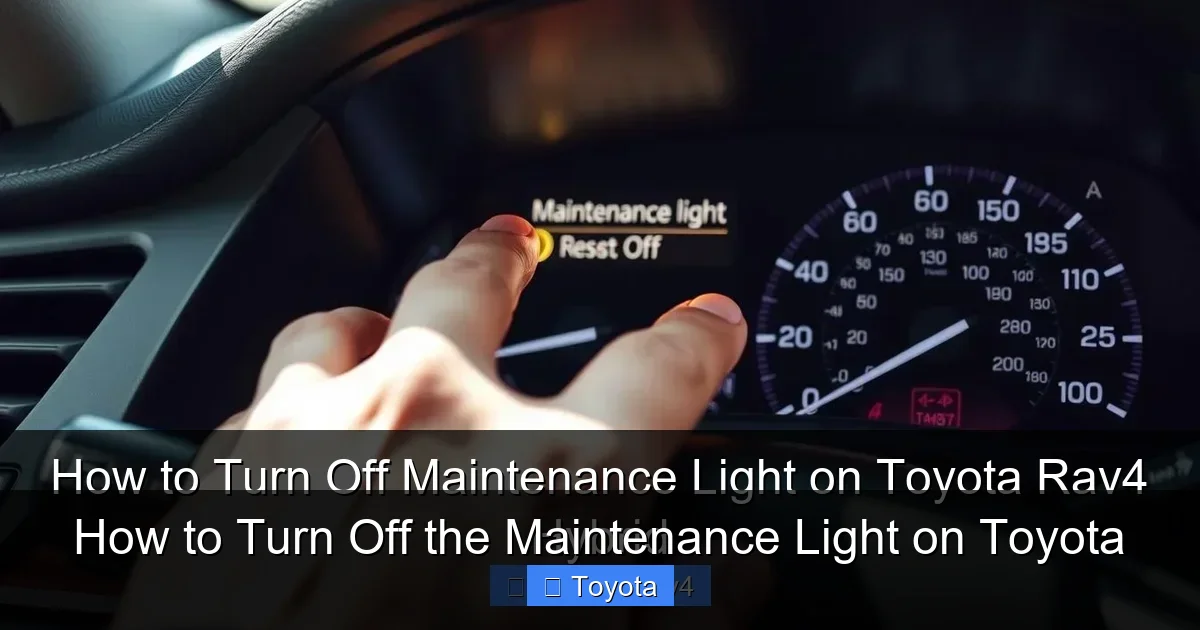
Visual guide about How to Turn Off the Maintenance Light on Toyota
Image source: suvtale.com
Error Codes Appear
Sometimes the maintenance light is accompanied by other warning lights or diagnostic trouble codes (DTCs). These codes indicate that a specific system—such as the oil life sensor, brake pads, or transmission fluid—needs attention. Use an OBD‑II scanner to read the codes, then address the underlying issue before resetting the maintenance reminder. Ignoring other codes can cause the light to return shortly after you turn it off.
Reset Doesn’t Work
In rare cases, the reset procedure itself may fail due to a software glitch or a faulty sensor. A quick fix is to disconnect the car battery for a minute, then reconnect and try the reset again. If the problem persists, it’s advisable to visit a Toyota dealership or a qualified mechanic who can perform a deeper diagnostic.
Preventive Maintenance Tips
Regular Oil Changes
Changing the oil at the interval recommended by Toyota—typically every 5,000 to 7,500 miles for conventional oil and longer for synthetic—helps keep the engine lubricated and reduces the workload on the maintenance reminder system. Skipping oil changes is one of the most common reasons the light comes on early.
Follow Service Intervals
Toyota publishes a detailed service schedule in the owner’s manual. Following it ensures that items like the timing belt, coolant flush, and brake fluid are replaced before they become problems. Sticking to the schedule keeps the maintenance light from flashing unexpectedly.
Keep Sensors Clean
The oil life sensor and other monitoring devices can become dirty or faulty, leading to false readings. Periodically inspect the sensor locations and clean them with a soft cloth. If you suspect a sensor issue, have it tested with an OBD‑II scanner. For a deeper understanding of how wear impacts sensor performance, see our article on how to calculate wear and tear on a car.
Check Fluid Levels
Regularly check engine oil, coolant, brake fluid, and transmission fluid levels. Low or contaminated fluids can trigger the maintenance reminder. Topping up or replacing fluids as needed helps maintain optimal performance and prevents unnecessary alerts.
Use Quality Parts
When you replace parts, use genuine Toyota components or high‑quality aftermarket parts that meet the manufacturer’s specifications. Inferior parts can cause sensor malfunctions and lead to the maintenance light turning on prematurely.
When to Seek Professional Help
Dealer vs DIY
While many resets can be performed at home, there are situations where a dealership offers advantages. Dealership technicians have access to factory‑level diagnostic tools and can clear codes that a generic OBD‑II scanner might miss. If your vehicle is still under warranty, a dealer visit ensures the work is covered.
Persistent Fault Codes
If the maintenance light re‑appears immediately after resetting, or if multiple warning lights are active, there may be an underlying fault that requires professional diagnosis. A persistent code could indicate a failing sensor, a wiring issue, or a serious mechanical problem that needs expert attention.
Complex Repairs
Some maintenance items, such as timing belt replacement, transmission service, or hybrid battery checks, are beyond typical DIY capabilities. Attempting these without proper knowledge can cause damage. In such cases, scheduling a service appointment with a certified technician is the safest route.
Conclusion
Turning off the Toyota maintenance light is a simple task when you follow the correct steps for your specific model. By understanding what the light means, preparing properly, and using the appropriate reset method, you can keep your vehicle in top condition without a trip to the shop. Remember to perform regular maintenance, stay on top of service intervals, and don’t hesitate to seek professional help if the light refuses to go out. With these tips, your Toyota will stay reliable, efficient, and ready for the road.
Frequently Asked Questions
How do I know if the maintenance light is just a reminder or a real problem?
The maintenance light usually indicates a scheduled service interval, but if it stays on after you’ve reset it or is accompanied by other warning lights, it may signal a real issue that needs attention. Check for any diagnostic trouble codes with an OBD‑II scanner to clarify.
Can I reset the maintenance light without a key fob?
Yes, many models allow resetting using only the trip meter button or by turning the ignition on and off. However, some newer hybrids require an OBD‑II scanner or a dealership tool, so refer to your owner’s manual for the exact method.
What if the light comes back immediately after I reset it?
If the light returns right away, the system likely detects an ongoing issue such as low oil level, a faulty sensor, or an overdue service item. Re‑check the relevant maintenance items and consider using a scanner to read any stored codes.
Do I need to reset the maintenance light after every oil change?
Not necessarily. Some Toyota models automatically reset the light after a certain mileage or after the vehicle detects a successful oil change. However, many owners manually reset it to ensure the reminder is cleared.
Is it safe to reset the maintenance light myself, or should I go to a dealer?
For most standard models, resetting the light at home is safe and cost‑effective. If your vehicle is under warranty, has complex electronic issues, or you’re unsure about the procedure, it’s best to have a dealer perform the reset.
Can a weak battery prevent the maintenance light from resetting?
Yes, a weak or failing battery can interrupt the electrical signal needed to reset the light. Make sure the battery is fully charged before attempting the reset, and replace it if you notice frequent resets or other electrical problems.