How to Turn Off the Toyota Pre-collision System
The Toyota Pre-Collision System (PCS) enhances safety but may need disabling in specific scenarios. Follow these steps to turn it off, understand the risks, and ensure proper vehicle operation.
Key Takeaways
- Understanding PCS: Know the system’s role in preventing collisions.
- Disabling PCS: Use steering wheel controls or settings menu for 2020+ models.
- Warnings: Disabling reduces safety; use only temporarily in emergencies.
- System Reset: Restart your vehicle to reactivate PCS automatically.
- Common Issues: Address malfunctions with dealership support.
- Insurance Impact: Check policy terms before disabling.
- Alternatives: Consider adjusting sensitivity instead of full disablement.
📑 Table of Contents
Understanding the Toyota Pre-Collision System
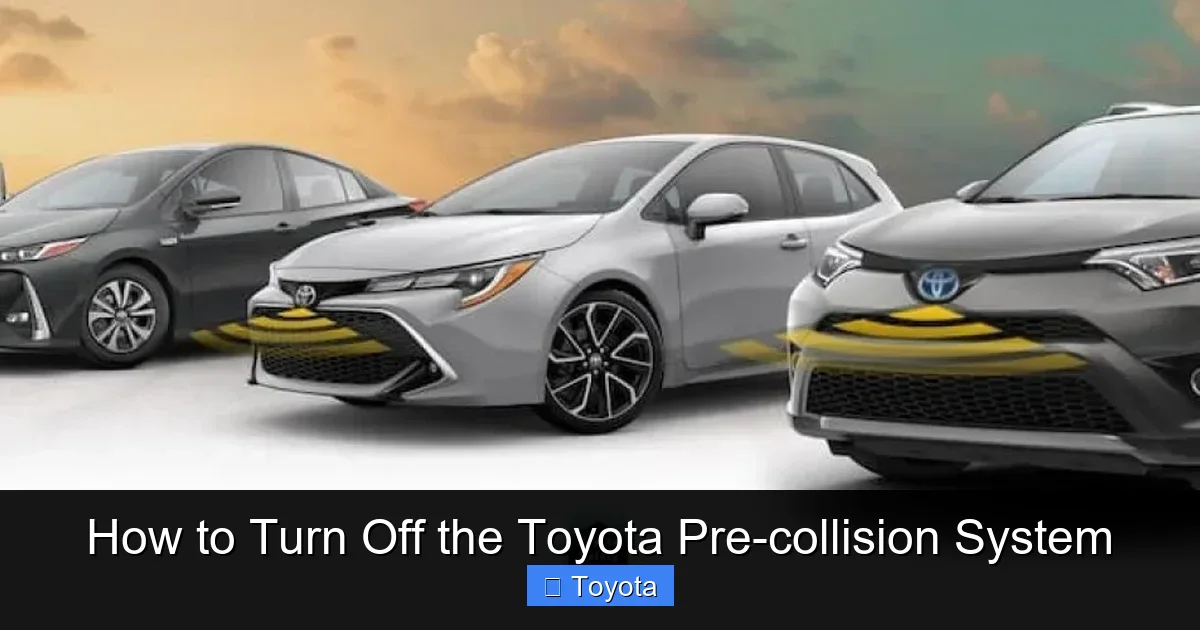
The Toyota Pre-Collision System (PCS) is a critical safety feature designed to reduce the severity or likelihood of accidents. This system uses sensors and cameras to detect potential collisions and can automatically apply the brakes if the driver doesn’t respond in time. While it’s a lifesaver in many situations, there are instances where disabling it might be necessary, such as during off-road driving or when navigating tight spaces. However, turning off the system should be done with caution and understanding of the risks involved.
What Does the PCS Do?
The PCS works by constantly monitoring the road ahead. When it detects an obstacle, it alerts the driver through visual and audible warnings. If the driver doesn’t take action, the system applies the brakes autonomously. This technology is particularly useful in stop-and-go traffic or when pedestrians or vehicles are suddenly in the path.
Why Consider Turning It Off?
While the PCS is a boon for safety, it can sometimes interfere with specific driving scenarios. For example:
- Off-Road Driving: The system might misinterpret rocks or uneven terrain as obstacles.
- Towing or Hauling: It may not account for the weight or dynamics of a loaded vehicle.
- Car Washes: Sensors could trigger false alerts during automated washes.
- Parking Maneuvers: It might activate unnecessarily in tight spaces.
When and Why You Might Need to Turn It Off
Disabling the PCS should never be a routine action. It’s typically reserved for specific situations where the system’s intervention could be counterproductive. For instance, if you’re navigating a construction site with debris or driving in heavy snow where sensors might malfunction, temporarily disabling the system could prevent false alerts. However, always prioritize safety and consider adjusting the system’s sensitivity instead of fully turning it off.
Visual guide about How to Turn Off the Toyota Pre-collision System
Image source: thecarhow.com
Common Scenarios for Disabling PCS
Drivers might disable the PCS in the following situations:
- Heavy Rain or Snow: Reduced visibility and slippery roads can confuse sensors.
- Low-Speed Parking: The system might engage in tight parking lots, causing sudden braking.
- Aftermarket Modifications: Installing a GPS system or other accessories might interfere with the PCS sensors.
- Diagnostic Needs: Mechanics may disable the system temporarily during repairs.
Step-by-Step Guide to Disabling the System
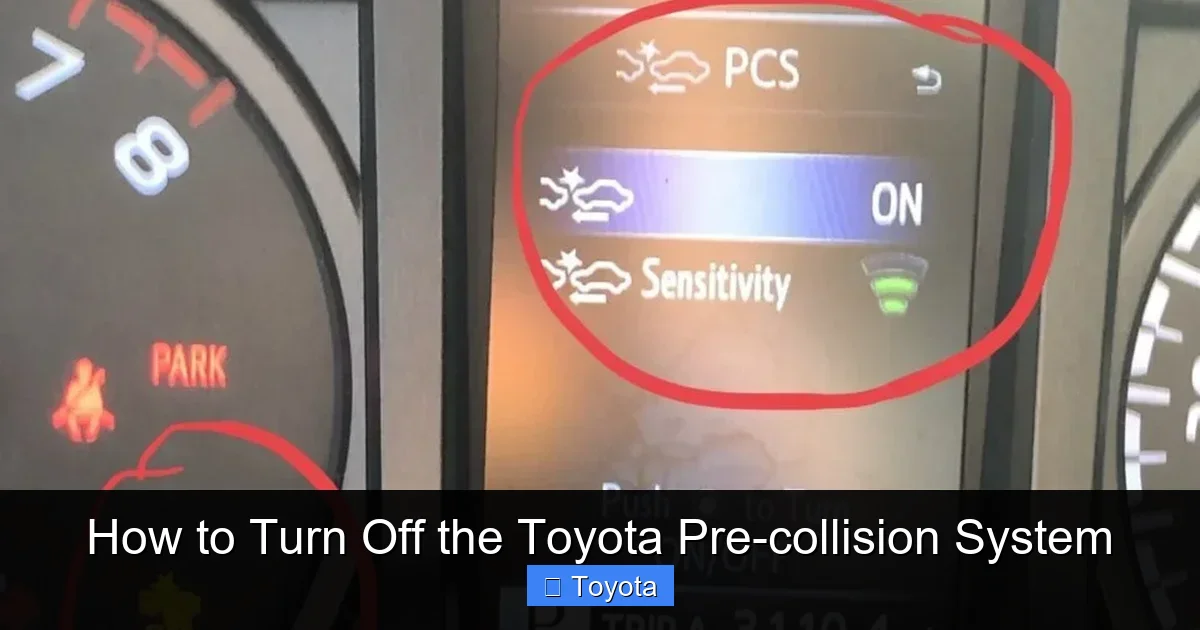
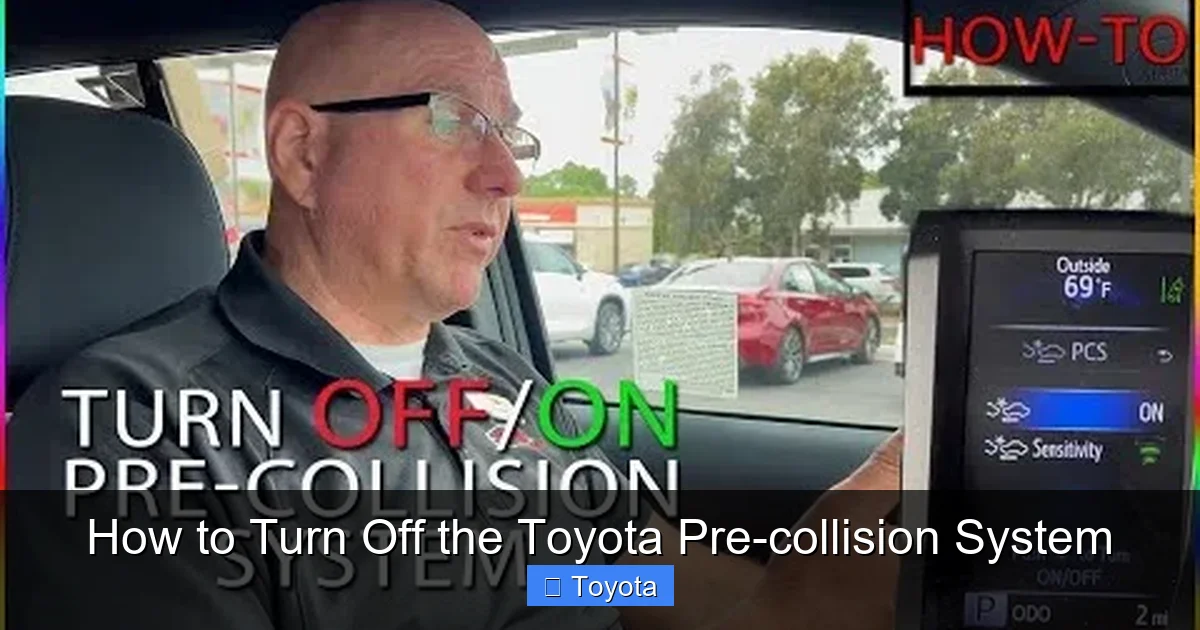
Most Toyota models from 2020 onward allow drivers to disable the Pre-Collision System through the infotainment or settings menu. Here’s how to do it safely:
Visual guide about How to Turn Off the Toyota Pre-collision System
Image source: i.ytimg.com
Using the Steering Wheel Controls
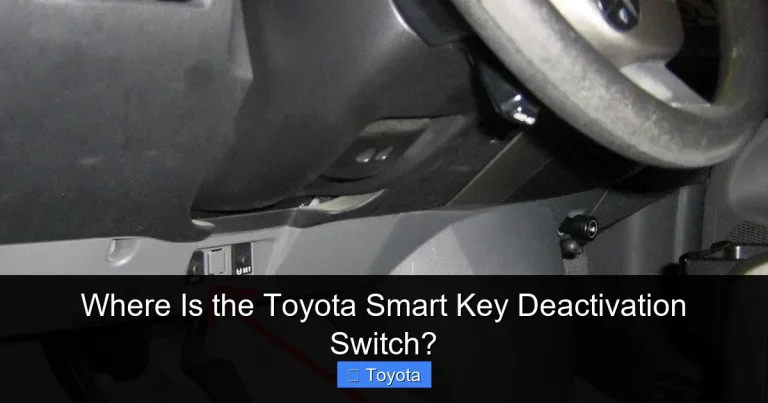
Some Toyota models feature a button on the steering wheel labeled “PCS” or “Pre-Collision.” Press and hold this button for a few seconds until the system indicator light turns off. This method is quick and doesn’t require navigating menus.
Accessing the Vehicle Settings Menu
1. Turn on your vehicle’s ignition without starting the engine.
2. Navigate to the “Settings” or “Vehicle” section on your infotainment screen.
3. Look for “Safety Features” or “Pre-Collision System.”
4. Select the option to disable the system. You may need to confirm the action with a prompt.
5. Turn off the ignition and restart the vehicle to ensure the setting is saved.
Alternative Methods for Older Models
For Toyota models manufactured before 2020, the process varies. Some older models may require a dealership visit to disable the PCS. Others use a combination of brake pedal and steering wheel buttons. Consult your owner’s manual for specific instructions.
Potential Consequences and Safety Considerations
Disabling the Pre-Collision System removes a crucial layer of protection. If you’re in an accident while the system is off, your insurance coverage might be affected. Additionally, relying on other safety features like adaptive cruise control or lane departure warnings won’t fully compensate for the loss of automatic braking. Always weigh the risks before disabling the system.
Visual guide about How to Turn Off the Toyota Pre-collision System
Image source: aautomotives.com
Insurance and Legal Implications
Insurance companies may adjust premiums or deny claims if they determine the PCS was disabled unnecessarily. In some states, tampering with safety systems could lead to legal consequences. Review your policy and local laws before making changes.
Situations Where Disabling Is Acceptable
The system can be safely disabled in controlled environments, such as:
- Professional Driving Schools: Instructors may disable it temporarily to teach manual braking techniques.
- Racing or Track Events: Modified vehicles often require disabling safety systems for performance reasons.
- Car Maintenance: Mechanics might disable it during diagnostic tests or repairs.
Troubleshooting Common Problems
After disabling the PCS, you might encounter issues like persistent warning lights or system malfunctions. Here’s how to address them:
System Won’t Turn Off
If the PCS remains active despite following the steps, check for error codes using an OBD-II scanner. A faulty sensor or wiring issue could be preventing the system from disabling. Visit a Toyota dealership for a professional diagnosis.
System Reactivates Automatically
The PCS may turn back on after restarting the vehicle. This is normal behavior for most models. To keep it disabled, follow the manufacturer’s guidelines for your specific trim and model year.
Interference with Other Systems
Disabling the PCS might affect other safety features like traction control or automatic high beams. Test all systems after making changes to ensure they function correctly.
Final Thoughts
The Toyota Pre-Collision System is a vital safety feature, but knowing how to disable it can be useful in specific scenarios. Always prioritize safety and use the system’s sensitivity adjustments instead of full disablement when possible. If issues arise, consult a certified technician to avoid compromising your vehicle’s performance or safety.
Frequently Asked Questions
Can I turn off the Toyota Pre-Collision System while driving?
Yes, most models allow disabling the system while driving by using the steering wheel controls. However, it’s safer to do this while the vehicle is stationary to avoid distractions.
Does turning off the PCS affect my warranty?
Disabling the PCS shouldn’t void your warranty if done correctly. However, tampering with the system could lead to denied claims if it causes further damage.
How do I reset the Pre-Collision System after turning it off?
Restart your vehicle to automatically reset the PCS. If it doesn’t reactivate, check for error codes or consult your owner’s manual for specific reset procedures.
Is it safe to disable the PCS for car washes?
Yes, temporarily disabling the system during automated car washes can prevent false alerts. However, ensure you re-enable it afterward to maintain safety on the road.
Will the PCS disable automatically in certain conditions?
Some models may temporarily disable the PCS in extreme weather or low-traction situations. Check your owner’s manual for details on automatic system adjustments.
Can I disable the PCS myself, or do I need a mechanic?
Most Toyota models allow DIY disabling via the infotainment menu or steering wheel controls. For older models or complex issues, a mechanic may be necessary.