What Is Toyota Dynamic Navigation
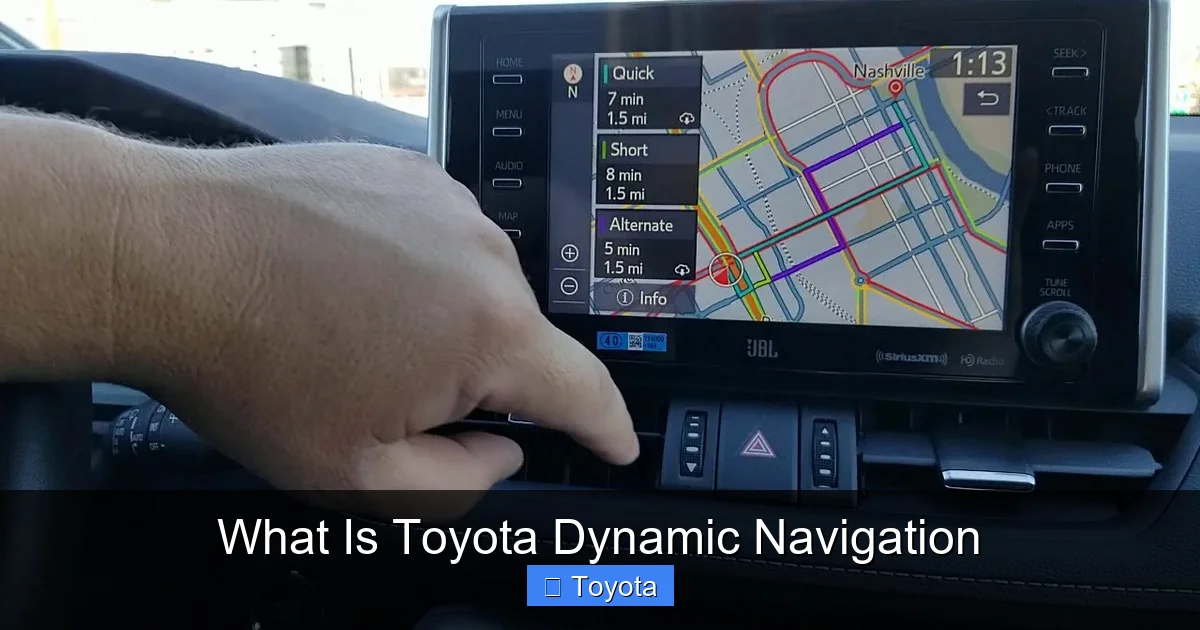
Toyota Dynamic Navigation is an advanced, cloud‑connected GPS system that continuously updates maps, traffic, and points of interest while learning your driving habits. It offers hands‑free control, integration with smartphones, and real‑time safety alerts to keep you on track. This feature transforms ordinary trips into smooth, efficient journeys without extra hassle.
Key Takeaways
- What It Is: Toyota Dynamic Navigation is a cloud‑based, self‑learning GPS that provides real‑time map updates, traffic alerts, and personalized route suggestions.
- Core Benefits: It improves fuel efficiency, reduces travel time, enhances safety with instant alerts, and integrates with Apple CarPlay/Google Auto‑Play.
- Key Features: Includes 3D mapping, adaptive routing, voice‑activated controls, over‑the‑air updates, and seamless smartphone sync.
- Real‑World Use: Works best on highway cruises and city drives, adjusting routes on the fly for accidents, construction, or weather.
- Maintenance: Requires regular software updates and occasional calibration; you can follow the Uconnect navigation calibration guide for best performance.
- Future Outlook: Expect deeper AI integration, vehicle‑to‑infrastructure (V2I) communication, and enhanced electric‑vehicle routing.
- Cost Consideration: While standard on many newer Toyota models, premium features may be available as optional packages.
📑 Table of Contents
When you hop into a new Toyota, you’ll notice a sleek touchscreen that goes beyond simple GPS. Toyota Dynamic Navigation is Toyota’s answer to modern, always‑on navigation. Unlike older systems that show static maps, Dynamic Navigation pulls data from the cloud. This means every time you start the engine, the system gets the latest road names, construction zones, and even real‑time traffic incidents.
How It Works Behind the Scenes
The hardware inside the display is just the first piece. A hidden software layer constantly checks for updates. When you’re on a city street, the system listens to traffic sensors and crowd‑sourced data. It then reshapes your route to avoid jams. All of this happens in the background, so you barely notice the switch from one road to another.
Toyota pairs this with a robust cellular connection. That connection also lets you receive voice commands, stream music, and get hands‑free texting. The integration with Apple CarPlay and Google Android Auto means your phone’s apps can talk to the navigation system without extra adapters.
Key Features and Benefits
Real‑Time Map Updates
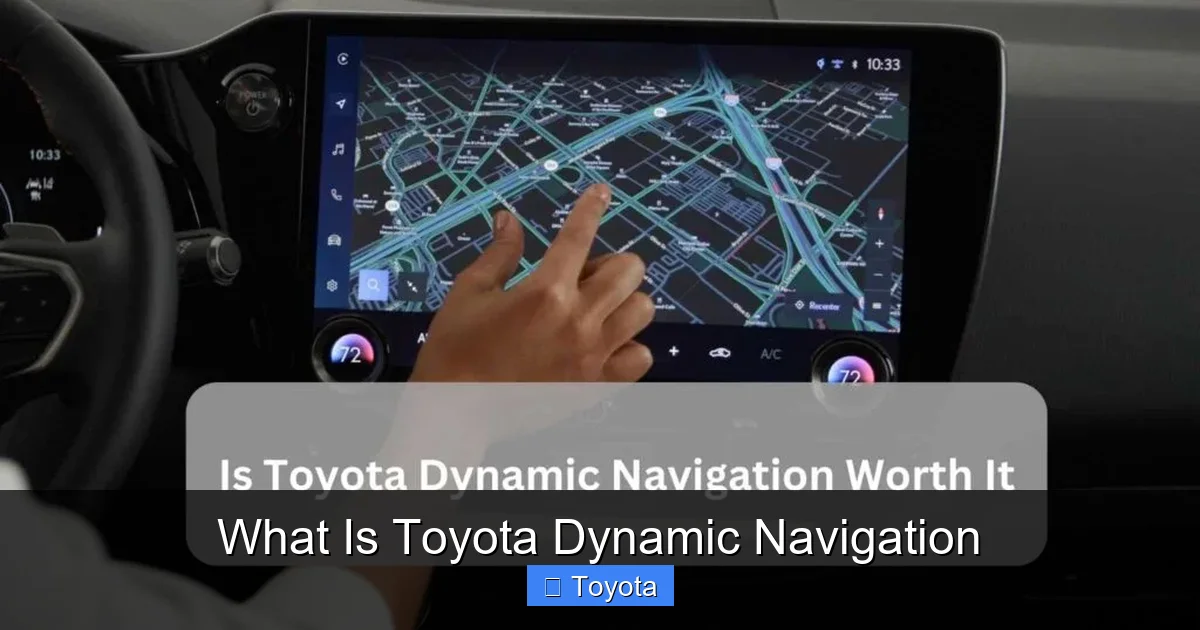
Imagine arriving at a new suburb and the system already knows about a new park or a closed café. Dynamic Navigation updates maps over the air, so you never drive on a road that no longer exists.
Visual guide about What Is Toyota Dynamic Navigation
Image source: automotivian.com
Adaptive Routing
If a highway collapses, the system instantly reroutes you via side streets or alternate freeways. This adaptive logic learns from your preferences. Do you usually avoid toll roads? It will remember and keep you off them unless you ask otherwise.
Voice‑Activated Controls
You can change destinations, adjust volume, or ask for nearby restaurants without taking your eyes off the road. The voice engine is tuned to recognize natural speech, so you can say “Navigate to the coffee shop near mile marker 45” and it will comply.
Safety Alerts
Dynamic Navigation also monitors your driving patterns. If it detects sudden braking or sharp turns, it can suggest a more relaxed route. It also warns you about hazardous weather, school zones, or low‑visibility conditions.
Smartphone Integration
Connecting your phone is as simple as plugging in a charger. Once linked, you can send destinations from your phone’s calendar or map app directly to the dashboard. The system also mirrors your phone’s weather app, so you always know if rain is on the way.
How It Differs from Traditional GPS
Static vs. Living Maps
Older GPS units stored map data on a disc or internal memory. Those maps become outdated quickly. Dynamic Navigation pulls data live, so the map is always current.
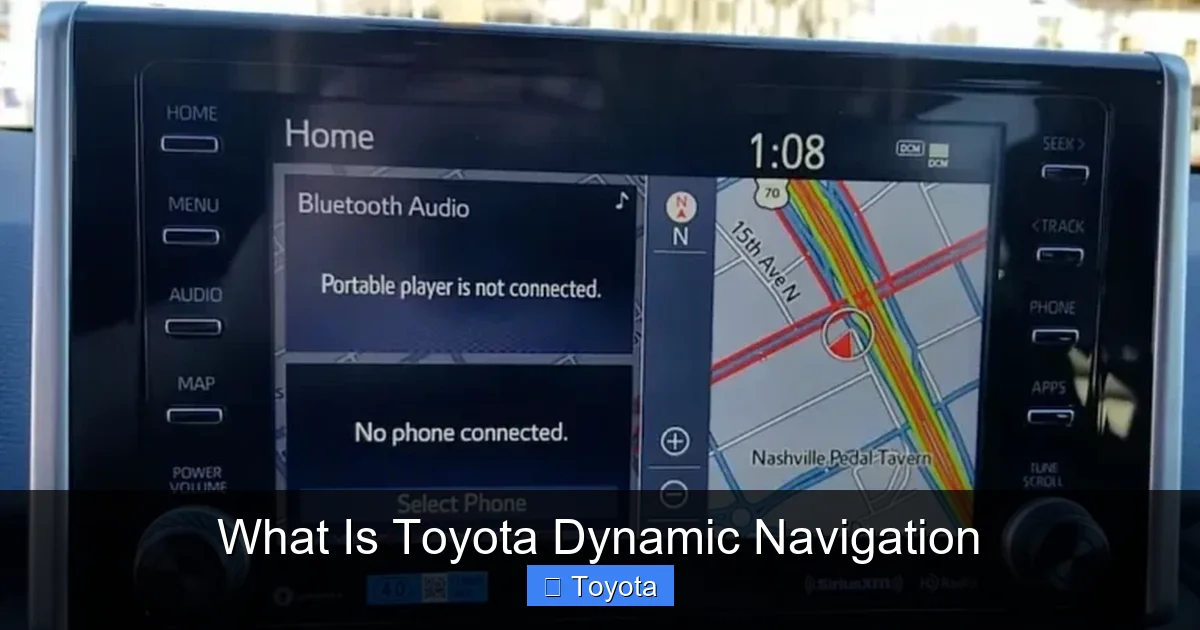
Visual guide about What Is Toyota Dynamic Navigation
Image source: cartipsdaily.com
Passive vs. Proactive
Traditional systems only react to your inputs. They tell you where to turn but don’t anticipate problems. Dynamic Navigation is proactive. It predicts congestion and suggests alternatives before you even hit the traffic jam.
Manual vs. Automated Updates
With a conventional system, you might need to visit a dealership for software patches. Dynamic Navigation updates automatically, often without you even noticing. This ensures you always have the latest points of interest and road names.
Highway Cruising
When you’re on a long stretch of interstate, Dynamic Navigation monitors speed limits and suggests optimal lanes. It can warn you about upcoming merge points or speed‑reduction zones, helping you stay smooth and legal.
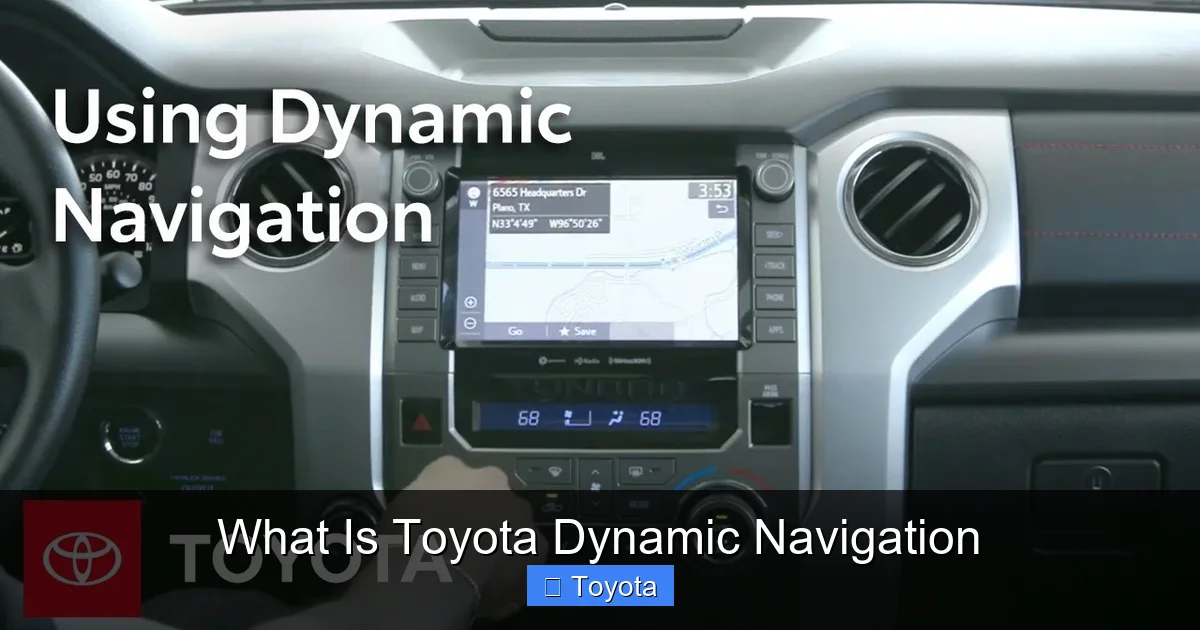
Visual guide about What Is Toyota Dynamic Navigation
Image source: i.ytimg.com
City Navigation
Cities are chaotic. Dynamic Navigation uses local data to avoid one‑way streets you didn’t know existed. It can even suggest pedestrian‑friendly routes if you’re dropping someone off at a busy downtown location.
Off‑Road Adventures
For those who take their Toyota off the paved paths, the system can log your tracks and suggest new trails based on your skill level. It also integrates with Toyota’s TRD (Toyota Racing Development) accessories, giving you terrain‑specific recommendations.
Integration with Other Toyota Features
Dynamic Navigation works hand‑in‑hand with Toyota’s Star‑Link services. You can remotely start your car, check fuel levels, or even locate it in a crowded parking lot—all from your smartphone.
Maintenance, Updates, and Calibration
Keeping Dynamic Navigation running smoothly is easy. The system performs nightly checks and pushes updates when you’re not driving. However, occasional calibration can fine‑tune the sensors that feed the touchscreen’s touch response and voice recognition.
For those who enjoy a hands‑on approach, you can follow the Uconnect navigation calibration guide. While it’s designed for Uconnect, many of the steps—like resetting the display, checking antenna connections, and updating software—apply to Toyota’s system as well. This guide walks you through verifying signal strength, aligning the compass, and ensuring that your navigation data syncs correctly with the cloud.
Regular maintenance includes:
- Checking cellular signal strength in your area.
- Ensuring the touchscreen is clean for accurate touch input.
- Running software updates when they appear.
- Resetting the navigation stack if you notice lag or incorrect routing.
If you ever encounter a glitch, a quick restart often solves it. Hold the power button for ten seconds, wait for the screen to go dark, then restart. For persistent issues, a dealership visit can run diagnostic scans and apply manufacturer‑approved patches.
Future Trends and Final Thoughts
The automotive world is moving toward fully autonomous travel. Dynamic Navigation sits at the heart of that evolution. As Toyota continues to roll out over‑the‑air updates, you can expect deeper AI integration, vehicle‑to‑infrastructure (V2I) communication, and even more personalized route suggestions.
Looking ahead, Dynamic Navigation may soon share data with other smart city services. Imagine your car automatically adjusting speed to sync with traffic lights, or receiving alerts about road closures before they appear on any news source. This level of connectivity will make every trip smoother and safer.
For now, Dynamic Navigation is a standout feature that blends convenience, safety, and modernity. Whether you’re commuting across town or exploring a new part of the country, the system learns your habits and adapts, ensuring you spend less time worrying about directions and more time enjoying the ride.
Investing in a Toyota equipped with Dynamic Navigation means you’re getting a car that grows with you. As software updates arrive, new capabilities unlock, keeping your vehicle fresh for years to come. If you’re in the market for a reliable, tech‑forward ride, Dynamic Navigation is one of those hidden gems that truly transforms the driving experience.
Conclusion
Toyota Dynamic Navigation isn’t just a GPS; it’s a living, breathing assistant that learns, adapts, and protects. From real‑time traffic tweaks to seamless smartphone integration, it redefines what drivers expect from their navigation tools. While occasional calibration and software updates keep it in top shape, the overall experience is remarkably hands‑free and intuitive.
So next time you slide into a Toyota and see that large touchscreen light up, remember—you’re not just looking at maps; you’re seeing a system designed to make every mile more efficient, safer, and a little more enjoyable. With Dynamic Navigation, the road ahead is always clear.
Frequently Asked Questions
What is Toyota Dynamic Navigation?
Toyota Dynamic Navigation is a cloud‑connected GPS system that provides real‑time map updates, traffic alerts, and personalized routing based on your driving habits. It integrates with Apple CarPlay, Google Android Auto, and Toyota’s Star‑Link services for a seamless driving experience.
How does Dynamic Navigation differ from standard GPS?
Unlike standard GPS that shows static maps, Dynamic Navigation pulls live data from the cloud. It offers adaptive routing, proactive safety alerts, and automatic software updates, making it far more responsive to real‑world conditions.
Can I use my smartphone with Dynamic Navigation?
Yes. Dynamic Navigation syncs with Apple CarPlay and Google Android Auto, allowing you to send destinations, receive voice commands, and access your phone’s apps directly on the touchscreen.
How often does Dynamic Navigation receive updates?
The system performs nightly checks and pushes over‑the‑air updates automatically. You’ll typically notice new map data, traffic information, and feature enhancements without manual intervention.
What should I do if Dynamic Navigation acts up?
First, try a quick restart by holding the power button for ten seconds. If issues persist, check for software updates, clean the touchscreen, and verify cellular signal. For deeper problems, a dealership diagnostic can identify and fix underlying issues.
Is calibration required for optimal performance?
Occasional calibration helps fine‑tune sensors and compass alignment. While the system works well out of the box, following a calibration guide—like the Uconnect navigation calibration guide—can improve accuracy and responsiveness.