Usb to Aux Cable
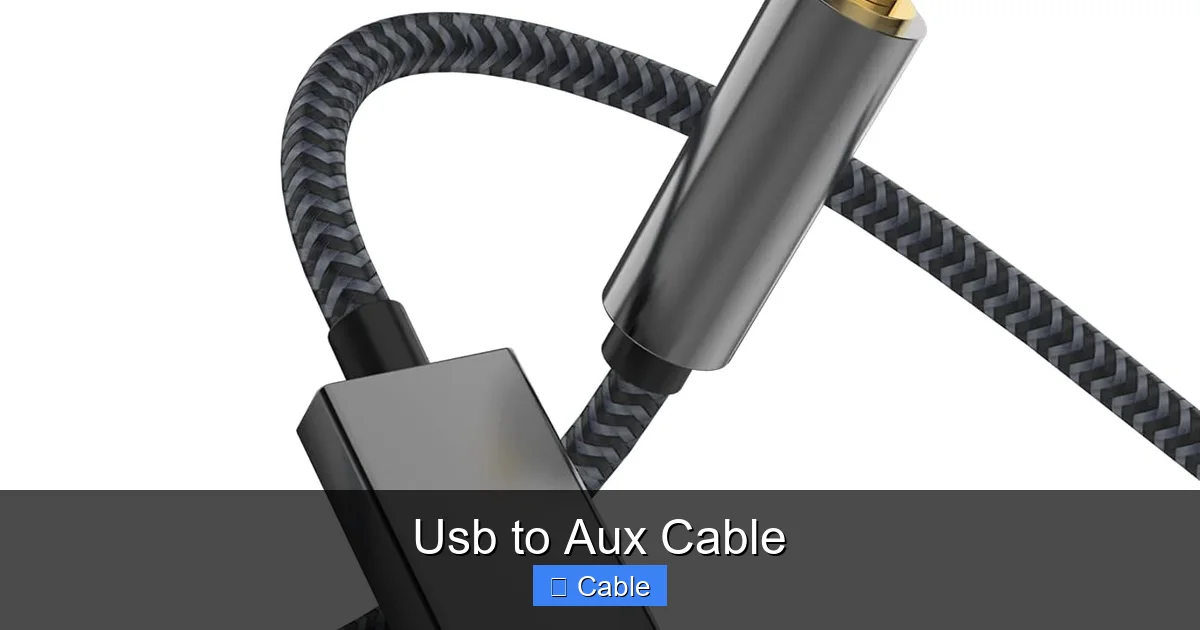
A usb to aux cable is a handy tool that lets you connect digital devices like smartphones to analog speakers. It converts digital signals into sound so you can enjoy your music on older audio systems. Whether for your car or home, it is the easiest way to bridge the gap between new and old tech.
Have you ever tried to plug your brand new phone into an old car stereo only to realize the plugs don’t match? It is a common frustration. Your phone has a USB port, but your car has that little round 3.5mm hole. This is where a usb to aux cable comes into play. It is a simple bridge that lets your modern gadgets talk to your classic speakers.
Think of it as a translator. Your phone speaks “digital,” which is a language of ones and zeros. Your speakers speak “analog,” which is a language of electrical waves. The usb to aux cable translates that digital code into sound waves you can actually hear. It is a cheap, fast, and effective way to keep using your favorite gear without spending hundreds of dollars on a new stereo system.
In this guide, we are going to break down everything you need to know. We will look at the different types of cables, how to choose the right one, and some pro tips to make sure your music sounds crisp and clear. Whether you are a tech pro or someone who just wants their playlist to work in the car, we have you covered.
Key Takeaways
- Signal Conversion: A usb to aux cable converts digital data into analog audio signals.
- Compatibility: You must match the USB type (USB-C or Lightning) to your specific device.
- DAC Importance: Higher-quality cables have a built-in Digital-to-Analog Converter (DAC) for better sound.
- Plug and Play: Most of these cables require no software and work instantly upon connection.
- Versatility: They are perfect for older cars that lack Bluetooth but have an AUX port.
- Cable Quality: Braided cables last longer and resist tangling better than plastic ones.
📑 Table of Contents
How Does a USB to Aux Cable Actually Work?
To understand a usb to aux cable, we first have to understand the difference between digital and analog audio. Digital audio is what lives inside your phone or laptop. It is stored as data. Analog audio is what the speaker uses to vibrate the air and create sound. Because these two formats are different, you cannot just “wire” them together; you need a converter.
The Role of the DAC
Inside most high-quality usb to aux cables is a tiny chip called a DAC, or Digital-to-Analog Converter. This is the “brain” of the cable. When you plug your phone into the USB end, the DAC takes the digital stream and turns it into an electrical signal. That signal then travels through the aux end and into your speakers. Without a DAC, the cable would just be a piece of wire that does nothing.
Passive vs. Active Cables
You might see some very cheap cables that claim to be “passive.” Be careful here. Passive cables don’t have a chip. They only work if the device sending the signal is already doing the conversion. Most modern smartphones (especially iPhones and newer Androids) require an active cable with a built-in DAC. If you buy a cable without a chip, you will likely find that no sound comes out at all.
Why Use a Cable Over Bluetooth?
You might wonder, “Why not just use Bluetooth?” While Bluetooth is convenient, a usb to aux cable often provides a more stable connection. There is no lag or “stuttering” that sometimes happens with wireless signals. Additionally, some high-end cables can actually provide better audio fidelity, meaning the music sounds richer and more detailed than it does over a compressed wireless connection.
Choosing the Right Cable for Your Device
Not all USB ports are the same. Before you hit the “buy” button, you need to know exactly which port your device uses. If you buy the wrong one, it simply won’t fit, and you’ll be stuck with a useless piece of plastic.
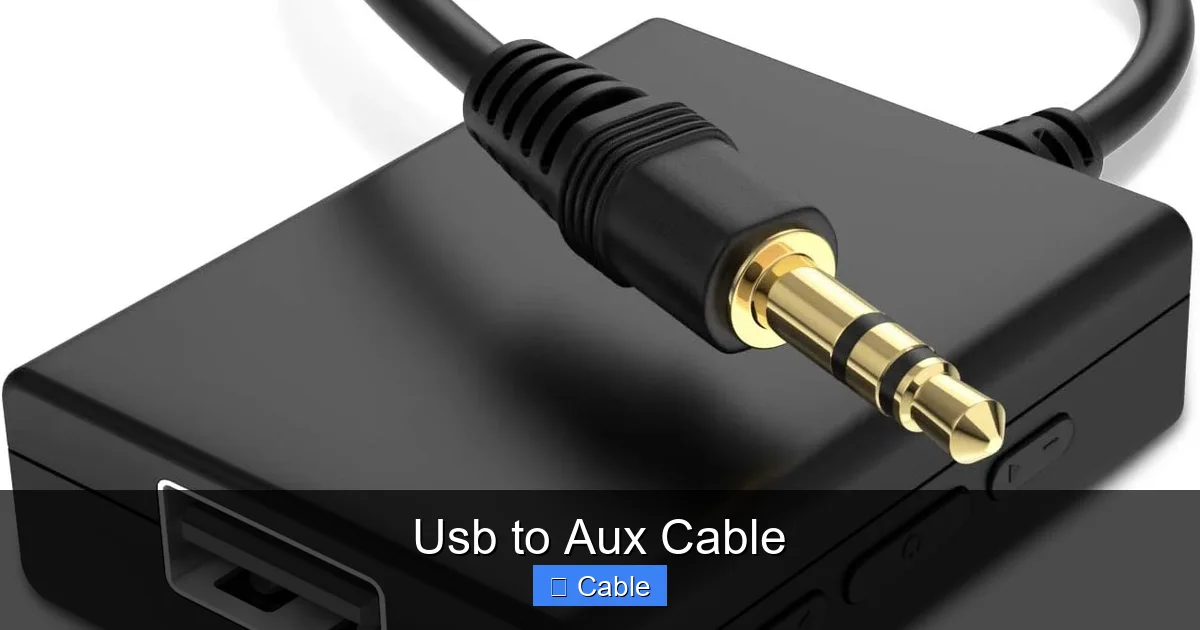
Visual guide about Usb to Aux Cable
Image source: m.media-amazon.com
USB-C to 3.5mm Aux
This is the most common type for modern Android phones, iPads, and many new laptops. USB-C is the oval-shaped port that is reversible. If you have a Samsung Galaxy, a Google Pixel, or a newer MacBook, this is likely what you need. Look for “USB-C to 3.5mm” when searching for your usb to aux cable.
Lightning to 3.5mm Aux
If you have an older iPhone or a current SE model, you need a Lightning connector. These are the thin, flat plugs specific to Apple. Apple’s ecosystem is very strict, so it is often best to look for “MFi Certified” cables. MFi stands for “Made for iPhone,” and it ensures the cable won’t stop working after a software update.
USB-A to Aux
USB-A is the traditional rectangular USB port you find on old computers or car dashboards. These cables are less common for phones but are great for connecting a PC or a laptop to a set of external speakers. If you are trying to connect a thumb drive directly to an aux port, be aware that this usually doesn’t work because thumb drives need a computer to “read” the files first.
Common Use Cases and Practical Examples
Where does a usb to aux cable actually come in handy? There are plenty of scenarios where this little cable is a lifesaver. Let’s look at a few common examples.
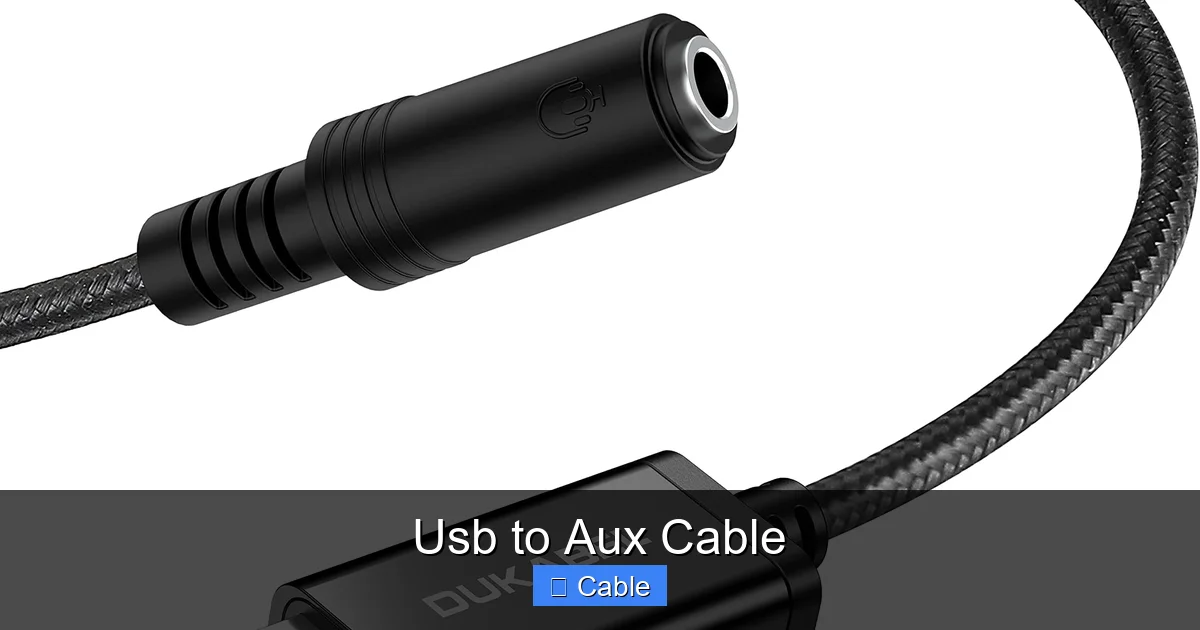
Visual guide about Usb to Aux Cable
Image source: m.media-amazon.com
Updating Your Car’s Audio Experience
Many cars from the mid-2010s have an AUX port but no Bluetooth. Instead of replacing the whole head unit, a usb to aux cable lets you plug your phone in and play Spotify or YouTube Music directly through the car speakers. It is the most affordable way to modernize your ride. If you are already upgrading your car’s interior, you might also be looking at how to best car stereo for usb thumb drive display options to get more features like screen mirroring and better visuals.
Connecting Laptops to Home Stereo Systems
If you have a high-end home theater system or an old boombox with an AUX input, you can use a usb to aux cable to stream your laptop’s audio. This is great for parties where you want the loud, room-filling sound of a big speaker rather than the tiny speakers built into your laptop.
Gaming and Headsets
Some gamers use these cables to connect a USB-based audio source to a set of analog headphones. This allows you to use high-quality studio headphones that use a 3.5mm jack with a device that only has a USB output. It’s a simple way to get professional sound without buying a whole new headset.
How to Get the Best Sound Quality
Not all cables are created equal. If you buy the cheapest cable available, you might notice a “hissing” sound or a loss of bass. Here is how to ensure you get the best audio possible.
Look for Shielding
Electrical interference is the enemy of good sound. “Shielding” refers to a layer of foil or braided wire inside the cable that protects the signal from outside noise. Look for cables that mention “oxygen-free copper” (OFC) and “shielded cabling.” This prevents that annoying buzzing sound you sometimes hear when the cable is near other electronics.
Check the Build Material
Plastic cables are cheap, but they crack and fray over time. If you are using the cable in a car, it will be bent and pulled frequently. Opt for a braided nylon exterior. Braided cables are much more durable and resist tangling, which means they will last for years rather than months.
Avoid “Cheap” Unbranded Adapters
Many generic adapters lack a proper DAC. This results in a “thin” sound where the music feels flat. Investing a few extra dollars in a brand known for audio quality can make a massive difference. A good cable will maintain the frequency response of your music, keeping the deep bass and crisp highs intact.
Step-by-Step: How to Set Up Your Connection
Setting up a usb to aux cable is generally a “plug and play” experience, but following these steps ensures you don’t damage your hardware.
- Step 1: Check Your Ports. Make sure the USB end matches your phone and the Aux end matches your speaker.
- Step 2: Connect the Cable. Plug the USB end into your phone first, then plug the 3.5mm jack into the “AUX IN” port of your stereo.
- Step 3: Set the Source. On your car or speaker, change the input source to “AUX.” If you don’t do this, you won’t hear anything even if the cable is plugged in.
- Step 4: Adjust Volume. Turn the volume down on your speakers first. Then, turn up the volume on your phone to about 80%. Finally, use the speaker’s knob to reach your desired loudness. This prevents “clipping” or distortion.
Troubleshooting Common Issues
If you plug everything in and it still isn’t working, don’t panic. Try these quick fixes:
- Check for Lint: USB-C and Lightning ports often collect pocket lint. Use a toothpick to gently clean the port; a tiny piece of dust can prevent the cable from seating fully.
- Check the Volume: It sounds silly, but make sure the device is not muted.
- Test Another Device: Plug the cable into a different phone. If it works there, the issue is with your first device’s settings. If it doesn’t work anywhere, the cable is likely defective.
Maintaining Your Cables and Gear
To keep your audio equipment working perfectly, a little maintenance goes a long way. Cables are fragile, and the internal wires can break if they are bent too sharply.
Proper Storage
Never wrap your cable tightly around your hand or the device. This creates a “kink” that can break the internal copper wires. Instead, loop the cable loosely in a circle and use a velcro tie to keep it neat. This extends the life of the cable significantly.
Keeping Your Environment Clean
In a car, dust and grime can get into the ports. While you are cleaning your interior—perhaps learning how to keep your car clean with kids inside—take a second to blow some compressed air into your USB and AUX ports. Keeping the ports clean ensures a tight connection and prevents crackling sounds during playback.
Avoiding Cable Tension
Make sure there is some “slack” in the cable. If the cable is stretched tight across your dashboard, any sudden movement (like shifting gears or turning the steering wheel) could pull the cable out or damage the port. Give the cable a little bit of room to move.
Final Thoughts on USB to Aux Cables
The usb to aux cable is a small tool, but it solves a big problem. It allows us to keep using the speakers we love while using the phones we need. By understanding the importance of the DAC and choosing a durable, shielded cable, you can enjoy high-quality audio without the hassle of expensive upgrades.
Whether you are commuting to work, hosting a party, or gaming at home, these cables provide a reliable, high-fidelity connection. Just remember to check your port type, look for braided materials for durability, and keep your ports clean. With the right cable, your favorite songs will sound exactly as the artist intended.
In a world where everything is going wireless, there is still something to be said for the reliability of a physical connection. No pairing menus, no battery drain from Bluetooth, and no signal drops. Just plug in and play.
Frequently Asked Questions
Will a usb to aux cable charge my phone?
Generally, no. Most usb to aux cables are designed only for audio transmission. If you need to charge your phone while playing music, you will need a “multi-port adapter” that has both a charging port and an aux jack.
Can I use this cable to record audio from a speaker into a computer?
No, these cables are one-way. They are designed to send audio from a digital device to an analog speaker. They cannot “capture” analog sound and turn it back into a digital file for your computer.
Why is my audio crackling when I move the cable?
This is usually a sign of a loose connection or a broken internal wire. Try cleaning the ports first. If the crackling continues, the cable’s internal shielding is likely damaged, and it is time to replace the cable.
Do I need a special app to make the cable work?
No, usb to aux cables are hardware-based. They do not require any software or apps to function. Once you plug them in and select the “AUX” source on your speaker, they should work instantly.
Is there a difference between a $5 cable and a $20 cable?
Yes. The more expensive cables usually have a better DAC chip for clearer sound, better shielding to stop buzzing, and more durable braided exteriors. Cheap cables often have poor sound quality and break much faster.
Will this work with any brand of speaker?
Yes, as long as the speaker has a standard 3.5mm AUX input, it will work. The AUX standard is universal, meaning it doesn’t matter if your speaker is made by Sony, Bose, or a generic brand.