Kotak Mahindra Car Insurance Policy Download
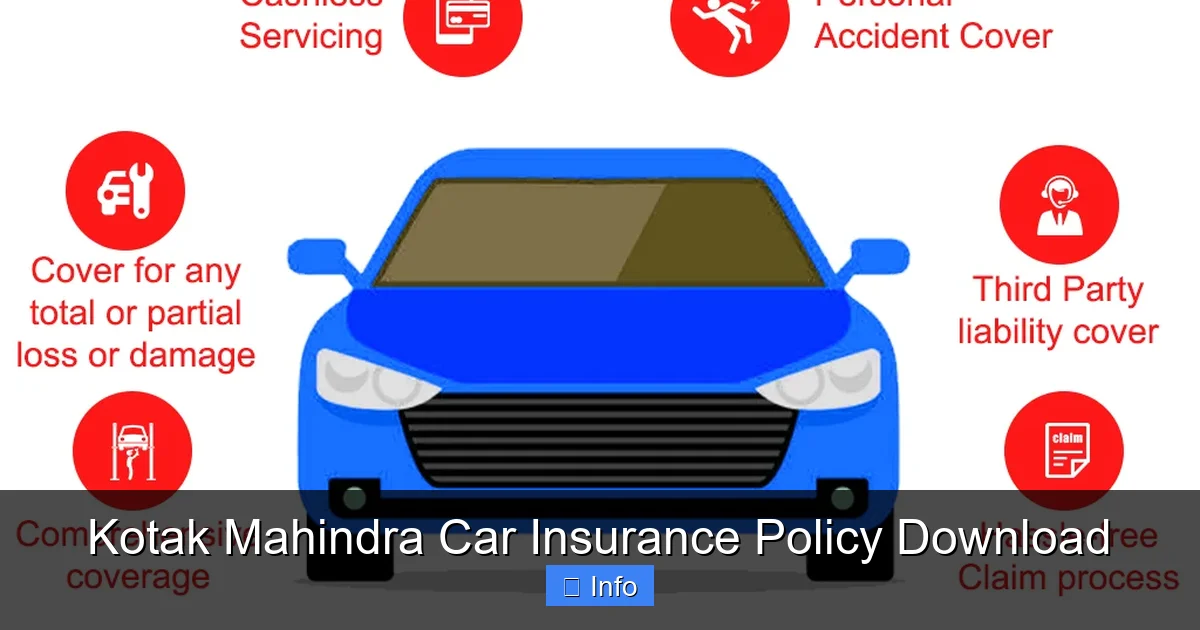
Kotak Mahindra car insurance policy download is a straightforward process that can be completed online, saving you time and ensuring you have a digital copy for emergencies. By following a few simple steps, you can access your policy instantly and avoid the hassle of physical paperwork. This guide will walk you through the process, required documents, and common troubleshooting tips.
Key Takeaways
- Easy Online Process: Downloading your Kotak Mahindra car insurance policy is simple and can be done via their official website or mobile app.
- Required Documents: Keep your policy number, vehicle registration, and ID proof handy to complete the download process smoothly.
- Digital Access: A digital copy ensures you always have your policy details available on your phone or computer for claims and renewals.
- Compliance Benefits: Having your policy downloaded helps you stay compliant with legal requirements, especially if your car is financed.
- Security Tips: Store your downloaded policy securely and avoid sharing it with unauthorized individuals to protect your personal data.
- Common Issues: Forgotten login details or technical glitches are common but can be resolved quickly through customer support or alternative methods.
📑 Table of Contents
- Why Download Your Kotak Mahindra Car Insurance Policy Online?
- Step-by-Step Guide to Download Your Policy
- Documents Required for Policy Download
- Benefits of a Digital Policy Copy
- Common Issues and Solutions
- Security Tips for Storing Your Policy
- Why This Matters for Financed Cars
- Cost Considerations and Coverage
- Conclusion
Why Download Your Kotak Mahindra Car Insurance Policy Online?
In today’s fast-paced world, managing your car insurance digitally isn’t just convenient—it’s essential. Whether you’re a first-time car owner or a seasoned driver, having your Kotak Mahindra car insurance policy download ready ensures you can access critical details instantly. This is especially important if your car is financed or leased, as lenders often require proof of insurance. Downloading your policy online eliminates the risk of misplacing physical copies and provides a secure backup for emergencies like accidents or theft claims.
Moreover, a digital policy allows you to review coverage terms, check expiry dates, and verify your vehicle’s insured value at any time. For those who prefer paperless processes, this aligns with modern trends toward eco-friendly and efficient document management. The entire process is quick, user-friendly, and accessible from anywhere with an internet connection.
Legal and Financial Benefits
Driving without a valid insurance policy can lead to hefty fines, legal complications, and even vehicle impoundment. By downloading your policy, you ensure compliance with Indian motor laws. Additionally, having your policy on hand streamlines the claims process. For instance, if your car is involved in an accident, you can quickly share your policy details with insurers or authorities without rummaging through paperwork.
Step-by-Step Guide to Download Your Policy
Visual guide about Kotak Mahindra Car Insurance Policy Download
Image source: static.pbcdn.in
Downloading your Kotak Mahindra car insurance policy is a breeze if you follow these steps:
1. Visit the Official Website or Mobile App
Navigate to the Kotak Mahindra General Insurance website or download their mobile app from the Google Play Store or Apple App Store. Look for the “Car Insurance” or “Policy Download” section on the homepage.
2. Enter Your Policy Details
You’ll need your policy number, vehicle registration number, or mobile number linked to the policy. Input these details accurately to retrieve your policy.
3. Verify Your Identity
Complete OTP verification sent to your registered mobile number or email address to confirm your identity.
4. Download the Policy Document
Once verified, click the “Download” button to save your policy as a PDF. Ensure you have a PDF reader installed on your device.
5. Save and Secure Your Copy
Store the downloaded file in a secure location, such as your phone’s gallery or cloud storage. Print a physical copy if needed for official purposes.
Troubleshooting Tips
If you face issues during the process, check your internet connection, ensure all details are correct, or contact Kotak Mahindra’s customer support for assistance. You can also use the “Forgot Policy Number” feature if you’ve misplaced it.
Documents Required for Policy Download
Visual guide about Kotak Mahindra Car Insurance Policy Download
Image source: claimforms.net
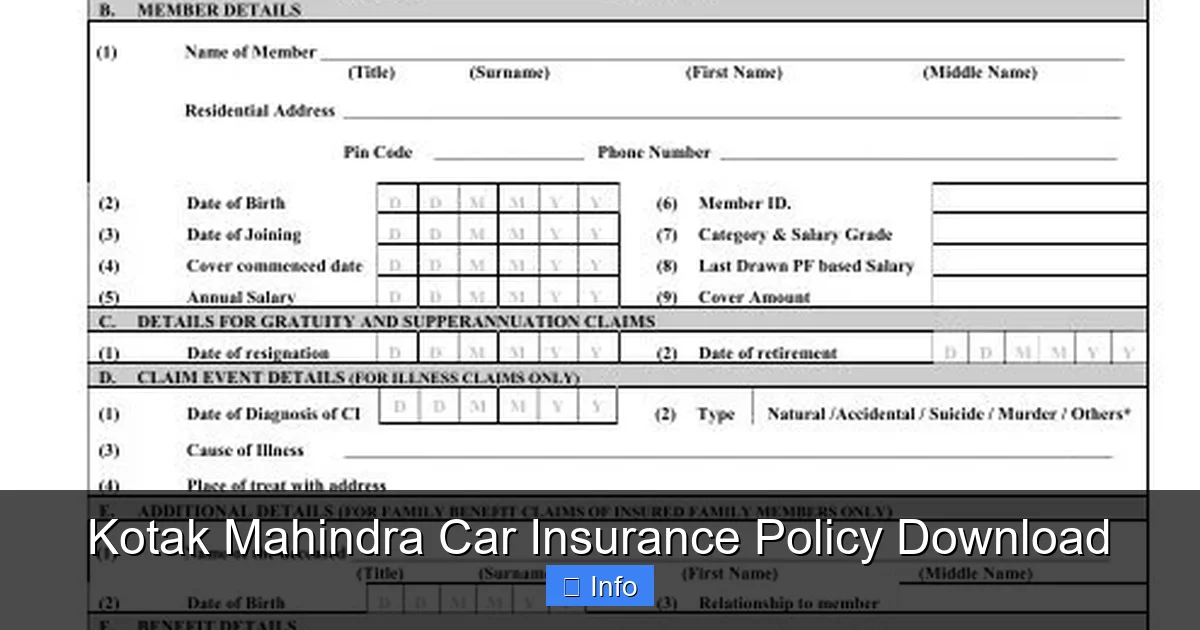
Before starting the download process, gather the following documents to avoid delays:
Policy Number
This is a unique identifier for your insurance policy. You’ll find it on your policy document or in the confirmation email sent after purchasing the policy.
Vehicle Registration Number
The registration number of your car, which is also mentioned in your RC (Registration Certificate).
Registered Mobile Number or Email
Use the contact details provided during policy purchase. This helps verify your identity and retrieve your policy.
ID Proof (if Required)
In some cases, you may need to upload an ID proof like Aadhaar, PAN, or driver’s license for verification.
Claim Reference Number (for Claims)
If downloading for a claim, include the claim reference number provided by the insurer.
Benefits of a Digital Policy Copy
Visual guide about Kotak Mahindra Car Insurance Policy Download
Image source: best20.in
Having a digital copy of your policy offers several advantages:
Instant Access Anytime
Unlike physical copies stored in lockers or drawers, a digital version is accessible 24/7 from your smartphone or laptop.
Easy Sharing
You can instantly share your policy with agents, mechanics, or authorities via email or messaging apps.
Reduced Risk of Damage
Physical documents can get torn, faded, or lost. A digital copy remains intact and can be downloaded multiple times if needed.
Environmentally Friendly
Choosing digital documents reduces paper usage, contributing to environmental sustainability.
Quick Renewal Process
During policy renewal, insurers often ask for a copy of the previous policy. A digital version speeds up the process.
Common Issues and Solutions
Even with a simple process, users may encounter minor hiccups. Here’s how to resolve them:
Unable to Retrieve Policy
Double-check your policy number, registration number, and contact details. If the issue persists, reach out to customer support with your vehicle’s registration number.
OTP Not Received
Ensure your mobile number is correct and has network coverage. Try resending the OTP or use an alternative contact method linked to your policy.
Download Link Expired
Some portals invalidate download links after a certain period. Restart the process or request a fresh link from the insurer.
Corrupted PDF File
If the downloaded file is unreadable, try downloading it again or use a different browser. Clear your cache or try a different device.
Account Login Issues
If you’ve registered but can’t log in, use the “Forgot Password” option or reset your credentials via the registered email/mobile number.
Security Tips for Storing Your Policy
While digital copies are convenient, safeguarding them is crucial to prevent misuse:
Use Strong Passwords
Protect your device and cloud storage with strong passwords and biometric locks to prevent unauthorized access.
Avoid Public Wi-Fi
When downloading or accessing your policy, use a secure internet connection to avoid data breaches.
Limit Sharing
Only share your policy document with trusted parties, such as insurance agents or legal representatives.
Update Contact Details
Keep your registered mobile number and email updated to receive notifications about policy changes or renewals.
Regular Backups
Store copies in multiple locations, such as your phone, email inbox, and cloud storage, to avoid data loss.
Why This Matters for Financed Cars
If your car is financed, lenders often require proof of insurance coverage. A missing or delayed Kotak Mahindra car insurance policy download could lead to penalties or loan default. In such cases, having a digital copy ensures you meet lender requirements promptly. Additionally, if you’re unsure about coverage limits or terms, reviewing your policy helps you understand what’s included, especially in scenarios like accidents or theft. For more insights on insurance requirements for financed vehicles, check out our guide on what happens if you wreck a financed car without insurance.
Cost Considerations and Coverage
Understanding your policy’s cost and coverage is vital. While downloading your policy, take time to review premium amounts, deductibles, and add-ons. If you’re curious about average insurance costs, explore our article on how much car insurance typically costs. For young drivers, like teenagers, insurance premiums can be higher due to increased risk factors. Learn more about teen car insurance costs and how to manage them effectively.
Conclusion
Downloading your Kotak Mahindra car insurance policy is a hassle-free process that offers peace of mind and convenience. By following the steps outlined above, you can quickly access your policy and ensure compliance with legal requirements. Whether you need it for claims, renewals, or lender verification, a digital copy is indispensable. Remember to store it securely and keep your contact details updated. With just a few clicks, you can manage your car insurance efficiently and focus on what matters most—safe and worry-free driving.
Frequently Asked Questions
How do I download my Kotak Mahindra car insurance policy?
Visit the official website or app, enter your policy/vehicle details, verify via OTP, and click ‘Download.’ Save the PDF for future use.
What documents are needed for the download?
Policy number, vehicle registration number, and registered mobile/email are mandatory. An ID proof may be required in some cases.
Can I download the policy multiple times?
Yes, you can download your policy as many times as needed. However, avoid sharing it with unauthorized individuals.
What if I forget my policy number?
Use the ‘Forgot Policy Number’ feature on the website or contact customer support with your vehicle registration details.
Is the downloaded policy valid for claims?
A digital copy is valid for claims, but always confirm with your insurer. Some may require a printed version for processing.
How do I resolve download errors?
Check your internet connection, verify details, or try a different browser. If issues persist, contact Kotak Mahindra’s support team.