How to Turn on Heated Mirrors in a Toyota Rav4
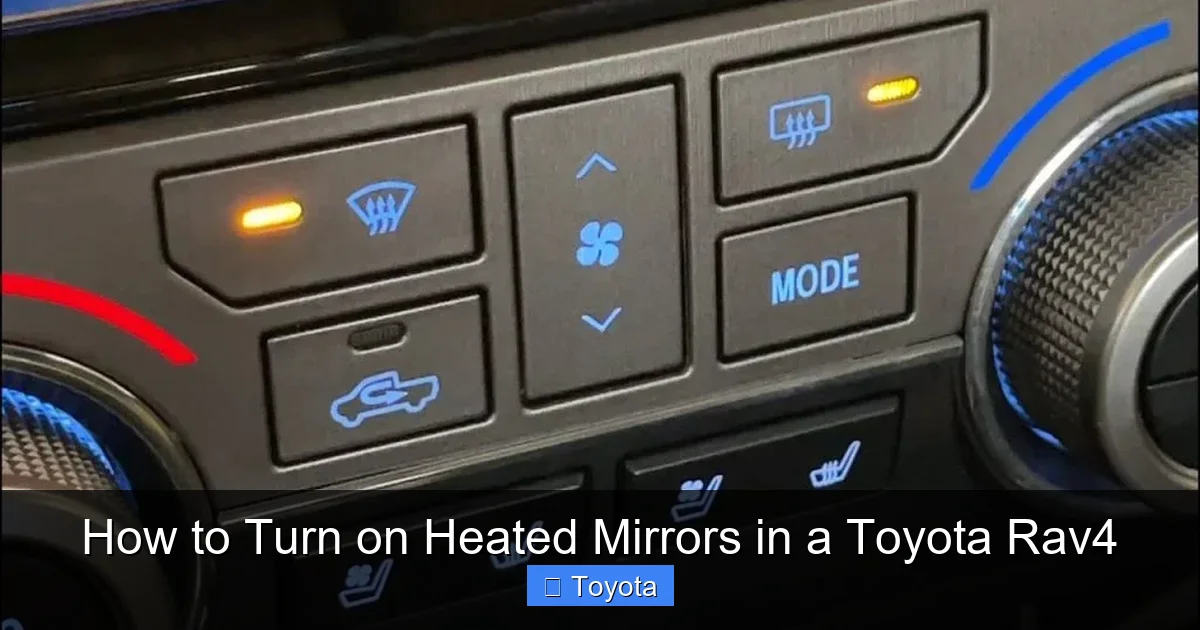
Turning on heated mirrors in a Toyota RAV4 is a simple process that enhances driving comfort. This guide will walk you through the exact steps, ensuring you know how to activate this feature quickly.
Key Takeaways
- Locate the switch: Heated mirrors are typically controlled by a switch on the driver’s side mirror or a button on the door panel.
- Activating the feature: Flip the switch or press the button to turn on heated mirrors, usually indicated by a light or symbol.
- Model variations: Some RAV4 trims may have automatic heated mirrors, while others require manual activation.
- Cold weather benefit: Heated mirrors prevent frost buildup, improving visibility in winter conditions.
- Troubleshooting: If mirrors don’t heat, check the switch, fuses, or consult the owner’s manual.
- Combine with other features: Pair heated mirrors with rearview cameras or adaptive cruise control for enhanced safety.
📑 Table of Contents
Understanding Heated Mirrors in the Toyota RAV4
Heated mirrors in the Toyota RAV4 are a practical feature designed to keep your side mirrors clear of ice and frost during cold weather. This is especially useful for drivers in regions with harsh winters. The mirrors use a small heating element embedded in the glass, which activates when you turn on the feature. While the RAV4 is known for its reliability and tech-forward design, understanding how to use heated mirrors properly ensures you get the most out of this safety feature.
Why Heated Mirrors Matter
Imagine driving in freezing temperatures with icy mirrors that block your view. Heated mirrors solve this problem by melting ice or preventing it from forming in the first place. For RAV4 owners, this feature is often a standard or optional upgrade, depending on the trim level. Whether you’re commuting to work or taking a road trip, activated heated mirrors can make a significant difference in safety and comfort.
Step-by-Step Guide to Turn On Heated Mirrors in a Toyota RAV4
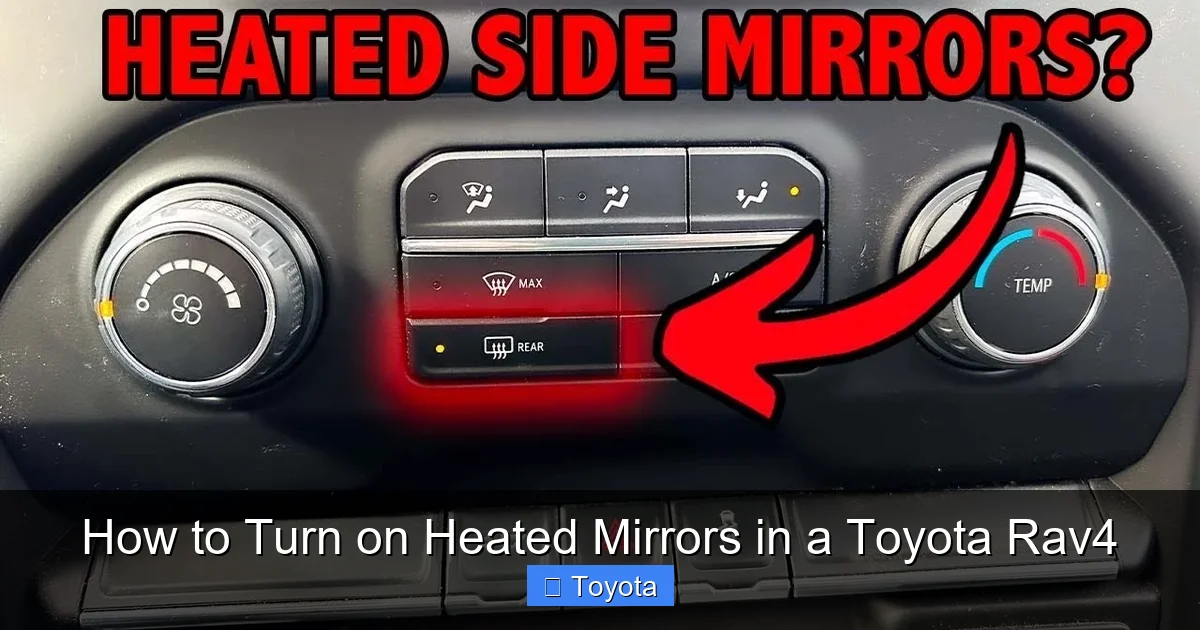
Visual guide about How to Turn on Heated Mirrors in a Toyota Rav4
Image source: i.ytimg.com
Turning on heated mirrors in your RAV4 is usually a straightforward process, but the exact steps may vary slightly depending on your model year and trim. Let’s break it down into simple, actionable steps.
Locate the Heated Mirror Switch or Button
Most Toyota RAV4 models have a dedicated switch or button for heated mirrors. This is typically found on the driver’s side mirror itself or on the interior door panel. If your RAV4 has a manual switch, it might look like a small lever or a knob. For newer models, it could be a touch-sensitive button.
Common Locations for the Switch
- Driver’s side mirror: A small switch near the edge of the mirror or integrated into the mirror’s housing.
- Door panel: A button labeled “Heated Mirrors” or with a snowflake icon.
If you’re unsure where to find it, check your owner’s manual or look for the symbol on the mirror or dashboard.
Activating the Heated Mirrors
Once you’ve located the switch or button, simply flip it or press it to activate the heated mirrors. You’ll usually see an indicator light or symbol on the dashboard or mirror to confirm the feature is on.
Tips for Activation
- Timing: It’s best to turn on heated mirrors when temperatures drop below freezing (around 32°F or 0°C).
- Duration: Mirrors often heat up within 10-15 minutes. Avoid leaving them on unnecessarily to conserve battery power.
- Model-specific notes: Some RAV4 trims, like the Limited or Hybrid, may have automatic heated mirrors that activate when the engine is running.
Understanding Indicator Lights
Most RAV4 models include an indicator to show that heated mirrors are active. This could be a small light on the dashboard or a symbol on the mirror. If you don’t see an indicator, check the manual for your specific model.
Different Models and Variations
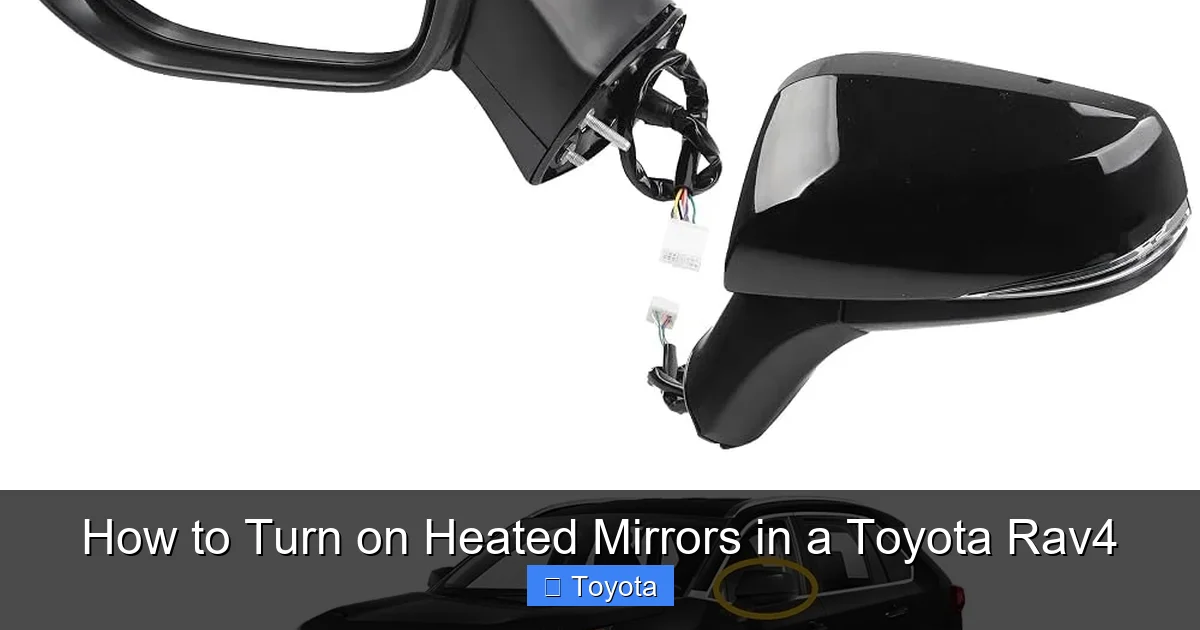
Visual guide about How to Turn on Heated Mirrors in a Toyota Rav4
Image source: m.media-amazon.com
The Toyota RAV4 comes in various trims, and the heated mirror feature may differ between them. For example, the RAV4 Hybrid or Platinum trims might include advanced features like automatic activation.
Manual vs. Automatic Heated Mirrors
Manual heated mirrors require you to activate them each time, while automatic versions turn on automatically when the engine starts in cold weather. If your RAV4 has automatic heated mirrors, you won’t need to press a button—just ensure the feature is enabled in the settings.
Rearview Camera Integration
If your RAV4 has a rearview camera (learn more about installing a rearview camera), combining it with heated mirrors can enhance your overall driving experience. The camera helps with parking, while heated mirrors ensure clear visibility in bad weather.
Troubleshooting Common Issues
Visual guide about How to Turn on Heated Mirrors in a Toyota Rav4
Image source: m.media-amazon.com
Even with a simple feature like heated mirrors, problems can arise. Here are some common issues and solutions.
Mirrors Don’t Heat Up
If your heated mirrors aren’t working, start by checking the switch or button. Ensure it’s in the “on” position. If that doesn’t work, inspect the fuses related to the mirror heating system. A blown fuse could be the culprit.
Fuses and Electrical Problems
If the mirrors still don’t heat, consult your owner’s manual to locate the relevant fuses. Replacing a blown fuse might resolve the issue. For more complex electrical problems, consider visiting a Toyota dealership or a qualified mechanic.
Battery Drain Concerns
Heated mirrors use a small amount of power, but leaving them on for extended periods can drain the battery. To avoid this, turn them off when not needed. For more tips on battery maintenance, check out how to maintain a car battery in cold weather.
Maintenance Tips for Heated Mirrors
To keep your heated mirrors functioning optimally, regular maintenance is key.
Clean the Mirrors Regularly
Dirt or ice buildup on the mirrors can interfere with the heating element. Wipe them down with a glass cleaner to ensure they work efficiently.
Check for Wear and Tear
Over time, the heating element might wear out. If you notice dimming or inconsistent heating, it could be time to replace the mirrors.
Winter Driving Habits
Use heated mirrors consistently during cold weather. Avoid turning them on in mild conditions to save energy.
Conclusion
Turning on heated mirrors in a Toyota RAV4 is a simple yet essential skill for drivers in cold climates. By following the steps outlined in this guide, you can ensure your mirrors stay clear and your safety is prioritized. Whether you’re dealing with icy roads or just want added comfort, knowing how to activate this feature makes a big difference. If you run into issues, don’t hesitate to refer to your manual or seek professional help.
Frequently Asked Questions
How do I turn on heated mirrors in my Toyota RAV4?
Locate the switch or button for heated mirrors, usually on the driver’s side mirror or door panel. Flip or press it to activate the feature. An indicator light will confirm it’s on.
Do all Toyota RAV4 models have heated mirrors?
Not all trims include heated mirrors. They are often standard or optional, depending on the model year and trim level. Check your owner’s manual for specifics.
Why aren’t my heated mirrors working?
Check the switch, fuses, or consult the manual. If the issue persists, a mechanic may need to inspect the heating element.
Can I use heated mirrors in warm weather?
Yes, but it’s unnecessary and may drain your battery. Only use them when temperatures are low.
How long do heated mirrors last?
The heating element can last the life of the mirrors, but wear and tear may require replacement over time.
Do heated mirrors affect fuel efficiency?
They use minimal power, so the impact on fuel efficiency is negligible. However, avoid leaving them on unnecessarily.