How to Turn Off Steering Assist in a Toyota Camry
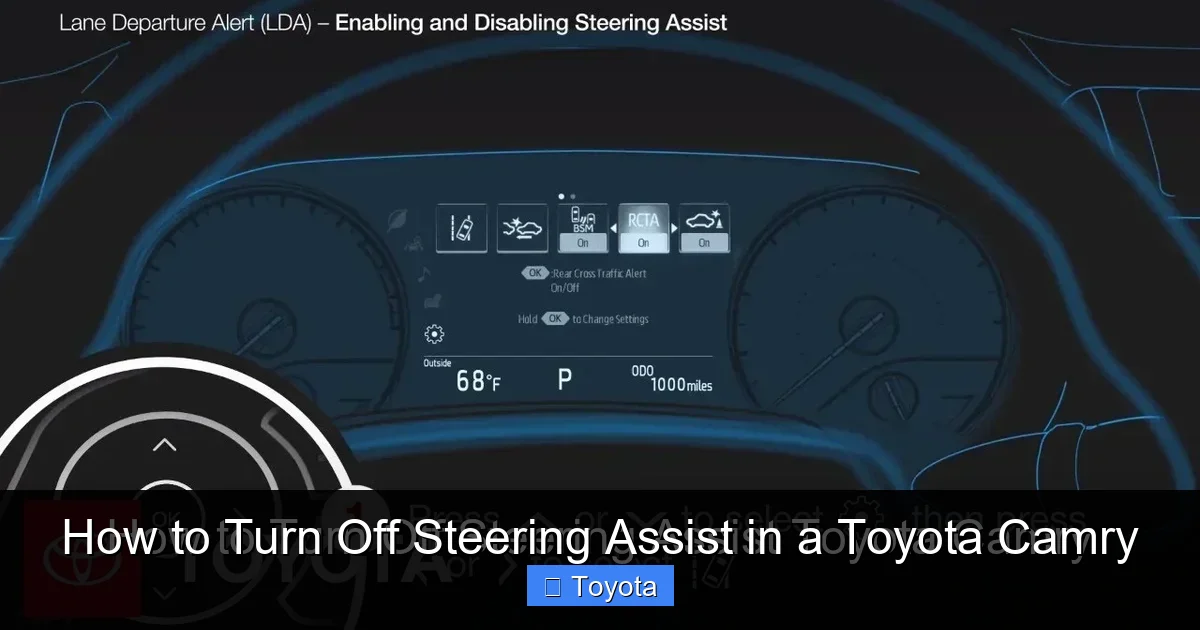
Disabling steering assist in a Toyota Camry involves locating the appropriate control (either a button on the steering wheel or settings menu) and following specific steps based on your model year. While this feature can be temporarily turned off for diagnostic purposes, it’s crucial to prioritize safety and understand that driving without steering assist is not recommended for extended periods.
Key Takeaways
- Model Year Matters: Procedures for turning off steering assist vary depending on your Camry’s model year and trim level.
- Use the Steering Wheel Button: Many 2018–2020 Camrys have a dedicated button on the steering wheel for toggling steering assist.
- Menu Settings: Older or newer models may require navigating the infotainment system’s settings menu.
- Safety First: Driving without steering assist reduces control and is unsafe in most scenarios—use caution and only temporarily.
- Consult a Professional: If unsure, contact a Toyota dealer or mechanic to avoid damaging the system.
- Understand the Risks: Steering assist is critical for stability and safety; disabling it should only be done for specific diagnostic purposes.
📑 Table of Contents
- Introduction to Steering Assist in Your Toyota Camry
- Identify Your Camry’s Model Year and Trim Level
- How to Turn Off Steering Assist Using the Steering Wheel Button
- Disabling Steering Assist Through the Infotainment System
- Safety Considerations When Driving Without Steering Assist
- Troubleshooting Common Issues
- When to Seek Professional Assistance
- Conclusion
Introduction to Steering Assist in Your Toyota Camry
Modern vehicles like the Toyota Camry come equipped with advanced safety and convenience features to enhance driving experience. One such feature is steering assist, which helps reduce driver fatigue and improves handling by providing electronic power steering (EPS) support. However, there might be situations where you need to temporarily disable this system—whether for diagnostic checks, troubleshooting, or testing purposes. Understanding how to safely turn off steering assist in your Camry is essential for both maintenance and safety.
Identify Your Camry’s Model Year and Trim Level
Before attempting to disable steering assist, it’s crucial to determine your vehicle’s model year and trim level. The process varies significantly between older and newer models. For example:
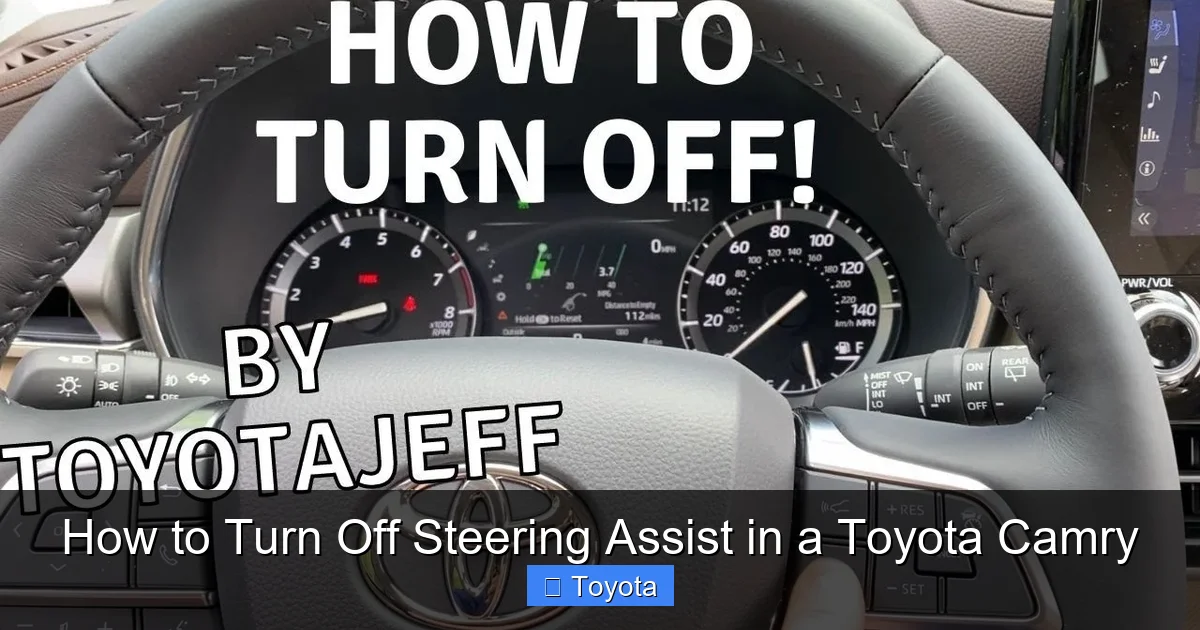
Visual guide about How to Turn Off Steering Assist in a Toyota Camry
Image source: i.ytimg.com
- 2015–2017 Models: These may not have a steering assist toggle and might require navigating the infotainment system.
- 2018–2020 Models: Many include a dedicated button on the steering wheel labeled “Steering Assist” or a similar icon.
- 2021 and Later: These might use a touchscreen menu system for disabling steering assist.
Check your owner’s manual or visit a Toyota dealership for precise instructions tailored to your Camry’s specifics.
How to Turn Off Steering Assist Using the Steering Wheel Button
If your Camry has a steering assist button, follow these steps:
Step 1: Locate the Button
The button is typically found on the left or right side of the steering wheel, often near the airbag module. It may have a steering wheel icon or the word “Assist.”
Step 2: Press and Hold the Button
Press and hold the button for 3–5 seconds. You should see a warning light illuminate on the dashboard or hear a chime indicating the system is disabled.
Step 3: Confirm the Status
Check your dashboard for indicators like a steering wheel icon with a slash or a message such as “Steering Assist Off.” If you don’t see this, the system may still be active.
Re-enabling the System
To turn steering assist back on, repeat the process or restart your vehicle. Some models automatically reactivate the system when the engine is turned off and on again.
Disabling Steering Assist Through the Infotainment System
For Camrys without a physical button, use the touchscreen menu:
Navigate to Settings
Turn on your Camry and access the infotainment system. Tap the “Settings” or “Menu” icon, usually found in the lower-left corner.
Find the Steering Assist Option
Look for options under “Vehicle Settings,” “Driving Preferences,” or “Safety Features.” Select “Steering Assist” or “EPS Settings.”
Toggle the System Off
Switch the toggle to “Off” or “Disabled.” A confirmation message may appear—select “OK” or “Yes.”
Safety Reminder
Always test the system after disabling it. Drive slowly in a safe area to ensure responsiveness before navigating busy roads.
Safety Considerations When Driving Without Steering Assist
While turning off steering assist might seem straightforward, it’s important to understand the risks:
- Increased Driver Fatigue: Without EPS support, you’ll need to exert more physical effort to steer, leading to quicker fatigue.
- Reduced Stability: Steering assist helps maintain lane position and counteracts road imperfections. Disabling it can make handling unpredictable.
- Emergency Roadside Repairs: If your EPS system fails, knowing how to disable it temporarily might help diagnose the issue, but drive cautiously.
Tip: Never disable steering assist during normal driving conditions. Reserve this action for diagnostics or specific troubleshooting scenarios.
Troubleshooting Common Issues
If turning off steering assist doesn’t work as expected, consider these possibilities:
System Won’t Disable
The button or menu option might be locked due to a technical glitch or a security setting. Restart your vehicle and try again. If the issue persists, consult a Toyota technician.
Dashboard Warning Lights
A warning light like the EPS or steering assist icon indicates a system malfunction. Check your owner’s manual for error codes and contact a mechanic if needed.
Incompatibility with Aftermarket Modifications
After adding features like a GPS system or rearview camera, steering assist settings might behave unexpectedly. Verify compatibility with your dealer.
When to Seek Professional Assistance
While most Camrys allow you to control steering assist manually, there are instances where professional help is necessary:
- Persistent System Errors: If the system repeatedly fails to disable or re-enable, a diagnostic scan might be required.
- Unusual Noises or Vibrations: Grinding sounds or vibrations while steering could indicate a mechanical issue with the EPS motor or wiring.
- Post-Repair Concerns: After services like adjusting the power steering belt, verify that steering assist functions correctly.
Always prioritize safety—consult a certified mechanic for complex diagnostics or repairs.
Conclusion
Turning off steering assist in a Toyota Camry is a straightforward task for most models, but it requires caution and knowledge of your vehicle’s specific features. Whether you use the steering wheel button or infotainment menu, always follow manufacturer guidelines and prioritize safety. If issues arise, don’t hesitate to reach out to a professional for assistance. Remember, steering assist is a critical component of modern driving comfort and safety, so use it wisely.
Frequently Asked Questions
Can I turn off steering assist on all Toyota Camry models?
Most Camrys from 2015 onward have a method to disable steering assist, either via a button or menu settings. However, some older models may lack this feature entirely.
Does turning off steering assist affect other safety systems?
In some cases, disabling steering assist might trigger warnings in systems like lane departure prevention or adaptive cruise control. Check your dashboard for alerts and consult your owner’s manual.
How do I reset steering assist after turning it off?
Restart your vehicle or press the steering assist button again to reactivate the system. For menu-based toggles, select “On” or “Enabled” in the settings.
Is it safe to drive without steering assist?
Driving without steering assist is unsafe for extended periods. It increases physical effort and reduces stability, especially at higher speeds or in adverse conditions.
Why does my steering assist keep turning off on its own?
This could indicate a malfunction in the EPS system, such as a faulty sensor or wiring issue. A diagnostic scan by a mechanic can identify and resolve the problem.
Will turning off steering assist void my warranty?
Purchasing or using these settings won’t void your warranty, but improper modifications or repairs might. Always follow Toyota’s guidelines and consult a dealer for warranty-related concerns.