How to Reset the Maintenance Light on a 2019 Toyota Highlander
Resetting the maintenance light on your 2019 Toyota Highlander is quick and simple when you follow the right steps. This guide will help you turn off the warning light and maintain your vehicle’s optimal performance without needing professional help.
Key Takeaways
- Maintenance Light Purpose: Alerts you to upcoming service needs for oil changes, filters, or inspections.
- Reset Timing: Perform this after completing scheduled maintenance to clear the warning.
- Step-by-Step Process: Use your Highlander’s touchscreen or steering wheel controls to navigate to the reset menu.
- Troubleshooting Tips: Check for error codes or consult a mechanic if the light persists after resetting.
- Importance of Regular Maintenance: Prevents costly repairs and keeps your vehicle running smoothly.
- When to Seek Help: Visit a Toyota dealer if you encounter issues during the reset process.
- Additional Resources: Explore maintenance guides to stay ahead of service requirements.
📑 Table of Contents
Understanding the Maintenance Light on Your 2019 Toyota Highlander
Have you ever noticed a yellow wrench symbol glowing on your Highlander’s dashboard? That’s the maintenance light, and it’s one of the most important indicators your vehicle sends to let you know it’s time for service. Unlike a check engine light, which signals an active problem, the maintenance light is a proactive reminder that routine maintenance is due. For your 2019 Toyota Highlander, this light typically appears after a certain mileage or time interval since your last service. Understanding what triggers it can save you from unnecessary stress or, worse, costly repairs down the line.
What the Light Actually Means
The maintenance light on your Highlander isn’t just a random warning—it’s tied to Toyota’s intelligent maintenance system. This system calculates when your vehicle needs oil changes, air filter replacements, or other scheduled services based on driving conditions and mileage. When the light illuminates, it’s your car’s way of saying, “Hey, I need some love!” Ignoring it can lead to decreased fuel efficiency, engine wear, or even safety issues if critical components like brakes or tires are overlooked.
Why Resetting It Matters
Resetting the maintenance light after servicing your vehicle isn’t just about turning off a warning—it’s about maintaining accurate records and ensuring your car’s computer knows your service history. Proper resetting also prevents false alarms and helps you stay on top of future maintenance schedules. Think of it like updating your calendar after completing a task; it keeps everything organized and running smoothly.
When Should You Reset the Maintenance Light?
Before diving into the reset process, it’s crucial to know when to perform this action. The maintenance light should only be reset after you’ve completed the recommended service, such as an oil change or inspection. Resetting it prematurely can lead to missed maintenance and potential damage to your Highlander’s engine or transmission.
Visual guide about How to Reset the Maintenance Light on a 2019 Toyota Highlander
Image source: as1.ftcdn.net
Common Triggers for the Light
- Oil Change Interval: Typically every 5,000 to 10,000 miles, depending on your driving habits and oil type.
- Cabin Air Filter Replacement: Usually recommended every 15,000 to 30,000 miles.
- Tire Rotation: Every 5,000 to 7,500 miles to ensure even tread wear.
- Brake Inspection: Every 10,000 miles or as needed based on driving conditions.
- Scheduled Maintenance B Service: Includes inspections, fluid checks, and component adjustments.
Importance of Following the Owner’s Manual
While many Highlander owners find the maintenance light helpful, it’s always wise to consult your owner’s manual for specific recommendations. Your driving habits—like frequent short trips, towing, or extreme weather—may require more frequent servicing. Proper maintenance not only extends your vehicle’s lifespan but also enhances safety on the road.
Step-by-Step Guide to Resetting the Maintenance Light
Now for the main event! Resetting the maintenance light on your 2019 Toyota Highlander is surprisingly straightforward. Depending on your trim level, you may use either the infotainment touchscreen or the steering wheel controls. Let’s walk through both methods so you can choose the one that works best for your Highlander.
Visual guide about How to Reset the Maintenance Light on a 2019 Toyota Highlander
Image source: static.vecteezy.com
Method 1: Using the Infotainment Touchscreen
If your Highlander has a touchscreen display, follow these steps:
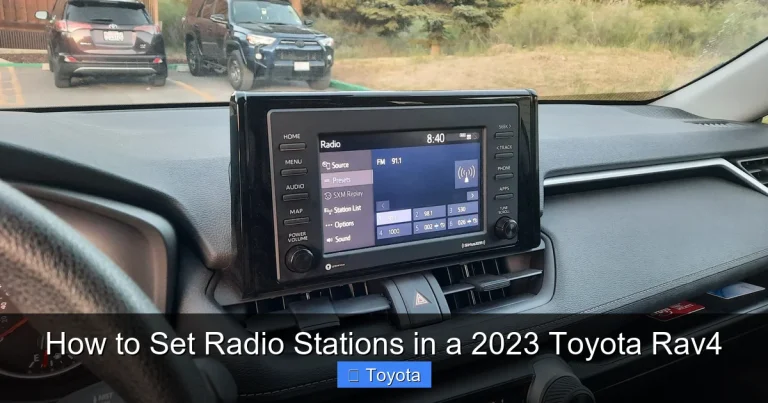
- Turn the ignition on: Make sure the vehicle is in “ACC” or “ON” mode, but don’t start the engine. The touchscreen should light up.
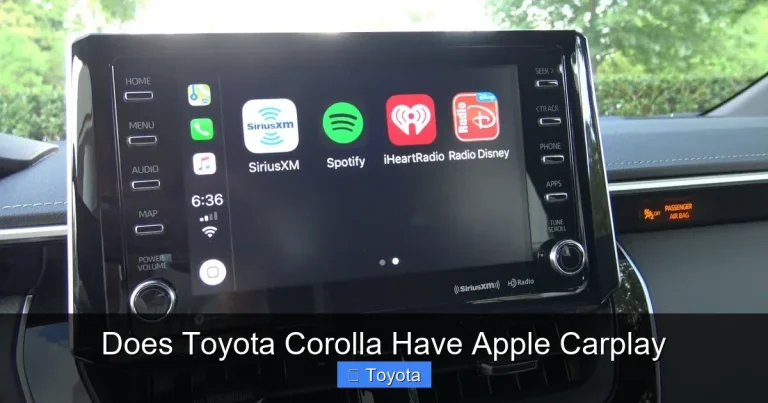
- Navigate to Settings: Tap the “Settings” icon on the home screen. This is usually a gear or wrench symbol.
- Select “Maintenance”: Look for an option labeled “Maintenance” or “Service.” It might be under “Vehicle” or “System” menus.
- Choose “Reset Maintenance”: You’ll see a prompt asking if you want to reset the maintenance light. Select “Yes” or “Reset.”
- Confirm the Action: Some models require you to enter a code or confirm the reset again. Follow the on-screen instructions.
- Turn off the ignition: Power down the vehicle and restart it to verify the light is off.
Method 2: Using Steering Wheel Controls
Not a touchscreen owner? No problem! Here’s how to reset the light using the steering wheel buttons:
- Turn the ignition on: Switch the key to the “ON” position without starting the engine.
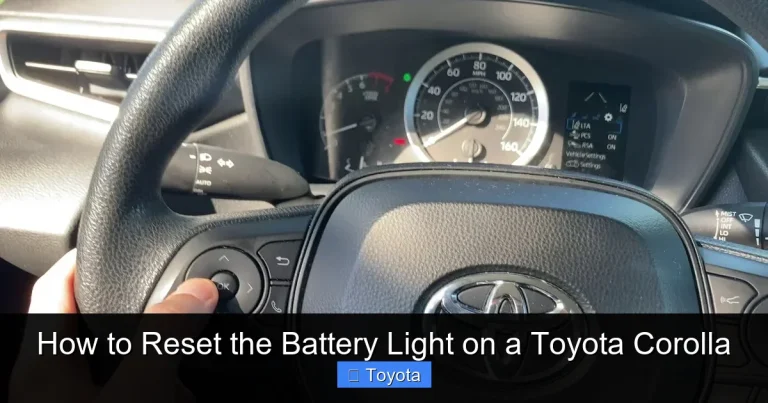
- Locate the “Trip” Button: On the left side of the steering wheel, press the “Menu” or “Trip” button repeatedly until the display cycles through different menus.
- Find the Maintenance Option: Look for “Maintenance” or “Service” in the menu. Use the up/down buttons to navigate.
- Reset the Counter: When you find the maintenance option, press and hold the “Reset” button (usually the same as the “Trip” button) until the counter resets to zero or the light turns off.
- Exit the Menu: Press the “Menu” button to exit and turn off the ignition.
What to Do If the Light Won’t Turn Off
Sometimes, the light might persist even after resetting. Here’s what to try:
- Double-check Your Steps: Ensure you followed all instructions correctly. Missing a step can prevent the reset.
- Disconnect the Battery: If all else fails, briefly disconnecting the car battery (for about 15 minutes) can reset the system. However, this will also reset other settings like radio presets.
- Visit a Mechanic: If the light remains, there might be an underlying issue. A professional can scan for error codes and diagnose the problem.
Troubleshooting Common Issues
Even with the best intentions, you might encounter hiccups while resetting the maintenance light. Let’s tackle some common problems and how to solve them:
Visual guide about How to Reset the Maintenance Light on a 2019 Toyota Highlander
Image source: static.vecteezy.com
The Light Comes Back On After Resetting
If the maintenance light reappears shortly after resetting, it could indicate a deeper issue. This might happen if:
- Faulty Sensors: Sensors monitoring oil life or mileage might be malfunctioning.
- Incorrect Reset: You might have missed a step or selected the wrong menu option.
- Software Glitches: Rarely, the vehicle’s computer system might need a software update.
To resolve this, try resetting again and ensure you’re following the correct procedure. If the problem persists, consult a Toyota dealership for diagnostics.
Maintenance Light Stuck On
If the light remains illuminated and won’t reset at all, it could signal a more serious issue. For example, a faulty instrument cluster or a problem with the engine control unit (ECU) might be to blame. In such cases, it’s best to seek professional help rather than attempting DIY fixes. A mechanic can use diagnostic tools to pinpoint the root cause and recommend repairs.
Confusing Menu Options
Highlander models can vary based on trim and year, so menu options might not always be intuitive. If you’re struggling to find the “Maintenance” setting, check your owner’s manual or search online for your specific model. Toyota’s official website often provides detailed guides for each vehicle variant.
Why Regular Maintenance Matters
While resetting the maintenance light is a quick fix, it’s just one piece of the maintenance puzzle. Regular service ensures your Highlander performs reliably and safely. Here’s why staying on top of maintenance is crucial:
Preventing Costly Repairs
Ignoring scheduled maintenance can lead to small issues becoming big problems. For instance, a neglected oil change might cause engine damage, resulting in thousands of dollars in repairs. By resetting the maintenance light and adhering to service intervals, you’re investing in your vehicle’s longevity and avoiding unexpected expenses.
Enhancing Safety on the Road
Properly maintained vehicles are safer to drive. Brakes, tires, and lights all depend on regular inspections to function correctly. Resetting the maintenance light ensures you don’t overlook critical checks that could prevent accidents or breakdowns.
Improving Fuel Efficiency
Old or dirty components can reduce your Highlander’s fuel economy. Air filters clogged with debris, old oil, or worn spark plugs all contribute to decreased efficiency. Routine maintenance helps your engine run smoothly, saving you money at the pump.
Maintaining Resale Value
A well-maintained vehicle retains its value better over time. Keeping detailed records of service history—including maintenance light resets—can boost your Highlander’s resale value. Potential buyers will appreciate the attention to detail.
Final Thoughts on Resetting Your Highlander’s Maintenance Light
Resetting the maintenance light on your 2019 Toyota Highlander is a simple yet vital part of vehicle ownership. By following the steps outlined above, you can keep your dashboard clear and your maintenance schedule on track. Remember, this process is only effective after completing the required service. Never reset the light without addressing the underlying maintenance need first!
Proper care of your Highlander extends beyond just resetting lights. Regularly checking other components, like the Toyota break-in process for new vehicles or tracking wear and tear on your vehicle, ensures comprehensive care. If you’re unsure about a service, consult your owner’s manual or reach out to a trusted mechanic. Your Highlander deserves the best, and you now have the tools to provide it.
Keep this guide handy for future reference, and don’t hesitate to share it with other Highlander owners. Happy driving, and here’s to many miles of smooth, worry-free journeys ahead!
Frequently Asked Questions
Can I reset the maintenance light on my 2019 Toyota Highlander myself?
Yes, you can reset the maintenance light yourself by following the steps outlined in this guide. Both touchscreen and steering wheel control methods are user-friendly and don’t require special tools. However, if you’re uncomfortable with the process, a mechanic can assist you.
What should I do if the maintenance light stays on after resetting?
If the light remains on, double-check your reset steps or try disconnecting the car battery briefly. Persistent issues may indicate faulty sensors or software problems, requiring a visit to a Toyota dealership for diagnostics.
Does resetting the maintenance light affect my vehicle’s warranty?
No, resetting the maintenance light won’t void your warranty as long as you’ve completed the recommended service. Toyota’s warranty typically covers defects in materials and workmanship, not routine maintenance tasks.
How often should I reset the maintenance light?
You should reset the maintenance light after each scheduled service, such as oil changes or inspections. The exact interval depends on your driving conditions and manufacturer recommendations, which are outlined in your owner’s manual.
Can I reset the maintenance light without visiting a mechanic?
Yes, you can reset the maintenance light at home using your Highlander’s touchscreen or steering wheel controls. However, ensure you’ve performed the required maintenance first to avoid voiding warranties or causing engine issues.
Will resetting the maintenance light clear other warning lights?
No, resetting the maintenance light only addresses the maintenance reminder. Other warning lights (like check engine or ABS) require separate diagnostic procedures and may indicate different issues that need attention.