How to Reset the Oil Light on Toyota
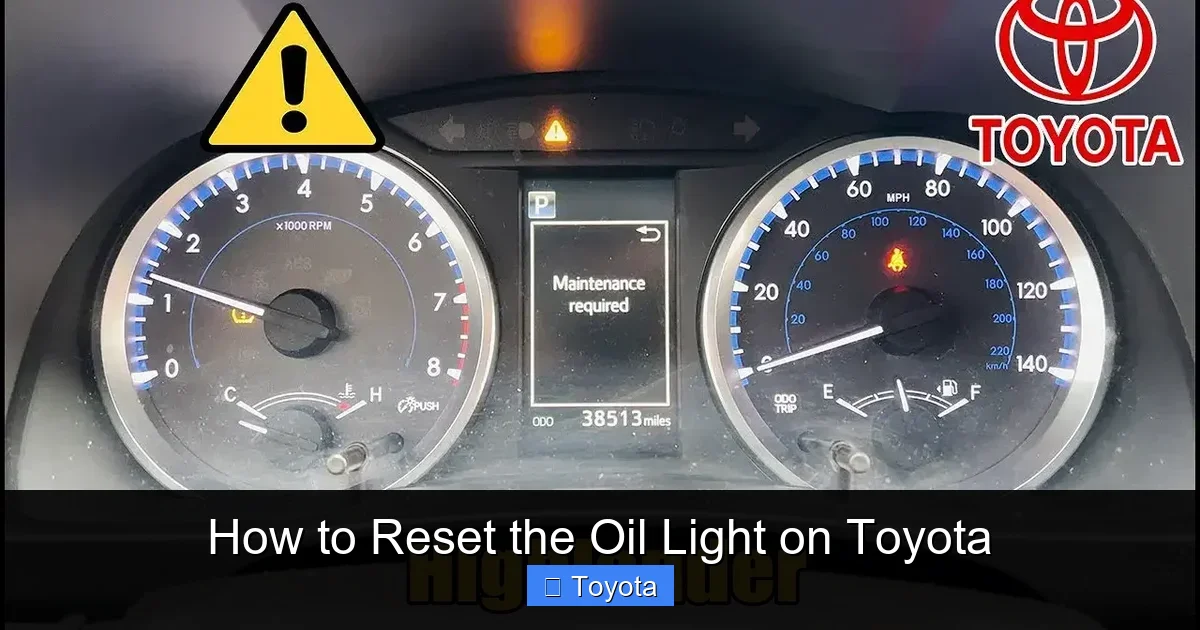
After an oil change, resetting the oil light on your Toyota ensures accurate maintenance tracking. While the process varies by model, it’s a simple task you can do yourself. Follow our guide to avoid confusion and keep your car running smoothly.
Key Takeaways
- Why It Matters: Resetting the oil light after an oil change prevents false alerts and ensures accurate maintenance tracking.
- Model Variations: Different Toyota models use unique methods, such as buttons, knobs, or menu settings, to reset the light.
- Timing: Reset the light immediately after an oil change to avoid confusion or unnecessary service visits.
- Tools Needed: Most resets require no special tools, just access to your car’s dashboard controls.
- Troubleshooting: If the light won’t reset, double-check steps, consult your owner’s manual, or inspect sensors for faults.
- Oil Quality: Use the correct oil type for your model to prevent premature wear and sensor malfunctions.
- Maintenance Habits: Regular oil changes and resets extend engine life and improve overall performance.
📑 Table of Contents
Introduction to Resetting the Oil Light on Toyota
If you’ve ever seen that pesky oil light pop up on your Toyota’s dashboard, you’re not alone. This little warning symbol is a maintenance reminder, not an emergency alert, and it’s designed to help you stay on top of oil changes. However, once you’ve completed an oil change, the light won’t disappear on its own—it needs to be manually reset. Knowing how to reset the oil light on Toyota vehicles is a simple skill that can save you time, money, and unnecessary stress.
Different Toyota models use varying systems to track oil life, from basic odometer-based reminders to advanced electronic sensors. While the exact steps might differ depending on your car’s year and model, the process is generally straightforward. Whether you drive a Camry, Corolla, or RAV4, this guide will walk you through resetting the oil light with confidence. Let’s dive in!
Why Reset the Oil Light?
Resetting the oil light after an oil change is more than just silencing a dashboard warning. It ensures your car’s onboard computer accurately tracks maintenance intervals. If you skip this step, the system may continue counting down from the previous oil change, leading to premature alerts or missed maintenance windows. Over time, this can affect engine performance and longevity.
Visual guide about How to Reset the Oil Light on Toyota
Image source: toyotaautodealer.com
Understanding the Oil Life Monitoring System
Toyota’s oil life monitoring system (OLMS) calculates oil degradation based on driving conditions, engine temperature, and mileage. After an oil change, the system needs to be reset to start fresh. Failure to reset it can result in incorrect readings, which might lead to either over-servicing or neglecting necessary maintenance.
General Steps to Reset the Oil Light
While specific steps vary by model, most Toyota oil light resets follow a similar pattern. Here’s a general overview:
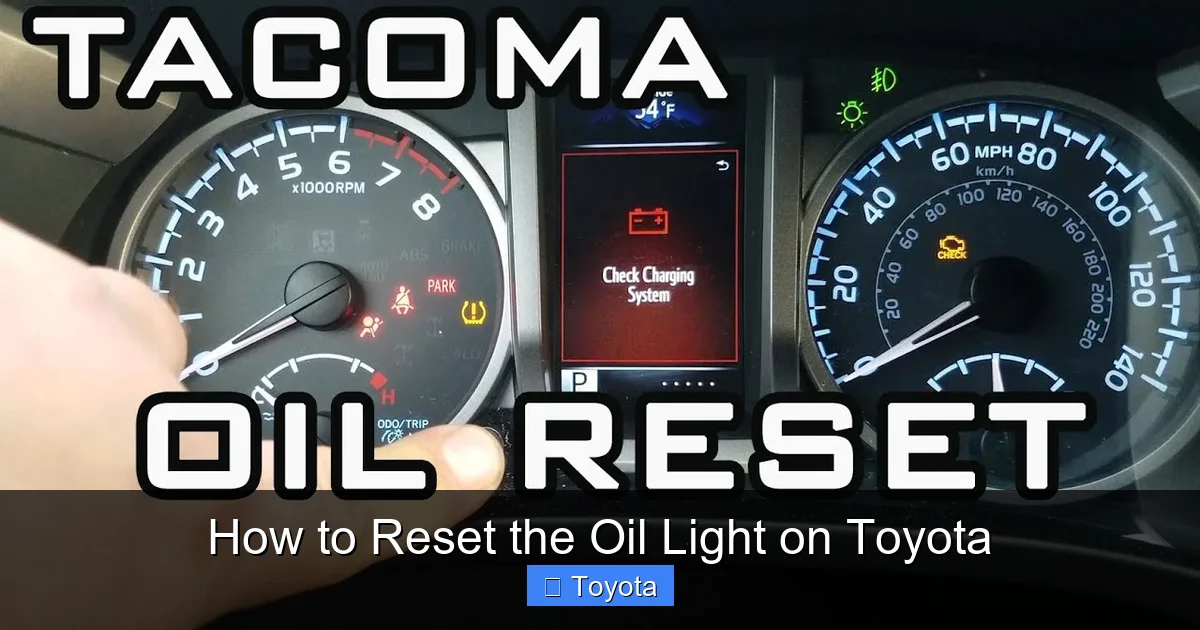
Visual guide about How to Reset the Oil Light on Toyota
Image source: i.ytimg.com
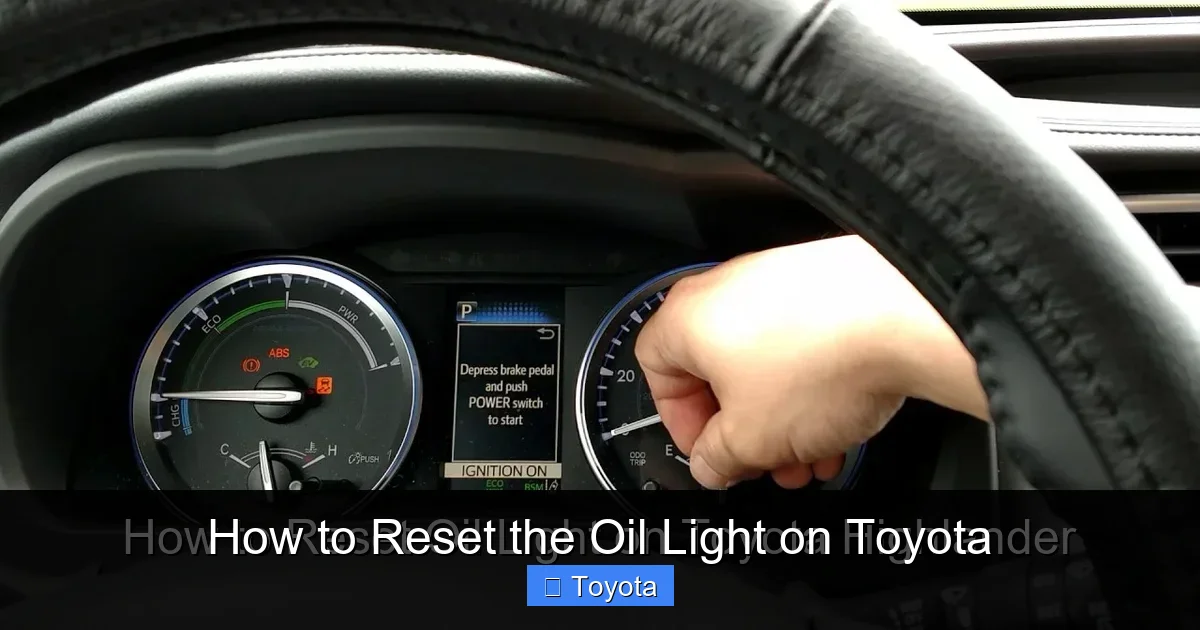
- Step 1: Turn the ignition to the “ON” position without starting the engine.
- Step 2: Locate the reset button, knob, or menu option for the oil life system.
- Step 3: Hold or press the reset control until the oil life indicator returns to 100%.
- Step 4: Turn off the ignition and restart the engine to confirm the reset.
Always consult your owner’s manual for model-specific instructions. If you’re unsure where to find the reset control, check the dashboard, steering column, or center console.
Resetting on Different Toyota Models
Toyota’s oil light reset procedures vary significantly across models and years. Below are common methods for popular models:
Toyota Camry (2010–2023)
For newer Camrys, use the buttons on the steering wheel or center console:
- Turn the ignition to “ON.”
- Press the “MENU” button on the steering wheel.
- Select “Settings” > “Oil Life.”
- Press and hold the “RESET” button until the oil life percentage resets to 100%.
Older models (pre-2010) often use a knob near the odometer. Turn the ignition to “ON,” press the knob until the oil life indicator appears, then hold it until it resets.
Toyota Corolla (2010–2023)
Modern Corollas use a digital display and buttons:
- Turn the ignition to “ON.”
- Press the “INFO” button on the steering wheel.
- Navigate to “Oil Life” and press the “OK” button.
- Hold the “RESET” button until the percentage reaches 100%.
For manual resets on older models, locate the trip reset knob on the dashboard and follow the same steps as the Camry.
Toyota RAV4 (2010–2023)
RAV4s with touchscreen infotainment systems:
- Turn the ignition to “ON.”
- Tap “Settings” on the screen.
- Select “Vehicle” > “Oil Life.”
- Tap “Reset” and confirm.
For knob-based systems, press the odometer button until the oil life indicator appears, then hold it until it resets.
Toyota Highlander and Sienna (2010–2023)
Larger SUVs like the Highlander and Sienna often use a combination of buttons and menus:
- Turn the ignition to “ON.”
- Press the “MENU” button on the steering wheel.
- Select “Settings” > “Oil Life.”
- Hold the “RESET” button until the oil life resets to 100%.
Consult your manual for exact steps, as some models may require pressing the brake pedal during the reset.
Troubleshooting Common Issues
If the oil light doesn’t reset after following these steps, here’s what to do:
- Check Your Steps: Ensure you’ve completed the process correctly. Some systems require holding the reset button for 5–10 seconds.
- Consult the Manual: Your owner’s manual is the best resource for model-specific instructions.
- Inspect the Sensor: A faulty oil pressure sensor or wiring issue could prevent the system from resetting. If the light persists after multiple attempts, visit a mechanic.
- Verify Oil Change: Confirm the oil was changed and the filter replaced. A dirty filter or low oil level can trigger the light.
Tips and Best Practices
To keep your Toyota’s oil system running smoothly, follow these tips:
- Reset Immediately: Do it right after an oil change to avoid confusion.
- Use Quality Oil: Choose the correct viscosity and brand for your model. For example, many Toyota engines perform well with 5W-30 oil, which you can learn more about in our review of the best 5W-30 engine oils.
- Track Maintenance: Keep a log of oil changes and resets to monitor your car’s health.
- Stay Informed: If you’ve recently purchased a new Toyota, familiarize yourself with the break-in process to protect your engine during its early days. Learn more in our guide on how to break in a new Toyota.
Additionally, if you’re dealing with oil-related issues beyond the light, such as excess oil in your AC system, check out our guide on removing excess oil from a car’s AC system for detailed steps.
Conclusion
Resetting the oil light on your Toyota is a simple yet crucial step in maintaining your vehicle. Whether you drive a Camry, Corolla, or RAV4, taking the time to follow the correct procedure ensures your car’s maintenance system stays accurate. By doing so, you’ll avoid unnecessary service visits, prevent engine wear, and keep your dashboard warning-free. Remember to consult your owner’s manual for model-specific instructions and don’t hesitate to seek professional help if the light refuses to reset. With these tips, you’ll be well on your way to mastering basic Toyota maintenance.
Frequently Asked Questions
How do I know when to reset the oil light?
Reset the oil light immediately after an oil change. If the light comes on between changes, check your oil level and condition before resetting.
Can I reset the oil light myself?
Yes, most Toyota models allow DIY resets using dashboard controls. Refer to your owner’s manual for exact steps.
What if the oil light doesn’t turn off after resetting?
If the light persists, double-check your steps or inspect the oil pressure sensor. A mechanic can diagnose deeper issues if needed.
Do I need any special tools to reset the oil light?
No special tools are required. Most resets use dashboard buttons, knobs, or touchscreen menus.
How often should I reset the oil light?
Reset it after every oil change, typically every 5,000 to 7,500 miles, depending on your driving conditions and model.
Will resetting the oil light affect my warranty?
No, resetting the oil light is a standard maintenance step and won’t impact your warranty coverage.