Top 10 Best Computer Cooling Fans For Efficient Performance
When it comes to keeping your PC or laptop performing at its best, a reliable cooling fan is key. In this roundup, we explore the Best Computer Cooling Fans For Efficient Performance, balancing airflow, noise, and value. Whether you’re gaming, rendering, or just stacking shelves of tasks, these picks help maintain stable temps and quiet operation.
Quick Product Comparison


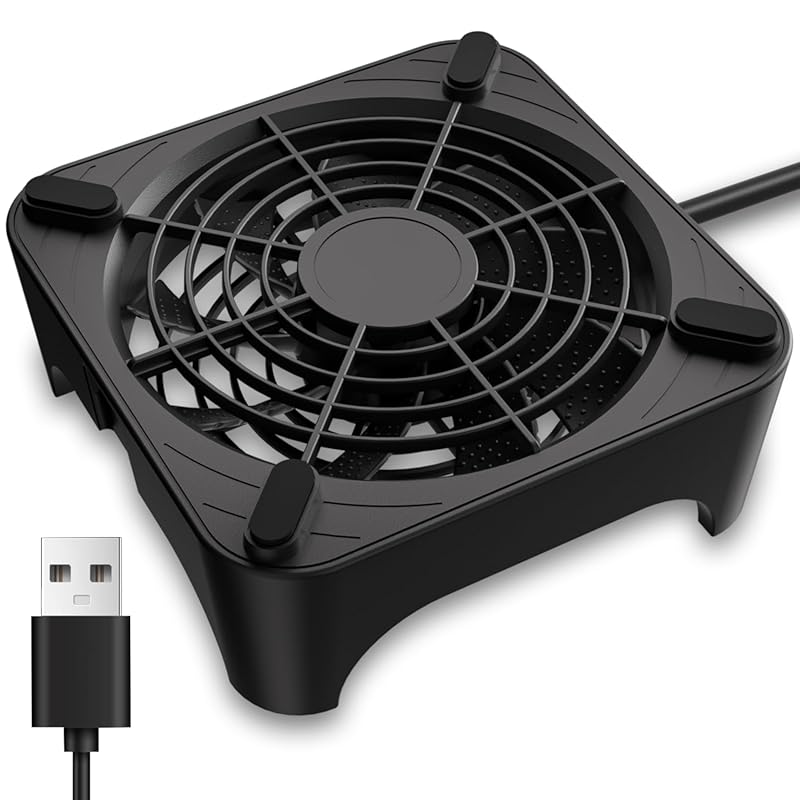
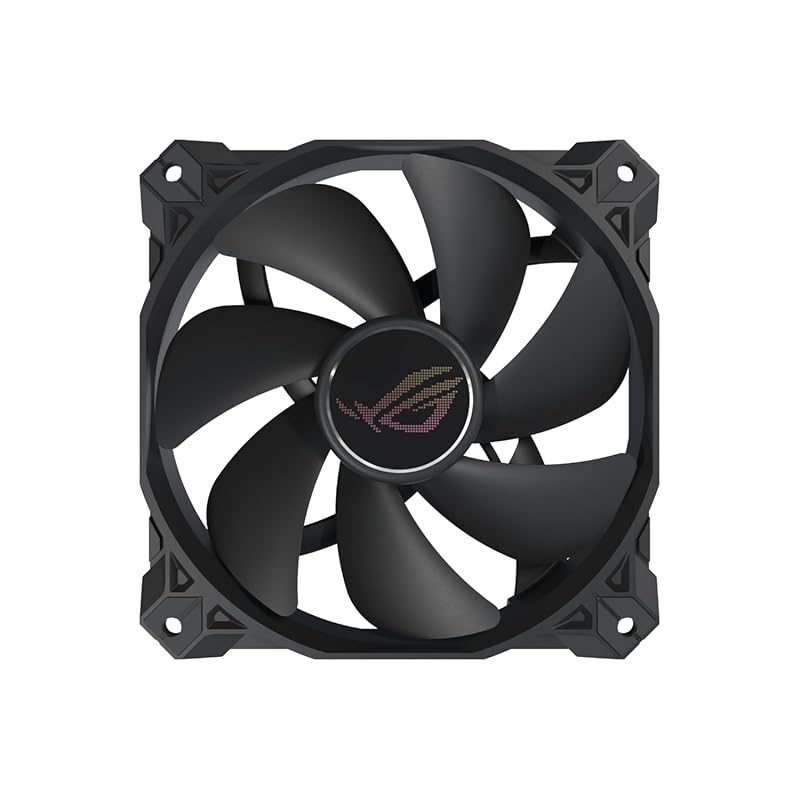
Our Top 10 Best Computer Cooling Fans For Efficient Performance Reviews – Expert Tested & Recommended
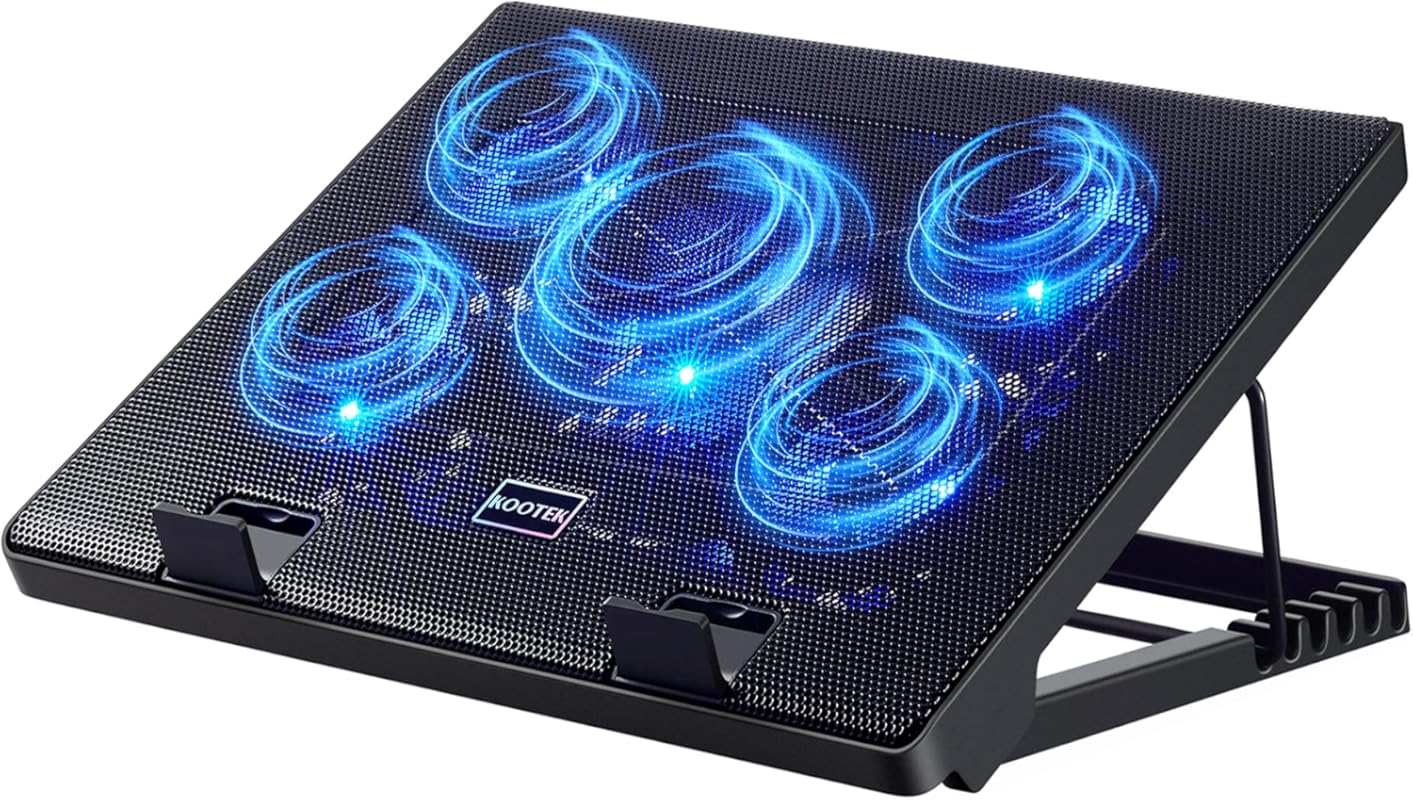
1. Kootek Laptop Cooling Pad
intro text here (2-3 sentences only)
Key Features That Stand Out
- ✓ 5 built-in fans deliver solid airflow across laptops up to 17 inches
- ✓ Height-adjustable stand improves ergonomics for long sessions
- ✓ Dual USB hub adds handy expansion for peripherals
- ✓ Blue LEDs add a subtle, stylish glow without being distracting
Why We Recommend It
The Kootek pad blends portability with effective cooling, making it a practical choice for everyday use. It’s not the quietest option, but the airflow is steady and reliable for routine tasks.
Best For
Best for daily laptop use and travelers who want a portable cooling pad with extra USB connectivity.
Pros and Cons
Pros:
- Effective cooling with multiple fans
- Integrated USB hub
- Adjustable height for comfort
- Compact, portable design
Cons:
- LEDs add minor power draw
- Fans are not modular or easily replaceable
Customer Reviews
Customer Review: (function(f) {var _np=(window.P._namespace(“”));if(_np.guardFatal){_np.guardFatal(f)(_np);}else{f(_np);}}(function(P) { P.when(‘A’, ‘authx-claim-collection-controller’).execute(function(A, controller) { controller.refreshController(); }); }));
Customer Review: Sign in with your password. To prevent this error, go to your cloud service account (example: Apple ID or Google account) and delete saved passkeys.
2. Thermalright TL-C12C-S X3 CPU Fan
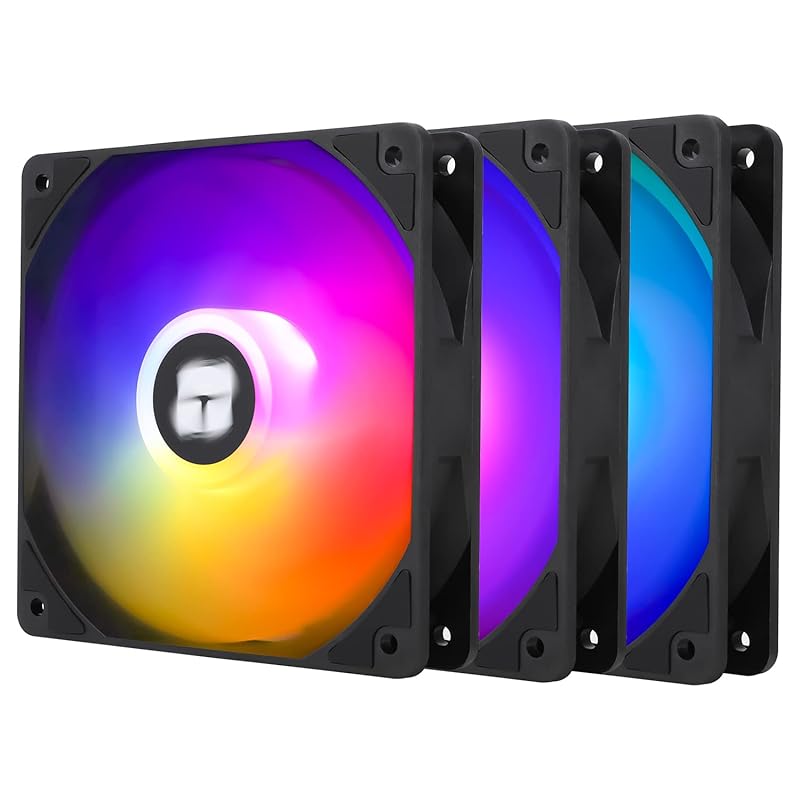
intro text here (2-3 sentences only)
Key Features That Stand Out
- ✓ ARGB lighting with a bright yet soft glow
- ✓ PWM control for motherboard-driven speeds
- ✓ Can be used as a case fan or CPU cooler supplement
- ✓ High build quality and durable bearing
Why We Recommend It
Thermalright’s three-pack delivers reliable cooling with eye-catching lighting, making it ideal for builds that showcase ARGB while needing strong airflow.
Best For
Best for users who want ARGB aesthetics without sacrificing performance.
Pros and Cons
Pros:
- Excellent ARGB lighting
- Solid PWM control
- Versatile usage as case or CPU fan
- Good durability
Cons:
- ARGB can drain some LEDs quickly if not carefully managed
- Some users may prefer quieter operation at full speed
Customer Reviews
Customer Review: (function(f) {var _np=(window.P._namespace(“”));if(_np.guardFatal){_np.guardFatal(f)(_np);}else{f(_np);}}(function(P) { P.when(‘A’, ‘authx-claim-collection-controller’).execute(function(A, controller) { controller.refreshController(); }); }));
Customer Review: Sign in with your password. To prevent this error, go to your cloud service account (example: Apple ID or Google account) and delete saved passkeys.
3. Noctua NF-P12 redux-1700 PWM 120mm Cooling Fan
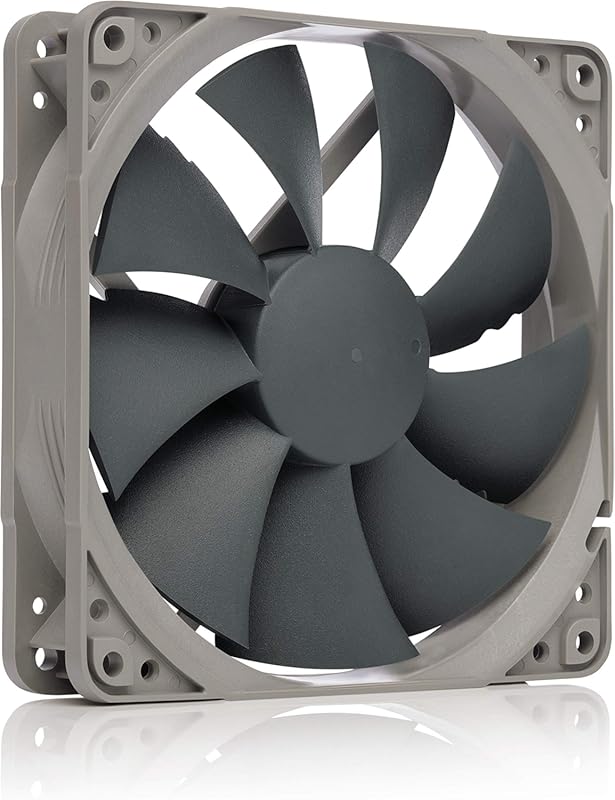
intro text here (2-3 sentences only)
Key Features That Stand Out
- ✓ High static pressure for dense cooler setups
- ✓ Very quiet operation at typical loads
- ✓ Durable bearing for long life
- ✓ Reliable PWM control
Why We Recommend It
Noctua’s reputation for quiet, efficient fans makes this a strong budget-friendly option with dependable performance.
Best For
Best for users seeking a quiet, reliable 120mm option without ARGB lighting.
Pros and Cons
Pros:
- Excellent balance of noise and airflow
- Quality bearings and build
- Performs well on CPU coolers
- Low vibration
Cons:
- Higher price than very basic fans
- ARGB absent for those chasing lights
Customer Reviews
Customer Review: (function(f) {var _np=(window.P._namespace(“”));if(_np.guardFatal){_np.guardFatal(f)(_np);}else{f(_np);}}(function(P) { P.when(‘A’, ‘authx-claim-collection-controller’).execute(function(A, controller) { controller.refreshController(); }); }));
Customer Review: Sign in with your password. To prevent this error, go to your cloud service account (example: Apple ID or Google account) and delete saved passkeys.
4. DARKROCK 3-Pack 120mm Black Case Fans
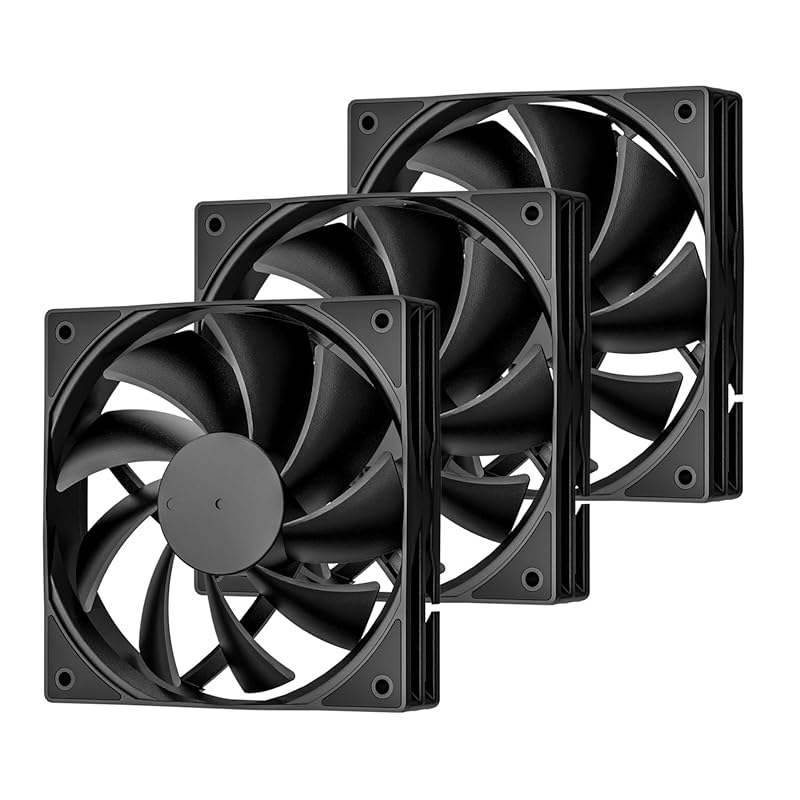
intro text here (2-3 sentences only)
Key Features That Stand Out
- ✓ Low-noise operation with silicone dampeners
- ✓ 1200 RPM maximum speed for solid cooling
- ✓ Durable hydraulic bearing design
- ✓ 5-year warranty
Why We Recommend It
The DARKROCK set offers great value for cases needing multiple fans without breaking your budget, delivering reliable airflow with quiet operation.
Best For
Best for multi-fan builds and budget-conscious setups requiring multiple 120mm fans.
Pros and Cons
Pros:
- Good performance for the price
- Three-pack simplifies upgrades
- Low noise with solid bearing
- Long lifespan and warranty
Cons:
- Limited RGB options
- Fixed color black only
Customer Reviews
Customer Review: (function(f) {var _np=(window.P._namespace(“”));if(_np.guardFatal){_np.guardFatal(f)(_np);}else{f(_np);}}(function(P) { P.when(‘A’, ‘authx-claim-collection-controller’).execute(function(A, controller) { controller.refreshController(); }); }));
Customer Review: Sign in with your password. To prevent this error, go to your cloud service account (example: Apple ID or Google account) and delete saved passkeys.
5. havit HV-F2056 Laptop Cooler
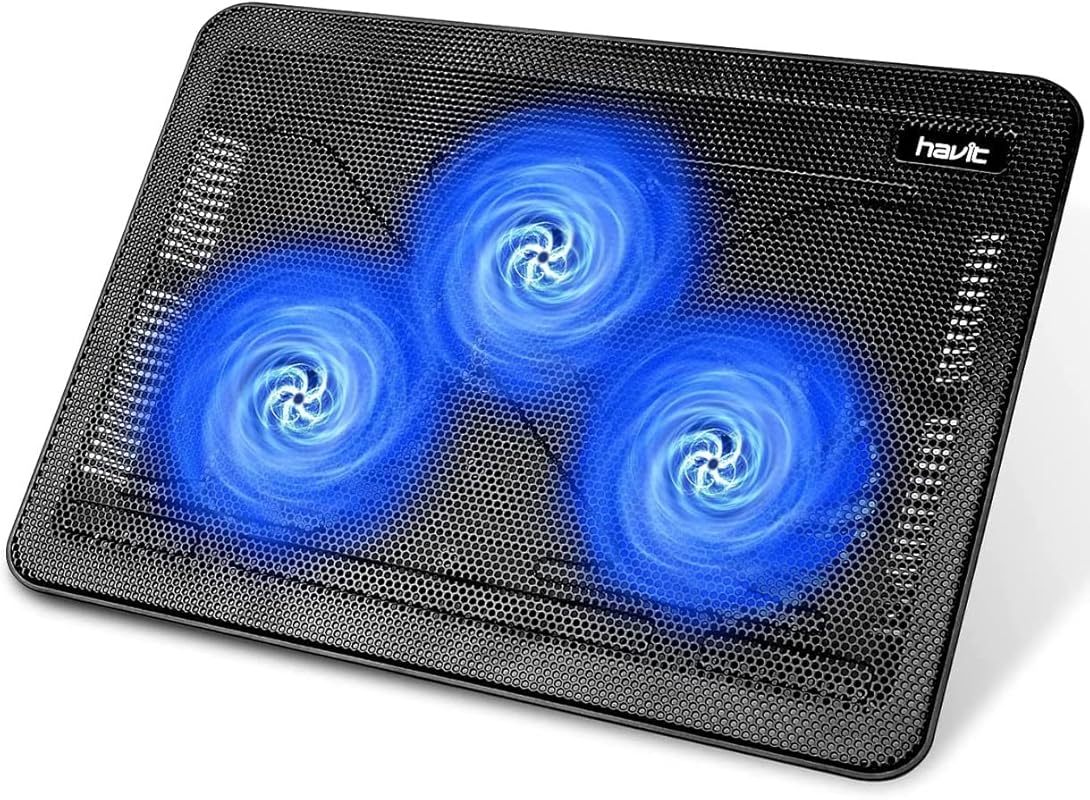
intro text here (2-3 sentences only)
Key Features That Stand Out
- ✓ Ergonomic stand with adjustable height
- ✓ Slim profile fits under most laptops
- ✓ Built-in USB powered design
- ✓ Durable construction
Why We Recommend It
For laptop users who want a simple, portable cooling pad that doubles as a stand, this model offers solid performance in a slim package.
Best For
Best for university students and remote workers who need a compact, USB-powered cooler.
Pros and Cons
Pros:
- Lightweight and portable
- Decent airflow for everyday use
- Two height options
- USB powered
Cons:
- Fan noise at higher speeds
- Not ideal for extreme overclocking scenarios
Customer Reviews
Customer Review: (function(f) {var _np=(window.P._namespace(“”));if(_np.guardFatal){_np.guardFatal(f)(_np);}else{f(_np);}}(function(P) { P.when(‘A’, ‘authx-claim-collection-controller’).execute(function(A, controller) { controller.refreshController(); }); }));
Customer Review: Sign in with your password. To prevent this error, go to your cloud service account (example: Apple ID or Google account) and delete saved passkeys.
If you want to explore more options beyond these top picks, our in-depth guides cover different cooling solutions and use cases. For broader context, check our guides on Best Cooling Tower Fans For Efficient Air Circulation And Comfort, Best Room Cooling Fans For Effective Temperature Control, and Best Water Cooling Fans For Home Use Top Picks And Reviews.
Complete Buying Guide for Best Computer Cooling Fans For Efficient Performance
Essential Factors We Consider
When choosing a cooling fan, we look at airflow (CFM), static pressure, noise (dB), bearing type, and compatibility with your case or cooler. You’ll want a balance between high airflow and reasonable noise for long sessions.
Budget Planning
Prices vary a lot. Consider sets if you’re upgrading multiple fans, as multi-packs often save money per unit and simplify cable management.
Final Thoughts
Good cooling fans keep temperatures in check and boost system longevity. Pick a fan that matches your build goals, whether you want silent operation, stronger cooling, ARGB flair, or budget-friendly reliability.
Frequently Asked Questions
Q: How many fans do I need for optimal cooling?
A: It depends on your case and CPU/GPU cooling needs. For most mid-tower builds, 2–4 high-quality fans provide solid airflow and pressure.
Q: Are ARGB fans worth it if I don’t use lighting?
A: ARGB adds style but can introduce extra cost. If lighting isn’t important, you can prioritize performance and acoustics instead.
Q: Should I prioritize static pressure or airflow?
A: For dense heatsinks and radiators, static pressure matters more. For case fans with open airflow paths, higher CFM can be beneficial.
Q: Do fans come with warranties?
A: Yes, many reputable brands include warranties (often 2–5 years) reflecting build quality and reliability.
Q: How can I reduce fan noise without sacrificing cooling?
A: Use PWM control, ensure proper mounting with vibration dampeners, and choose bearings designed for quiet operation.
Ready to upgrade your setup? Check the top picks above and grab the best deals while they last. If you’re unsure which option fits your build, drop a comment with your case model and CPU cooler, and I’ll help you choose.
Similar Posts
10 Best 24 Inch Rims With 33 Inch Tires: Expert Picks
Choosing the right combination of 24 inch rims with 33 inch tires can transform the look and capability of your pickup or SUV. This roundup focuses on the best 24 inch rims with 33 inch tires, balancing durability, comfort, and value. Whether you’re hitting trails or cruising city streets, these setups are designed to perform….
Top 7 Rifled Slugs for Smooth Bore 12 Gauge: Expert Picks
Exploring the best rifled slugs for smooth bore 12 gauge can dramatically improve your setup, accuracy, and hunting or home defense performance. This roundup highlights seven well-rounded options that perform reliably in smooth bore shotguns, with real-world practicality, durability, and value in mind. Quick Product Comparison Product Image Check Price 1. Aluminum Mini Prism Bipod…
1 Best Carb Cleaner Fuel Additive for Motorcycles: Expert Picks
Best Carb Cleaner Fuel Additive For Motorcycles can be the difference between a smooth idle and a stubborn stutter on two wheels. In this roundup, we focus on a proven option that helps dissolve gum, varnish, and water contaminants that sneak into carburetors and fuel systems. If you ride a carbureted or mixed-system motorcycle, keeping…
Top 10 Best Car Battery Chargers And Jump Starters For Quality And Reliability
Whether you’re prepping for winter or just want a reliable charging and jump-start solution, the right car battery charger and jump starter can save you time and trouble. This SEO-focused roundup highlights the best car battery chargers and jump starters on the market, with picks for every budget and lifestyle. If you’re exploring portable power…
Top 10 Best Low-Pressure Fuel Pumps For Reliable Performance
Best Low Pressure Fuel Pumps For Reliable Performance are essential for delivering steady fuel flow to carbureted and EFI/DFI engines without surge or starvation. This roundup highlights the most dependable low-pressure options that balance ease of installation, durability, and price. Whether you’re restoring an older boat, lawn equipment, or small engines, these pumps are designed…
10 Best Intake Horn For 12 Valve Cummins Reviewed For Ultimate Performance
If you own a 12-valve Cummins diesel, you know the intake system plays a huge role in how your engine breathes. The best intake horn for 12 valve Cummins setups can make a real difference in airflow, throttle response, and overall engine longevity. Whether you are swapping out a worn gasket, upgrading to a high-flow…