How to Connect Bluetooth to Jeep Grand Cherokee 2012
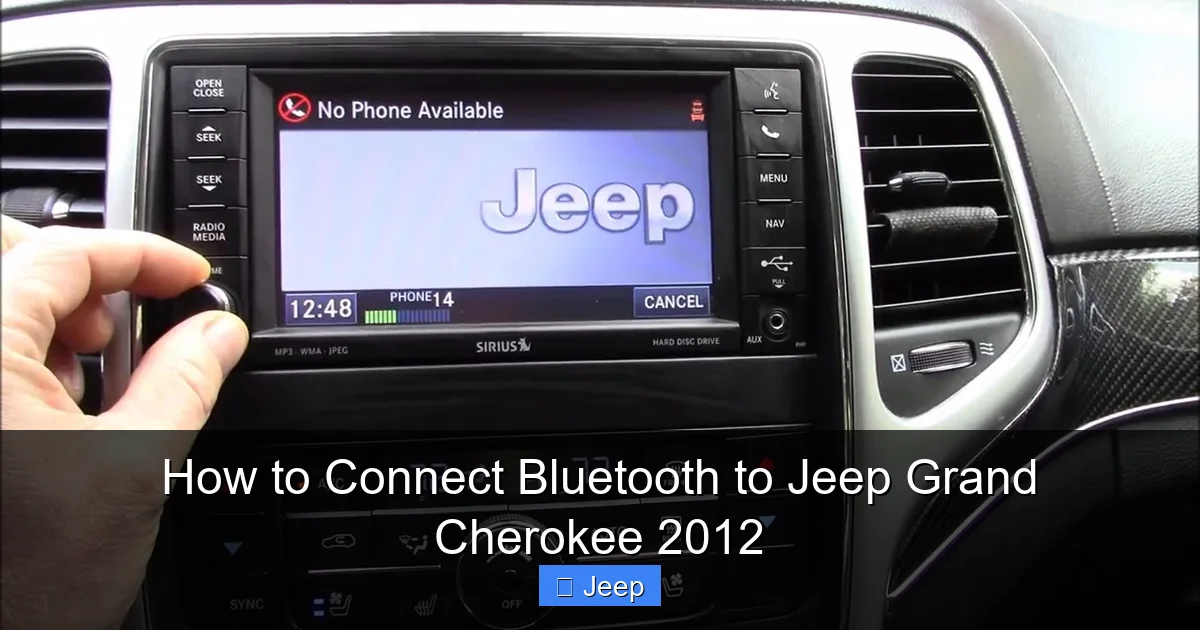
Connecting Bluetooth to your Jeep Grand Cherokee 2012 is easier than you think. This guide will walk you through the simple steps to get your phone paired with the Uconnect system. Soon, you will be enjoying hands-free calls and your favorite playlists safely.
Key Takeaways
- Simple Process: Pairing your phone requires just a few clicks on your Uconnect screen.
- Hands-Free Safety: Bluetooth keeps your hands on the wheel and your eyes on the road.
- Audio Streaming: You can play music directly from your phone through the vehicle speakers.
- Troubleshooting: Sometimes a simple reset fixes common connection issues.
- System Compatibility: The 2012 model supports standard Bluetooth profiles for calls and audio.
📑 Table of Contents
Introduction to Bluetooth in Your Jeep
Driving a Jeep Grand Cherokee 2012 is a fantastic experience. You get to enjoy the open road with the top down or the windows rolled down. But what happens when your phone rings? You should not have to fumble around for a tangled wire. This is why connecting Bluetooth to Jeep Grand Cherokee 2012 is so important.
Bluetooth technology lets you make calls and listen to music without taking your hands off the wheel. It makes your driving experience much safer and more enjoyable. If you have been struggling to pair your phone, do not worry. We are here to help you get connected in no time.
The Jeep Grand Cherokee 2012 comes with a built-in Uconnect system. This system handles all your audio and phone needs. Once you learn how to use it, you will wonder how you ever drove without it. Let us dive into the steps to get your phone talking to your car.
Understanding Your Uconnect System
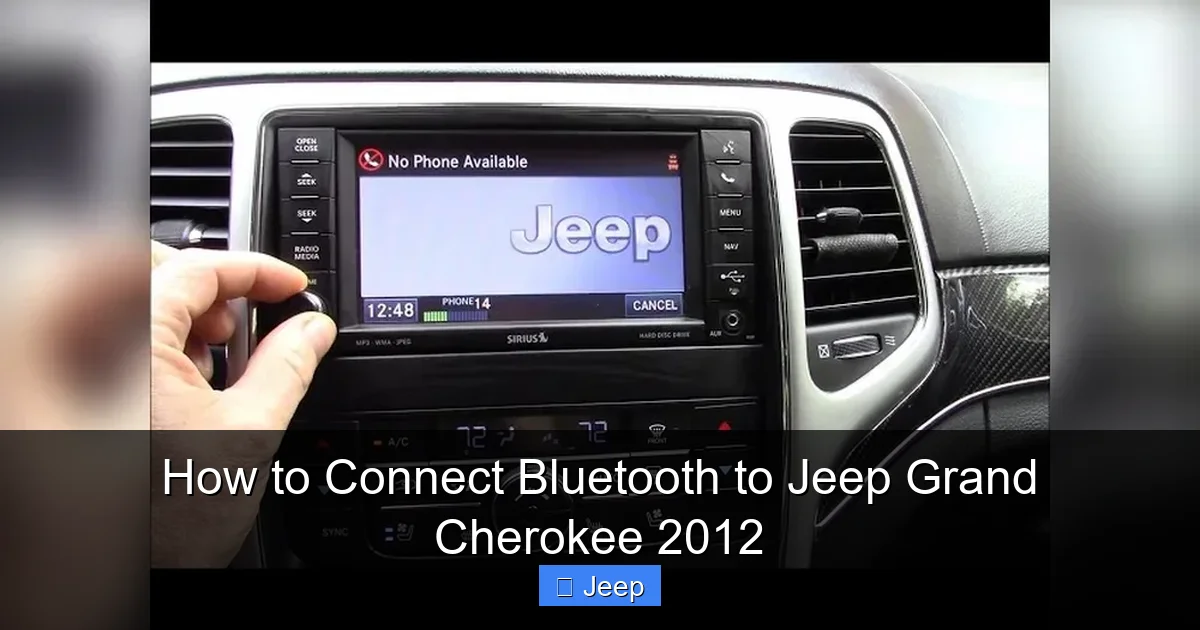
Before we start pairing, you need to understand what the Uconnect system is. This is the brain behind your screens and buttons in the Jeep Grand Cherokee 2012. It controls the radio, the navigation, and the phone functions.
Visual guide about How to Connect Bluetooth to Jeep Grand Cherokee 2012
Image source: jeepinside.com
The Main Display Screen
The Uconnect system uses a central display screen. This screen is your main control panel. You use it to select music, adjust the volume, and access your phone settings. The screen is responsive and easy to use. Just tap the icons with your finger to navigate the menus.
The Phone Button
You will also notice a dedicated phone button on your steering wheel. This button is your shortcut to Bluetooth. Pressing it instantly brings up the phone menu. It is a great feature for when you are driving and need to answer a call quickly.
Step-by-Step Guide to Pairing Your Phone
Now that you know the system, let us get your phone connected. Pairing your phone is a simple process. You just need to follow these steps carefully. This works for both iPhones and Android devices.
Visual guide about How to Connect Bluetooth to Jeep Grand Cherokee 2012
Image source: jeepcorner.com
Step One: Turn On Your Vehicle
First, you need to turn on the ignition. You do not need to start the engine. Just turn the key to the accessory position or push the start button without pressing the brake. This powers up the Uconnect screen and makes it ready for pairing.
Step Two: Access the Uconnect Menu
Next, tap the phone icon on the screen. You can also press the phone button on your steering wheel. The screen will show you the main phone menu. Look for a settings icon or a Bluetooth symbol. Tap on it to open the Bluetooth settings.
Step Three: Make Your Car Discoverable
In the Bluetooth settings menu, select the option to add a new device. The Uconnect system will now become visible to your phone. It will broadcast a signal so your phone can find it. The screen might say “Searching” or “Discoverable”. This is exactly what you want.
Step Four: Connect from Your Phone
Now, go to your phone. Open your phone’s Bluetooth settings. Make sure Bluetooth is turned on. Your phone will scan for available devices. You should see the name of your Jeep appear on the list. It might say something like “Uconnect” or “Jeep Grand Cherokee 2012”. Tap on it to pair.
Step Five: Confirm the Connection
Sometimes, the system will ask for a PIN code. The default PIN is usually 0000 or 1234. Check your screen for the specific code. Enter this code on your phone to confirm the pairing. Once you do this, the phone icon will turn blue. This means you are connected!
Enhancing Your Audio Experience
Once you are connected, you can do more than just make calls. You can stream music from your phone to the Jeep speakers. This is a great way to enjoy your playlists on the road. The sound quality is usually very clear and loud.
Visual guide about How to Connect Bluetooth to Jeep Grand Cherokee 2012
Image source: shunauto.com
Selecting Audio Sources
To play music, tap the audio source button on the Uconnect screen. Select your phone as the audio source. Now, any music playing on your phone will come through the car speakers. You can control the volume using the steering wheel dial. It is very convenient.
Using Voice Commands
The Uconnect system also supports voice commands. You can press the voice button on the steering wheel. Say “Call [contact name]” or “Play [song name]”. This keeps your hands on the wheel and your eyes on the road. It is a very safe feature to use while driving.
Improving Sound Quality
If you want better sound, you might want to bypass factory amp. Many Jeep owners prefer to upgrade their audio systems for a richer sound. If you are interested in a custom audio setup, knowing how to get wires through firewall is a helpful skill to have. It allows you to run new audio cables easily.
Troubleshooting Common Connection Issues
Sometimes, the connection does not go smoothly. This is totally normal. If your phone does not find the car, do not panic. There are a few simple fixes you can try. Most of the time, a quick reset solves the problem.
Phone Not Finding the Car
If your phone cannot see the Jeep, make sure the car is in discoverable mode. Check the Uconnect screen to confirm it is searching. Also, check if other devices are already connected. The system usually only allows one phone to be connected at a time. Try disconnecting the other device.
Audio Not Playing Through Speakers
Sometimes you are connected, but no sound comes out. This usually means your phone is connected for calls, but not for audio. Go back to the Uconnect menu and select your phone as the audio source. Make sure the media volume is turned up on both your phone and the car.
System Glitches and Resets
If you experience an electronic glitch after installing a new module, you may need to know how to reset pre safe inoperative. This is a rare issue but can happen with electronic upgrades. A simple system reset can clear any errors. Just turn the ignition off and wait a few minutes before turning it back on.
Conclusion
Connecting Bluetooth to your Jeep Grand Cherokee 2012 is a game changer. It makes your daily drives safer and much more fun. You can keep in touch with friends and listen to your favorite music without distraction. The process is quick and easy to learn.
Remember to keep your Uconnect system updated. This ensures the best performance and compatibility with new phones. If you run into any issues, just refer back to this guide. You now have all the tools to enjoy a seamless Bluetooth experience in your Jeep. Happy driving!
Frequently Asked Questions
Can I connect multiple phones to the Uconnect system?
Yes, the Uconnect system can store multiple paired phones. However, only one phone can be actively connected at a time for calls and audio. If a second phone tries to connect, the first one will usually disconnect automatically.
Why does my Bluetooth keep disconnecting while driving?
Bluetooth disconnections are often caused by interference from other electronic devices or a weak signal. Try moving your phone closer to the center console or removing a phone case that might block the signal. A system restart can also fix this.
How do I delete a previously paired device?
To delete a device, go to the Bluetooth settings menu on the Uconnect screen. Select the phone you want to remove and choose the option to delete or forget the device. This clears the memory and allows you to pair a new phone.
Can I make calls using Bluetooth?
Absolutely! Once your phone is paired, you can make and receive calls using the steering wheel buttons or voice commands. The audio will route through the vehicle speakers so you can hear the caller clearly.
Why is my audio not playing through Bluetooth?
If audio is not playing, check that you have selected your phone as the audio source on the Uconnect screen. Also, ensure the media volume is turned up on both the car system and your phone. Sometimes the phone needs to be disconnected and re-paired.
Does the 2012 model support audio streaming?
Yes, the Jeep Grand Cherokee 2012 supports the A2DP profile, which allows for audio streaming. This means you can listen to music from apps like Spotify or Pandora directly through your car’s sound system.