How to Turn on Heated Mirrors in Toyota Rav4
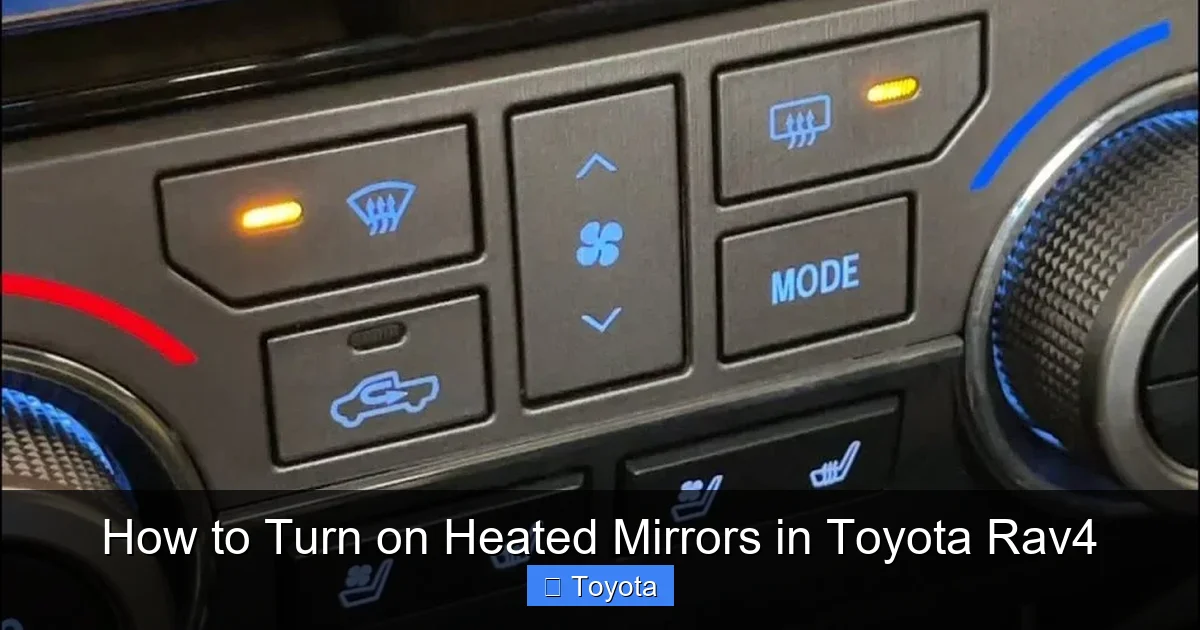
Quickly learn the exact steps to activate heated mirrors in your Toyota RAV4, troubleshoot common issues, and keep your mirrors performing at their best.
Key Takeaways
- Locate the heated mirror switch: It’s usually on the dashboard near the mirror adjustment controls.
- Press and hold the button: A short press may not activate; hold for 2‑3 seconds until the indicator lights.
- Check the indicator light: A green or amber light shows the mirror heating is on.
- Troubleshoot power issues: A weak battery or blown fuse can prevent heating; see our battery maintenance guide.
- Keep mirrors clean: Remove ice or debris to ensure even heating and avoid damage.
- Use mirrors in cold weather: Heated mirrors prevent fog and ice, improving safety.
- Refer to the owner’s manual: For model‑specific instructions, consult your RAV4 manual.
📑 Table of Contents
What Are Heated Mirrors and Why They Matter?
How Heated Mirrors Work
Heated mirrors contain a thin resistive element behind the glass. When electricity flows through the element, it generates gentle warmth that melts frost, snow, and condensation. The heat is uniform, so the mirror clears quickly without distorting the view.
Benefits for Toyota RAV4 Owners
In the RAV4, winter driving is common. Heated mirrors give you a clear view right from the start, reducing the need to scrape or wipe the glass. This improves safety, saves time, and protects the mirror surface from scratches caused by aggressive cleaning.
Where to Find the Heated Mirror Switch in the RAV4
Dashboard Controls
The primary switch is located on the central console, just below the climate controls. It is a small button with a mirror icon and a tiny “heat” symbol. If you are unsure, refer to the driver’s side panel diagram in your owner’s manual.
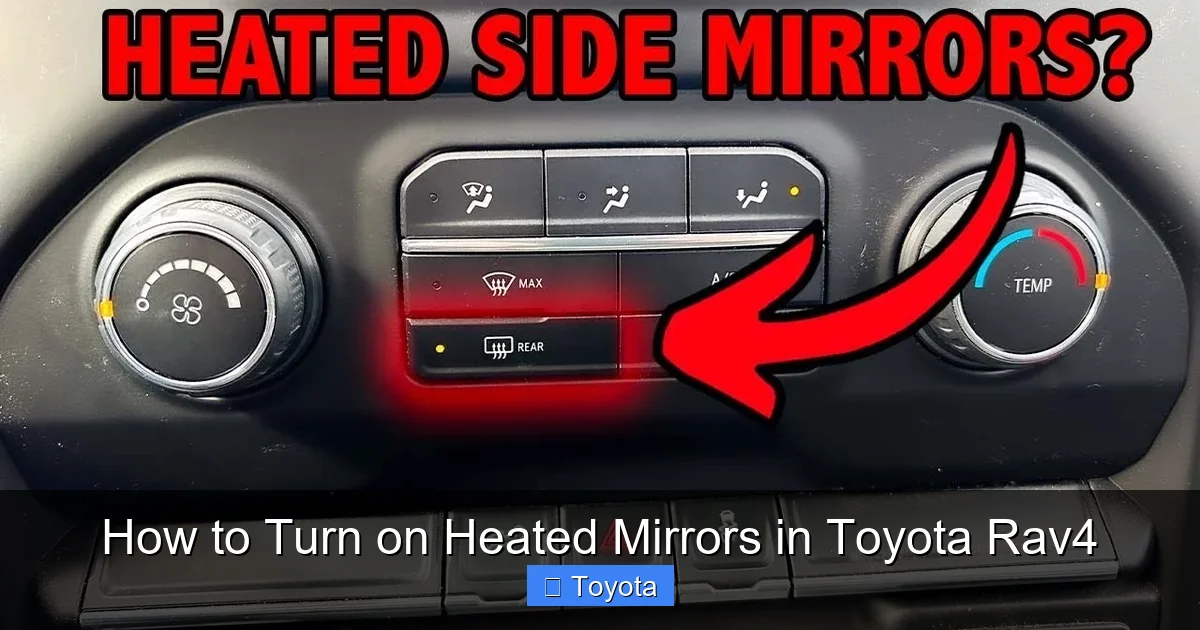
Visual guide about How to Turn on Heated Mirrors in Toyota Rav4
Image source: i.ytimg.com
You can also adjust the mirror angle using the same controls, which makes it easy to adjust tow mirrors for better visibility while you’re at it.
Steering Wheel Buttons
Some newer RAV4 trims include a heated‑mirror button on the steering wheel. Look for a button with a mirror and a wavy line. Pressing it once will toggle the heating on or off.
Step-by-Step: How to Turn On Heated Mirrors
Locate the Switch
Start by sitting in the driver’s seat. Look at the center stack or steering wheel for the mirror‑heat button. The button is usually labeled with a mirror icon and a small “heat” wave.
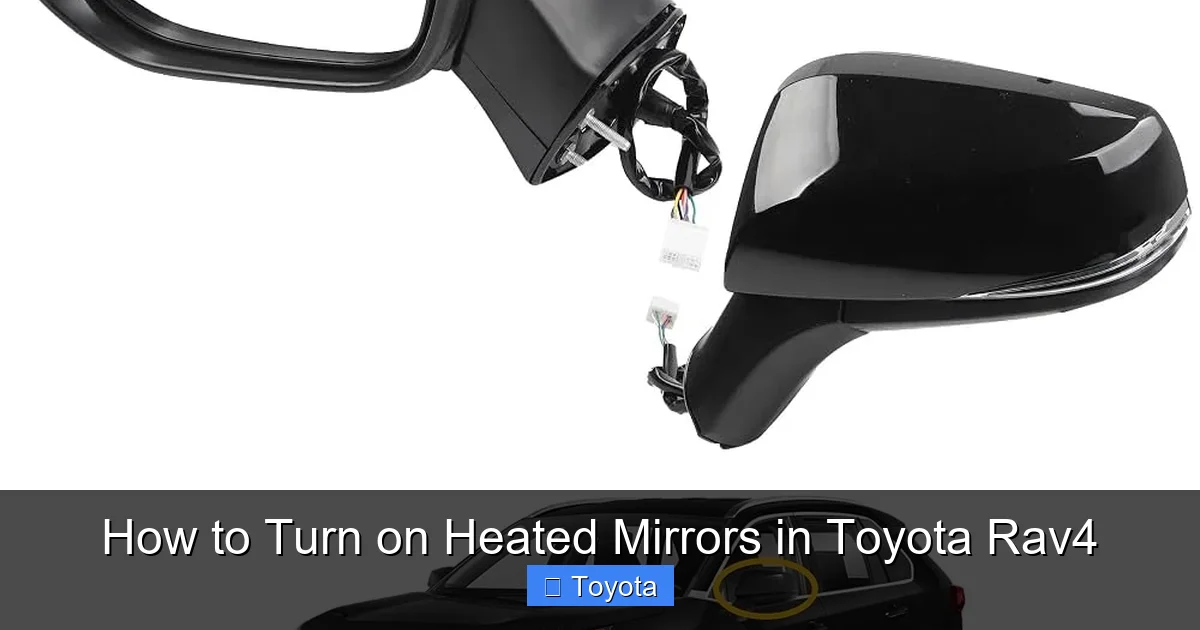
Visual guide about How to Turn on Heated Mirrors in Toyota Rav4
Image source: m.media-amazon.com
Press and Hold the Button
To activate the heating, press the button and hold it for about two to three seconds. A short tap may only flash the light without turning the heat on. Holding ensures the circuit receives enough power to warm the mirror quickly.
While you’re doing this, it’s a good idea to maintain your battery in cold weather so the heated mirror gets sufficient power.
Indicator Light
After you hold the button, an indicator light on the dash or on the button itself will glow green (or amber on some models). This light confirms that the mirror heating is active. If the light does not come on, double‑check that you pressed long enough and that the mirror is not already defrosted.
Troubleshooting: Why Your Heated Mirrors Might Not Work
Common Problems
If the mirror stays foggy, the heating element may be faulty, the fuse could be blown, or the electrical connection might be loose. Start by checking the indicator light; if it never turns on, the issue is likely electrical.
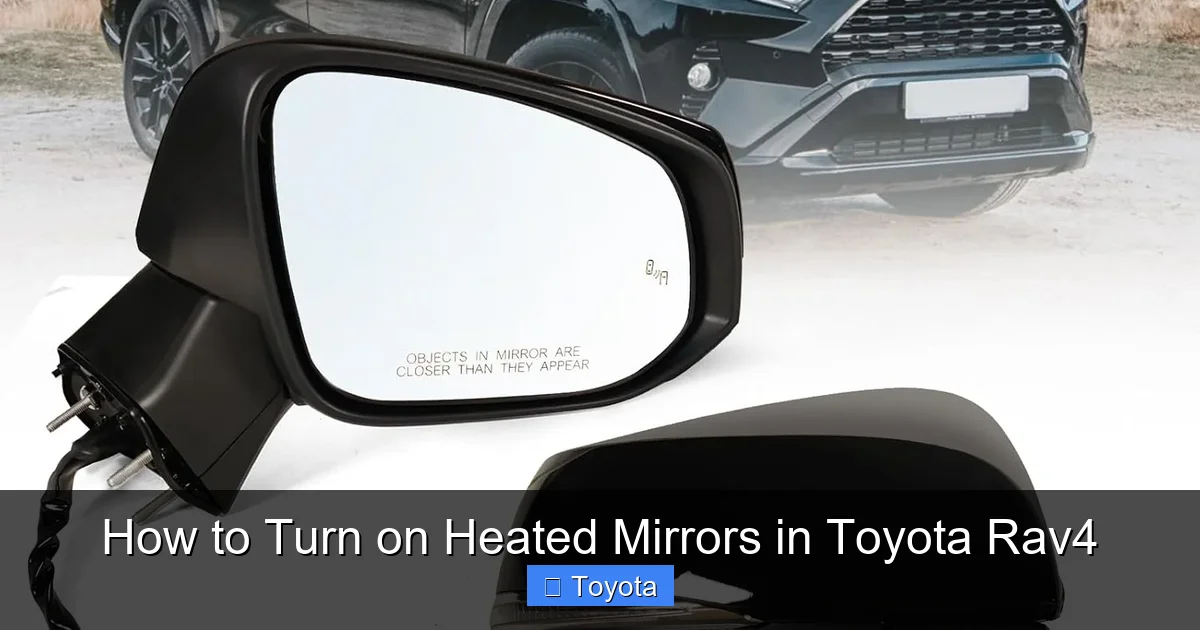
Visual guide about How to Turn on Heated Mirrors in Toyota Rav4
Image source: m.media-amazon.com
Checking the Fuse
Consult the fuse box diagram in your owner’s manual. The heated mirror circuit usually shares a fuse with other interior accessories. If the fuse is blown, replace it with the same amperage rating. A quick visual inspection can save you a trip to the shop.
Testing the Heating Element
If the fuse is good but the mirror still won’t heat, the element may have burned out. You can test it with a multimeter set to resistance. A reading of infinity means the element is broken and needs replacement.
Caring for Your Heated Mirrors: Maintenance and Longevity
Cleaning Tips
Keep the mirror surface clean from ice, snow, and road grime. Use a soft microfiber cloth and a gentle glass cleaner. Avoid abrasive pads that could scratch the coating and reduce heating efficiency.
Battery Health
Heated mirrors draw a small amount of current, especially in very cold temperatures. A healthy battery ensures they work reliably. Refer to our guide on maintaining your battery in cold weather for best results.
Wiring Checks
Periodically inspect the wiring harness behind the mirror for signs of wear or corrosion. If you notice frayed wires, have them repaired promptly to avoid intermittent heating or complete failure.
If you add accessories such as a rear‑view camera, you might need to install a rearview camera. Make sure the mirror wiring is not disturbed during the installation.
Conclusion
Turning on heated mirrors in your Toyota RAV4 is simple: locate the switch, press and hold for a couple of seconds, and watch the indicator light confirm the heat is on. With regular maintenance — keeping the mirrors clean, checking battery health, and inspecting wiring — you’ll enjoy clear, fog‑free views all winter long. Follow the steps outlined above, and you’ll never have to scrape ice off your mirrors again.
Frequently Asked Questions
What is How to Turn On Heated Mirrors in Toyota RAV4?
How to Turn On Heated Mirrors in Toyota RAV4 is an important topic with many practical applications.