How to Turn Off Vsc Trac Light on a Toyota 4runner
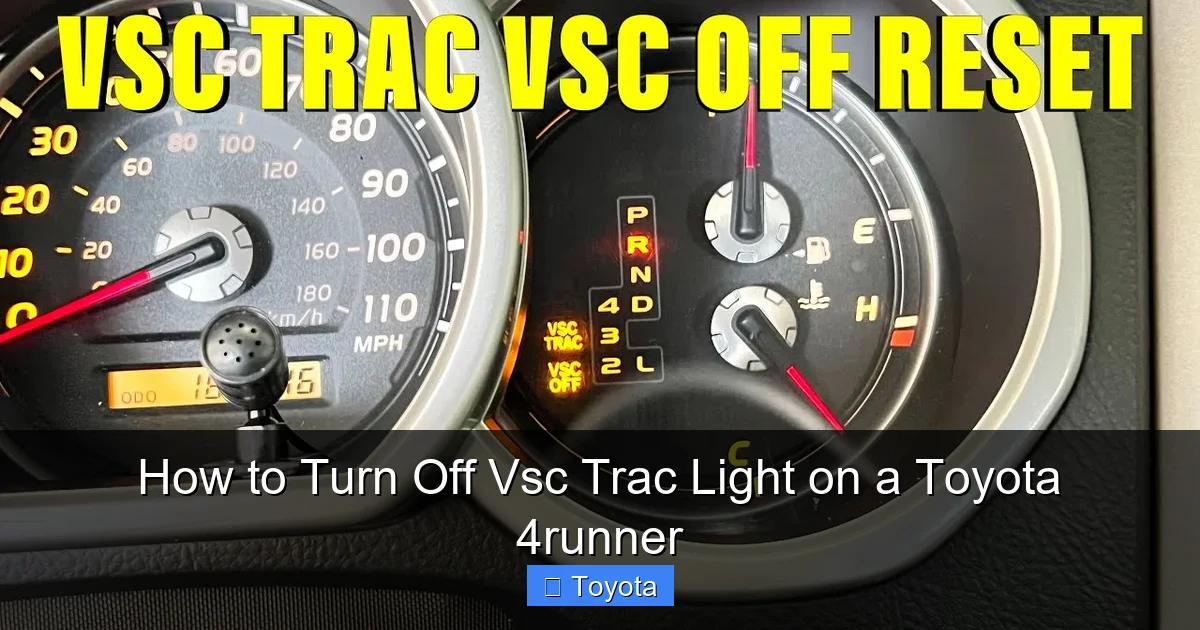
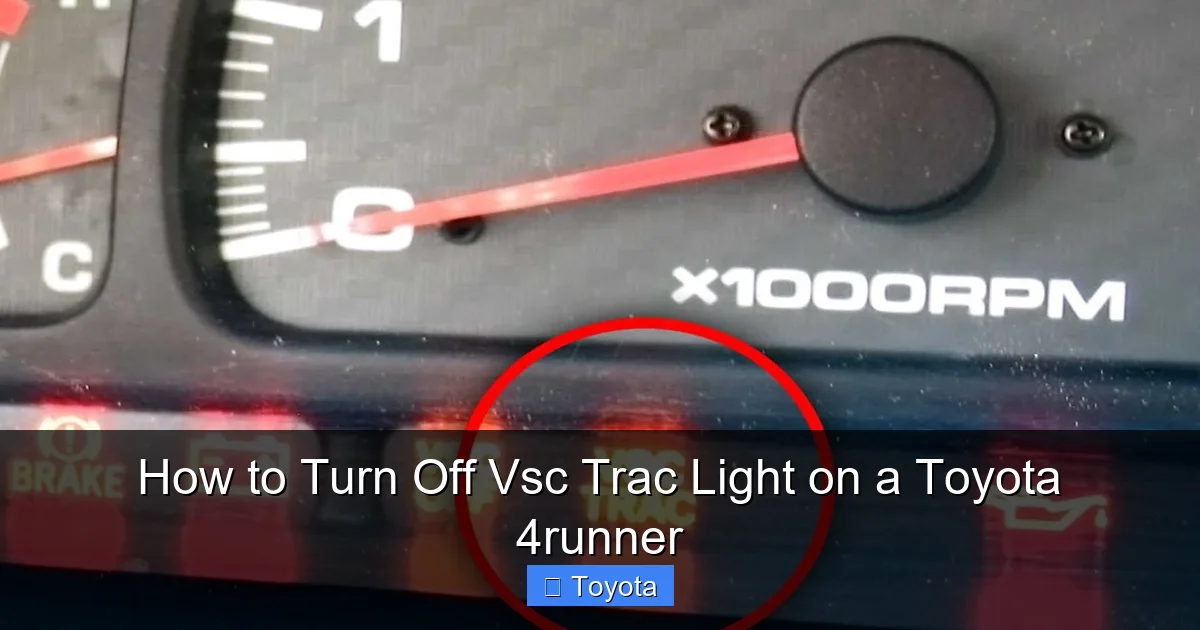
The VSC TRAC light on a Toyota 4Runner signals that the Vehicle Stability Control and Traction Control systems are either active or experiencing a fault. While pressing the VSC button often turns the light off, a persistent illumination may point to issues such as faulty wheel speed sensors, low battery voltage, or ABS problems. This guide walks you through manual reset steps, diagnostic checks, and when to call a professional.
The VSC (Vehicle Stability Control) and TRAC (Traction Control) lights on your Toyota 4Runner are designed to keep you safe by monitoring wheel slip and vehicle yaw. When these systems detect a problem, the dashboard lights illuminate to alert you. While the light can sometimes be turned off with a simple button press, a persistent glow often signals an underlying issue that needs attention. Understanding how these systems work and what triggers the warning can save you time, money, and unnecessary trips to the shop.
In this guide, we’ll walk you through the meaning of the VSC TRAC light, show you how to manually turn it off, outline common reasons it stays on, and provide step‑by‑step troubleshooting tips. We’ll also highlight when it’s best to seek professional help and share preventive maintenance habits to keep the light from returning. Whether you’re a seasoned 4Runner owner or new to the SUV, the following information will help you maintain confidence on and off the road.
Key Takeaways
- Understand the systems: VSC helps maintain vehicle stability during slippery conditions, while TRAC prevents wheel spin during acceleration.
- Manual reset: Press and hold the VSC button for about 3 seconds to attempt turning off the light; the indicator should flash then go out.
- Common culprits: Dirty or failing wheel speed sensors, low battery voltage, ABS module faults, and steering angle sensor glitches frequently trigger the light.
- Basic troubleshooting: Inspect sensor wiring, clean the engine bay, and test battery health before seeking advanced diagnostics.
- Know when to quit: If the light returns after reset, multiple warning lights appear, or you notice handling changes, consult a qualified mechanic.
- Preventive care: Regular tire pressure checks, routine system scans, and calculating wear and tear on your car can reduce future VSC/TRAC alerts.
📑 Table of Contents
Understanding VSC and TRAC Systems
Before diving into the reset process, it’s helpful to know what VSC and TRAC actually do. These systems work together but serve slightly different purposes, and each relies on a network of sensors to function correctly.
What VSC Does
Vehicle Stability Control monitors the direction your 4Runner is traveling versus where you’re steering. If it senses a loss of traction—such as the rear end sliding out on a wet road—VSC automatically applies brake pressure to individual wheels and may reduce engine power to help you regain control. The system uses data from wheel speed sensors, a yaw rate sensor, and a steering angle sensor to make these corrections in real time.
What TRAC Does
Traction Control focuses specifically on preventing wheel spin during acceleration. When you press the throttle and one or more wheels begin to slip—common on loose gravel, snow, or ice—TRAC reduces engine output and/or applies brake force to the spinning wheel(s). This keeps power directed to the wheels with grip, improving launch stability and reducing tire wear.
Both systems share many components, which is why a fault in one area can trigger both warning lights simultaneously.
Common Reasons the VSC TRAC Light Stays On
If the VSC TRAC light remains illuminated after you’ve attempted to turn it off, the vehicle’s onboard computer has detected a condition that prevents the systems from operating normally. Below are the most frequent culprits.
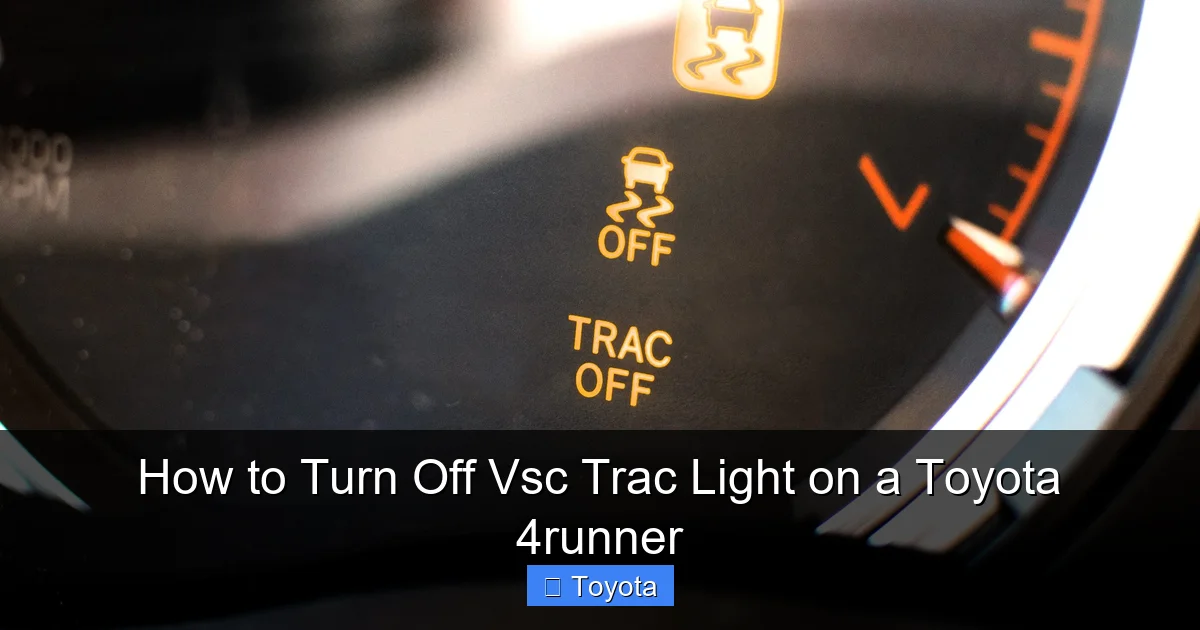
Visual guide about How to Turn Off Vsc Trac Light on a Toyota 4runner
Image source: timsquality.com
Faulty Wheel Speed Sensors
Each wheel houses a speed sensor that feeds data to the ABS/VSC module. Dirt, debris, or a damaged sensor can send erratic signals, causing the computer to think a wheel is slipping when it isn’t. A common symptom is the light coming on after driving through mud or deep water.
Low Battery Voltage
The VSC/TRAC modules require a stable voltage supply. A weak or aging battery, corroded terminals, or a failing alternator can drop system voltage below the threshold needed for reliable sensor communication. In many cases, simply charging or replacing the battery resolves the issue.
ABS System Issues
Since VSC and TRAC rely on the ABS hydraulic module, any fault within the ABS—such as a stuck valve, pump failure, or internal leak—will often trigger the VSC/TRAC warning. You might also notice the ABS light illuminated alongside the VSC/TRAC indicator.
Steering Angle Sensor Misalignment
Located in the steering column, this sensor tells the VSC system how far you’ve turned the wheel. If it becomes misaligned after a steering repair, collision, or even a rough off‑road trek, the system may interpret straight‑may think the vehicle is turning when it isn’t, prompting a warning light.
How to Turn Off the VSC TRAC Light Manually
Toyota provides a straightforward method for drivers to temporarily disable VSC and TRAC—useful when you need maximum wheel spin, such as when stuck in deep sand or snow. Note that this does not fix underlying faults; it merely tells the systems to stand by.
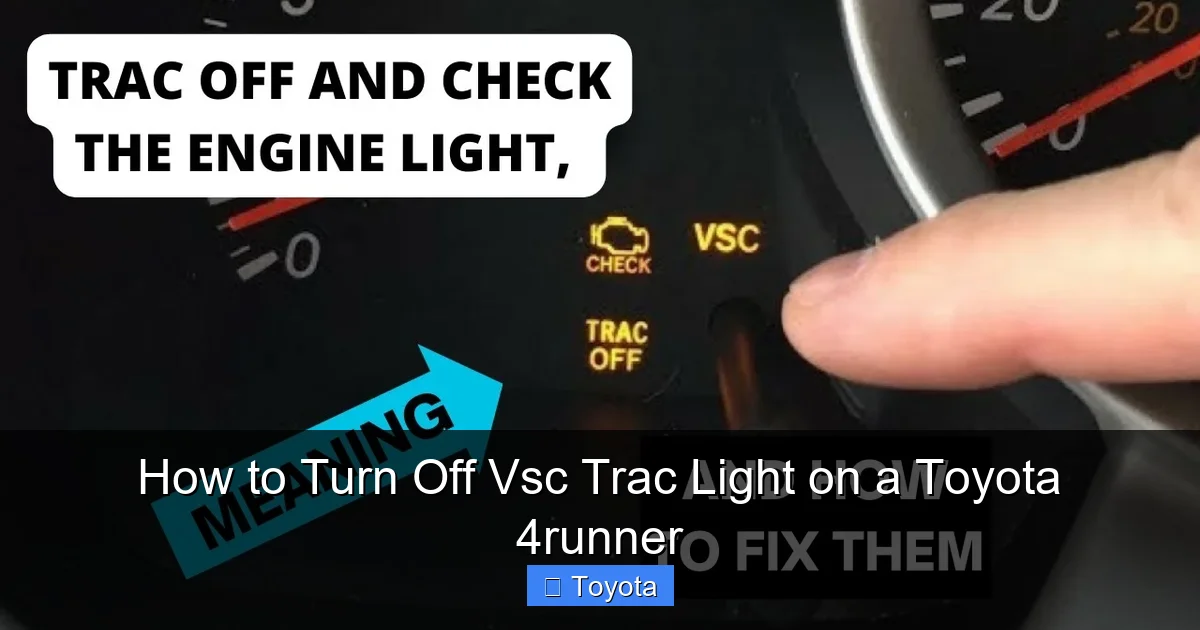
Visual guide about How to Turn Off Vsc Trac Light on a Toyota 4runner
Image source: i.ytimg.com
Locating the VSC Button
On most 4Runner models (2003‑present), the VSC button is situated on the lower left side of the steering wheel, near the headlight switch. It’s labeled “VSC” with an icon of a car skidding. Pressing it once will toggle the systems off; pressing again restores them.
Press‑and‑Hold Procedure
- Start the engine and let it idle.
- Press and hold the VSC button for approximately three seconds.
- Watch the dashboard: the VSC TRAC light should flash a few times, then remain off.
- Release the button. The light will stay off until you turn the ignition off and on again, or until a fault is detected.
If the light flashes but does not go out, or if it returns immediately after you release the button, the system has detected a fault that prevents deactivation.
When the Light Turns Off
When the VSC TRAC light is successfully disabled, you’ll notice the indicator is dark, and you may hear a subtle change in engine response when accelerating aggressively—this is normal. Remember that with the systems off, your 4Runner will not automatically intervene to correct slides or wheel spin, so drive with extra caution, especially on low‑traction surfaces.
Troubleshooting Steps if the Light Won’t Turn Off
When the manual reset fails, it’s time to diagnose the root cause. The following steps can be performed with basic tools and a little patience.
Visual guide about How to Turn Off Vsc Trac Light on a Toyota 4runner
Image source: cimg1.ibsrv.net
Checking for Diagnostic Trouble Codes
The first step is to read the vehicle’s fault codes using an OBD‑II scanner. Plug the scanner into the port under the dash (usually near the driver’s side knee panel), turn the ignition to “ON,” and retrieve any stored codes. Common codes related to VSC/TRAC include:
- C0031‑C0038 – Wheel speed sensor circuit faults
- C0200‑C0229 – ABS pump/motor issues
- C1201 – Engine control module communication error (can affect VSC)
- C1241 – Low voltage to ABS/VSC module
Write down any codes you see; they will guide your inspection.
Inspecting Wheel Speed Sensors and Wiring
Dirty or damaged sensors are a frequent cause. To check them:
- Safely lift the vehicle and remove the wheel.
- Locate the sensor mounted on the hub or brake backing plate.
- Inspect the sensor tip for metal debris, mud, or corrosion.
- Check the wiring harness for chafed insulation, loose connectors, or signs of water ingress.
- Clean the sensor tip with brake cleaner and a soft cloth; avoid using abrasive tools.
- Reinstall the wheel, lower the vehicle, and clear the codes with your scanner. Test drive to see if the light stays off.
Cleaning the Engine Bay (Internal Link)
Sometimes grime and moisture find their way into sensor connectors, especially after off‑road adventures. Before diving into sensor checks, consider cleaning your engine bay to remove dirt that could interfere with sensor readings. A clean bay also makes visual inspections easier and helps prevent future corrosion.
Testing Battery Health (Internal Link)
Low voltage can confuse the VSC/TRAC modules. Use a multimeter to measure battery voltage at rest (should be ~12.6 V) and while the engine is running (should be 13.7‑14.7 V). If readings fall outside these ranges, or if you notice slow cranking, it’s wise to diagnose a car battery problem—charging, cleaning terminals, or replacing the battery may clear the light.
When to Seek Professional Help
While many VSC/TRAC issues can be resolved at home, certain situations demand a qualified technician’s expertise.
Persistent Lights After Reset
If the light returns immediately after you clear codes or after a battery recharge, there’s likely a hard fault—such as a failed ABS module or a wiring short—that requires professional diagnostics and possibly component replacement.
Multiple Warning Lights
Seeing the ABS, brake, or check‑engine light alongside VSC/TRAC suggests a broader system failure. A technician can perform a full system scan and check for communication errors between modules.
Safety Concerns
If you notice unusual handling—such as the rear end feeling loose, delayed brake response, or unexpected power loss—do not continue driving. These symptoms could indicate a serious stability control fault that compromises safety.
In these cases, visit a trusted Toyota dealership or an independent shop with experience in ABS/VSC systems. They have the proper scan tools, oscilloscopes, and technical bulletins to pinpoint the issue accurately.
Preventive Maintenance to Avoid Future VTRAC Issues
Keeping your 4Runner’s stability and traction systems in good shape is mostly about regular attention to a few key areas.
Regular System Checks
Every 5,000 to 7,500 miles, or at each oil change, have a mechanic run a quick ABS/VSC scan. Early detection of sensor drift or wiring wear can prevent a dashboard surprise.
Keeping Tires Properly Inflated
Under‑ or over‑inflated tires affect wheel speed readings and can trigger false VSC/TRAC alerts. Check tire pressure monthly and before long trips, adhering to the specifications on the driver’s door jamb.
Calculating Wear and Tear on Your Car (Internal Link)
Components like wheel speed sensors and steering angle sensors have a finite lifespan. By calculating wear and tear on your car, you can anticipate when these parts may need inspection or replacement, reducing the chance of unexpected warning lights.
Mindful Off‑Road Habits
After particularly muddy or water‑crossing excursions, rinse the undercarriage and inspect sensor areas for debris. A quick spray‑down can save you from a headache later.
By integrating these habits into your routine, you’ll minimize the likelihood of the VSC TRAC light appearing and keep your 4Runner’s safety systems ready when you need them most.
Conclusion
The VSC TRAC light on a Toyota 4Runner is a valuable indicator that your vehicle’s stability and traction systems are either active or experiencing a fault. Knowing how to manually turn the light off gives you temporary control in situations where you want maximum wheel spin, but a persistent illumination should never be ignored. Start with the simplest fixes—checking battery voltage, cleaning sensor areas, and reading fault codes—before moving on to more involved inspections. Remember that regular maintenance, proper tire pressure, and periodic system scans go a long way toward preventing future alerts. If the light refuses to stay off, multiple warnings appear, or you sense any change in handling, it’s time to consult a professional. Stay safe, stay informed, and enjoy the confidence that comes with a well‑maintained 4Runner.
Frequently Asked Questions
What does it mean when the VSC TRAC light flashes briefly then stays off?
A brief flash followed by the light staying off usually indicates that the VSC/TRAC systems were successfully deactivated via the button press. This is normal behavior and means the systems are now in standby mode until you restart the vehicle or a fault is detected.
Can I drive my 4Runner with the VSC TRAC light on?
You can still drive, but the stability and traction control functions may be compromised. If the light is on due to a fault, the systems might not intervene during a slip, increasing the risk of loss of control. It’s best to diagnose the issue promptly, especially if you notice any handling changes.
Will disconnecting the battery reset the VSC TRAC light?
Disconnecting the battery for a few minutes will clear temporary codes and may turn off the light if the issue was intermittent. However, if a genuine fault exists, the light will return once the vehicle runs again. Use this method only as a quick test, not a permanent fix.
How often should I check the wheel speed sensors on my 4Runner?
Inspect the sensors and their wiring at least once a year or every 12,000 miles, and more frequently if you often drive off‑road or in harsh conditions. Look for dirt buildup, damaged wires, or loose connectors during these checks.
Is it safe to turn off VSC/TRAC for everyday driving?
No. Turning off VSC/TRAC removes the vehicle’s ability to automatically correct slides or wheel spin, which can be dangerous on wet, icy, or uneven surfaces. Only disable the systems temporarily for specific situations like deep sand or snow, and re‑enable them as soon as normal driving resumes.