How to Turn Off Downhill Assist on a Toyota 4runner
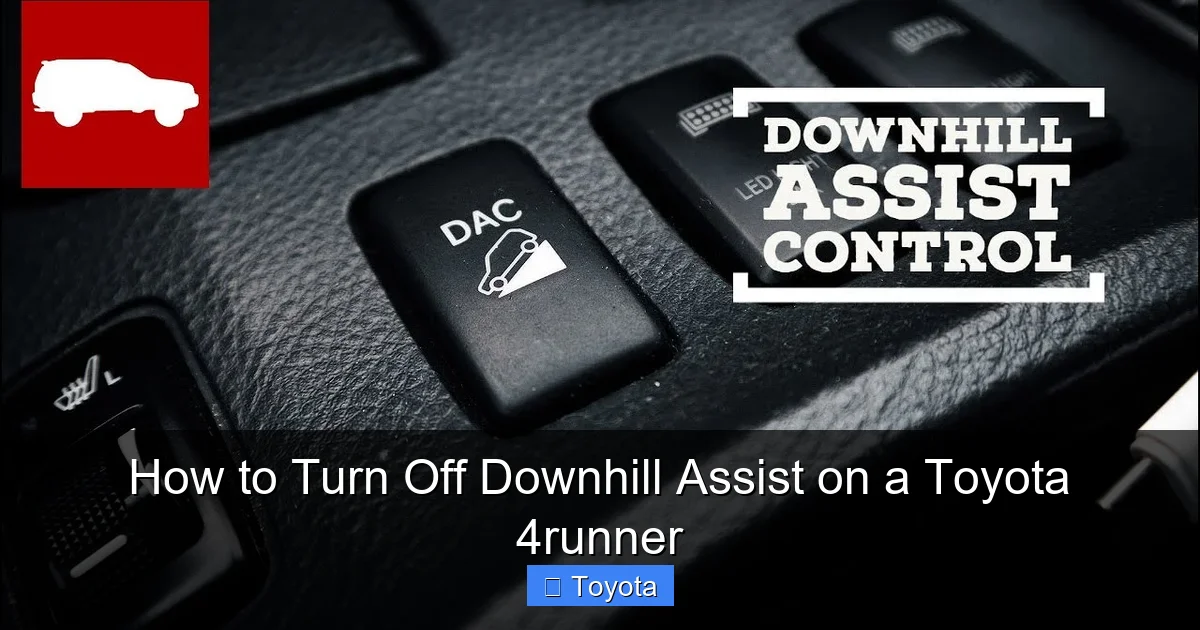
Turning off downhill assist on your Toyota 4Runner is quick and easy. This guide walks you through each menu step, explains why you might want to disable it, and offers tips for safer off‑road driving.
Key Takeaways
- Point 1: You can disable downhill assist through the vehicle’s multi‑information display.
- Point 2: The feature is useful only on steep descents; turning it off improves fuel economy on flat roads.
- Point 3: Always confirm the indicator light is off before proceeding.
- Point 4: Re‑enable the system when you return to challenging terrain.
- Point 5: If the option isn’t visible, check the vehicle’s trim level or software version.
- Point 6: Refer to the owner’s manual for model‑specific variations.
📑 Table of Contents
- How to Turn Off Downhill Assist on a Toyota 4Runner: A Friendly Guide
- Understanding Downhill Assist in the Toyota 4Runner
- Why You Might Want to Turn It Off
- Step‑by‑Step Guide: How to Turn Off Downhill Assist on a Toyota 4Runner
- Practical Tips for Using the 4Runner Without Downhill Assist
- Common Mistakes and How to Avoid Them
- Related Maintenance Tips for Your 4Runner
- Frequently Asked Questions
- Conclusion
How to Turn Off Downhill Assist on a Toyota 4Runner: A Friendly Guide
If you own a Toyota 4Runner, you probably love its rugged ability to tackle steep hills and rocky trails. One of the helpful features that makes those descents smoother is the downhill assist system. But there are times when you might want to turn it off. Maybe you’re driving on flat pavement, or you simply prefer to control the vehicle’s speed with your foot. Whatever the reason, learning how to turn off downhill assist on a Toyota 4Runner is a small skill that can make a big difference in your driving experience.
Understanding Downhill Assist in the Toyota 4Runner
Before we dive into the steps, it helps to know what the system actually does. Downhill assist is an electronic stability aid that automatically applies the brakes while you’re descending a steep slope. It keeps the vehicle at a steady, low speed without you having to constantly tap the brake pedal. This can be a real confidence booster on tricky mountain roads.
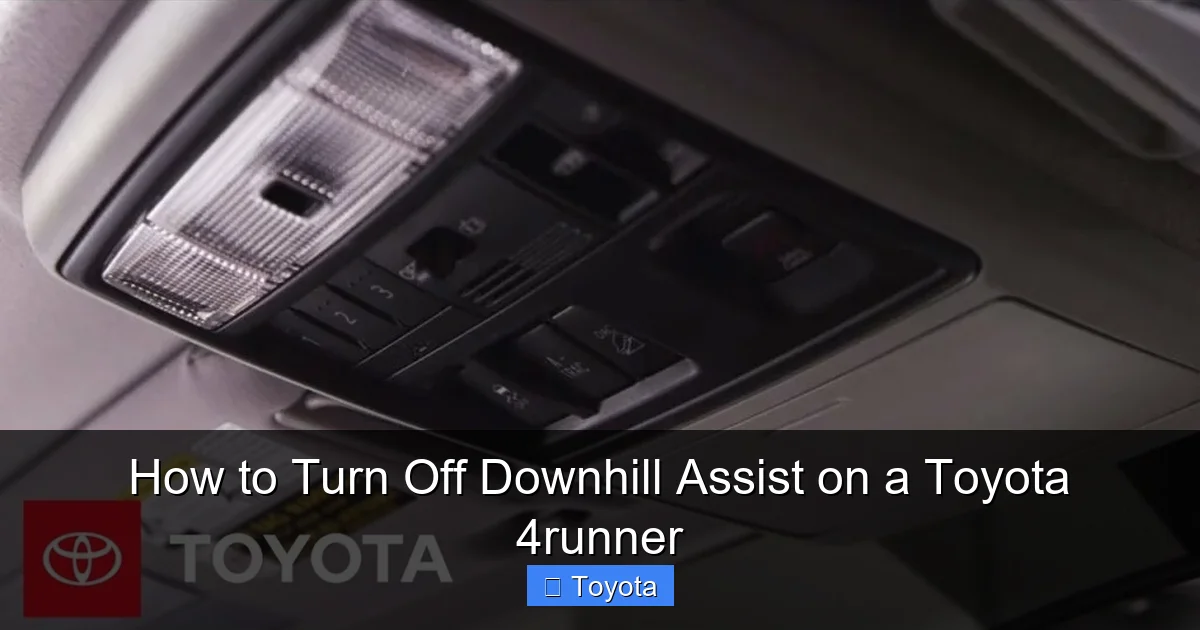
Visual guide about How to Turn Off Downhill Assist on a Toyota 4runner
Image source: diycarexpert.com
What Is Downhill Assist?
The system uses the vehicle’s speed sensors and brake actuators to maintain a set speed while you’re going downhill. When you release the accelerator, the system gently taps the brakes to prevent the 4Runner from gaining too much momentum. It’s especially handy on long, steep declines where brake fade could become an issue.
How It Works in the 4Runner
In the 4Runner, the downhill assist is integrated into the Vehicle Stability Control (VSC) system. When you shift into a low gear and start a descent, the system detects the angle of the slope and the speed of the vehicle. It then activates the brakes in a controlled manner, allowing you to focus on steering rather than managing speed.
Why You Might Want to Turn It Off
There are several scenarios where disabling downhill assist makes sense. Understanding these reasons will help you decide when to hit that button.
Visual guide about How to Turn Off Downhill Assist on a Toyota 4runner
Image source: i.ytimg.com
Off‑Road Situations
When you’re navigating rocky trails or loose gravel, you often want full control over the vehicle’s momentum. The automatic brake application can sometimes feel too aggressive, especially if you need to accelerate quickly to clear an obstacle. Turning off the feature lets you modulate speed with the accelerator and brake pedal directly.
Driving on Flat Terrain
On flat highways or city streets, the downhill assist does nothing but add a tiny bit of extra load to the electrical system. Disabling it can improve fuel efficiency slightly, and it eliminates an unnecessary intervention when you’re not on a decline.
Customizing Your Driving Style
Some drivers simply prefer a more “hands‑on” feel. They like to feel the engine’s braking power and manage descents manually. If that sounds like you, learning how to turn off downhill assist on a Toyota 4Runner is the first step toward a more personalized driving experience.
Step‑by‑Step Guide: How to Turn Off Downhill Assist on a Toyota 4Runner
Now that you know why you might want to disable the system, let’s walk through the exact steps. The process is the same across most 4Runner model years, but there are a few minor variations depending on the trim level.
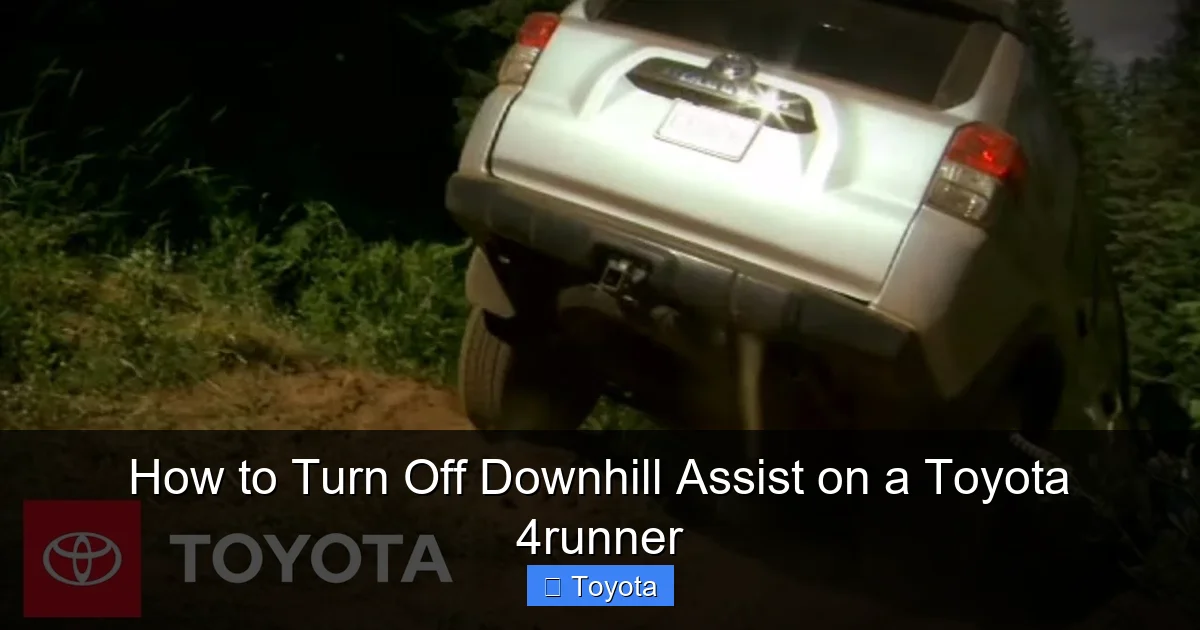
Visual guide about How to Turn Off Downhill Assist on a Toyota 4runner
Image source: i.ytimg.com
Accessing the Vehicle Settings
1. Sit in the driver’s seat and turn the ignition to the “ON” position. The instrument cluster will light up. 2. Locate the “Menu” button on the left side of the steering wheel. Press it to open the multi‑information display menu.
Navigating the Menu
3. Use the up and down arrows on the steering wheel to scroll through the menu options. Look for the “Vehicle Settings” or “Driver Assistance” section. 4. Once you’re inside that submenu, scroll until you see an option labeled “Downhill Assist” or “Hill Start Assist.”
Confirming the Deactivation
5. Highlight the “Downhill Assist” option and press the “OK” button. You should see a confirmation screen asking if you want to turn the feature off. 6. Select “Yes” to disable the system. The display will usually show a message like “Downhill Assist: OFF.”
Verifying the Change
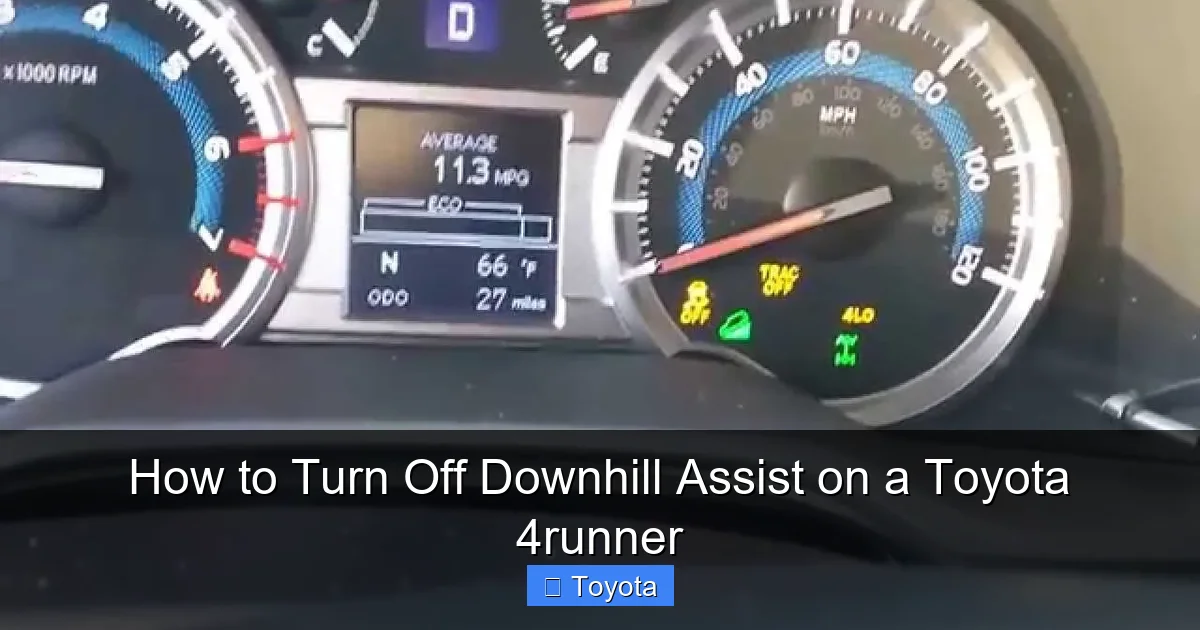
7. To make sure the system is truly off, try to descend a gentle slope. You should notice that the brakes no longer apply automatically. If the indicator light on the dashboard stays off, you’ve successfully turned off downhill assist.
If you ever need to re‑enable the feature, simply repeat the steps and select “On” instead. It’s a good habit to double‑check the settings before heading out on a steep trail.
Practical Tips for Using the 4Runner Without Downhill Assist
Now that you’ve disabled the system, here are some practical tips to keep your descent safe and controlled.
Managing Steep Descents Manually
When you’re on a steep hill, shift into a lower gear before you start the descent. This gives you more engine braking and reduces the need for heavy foot on the brake pedal. Remember to keep your speed moderate; too much speed can overwhelm the brakes.
Using the Brakes Effectively
Apply the brakes gently at first, then increase pressure as needed. If you feel the vehicle accelerating too quickly, tap the brakes lightly to reduce speed. Avoid slamming the brakes, as this can cause wheel lockup on slippery surfaces.
Maintaining Momentum
Sometimes the best way to control a descent is to maintain a steady momentum. Keep your foot lightly on the accelerator to counteract the pull of gravity, then use the brakes sparingly to fine‑tune your speed. This technique works especially well on loose gravel where sudden stops can cause skidding.
Common Mistakes and How to Avoid Them
Even experienced 4Runner owners make a few missteps when they first learn how to turn off downhill assist on a Toyota 4Runner. Here’s how to sidestep the most common errors.
Forgetting to Re‑Enable the Feature
Many drivers disable the system for a city drive and forget to turn it back on before tackling a mountain road. Make it a habit to check the dashboard indicator before you head out on any steep terrain.
Misinterpreting Dashboard Indicators
Some drivers think the “VSC OFF” light means the entire stability system is disabled. In reality, only the downhill assist portion is off; other safety features remain active. If you see the VSC light, it may indicate a different issue that needs attention.
Over‑Reliance on Manual Braking
When you first turn off the assist, you might feel the need to brake constantly. Resist the urge to over‑brake; instead, use a combination of engine braking and gentle foot‑brake application. This will preserve brake life and improve control.
Related Maintenance Tips for Your 4Runner
Turning off downhill assist doesn’t mean you can ignore other maintenance items. After an off‑road adventure, it’s wise to give your vehicle a thorough check.
For example, you might want to clean a car engine bay to remove dust and mud that can affect cooling. Also, if you’ve been driving hard on steep descents, consider checking the brake pads and rotors for wear.
If you’re planning to keep your 4Runner in top shape for many more miles, read our guide on how to break in a new car Toyota. Proper break‑in procedures help the engine and transmission settle in, giving you smoother performance when you re‑enable downhill assist.
Frequently Asked Questions
Can I permanently disable downhill assist?
No, the system resets each time you start the vehicle. You’ll need to disable it each time you want it off, unless you use a third‑party module (which is not recommended).
Will turning off downhill assist affect my fuel economy?
Disabling the feature can improve fuel economy on flat roads because the brakes won’t be applied intermittently. However, the improvement is usually minimal.
Is there a risk of rolling backward on a hill?
Yes, if you’re on a steep incline and forget to use the brake, the vehicle could roll back. Always use the foot brake or the parking brake when stopped on a hill.
Does the 4Runner’s trim level affect the menu options?
Some higher‑trim models may have additional driver‑assistance settings, but the downhill assist toggle is present across most trims.
Will the system warn me if I try to turn it off?
Yes, the vehicle will display a confirmation message. If you don’t see the option, check the vehicle’s owner’s manual for model‑specific instructions.
Can I use cruise control with downhill assist disabled?
Cruise control operates independently of downhill assist, so you can use it normally even when the assist is turned off.
Conclusion
Learning how to turn off downhill assist on a Toyota 4Runner is a simple yet powerful skill for any 4Runner owner. Whether you’re navigating steep mountain passes, driving on city streets, or simply want more direct control over your vehicle, disabling the feature gives you the flexibility you need. Follow the step‑by‑step instructions, keep an eye on the dashboard indicator, and always re‑enable the system when you return to challenging terrain. With a little practice, you’ll be able to switch the feature on and off effortlessly, letting you focus on what you love most: exploring the great outdoors in your trusty 4Runner.
Frequently Asked Questions
What is How to Turn Off Downhill Assist on a Toyota 4Runner?
How to Turn Off Downhill Assist on a Toyota 4Runner is an important topic with many practical applications.