How to Turn on Rcd Toyota Camry 2020
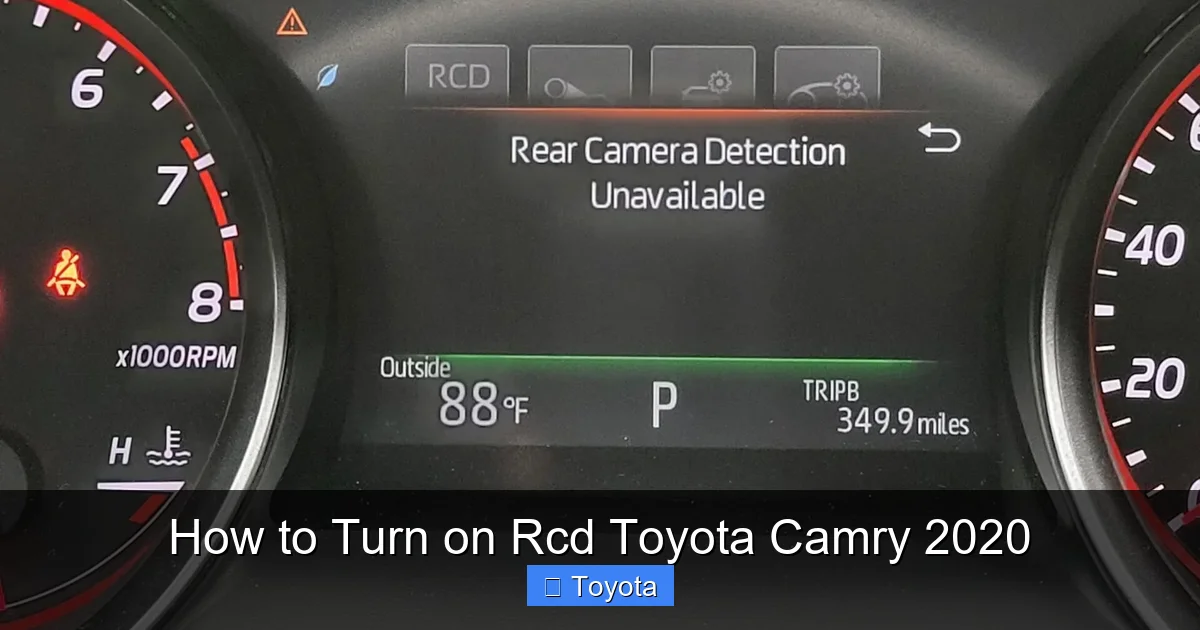
Turning on the RCD system in your Toyota Camry 2020 is simple once you know the right steps. Whether your engine is running or off, the process takes just a few seconds. This guide walks you through every method, troubleshooting tip, and maintenance advice you need.
So you just bought or started driving a Toyota Camry 2020 and you want to know how to turn on RCD Toyota Camry 2020. Maybe the screen is dark and you are not sure what to do. Maybe you pressed a button and nothing happened. Don’t worry. You are not alone. Many new Camry owners find the RCD system a little confusing at first. But here is the good news. Once you understand how it works, turning it on is as easy as pressing a single button.
The Toyota Camry 2020 comes with a factory-installed RCD infotainment system. This system handles your radio, CD player, Bluetooth connectivity, and more. It is designed to be user-friendly. But if you are new to the Camry or you are upgrading from an older model, the controls might look a little different. That is exactly why we wrote this guide. We will walk you through every step. You will learn how to power the system on, what to do if it does not respond, and how to get the most out of your audio experience.
Before we dive into the steps, let us talk about what the RCD system actually is. RCD stands for Radio CD. It is Toyota’s branded infotainment unit that comes standard in many Camry trims. It includes a touchscreen or button-controlled interface, AM and FM radio, CD playback, and wireless connectivity features. Some models also support How To Add Pandora To Android Auto if your specific trim allows it. The system is built to be reliable, but knowing how to activate it properly makes all the difference.
Key Takeaways
- Easy Activation: You can turn on the RCD with the engine running or by pressing the power button when the car is on accessory mode.
- Troubleshooting Is Simple: Most RCD issues like a black screen or unresponsive controls can be fixed with a reset or fuse check.
- Factory Amp Matters: Understanding whether your Camry has a factory amp helps you get the best sound from your RCD system.
- Regular Maintenance Helps: Keeping the system clean and updated ensures long-lasting performance.
- Multiple Input Options: The RCD supports Bluetooth, USB, and auxiliary inputs for versatile audio playback.
📑 Table of Contents
Understanding the RCD System in the Toyota Camry 2020
The RCD system in the 2020 Camry is more than just a radio. It is your car’s central audio and entertainment hub. It connects to your phone, plays your favorite music, and even provides navigation prompts on higher trims. Understanding the basics of the system will make it much easier to turn it on and use it every day.
What Does RCD Stand For?
RCD stands for Radio CD. It is the name Toyota uses for its factory audio system. The 2020 Camry may come with either a standard RCD or an upgraded JBL audio system, depending on your trim level. The standard RCD includes a 7-inch touchscreen on most trims, AM and FM radio, Bluetooth pairing, USB connectivity, and a six-speaker sound setup. The JBL upgrade adds more speakers and enhanced audio processing, but the basic operation of turning the system on remains the same.
How the RCD System Connects to Your Car
The RCD system is wired directly into your Camry’s electrical system. It draws power from the car’s battery and accessory circuit. This means the system turns on and off based on your ignition status. If you have ever noticed the screen lighting up when you turn the key or press the start button, that is the RCD system waking up. It is designed to be always ready when you are.
It is also worth noting that the RCD system may behave differently depending on whether your car has a factory amplifier. If you are unsure, you can check by visiting our guide on How To Tell If Your Car Has A Factory Amp. A factory amp can enhance the sound quality coming from your RCD, so knowing whether you have one helps you understand your full audio setup.
Step-by-Step Guide to Turning On the RCD System
Now let us get to the part you have been waiting for. Here is exactly how to turn on the RCD in your Toyota Camry 2020. We will cover two main scenarios: when the engine is running and when the car is in accessory mode with the engine off.
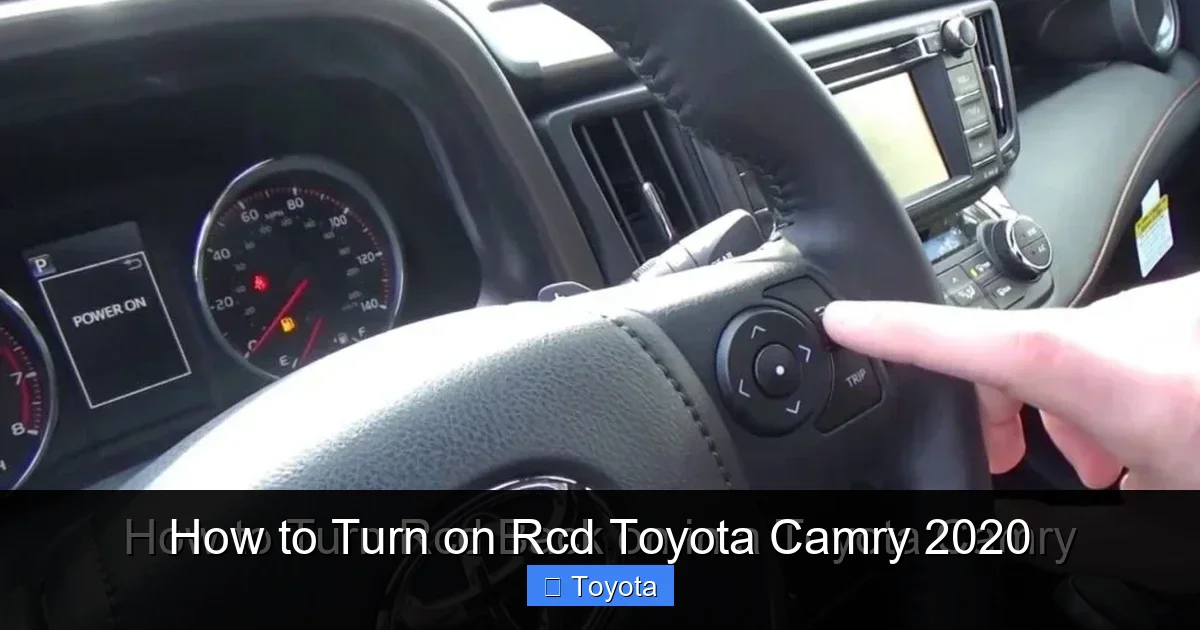
Visual guide about How to Turn on Rcd Toyota Camry 2020
Image source: aautomotives.com
Method 1: Turning On the RCD with the Engine Running
This is the most common way to activate the RCD system. Follow these simple steps.
- Step 1: Sit in your Camry and close all the doors.
- Step 2: Press the Start button without pressing the brake pedal. This puts the car in accessory mode. The RCD screen should light up immediately.
- Step 3: If the screen does not light up, press the brake pedal and press the Start button again to start the engine. The RCD system will activate automatically once the engine is running.
- Step 4: Use the touchscreen or the volume knob to select your source. You can choose radio, Bluetooth, USB, or CD.
That is it. The RCD system should now be on and ready to go. If you are having trouble getting the engine to start, make sure your foot is firmly on the brake pedal. This is a safety feature on the 2020 Camry.
Method 2: Turning On the RCD with the Engine Off
You do not need to start the engine to use the RCD system. You can listen to the radio or play music while the car is off. Here is how.
- Step 1: Make sure the car is in Park.
- Step 2: Press the Start button once without pressing the brake. The dashboard lights up and the RCD screen turns on.
- Step 3: Select your audio source from the home screen.
- Step 4: Adjust the volume using the knob or the on-screen slider.
This is especially useful if you want to listen to music in your driveway or in a parked car. Just remember that leaving the RCD on with the engine off for a long time can drain your battery. If you plan to listen for more than 30 minutes, consider starting the engine.
Troubleshooting Common RCD Issues
Sometimes the RCD system does not turn on the way it should. This can be frustrating, but the good news is that most problems have simple solutions. Let us look at the most common issues and how to fix them.
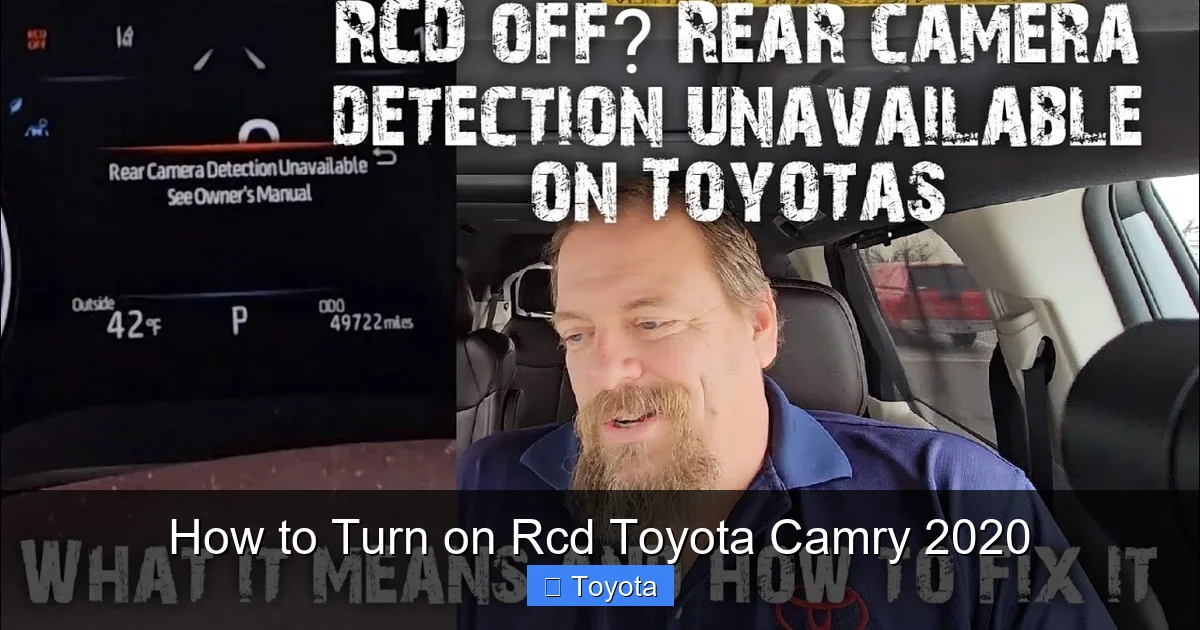
Visual guide about How to Turn on Rcd Toyota Camry 2020
Image source: i.ytimg.com
The RCD Screen is Black and Will Not Turn On
A black screen is one of the most common complaints from Camry owners. Before you panic, try this. Turn the car off completely. Wait about 30 seconds. Then turn it back on using the Start button. The RCD system should reboot and the screen should light up. This works about 80% of the time. If it does not, the next step is to check the fuse box. The RCD system has a dedicated fuse located under the dashboard on the driver’s side. If the fuse is blown, replacing it with the correct amperage will usually fix the problem.
The RCD Turns On but the Touchscreen Is Unresponsive
If the screen lights up but you cannot tap or swipe, the system may need a soft reset. Press and hold the volume knob for about 10 seconds. The screen should flicker and then restart. Once it comes back on, try using the touchscreen again. If the issue persists, you may want to visit a Toyota dealer for a diagnostic check. Software updates occasionally cause glitches in the RCD system, and dealers can update the firmware quickly.
No Sound Comes from the Speakers Even Though the RCD is On
This issue is usually easy to fix. First, check that the volume is not muted. Press the volume up button on the screen or the physical knob. Next, make sure the correct audio source is selected. If you are trying to play Bluetooth audio but the system is set to radio, you will hear nothing. Finally, check your phone’s Bluetooth connection. If your phone is not paired or the connection dropped, the RCD will not produce sound. For more tips on keeping your car’s audio and electrical systems in great shape, check out our guide on How To Break In A New Car Toyota. Proper break-in practices help all your car’s systems perform at their best.
Tips to Get the Most Out of Your RCD System
Once your RCD is up and running, you will want to make the most of it. Here are some practical tips to enhance your experience.
Visual guide about How to Turn on Rcd Toyota Camry 2020
Image source: aautomotives.com
Pair Your Phone via Bluetooth
Bluetooth pairing is one of the best features of the RCD system. Go to the Settings menu on the RCD screen, select Bluetooth, and choose your phone from the list of available devices. Follow the prompts to complete the pairing. Once paired, your phone will automatically connect every time you get in the car. This means you can make hands-free calls and stream music without touching your phone.
Use USB for Better Sound Quality
If you want the best possible audio quality, plug your phone or music player into the USB port. USB connections provide a more stable and higher-quality audio signal than Bluetooth. The 2020 Camry RCD system supports most USB devices and will display song information on the screen.
Explore the Radio Presets
The RCD system lets you save your favorite radio stations as presets. Simply tune to a station you like, press and hold the preset number button, and the station is saved. You can access your saved stations anytime by pressing the preset buttons on the screen or the radio controls. This is a great way to skip through stations quickly during your daily commute.
Maintaining Your RCD System for Long-Lasting Performance
Like any electronic system in your car, the RCD needs a little care to keep working well. Here are some simple maintenance tips.
- Keep the Screen Clean: Use a soft microfiber cloth to wipe the touchscreen regularly. Avoid harsh chemicals that can damage the screen coating.
- Update the Software: Toyota occasionally releases software updates for the RCD system. These updates can improve performance and fix bugs. Ask your dealer about available updates during your next service visit.
- Avoid Overheating: Do not leave your phone plugged into the USB port for extended periods when the car is off. This can generate heat and strain the RCD system’s power supply.
- Check Connections Regularly: If you use USB cables or auxiliary cords, make sure they are securely plugged in. Loose connections can cause audio dropouts or charging issues.
Taking care of your RCD system is not hard. A little regular attention goes a long way. And if you ever run into a problem you cannot solve, your local Toyota dealer is always a good resource. They have the tools and expertise to handle even the trickiest RCD issues.
Final Thoughts
Learning how to turn on RCD Toyota Camry 2020 is something every Camry owner should know. It takes seconds once you understand the process. Whether you are starting the engine or using accessory mode, the RCD system is designed to be intuitive and reliable. If you ever run into issues, the troubleshooting tips in this guide should help you resolve most problems quickly.
The Toyota Camry 2020 is a fantastic car, and the RCD system is just one of the many features that make it great. Take some time to explore the settings, try out different audio sources, and get comfortable with the controls. You will be surprised at how much enjoyment a good audio system can add to your daily drives. Keep your system maintained, stay updated, and enjoy the ride. Your Camry’s RCD is ready to go every time you turn the key.
Frequently Asked Questions
Why won’t my RCD screen turn on in my Toyota Camry 2020?
The most common reason is a blown fuse or a system glitch. Try turning the car off, waiting 30 seconds, and turning it back on. If that does not work, check the fuse box under the dashboard for a blown RCD fuse. Replacing the fuse usually solves the problem.
Can I use the RCD system with the engine turned off?
Yes, you can. Simply press the Start button once without pressing the brake pedal to put the car in accessory mode. The RCD screen will turn on and you can listen to the radio or play music. Just be mindful of battery drain if you listen for more than 30 minutes.
How do I pair my phone with the RCD Bluetooth system?
Go to the Settings menu on the RCD screen, select Bluetooth, and choose your phone from the list of available devices. Follow the on-screen prompts to complete the pairing. Once paired, your phone will automatically connect when you get in the car.
Is it normal for the RCD screen to flicker when starting the car?
Yes, a brief flicker or flash when you start the car is completely normal. It happens because the RCD system is initializing as the electrical system stabilizes. If the flickering persists or the screen goes completely black, you may need to check the fuse or visit a dealer.
Can I update the RCD software myself?
Most RCD software updates require a visit to a Toyota dealer or authorized service center. They have the diagnostic tools and software needed to perform the update safely. However, you can check for updates by visiting the Toyota website or calling your local dealer.
Does the RCD system support Apple CarPlay or Android Auto?
The 2020 Toyota Camry RCD system may support wireless Apple CarPlay and Android Auto depending on your trim level and options. Check your owner’s manual or ask your dealer to confirm what connectivity features are available on your specific model.