How to Remote Start a Toyota Avalon
Remote starting your Toyota Avalon lets you warm up the engine, defrost windows, and enjoy a comfortable cabin before you even step inside. This guide walks you through checking compatibility, using the key fob or Toyota app, safety precautions, and troubleshooting common issues so you can start your Avalon with confidence.
Key Takeaways
- Compatibility check: Verify your Avalon’s model year and trim to confirm factory remote‑start capability or the need for an aftermarket kit.
- Key fob method: Press the lock button twice, then hold the remote‑start button for about three seconds to start the engine.
- Toyota Smartphone App: If equipped, use the app to start, stop, and monitor vehicle status from anywhere with cellular coverage.
- Safety first: Always ensure the vehicle is in a well‑ventilated area, doors are locked, and the parking brake is engaged before remote starting.
- Troubleshooting: Common issues include low key‑fob battery, disabled settings, or fault codes; resetting the system often resolves them.
- Maintenance tip: Keep the key fob battery fresh and periodically check the antenna and wiring for corrosion to maintain reliable operation.
📑 Table of Contents
Understanding Remote Start Systems
Remote start technology lets you ignite your Toyota Avalon’s engine from a distance, giving you a warm cabin in winter or a cool interior in summer without ever touching the key. The system works by sending a radio signal from your key fob or smartphone to the vehicle’s body control module, which then engages the starter motor, fuel system, and climate controls. Modern Avalons equipped with Toyota’s Remote Connect package include this feature as standard, while older models may require an aftermarket module. Knowing how the system operates helps you appreciate why certain steps—like locking the doors first—are required for safety and security.
When you press the remote‑start button, the vehicle performs a series of checks: it verifies that the transmission is in park, the hood is closed, and the brake pedal is not depressed. If any condition fails, the engine will not start, preventing accidental movement. The engine typically runs for a preset duration—often 10 to 15 minutes—before shutting off automatically to conserve fuel and protect the battery. Understanding these built‑in safeguards ensures you use the feature correctly and avoid unnecessary wear on components.
Checking Your Avalon’s Compatibility
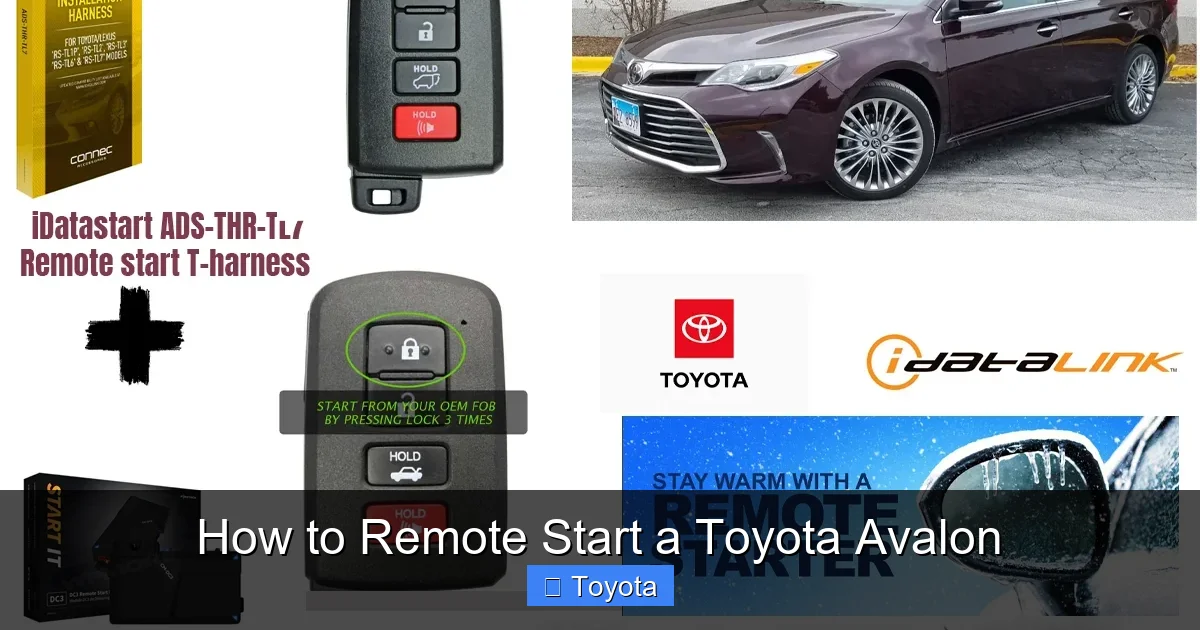
Before you attempt to remote start, confirm that your specific Avalon model supports the function. Factory remote start became available on the Avalon starting with the 2013 model year for certain trims (XLE, Limited, and Touring). If you own a 2013‑2018 Avalon, look for the remote‑start button on the key fob—a circular icon with a curved arrow. For 2019‑2022 models, the feature is often tied to the Toyota Remote Connect subscription, which enables smartphone control. Vehicles older than 2013 usually lack factory support, but a reputable aftermarket kit can add the capability.
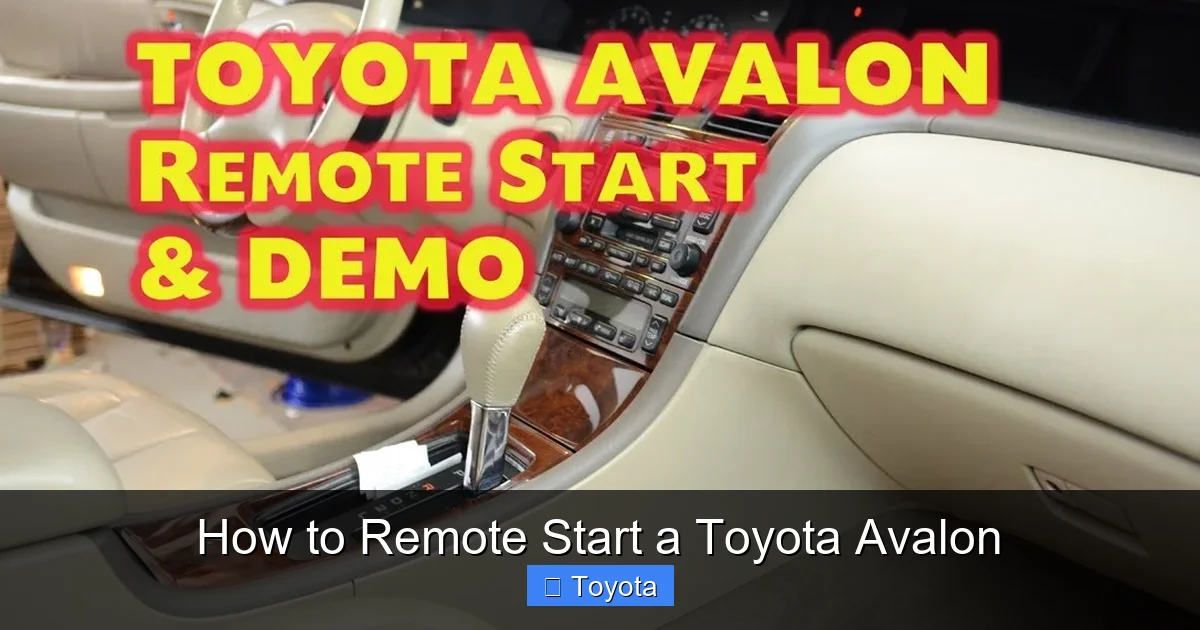
Visual guide about How to Remote Start a Toyota Avalon
Image source: i.ytimg.com
To verify, consult your owner’s manual under the “Remote Engine Start” section or check the vehicle’s instrument cluster for a remote‑start indicator when you press the lock button twice. If you’re unsure, a quick call to your local Toyota dealership with your VIN will provide a definitive answer. Knowing your compatibility saves time and prevents frustration when the buttons don’t respond as expected.
Factory vs. Aftermarket Options
Factory systems integrate seamlessly with the Avalon’s existing electronics, preserving warranty coverage and ensuring optimal performance. Aftermarket kits, while often less expensive, require professional installation to avoid interfering with the vehicle’s CAN bus or security system. If you choose an aftermarket route, select a kit that specifically lists compatibility with the Toyota Avalon and includes a bypass for the immobilizer. Proper installation also maintains the vehicle’s ability to remote start via the key fob, should you later decide to upgrade to a factory‑enabled model.
Using the Key Fob to Remote Start
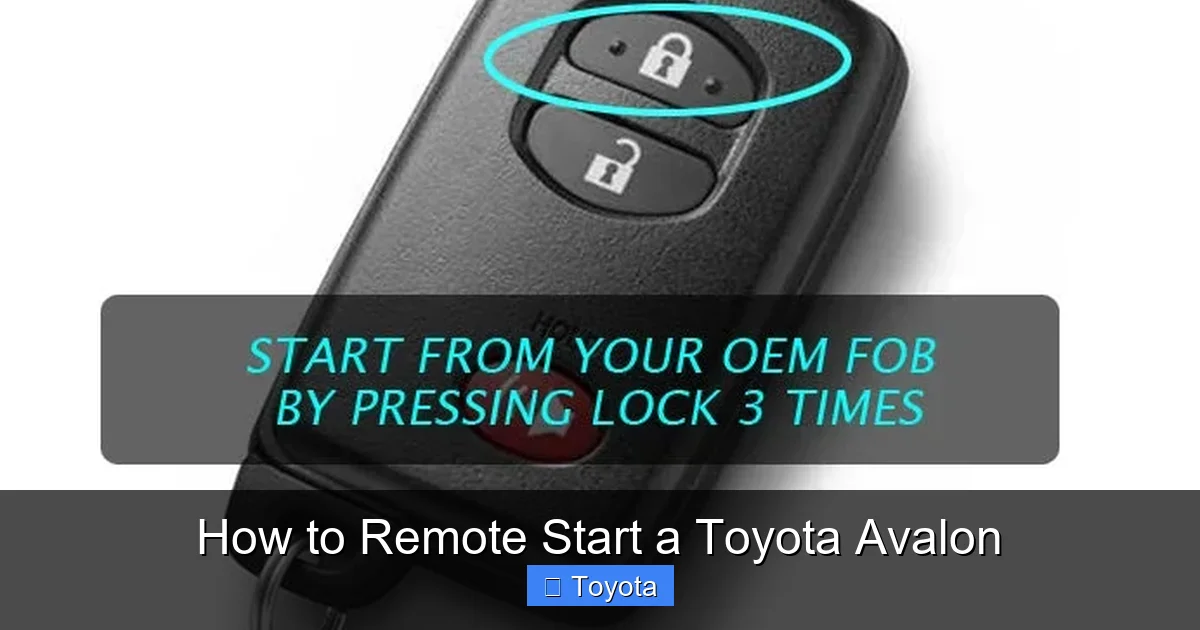
The most straightforward method to remote start your Avalon is with the key fob. First, make sure all doors are closed and locked; the system will not start if any door is ajar. Press the lock button twice within two seconds—you should hear the horn chirp or see the lights flash, confirming the vehicle is locked. Then, press and hold the remote‑start button (usually marked with a circular arrow) for approximately three seconds. The engine will crank, and the parking lights will flash to indicate a successful start.
If the engine does not turn over, release the button and repeat the sequence. Some Avalons require a slightly longer hold—up to five seconds—especially in cold weather when the engine needs more cranking time. Once running, the climate control system will activate based on the last settings you used, warming the interior or cooling it as needed. To stop the engine remotely, press the remote‑start button again; the vehicle will shut down after the preset run time elapses or immediately if you press the button a second time.
Key Fob Battery Tips
A weak key‑fob battery is the most common reason remote start fails. Replace the battery every 12‑18 months or whenever you notice reduced range. Use a CR2032 coin cell, which is inexpensive and easy to swap. After replacing the battery, re‑sync the fob by pressing any button twice while standing near the vehicle; the horn should chirp to confirm communication is restored. Keeping a spare battery in your glove box ensures you’re never stranded without remote‑start capability.
Using the Toyota Smartphone App
If your Avalon is equipped with Toyota Remote Connect, you can start the engine from virtually anywhere using the Toyota app on iOS or Android. Begin by downloading the app, creating an account, and adding your vehicle using the VIN displayed on the driver’s side door jamb. Once linked, navigate to the “Remote Engine Start” tile within the app. Tap the start icon, and the app will send a secure signal over cellular networks to your Avalon.
Visual guide about How to Remote Start a Toyota Avalon
Image source: thecarhow.com
The app provides additional feedback that the key fob cannot: you can see the current cabin temperature, fuel level, and even whether the doors are locked. Some versions allow you to schedule a start time, so your Avalon is warm and ready exactly when you leave for work. Remember that Remote Connect requires an active subscription; the first few years are often complimentary, after which a monthly or annual fee applies. Keep your smartphone’s Bluetooth and location services enabled for the best reliability.
App Troubleshooting
If the app fails to start the vehicle, first check that your phone has a strong cellular or Wi‑Fi connection. Next, verify that Remote Connect is active in your Toyota account portal. Occasionally, the vehicle’s telematics module needs a reboot—lock and unlock the doors using the key fob, then try the app again. Should problems persist, contact Toyota customer support; they can push a remote diagnostic to reset the telematics system.
Safety and Legal Considerations
Remote starting is convenient, but it must be used responsibly to avoid hazards. Always ensure your Avalon is parked in a well‑ventilated area—never remote start inside a closed garage, as exhaust fumes can accumulate quickly and pose a carbon monoxide risk. Keep the vehicle’s doors locked while the engine is running remotely to deter theft; most systems automatically lock the doors after start, but double‑check for peace of mind.
Legally, many jurisdictions allow remote start as long as the vehicle remains stationary and the driver is not present. However, some localities have anti‑idling ordinances that limit how long an engine may run unattended. Familiarize yourself with local regulations to avoid fines. Additionally, never leave children or pets unattended in a running vehicle, even if the doors are locked, as temperatures can rise or fall rapidly.
Troubleshooting Common Issues
Even with a properly functioning system, you may encounter occasional hiccups. Below are the most frequent problems and practical solutions.
Engine Won’t Crank
If pressing the remote‑start button yields no response, start by checking the key‑fob battery. A dead battery prevents the signal from reaching the vehicle. Next, ensure the transmission is firmly in park; some Avalons will not start if the gear selector is slightly out of position. Verify that the hood is fully closed—an open hood triggers a safety interlock that disables remote start. Finally, listen for a faint click from the starter relay; absence of a click may indicate a blown fuse or faulty relay, which requires inspection by a qualified technician.
Engine Starts Then Stalls Immediately
A start‑then‑stall scenario often points to a fuel‑delivery or sensor issue. Cold weather can thicken fuel, making it harder for the engine to sustain combustion. Allow the engine to crank a few seconds longer by holding the remote‑start button up to five seconds. If stalling persists, have the fuel pressure checked and consider adding a fuel‑system cleaner to your next tank. Faulty coolant temperature sensors can also cause the ECU to shut down the engine prematurely; a diagnostic scan will reveal any stored codes.
No Climate Control Activation
Sometimes the engine runs but the heater or air conditioner does not engage. This usually means the climate‑control settings were reset to default after a battery disconnect. Use the key fob or app to adjust the temperature before starting, or manually set the controls once you enter the vehicle. Ensure that the “Auto” mode is not disabled, as some remote‑start systems only activate climate control when the vehicle is in auto mode.
Maintenance Tips for Longevity
To keep your remote‑start system reliable for years, incorporate a few simple habits into your vehicle care routine.
Regular Key Fob Care
Replace the key‑fob battery annually, even if it still works, to avoid unexpected failure. Keep the fob away from moisture and extreme heat, which can degrade the internal electronics. If you notice reduced range, try re‑syncing the fob by pressing any button twice while standing close to the Avalon; the horn should chirp to confirm communication.
Inspect Antenna and Wiring
The remote‑start antenna is typically located in the rear window or roof lining. Periodically check for signs of corrosion, loose connections, or damage from UV exposure. If you have an aftermarket kit, ensure the wiring harness is secured and that any inline fuses are intact. A quick visual inspection during oil changes can catch issues before they lead to a non‑functional system.
Software Updates
Toyota periodically releases updates for the Remote Connect telematics module that improve stability and security. When you bring your Avalon in for service, ask the technician to check for any available updates. Keeping the software current reduces the likelihood of glitches that could interfere with remote start.
Battery Health
A strong 12‑volt battery is essential for the starter motor to engage reliably. Test your battery’s voltage every six months, especially before winter. If the voltage drops below 12.4 volts when the engine is off, consider charging or replacing the battery. A healthy battery also supports the vehicle’s onboard computers, ensuring they process the remote‑start signal correctly.
Conclusion
Remote starting your Toyota Avalon transforms everyday driving into a more comfortable experience, whether you’re battling icy mornings or scorching afternoons. By confirming compatibility, mastering the key‑fob sequence, leveraging the Toyota app, observing safety guidelines, and staying on top of maintenance, you can enjoy seamless, worry‑free starts every time. Remember to keep your key fob charged, monitor your vehicle’s battery health, and consult your owner’s manual or a trusted dealer if anything seems off. With these practices in place, your Avalon will be ready to go the moment you are—no more waiting for the engine to warm up or the windows to defrost.
Frequently Asked Questions
What is How to Remote Start a Toyota Avalon?
How to Remote Start a Toyota Avalon is an important topic with many practical applications.