Aux Cable to Car
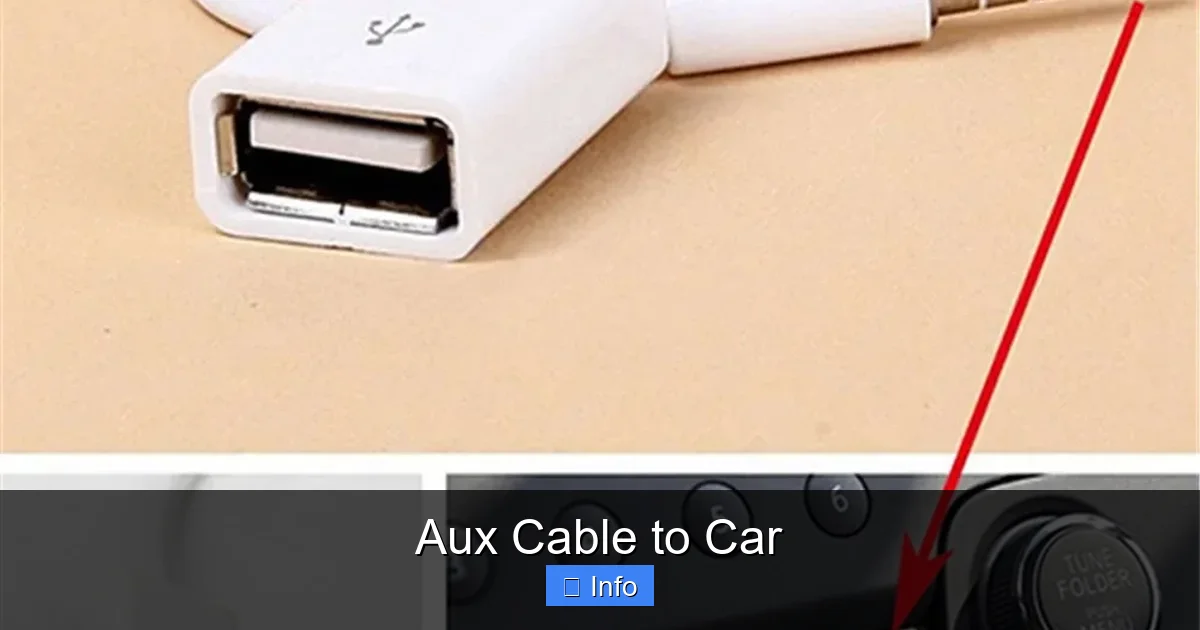
An Aux Cable To Car lets you play music from any device through your vehicle’s stereo with simple plug‑and‑play convenience. This guide covers cable types, selection tips, installation steps, common fixes, and care tricks to keep your sound crisp and reliable.
If you’ve ever wanted to play your favorite playlist, podcast, or audiobook through your car’s speakers without relying on Bluetooth, an Aux Cable To Car is the simplest solution. This thin, versatile cord connects the headphone jack of your phone, tablet, or MP3 player directly to the auxiliary input on your vehicle’s stereo. Because it uses an analog signal, you get reliable sound without worrying about pairing issues, battery drain, or latency.
Despite the rise of wireless tech, many drivers still prefer the Aux Cable To Car for its plug‑and‑play reliability. It works with virtually any car that has a 3.5mm aux port—common in models from the early 2000s to today. In the sections below, we’ll explore why this cable remains a staple, how to pick the perfect one for your ride, and how to keep it performing at its best.
Key Takeaways
- Compatibility: Most cars with a 3.5mm aux jack work with any standard Aux Cable To Car, but check for right‑angle or coiled designs if space is tight.
- Sound Quality: Look for shielded, oxygen‑free copper cables to reduce noise and deliver clear audio.
- Length Matters: Choose a length that reaches your device without excess slack; 3‑6 feet is ideal for most setups.
- Durability Features: Braided jackets and strain‑relief connectors prevent wear from frequent plugging and unplugging.
- Easy Troubleshooting: No sound often means a dirty jack or loose connection—clean with compressed air and reseat the plug.
- Proper Storage: Loop the cable loosely and use a cable tie or organizer to avoid kinks that break internal wires.
- Adapter Options: If your phone lacks a headphone jack, a USB to aux cable or aux to USB cable can bridge the gap.
📑 Table of Contents
Why Use an Aux Cable To Car?
There are several practical reasons to keep an Aux Cable To Car in your glove compartment. First, it provides instant audio access. You simply plug one end into your device and the other into the car’s aux jack, and music starts playing. No apps, no pairing codes, no waiting for a connection to stabilize.
Second, sound quality tends to be consistent. An analog Aux Cable To Car transmits the audio signal directly, which means you avoid the compression artifacts that can sometimes appear with Bluetooth codecs. If you’re an audiophile or just enjoy clear highs and deep bass, a well‑shielded cable can make a noticeable difference.
Third, cost and availability are hard to beat. A decent Aux Cable To Car usually costs less than $10, and you can find them at electronics stores, department stores, or online retailers. Because the technology is straightforward, even budget options often deliver satisfactory performance.
Compatibility
Most vehicles manufactured after 2005 include a 3.5mm auxiliary input, making the Aux Cable To Car universally compatible. If your car lacks this port, you can still use an adapter—such as a USB to aux cable or an aux to USB cable—to connect via the USB port or cigarette lighter socket.
Sound Quality
Look for cables labeled “oxygen‑free copper” (OFC) and “shielded.” Shielding protects the signal from electromagnetic interference caused by the car’s electrical system, reducing static or buzzing. Gold‑plated connectors also resist corrosion and maintain a solid connection over time.
Cost‑Effectiveness
Compared to upgrading your car’s headunit or buying a Bluetooth receiver, an Aux Cable To Car is a fraction of the price. Even if you need a longer or more durable version, the investment remains modest while delivering reliable audio for years.
Types of Aux Cables For Cars
Not all Aux Cable To Car options are identical. Variations in shape, length, and build quality can affect how well the cable fits your space and how long it lasts.
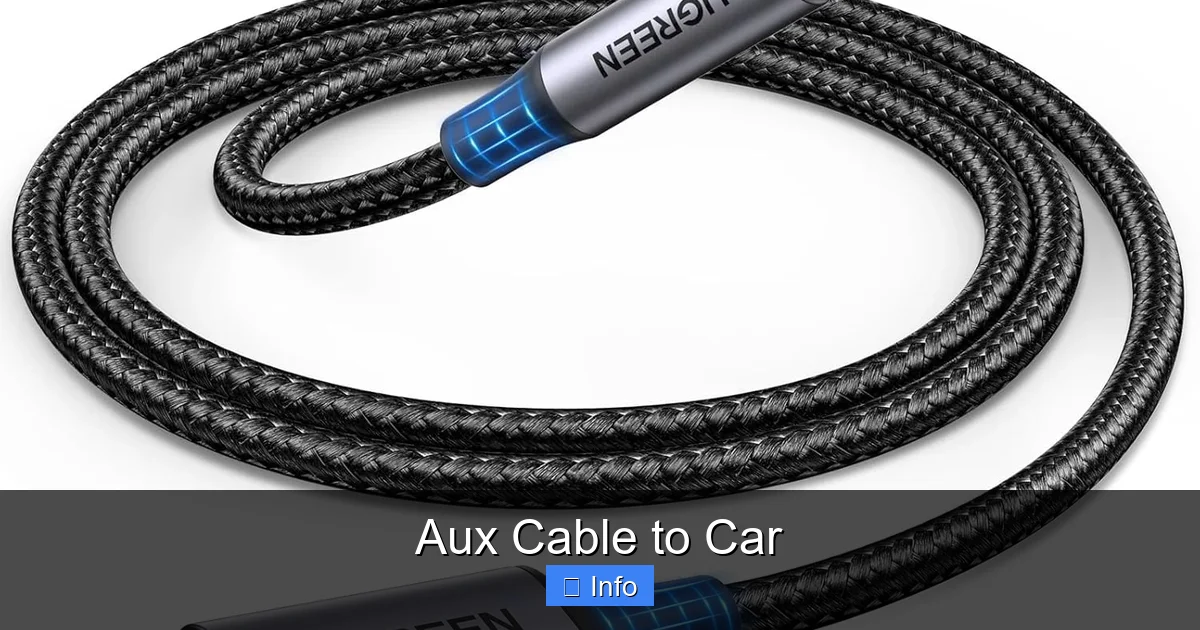
Visual guide about Aux Cable to Car
Image source: m.media-amazon.com
Standard Straight 3.5mm
The most common Aux Cable To Car features two straight 3.5mm male connectors. It works fine if you have plenty of room around the aux jack and your device’s headphone port.
Right‑Angle Connectors
If the aux port is located in a tight spot—such as near the gear shift or inside a console—a right‑angle Aux Cable To Car can prevent strain on the jack. The connector sits flush against the panel, reducing the chance of accidental pulls.
Coiled Cables
Coiled designs stretch when needed and retract to keep excess length tidy. They’re great for passengers who want to plug in a phone from the back seat without a dangling cable getting in the way.
Braided Jackets
A nylon or polyester braid adds durability and resists tangling. These Aux Cable To Car versions often feel more premium and hold up better to frequent plugging and unplugging.
Cables with Built‑In Microphone
Some Aux Cable To Car models include a inline mic and remote for hands‑free calling or music control. While the mic won’t work through the car’s aux input (it’s intended for the device itself), the extra controls can be convenient.
Adapter Cables
When your device lacks a headphone jack, you might need a USB to aux cable or an aux to USB cable. These adapters convert the digital audio signal from a USB‑C or Lightning port into an analog 3.5mm signal that your car’s aux jack can understand.
How to Choose the Right Aux Cable To Car
Selecting the best Aux Cable To Car involves balancing length, durability, connector type, and shielding. Here’s a step‑by‑step guide to help you make an informed choice.
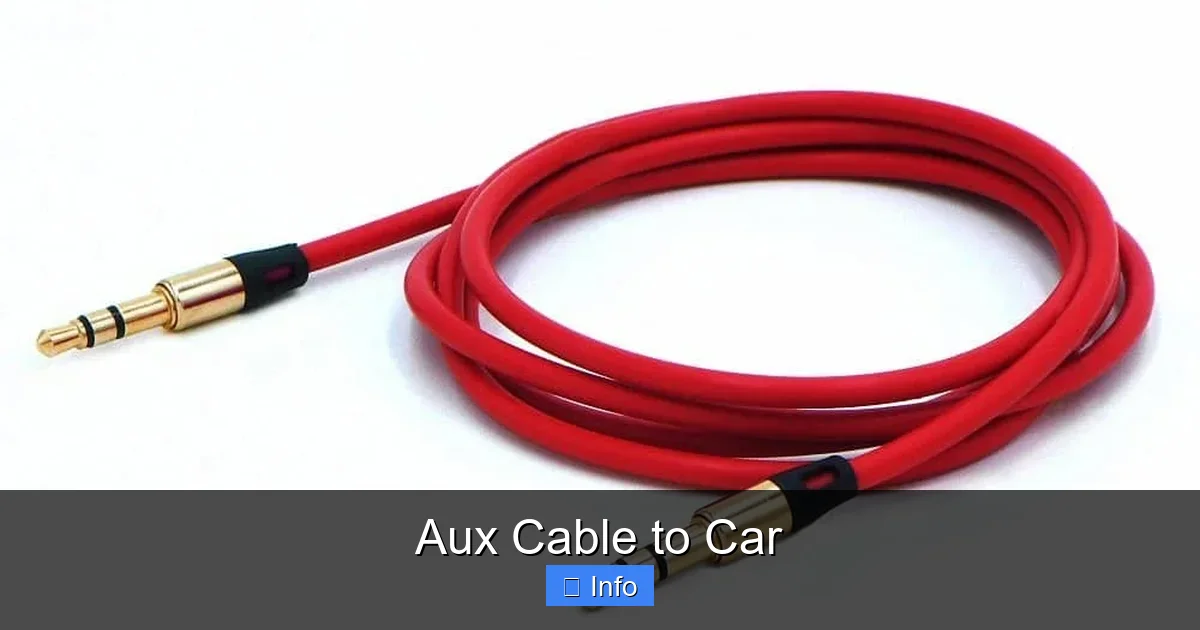
Visual guide about Aux Cable to Car
Image source: prettymotors.com
Determine the Ideal Length
Measure the distance from your device’s usual spot (cup holder, dash mount, or passenger seat) to the aux jack. Add a few inches for slack, but avoid excessively long cables that can coil and create interference. A 3‑foot Aux Cable To Car works for most driver‑side setups, while a 6‑foot version offers flexibility for rear‑seat passengers.
Pick the Connector Style
If space is limited, go for a right‑angle Aux Cable To Car. For a clean look, consider a low‑profile connector that sits flush with the panel. If you frequently move the cable, a strain‑relief boot at each connector helps prevent internal wire breakage.
Check Build Quality and Shielding
Look for specifications like “oxygen‑free copper conductors,” “double‑shielded,” or “gold‑plated connectors.” These features reduce noise and corrosion. Reading user reviews can also reveal how well a particular Aux Cable To Car holds up over time.
Consider Extra Features
Do you need an inline remote for volume control? Would a coiled design keep the cabin tidy? Does a braided jacket match your interior aesthetics? Answering these questions will narrow down the options.
Budget vs. Premium
While a basic Aux Cable To Car under $5 can get you started, spending $8‑$15 often yields better shielding, stronger connectors, and a longer lifespan. Think of it as a small investment in consistent audio quality.
Installing and Using Your Aux Cable To Car
Getting your Aux Cable To Car up and running takes just a few seconds, but a few best practices can ensure optimal performance and prevent wear.
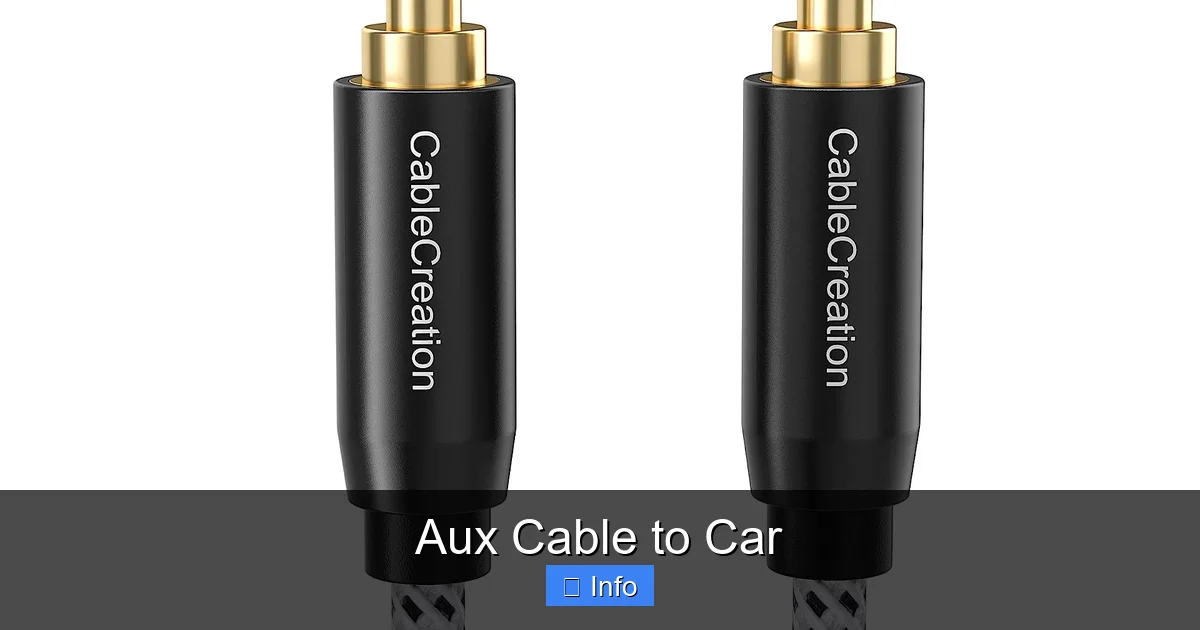
Visual guide about Aux Cable to Car
Image source: m.media-amazon.com
Locate the Aux Input
The aux jack is usually marked with a headphone icon or the letters “AUX.” It may be on the front panel, inside the center console, or near the USB ports. If you can’t find it, consult your vehicle’s manual.
Connect the Cable
Plug one end of the Aux Cable To Car firmly into your device’s headphone jack (or adapter). Then insert the other end into the car’s aux port. You should feel a slight click when the connector seats fully.
Select the Aux Source
Turn on your car’s stereo and press the “Source,” “Media,” or “AUX” button until you see “AUX” displayed. Adjust the volume on both your device and the car’s stereo to a comfortable level—start low and increase gradually to avoid sudden loud bursts.
Manage Cable Placement
Route the cable so it doesn’t interfere with pedals, gear shifts, or cup holders. Use a cable clip or a small adhesive holder to keep it neat. If you have a coiled Aux Cable To Car, let it extend naturally when in use and retract it when not needed.
Safety Tips
Never plug or unplug the Aux Cable To Car while driving if it requires you to take your eyes off the road. Make adjustments before you start moving or when safely parked. Also, avoid exposing the cable to extreme heat (e.g., leaving it on the dashboard under direct sunlight) as this can degrade the jacket over time.
Troubleshooting Common Aux Cable To Car Issues
Even a reliable Aux Cable To Car can encounter problems. Knowing how to diagnose and fix them saves time and frustration.
No Sound at All
First, verify that the cable is fully inserted on both ends. Next, check that your car’s stereo is set to the AUX source. Test the cable with another device (like a friend’s phone) to rule out a faulty phone jack. If the problem persists, the Aux Cable To Car may have a broken wire—try a different cable.
Intermittent Audio or Cut‑Outs
This often results from a loose connection or a damaged connector. Wiggle the cable gently near each plug while audio plays; if the sound cuts in and out, the connector or internal wire is likely faulty. Cleaning the aux jack with a burst of compressed air can also remove dust that interferes with the connection.
Static, Buzzing, or Humming
Electromagnetic interference from the car’s alternator or ignition system can cause noise. A poorly shielded Aux Cable To Car is more susceptible. Try moving the cable away from power cables or using a ferrite choke (a small cylindrical clip) on the cable to suppress interference.
Quick Fix for Static
If you hear a faint buzz, unplug the cable, blow into the aux jack to dislodge debris, then replug. Sometimes a simple reseat resolves the issue.
Worn or Bent Connectors
Over time, the metal tip of the 3.5mm plug can bend or accumulate oxidation. Inspect the connector; if it looks misshapen, gently straighten it with tweezers. If the plating is flaking, it’s time to replace the Aux Cable To Car.
Maintaining and Extending the Life of Your Aux Cable To Car
A little care goes a long way toward keeping your Aux Cable To Car sounding great for years.
Regular Cleaning
Dust and lint can accumulate in the aux jack and on the cable plugs. Use a soft, dry brush or compressed air to clean the ports every few months. For stubborn grime, lightly dampen a cotton swab with isopropyl alcohol, swab the jack, and let it dry completely before reconnecting.
Proper Storage
When not in use, coil the Aux Cable To Car loosely—avoid tight knots that can stress the wires. Secure the coil with a Velcro tie or a small cable organizer. Store it in a cool, dry place away from direct sunlight.
Avoid Strain on Connectors
Never yank the cable to remove it. Instead, grasp the plug firmly and pull straight out. If you frequently disconnect the cable, consider a right‑angle Aux Cable To Car that reduces leverage on the jack.
Use Cable Protectors
If the cable runs along a rough surface, slip a small piece of heat‑shrink tubing or a fabric sleeve over the segment that experiences friction. This prevents the jacket from wearing thin and exposing the inner conductors.
Replace When Needed
Even the best Aux Cable To Car will eventually show signs of wear—intermittent sound, increased static, or visible fraying. Treat it like any other consumable: keep a spare in your glove box so you’re never left without music.
Conclusion
The Aux Cable To Car remains a trusted, inexpensive way to enjoy high‑quality audio in virtually any vehicle. By understanding the different types, selecting the right length and build, installing it correctly, and performing simple maintenance, you can ensure reliable sound for every drive. Whether you’re streaming a podcast on a long road trip or playing your favorite playlist during the daily commute, a dependable Aux Cable To Car keeps the music flowing without the hassle of wireless pairing. Keep one handy, treat it well, and let the soundtrack of your journeys play on.
Frequently Asked Questions
What is an Aux Cable To Car?
An Aux Cable To Car is a 3.5mm male-to-male audio cable that connects a device’s headphone jack to a car’s auxiliary input, allowing you to play audio through the vehicle’s speakers.
Can I use an Aux Cable To Car with a phone that lacks a headphone jack?
Yes. You can pair the Aux Cable To Car with a USB to aux cable or an aux to USB cable adapter, which converts the digital audio from your phone’s USB‑C or Lightning port into an analog signal the car can use.
How long should my Aux Cable To Car be?
A length of 3 to 6 feet works for most setups. Measure from your device’s usual spot to the aux jack and add a few inches for slack; avoid excessively long cables that can tangle or pick up interference.
Why do I hear static when using my Aux Cable To Car?
Static often results from electromagnetic interference, a loose connection, or a dirty aux jack. Try using a shielded Aux Cable To Car, reseating the plugs, and cleaning the jack with compressed air.
How can I make my Aux Cable To Car last longer?
Store it loosely coiled, avoid pulling on the cable, clean the connectors periodically, and consider a right‑angle or braided design to reduce strain and wear.
Is there a difference between a cheap and a premium Aux Cable To Car?
Premium options typically feature better shielding, oxygen‑free copper conductors, and gold‑plated connectors, which reduce noise and resist corrosion. Cheaper cables may work fine for casual use but can degrade faster with frequent plugging.