What Is Asl in a Toyota Radio?
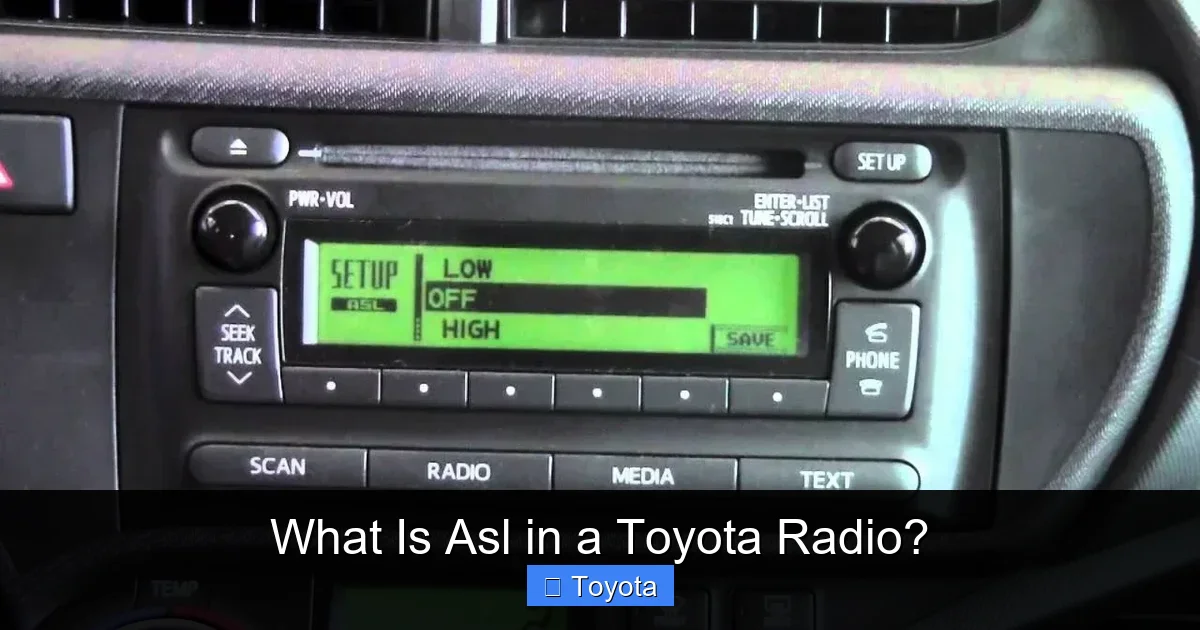
ASL stands for Auto Sound Leveling in Toyota radios, a feature that automatically adjusts audio volume based on vehicle speed and ambient noise. This helps maintain consistent sound quality while reducing driver distraction. Understanding ASL can enhance your listening experience and vehicle safety.
Key Takeaways
- ASL Meaning: ASL stands for Auto Sound Leveling, a feature found in many Toyota vehicles that automatically adjusts audio volume based on speed and background noise.
- Purpose: The system maintains consistent audio levels to reduce driver distraction and improve listening comfort during varying driving conditions.
- Activation: ASL typically activates automatically when the vehicle is in motion, though some models allow manual adjustment through audio settings.
- Benefits: Enhances safety by preventing sudden volume changes and reduces ear fatigue during long drives.
- Troubleshooting: If ASL isn’t working properly, check audio settings, ensure software is updated, and consult your owner’s manual.
- Model Variations: Availability and functionality may vary by Toyota model year and trim level, so always refer to your specific vehicle documentation.
📑 Table of Contents
What Is ASL in a Toyota Radio?
If you’ve ever noticed your Toyota’s radio automatically adjusting its volume while driving, you’ve experienced ASL in action. But what exactly is ASL, and why does your car seem so smart about its sound system?
ASL stands for Auto Sound Leveling, a sophisticated feature built into many modern Toyota audio systems. Think of it as your car’s personal audio engineer, constantly monitoring your driving environment and making real-time adjustments to keep your music at just the right volume.
This technology isn’t just about convenience—it’s about safety too. When you’re cruising down the highway, road noise can drown out your favorite songs. Rather than fumbling with knobs while driving, ASL handles the adjustments for you, keeping your focus where it belongs: on the road ahead.
How Does ASL Work?
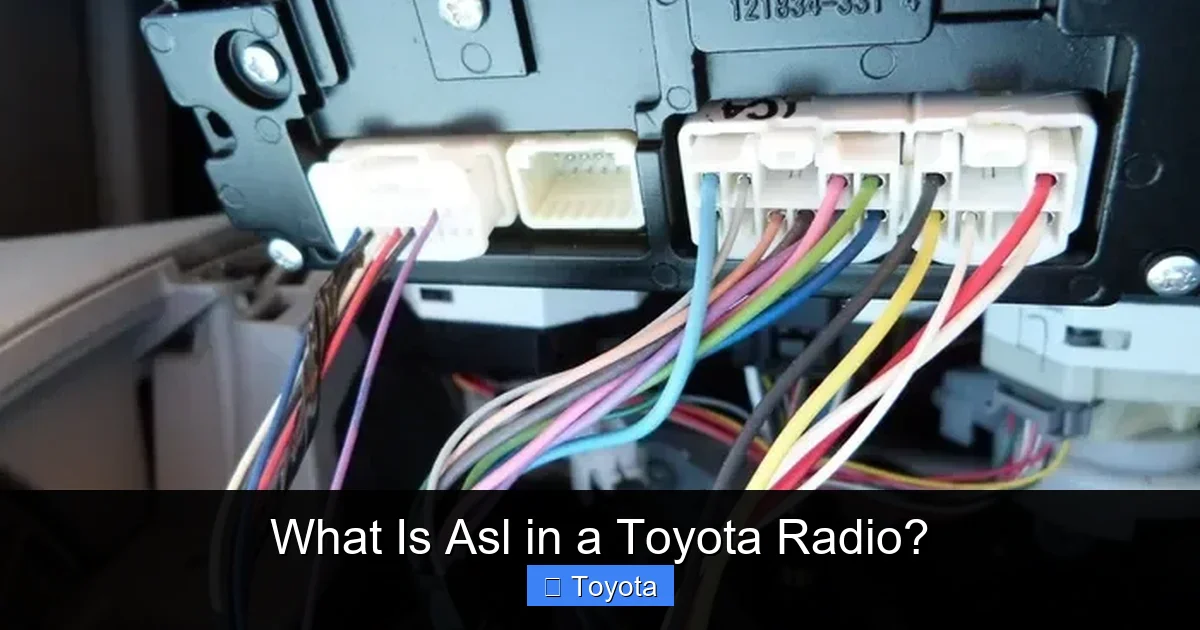
The magic behind ASL lies in its ability to monitor multiple factors simultaneously. Your Toyota’s audio system uses sensors to detect vehicle speed, engine RPM, and ambient cabin noise levels.
Visual guide about What Is Asl in a Toyota Radio?
Image source: aautomotives.com
Speed Detection
As your speed increases, wind and road noise become more prominent. ASL responds by gradually increasing the audio output to compensate. This happens seamlessly, so you might not even notice the transition—but your ears definitely will appreciate the consistent sound quality.
Noise Analysis
Your car’s microphones pick up various types of noise: engine rumble at idle, wind noise at highway speeds, and tire contact with different road surfaces. Each creates a unique acoustic signature that ASL learns to counteract.
Real-Time Adjustments
The system makes hundreds of micro-adjustments per second, ensuring that whether you’re stopped at a red light or merging onto the freeway, your music maintains the same perceived volume level.
Benefits of ASL in Your Toyota
Beyond the obvious convenience factor, ASL offers several compelling advantages that make every drive more enjoyable and safer.
Visual guide about What Is Asl in a Toyota Radio?
Image source: thecarhow.com
Enhanced Safety
One of the most significant benefits is improved safety. Without ASL, drivers often need to manually adjust volume controls as driving conditions change. These manual adjustments can be distracting, taking attention away from the road. With ASL handling volume control automatically, you can keep both hands on the wheel and eyes on the road.
Improved Audio Experience
Consistent volume levels mean you can actually hear your music clearly without constantly adjusting settings. Whether you’re listening to talk radio, podcasts, or your favorite playlist, ASL ensures optimal audio performance across all driving scenarios.
Reduced Ear Fatigue
Manually adjusting volume frequently can cause ear fatigue, especially during long drives. ASL eliminates this issue by maintaining steady audio levels, making extended road trips much more comfortable.
Better Voice Recognition Performance
If your Toyota features voice command capabilities, ASL helps ensure that voice recognition works optimally by maintaining appropriate audio levels for both incoming commands and system responses.
How to Use and Adjust ASL Settings
While ASL often works automatically, understanding how to customize these settings can help you get the most from your Toyota’s audio system.
Visual guide about What Is Asl in a Toyota Radio?
Image source: i.ebayimg.com
Accessing ASL Controls
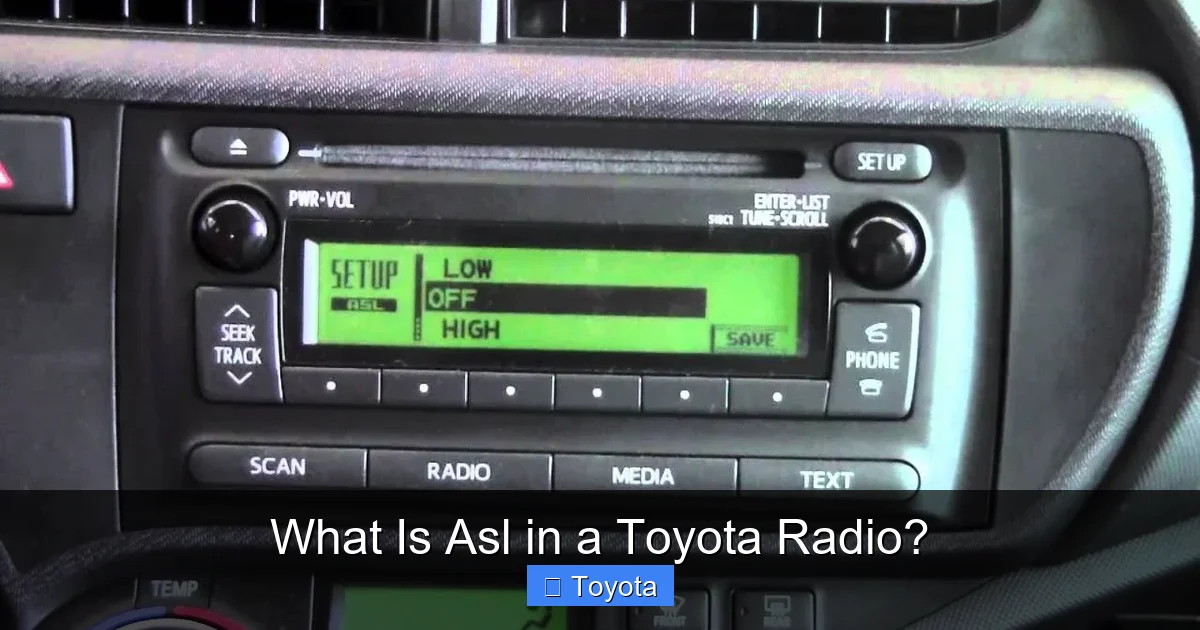
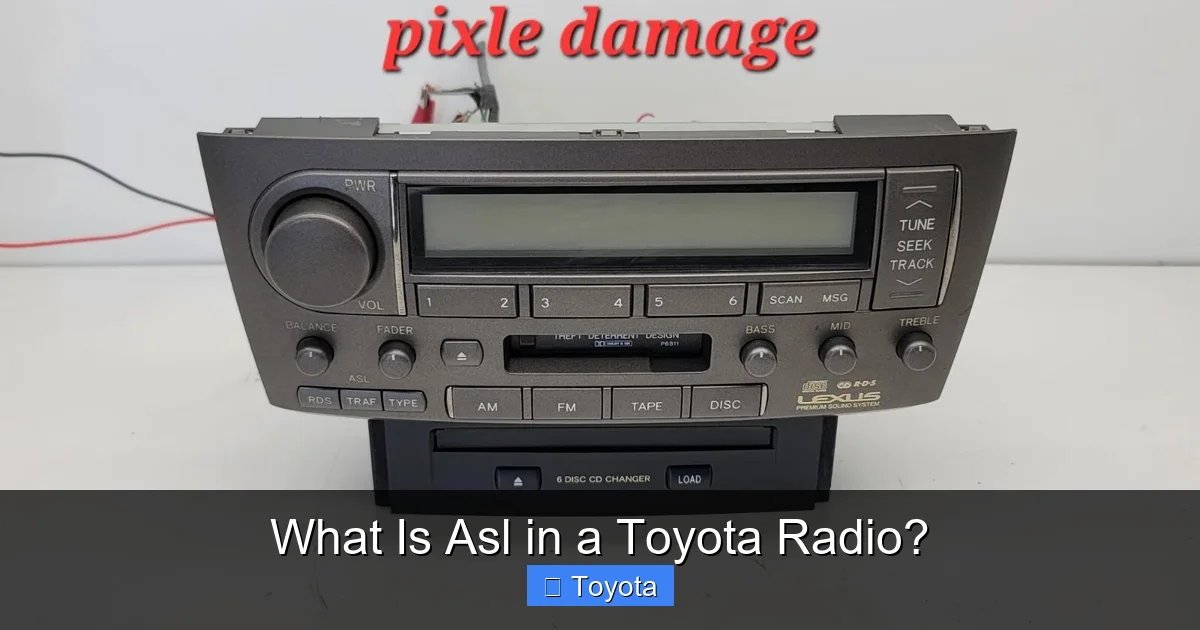
In most Toyota models, you can find ASL settings through your infotainment system. Navigate to the audio settings menu, where you’ll typically find options like:
- ASL On/Off toggle
- Volume sensitivity levels
- Manual override options
- Custom presets for different driving modes
Customizing Sensitivity
Different drivers prefer different audio experiences. Some like their music louder, others prefer it softer. Most Toyota models allow you to adjust ASL sensitivity to match your preferences. Higher sensitivity settings respond more dramatically to speed changes, while lower settings make more subtle adjustments.
When to Turn Off ASL
There are situations where you might want to disable ASL:
- During parking maneuvers when you want full manual control
- When using the audio system while stationary for extended periods
- If you prefer to manage volume manually for personal preference
Common Issues and Troubleshooting
Like any electronic system, ASL can occasionally encounter problems. Here’s what to do when things don’t work as expected.
ASL Not Responding
If your system isn’t adjusting volume automatically, try these steps:
- Check that ASL is enabled in your audio settings
- Restart your infotainment system by turning your vehicle off and on again
- Ensure your vehicle’s software is up to date
- Consult your owner’s manual for model-specific troubleshooting
Overcompensation Issues
Sometimes ASL might adjust volume too aggressively. This often happens when:
- Sensors are dirty or obstructed
- The system needs recalibration
- Driving conditions are unusual (like extremely windy weather)
In these cases, temporarily lowering the sensitivity setting usually resolves the issue.
System Updates
Toyota periodically releases software updates that can improve ASL performance. Check with your dealer about available updates, especially if you’re experiencing persistent issues.
ASL Across Different Toyota Models
Not all Toyota vehicles feature identical ASL implementations. Understanding these differences can help you make the most of your specific model.
Latest Infotainment Systems
Newer Toyota models with Entune or Toyota Audio Multimedia systems typically offer the most advanced ASL features. These include machine learning capabilities that adapt to individual driving patterns over time.
Entry-Level vs. Premium Systems
Higher trim levels often include more sophisticated ASL algorithms and additional customization options. Entry-level systems may have basic ASL functionality but fewer adjustment parameters.
Model-Specific Considerations
Different vehicle types present unique challenges for ASL:
- SUVs: Larger cabins may require different calibration
- Sedans: More aerodynamically optimized designs affect wind noise profiles
- Trucks: Open bed designs create different acoustic environments
Each Toyota model’s ASL system is specifically tuned to account for these design differences.
Maximizing Your ASL Experience
To get the most from your Toyota’s ASL feature, consider these expert tips:
Initial Setup
When first activating ASL, spend some time driving at various speeds to let the system learn your preferences. Start with moderate sensitivity settings and adjust based on your comfort level.
Seasonal Adjustments
Weather conditions affect how ASL performs. Winter driving with windows up traps more engine noise, while summer driving with open windows introduces different acoustic challenges. Consider adjusting sensitivity seasonally for optimal performance.
Maintenance Tips
Keep your audio system’s microphones clean and unobstructed. Dust and debris can interfere with noise detection, leading to suboptimal ASL performance.
Future of Automotive Audio Technology
ASL represents just the beginning of intelligent audio systems in vehicles. Future developments may include:
- Individual passenger audio zones
- Personalized noise cancellation
- Integration with advanced driver assistance systems
- AI-powered audio optimization
As automotive technology continues evolving, features like ASL will become increasingly sophisticated, further enhancing the driving experience while prioritizing safety.
Conclusion
Understanding what ASL means in your Toyota radio is more than just knowing a technical acronym—it’s about appreciating how modern automotive technology works to make your driving experience safer and more enjoyable. From automatically adjusting volume to compensating for road noise, ASL is designed with your comfort and safety in mind.
Whether you’re commuting to work or embarking on a road trip, features like ASL demonstrate Toyota’s commitment to thoughtful innovation. By taking advantage of these systems and understanding how they work, you can enjoy every drive while staying focused on what matters most: getting safely to your destination.
Remember to consult your owner’s manual for specific information about ASL in your particular Toyota model. With proper setup and understanding, this feature can transform your daily drive into a more pleasant and safer experience.
Frequently Asked Questions
What does ASL stand for in a Toyota radio?
ASL stands for Auto Sound Leveling. It’s a feature that automatically adjusts your car’s audio volume based on vehicle speed and ambient noise levels to maintain consistent sound quality.
Can I turn off ASL in my Toyota?
Yes, most Toyota models allow you to disable ASL through the audio settings menu. Look for the ASL toggle or setting in your infotainment system’s audio configuration options.
Is ASL standard on all Toyota models?
ASL availability varies by model and trim level. While many newer Toyota vehicles include this feature, it’s not universally standard across all models and years.
Does ASL work with all audio sources?
Yes, ASL typically works with all audio sources including radio, Bluetooth streaming, USB inputs, and auxiliary connections. The system adjusts volume regardless of the source.
Why is my ASL not working properly?
If ASL isn’t functioning correctly, check that it’s enabled in your settings, restart your infotainment system, and ensure your vehicle’s software is current. Consult your owner’s manual or contact a Toyota dealer for persistent issues.
Can I adjust ASL sensitivity?
Many Toyota models offer adjustable ASL sensitivity settings. You can typically access these through your audio system menu to customize how aggressively the system responds to changing driving conditions.