How to Program a Toyota Camry Key Fob
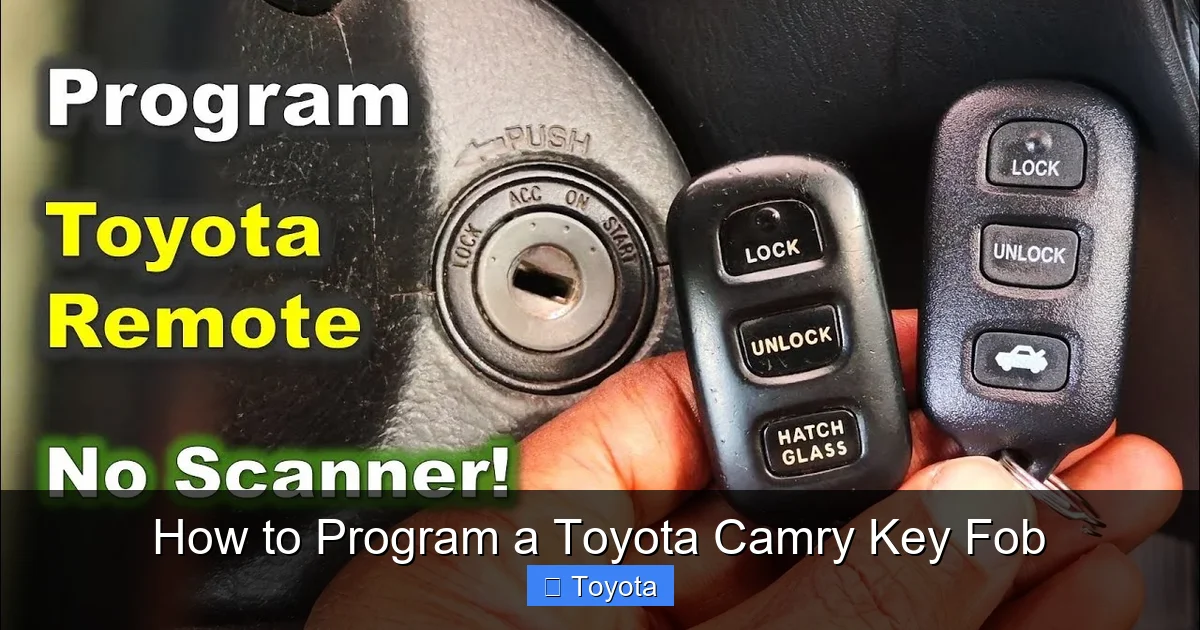
Programming a Toyota Camry key fob is a straightforward process you can do at home with just the vehicle, the fob, and a few minutes of your time. Follow our detailed instructions for standard and smart‑key fobs, avoid common pitfalls, and know when it’s best to call a professional.
If you’ve just purchased a replacement key fob for your Toyota Camry, or if your existing fob has stopped working after a battery change, you might be wondering how to program it yourself. The good news is that most Camry models allow owners to program a new or spare fob without needing a trip to the dealership. This guide walks you through the entire process, from identifying your fob type to testing the final result, and includes practical tips to avoid common mistakes.
Understanding the basics of your Camry’s keyless entry system will make the programming steps feel less intimidating. Whether you drive a 2010‑2017 model with a traditional remote fob or a newer 2018‑2024 Camry equipped with a smart‑key/push‑to‑start system, the underlying principles are the same: the vehicle must be placed into a special “programming mode,” after which it learns the unique code transmitted by each fob. Once you’ve mastered the sequence, you’ll be able to add, replace, or reprogram fobs in just a few minutes.
Before we dive into the steps, it’s worth noting that a little preparation goes a long way. Make sure you have the correct fob for your vehicle’s year and trim, a fresh CR2032 battery (if your fob uses one), and a quiet environment where you won’t be disturbed. If you recently bought a brand‑new Camry, you might also want to review our guide on how to break in a new car Toyota to ensure everything else is set up for optimal performance.
Key Takeaways
- Identify your fob type: Determine whether you have a standard remote fob or a smart‑key/push‑to‑start fob before starting the programming process.
- Prepare the vehicle: Ensure the car is stationary, doors are closed, and the battery is charged to avoid interruptions during programming.
- Follow the exact sequence: Enter programming mode using the ignition or door‑lock method, sync each fob, then exit mode and test all functions.
- Check the battery first: A weak fob battery is the most common reason for programming failures; replace it if needed.
- Know when to seek help: If the fob won’t sync after multiple attempts or the vehicle’s security system locks you out, a dealer or qualified locksmith can resolve the issue.
- Maintain your fob: Replace the battery annually, keep it dry, and clean the contacts to extend its lifespan.
📑 Table of Contents
Understanding Your Toyota Camry Key Fob
Toyota has used two main types of key fobs across Camry generations. Knowing which type you have determines the exact button sequence you’ll need to follow.
Standard Remote Fob
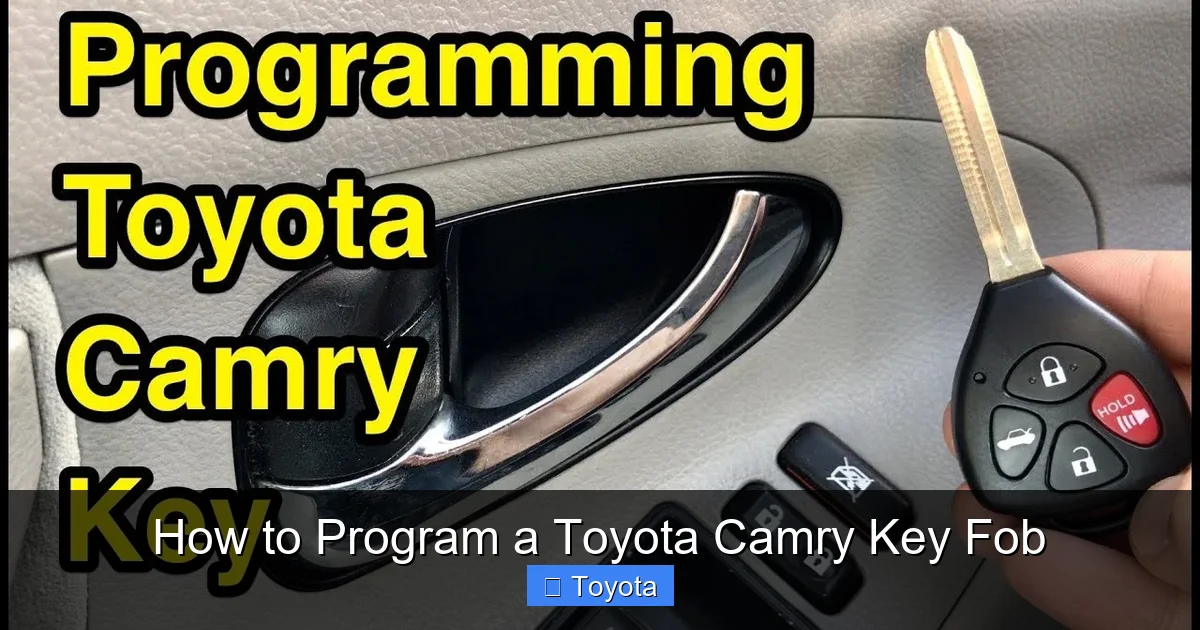
Found on Camry models up to 2017, this fob looks like a small plastic rectangle with lock, unlock, panic, and trunk buttons. It communicates with the car via radio frequency when you press a button. Programming a standard fob typically involves cycling the ignition key to the “ON” position a specific number of times while the driver’s door is open or closed, depending on the year.
Smart‑Key / Push‑to‑Start Fob
Introduced with the 2018 Camry and refined in later years, the smart‑key fob allows you to start the engine without inserting a key. It uses proximity sensors and a low‑frequency signal to communicate with the vehicle. Programming a smart‑key fob often requires the ignition to be turned to “ON” (without starting) and then using the door‑lock switch or the fob itself to enter the learning mode.
Regardless of the type, the fob contains a unique identification code that the car’s immobilizer stores. If the code doesn’t match, the vehicle will not recognize the fob, and you’ll see the security light flash or hear a chime indicating a failure.
Preparing to Program Your Key Fob
Proper preparation reduces frustration and increases the chance of success on the first try.
Visual guide about How to Program a Toyota Camry Key Fob
Image source: i.ytimg.com
Gather Necessary Items
- The replacement or spare key fob (make sure it’s the correct part number for your Camry’s year and trim).
- A fresh CR2032 coin cell battery (if your fob uses one).
- The vehicle’s master key (the one that currently works).
- A pen and paper to note any timing quirks.
Safety Precautions
Always perform the programming procedure with the vehicle stationary, the parking brake engaged, and the transmission in “Park” (for automatics) or “Neutral” (for manuals). Keep the doors closed unless the instructions specifically require an open door. This prevents accidental movement and ensures the vehicle’s electrical system stays stable.
Checking the Fob Battery
A weak battery is the most common reason a fob fails to program. Before you start, open the fob (usually by sliding a small notch or using a coin) and inspect the battery. If it looks corroded or the voltage reads below 2.5 V with a multimeter, replace it. A fresh battery ensures a strong, consistent signal during the learning process.
If you’re curious about how much your Camry weighs—useful when loading tools or equipment for the job—check out our article on how much does a Toyota Camry weigh for quick reference.
Step‑by‑Step Programming Process (Standard Key Fob)
The following steps apply to most Camry models from 2007 through 2017. Minor variations exist for very early (2002‑2006) or late (2018‑2020) models; we’ll note those where relevant.
Visual guide about How to Program a Toyota Camry Key Fob
Image source: diycarexpert.com
Enter Programming Mode
- Sit in the driver’s seat with all doors closed and the driver’s door unlocked.
- Insert the master key into the ignition and turn it to the “ON” position (do not start the engine).
- Within five seconds, turn the key back to “OFF” and remove it.
- Repeat steps 2‑3 two more times for a total of three cycles (ON‑OFF, ON‑OFF, ON‑OFF).
- After the third cycle, leave the key in the “ON” position. The security light on the dashboard should begin to flash rapidly, indicating the vehicle is ready to learn a new fob.
Sync the Fob
- Press the “LOCK” button on the fob you wish to program. Hold it for about one second, then release.
- The security light should flash once or twice to confirm the fob’s code has been accepted.
- If you have additional fobs to program, repeat the button press for each one within 10 seconds of the previous entry. The vehicle will store each code sequentially.
Exit Programming Mode
Turn the ignition key to the “OFF” position and remove it. The security light should stop flashing and return to its normal state (usually off or a steady glow).
Test the Fob
Step out of the car, close all doors, and press the lock and unlock buttons on each programmed fob. Verify that the doors respond correctly, the panic alarm works, and the trunk release (if present) functions. If any button fails, repeat the programming steps, ensuring you observe the timing windows precisely.
For models that require the driver’s door to be open during the ignition cycling (common on 2002‑2006 Camrys), simply keep the driver’s door open while performing the ON‑OFF cycles. The rest of the process remains identical.
Programming a Smart Key / Push‑to‑Start Fob
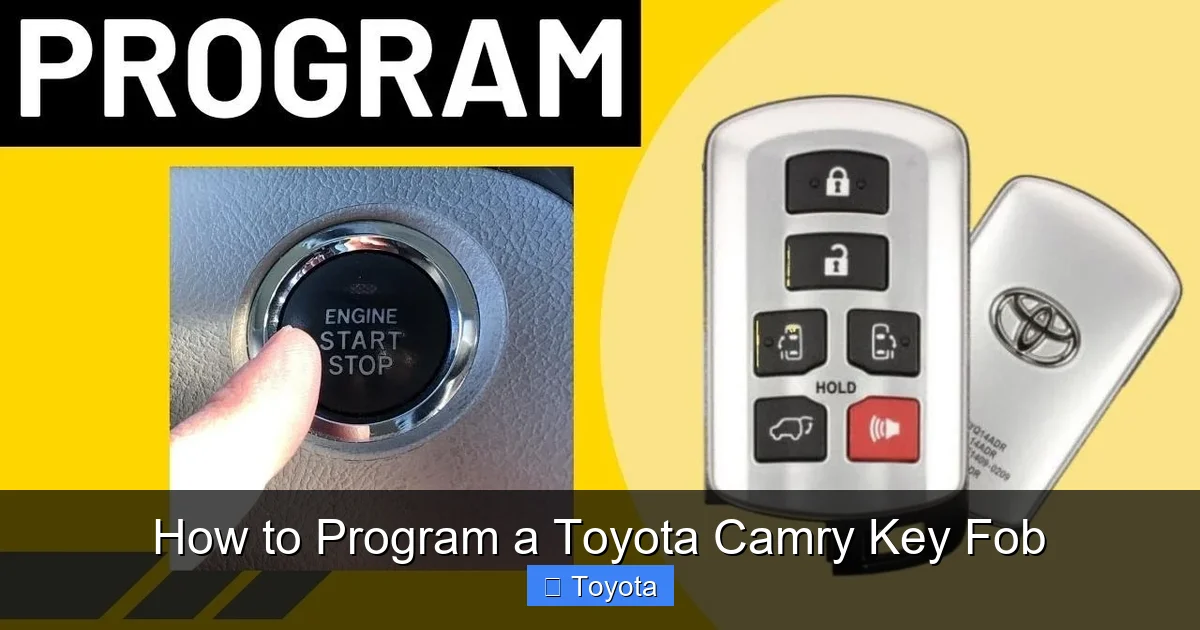
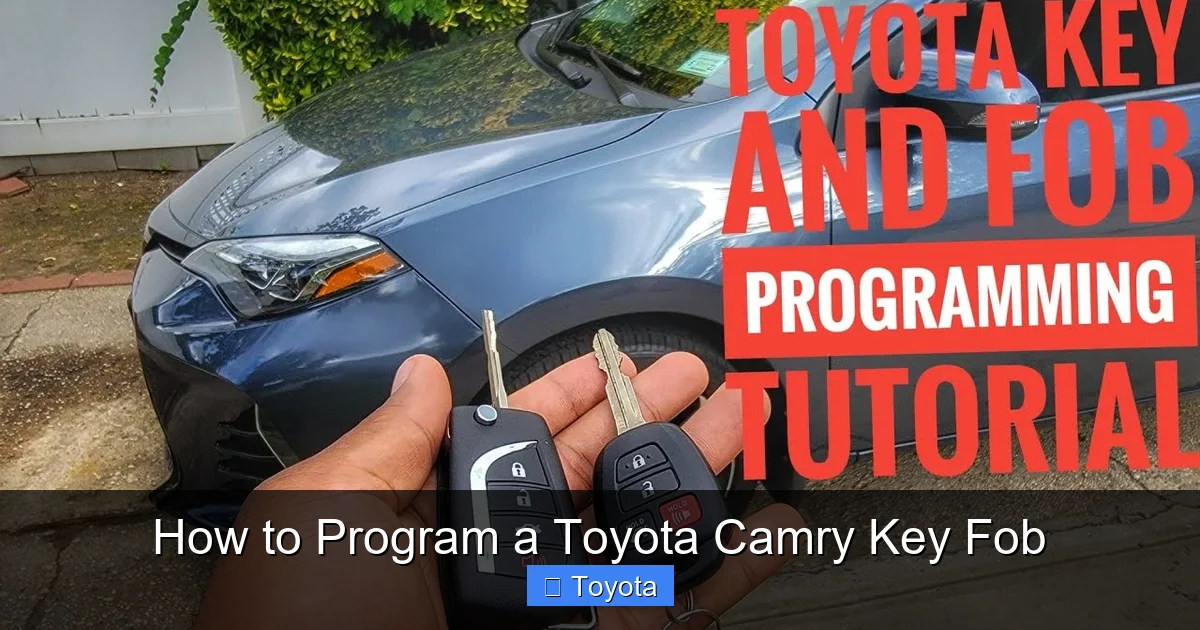
Smart‑key fobs use a slightly different procedure because they rely on proximity detection rather than a simple button press. The steps below work for 2018‑2024 Camry models equipped with Toyota’s Smart Key System.
Visual guide about How to Program a Toyota Camry Key Fob
Image source: i.ytimg.com
Enter Programming Mode Using the Ignition Method
- Make sure the vehicle is stationary, the parking brake is set, and all doors are closed.
- Insert the master key into the ignition slot (even though the car can start without it, the slot is needed for this procedure).
- Turn the key to the “ON” position (the dashboard lights will illuminate) and wait for the security light to turn on steadily.
- Within five seconds, turn the key to “OFF” and then back to “ON” two more times, ending with the key in the “ON” position. You should see the security light begin to flash rapidly.
Sync the Smart‑Key Fob
- Press and hold the “LOCK” button on the smart‑key fob for approximately two seconds.
- The security light should flash once to indicate the fob’s code has been learned.
- If you have additional smart‑key fobs, repeat the button press for each within 10 seconds of the previous entry.
Exit Programming Mode
Turn the ignition key to the “OFF” position and remove it. The security light will stop flashing, signaling that the learning session has ended.
Test the Smart‑Key Functions
Step away from the vehicle, then approach with the fob in your pocket or purse. The doors should unlock automatically when you touch the door handle (if your Camry has touch‑sensitive entry). Press the engine start button; the car should start without inserting a key. Test the lock, unlock, panic, and trunk buttons as well.
If the smart‑key fob fails to program, double‑check that the fob’s battery is fresh and that you’re not standing too far from the vehicle during the sync step (the system expects the fob to be within about three feet).
Tips for Maintaining Your Key Fob
Once your fob is programmed, a little care will keep it working reliably for years.
Battery Replacement
Most Toyota Camry fobs use a CR2032 coin cell. Replace the battery every 12‑18 months, or sooner if you notice reduced range or delayed response. To replace:
- Locate the small notch on the side of the fob.
- Insert a flat‑head screwdriver or a coin and twist gently to separate the two halves.
- Remove the old battery, noting the orientation (+ side up).
- Insert the new battery with the same orientation.
- Snap the halves back together until you hear a click.
Avoiding Water Damage
Although the fob is sealed, prolonged exposure to moisture can corrode the internal contacts. If you drop the fob in water, dry it immediately with a lint‑free cloth and let it air‑dry for at least 24 hours before attempting to use it again. Consider storing the fob in a small silicone case when you’re heading to the beach or a rainy day.
Keeping the Fob Clean
Dirt and grime can accumulate around the buttons, causing them to stick. Use a soft, dry toothbrush to gently brush away debris. For stubborn residue, lightly dampen a cotton swab with isopropyl alcohol (70 % or less) and clean around the button edges, then allow it to dry completely.
When to Seek Professional Help
Even with the best DIY approach, some situations require a dealer or an automotive locksmith.
Signs You Need a Dealer or Locksmith
- The security light flashes rapidly but never settles, indicating the vehicle did not exit programming mode.
- You’ve attempted the programming sequence five or more times without success.
- The fob works intermittently after programming, suggesting a deeper issue with the car’s receiver or immobilizer.
- You suspect the fob is damaged (cracked casing, water intrusion) and needs replacement.
In these cases, a professional can use a diagnostic scan tool to read the immobilizer’s status, clear any fault codes, and program the fob using OEM‑level equipment. This is especially important if you’ve recently had work done on the vehicle’s electrical system, such as installing an aftermarket amplifier. If you’re unsure whether your Camry has a factory amp, our guide on how to tell if your car has a factory amp can help you determine if additional wiring might be affecting the keyless entry system.
Cost Considerations
Programming a fob at a Toyota dealership typically ranges from $50 to $100, depending on labor rates and whether a new fob needs to be purchased. An independent locksmith with Toyota‑specific equipment may charge slightly less, often between $40 and $80. If you need a replacement fob, expect to pay $120‑$200 for an OEM smart‑key fob and $60‑$120 for a standard remote fob, plus programming fees.
DIY programming saves you the labor cost, but it’s only worthwhile if you’re comfortable following the timing‑sensitive steps. Keep the vehicle’s manual handy for any model‑specific nuances, and don’t hesitate to call for help if the process stalls.
Conclusion
Learning how to program a Toyota Camry key fob empowers you to handle lost, damaged, or spare fobs without a costly trip to the dealership. By identifying your fob type, preparing the vehicle and battery, and carefully following the ignition‑or‑door‑lock sequence, you can sync a new fob in under ten minutes. Remember to test every function after programming, maintain the fob’s battery and cleanliness, and know when professional assistance is the safest route.
Whether you’re a proud owner of a 2012 Camry LE or a brand‑new 2024 XSE, the steps outlined here apply across generations with only minor tweaks. Keep this guide bookmarked for future reference, and enjoy the convenience and peace of mind that comes with a fully functional key fob.
—
Frequently Asked Questions
Can I program a Toyota Camry key fob without the original working key?
No. The programming sequence requires the master key to be cycled in the ignition to put the vehicle into learning mode. Without a working key, you’ll need a locksmith or dealer to generate a new key and perform the programming.
How long does the programming mode stay active if I don’t press any buttons?
Typically, the vehicle exits programming mode automatically after about 10‑15 seconds of inactivity. If you see the security light stop flashing, you’ve missed the window and must restart the process.
Will programming a new fob erase the existing ones?
No. The Camry’s immobilizer can store multiple fob codes (usually up to four). Adding a new fob simply adds its code to the memory without deleting the old ones.
My fob works for locking/unlocking but won’t start the engine. What’s wrong?
This often indicates a weak or dead battery inside the fob. Replace the CR2032 battery and retry. If the problem persists, the fob’s transponder chip may be damaged and need replacement.
Is it safe to leave the car running while I program the fob?
Never leave the vehicle unattended with the engine running during programming. Keep the car in “Park” with the parking brake engaged, and stay inside the vehicle to monitor the security light and timing.
Do I need any special tools to program a Toyota Camry key fob?
No special tools are required beyond the working key, the fob to be programmed, and a fresh battery if needed. The entire process uses only the vehicle’s ignition and the fob’s buttons.