How to Turn Off Downhill Assist on a Toyota 4runner
If your Toyota 4Runner’s downhill assist is causing unwanted speed limits on descents, you can turn it off in just a few clicks. This guide walks you through locating the controls and disabling the feature safely, so you regain full control on any terrain.
How to Turn Off Downhill Assist on a Toyota 4Runner
Welcome! If you own a Toyota 4Runner and have ever felt the system was holding you back on a tight trail, you’re not alone. Many drivers discover that while downhill assist is great for beginners, it can limit the fun when you’re ready to take full control. In this article we’ll show you exactly how to turn off downhill assist on a Toyota 4Runner, where the controls live, and what to do if something goes wrong. We’ll keep the language simple, break each step into clear actions, and sprinkle in a few maintenance tips to keep your 4Runner running smooth. Whether you’re preparing for a weekend off‑road adventure or just want to know how to disable the feature for daily driving, this guide has you covered.
Key Takeaways
- Point 1: Downhill assist helps keep speed steady on steep slopes, but you may want to turn it off for precise control.
- Point 2: The feature can be disabled via the vehicle’s touchscreen menu or physical buttons near the steering wheel.
- Point 3: Turning off downhill assist is quick—usually just three to five button presses.
- Point 4: If the system won’t turn off, a simple reset or a quick fuse check often resolves the issue.
- Point 5: Regular checks of brakes, sensors, and software updates keep the system reliable when you need it.
- Point 6: Disabling downhill assist should only happen when you are confident in your driving skills and terrain.
📑 Table of Contents
Understanding Downhill Assist on a Toyota 4Runner
What Is Downhill Assist?
Downhill assist is a electronic stability feature that automatically controls brake pressure to keep your Toyota 4Runner at a steady, safe speed when you’re heading down a steep hill. It works even if you release the brakes, letting the vehicle maintain a set speed of around 12‑15 mph (depending on the model). The system uses wheel speed sensors and brake modulators to prevent uncontrolled sliding. Many drivers love this safety net on slippery or rough descents.
Why Drivers Use It
When you first hit the trail, downhill assist gives you confidence. It prevents the vehicle from gaining speed unintentionally, which protects tires, brakes, and passengers. However, experienced off‑roaders often want to turn off downhill assist on a Toyota 4Runner when they need more precise throttle control, when they’re using low‑range gears, or when they’re navigating obstacles that require fine speed adjustments. Knowing how to disable it quickly is a valuable skill for any 4Runner owner.
Locating the Downhill Assist Controls
Dashboard Button Options
Most newer 4Runner models place the downhill assist toggle on the dashboard, usually to the left of the steering wheel or on the center console. Look for a button labeled “DA” or “Hill Assist.” Some models integrate the control into the multi‑information display menu. When you press this button, a small icon on the instrument cluster will illuminate, showing the system is active.
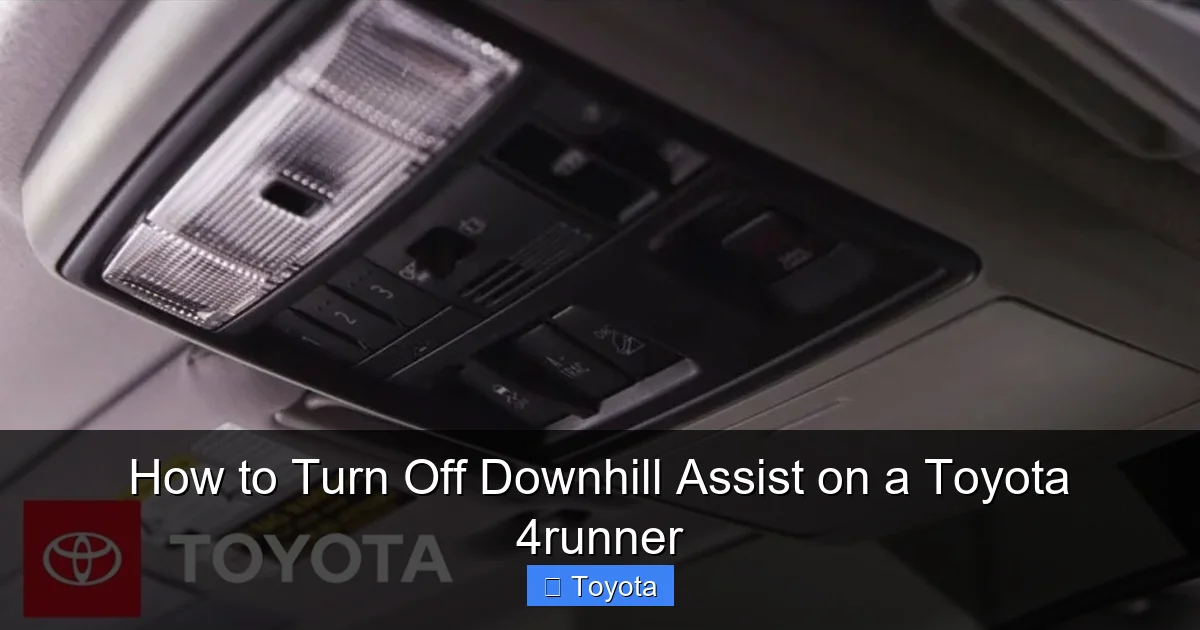
Visual guide about How to Turn Off Downhill Assist on a Toyota 4runner
Image source: diycarexpert.com
Steering Column and Paddle Controls
Older 4Runner trims often use a switch mounted on the steering column. You’ll find it just below the left side of the steering wheel, near the turn signal lever. A similar switch may also be located on the left paddle behind the steering wheel. If you’re unsure which one you have, consult your owner’s manual or check the Toyota service portal.
Step‑by‑Step: Turning Downhill Assist Off
Using the Touchscreen Menu
Many 4Runners now rely on the touchscreen infotainment system. Follow these simple steps to turn off downhill assist on a Toyota 4Runner via the screen:
Visual guide about How to Turn Off Downhill Assist on a Toyota 4runner
Image source: i.ytimg.com
- Press the Menu button on the touchscreen.
- Select Vehicle Settings (often represented by a gear icon).
- Choose Driver Assistance or Hill Descent Control.
- Toggle the Downhill Assist option to the Off position.
- Confirm the change by pressing OK or Done.
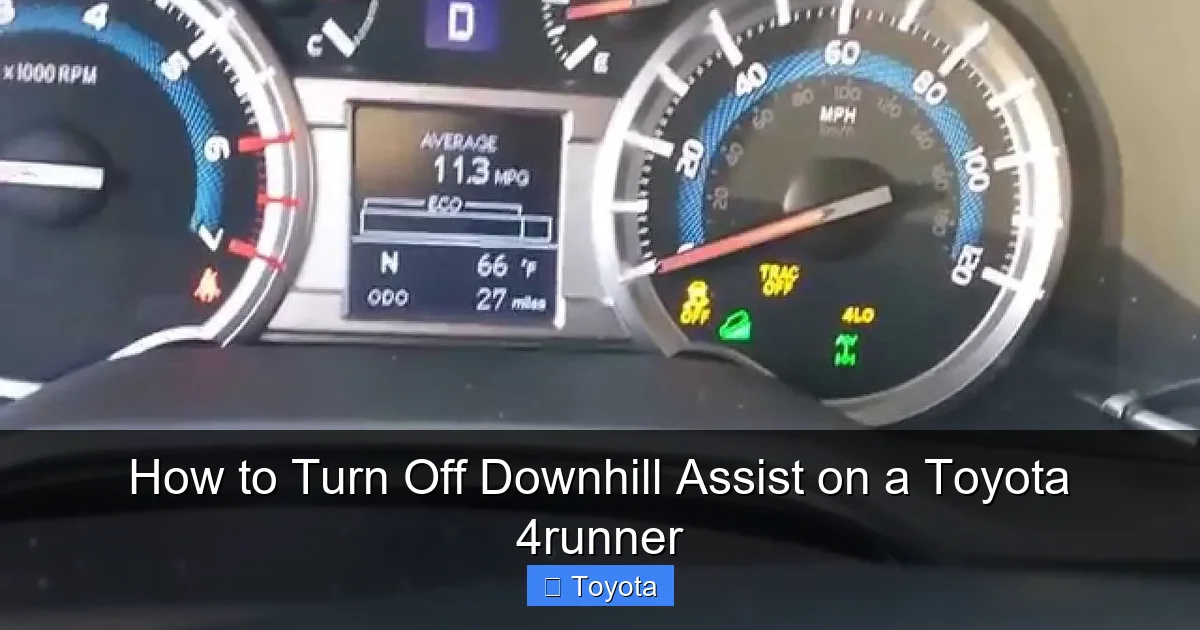
Once the system is off, the instrument cluster will show a small “DA” icon in gray, indicating the feature is disabled. You can now use the accelerator and brakes freely.
Using Physical Buttons
If you have the older steering column switch, the process is even simpler:
- Locate the “DA” button on the left side of the steering column.
- Press and hold the button for about two seconds until the instrument cluster lights flash.
- Release the button. The “DA” icon will turn off, confirming the system is disabled.
For models with a center console button, a quick tap usually toggles the system. If you’re not sure which button you have, refer to the owner’s manual or watch this short video on how to locate the switch.
Troubleshooting Common Issues
When the System Won’t Turn Off
Sometimes the downhill assist will stay on even after you think you’ve turned it off. This can happen if the brake system detects a fault or if the software is stuck. First, try a simple reset: turn the engine off, wait at least 30 seconds, then restart the vehicle. If the issue persists, check the fuse box for the “Hill Assist” fuse. A blown fuse will need replacement before the system can be toggled.
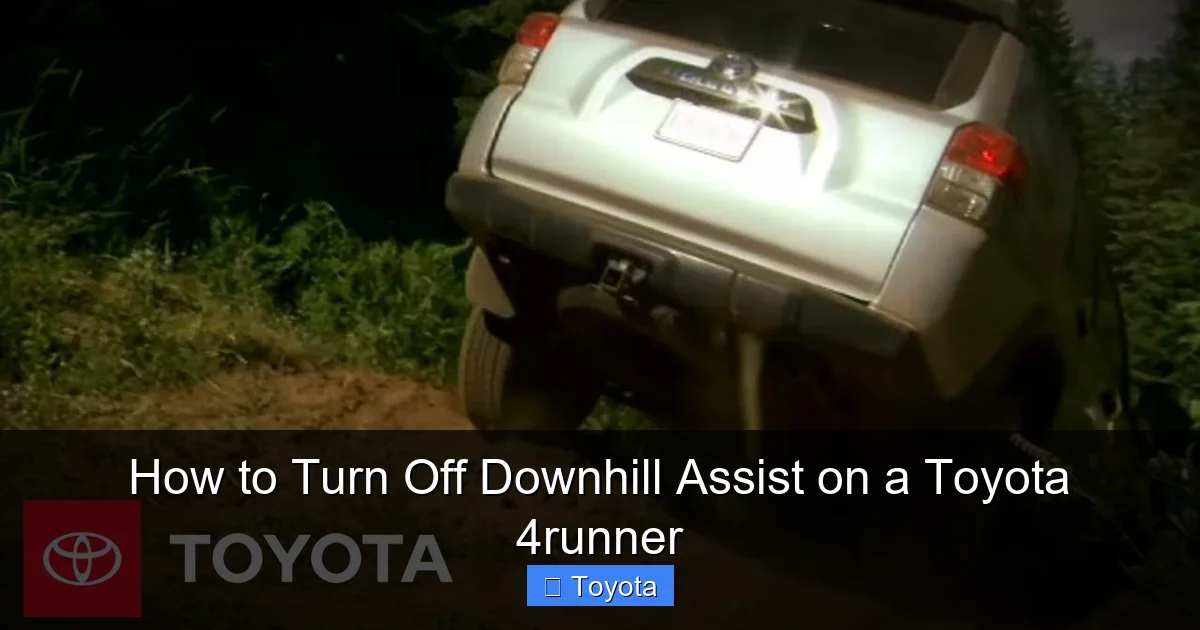
Visual guide about How to Turn Off Downhill Assist on a Toyota 4runner
Image source: i.ytimg.com
Resetting the System
If a reset doesn’t work, you can also perform a “hard reset” of the vehicle’s electronic control unit. This is done by disconnecting the negative battery terminal for about 15 minutes, then reconnecting. After reconnecting, the system will re‑initialize and you can try turning off downhill assist again. If you’re not comfortable handling the battery, a certified Toyota technician can perform the reset safely.
Maintaining the Hill Descent System
Regular Visual Checks
Even though downhill assist is a passive system, you should still inspect it periodically. Look for any rust or corrosion on the switch housing and ensure the button moves freely. Check the instrument cluster icons for consistent behavior. If you notice any flickering or delayed response, it’s a good idea to have the system inspected before your next off‑road adventure.
When to Seek Professional Service
If you ever experience unexplained activation of downhill assist (or failure to activate when you expect it), it may signal a sensor fault. A healthy battery ensures downhill assist functions when you need it most. For diagnosing battery issues, see how to diagnose a car battery problem. Additionally, proper suspension geometry, such as adjusting the track bar, supports the downhill assist’s effectiveness. Learn more about adjusting a track bar. A qualified technician can run a diagnostic scan, replace faulty sensors, and make any necessary suspension adjustments.
Safety Tips and Best Practices
When to Disable Downhill Assist
You should turn off downhill assist on a Toyota 4Runner when you are confident in your driving and the terrain. Common scenarios include:
- Driving in deep mud or sand where you need full throttle control.
- Using low‑range gears for rock crawling.
- Navigating narrow trails where precise braking is critical.
When you disable the system, always keep both hands on the wheel and be ready to apply brakes if needed.
Combining with Other Safety Features
Downhill assist works well with other Toyota safety systems like Vehicle Stability Control (VSC) and Traction Control (TRAC). If you turn off downhill assist, consider whether VSC or TRAC should also be disabled. Usually, you want VSC and TRAC on to protect against wheel slip, but you can turn them off for extreme off‑road scenarios. Always re‑enable these systems before you return to public roads.
By mastering how to turn off downhill assist on a Toyota 4Runner, you give yourself the flexibility to handle any trail with confidence. Remember to keep your vehicle’s software up to date, perform routine checks, and never hesitate to call a professional if something feels off. Happy trails and safe driving!
Frequently Asked Questions
What is downhill assist on a Toyota 4Runner?
Downhill assist is an electronic feature that automatically controls brake pressure to keep the vehicle at a steady speed—usually around 12‑15 mph—when descending steep hills. It helps prevent uncontrolled acceleration and improves safety on slippery surfaces.
Where are the controls for downhill assist located?
Controls can be found on the dashboard, on the steering column switch, or as a toggle in the touchscreen menu, depending on your 4Runner model year and trim level.
How do I turn off downhill assist using the touchscreen?
Press Menu, select Vehicle Settings, choose Driver Assistance, toggle Downhill Assist to Off, and confirm with OK. The “DA” icon will turn gray when disabled.
How do I turn off downhill assist using the physical buttons?
Locate the “DA” button on the left side of the steering column or on the center console. Press and hold it for about two seconds until the instrument cluster lights flash, then release. The system is now off.
What should I do if downhill assist won’t turn off?
First, try a simple reset by turning the engine off for 30 seconds and restarting. Check the Hill Assist fuse, and if the problem continues, perform a hard reset by disconnecting the battery for 15 minutes or visit a Toyota service center.
How often should I maintain the downhill assist system?
Inspect the switch and instrument cluster icons regularly. Have a technician run a diagnostic scan if you notice erratic behavior, and keep the battery and suspension components in good condition to ensure reliable operation.