How to Disable Anti-theft System on a Toyota Corolla
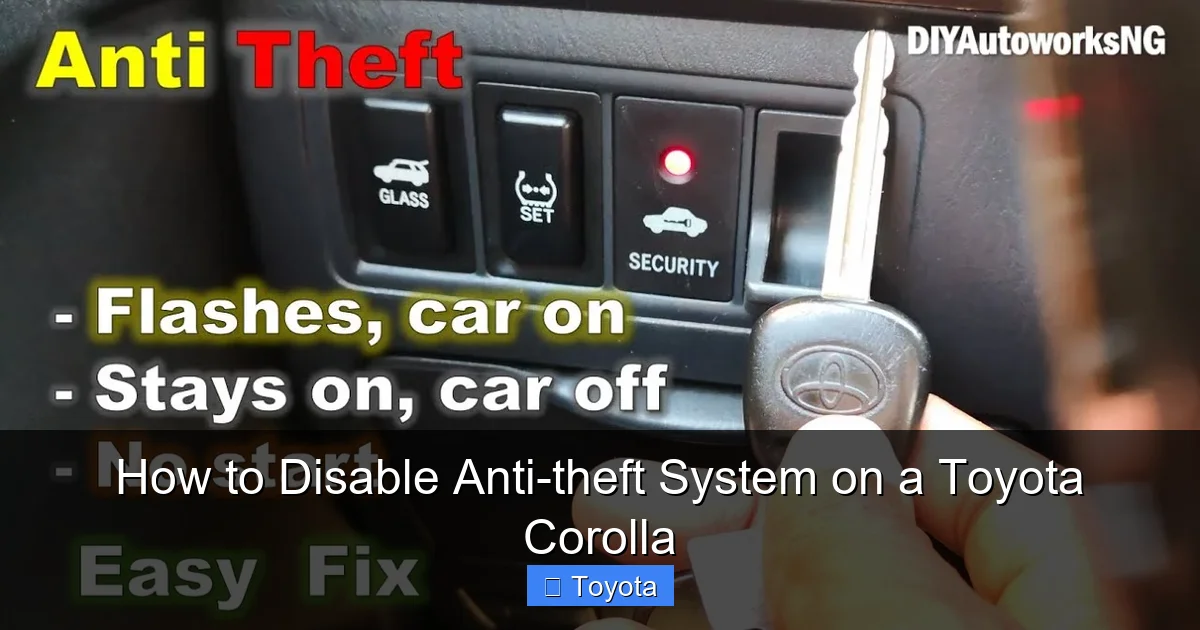
Disabling the anti‑theft system on a Toyota Corolla can be done safely with the right tools and a clear process. This guide walks you through understanding the system, preparing, and performing a step‑by‑step disable, plus tips for re‑enabling and maintaining security.
Many Toyota Corolla owners face moments when the factory anti‑theft system gets in the way. Perhaps you need to jump‑start the car after a dead battery, or you’re installing a new alarm, or you simply forgot the code. Whatever the reason, learning how to disable anti-theft system on a Toyota Corolla safely is a valuable skill. This article gives you a friendly, step‑by‑step walkthrough that anyone can follow. We keep the language simple, the steps clear, and we sprinkle in useful tips you can apply right away.
First, let’s talk about why the anti‑theft system exists. It protects your Corolla from unauthorized entry and start attempts. The system uses a tilt sensor, wheel‑lock, and a control module that talks to your key fob. When the module detects a mismatch, it locks the starter and sounds an alarm. Understanding this helps you know exactly where to look and why certain steps work. If you ever need to temporarily turn it off, you’ll appreciate this knowledge.
Key Takeaways
- Understand the System: Learn how Toyota’s anti‑theft works and why you might need to temporarily disable it.
- Gather the Right Tools: A basic toolkit, diagnostic scanner, and owner’s manual are all you need.
- Follow Safe Steps: Locate the module, use the key fob, and reset the system in a logical order.
- Use Alternative Methods: OBD‑II interfaces and battery disconnects are backup options for tricky cases.
- Re‑enable Quickly: Restoring the anti‑theft feature takes only a few minutes once you know the reset sequence.
- Maintain Security: Regular battery checks and firmware updates keep the system reliable.
- Know When to Call a Pro: Persistent warnings or complex module issues merit a dealership visit.
📑 Table of Contents
Understanding the Toyota Corolla Anti‑Theft System
How It Works
The anti‑theft system is not a single device; it is a network of sensors and a control module. The module reads signals from the key fob and checks the vehicle identification number (VIN). If the signal is missing or wrong, the module disables the starter circuit. This prevents thieves from hot‑wiring the car. The system also includes a steering wheel lock that engages when the wheels are turned without the proper key.
Common Issues
Owners often report false alarms, a “no‑start” after a battery disconnect, or a module that won’t reset. These issues usually stem from a weak key fob battery, a damaged antenna loop, or a corroded connector. Recognizing these signs early saves time and money. In many cases, a simple reset or a new key fob solves the problem without touching the hardware.
Why You Might Want to Disable It
There are several legitimate reasons to turn the system off. You might need to start the car for a jump‑start, install a new aftermarket alarm, or perform diagnostic work on the engine. Some owners also disable it when they lend the car to a trusted friend, ensuring the friend isn’t locked out. Knowing when to disable the system helps you avoid unnecessary stress.
Tools and Preparation
What You Need
A minimal toolkit is all you need. Grab a set of insulated screwdrivers, a socket set, and a pair of pliers. A handheld OBD‑II scanner is helpful for reading fault codes. Don’t forget the owner’s manual—this contains specific step codes for your model year. A spare key fob with fresh batteries is also a good idea, as it serves as a backup during the process.
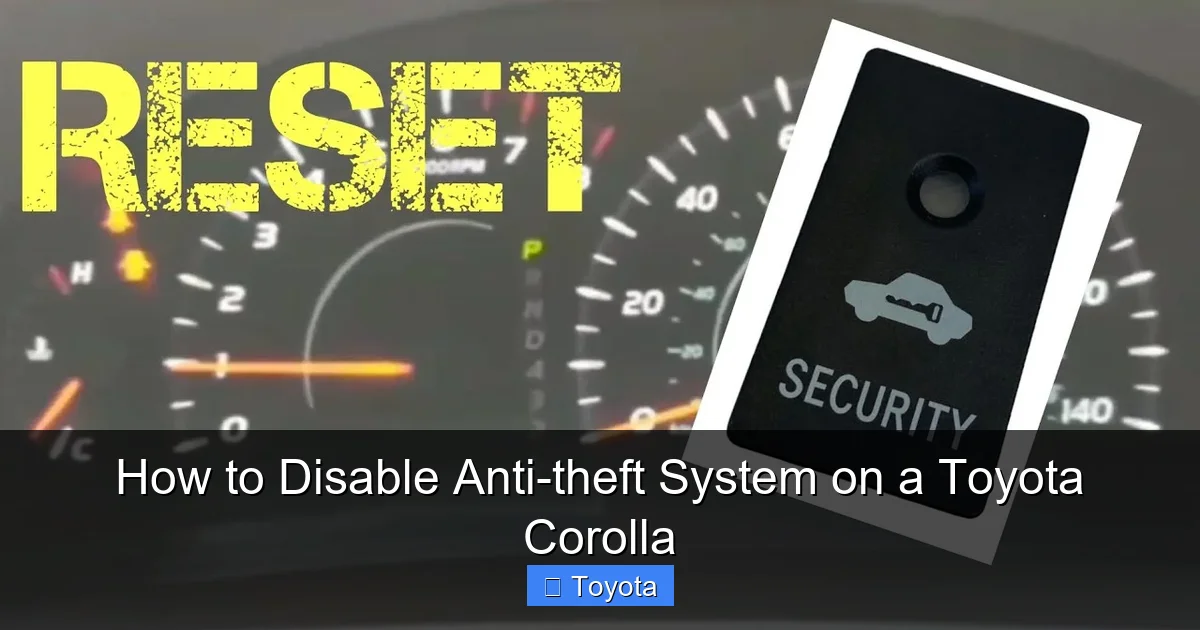
Visual guide about How to Disable Anti-theft System on a Toyota Corolla
Image source: i.ytimg.com
Safety First
Before you touch any electronics, ensure the car is parked on a flat surface. Turn off the engine and remove the key. Disconnect the negative battery cable to prevent accidental shorts. Wear safety glasses and keep your hands dry. Working in a well‑ventilated area reduces exposure to any battery gases. These precautions protect both you and the vehicle.
Preparing Your Workspace
Clear a small area around the driver’s side dashboard. Remove any personal items that could block access to the fuse box or the OBD‑II port. Have a notebook ready to record any error codes you see on the scanner. A flashlight can be handy if your car’s interior lights are dim. A clean, organized workspace speeds up the process and reduces mistakes.
Step‑by‑Step Disabling Process
Locate the Control Module
Find the anti‑theft control module under the driver’s seat or behind the dashboard. Look for a small rectangular box with a blue label. The module is usually secured with two screws. Use a socket wrench to remove them gently. Set the module aside on an anti‑static bag to avoid static discharge.
Visual guide about How to Disable Anti-theft System on a Toyota Corolla
Image source: vehiclefreak.com
Use the Key Fob to Sync
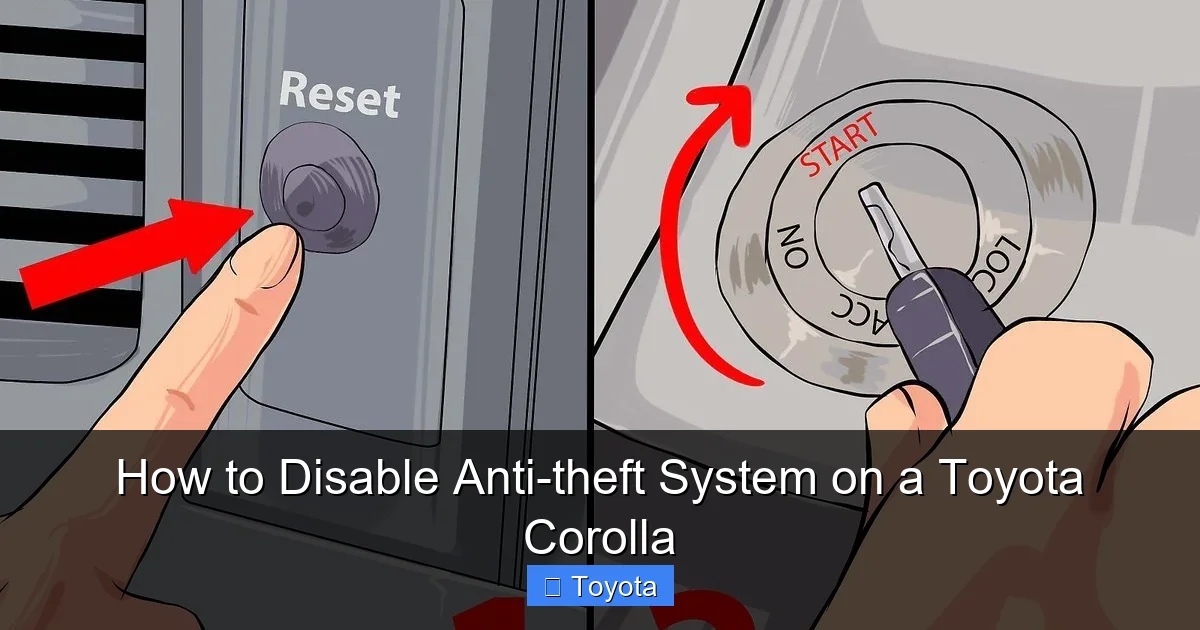
Insert the correct key fob into the ignition and turn it to the “ON” position without starting the engine. Wait about three seconds. The system will recognize the fob and temporarily disable the theft lock. If the fob doesn’t work, try a different fob or replace its battery. This step is critical; without a valid fob, the module will not release the starter.
Reset the System
After the fob is recognized, press the unlock button on the key fob once. Then, wait for the door locks to cycle. This tells the module the disable request is complete. Next, use your OBD‑II scanner to clear any stored codes. Enter the vehicle’s VIN when prompted. Once the scanner reports “clear,” the anti‑theft system is officially disabled.
Test the Disable
Attempt to start the engine. If the starter spins and the engine fires without an alarm, the system is successfully turned off. Listen for any beeping; that indicates the module still thinks there is a threat. If the alarm sounds, double‑check the fob signal and the module’s positioning. A quick restart of the module may be needed.
Alternative Methods and Tips
Using an OBD‑II Interface
If the key fob method fails, an OBD‑II interface can be used to send a reset command. Plug the scanner into the port under the driver’s side dash. Follow the scanner’s menu to “Anti‑Theft Reset.” Enter the VIN and confirm. This method often works when the fob battery is low or the antenna loop is damaged. For more details, see How to Install a GPS System in Your Car.
Visual guide about How to Disable Anti-theft System on a Toyota Corolla
Image source: wikihow.com
Professional Tools
Dealerships have specialized diagnostic tools that can override the anti‑theft system. These tools communicate directly with the module and can bypass security checks. If you own a Toyota diagnostic kit, you can use it to perform a “Security Reset.” This is ideal for older models or when the module has been replaced.
Battery Disconnect Method
Disconnecting the battery for 15 minutes resets many electronic systems, including the anti‑theft module. This method is simple and often works as a last resort. After reconnecting, the system will revert to its default state. You may need to re‑sync the key fob after this step. Remember to reset the clock and any radio presets.
When to Seek Professional Help
Complex issues like a corrupted module or a missing security code require a dealership or a certified locksmith. Attempting too many resets can brick the module, leading to costly replacements. If the alarm continues to trigger after several attempts, it’s best to consult a professional. They have the right tools and can diagnose deeper electrical faults.
Re‑Enabling and Maintaining the System
Re‑activating the Anti‑Theft
Once you no longer need the system disabled, re‑enable it by turning the ignition off, then on with the correct key fob. The door locks will lock, signaling the system is active again. Use the same OBD‑II scanner to re‑program any new key fobs if you added them. This step ensures the system is fully functional before you resume normal use.
Regular Checks
Check the key fob battery every six months. A weak battery can cause false alarms and start issues. Inspect the antenna loop for corrosion; clean it with a contact cleaner if needed. Listen for any unusual beeping sounds when you lock the doors. Early detection prevents larger problems down the road.
Battery Health
A healthy battery keeps the anti‑theft module powered correctly. Test the battery voltage with a multimeter; aim for 12.6 volts or higher. If the battery is low, charge it or replace it. A dead battery can cause the module to enter a “sleep” mode, making it harder to disable or re‑enable. Maintaining battery health is a simple yet effective maintenance tip.
Troubleshooting Common Problems
No‑Start After Disabling
If the engine won’t start after disabling, verify that the fob is still recognized. Sometimes the module needs a brief pause before the starter will engage. Re‑insert the fob, wait five seconds, then try again. Check the OBD‑II scanner for any pending codes that might block the starter.
False Alarms
False alarms often result from a mis‑aligned tilt sensor or a damaged steering wheel lock. Gently shake the steering wheel to see if the lock releases. If the alarm persists, inspect the sensor wiring for loose connections. Cleaning the sensor with compressed air can help.
Module Communication Errors
Communication errors appear as “Security Module Error” messages on the dashboard. This usually means the module cannot read the key fob. Try a different key fob, or reprogram the existing one by holding the lock button for ten seconds. If errors continue, a module replacement may be necessary.
Conclusion
Disabling the anti‑theft system on a Toyota Corolla doesn’t have to be a daunting task. By following the steps outlined in this guide, you can safely turn off the system, troubleshoot any hiccups, and re‑enable it when you’re done. Remember to keep your tools organized, your safety gear on, and your key fobs charged. Whether you’re jump‑starting a dead battery, installing a new GPS, or simply need a quick start for a friend, you now have the knowledge to handle the process confidently.
Keep in mind that regular maintenance—like checking fob batteries and inspecting the antenna loop—helps the system stay reliable. If you ever hit a snag, don’t hesitate to consult a professional or refer to additional resources such as How to Break In a New Car Toyota for broader car care tips. With these insights, you’ll enjoy peace of mind knowing you can manage your Corolla’s security system at will.
Frequently Asked Questions
How do I temporarily disable the anti-theft system on my Toyota Corolla?
Insert the correct key fob into the ignition, turn it to the “ON” position, wait a few seconds, then press the unlock button on the fob. Use an OBD‑II scanner to clear any stored codes. Test the start; if it works, the system is disabled.
What tools do I need to disable the system?
A basic toolkit, an OBD‑II scanner, the owner’s manual, and a spare key fob with fresh batteries are sufficient. Safety glasses and a flashlight are helpful extras.
Can I disable the system without the key fob?
Yes, you can use an OBD‑II interface to send a reset command, or disconnect the battery for 15 minutes. These methods work when the fob is unavailable, but reprogramming the fob afterward is recommended.
Will disabling the anti-theft system damage my car?
No, following the proper steps is safe. Always disconnect the battery first and avoid shorting any terminals. If you make a mistake, consult a professional to prevent damage.
How do I re‑enable the anti-theft system after disabling it?
Turn the ignition off, then on with the correct key fob. The door locks will cycle, confirming the system is active again. Use the OBD‑II scanner to reprogram any new key fobs.
What if the system still triggers an alarm after disabling?
Check that the key fob is recognized, inspect the antenna loop for damage, and verify the module is seated correctly. If the problem persists, a module reset or professional diagnostic may be required.