35 Mm Aux Cable
A 35 mm aux cable is the gold standard for connecting audio devices, offering a reliable way to transmit sound without lag. Whether you are connecting your phone to a car or a laptop to speakers, choosing the right quality and material ensures crystal clear audio.
Have you ever tried to play your favorite playlist in the car, only to find that your Bluetooth is acting up? Or maybe you want to connect your laptop to a set of high-end speakers for a movie night? This is where the humble 35 mm aux cable comes into play. Even in a world full of wireless earbuds and streaming services, this simple piece of hardware remains a lifesaver.
Most of us take the aux cable for granted. It is that small, thin wire that just “works.” But if you have ever heard a buzzing sound or a crackle in your audio, you know that not all cables are created equal. Choosing the wrong one can lead to poor sound quality or a cable that breaks after just a few weeks of use.
In this guide, we are going to dive deep into everything you need to know. We will talk about the different types of connectors, what materials actually matter, and how to pick the best one for your specific needs. Let’s get into the details so you can get the best sound possible from your devices.
Key Takeaways
- Universal Standard: The 35 mm aux cable is the most common connector for headphones and portable speakers.
- TRS vs TRRS: Understanding the difference between two-ring (stereo) and three-ring (microphone) connectors is vital for compatibility.
- Build Quality: Braided nylon cables offer better durability and tangle resistance compared to standard PVC.
- Signal Loss: Shorter cables generally provide a cleaner signal with less interference.
- Gold Plating: Gold-plated connectors prevent corrosion and ensure a more stable electrical connection.
- Versatility: These cables bridge the gap between old analog hardware and modern digital devices.
📑 Table of Contents
- What Exactly is a 35 mm Aux Cable?
- Understanding the Different Types of Connectors
- Materials That Matter: PVC vs. Braided Nylon
- How to Choose the Right Cable for Your Needs
- Common Problems and How to Fix Them
- Practical Tips for Cable Maintenance
- Integrating Audio into Your Entertainment Setup
- Comparing Aux Cables to Other Audio Options
- Conclusion
What Exactly is a 35 mm Aux Cable?
At its simplest, a 35 mm aux cable is an analog audio cable. “Aux” is short for auxiliary. It is designed to transmit an electrical signal from an audio source (like a phone or MP3 player) to an output device (like a speaker or car stereo). The “35 mm” refers to the diameter of the plug. While it is often called a 3.5 mm jack, it is the same thing. It is the standard size for the vast majority of consumer electronics.
How It Works
Unlike digital cables like HDMI or USB, the 35 mm aux cable carries an analog signal. This means it sends a continuous electrical wave. This is why it is so compatible with so many different devices. It doesn’t need a complex “handshake” or software driver to work. You just plug it in, and the sound starts flowing. It is a straightforward, “plug-and-play” experience that makes it incredibly reliable.
Why We Still Use Them in a Wireless World
You might wonder why we still use these when Bluetooth is everywhere. The answer is simple: latency and quality. Bluetooth often has a slight delay, which is a nightmare for gamers or people editing video. An analog 35 mm aux cable has zero lag. Additionally, high-quality cables can often deliver a richer, fuller sound because they don’t compress the audio data the way wireless protocols do.
Understanding the Different Types of Connectors
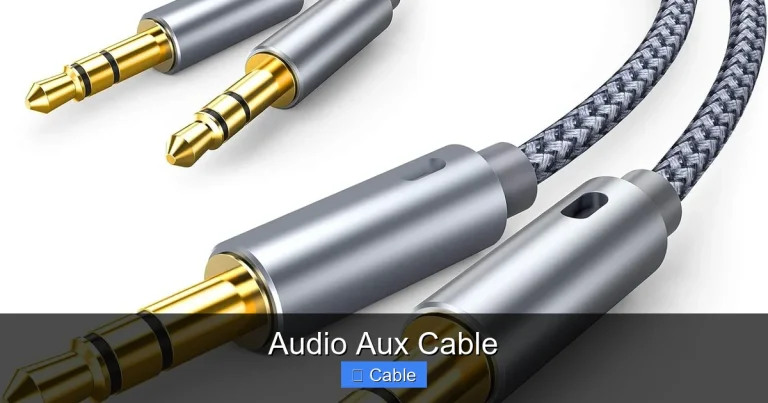
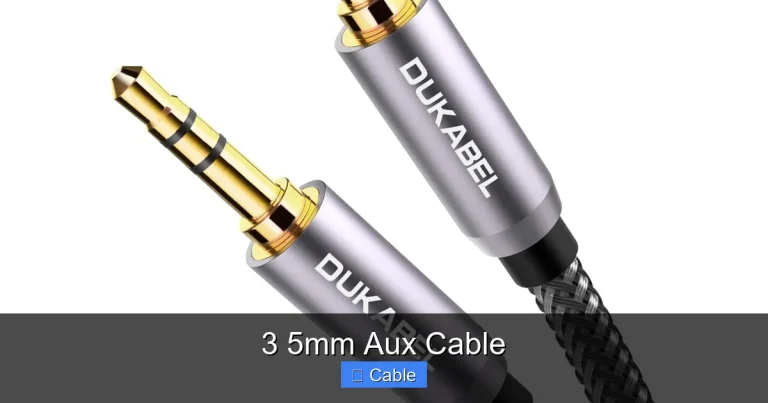
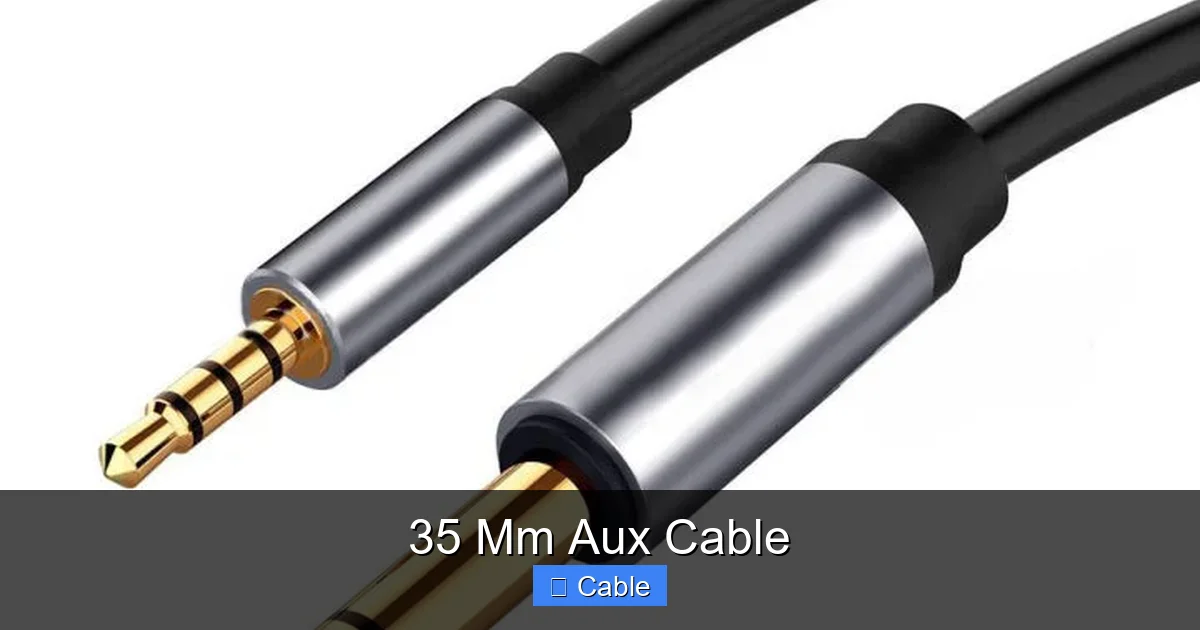
If you look closely at the metal tip of your 35 mm aux cable, you will see small plastic rings. These rings are not just for decoration; they tell you exactly what the cable can do. These are called TS, TRS, and TRRS connectors.
Visual guide about 35 Mm Aux Cable
Image source: i5.walmartimages.com
TS (Tip-Sleeve)
A TS cable has only one ring. This is a mono cable. It carries only one channel of audio. You won’t see these often in home audio, but they are common in professional music equipment, like guitar cables. If you use a TS cable for your headphones, you will only hear sound in one ear.
TRS (Tip-Ring-Sleeve)
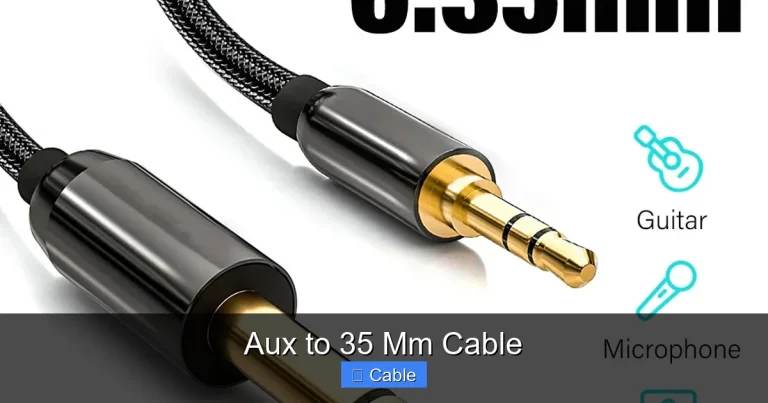
This is the most common type of 35 mm aux cable. It has two rings, which divide the plug into three sections. This allows it to carry a left channel, a right channel, and a ground. This is what gives you “stereo sound.” If you are just looking to connect a phone to a speaker, a TRS cable is exactly what you need.
TRRS (Tip-Ring-Ring-Sleeve)
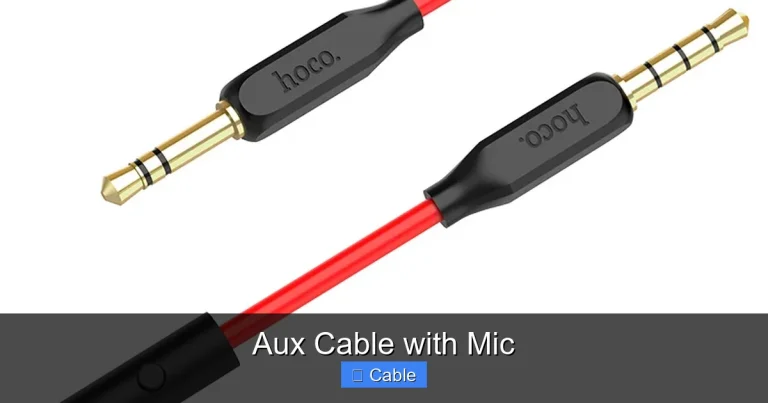
A TRRS cable has three rings. The extra ring allows the cable to carry an additional signal, usually a microphone channel. This is the type of cable found on headsets that let you talk and listen at the same time. If you buy a standard TRS cable for a headset, your headphones will work, but your microphone will not.
Materials That Matter: PVC vs. Braided Nylon
When you shop for a 35 mm aux cable, you will see a huge price difference. Some are a couple of dollars, while others cost twenty. Most of that difference comes down to the materials used in the outer jacket and the internal wiring.
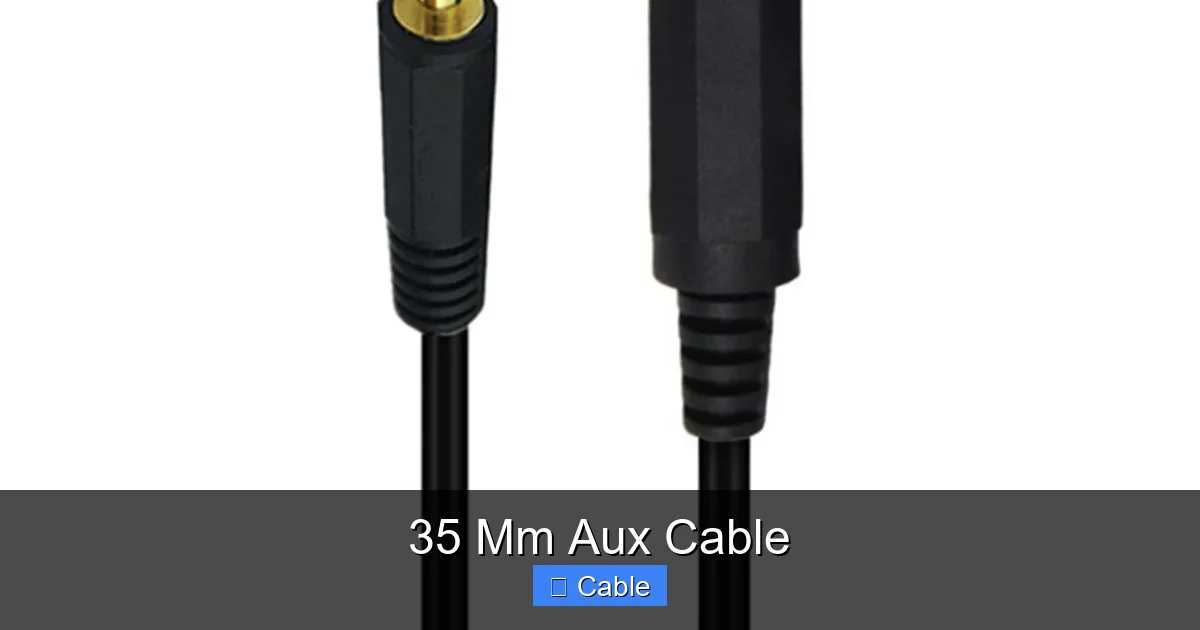
Visual guide about 35 Mm Aux Cable
Image source: i5.walmartimages.com
PVC and Rubber Cables
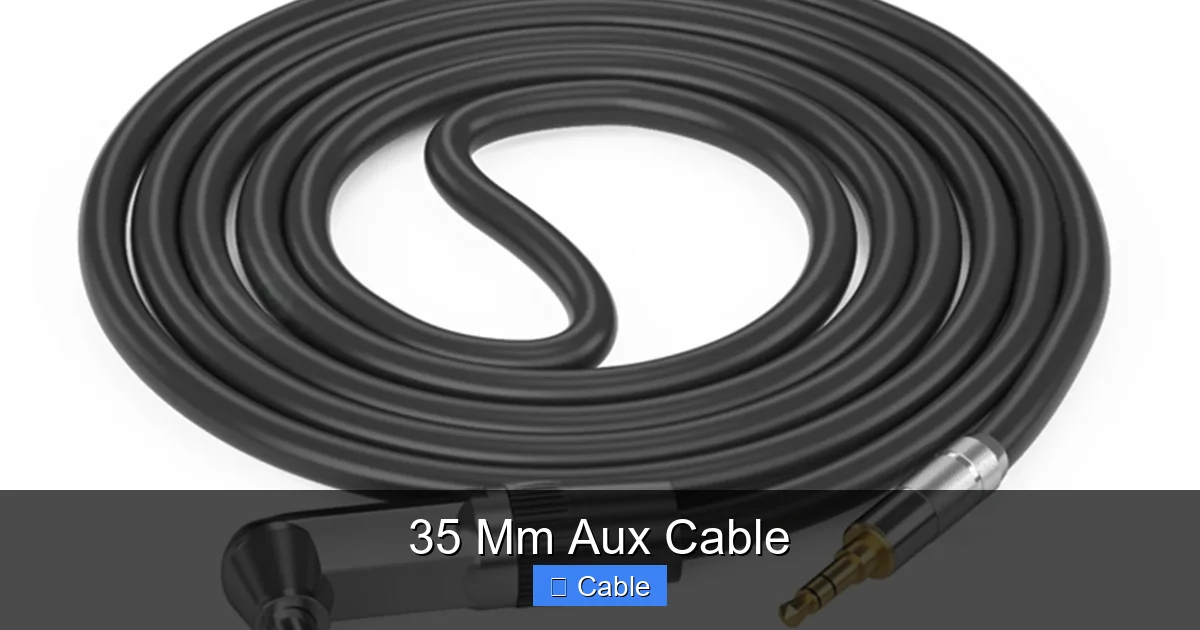
Standard cables are usually made of PVC (polyvinyl chloride) or rubber. These are cheap to produce and flexible. However, they have a major flaw: they tangle easily. We have all spent ten minutes untangling a “knot” of cables in a bag. Over time, PVC also tends to crack or peel, especially where the wire meets the plug. These are fine for temporary use, but they aren’t great for long-term durability.
Braided Nylon Cables
Braided nylon is the gold standard for durability. The nylon weave protects the internal wires from bending too sharply. These cables are much harder to tangle and can withstand being stepped on or pulled. If you are using the cable in a car where it gets moved around constantly, a braided cable is a much smarter investment.
The Importance of Gold Plating
You will often see “24K Gold Plated Connectors” listed in product descriptions. Is this just marketing? Not entirely. Gold does not corrode or rust like nickel or copper does. This ensures that the connection stays clean over many years. A clean connection means no static or “crackling” sounds when you wiggle the cable. While it won’t magically make your music sound like a concert hall, it does ensure the signal stays stable.
How to Choose the Right Cable for Your Needs
Not every 35 mm aux cable is right for every situation. To pick the best one, you need to consider where you will be using it and what devices you are connecting.
For the Car
In a car, the cable is subject to heat, cold, and constant movement. Look for a braided nylon cable with a reinforced strain relief (the rubber part where the wire meets the plug). A length of 3 to 6 feet is usually perfect. Anything longer will just clutter your center console.
For Home Theater and Speakers
If you are connecting a laptop to a soundbar or an amplifier, you might need a longer cable. However, be careful. The longer the cable, the more likely it is to pick up electromagnetic interference. If you need a cable longer than 10 feet, look for “shielded” cables. Shielding is an extra layer of foil or mesh that blocks outside noise, keeping your audio crisp.
For Gaming and Headsets
As mentioned before, check if you need a TRRS connector. If your headset has a built-in mic, you must have a TRRS cable. If you use a TRS cable, you will lose the ability to communicate with your teammates. Always double-check the number of rings on the plug before buying.
Common Problems and How to Fix Them
Even the best 35 mm aux cable can run into issues. Here are the most common problems and how to handle them without needing a technician.
The “Static” or Crackling Sound
If you hear a crackle when you move the cable, it is usually due to one of two things: dust in the port or a loose connection. Try using a can of compressed air to blow out the aux port on your device. If that doesn’t work, the internal wires of the cable might be frayed. In this case, it is time to replace the cable.
Sound Only in One Ear
This is a classic sign of a broken internal wire or a plug that isn’t pushed in all the way. First, make sure the plug “clicks” into place. If it is fully inserted and you still only hear one side, the cable has likely suffered a “short.” This happens when the wire is bent too sharply for too long.
The Humming Noise
A low hum is often caused by “ground loops.” This happens when two devices plugged into the same power source create electrical interference. To fix this, try powering one of the devices with a battery (if possible) or buy a small “ground loop isolator,” which is a tiny device that plugs in between your cable and the port to clean up the signal.
Practical Tips for Cable Maintenance
To make your 35 mm aux cable last for years, you just need to follow a few simple habits. Most cables die because of how they are stored, not because of the quality of the wire.
- Avoid Tight Bends: Never wrap your cable tightly around your hand or a power brick. This puts immense pressure on the internal copper strands. Instead, use a loose “over-under” coil.
- Pull by the Plug: Always pull the cable by the hard plastic or metal plug, never by the wire itself. Pulling the wire can pull the internal connections right out of the plug.
- Keep it Clean: Occasionally wipe the metal plug with a dry microfiber cloth to remove oils and dust. This keeps the contact point clean and the sound clear.
- Use Cable Ties: If you have multiple cables, use Velcro ties to keep them organized. This prevents them from knotting together, which reduces the risk of internal breakage.
Integrating Audio into Your Entertainment Setup
A 35 mm aux cable is just one part of a larger entertainment ecosystem. Many people use these cables to bridge the gap between their digital devices and analog speakers. For example, you can use an aux cable to connect a tablet to an old stereo system, giving new life to vintage hardware.
As we move toward more digital setups, some people are looking for best cable tv alternatives for streaming and entertainment to simplify their living room. While streaming services handle the video, a high-quality aux cable can still be the best way to send that audio to a dedicated set of high-fidelity speakers for a truly cinematic experience.
By combining modern streaming with reliable analog connections, you get the best of both worlds: the convenience of the cloud and the audio quality of physical wiring.
Comparing Aux Cables to Other Audio Options
While the 35 mm aux cable is great, it isn’t the only option. Depending on your gear, you might encounter other types of connections.
Aux vs. Optical (TOSLINK)
Optical cables use light to transmit sound. They are completely immune to electrical interference, making them great for high-end home theaters. However, they are fragile and cannot be used for microphones. The aux cable is more versatile and much more common for portable devices.
Aux vs. RCA
RCA cables are the red and white cables you see on the back of old VCRs and amplifiers. Many 35 mm aux cables actually come as “3.5 mm to RCA” adapters. These are incredibly useful for connecting a modern smartphone to an old-school home stereo system.
Aux vs. USB-C/Lightning
Many modern phones have removed the headphone jack. To use a 35 mm aux cable, you now need a “dongle” (an adapter). While these work well, they add another point of failure. If you have the choice, a native 3.5 mm jack is always more reliable than an adapted connection.
Conclusion
The 35 mm aux cable may seem like a simple tool, but it is one of the most useful pieces of tech in your drawer. From the car to the living room, it provides a reliable, lag-free, and high-quality audio experience that wireless options simply cannot match. By understanding the difference between TRS and TRRS and choosing braided nylon over PVC, you can ensure that your music and movies sound exactly as they were intended.
Whether you are an audiophile seeking the purest signal or just someone who wants to play music in the car without Bluetooth glitches, the right cable makes all the difference. Invest in a quality, gold-plated, braided cable, treat it with care, and it will serve you for years to come. Stop fighting with wireless pairing and embrace the simplicity of the plug-and-play world.
Frequently Asked Questions
What is the difference between 3.5mm and 35mm aux cables?
There is no difference. People often say “35 mm” when they actually mean 3.5 mm. It is simply a common naming mistake, but they both refer to the same standard headphone jack size.
Can I use a TRRS cable in a TRS port?
Yes, you generally can. A TRRS cable (with a mic) will work in a TRS port, but the microphone function will be ignored. You will still hear the stereo audio perfectly fine.
Why is my aux cable making a buzzing sound?
Buzzing is usually caused by electrical interference or a “ground loop.” Try moving the cable away from power bricks or using a ground loop isolator to clean up the audio signal.
Does the length of the aux cable affect sound quality?
Yes, very long cables can suffer from signal degradation and pick up more noise. For the best quality, keep your cable as short as possible while still being functional for your space.
What does “gold-plated” actually do for my audio?
Gold plating prevents the connectors from oxidizing or rusting. This ensures a consistent electrical connection over time, preventing the static or crackling sounds that occur with cheaper metals.
Can I use an aux cable to record audio?
Only if you use a TRRS cable and the device you are plugging into supports microphone input. A standard TRS cable only sends audio out and cannot carry a microphone signal back to the device.