How to Reset the Maintenance Light on a Toyota Avalon Easily
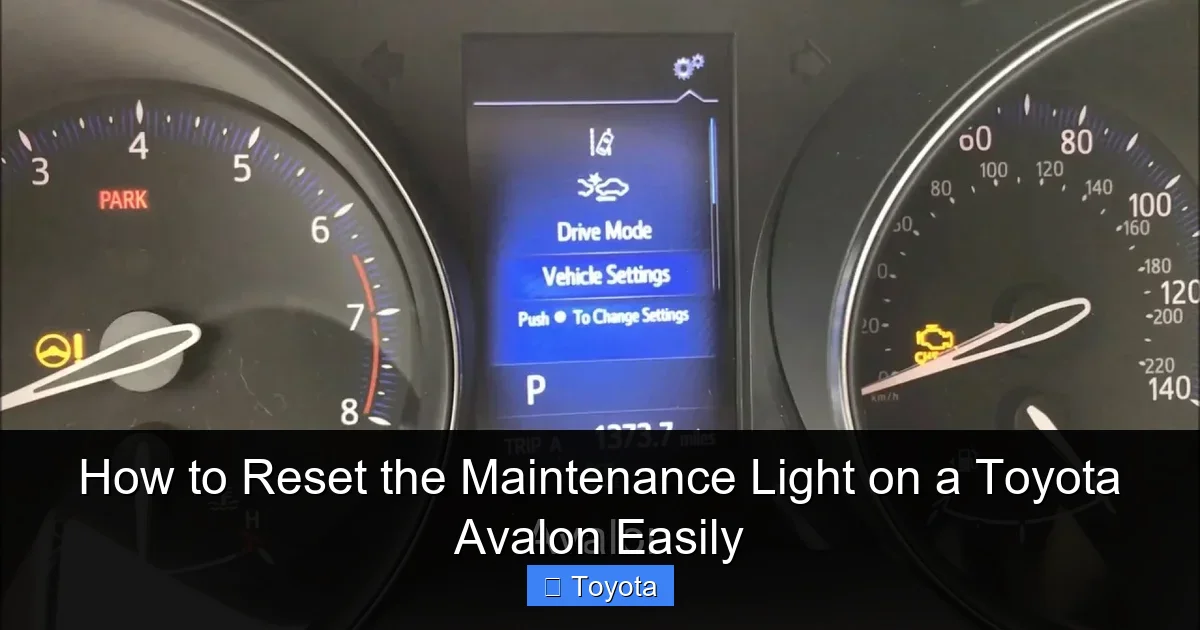
Resetting the maintenance light on your Toyota Avalon is a simple process that you can do yourself without visiting a mechanic. This guide provides clear instructions for different model years and explains when and why the light appears. Follow these steps to save time and money while keeping your vehicle in top condition.
Key Takeaways
- Maintenance Light Purpose: The light indicates scheduled service intervals, typically after 5,000-10,000 miles or specific timeframes.
- Reset Process: Most Avalon models require turning the ignition on, using the trip odometer reset button, and following a sequence of button presses.
- Model Variations: Procedures differ slightly between 2005-2012 and 2013+ models; always check your owner’s manual first.
- When to Reset: Never reset without completing required maintenance; doing so may damage your engine.
- Persistent Issues: If the light stays on, a diagnostic scan may be needed to identify underlying problems.
- Prevention Tips: Regular oil changes and following manufacturer guidelines reduce unnecessary maintenance alerts.
- Professional Help: Complex issues like faulty sensors require a certified mechanic’s expertise.
📑 Table of Contents
Understanding the Toyota Avalon Maintenance Light System
If you own a Toyota Avalon, you’ve probably noticed a yellow or red warning light illuminating on your dashboard. This isn’t just a random alert—it’s your vehicle’s way of telling you that service is due. The maintenance light on Toyota Avalon models serves as a reminder for critical maintenance tasks such as oil changes, tire rotations, and brake inspections. Ignoring this light can lead to costly repairs down the road, so understanding how to reset it properly is essential for every owner.
The system works by tracking your driving habits and mileage. Once you’ve driven a certain distance or time since your last service, the light activates. However, many owners panic when they see it, thinking something is seriously wrong. In reality, it’s often just a routine indicator. The good news? Resetting it is straightforward once you know the right steps.
To ensure your vehicle remains in optimal condition, it’s crucial to address the underlying maintenance needs before resetting the light. For instance, if your oil change is overdue, perform it first. Failing to do so could void your warranty or lead to engine damage. As part of your overall vehicle care routine, consider also learning how to calculate wear and tear on your car to stay ahead of potential issues.
Step-by-Step Guide to Resetting the Maintenance Light
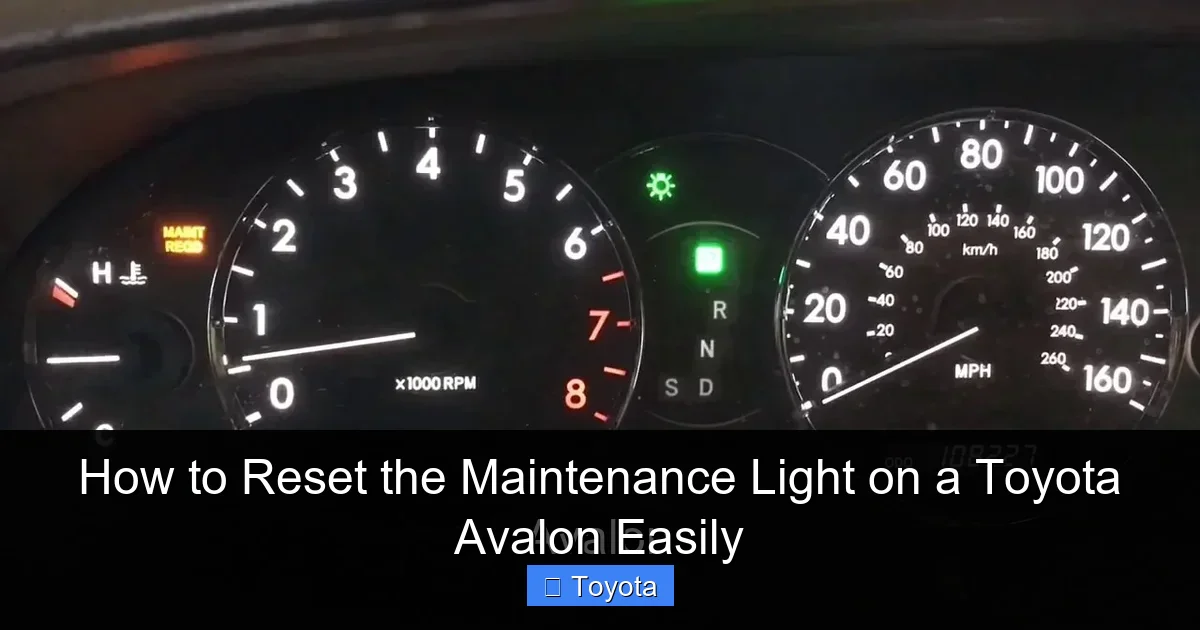
Visual guide about How to Reset the Maintenance Light on a Toyota Avalon Easily
Image source: aautomotives.com
Resetting the maintenance light on your Toyota Avalon doesn’t require special tools or professional help. The exact steps vary slightly depending on your model year, but the process is generally consistent. Below is a detailed breakdown for most Avalon generations:
Step 1: Prepare Your Vehicle
Start by ensuring your vehicle is parked safely, the engine is off, and the transmission is in park (or neutral for manual transmissions). Turn your key to the “ON” position without starting the engine. This step is critical—starting the engine too early can interfere with the reset process.
Step 2: Access the Odometer Display
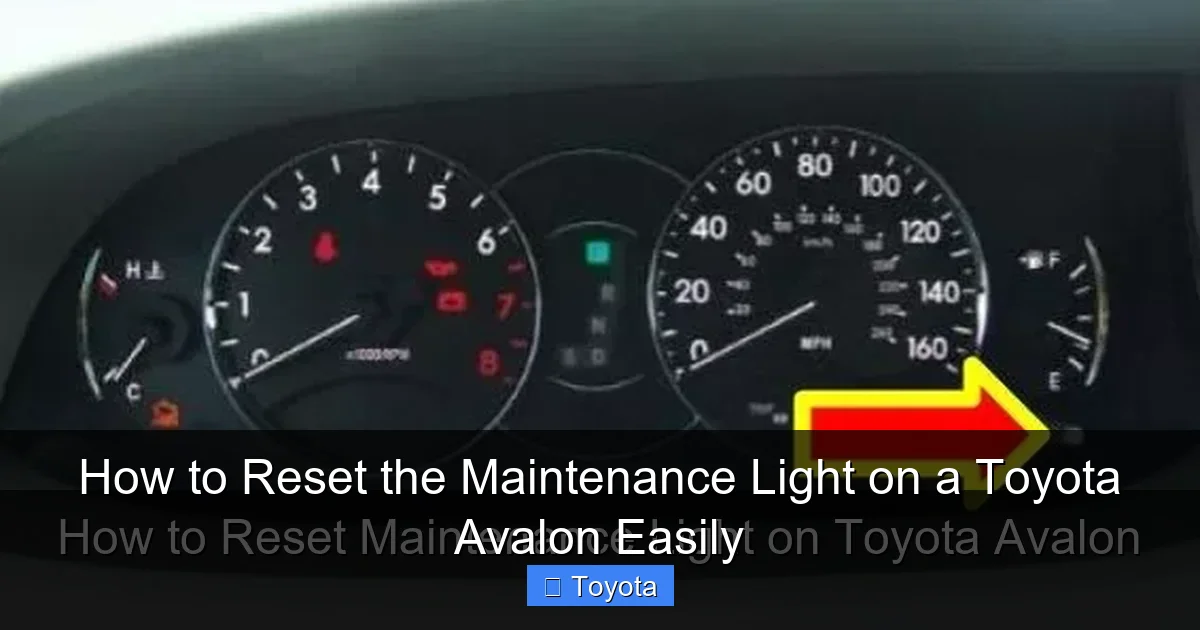
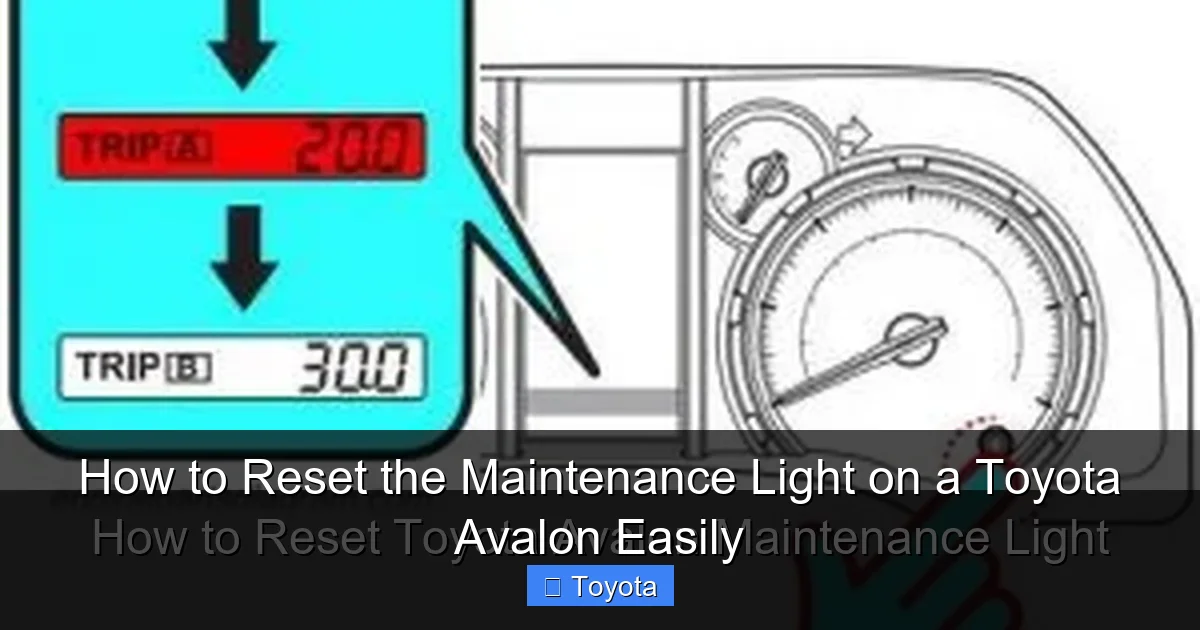
Locate the trip odometer reset button, typically found on the turn signal stalk or near the steering wheel. Press it repeatedly until the odometer display shows the “Trip” reading instead of the total mileage. Some models may require holding the button for a few seconds to toggle between displays.
Step 3: Enter the Reset Sequence
With the trip odometer displayed, press and hold the reset button. If your model has a digital display, you may need to cycle through menus using the arrow buttons. For older models, simply holding the reset button until the odometer starts counting backward is usually sufficient. Once the odometer begins flashing, release the button.
Step 4: Complete the Reset
Continue holding the reset button until the maintenance light turns off. This may take 10-15 seconds. Once the light is extinguished, turn off your vehicle and restart it to confirm the reset. The light should remain off, indicating that your maintenance schedule has been updated.
If you encounter difficulties, consult your owner’s manual for model-specific instructions. Additionally, ensure that your vehicle’s software is up to date, as outdated systems may not recognize the reset command.
Common Issues and Troubleshooting Tips
Visual guide about How to Reset the Maintenance Light on a Toyota Avalon Easily
Image source: toyotaautodealer.com
Even with the correct procedure, you might face challenges resetting the maintenance light. Here are some common problems and solutions:
Light Won’t Turn Off
If the maintenance light persists after following the steps, it could indicate a faulty sensor or a deeper issue. Disconnecting the battery terminals for a few minutes may reset the system, but this erases all preset radio stations and clock settings. Another possibility is that the required maintenance hasn’t been completed yet. Always verify that oil changes, tire rotations, or other services are up to date before attempting a reset.
Inconsistent Procedures Across Models
Toyota Avalon models from different years may require unique reset sequences. For example, 2005-2012 models often use the trip odometer method, while 2013+ models might involve navigating through the infotainment system’s settings menu. Refer to your owner’s manual for precise instructions tailored to your vehicle’s year and trim level.
Resetting Without Maintenance
Never reset the maintenance light without addressing the underlying issue. Doing so could mask serious problems like engine wear or brake degradation. Always prioritize completing the recommended service first. If you’re unsure what maintenance is due, schedule a diagnostic check with a professional mechanic.
For long-term vehicle health, consider following general maintenance practices like regular oil changes and tire rotations. These steps not only keep your Avalon running smoothly but also help prevent frequent maintenance alerts.
When and Why the Maintenance Light Appears
Visual guide about How to Reset the Maintenance Light on a Toyota Avalon Easily
Image source: toyotaautodealer.com
Understanding why the maintenance light activates can help you respond appropriately. Toyota designs this system to encourage preventive care, and it typically triggers under the following conditions:
Oil Change Intervals
The most common reason for the maintenance light is an overdue oil change. Toyota recommends oil changes every 5,000 to 10,000 miles, depending on driving conditions and oil type. If you frequently drive in harsh environments (e.g., dusty roads, extreme temperatures), shorten this interval to protect your engine.
Tire Rotation Reminders
Tire rotation ensures even tread wear and extends tire lifespan. Most manufacturers suggest rotating tires every 5,000 to 7,500 miles. The maintenance light may activate when this service is due, helping you maintain optimal handling and fuel efficiency.
Brake System Alerts
While the maintenance light isn’t the same as the brake warning light, it might indicate brake-related maintenance needs. Inspect your brake pads and fluid levels if the light appears unexpectedly. Neglecting brake issues can compromise safety and lead to expensive repairs.
Scheduled Service Intervals
Toyota’s maintenance system tracks various services, including air filter replacements, transmission fluid checks, and engine tune-ups. The light serves as a reminder to follow the manufacturer’s recommended schedule, which you can find in your owner’s manual.
To stay ahead of these alerts, develop a maintenance routine. For instance, schedule oil changes every six months or 5,000 miles, whichever comes first. This proactive approach reduces stress and ensures your Avalon remains reliable.
Advanced Tips for Maintaining Your Avalon
Beyond resetting the maintenance light, there are several strategies to keep your Toyota Avalon in peak condition:
Follow Manufacturer Guidelines
Always consult your owner’s manual for specific maintenance recommendations. Toyota tailors service intervals to each model year and driving condition. For example, severe driving conditions (e.g., frequent towing, city driving) may require more frequent oil changes than normal driving.
Monitor Driving Habits
Aggressive driving—such as rapid acceleration or hard braking—can increase wear on your engine and transmission. Adopting smoother driving techniques not only improves fuel efficiency but also reduces the frequency of maintenance alerts.
Invest in Quality Parts
Using premium aftermarket parts can extend the life of critical components. For example, high-quality air filters improve engine performance, while synthetic oils provide better protection than conventional options. If you’re unsure about part quality, consult a trusted mechanic.
Regular Inspection Checks
In addition to scheduled maintenance, perform monthly inspections. Check tire pressure, fluid levels, and battery health. These quick checks can prevent minor issues from escalating into costly problems. For example, a low battery charge might cause the maintenance light to malfunction, requiring professional diagnosis.
By combining these advanced tips with proper maintenance resets, you’ll enjoy a smoother, more reliable driving experience. Plus, you’ll reduce the likelihood of unexpected breakdowns and expensive repairs.
Safety Considerations and Professional Assistance
While resetting the maintenance light is generally safe, there are situations where professional help is advisable:
Complex Electrical Issues
If the light remains on despite resetting, it could signal a problem with your vehicle’s computer system or sensors. A diagnostic scan by a certified mechanic can identify the root cause and prevent further damage.
Warranty Requirements
Some warranties require maintenance to be performed by authorized dealers or certified technicians. Resetting the light without completing the service might void your coverage. Always review your warranty terms and consult with a Toyota service center when in doubt.
Brake and Safety System Concerns
If the maintenance light coincides with brake-related issues or other safety concerns, prioritize getting your vehicle inspected immediately. Driving with unresolved safety problems endangers you and others on the road.
For peace of mind, consider scheduling regular maintenance appointments with a trusted mechanic. Many service centers offer maintenance packages that include oil changes, inspections, and light resets at competitive rates. This ensures your Avalon remains in top condition without the guesswork.
Frequently Asked Questions
What does the maintenance light on a Toyota Avalon indicate?
The maintenance light signals that it’s time for routine service, such as an oil change or tire rotation. It’s a reminder to follow the manufacturer’s recommended maintenance schedule to keep your vehicle running efficiently.
Can I reset the maintenance light without visiting a mechanic?
Yes, most Toyota Avalon models allow you to reset the maintenance light yourself using the steps outlined in this guide. However, always ensure the required maintenance is completed before resetting the light.
Why does the maintenance light stay on after resetting?
If the light remains on after a reset, it may indicate a deeper issue, such as a faulty sensor or incomplete maintenance. A diagnostic scan can help identify the problem and ensure it’s resolved properly.
Do all Toyota Avalon models use the same reset procedure?
No, reset procedures vary slightly between model years. Consult your owner’s manual for instructions specific to your vehicle’s year and trim level.
How often should I reset the maintenance light?
Reset the light only after completing the recommended maintenance. Skipping this step can lead to missed services and potential engine damage.
Will resetting the maintenance light affect my warranty?
Resetting the light without completing the required service may void your warranty. Always follow manufacturer guidelines and consult a certified mechanic when in doubt.
=== END OF ARTICLE ===