10 Best QuickBooks Alternatives for Your Business Needs
Discovering the Best Quickbooks Alternatives For Your Business Needs can feel overwhelming, especially when every option promises smoother finances. This roundup highlights 10 solid substitutes that fit various budgets and workflows, from solo freelancers to growing teams. Use the quick comparison and detailed reviews to pinpoint a solution that aligns with your accounting style and goals.
Our Top 10 Best Quickbooks Alternatives For Your Business Needs Reviews – Expert Tested & Recommended
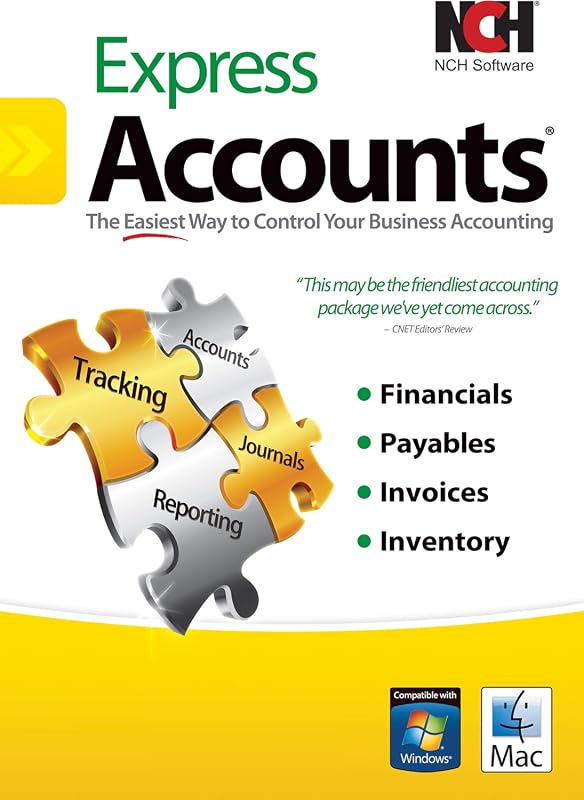
1. Express Accounts Accounting Software Free PC Download
intro text here (2-3 sentences only)
Key Features That Stand Out
- ✓ Invoicing and expense tracking designed for small teams
- ✓ Simple reports to monitor cash flow
- ✓ Quick setup for freelancers and solo practitioners
- ✓ Lightweight and easy to navigate
Why We Recommend It
We appreciate how Express Accounts makes daily bookkeeping approachable without overwhelming new users. It’s a solid starter option for those prioritizing straightforward invoicing and basic reporting.
Best For
Best for freelancers and small service-based businesses needing reliable core accounting features.
Pros and Cons
Pros:
- ✓ Easy setup and user-friendly interface
- ✓ Quick invoice creation and client management
- ✓ Generates essential financial reports
- ✓ Reasonable pricing for beginners
Cons:
- × Limited advanced features for larger teams
- × Mobile app is basic
Customer Reviews
Customer Review: ‘(function(f) {var _np=(window.P._namespace(“”));if(_np.guardFatal){_np.guardFatal(f)(_np);}else{f(_np);}}(function(P) {\n P.when(\’A\’, \’authx-claim-collection-controller\’).execute(function(A, controller) {\n controller.refreshController();\n });\n }));’
Customer Review: ‘Sign in with your password. To prevent this error, go to your cloud service account (example: Apple ID or Google account) and delete saved passkeys.’
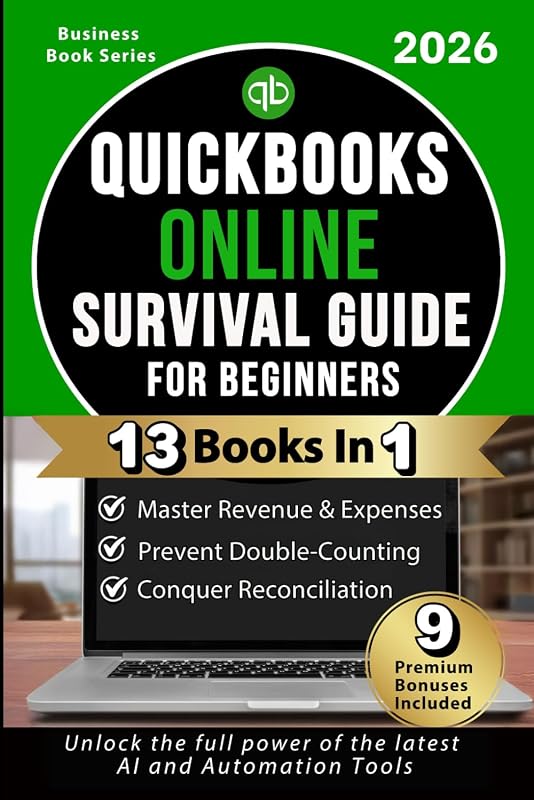
2. QuickBooks Online Survival Guide 2026
intro text here (2-3 sentences only)
Key Features That Stand Out
- ✓ Step-by-step mastery for common tasks
- ✓ Quick error fixes and troubleshooting tips
- ✓ Beginner-friendly with practical examples
- ✓ Up-to-date guidance for 2026 changes
Why We Recommend It
This guide helps newcomers avoid typical mistakes and get up to speed quickly, making ongoing accounting tasks less intimidating.
Best For
Best for beginners starting with QuickBooks Online and seeking a solid learning path.
Pros and Cons
Pros:
- ✓ Clear explanations and visuals
- ✓ Good for self-paced learning
- ✓ Budget-friendly for new users
Cons:
- × Some advanced features not covered
- × May require supplementary practice data
Customer Reviews
Customer Review: ‘(function(f) {var _np=(window.P._namespace(“”));if(_np.guardFatal){_np.guardFatal(f)(_np);}else{f(_np);}}(function(P) {\n P.when(\’A\’, \’authx-claim-collection-controller\’).execute(function(A, controller) {\n controller.refreshController();\n });\n }));’
Customer Review: ‘Sign in with your password. To prevent this error, go to your cloud service account (example: Apple ID or Google account) and delete saved passkeys.’
3. QuickBooks: The Quick and Easy Guide for Your Small Business—Essential Accounting and Bookkeeping
intro text here (2-3 sentences only)
Key Features That Stand Out
- ✓ Practical accounting focus for small teams
- ✓ Clear steps for common bookkeeping tasks
- ✓ Helpful tips for error prevention
- ✓ Good balance between depth and readability
Why We Recommend It
Ideal for those who want a straightforward manual to complement QuickBooks Online, reducing setup confusion and speeding up daily tasks.
Best For
Best for small businesses needing a reliable guide to essential accounting practices.
Pros and Cons
Pros:
- ✓ Easy-to-follow guidance
- ✓ Useful for quick reference
- ✓ Inexpensive learning resource
Cons:
- × Limited coverage of advanced features
- × May feel dated for some topics
Customer Reviews
Customer Review: ‘(function(f) {var _np=(window.P._namespace(“”));if(_np.guardFatal){_np.guardFatal(f)(_np);}else{f(_np);}}(function(P) {\n P.when(\’A\’, \’authx-claim-collection-controller\’).execute(function(A, controller) {\n controller.refreshController();\n });\n }));’
Customer Review: ‘Sign in with your password. To prevent this error, go to your cloud service account (example: Apple ID or Google account) and delete saved passkeys.’
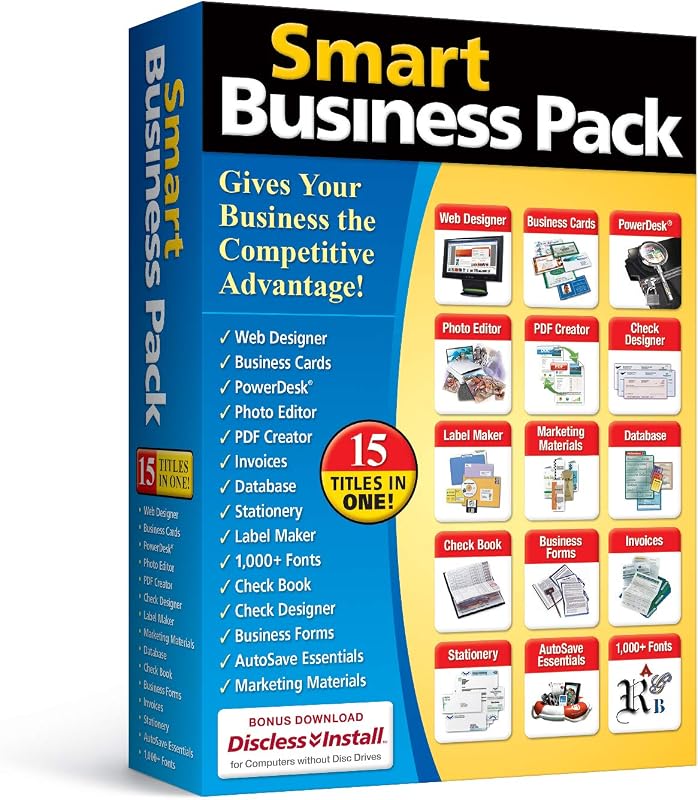
4. Smart Business Pack: All-in-One Toolkit to Streamline Invoicing, Finances, and Team Collaboration
intro text here (2-3 sentences only)
Key Features That Stand Out
- ✓ Comprehensive suite of tools for invoicing and finance
- ✓ Supports team collaboration and document handling
- ✓ Multiple software titles bundled for small teams
- ✓ Durable and reliable for daily use
Why We Recommend It
Great for teams that need an all-in-one toolkit to keep finances organized and collaborative.
Best For
Best for small businesses seeking a broad software bundle to cover invoicing, finances, and collaboration.
Pros and Cons
Pros:
- ✓ Wide feature set
- ✓ Helpful for cross-functional workflows
- ✓ Good value for bundled tools
Cons:
- × Might be more than needed for solo users
- × Some tools have a learning curve
Customer Reviews
Customer Review: ‘(function(f) {var _np=(window.P._namespace(“”));if(_np.guardFatal){_np.guardFatal(f)(_np);}else{f(_np);}}(function(P) {\n P.when(\’A\’, \’authx-claim-collection-controller\’).execute(function(A, controller) {\n controller.refreshController();\n });\n }));’
Customer Review: ‘Sign in with your password. To prevent this error, go to your cloud service account (example: Apple ID or Google account) and delete saved passkeys.’
5. Bookkeeper: A Practical Guide to Easily Manage Your Business Finances, Cash Flow, and Reporting
intro text here (2-3 sentences only)
Key Features That Stand Out
- ✓ Clear guidance on cash flow and reporting
- ✓ Emphasis on practical, actionable steps
- ✓ Real-world scenarios and templates
Why We Recommend It
Useful for business owners who want a hands-on approach to improving financial reporting and cash management.
Best For
Best for small business owners who want a pragmatic guide to financial oversight.
Pros and Cons
Pros:
- ✓ Practical examples
- ✓ Focus on real-world application
- ✓ Helpful templates
Cons:
- × Not a substitute for software training
- × Some topics may feel basic for seasoned users
Customer Reviews
Customer Review: ‘(function(f) {var _np=(window.P._namespace(“”));if(_np.guardFatal){_np.guardFatal(f)(_np);}else{f(_np);}}(function(P) {\n P.when(\’A\’, \’authx-claim-collection-controller\’).execute(function(A, controller) {\n controller.refreshController();\n });\n }));’
Customer Review: ‘Sign in with your password. To prevent this error, go to your cloud service account (example: Apple ID or Google account) and delete saved passkeys.’
6. Mastering QuickBooks 2026: The Complete Guide to Small Business Accounting with US QuickBooks Online
intro text here (2-3 sentences only)
Key Features That Stand Out
- ✓ Focus on essential accounting fundamentals
- ✓ Clear steps for monthly closes
- ✓ Helpful tips for inventory and cash flow
Why We Recommend It
Solid reference for business owners that want to solidify foundational accounting practices.
Best For
Best for growing businesses needing a reliable reference manual.
Pros and Cons
Pros:
- ✓ Robust examples
- ✓ Practical templates
- ✓ Straightforward explanations
Cons:
- × Some topics are software-agnostic
- × Might feel dated to tech-heavy users
Customer Reviews
Customer Review: ‘(function(f) {var _np=(window.P._namespace(“”));if(_np.guardFatal){_np.guardFatal(f)(_np);}else{f(_np);}}(function(P) {\n P.when(\’A\’, \’authx-claim-collection-controller\’).execute(function(A, controller) {\n controller.refreshController();\n });\n }));’
Customer Review: ‘Sign in with your password. To prevent this error, go to your cloud service account (example: Apple ID or Google account) and delete saved passkeys.’
7. QuickBooks QuickStudy Laminated Reference Guide: QuickBooks
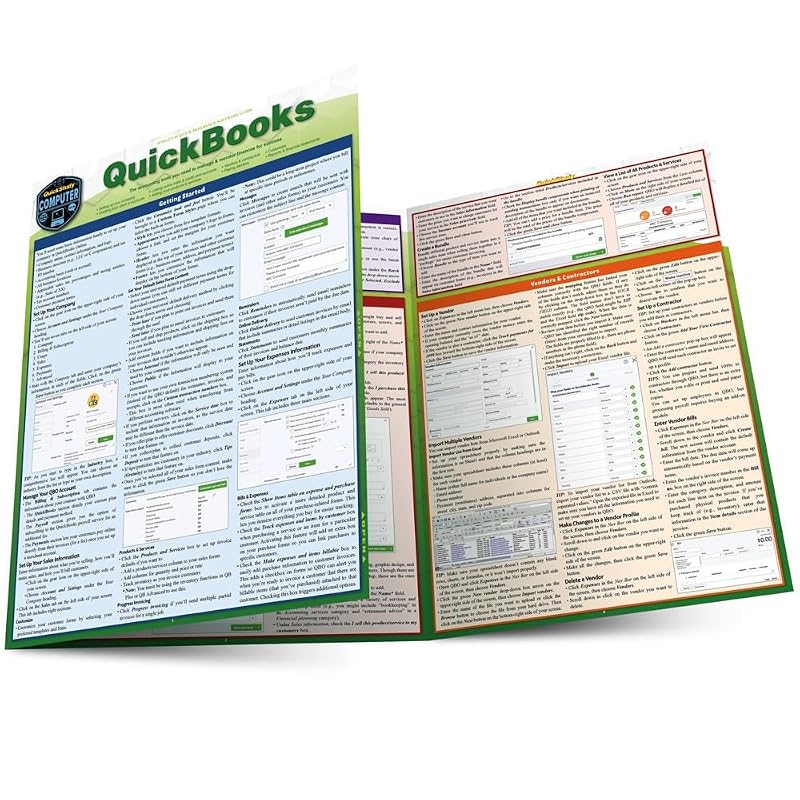
intro text here (2-3 sentences only)
Key Features That Stand Out
- ✓ Laminated quick-reference for on-the-spot help
- ✓ Concise summaries of core tasks
- ✓ Portable and durable format
Why We Recommend It
Helpful when you need a fast reminder for common QuickBooks tasks during busy days.
Best For
Best for quick-look guidance during daily operations.
Pros and Cons
Pros:
- ✓ Compact and durable
- ✓ Easy to flip through
- ✓ Useful as a desk reference
Cons:
- × Not a replacement for hands-on practice
- × Lacks in-depth explanations
Customer Reviews
Customer Review: ‘(function(f) {var _np=(window.P._namespace(“”));if(_np.guardFatal){_np.guardFatal(f)(_np);}else{f(_np);}}(function(P) {\n P.when(\’A\’, \’authx-claim-collection-controller\’).execute(function(A, controller) {\n controller.refreshController();\n });\n }));’
Customer Review: ‘Sign in with your password. To prevent this error, go to your cloud service account (example: Apple ID or Google account) and delete saved passkeys.’
8. QuickBooks 2015: The Essential Guide for Small Business Accounting and Financial Management
intro text here (2-3 sentences only)
Key Features That Stand Out
- ✓ Classic reference for classic versions
- ✓ Clear explanations of fundamentals
- ✓ Useful historical context for evolving features
Why We Recommend It
Nice for readers who want historical perspective and foundational knowledge to complement modern tools.
Best For
Best for learners and researchers exploring QuickBooks’ evolution.
Pros and Cons
Pros:
- ✓ Accessible for beginners
- ✓ Good for reference
Cons:
- × Older edition may lack current features
- × Not targeted at daily operational use
Customer Reviews
Customer Review: ‘(function(f) {var _np=(window.P._namespace(“”));if(_np.guardFatal){_np.guardFatal(f)(_np);}else{f(_np);}}(function(P) {\n P.when(\’A\’, \’authx-claim-collection-controller\’).execute(function(A, controller) {\n controller.refreshController();\n });\n }));’
Customer Review: ‘Sign in with your password. To prevent this error, go to your cloud service account (example: Apple ID or Google account) and delete saved passkeys.’
9. QuickBooks Online Made Simple: 9 Steps, 100+ Guided Visuals, and Stress-Free Daily Workflows
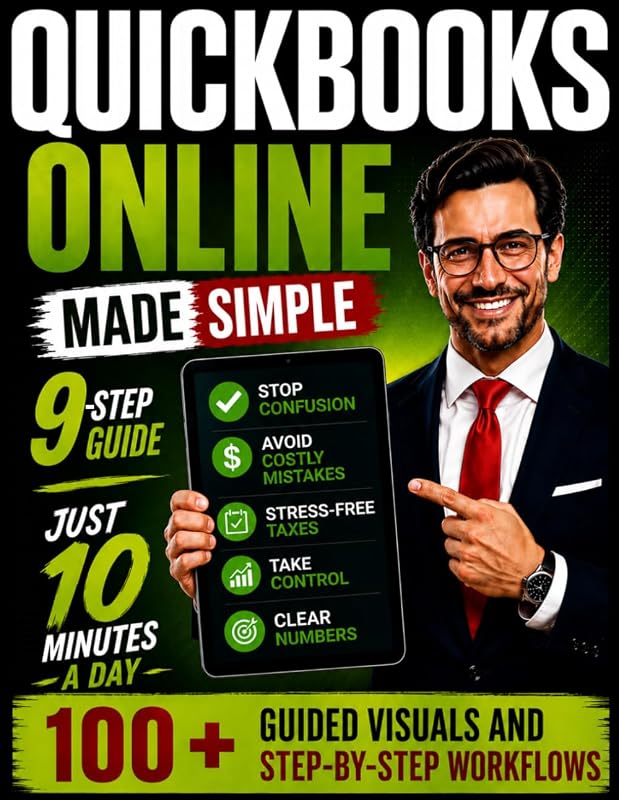
intro text here (2-3 sentences only)
Key Features That Stand Out
- ✓ Guided visuals to simplify daily tasks
- ✓ Clear steps for everyday workflows
- ✓ Stress-free daily routines for bookkeeping
Why We Recommend It
Great for visual learners who benefit from step-by-step guides during routine accounting tasks.
Best For
Best for teams seeking a visual, easy-to-follow daily workflow.
Pros and Cons
Pros:
- ✓ Intuitive visuals
- ✓ Helps reduce mistakes
Cons:
- × Not a full replacement for software training
- × May require supplementary practice data
Customer Reviews
Customer Review: ‘(function(f) {var _np=(window.P._namespace(“”));if(_np.guardFatal){_np.guardFatal(f)(_np);}else{f(_np);}}(function(P) {\n P.when(\’A\’, \’authx-claim-collection-controller\’).execute(function(A, controller) {\n controller.refreshController();\n });\n }));’
Customer Review: ‘Sign in with your password. To prevent this error, go to your cloud service account (example: Apple ID or Google account) and delete saved passkeys.’
10. Custom Duplicate Receipt Books with Your Company Name — Numbered, 2 Books (100 Sets)
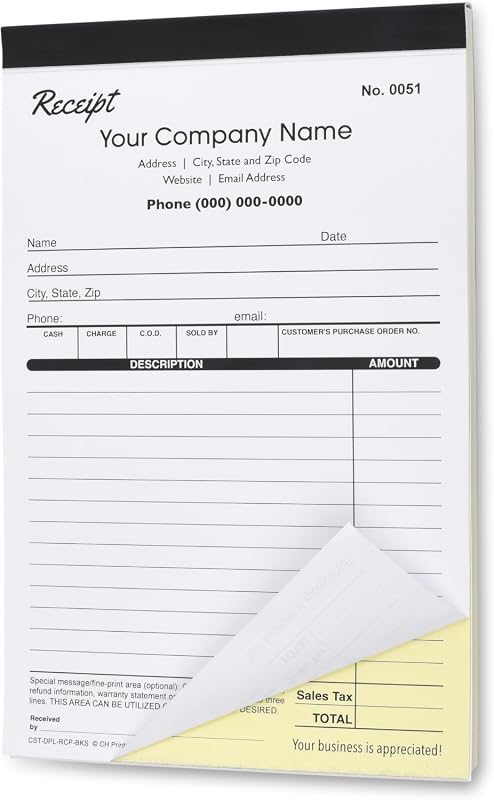
intro text here (2-3 sentences only)
Key Features That Stand Out
- ✓ Personalize with company details on receipts
- ✓ Durable and portable for on-the-go invoicing
- ✓ Clear numbering for organized records
Why We Recommend It
Nice for businesses needing printed duplicate receipts with branding and easy tracking.
Best For
Best for small shops or mobile services that require printed, branded receipts.
Pros and Cons
Pros:
- ✓ Customizable branding
- ✓ Simple, tangible invoicing
Cons:
- × Paper-based solution may not suit digital-only workflows
- × Limited scalability for large teams
Customer Reviews
Customer Review: ‘(function(f) {var _np=(window.P._namespace(“”));if(_np.guardFatal){_np.guardFatal(f)(_np);}else{f(_np);}}(function(P) {\n P.when(\’A\’, \’authx-claim-collection-controller\’).execute(function(A, controller) {\n controller.refreshController();\n });\n }));’
Customer Review: ‘Sign in with your password. To prevent this error, go to your cloud service account (example: Apple ID or Google account) and delete saved passkeys.’
Complete Buying Guide for Best Quickbooks Alternatives For Your Business Needs
Essential Factors We Consider
We look at scalability, ease of use, price, integrations, and support when selecting Quickbooks alternatives. For deeper context on similar topics, you can explore our guide on Best Alternatives To Quicken For Personal Finance Management.
Budget Planning
Consider total cost of ownership, including monthly fees, add-ons, and training time. Our picks include options that suit both tight and expanding budgets.
Final Thoughts
Choosing the right Quickbooks alternative depends on your business size, workflow, and data needs. Start with a clear list of must-haves, then use the product reviews above to narrow your options.
Frequently Asked Questions
Q: How do I know which Quickbooks alternative is right for my business?
A: Start with your must-have features (invoicing, payroll, inventory, reporting) and compare pricing, scalability, and integrations. Consider trying free trials to test usability before committing.
Q: Can I switch from Quickbooks Online to another solution without losing data?
A: Many alternatives offer import tools or support services to migrate historical data. Always back up your data before a switch and confirm data compatibility with your current records.
Q: Are there affordable Quickbooks alternatives for small freelancers?
A: Yes. Several affordable options provide core accounting features, easy invoicing, and essential reporting suitable for freelancers and sole proprietors.
Q: Do these alternatives support payroll and tax compliance?
A: Many do, but feature depth varies. Check the payroll module, tax-compliance capabilities, and regional availability before buying.
Q: Where can I read more about workflow-focused alternatives?
A: Our related guide on Best Alternatives To Stream Deck For Streamlining Your Workflow can offer insights into improving office efficiency alongside finance tools.
Ready to upgrade your business accounting? Dive into these Best Quickbooks Alternatives For Your Business Needs to find the right fit. If you’re looking for a budget-friendly start, try Express Accounts or the QuickBooks Online Survival Guide to get up to speed quickly. For teams needing more, explore the Smart Business Pack or Mastering QuickBooks 2026 for broader functionality. Your next step could be a free trial or a demo—start comparing today and choose the option that aligns with your workflow and goals.
Similar Posts
Top 2 Air Filters for 7 3 Powerstroke: Expert Picks
If you own a 1999-2003 Ford 7.3L Powerstroke, choosing the Best Air Filter For 7 3 Powerstroke can influence performance, reliability, and long-term engine health. This roundup breaks down the top options and explains why each one could be the right pick for your diesel. If you’re exploring other air-filter options for related setups, you…
Top 10 Best SUVs With 3rd Row Seating for Families & Adventures
Finding the best SUVs with 3rd row seating for your family and adventures doesn’t have to be overwhelming. Whether you’re planning weekend getaways, school runs, or hauling gear for outdoor excursions, a reliable three-row SUV makes life easier. From spacious interiors and advanced safety tech to powerful engines and versatile cargo options, today’s top models…
Top 10 Best Golf Irons for Intermediate Players: Expert Picks
Finding the right golf irons matters if you’re an intermediate player aiming for better distance, forgiveness, and consistency from shot to shot. This roundup showcases the best golf irons for intermediate players, balancing feel, performance, and value. Each pick has been considered for how it helps you square up to the ball, improve your contact,…
Top 10 Best Valve Cover Gasket for Aluminum Heads: Expert Picks
Discover the Best Valve Cover Gasket For Aluminum Heads that deliver a tight seal on aluminum engines. This round-up highlights top options that blend durability, fit, and value for BMW, Ford, Chevy, and Can-Am vehicles. Whether you’re upgrading a BMW Z3 or a Ford F-150, these choices are built to withstand heat and oil exposure…
10 Best Travel Car Seat For 2 Year Old Airplane: Expert Picks for Safe & Stress-
Traveling with a toddler can feel overwhelming, especially when you need to navigate airport terminals and airplane seats safely. A best travel car seat for 2 year old airplane use can make all the difference in keeping your little one secure and comfortable during flights. Whether you are flying domestically or internationally, having the right…
Top 10 Best Hard Golf Travel Cases for Safe Transport
Choosing a hard golf travel case can protect your clubs during air travel and road trips. In this roundup, we review the best hard golf travel cases for safe transport, comparing durability, wheels, protection, and value. Whether you’re a weekend warrior or a pro, these cases aim to keep your gear secure from check-in to…