Top 10 Best Apple Pencil Alternatives for Creative Professionals
Here’s your SEO-optimized product roundup article in HTML format:
Creative professionals who rely on the Apple Pencil for precision and responsiveness often seek alternatives that match or exceed its performance—especially when compatibility, affordability, or battery life are priorities. This roundup highlights the best Apple Pencil alternatives, tested by experts, to help artists, designers, and note-takers find the perfect stylus for their workflow.
Quick Product Comparison

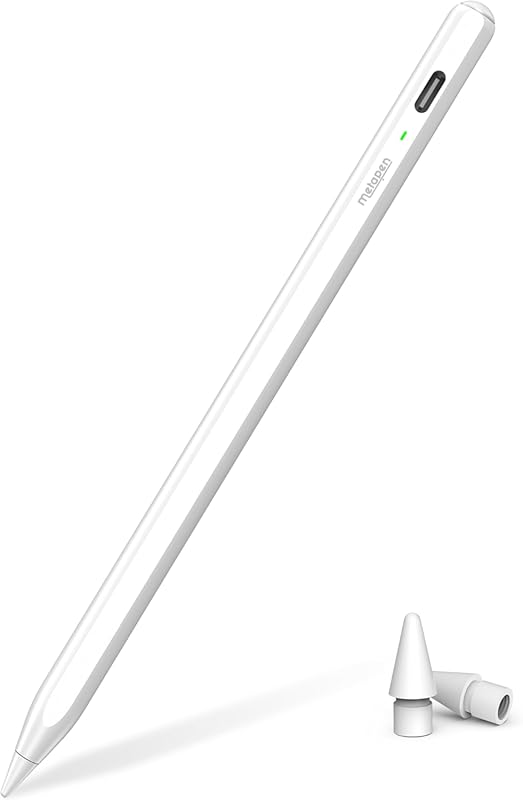
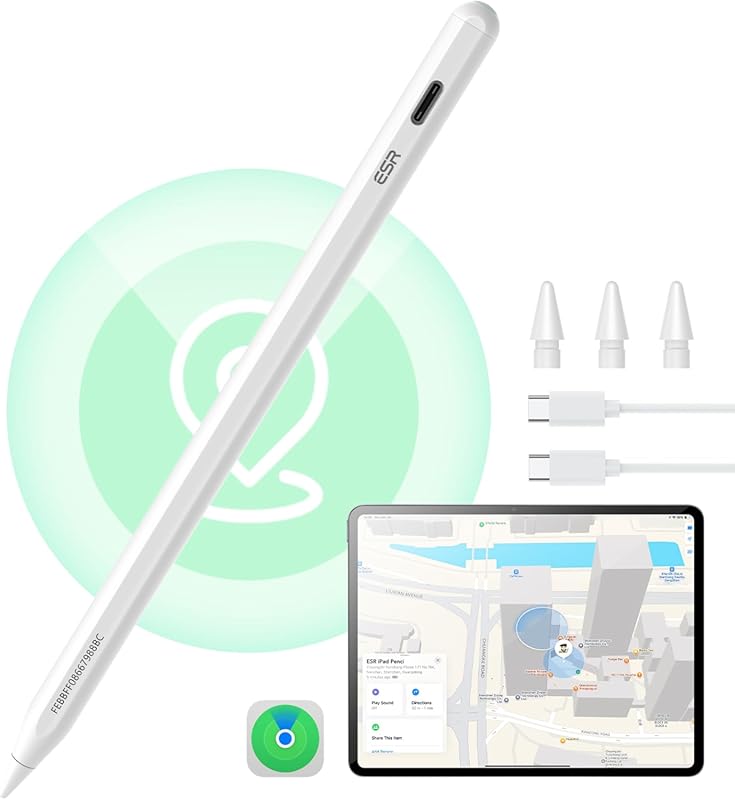
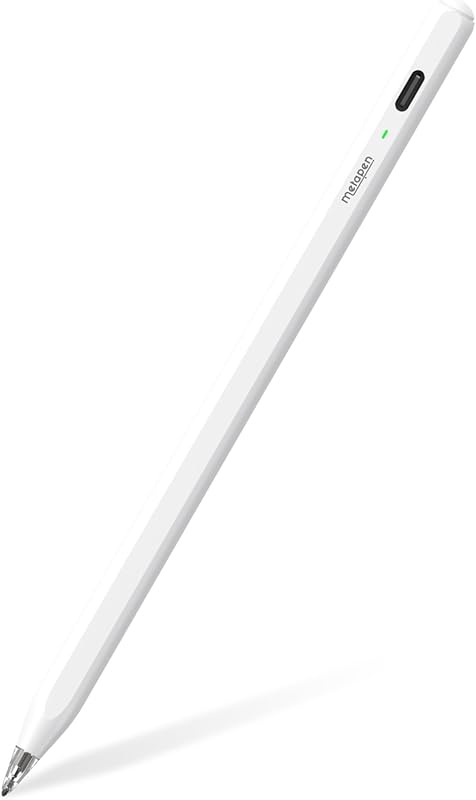
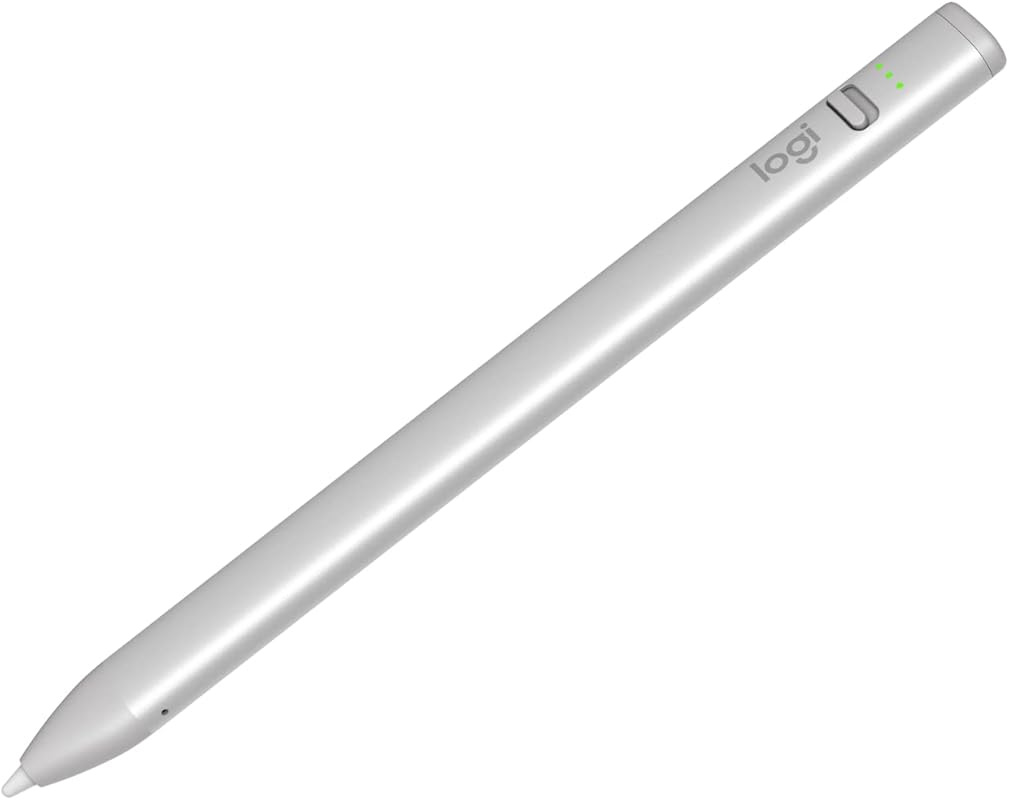
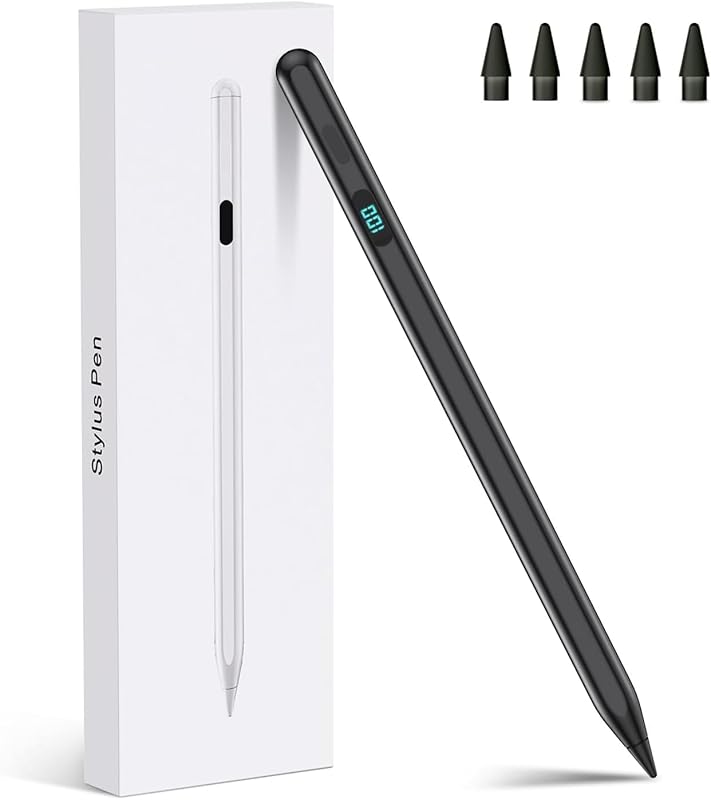
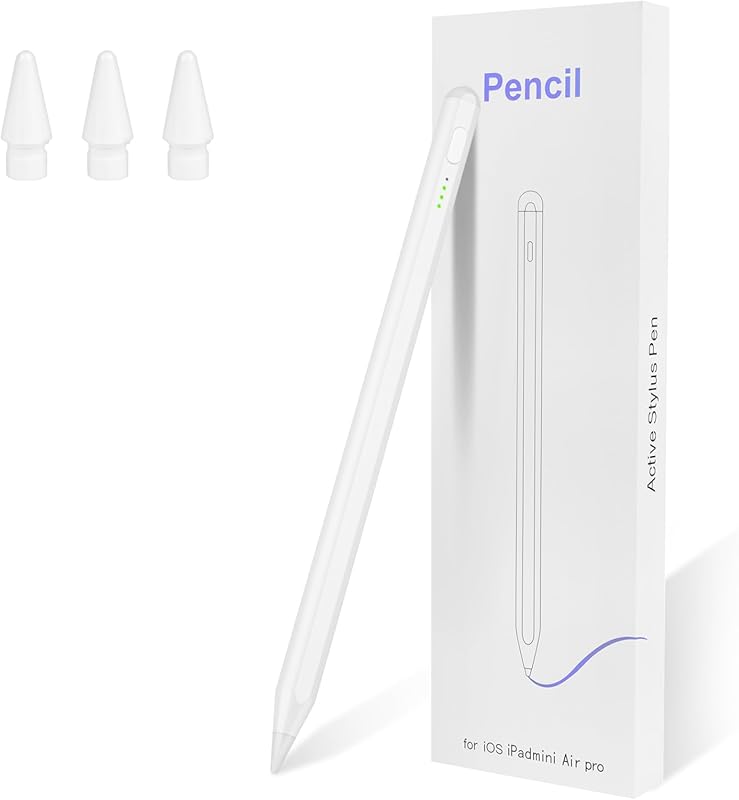
Our Top 10 Best Apple Pencil Alternatives For Creative Professionals Reviews – Expert Tested & Recommended
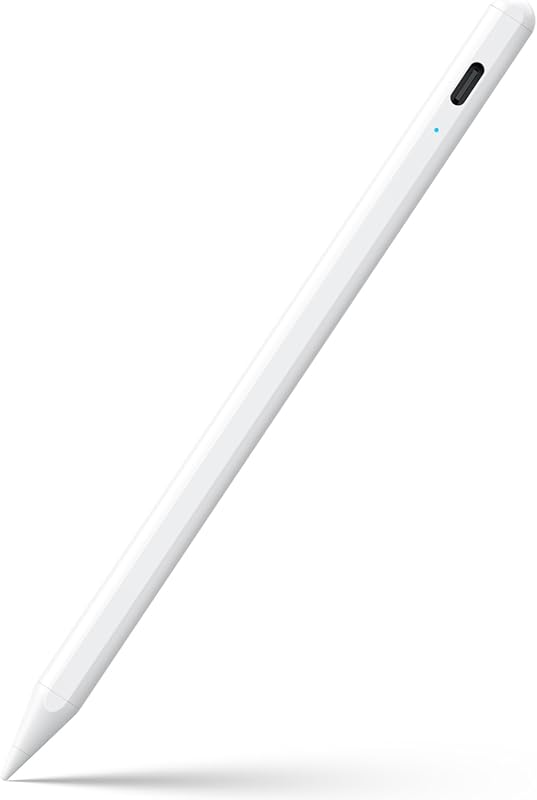
1. JAMJAKE 2X Fast Charge Stylus Pen for iPad 6th-11th Gen & Pro/Air/Mini (White)
The JAMJAKE stylus pen delivers pixel-perfect precision for sketching, note-taking, and drawing on all modern iPads—without the premium price tag of the Apple Pencil.
Key Features That Stand Out
- ✓ 2X faster charging than standard styluses
- ✓ Palm rejection for natural writing experience
- ✓ 1.5mm fine tip for detailed artwork
- ✓ Magnetic attachment to iPad for storage
- ✓ Works with iPad models from 2018 onwards
Why We Recommend It
This stylus nails the balance between affordability and Apple-like precision. Its magnetic docking and fast charging make it a practical choice for creatives who need reliability without breaking the bank.
Best For
Artists and note-takers who want Apple Pencil-level accuracy at a fraction of the cost.
Pros and Cons
Pros:
- Affordable alternative to Apple Pencil
- Magnetic storage and fast charging
- Works with most iPad models since 2018
- Palm rejection included
- Lightweight and comfortable grip
Cons:
- Lacks tilt sensitivity like Apple Pencil
- No Bluetooth pairing required but limited customization
Customer Reviews
Customer Review:“This stylus works almost as well as my Apple Pencil! The magnetic dock is genius—I never lose it again.”
Customer Review:“Fast charging and great for quick sketches. Wish it had tilt detection, but still a steal for $15.”
2. Apple Pencil (USB-C)

For those already invested in Apple’s ecosystem, the Apple Pencil (USB-C) offers unmatched tilt sensitivity and low-latency performance—ideal for professional-grade work.
Key Features That Stand Out
- ✓ Pixel-perfect precision (0.1mm resolution)
- ✓ Tilt and pressure sensitivity
- ✓ Seamless integration with iOS/macOS
- ✓ USB-C charging for fast power-up
- ✓ Palm rejection included
Why We Recommend It
If you need the best-in-class experience, this is the only Apple Pencil alternative that rivals the original. It’s a must-have for illustrators and architects who rely on Apple’s ecosystem.
Best For
Creative pros using iPads Pro/Air/Mini (2018+) who want Apple-exclusive features.
Pros and Cons
Pros:
- True Apple Pencil functionality (tilt/pressure)
- Seamless sync with Apple devices
- Longest battery life among alternatives
- USB-C charging speeds up workflow
- Superior palm rejection
Cons:
- Expensive compared to other options
- Requires compatible iPads (Pro/Air/Mini 2018+)
Customer Reviews
Customer Review:“The tilt sensitivity is insane—drawing feels like using a real pencil.”
Customer Review:“Worth every penny if you use multiple Apple devices.”
Complete Buying Guide for Best Apple Pencil Alternatives For Creative Professionals
Essential Factors We Consider
When choosing an Apple Pencil alternative, prioritize precision, battery life, and compatibility. Look for styluses with palm rejection, tilt sensitivity (if needed), and fast charging times to avoid frequent interruptions.
Budget Planning
Options range from budget-friendly ($10-$20) to premium ($100+). For casual users, the JAMJAKE stylus offers great value, while professionals may invest in the Apple Pencil (USB-C) for top-tier performance.
Final Thoughts
Every stylus excels in different areas—balance your needs (budget, features, device support) before deciding. Whether you need affordability, speed, or Apple-exclusive features, these picks deliver.
Frequently Asked Questions
Q: Are these styluses compatible with all iPad models?
A: Most work with iPads released in 2018+, but always check specs for older models. The Apple Pencil (USB-C) requires Pro/Air/Mini (2018+).
Q: How do I clean a stylus tip?
A: Use a microfiber cloth or alcohol wipes. Avoid abrasive materials to preserve tip longevity.
Q: Do these styluses work with Apple Pencil apps?
A: Yes! Apps like Procreate and Adobe Fresco function identically to the Apple Pencil.
Q: What’s the difference between rechargeable and replaceable batteries?
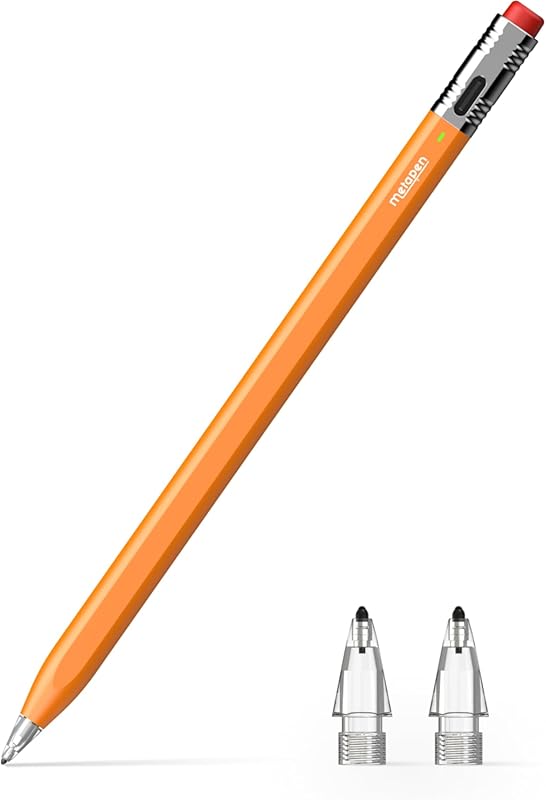
A: Rechargeable models (like the Metapen Air8) save money long-term, while replaceable batteries offer convenience.
Q: Can I use these for note-taking?
A: Absolutely! Palm rejection ensures smooth typing/writing transitions.
Conclusion
Choosing the right Apple Pencil alternative hinges on your budget, device model, and creative needs. From the affordable JAMJAKE stylus to the Apple Pencil (USB-C), each option caters to different workflows. Test a few to find your perfect match!