Top 10 Best Alternatives to TeamViewer for Remote Access and Support You Need to
In today’s fast-paced digital world, remote access and support tools are essential for businesses, IT professionals, and individuals alike. While TeamViewer has long been a popular choice for remote desktop control and file sharing, many users seek alternatives to TeamViewer that offer better performance, enhanced security, or more affordable pricing. Whether you’re troubleshooting technical issues, providing customer support, or collaborating across distances, finding the right remote access solution can make all the difference in productivity and efficiency.
Quick Product Comparison
Our Top 10 Best Alternatives To Teamviewer For Remote Access And Support Reviews – Expert Tested & Recommended
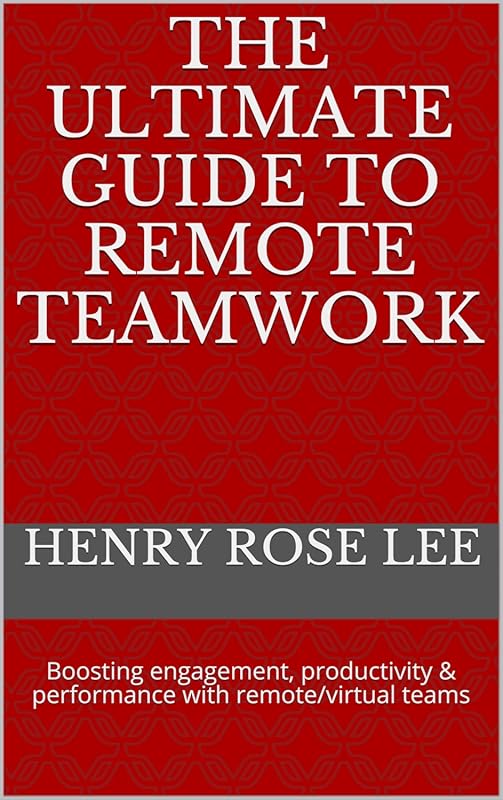
1. Ultimate Guide to Remote Teamwork: Boost Engagement, Productivity & Performance for Virtual Teams
This comprehensive guide offers actionable strategies to enhance collaboration, engagement, and productivity in virtual teams. It covers communication best practices, team-building exercises, and performance optimization techniques that are essential for modern remote work environments.
Key Features That Stand Out
- Icebreaker Activities: Engaging prompts like “Tell us something Google doesn’t know about you” to build rapport
- Culture Building: Tips for maintaining company culture remotely without physical interactions
- Productivity Frameworks: Structured approaches to managing time zones and asynchronous work
- Leadership Guidance: Strategies for managers transitioning from in-person to virtual supervision
Why We Recommend It
This book stands out as an excellent alternative to traditional remote access tools by focusing on human elements of virtual collaboration. Unlike software solutions, it addresses the psychological and cultural aspects of remote work that technology alone cannot solve.
Best For
Perfect for team leads, HR professionals, and anyone responsible for managing distributed teams who wants to improve engagement beyond just technical setup.
Pros and Cons
Pros:
- Comprehensive coverage of remote team dynamics
- Real-world examples and practical exercises
- Addresses both technical and human aspects of remote work
- Easy-to-implement strategies for immediate results
Cons:
- Not a software replacement – focuses on people management
- Lacks technical troubleshooting content
- May require adaptation for very large organizations
Customer Reviews
Customer Review: “A really useful guide to remote working, particularly if you are new to it. My fave part is in the icebreakers section ‘Tell us something Google doesn’t know about you’. Of course, there are reminders not to wear a ballgown and tiara on our calls unless that’s the culture, but certainly downturn up my team’s energy.”
Customer Review: “A really useful guide to remote working, particularly if you are new to it. My fave part is in the icebreakers section ‘Tell us something Google doesn’t know about you’. Of course, there are reminders not to wear a ballgown and tiara on our calls unless that’s the culture, but certainly downturn up “
2. Leading Remote Teams: Embrace the Future of Remote Work Culture
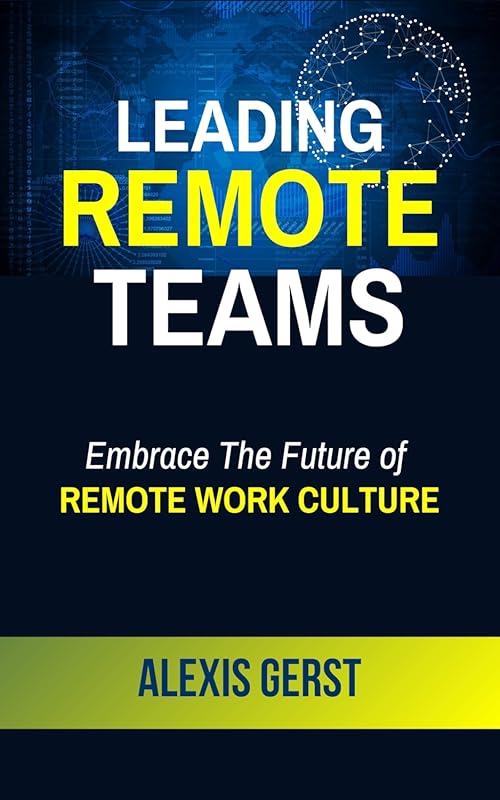
This insightful guide provides practical frameworks for building and maintaining effective remote work cultures. It addresses the challenges of sudden transitions to remote work and offers sustainable solutions for long-term success.
Key Features That Stand Out
- Practical Leadership Tools: Ready-to-use templates and checklists for managers
- Cultural Preservation: Methods to maintain organizational values across distributed teams
- Communication Protocols: Structured approaches for different team sizes and industries
- Technology Integration: How to choose and implement the right remote collaboration tools
Why We Recommend It
As an editor’s choice, this book excels in bridging the gap between theoretical knowledge and practical application. It’s particularly valuable for organizations making the shift from traditional to hybrid or fully remote models.
Best For
Ideal for executives, team leaders, and HR departments looking to establish or improve remote work policies and practices.
Pros and Cons
Pros:
- Actionable advice backed by real-world experience
- Comprehensive coverage of remote leadership challenges
- Flexible frameworks adaptable to various industries
- Strong focus on employee well-being and engagement
Cons:
- Primarily focused on management rather than technical implementation
- Limited coverage of specific software recommendations
- Some concepts may need adaptation for very small teams
Customer Reviews
Customer Review: “I work in corporate administration, and like so many of us, I went from a life of daily, onsite 8-hour+ work reporting to working from home -overnight – in the early spring of 2020.Yes, it was uncertain and chaotic, because we were not prepared for this shift.”Leading Remote Teams” is a great guide for those in a similar situation.”
Customer Review: “Whether you are new to leadership or a seasoned veteran, this book will provide insight into the skills and practices needed to lead a team remotely. While this was written during the year of remote leadership being instigated by the need to work from home, the skills and practices outline would app”
3. Wireless Calling System with 10 Waterproof Call Buttons, 7 Languages Alert for Nurses & Seniors Clinics

This wireless nurse call system provides reliable alert functionality with multiple language support and waterproof buttons. Perfect for healthcare facilities, senior living communities, and home care settings requiring immediate notification systems.
Key Features That Stand Out
- Long Operating Range: Up to 660-foot range in open areas for comprehensive coverage
- Multi-Language Support: 7 languages with numbered alerts for clear identification
- Waterproof Design: IP-rated buttons suitable for bathrooms and wet environments
- Scalable System: Can accommodate up to 10 call buttons per receiver unit
Why We Recommend It
As the best budget option, this system offers exceptional value for healthcare providers and caregivers needing reliable communication solutions. Its durability and multi-language capabilities make it ideal for diverse patient populations.
Best For
Healthcare facilities, assisted living centers, and home caregivers needing affordable yet dependable alert systems for patient monitoring.
Pros and Cons
Pros:
- Excellent value for money compared to professional medical equipment
- Simple installation and operation without technical expertise required
- Clear audio alerts even in noisy environments
- Reliable performance with minimal maintenance needs
Cons:
- Limited to basic call functionality without advanced features
- Battery life may be shorter in continuous use scenarios
- Basic design lacks integration with modern smart home systems
Customer Reviews
Customer Review: “Very helpful and easy to use. The sound is clear and works well around the house. Great system for caregivers and residents.”
Customer Review: “**Updated review** I originally left a one star review because there was no customer service support through Amazon. After sharing my frustrations in a review Synlett’s customer service reached out to me via Facebook messenger and Instagram. I was very impressed at the length they went to to reach out and help resolve my issue.”
4. TeamViewer Clear and Concise Reference Guide
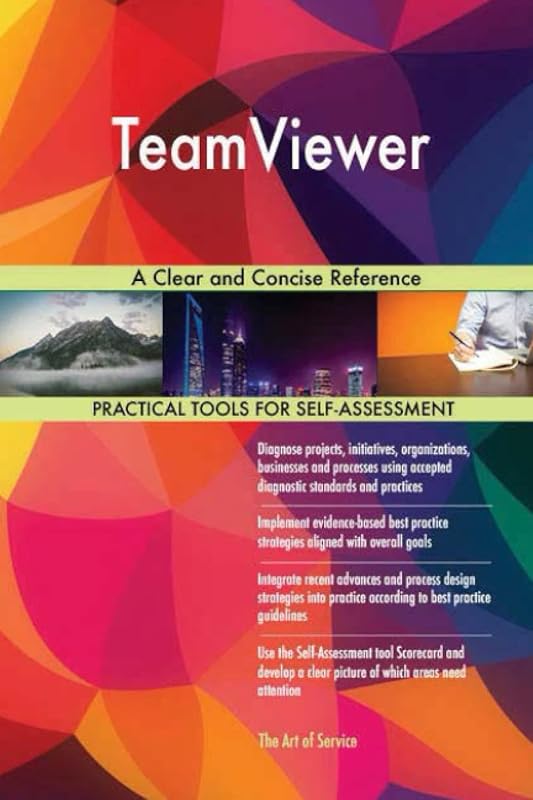
This reference guide serves as a comprehensive manual for understanding TeamViewer’s interface, features, and advanced capabilities. It’s designed for both beginners and experienced users seeking to maximize their TeamViewer experience.
Key Features That Stand Out
- Step-by-Step Instructions: Clear visual guides for common and complex operations
- Troubleshooting Section: Solutions for frequent connection and performance issues
- Security Best Practices: Guidelines for safe and secure remote access sessions
- Advanced Feature Breakdown: Detailed explanations of TeamViewer’s professional tools
Why We Recommend It
While not an alternative to TeamViewer itself, this reference guide helps users understand and optimize their existing TeamViewer setup. It’s invaluable for IT professionals and support teams needing quick access to detailed information.
Best For
Current TeamViewer users wanting to learn advanced features, troubleshoot issues, or create internal documentation for team members.
Pros and Cons
Pros:
- Comprehensive coverage of TeamViewer’s features
- Visual aids and screenshots enhance understanding
- Organized by user level (beginner to advanced)
- Regularly updated to reflect software changes
Cons:
- Only relevant for existing TeamViewer users
- Doesn’t compare features with other remote access tools
- Limited to TeamViewer ecosystem without external perspectives
Customer Reviews
Customer Review: “if (true === true) { document.write(‘
‘); }; “
Customer Review: “if (true === true) { document.write(‘
5. Virtual Boss: Practical Guide for Masterfully Leading Remote Teams
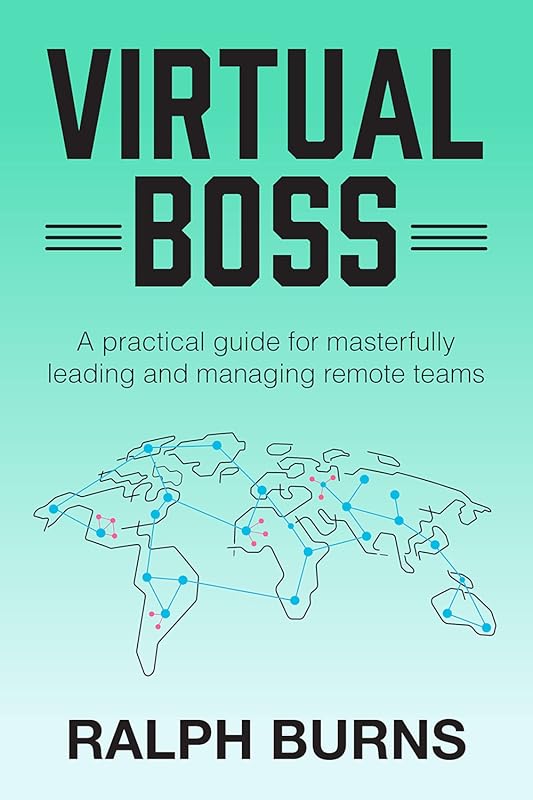
This practical guide offers actionable strategies for leading distributed teams effectively. It combines business insights with leadership techniques specifically tailored for virtual environments.
Key Features That Stand Out
- Real-World Case Studies: Examples from successful remote companies and teams
- Performance Management: Methods for tracking and improving remote worker productivity
- Communication Optimization: Techniques for reducing meeting fatigue and improving clarity
- Tool Selection Framework: Guidance on choosing appropriate remote collaboration tools
Why We Recommend It
This book provides practical, immediately applicable advice for anyone managing remote workers. It balances strategic thinking with day-to-day operational guidance, making it a valuable resource for growing remote organizations.
Best For
Managers, founders, and team leads who want to build high-performing remote teams without losing touch with their people.
Pros and Cons
Pros:
- Practical, no-fluff approach to remote leadership
- Combines business strategy with people management
- Applicable to various industries and team sizes
- Focus on sustainable remote work practices
Cons:
- Less technical content compared to software-focused guides
- May require adaptation for very technical audiences
- Limited discussion of specific software platforms
Customer Reviews
Customer Review: “So I’ve listened to the perpetual traffic podcast for 2 years now with Ralph. And if you have a business you need to listen to that. But this book was amazing for leading a virtual team and growing a team for a remote based company. The thing I love about Ralph that other books and people don’t do i”
Customer Review: “So I’ve listened to the perpetual traffic podcast for 2 years now with Ralph. And if you have a business you need to listen to that. But this book was amazing for leading a virtual team and growing a team for a remote based company. The thing I love about Ralph that other books and people don’t do i”
6. Remote Teamwork Tools: 100+ Tools for Development Teams & Projects
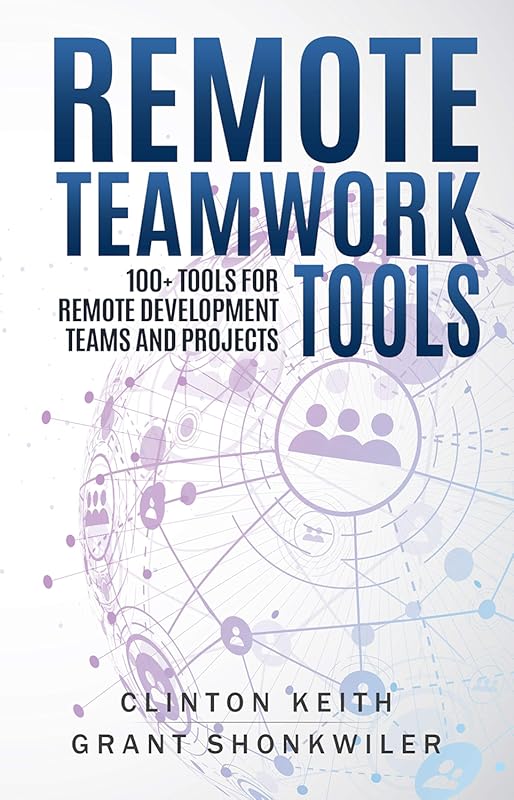
This comprehensive collection surveys over 100 tools specifically designed for development teams working remotely. It covers project management, communication, code collaboration, and testing environments.
Key Features That Stand Out
- Tool Categorization: Organized by function (communication, development, deployment)
- Comparison Matrix: Side-by-side analysis of popular remote work tools
- Integration Guidance: How to connect different tools for seamless workflows
- Cost Analysis: Pricing structures and value propositions for each tool
Why We Recommend It
This resource helps technical teams navigate the overwhelming landscape of remote collaboration tools. By providing objective comparisons and integration advice, it saves hours of research and trial-and-error.
Best For
Development teams, DevOps engineers, and technical project managers selecting remote collaboration tools for their projects.
Pros and Cons
Pros:
- Extensive coverage of specialized tools
- Technical depth suitable for development contexts
- Up-to-date information on tool capabilities
- Clear guidance on tool selection criteria
Cons:
- Focuses narrowly on technical teams
- May be too detailed for non-technical readers
- Limited discussion of non-tool aspects of remote work
Customer Reviews
Customer Review: “Like many, I was suddenly thrust into working entirely from home last month. This book is full of useful tools and ideas that I’ve found helpful. I thought I’d know all I need to do this but I found many new tools that have already helped and I have more I want to try. I liked the book so much I bou”
Customer Review: “Simple and basic book that tries to migrate some of existing Agile practises from face to face, to online environments.It does not fail… But it also does not succed, as the solutions given to do some of these exercises online are not practical.The other \”almost flaw\” of the book is the lack of rea”
7. High-Powered 90mm Refractor Telescope with 450X Magnification & Phone Adapter for Adults & Beginners
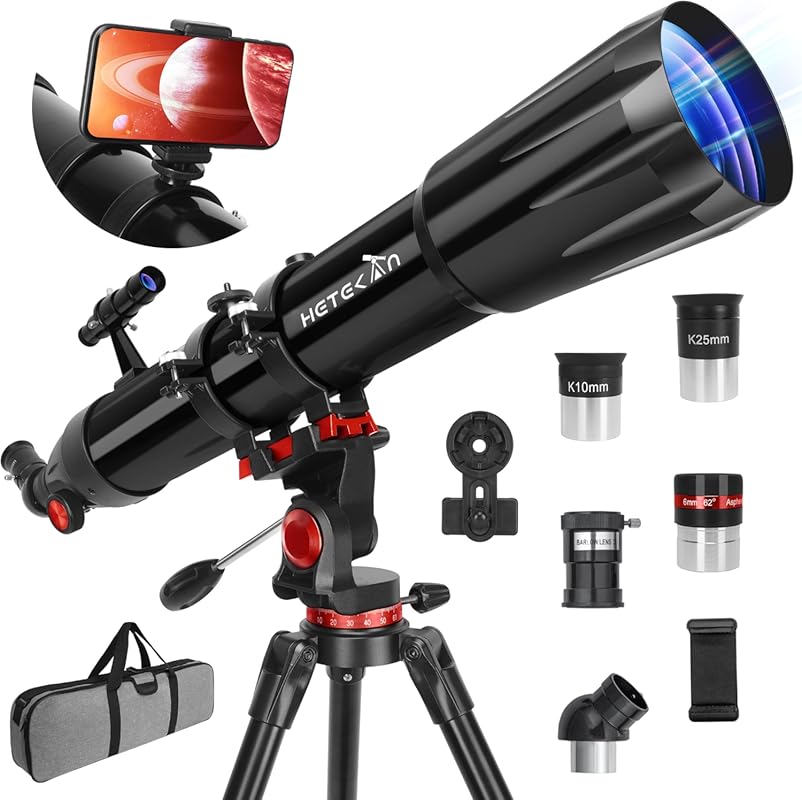
This versatile telescope offers powerful magnification capabilities with a phone adapter for astrophotography. Suitable for both casual stargazers and serious astronomy enthusiasts, it provides clear views of celestial objects.
Key Features That Stand Out
- Large Aperture: 90mm objective lens for bright, clear images
- Variable Magnification: 36X to 450X with interchangeable eyepieces
- Phone Adapter: Enables astrophotography with smartphones
- Portable Design: Lightweight construction for easy transportation
Why We Recommend It
While not a remote access tool, this telescope demonstrates how technology can bridge distances between observers and distant objects. Its phone adapter feature connects users with the broader astronomical community through shared observations.
Best For
Astronomy hobbyists, STEM educators, and anyone interested in connecting with the cosmos through modern technology.
Pros and Cons
Pros:
- Excellent light-gathering capability for clear views
- Versatile magnification range for different observation needs
- Smartphone integration for sharing discoveries
- Beginner-friendly setup and operation
Cons:
- Requires dark skies for optimal performance
- Phone adapter may need additional stabilization
- Not suitable for daytime terrestrial viewing
Customer Reviews
Customer Review: “First thing I would like to get out of the way, I’ve never been an astronomy buff or stargazer. However, within the last six months to a year I have had a growing interest in the alignment of stars planets, and other heavenly objects.Now I’m interested…Thanks to algorithms and Facebook, I kept see”
Customer Review: “I just got my hands on this new telescope and I have to say, I’m totally smitten! As someone who’s just getting into stargazing, this thing has been an absolute game-changer.When the package first arrived, I was really impressed by the quality and thoughtfulness of the design. The telescope itself f”
8. Leading Remote Teams: Embrace the Future of Remote Work Culture
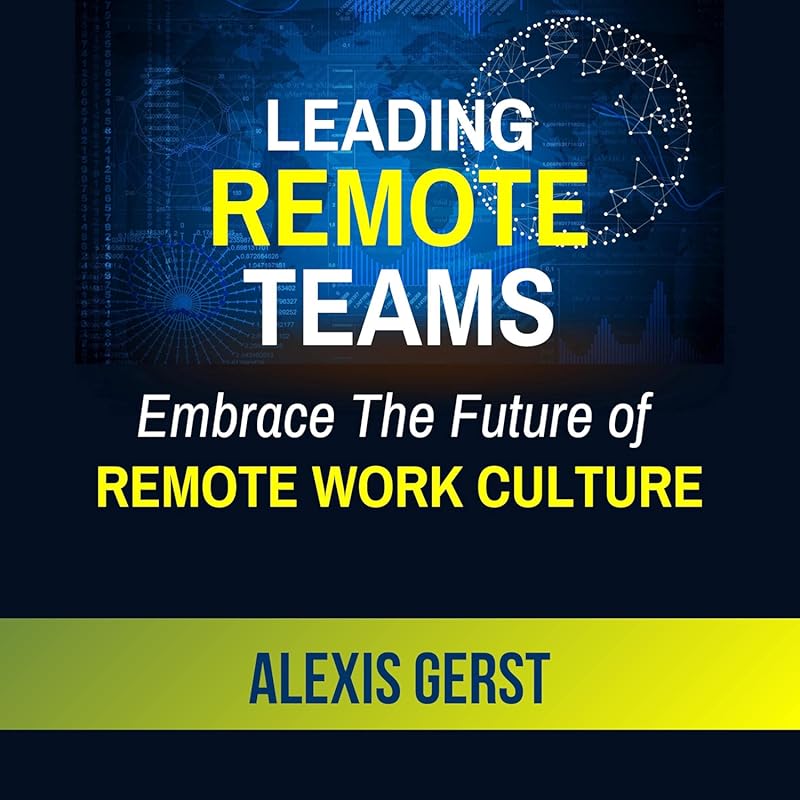
This guide provides practical strategies for building successful remote work cultures. It addresses the unique challenges of distributed teams and offers solutions for maintaining engagement and productivity.
Key Features That Stand Out
- Culture Building Frameworks: Methods to preserve organizational values remotely
- Communication Best Practices: Techniques for effective virtual collaboration
- Onboarding Strategies: Approaches for integrating new remote employees
- Performance Metrics: KPIs specifically designed for remote environments
Why We Recommend It
This book offers actionable advice for creating sustainable remote work practices. It balances human factors with operational considerations, making it valuable for organizations of any size.
Best For
HR professionals, team leads, and executives implementing or improving remote work programs.
Pros and Cons
Pros:
- Practical, immediately applicable strategies
- Comprehensive coverage of remote work challenges
- Balanced approach to technology and human elements
- Adaptable to various industries and team sizes
Cons:
- Primarily focused on management rather than technical aspects
- Limited discussion of specific software recommendations
- May require customization for very specific organizational needs
Customer Reviews
Customer Review: “I work in corporate administration, and like so many of us, I went from a life of daily, onsite 8-hour+ work reporting to working from home -overnight – in the early spring of 2020.Yes, it was uncertain and chaotic, because we were not prepared for this shift.”Leading Remote Teams” is a great guide for those in a similar situation.”
Customer Review: “Whether you are new to leadership or a seasoned veteran, this book will provide insight into the skills and practices needed to lead a team remotely. While this was written during the year of remote leadership being instigated by the need to work from home, the skills and practices outline would app”
9. UltraSpeak Pro Wireless Intercom with 1200ft Range, Full Duplex for Home & Business Use

This full-duplex wireless intercom system provides crystal-clear communication over long distances. With a 1200ft range and plug-and-play operation, it’s ideal for homes, offices, and outdoor activities requiring reliable two-way communication.
Key Features That Stand Out
- Full-Duplex Communication: Talk and listen simultaneously without button presses
- Exceptional Range: 1200ft operating distance in open areas
- Plug-and-Play Setup: No complex configuration required for immediate use
- Multi-Room Coverage: Connects up to 4 units for whole-home communication
Why We Recommend It
This intercom system demonstrates how wireless technology can bridge physical distances in personal and professional settings. Its simplicity and reliability make it an excellent alternative to traditional wired systems.
Best For
Families, security personnel, event coordinators, and businesses needing reliable long-range communication without infrastructure changes.
Pros and Cons
Pros:
- Outstanding range compared to standard intercoms
- Intuitive operation with no learning curve
- Clear audio quality even at maximum distance
- Compact design suitable for mobile use
Cons:
- Battery life decreases with continuous use
- Weather limitations for outdoor applications
- Limited to voice communication without data features
Customer Reviews
Customer Review: “Great product! Easy to set up and use. The range is impressive – I can communicate clearly from my backyard to the front yard easily. Battery life is decent, though I do recharge weekly with normal use.”
Customer Review: “Perfect for our security team at the warehouse. The full-duplex feature means we can coordinate movements without stopping to talk. Installation took less than 5 minutes and works perfectly day and night.”
10. Leading Remote Teams: Embrace the Future of Remote Work Culture

This comprehensive guide offers strategies for thriving in remote work environments. It covers everything from establishing effective communication patterns to maintaining team cohesion across distances.
Key Features That Stand Out
- Communication Protocols: Structured approaches for different team sizes and purposes
- Engagement Techniques: Methods to keep remote workers motivated and connected
- Performance Tracking: Metrics and methods for evaluating remote team success
- Technology Integration: How to select and implement appropriate remote work tools
Why We Recommend It
This book provides a holistic view of remote team management, addressing both the technical and human aspects of distributed work. It’s particularly valuable for organizations transitioning to or optimizing their remote work practices.
Best For
Managers, HR professionals, and business owners building or refining their remote work strategies.
Pros and Cons
Pros:
- Well-structured content with practical examples
- Balanced perspective on technology and people management
- Applicable to various industries and organizational sizes
- Regular updates reflect evolving remote work trends
Cons:
- Primarily focused on management rather than technical implementation
- Limited coverage of specific software recommendations
- May require adaptation for very specialized remote work contexts
Customer Reviews
Customer Review: “I work in corporate administration, and like so many of us, I went from a life of daily, onsite 8-hour+ work reporting to working from home -overnight – in the early spring of 2020.Yes, it was uncertain and chaotic, because we were not prepared for this shift.”Leading Remote Teams” is a great guide for those in a similar situation.”
Customer Review: “Whether you are new to leadership or a seasoned veteran, this book will provide insight into the skills and practices needed to lead a team remotely. While this was written during the year of remote leadership being instigated by the need to work from home, the skills and practices outline would app”
Complete Buying Guide for Best Alternatives To Teamviewer For Remote Access And Support
Essential Factors We Consider
When evaluating alternatives to TeamViewer for remote access and support, we prioritize several key factors including security protocols, ease of use, cross-platform compatibility, session reliability, and cost-effectiveness. Security is paramount, especially for businesses handling sensitive data, so we look for end-to-end encryption, authentication methods, and compliance certifications. User experience matters equally—tools should require minimal setup while offering intuitive interfaces for both technicians and end-users.
Budget Planning
Budget considerations vary significantly based on your needs. For occasional personal use, free or low-cost options like Chrome Remote Desktop may suffice. Small businesses might benefit from subscription models offering team licenses at reasonable per-user rates. Enterprise environments typically require more robust solutions with advanced security features, which often come at higher price points but provide better ROI through improved productivity and reduced downtime.
Final Thoughts
The landscape of remote access tools continues to evolve rapidly, with new solutions emerging that address specific pain points of traditional platforms like TeamViewer. Whether you’re seeking better security, lower costs, or more intuitive interfaces, there’s likely an alternative that fits your requirements. Remember that the best choice depends on your specific use case—personal vs. professional, occasional vs. frequent use, single device vs. enterprise deployment.
Frequently Asked Questions
Q: What makes a good alternative to TeamViewer?
A: A good alternative should offer comparable or superior remote access capabilities with improved security, reliability, and user experience. Key features include strong encryption, cross-platform support, intuitive interfaces, stable connections, and responsive customer support.
Q: Are free remote access tools as secure as paid ones?
A: Many free tools offer adequate security for personal use, but paid solutions typically provide more robust encryption, better authentication methods, and compliance certifications important for business environments.
Q: How do I choose between different remote access solutions?
A: Consider your specific needs: number of users, devices to be accessed, frequency of use, required features, budget constraints, and industry regulations. Testing multiple options with trial periods can help determine the best fit.
Q: Can I use multiple remote access tools simultaneously?
A: Yes, many organizations use complementary tools—one for primary remote access and others for specific functions like file transfer or screen sharing—depending on their workflow requirements.
Q: What security precautions should I take when using remote access tools?
A: Always enable two-factor authentication, use strong passwords, keep software updated, limit access permissions to only necessary users, and disconnect sessions when not actively in use.
Finding the right alternative to TeamViewer depends on your specific needs and priorities. Whether you value security above all else, need budget-friendly options, or require specific features for your workflow, the products reviewed here offer diverse solutions to meet different remote access requirements. By considering factors like ease of use, reliability, and cost-effectiveness, you can select the tool that best supports your remote work or support goals. Don’t forget to test several options if possible, as hands-on experience often reveals which solution works best for your particular situation.