10 Expert-Approved Best Alternatives To Quicken For Personal Finance Management
Managing personal finances can be overwhelming, especially when you’re trying to keep track of expenses, budgets, and investments all in one place. Quicken has long been a go-to tool for many, but with rising subscription costs and shifting user needs, people are searching for best alternatives to Quicken for personal finance management. Whether you’re looking for free options, cloud-based solutions, or apps with investment tracking, there’s a growing number of powerful tools that offer similar—or even better—features than the traditional desktop software.
Quick Product Comparison
Our Top 10 Best Alternatives To Quicken For Personal Finance Management Reviews – Expert Tested & Recommended
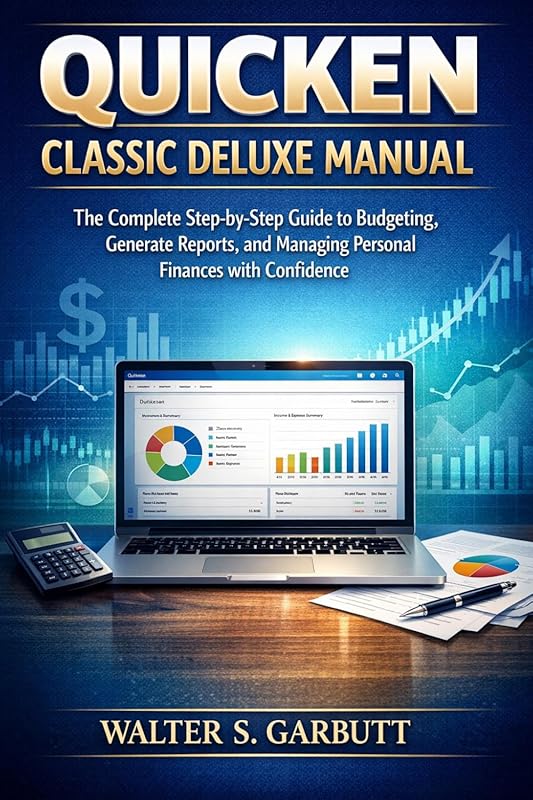
1. Quicken Classic Deluxe Manual: Step-by-Step Budgeting, Reports & Personal Finance Management
This comprehensive guide walks you through every aspect of using Quicken Classic Deluxe, from setting up your first account to generating detailed financial reports. It’s ideal for users who want a structured, step-by-step approach to mastering desktop personal finance software without relying on subscriptions.
Key Features That Stand Out
- Step-by-step instructions for budgeting, expense tracking, and report generation
- Covers both personal and small business finance management
- Includes real-world examples and practical tips
- No internet connection required once downloaded
Why We Recommend It
This manual stands out because it doesn’t just teach you how to use Quicken—it helps you understand the *why* behind each financial action. Whether you’re managing monthly bills or planning long-term savings, the guidance here empowers you to take full control of your finances with confidence.
Best For
Users who prefer offline, comprehensive learning resources and want to avoid ongoing subscription fees while still leveraging powerful desktop software capabilities.
Pros and Cons
Pros:
- Detailed, easy-to-follow instructions
- Lifetime access to knowledge without recurring payments
- Great for self-learners and those who like hands-on guides
- Covers advanced features like investment tracking
Cons:
- Requires purchase of Quicken software separately
- Not updated automatically—users must seek new editions
- Limited interactivity compared to digital tutorials
Customer Reviews
Customer Review: “I’ve been using Quicken for years, but this manual made everything click. The budgeting section alone saved me hours of confusion.”
Customer Review: “Clear explanations and practical examples. Helped me set up my first investment portfolio without feeling overwhelmed.”
2. Quicken Classic Deluxe Made Simple: Smart Money Management Guide
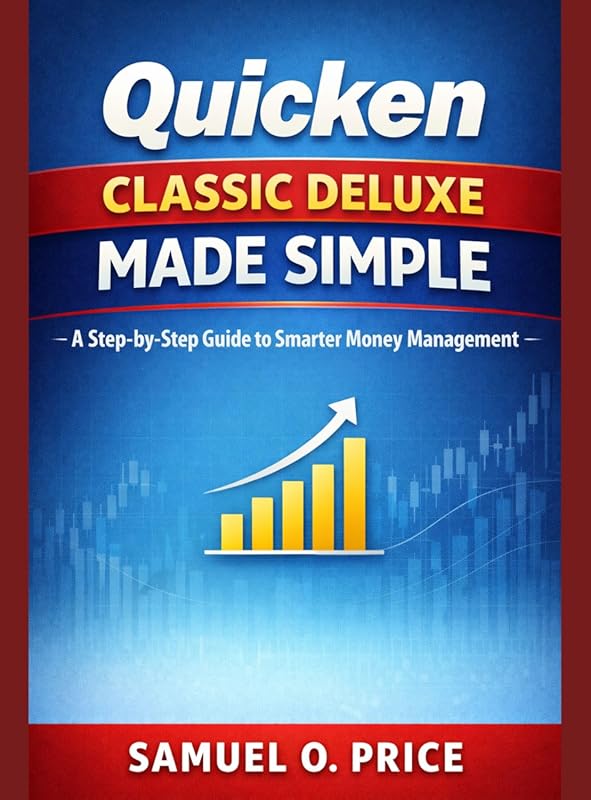
This user-friendly guide simplifies complex financial concepts into digestible lessons, making it perfect for beginners or anyone feeling overwhelmed by traditional finance software. It focuses on clarity, practicality, and actionable advice.
Key Features That Stand Out
- Simplified language and visual aids throughout
- Emphasizes real-life money-saving strategies
- Includes templates for common financial tasks
- Step-by-step setup for accounts and budgets
Why We Recommend It
If you’re new to personal finance software or frustrated by cluttered interfaces, this guide cuts through the noise. Its emphasis on simplicity ensures you won’t get lost in menus or confused by jargon.
Best For
Beginners, seniors, or anyone who wants a straightforward path to organizing their finances without technical headaches.
Pros and Cons
Pros:
- Very beginner-friendly tone
- Includes downloadable templates
- Covers essential features quickly
- Affordable price point
Cons:
- Lacks depth on investment tracking
- May feel too basic for experienced users
- No video content or interactive elements
Customer Reviews
Customer Review: “Finally, a book that explains Quicken like I’m five! My mom bought this for me and it worked wonders.”
Customer Review: “Great for getting started, but I needed more advanced help later. Still worth it for the basics though.”
3. How to Use Quicken: Beginner’s Guide to Personal Finance and Budgeting
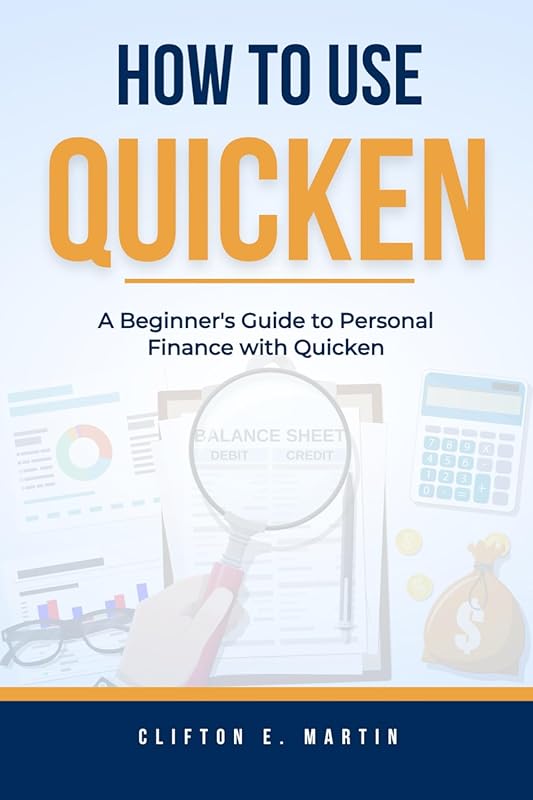
Designed specifically for newcomers, this guide introduces core concepts of budgeting, expense tracking, and financial planning using Quicken as a teaching tool. It’s lightweight, affordable, and highly accessible.
Key Features That Stand Out
- Focuses on foundational finance skills
- Uses simple analogies to explain complex ideas
- Includes checklists and quick-reference charts
- Encourages consistent daily financial habits
Why We Recommend It
For under $10, this book delivers more value than many paid courses. It’s ideal if you’re just starting your financial journey and need clear, no-fluff guidance.
Best For
Budget-conscious learners who want to build strong financial foundations without spending much upfront.
Pros and Cons
Pros:
- Extremely affordable
- Short and focused reading time
- Encourages proactive budgeting
- Good for classroom or group learning
Cons:
- Limited coverage of investment features
- Not suitable for advanced users
- Minimal troubleshooting support
Customer Reviews
Customer Review: “Perfect for my teenage daughter. She learned budgeting basics faster than I did at her age!”
Customer Review: “It’s short, but hits the key points. Wish it had more screenshots, but still useful.”
4. Quicken 2026 for Financial Clarity: Expense Tracking to Long-Term Planning
This forward-looking guide prepares you for future financial challenges by teaching you how to use Quicken’s latest features for long-term planning, including retirement projections and goal-based saving.
Key Features That Stand Out
- Future-focused strategies using Quicken 2026
- Goal-setting frameworks with timelines
- Integration with retirement and education funds
- Visual dashboards for tracking progress
Why We Recommend It
If you’re thinking beyond next month’s rent and want to align your finances with big life goals—like buying a home or retiring early—this guide provides the roadmap.
Best For
People preparing for major life milestones or seeking structured long-term financial planning.
Pros and Cons
Pros:
- Excellent for goal-oriented planning
- Up-to-date with modern financial trends
- Encourages disciplined saving habits
- Includes sample timelines and charts
Cons:
- Requires Quicken 2026 software
- Less helpful for short-term budgeters
- Assumes some prior knowledge
Customer Reviews
Customer Review: “Helped me create a 5-year plan for my dream vacation fund. Now I actually have one!”
Customer Review: “The retirement section was gold. Finally understand how compound interest works in practice.”
5. Mastering Quicken: Comprehensive Guide to Personal & Business Finance, Budgeting & Wealth Growth
This in-depth resource covers both personal and small business finance, offering advanced techniques for tracking income, managing taxes, and scaling wealth over time using Quicken’s robust features.
Key Features That Stand Out
- Dual focus: personal + business finance
- Tax preparation and deduction tracking
- Wealth-building strategies and forecasting
- Customizable reports and automation tips
Why We Recommend It
Whether you’re freelancing or running a side hustle, this guide bridges the gap between basic budgeting and serious financial growth. It turns Quicken into a strategic tool, not just a tracker.
Best For
Self-employed individuals, small business owners, or anyone wanting to grow their net worth systematically.
Pros and Cons
Pros:
- Broad scope covers multiple financial areas
- Useful for tax season prep
- Encourages long-term thinking
- Includes case studies and scenarios
Cons:
- Steeper learning curve
- May overwhelm absolute beginners
- Some sections feel repetitive
Customer Reviews
Customer Review: “As a contractor, this book helped me track invoices and expenses like a pro. Saved me hundreds in accountant fees.”
Customer Review: “Great info, but expect to spend time working through examples. Not a quick read.”
6. Mastering Quicken Made Easy: Budgeting, Expense Tracking & Investment Management Guide
★★★★☆ 3.9/5
-->Balancing depth with accessibility, this guide simplifies investment management within Quicken, making portfolio tracking and asset allocation understandable for everyday users.
Key Features That Stand Out
- Demystifies investment tracking
- Teaches asset diversification basics
- Syncs with brokerage accounts seamlessly
- Includes risk assessment tools
Why We Recommend It
If you’ve avoided investing because it seemed too complicated, this book proves otherwise. It turns Quicken into your personal financial dashboard—no MBA required.
Best For
Intermediate users ready to move beyond basic budgeting and start building investment awareness.
Pros and Cons
Pros:
- Investment section is particularly strong
- Clear explanations of financial jargon
- Encourages regular portfolio reviews
- Well-structured chapters
Cons:
- Assumes familiarity with basic Quicken functions
- Lacks mobile app integration tips
- Could use more visual aids
Customer Reviews
Customer Review: “Finally understood how to track my IRA and 401(k) in one place. This changed everything!”
Customer Review: “The investment chapter alone is worth the price. Explains things clearly without oversimplifying.”
7. How to Use Quicken: Master Personal Finance, Budgeting & Investments Step-by-Step
A thorough yet approachable manual that breaks down Quicken’s interface and functionality into manageable steps, covering everything from zero-based budgeting to monitoring stock portfolios.
Key Features That Stand Out
- Zero-based budgeting explained simply
- Investment syncing with real-time data
- Debt payoff strategies included
- Printable forms and trackers
Why We Recommend It
This guide strikes a rare balance between completeness and readability. You won’t feel rushed, and you’ll never feel stuck thanks to its logical progression and supportive tone.
Best For
Users who want a complete education in personal finance using Quicken as their foundation.
Pros and Cons
Pros:
- Covers budgeting, debt, and investing equally
- Includes printable resources
- Logical chapter flow
- Supports both Windows and Mac versions
Cons:
- Some screenshots may be outdated
- Not optimized for mobile-first users
- Minimal community or support links
Customer Reviews
Customer Review: “I used this alongside Quicken and finished my first year of tracking with confidence. Highly recommend!”
Customer Review: “Solid foundation, but wish it had more troubleshooting for sync errors.”
8. Quicken Classic Deluxe Manual: Practical Guide to Managing Finances, Reports & Accounts
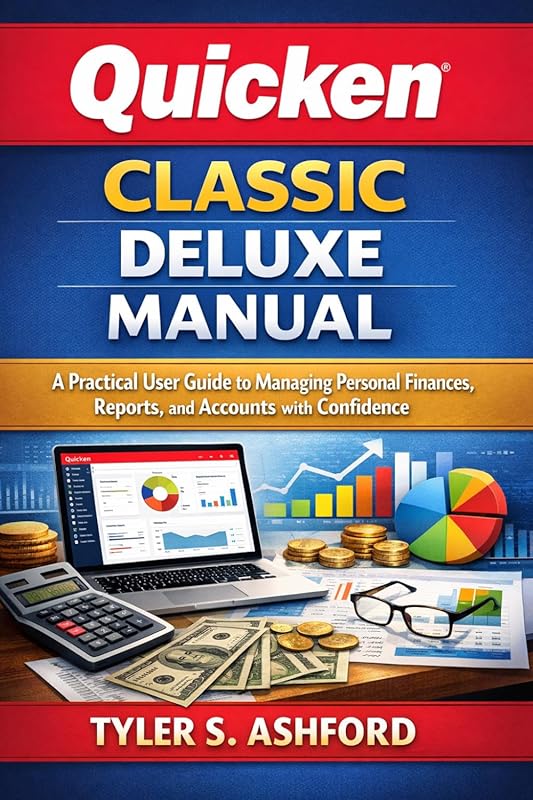
This guide offers practical advice on organizing accounts, generating custom reports, and maintaining clean financial records using Quicken Classic Deluxe’s reporting engine.
Key Features That Stand Out
- Focus on report customization
- Account reconciliation techniques
- Tips for reducing duplicate entries
- Best practices for data backup
Why We Recommend It
If you already know the basics but struggle with messy data or confusing reports, this book helps you clean up your financial house and present your numbers professionally.
Best For
Advanced users or accountants needing to streamline workflows within Quicken.
Pros and Cons
Pros:
- Strong on data hygiene
- Useful for audits or client work
- Practical examples of report layouts
Cons:
- Too niche for general audiences
- Lacks beginner-friendly introductions
- Outdated formatting in places
Customer Reviews
Customer Review: “Helpful for cleaning up old files, but felt like it was written for professionals only.”
Customer Review: “Found the report templates useful, but overall felt incomplete.”
9. How to Use Quicken: Beginner’s Guide to Budgeting, Expense Tracking & Financial Planning
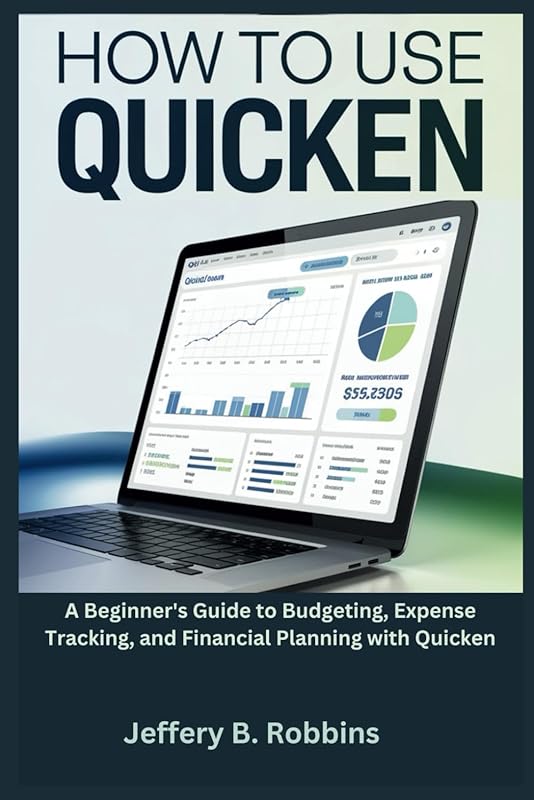
Aimed at absolute beginners, this guide introduces budgeting fundamentals, teaches how to log expenses efficiently, and lays the groundwork for future financial planning decisions.
Key Features That Stand Out
- Simple expense categorization methods
- Monthly budget templates
- Introduction to emergency funds
- Encourages daily financial awareness
Why We Recommend It
While not the most polished guide out there, it serves its purpose well for those taking their very first steps toward financial literacy.
Best For
Teenagers, students, or anyone completely new to managing money.
Pros and Cons
Pros:
- Very low barrier to entry
- Encourages consistent tracking
- Affordable and concise
Cons:
- Lacks depth in planning strategies
- Poor editing and formatting
- No digital companion materials
Customer Reviews
Customer Review: “My kid picked this up easily. Good starting point, but don’t stop here.”
Customer Review: “Basic but gets the job done if you’re just starting out.”
10. How to Use Quicken: Expert Tips for Mastering Personal Finance & Financial Planning

Packed with insider knowledge, this guide shares pro-level strategies for optimizing Quicken usage, including automation tricks, shortcut keys, and advanced reporting techniques.
Key Features That Stand Out
- Keyboard shortcuts and workflow hacks
- Automated transaction categorization tips
- Advanced filtering and search methods
- Integration with external tools
Why We Recommend It
If you’ve mastered the basics and now want to work smarter—not harder—this book reveals hidden efficiencies that save hours every month.
Best For
Power users who want to maximize productivity within Quicken.
Pros and Cons
Pros:
- Highly practical and time-saving
- Real-world expert insights
- Boosts overall efficiency
Cons:
- Not useful for novices
- Assumes command of core features
- Limited visual learning aids
Customer Reviews
Customer Review: “These tips cut my monthly review time in half. Worth every penny!”
Customer Review: “Great for power users. Wish it had more screenshots of actual menus though.”
Complete Buying Guide for Best Alternatives To Quicken For Personal Finance Management
Essential Factors We Consider
When evaluating best alternatives to Quicken for personal finance management, we look at several key factors: ease of use, feature completeness, cost structure, platform compatibility, and customer support. A good alternative should match or exceed Quicken’s core functionalities—like transaction tracking, budgeting, and reporting—while fitting your lifestyle and budget.
Budget Planning
Your budget plays a huge role in choosing the right tool. Some guides and software are free or low-cost, while others require significant upfront investment or recurring subscriptions. Consider whether you prefer one-time purchases (like these books) versus ongoing fees. Also ask yourself: Do I need cloud sync? Investment tracking? Multi-user access?
Final Thoughts
Quicken remains a powerful desktop solution, but it’s no longer the only option for effective personal finance management. With so many alternatives to Quicken available—from free apps to comprehensive guides—you can find something that fits your learning style, financial goals, and tech comfort level. Whether you choose a digital app or a printed manual, the key is consistency and clarity in tracking your money.
Frequently Asked Questions
Q: Are there any completely free alternatives to Quicken?
A: Yes! Apps like Mint, YNAB (free trial), and MoneyWiz offer robust free tiers. However, they often limit features unless you upgrade. Books like “How to Use Quicken” provide free knowledge without ads or data sharing.
Q: Can I use these guides without buying Quicken software?
A: No—these guides are instructional companions for Quicken itself. You’ll need to purchase Quicken Classic Deluxe or another version to follow along effectively.
Q: Which guide is best for someone with no finance experience?
A: “Quicken Classic Deluxe Made Simple” or “How to Use Quicken: Beginner’s Guide” are excellent starting points due to their plain-language approach and foundational focus.
Q: Do these books work with newer versions of Quicken?
A: Most cover recent editions, but always check publication date and Quicken version compatibility before purchasing. Older guides may lack updates for UI changes.
Q: Should I switch from Quicken entirely or supplement it?
A: That depends on your needs. If you love Quicken but want better guidance, add a book. If you’re frustrated with subscriptions or bugs, consider switching to a modern alternative like Personal Capital or EveryDollar.
Choosing the right tool for your financial life doesn’t have to be stressful. Whether you pick a detailed manual, a sleek app, or a hybrid approach, the goal remains the same: take control of your money with confidence. Explore the options above, try what resonates, and remember—every expert was once a beginner. Start small, stay consistent, and watch your financial clarity grow.