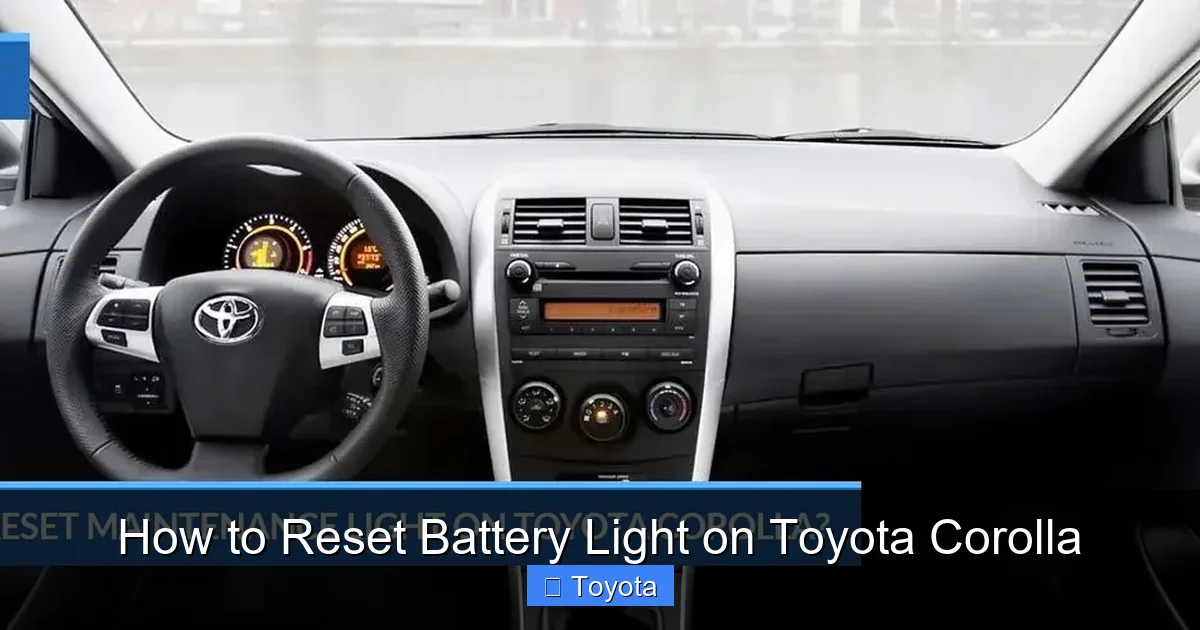
How to Reset Battery Light on Toyota Corolla
If the battery warning light stays on, you can often reset it yourself using a few simple methods. Follow the easy steps below to clear the light and verify that the charging system is working properly.
Key Takeaways
- Identify the cause: The light may indicate a weak battery, loose connections, or a charging system fault.
- Safety first: Always work in a well‑ventilated area and avoid sparks near the battery.
- Three reset methods: Disconnect the battery, use the odometer trick, or employ a scan tool.
- Verify the reset: Check the dashboard and take a short test drive to confirm the light stays off.
- When it persists: Re‑inspect connections or seek professional help for deeper issues.
- Prevent future alerts: Regular battery checks and charging system maintenance keep the light off.
- Useful resources: Learn how to diagnose a car battery problem and how to maintain a car battery in cold weather for extra protection.
Key Takeaways
- Understanding How to Reset Battery Light on Toyota Corolla: Provides essential knowledge
📑 Table of Contents
Understanding the Battery Light on Toyota Corolla
The battery warning light on your Toyota Corolla is a small orange icon that shines when the car’s computer detects a problem with the charging system.
What the Battery Light Means
The light comes on because the alternator isn’t charging the battery enough, the battery terminals are corroded, or there’s a fault in the wiring.
Common Causes
Typical reasons include a failing alternator, a loose or corroded battery cable, an old battery, or a faulty voltage regulator. Even a loose ground strap can trigger the warning.
Preparing to Reset the Battery Light
Before you begin, gather the right tools and take safety precautions.
Visual guide about How to Reset Battery Light on Toyota Corolla
Image source: toyotaautodealer.com
Safety First
Work in a well‑ventilated area, wear gloves, and keep flames away from the battery. If you’re unsure, consult a professional.
Tools You’ll Need
A wrench or socket set, a clean rag, a multimeter (optional), and if you choose the odometer method, a pen and paper.
For extra safety, especially in cold climates, check out our guide on how to maintain a car battery in cold weather.
Step‑by‑Step Reset Procedure
Method 1 – Disconnecting the Battery
This is the most reliable way to reset the system.
Visual guide about How to Reset Battery Light on Toyota Corolla
Image source: carpursuits.com
- Turn off the engine and remove the key.
- Open the hood and locate the negative battery terminal (marked with a minus sign).
- Loosen the nut on the negative clamp and pull the cable off the post.
- Wait at least 5 minutes. This drains the residual charge from the vehicle’s computer.
- Reconnect the negative cable, tighten the nut, and start the car.
- The battery light should be off. If it stays on, move to the next method.
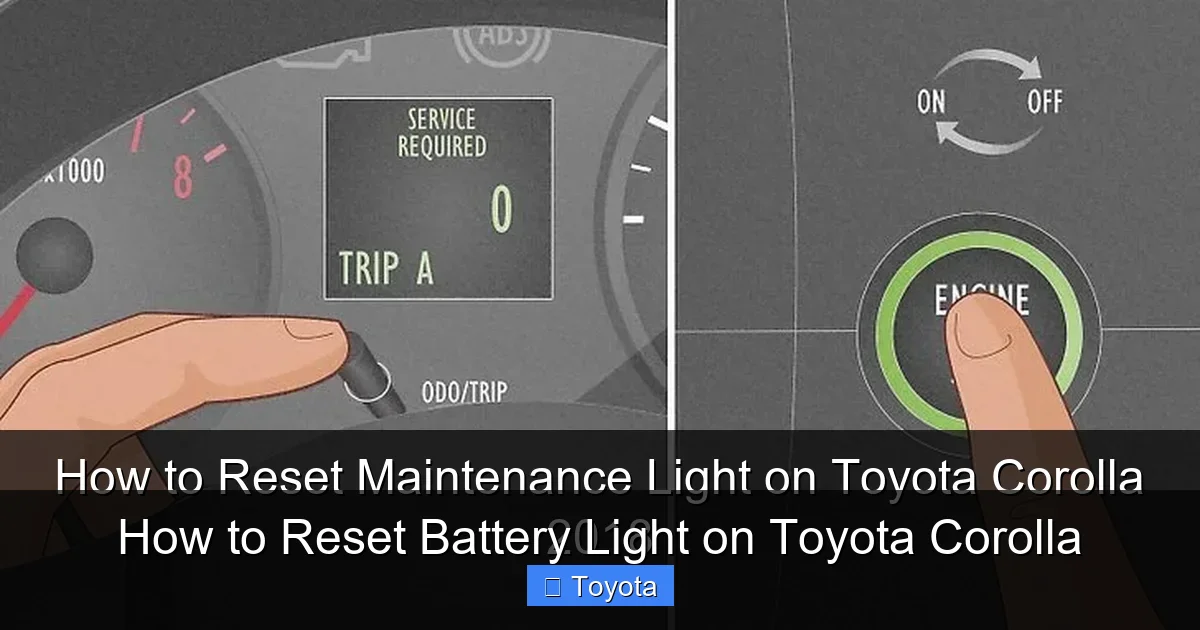
Method 2 – Using the Odometer Trick
Some Toyota models allow a reset without disconnecting the battery.
- Turn the ignition to the “ON” position without starting the engine.
- Press and hold the trip odometer button until the display reads “ODO”.
- Turn the ignition off, wait a few seconds, then turn it back on.
- Press the trip button again until the odometer shows the total mileage.
- Start the engine. The battery warning light should be cleared.
Note: This trick works on many 2000‑2015 Corolla models. If your car doesn’t have a trip odometer, use Method 1.
Method 3 – Using a Scan Tool
A professional OBD‑II scanner can reset the light and read any stored codes.
- Connect the scanner to the OBD‑II port under the dashboard.
- Select “Read Codes” to see if any battery‑related codes appear.
- Choose “Clear Codes” or “Reset” to erase the warning.
- Turn off the scanner, start the car, and verify the light is off.
If you need a scanner, many auto parts stores lend them for free.
Verifying the Reset
After you think the light is gone, confirm it truly is.
Visual guide about How to Reset Battery Light on Toyota Corolla
Image source: enginelightfixers.com
Checking the Dashboard
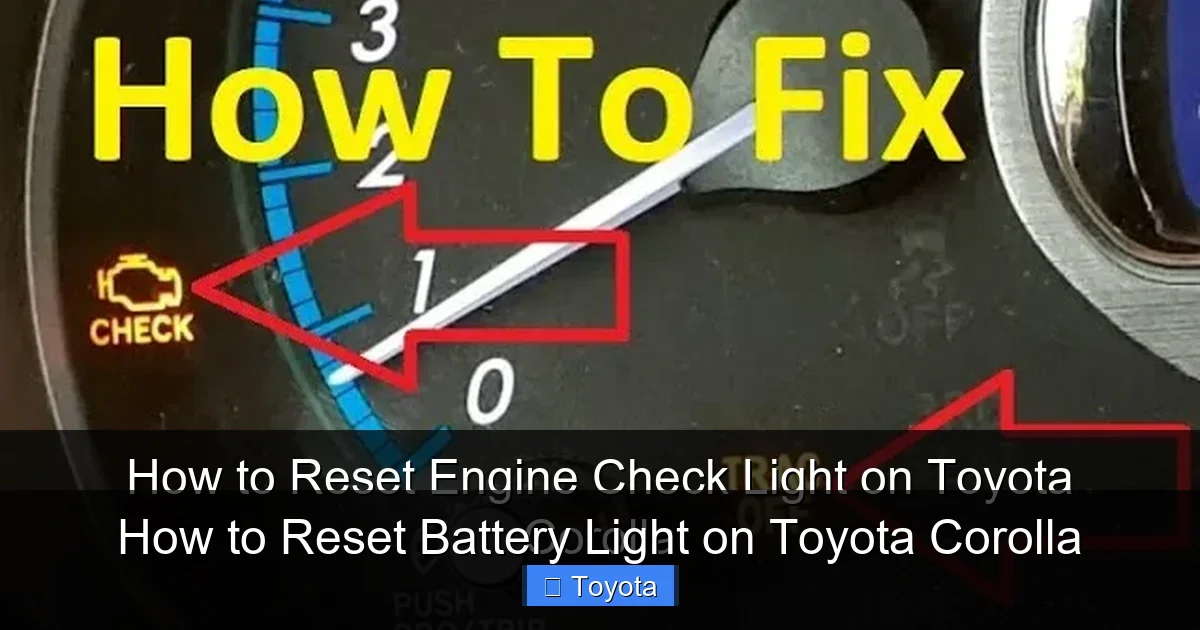
Turn the ignition on and watch the instrument cluster. The battery icon should stay off after a few seconds.
Running a Test Drive
Take the car for a short drive of 5‑10 minutes. Keep an eye on the dashboard; the light must stay off. If it flashes again, re‑inspect the battery connections.
When the Light Persists
Sometimes the warning re‑appears even after a reset.
Re‑checking Connections
Make sure the battery terminals are tight and free of corrosion. Clean them with a battery brush if needed.
Seeking Professional Help
If the light stays on, the alternator or voltage regulator may be failing. A mechanic can run a charging system test and replace faulty parts.
Preventive Maintenance Tips
Keeping your charging system healthy prevents the battery light from coming back.
Regular Battery Checks
Inspect the battery terminals monthly. Tighten any loose clamps and clean corrosion with a mixture of baking soda and water.
Keeping the Charging System Healthy
Ensure the alternator belt is in good condition and properly tensioned. Replace it if you notice cracks or squealing noises.
For more detailed advice, see our article on how to diagnose a car battery problem.
Also, remember to replace windshield wipers for better visibility during a test drive; see how to replace windshield wipers on a car.
Conclusion
Resetting the battery light on a Toyota Corolla is a straightforward process that you can do at home with just a few tools. By understanding why the light appears, following one of the three reset methods, and verifying the result with a short test drive, you’ll keep your car running smoothly. Regular maintenance, such as checking battery connections and the alternator belt, will help you avoid future warnings. If the light refuses to go off, don’t hesitate to consult a professional.
Frequently Asked Questions
Question?
What does the battery warning light indicate on a Toyota Corolla?
The light signals that the alternator isn’t charging the battery adequately, often due to a weak battery, loose connections, or a faulty charging component.
Question?
Can I reset the battery light myself without special equipment?
Yes, you can use Method 1 (disconnecting the battery) or Method 2 (the odometer trick) without any special tools.
Question?
How long should I wait after disconnecting the battery before reconnecting it?
Waiting about 5 minutes allows the vehicle’s computer to fully reset, ensuring the light clears properly.
Question?
What should I do if the battery light comes back on after resetting?
Re‑check the battery terminals for tightness and corrosion, and make sure the alternator belt is in good condition. If the issue persists, have a mechanic test the charging system.
Question?
Is it safe to drive the car if the battery light is still on?
It’s best not to drive extensively; a persistent battery light can indicate a charging problem that may drain the battery quickly.
Question?
Can cold weather affect the battery warning light?
Yes, cold temperatures reduce battery efficiency and can trigger the warning even if the charging system is normal. See our guide on how to maintain a car battery in cold weather for tips.